FSW203 WATCHFACE
Fatih Sendur- USK ab 0 JahrenAltersfreigabe
- PersonalisierungKategorie
- 14.08.2022Aktualisiert
- 0,79 €Preis
Verlinkt auf den offiziellen Google Play-Eintrag von com.watchfacestudio.fsw203. Zuletzt geprüft am 24.11.2026.

Screenshots


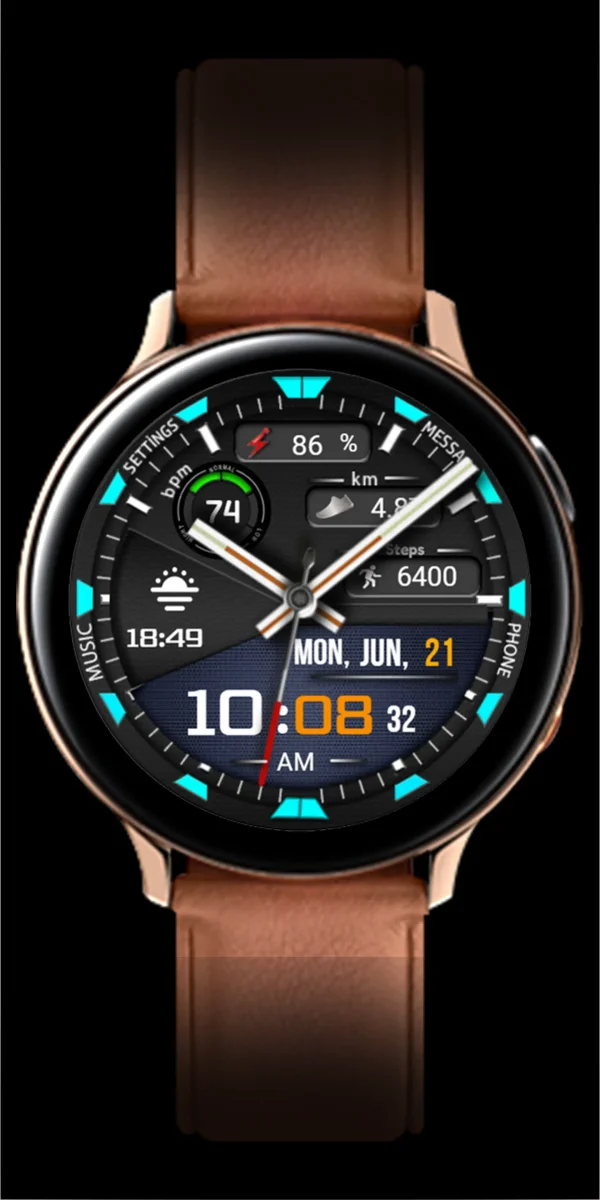
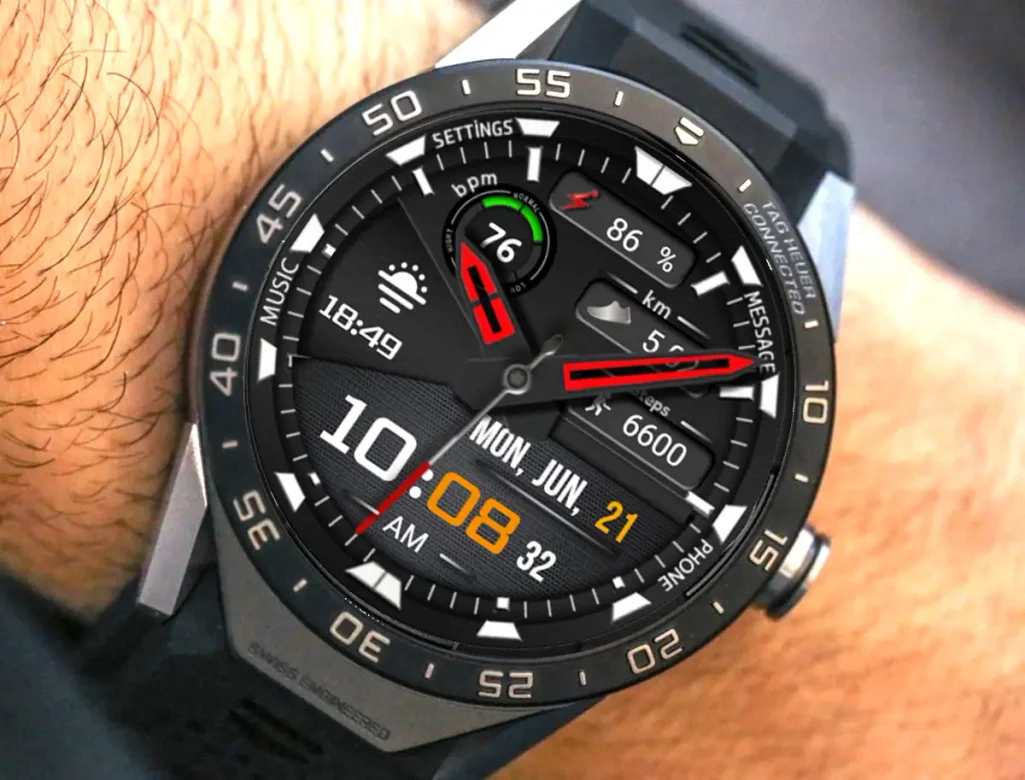
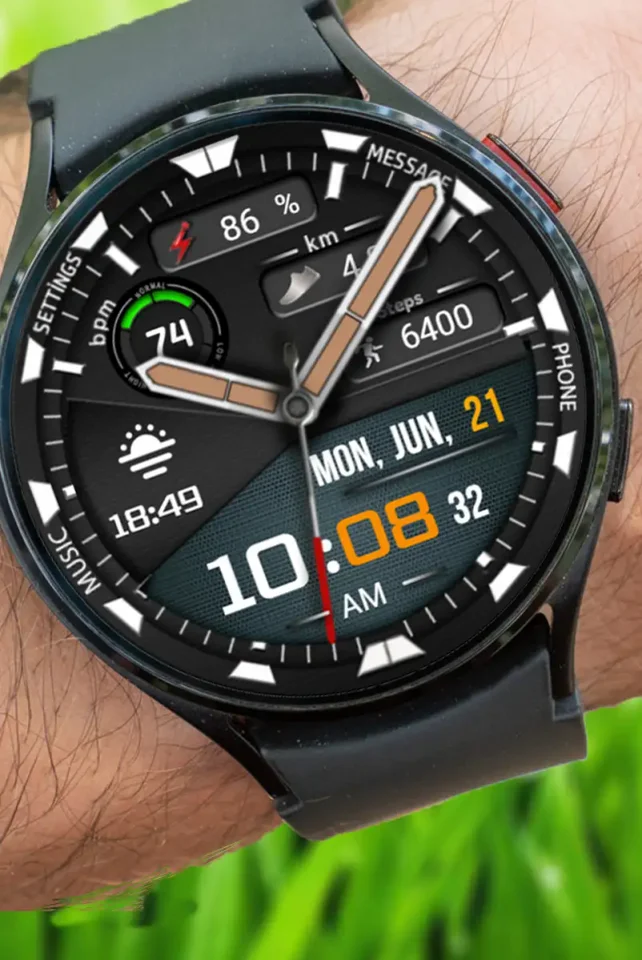


Über diese App
Automatische Übersetzung von Google. Originalsprache: Englisch (Vereinigte Staaten).
Stilvolles und tolles Zifferblatt für Wear Os
Das FSW203 ist ein digitales und analoges Zifferblatt für Wear OS von FS Design
[Nur für Wear OS-Geräte]
EIGENSCHAFTEN>
- Digitale Zeit;
- Geringer Batterieverbrauch;
- Mehrsprachig
- 12/24-Stunden-Format
- Schrittzähler
- Pulsschlag
- Batterieladung
- Datum
Anpassung des Zifferblatts:
1 - Display berühren und halten
2 - Tippen Sie auf die Option zum Anpassen
Wie installiert man?
1.Wischen Sie auf dem Uhrenbildschirm zu
2.Klicken Sie auf das Symbol der Google Play-App
3.Klicken Sie darauf, geben Sie „fsw202“ ein und suchen Sie
4.Wählen Sie das Zifferblatt aus und klicken Sie auf „Installieren“.
Oder
Öffnen Sie die mobile App und klicken Sie auf „INSTALL WATCH FACE ON WATCH“.
HINWEIS:
Wenn die Meldung „Ihre Geräte sind nicht kompatibel“ angezeigt wird, verwenden Sie den Play Store im WEB-Browser vom PC / Laptop anstelle der App auf dem Telefon.
BITTE FOLGEN SIE MIR:)
FACEBOOK: https://m.facebook.com/groups/717379668440579?ref=bookmarks
FACEBOOK-SEITE: https://www.facebook.com/Fs-design-2300540343310561/?ref=bookmarks
İNSTAGRAM: https://www.instagram.com/fs.watchface/?hl=tr
TWITTER: https://twitter.com/FWatchface
YOUTUBE: https://www.youtube.com/channel/UC7TilQYOQyATjVZxoP_V0QQ?view_as=subscriber
Originaltext anzeigen
The FSW203 is an Digital and analog watch Face for Wear OS by FS Design
[For Wear OS devices only]
FEATURES>
- Digital time;
- Low battery consumption;
- Multilingual
- 12/24 hour format
- Step counter
- Heart rate
- Battery charge
- Date
Watch face customization:
1 - Touch and hold display
2 - Tap on customize option
How to install?
1.Swipe to on the watch screen
2.Click on the Google Play app icon
3.Click it an type ''fsw202'' and search
4.Select watch face and click ''Install'
Or
Open the mobile app and click the ''INSTALL WATCH FACE ON WATCH'
NOTE:
if you see message "Your devices are not compatible", use Play Store on WEB browser from PC / Laptop instead of app on phone.
PLEASE FOLLOW ME:)
FACEBOOK :https://m.facebook.com/groups/717379668440579?ref=bookmarks
FACEBOOK PAGE:https://www.facebook.com/Fs-design-2300540343310561/?ref=bookmarks
İNSTAGRAM :https://www.instagram.com/fs.watchface/?hl=tr
TWİTTER :https://twitter.com/FWatchface
YOUTUBE : https://www.youtube.com/channel/UC7TilQYOQyATjVZxoP_V0QQ?view_as=subscriber
Datensicherheit
Was Fatih Sendur bei Google Play zu den Daten angibt, die diese App erfasst und weitergibt.
- Keine Daten werden mit Drittunternehmen oder -organisationen geteiltWeitere Informationen dazu, wie Entwickler Angaben zur Weitergabe von Daten machen
- Keine Daten erhobenWeitere Informationen dazu, wie Entwickler Angaben zur Datenerhebung machen
Kontakt zum Entwickler
- E-Mailfatih.sendur@hotmail.com
- Datenschutzerklärungprivacypolicies.com
- AdresseMUSTAFA KEMAL MAH. KAYI CD. NO:5 B/2 MERKEZ SİNCAN ANKARA 06932 turkiye/Ankara Türkiye
Informationen
- Angeboten von
- Fatih Sendur
- Kategorie
- Personalisierung
- Aktualisiert
- 14.08.2022
- Veröffentlicht
- 14.08.2022
- Altersfreigabe
- USK ab 0 Jahren
- Preis
- 0,79 €
- Paketname
- com.watchfacestudio.fsw203
Ähnliche Apps
-
 SY39 Watch Face for Wear OS
Personalisierung
-
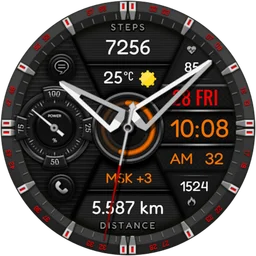 Tallkit Hybrid Watch Face
Personalisierung
-
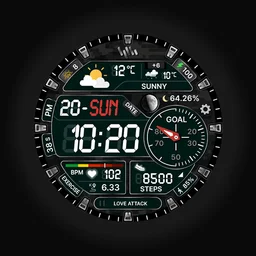 SamWatch Military W 2026
Personalisierung
-
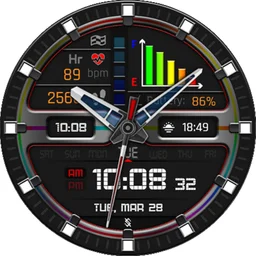 BFF4- Digital & Analog: Metal
Personalisierung
-
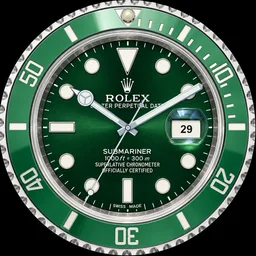 Rolex The Watch Face
Personalisierung
-
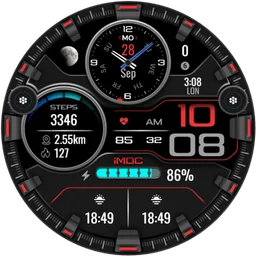 iMDC 094 Smart Watch Face
Personalisierung
-
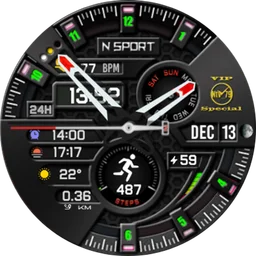 NTV151 - Hybrid Pro Watch face
Personalisierung
-
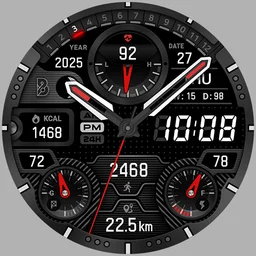 BRN156 Hybrid watch face
Personalisierung
-
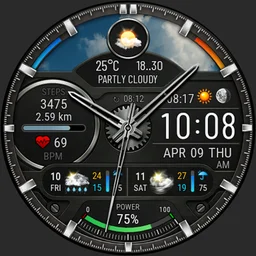 Hybrid Watch Face Weather W11
Personalisierung
-
 FSW288 Analog,Classic
Personalisierung
-
 Finter Hybrid Watch Face
Personalisierung
-
 Recon
Personalisierung