GRBL Nothing Weather 3
Grubel- USK ab 0 JahrenAltersfreigabe
- PersonalisierungKategorie
- 25.11.2026Aktualisiert
- 1,79 €Preis
Verlinkt auf den offiziellen Google Play-Eintrag von com.grbl.weather3. Zuletzt geprüft am 27.11.2026.
Screenshots



Über diese App
Automatische Übersetzung von Google. Originalsprache: Englisch (Vereinigte Staaten).
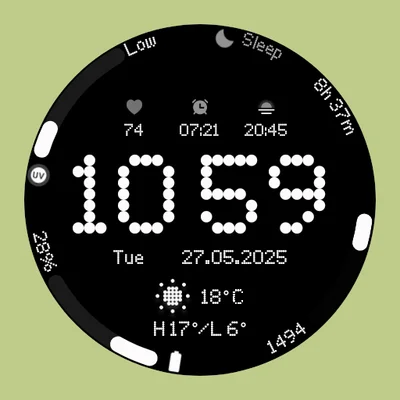
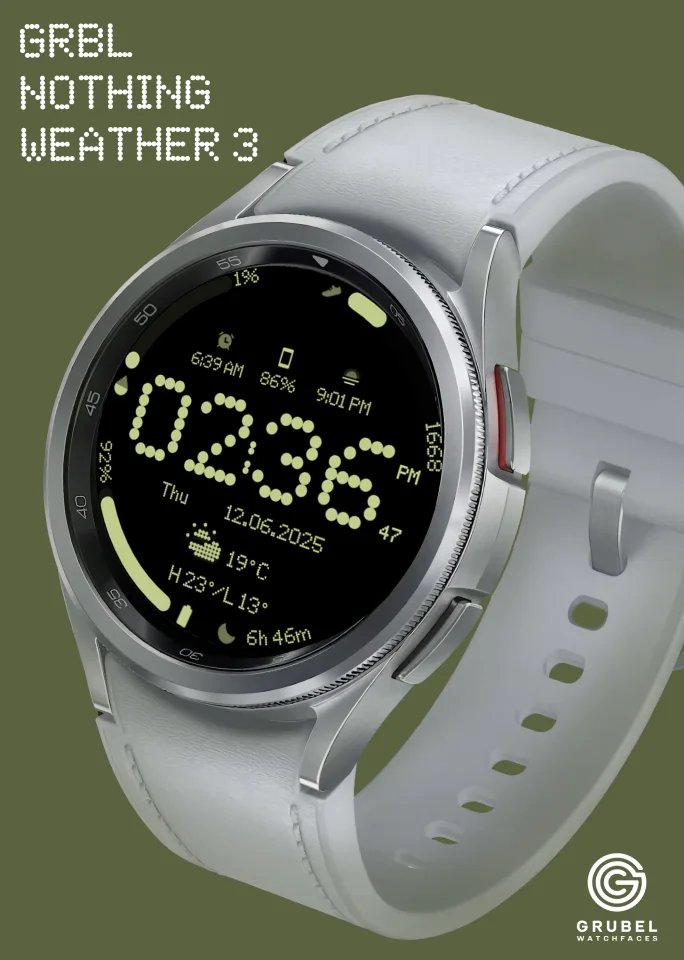
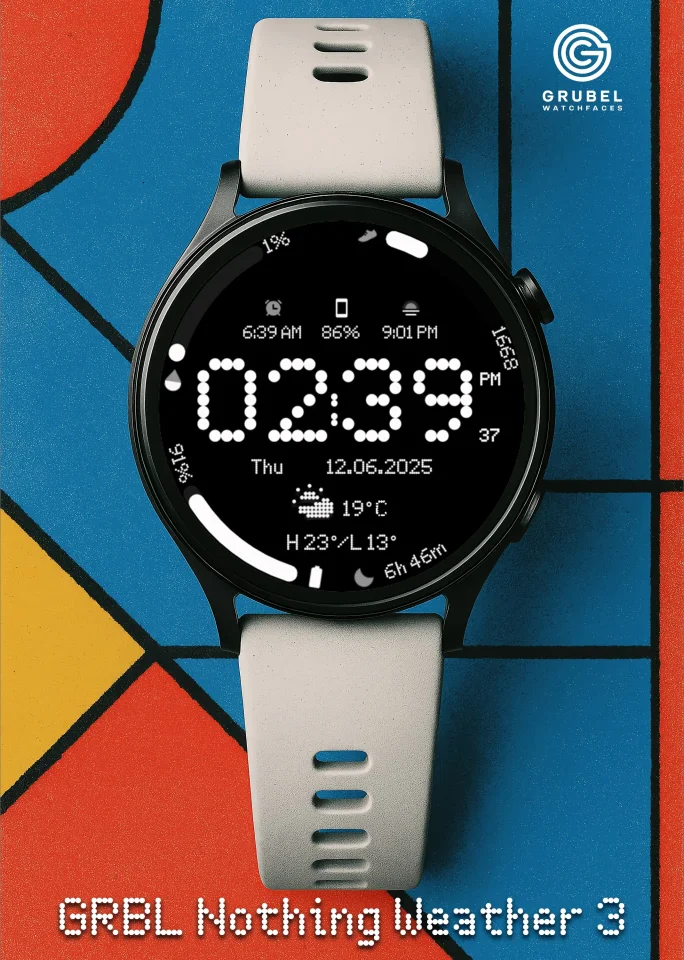
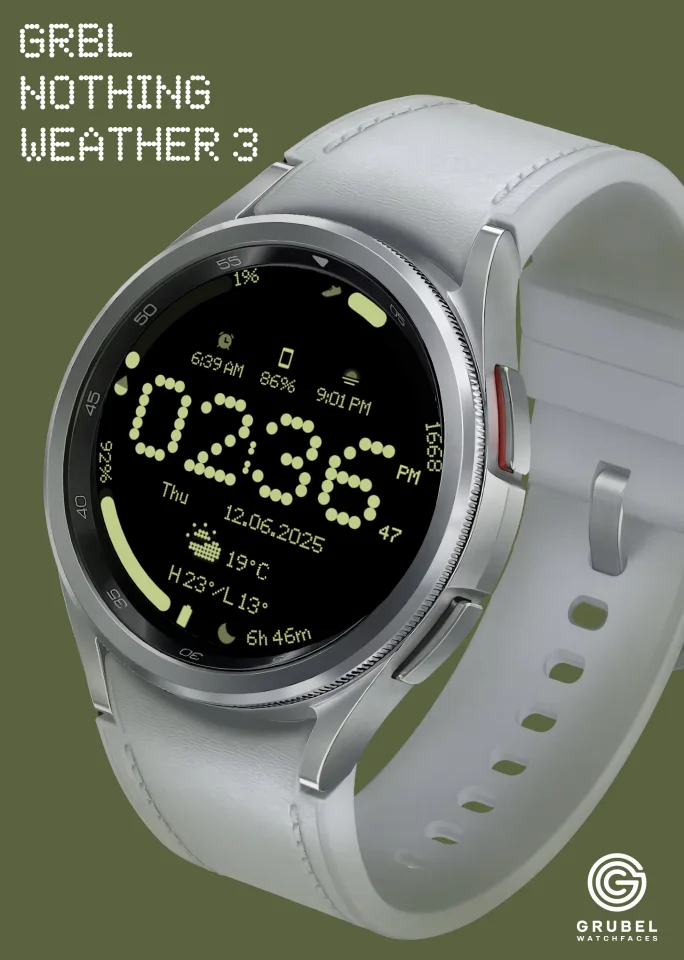
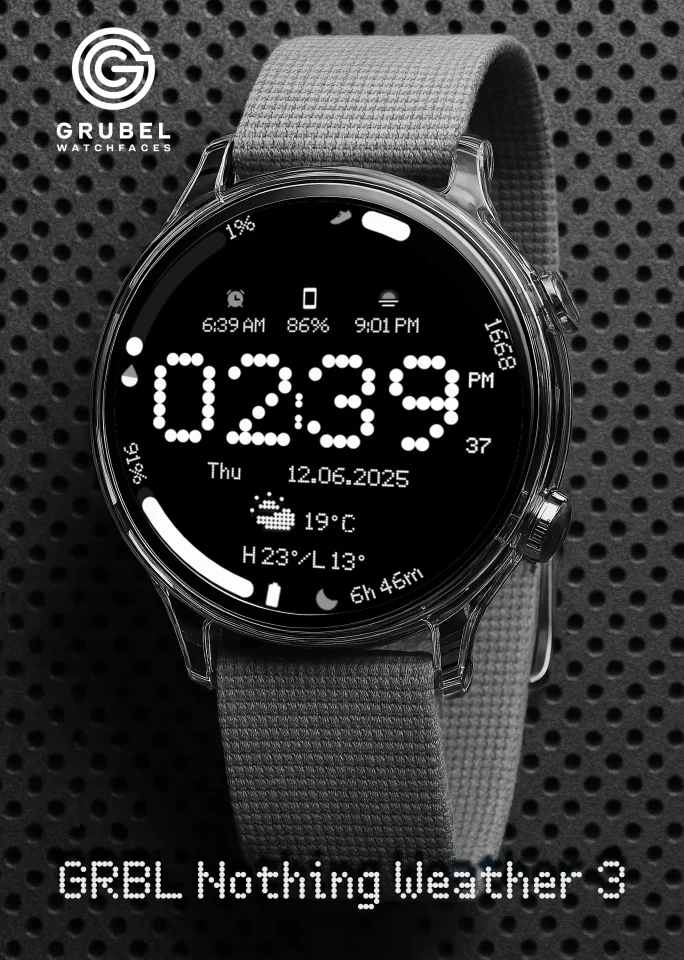
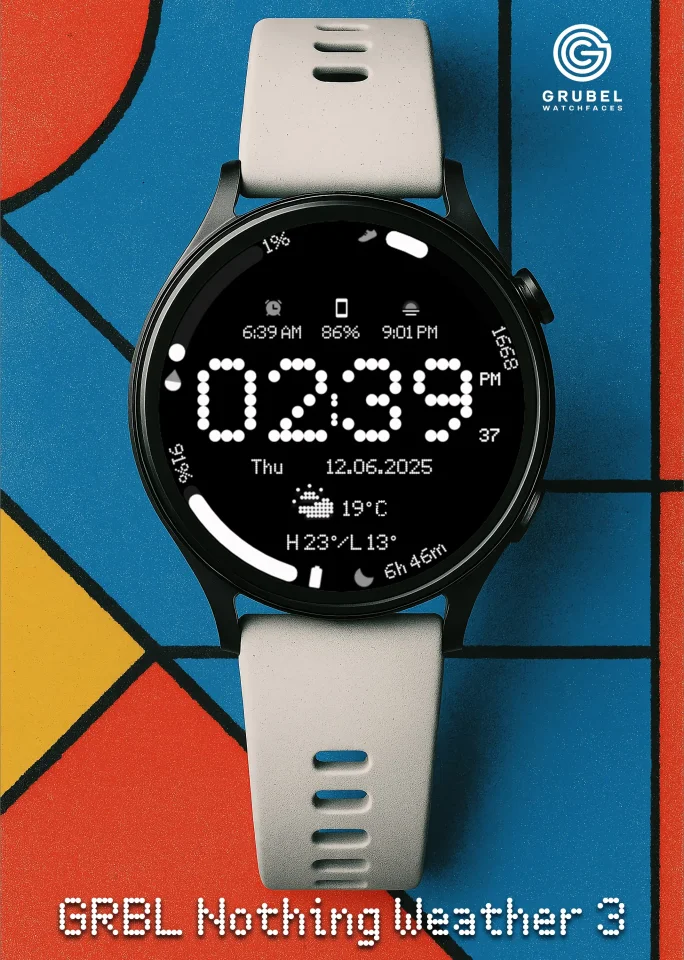
Modernes Zifferblatt mit benutzerdefinierten Wettersymbolen. Entwickelt für Wear OS
🌟 Nothing OS Zifferblatt der nächsten Generation für Wear OS
Upgraden Sie Ihre Wear OS Smartwatch mit einem stylischen, modernen Zifferblatt, inspiriert von Nothing OS. Vollgepackt mit individuellen Komplikationen, Wettersymbolen und Designs verleiht es Ihrer Uhr Funktionalität und Stil.
Warum Sie es lieben werden:
✅ AM/PM & 12/24-Stunden-Zeitformate
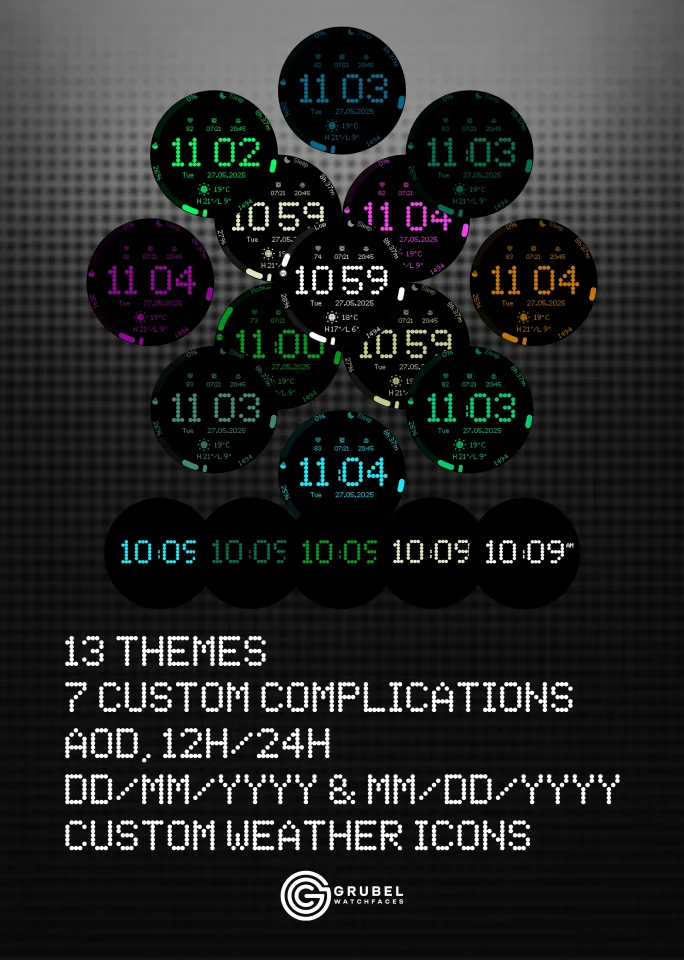
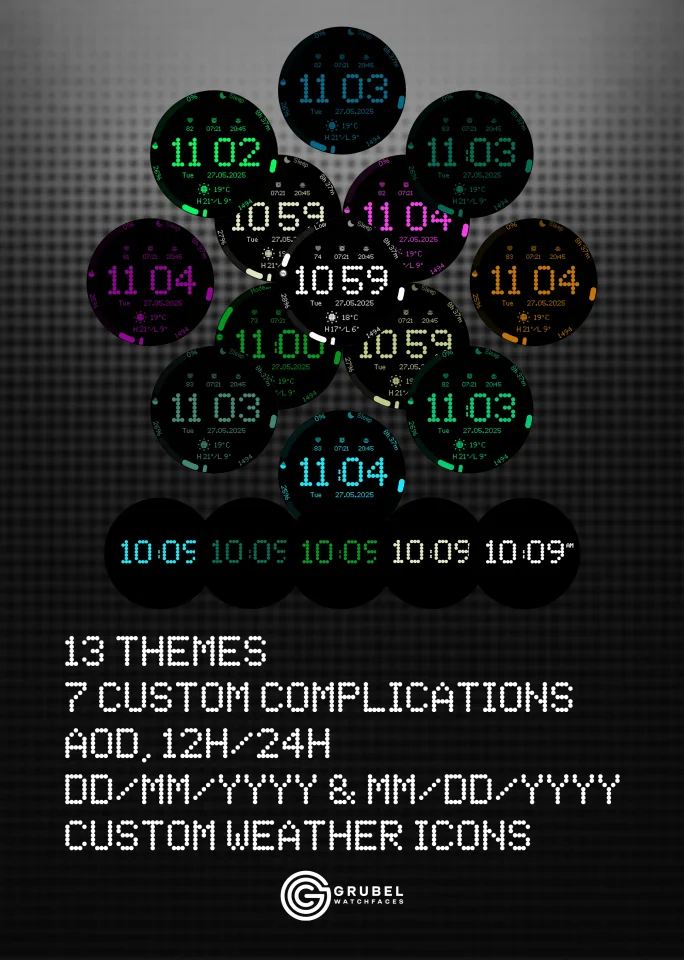
✅ 7 anpassbare Komplikationen (einschließlich Fortschrittsbalken und Bereichswerte)
✅ 11 einzigartige Wettersymbole für sofortige Vorhersagen
✅ Die Datumsanzeige passt sich automatisch an Ihren Standort an
✅ Always-On-Display (AOD) mit themengerechten Farben
✅ 13 atemberaubende Designs für Ihren Stil
Kurztipps zu Wetterkomplikationen:
Aktualisieren Sie das Wetter nach der Installation manuell, falls es nicht angezeigt wird.
Wenn es immer noch fehlt, wechseln Sie zu einem anderen Zifferblatt und zurück.
Fahrenheit-Nutzer: Die anfänglichen Temperaturen können vor der Synchronisierung sehr hoch erscheinen (z. B. 69 °C); die Aktualisierung erfolgt automatisch.
Einfache Installation:
Über die Play Store App:
Wählen Sie Ihre Uhr aus dem Dropdown-Menü und installieren Sie sie.
Halten Sie den Uhrenbildschirm gedrückt → wischen Sie nach links → tippen Sie zur Aktivierung auf „Zifferblatt hinzufügen“.
Über die Play Store Website:
Öffnen Sie die Zifferblattliste in einem PC/Mac-Browser.
Klicken Sie auf „Auf weiteren Geräten installieren“ → wählen Sie Ihre Uhr aus.
Halten Sie den Uhrenbildschirm gedrückt → wischen Sie nach links → tippen Sie zur Aktivierung auf „Zifferblatt hinzufügen“.
📹 Samsung Developers Video mit Installationstipps: Hier ansehen
Wichtige Hinweise:
Die Begleit-App öffnet nur die Play Store-Liste; das Zifferblatt wird nicht automatisch installiert.
Um den Akkustatus Ihrer Uhr anzuzeigen, installieren Sie die App „Phone Battery Complication“.
Benutzerdefinierte Komplikationen variieren je nach Gerät und Drittanbieter-App. Screenshots zeigen Beispiele mit der App „Phone Battery Complication“.
Benötigen Sie Hilfe?
Schreiben Sie uns eine E-Mail an grubel.watchfaces@gmail.com
. Wir stellen Schritt-für-Schritt-Anleitungen und Screenshots bereit, um die Einrichtung zu vereinfachen.
Originaltext anzeigen
🌟 Next-Level Nothing OS Watch Face for Wear OS
Upgrade your Wear OS smartwatch with a stylish, modern watch face inspired by Nothing OS. Packed with custom complications, weather icons, and themes, it’s designed to give your watch both function and flair.
Why You’ll Love It:
✅ AM/PM & 12H/24H time formats
✅ 7 customizable complications (including progress bars & range values)
✅ 11 unique weather icons for instant forecasts
✅ Date display adapts automatically to your locale
✅ Always-On Display (AOD) with theme-matching colors
✅ 13 stunning themes to suit your style
Quick Tips for Weather Complications:
Update weather manually after installation if it doesn’t appear.
If still missing, switch to another watch face and back.
Fahrenheit users: initial temperatures may appear very high (e.g., 69°C) before syncing; it will update automatically.
Easy Installation:
From the Play Store app:
Select your watch from the drop-down menu and install.
Long press the watch screen → swipe left → tap ‘ADD WATCH FACE’ to activate.
From the Play Store website:
Open the watch face listing in a PC/Mac browser.
Click “Install on more devices” → select your watch.
Long press the watch screen → swipe left → tap ‘ADD WATCH FACE’ to activate.
📹 Samsung Developers video with installation tips: Watch Here
Important Notes:
The companion app opens the Play Store listing only; it does not install the watch face automatically.
For phone battery status on your watch, install the Phone Battery Complication app.
Custom complications vary by device and third-party apps. Screenshots show examples using the Phone Battery Complication app.
Need Help?
Email us at grubel.watchfaces@gmail.com
. We provide step-by-step instructions and screenshots to make setup easy.
Datensicherheit
Was Grubel bei Google Play zu den Daten angibt, die diese App erfasst und weitergibt.
- Keine Daten werden mit Drittunternehmen oder -organisationen geteiltWeitere Informationen dazu, wie Entwickler Angaben zur Weitergabe von Daten machen
- Keine Daten erhobenWeitere Informationen dazu, wie Entwickler Angaben zur Datenerhebung machen
Neue Funktionen
25.11.2026
Fixed an AOD transition issue that could cause Active and Always-On screens to briefly overlap.
Kontakt zum Entwickler
- Websitegrubelwatchfaces.com
- E-Mailgrubel.watchfaces@gmail.com
- Datenschutzerklärungsites.google.com
- AdresseJuliana Tuwima 20/8a 90-002 Łódź Poland
Informationen
- Angeboten von
- Grubel
- Kategorie
- Personalisierung
- Aktualisiert
- 25.11.2026
- Veröffentlicht
- 28.05.2025
- Altersfreigabe
- USK ab 0 Jahren
- Preis
- 1,79 €
- Paketname
- com.grbl.weather3