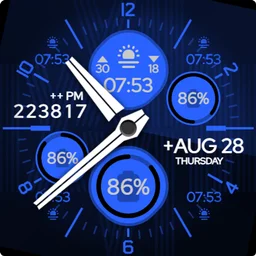
JW002 jwstudio
JWstudio- USK ab 0 JahrenAltersfreigabe
- PersonalisierungKategorie
- 12.07.2026Aktualisiert
- 1,49 €Preis
Verlinkt auf den offiziellen Google Play-Eintrag von com.watchfacestudio.jwstudio_a_002. Zuletzt geprüft am 23.11.2026.
Screenshots

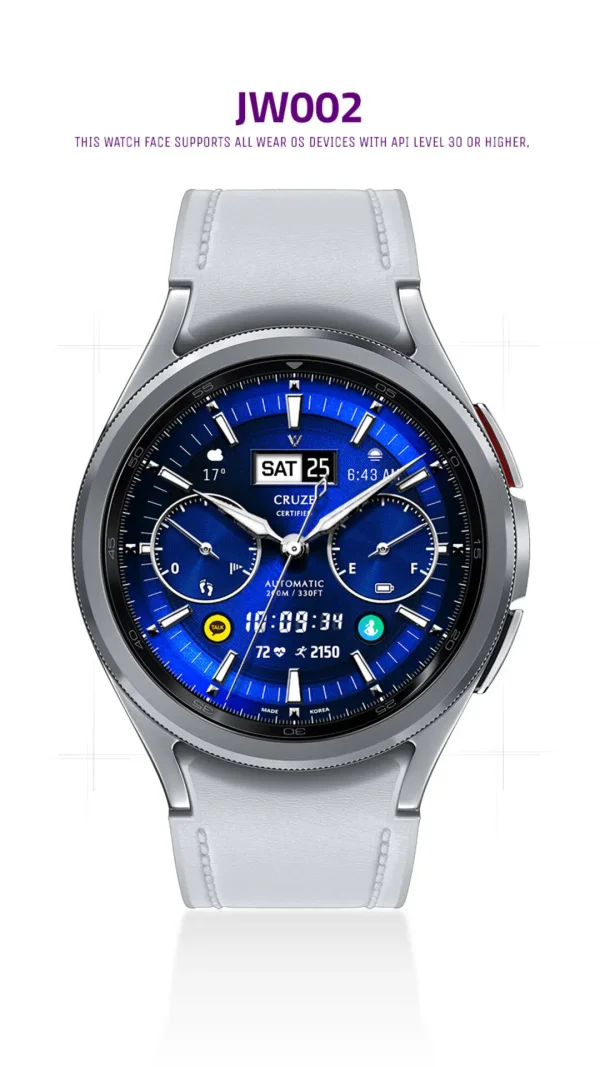
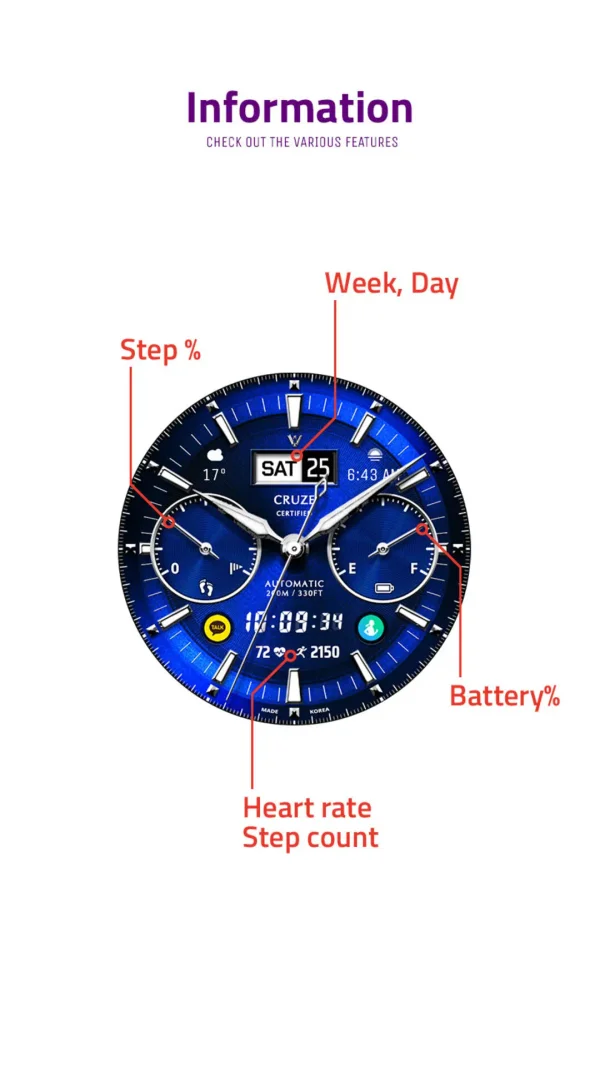
Über diese App
Automatische Übersetzung von Google. Originalsprache: Englisch (Vereinigte Staaten).
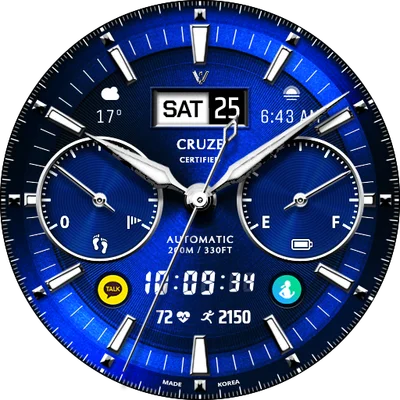
Dieses Zifferblatt unterstützt Wear OS-Geräte.
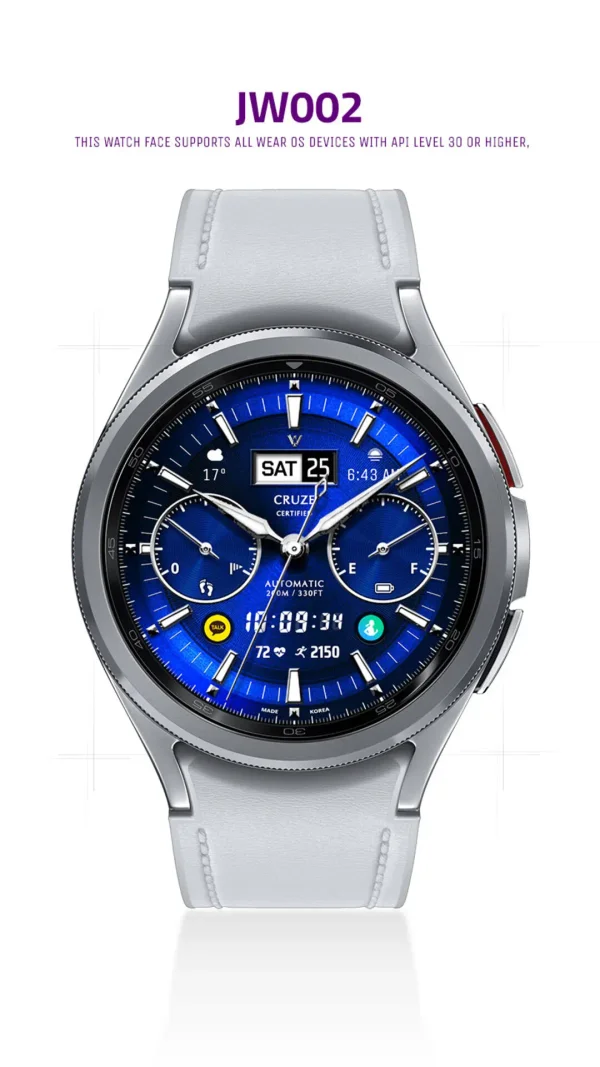
Dieses Zifferblatt unterstützt alle WearOS 5-Geräte mit API-Level 34 oder höher, wie z. B. die Samsung Galaxy Watch 4, 5, 6, 7, 8, Pixel Watch usw.
+++++++++++++++++++++++++++++++++++++++++++++++
[Installation]
Stellen Sie sicher, dass Ihre Uhr ausgewählt ist, bevor Sie auf die Schaltfläche „Bezahlen“ klicken.
Wählen Sie Ihre Uhr aus, indem Sie auf das kleine Dreieck neben der Schaltfläche „Bezahlen“ klicken.
Wählen Sie das Menü oben rechts in der Play Store App (drei Punkte) > „Teilen“ > „Chrome-Browser“ > „Auf anderen Geräten installieren“ > „Uhr“ und fahren Sie fort.
Wählen Sie die Uhr nach der Installation aus der Downloadliste aus, registrieren Sie sie als Favorit und verwenden Sie sie. Sie können die Downloadliste anzeigen, indem Sie ganz rechts in der Favoritenliste, die beim Tippen auf das Zifferblatt erscheint, auf „Uhrenbildschirm hinzufügen“ klicken.
+++++++++++++++++++++++++++++++++++++++++++++++++
[Funktionen]
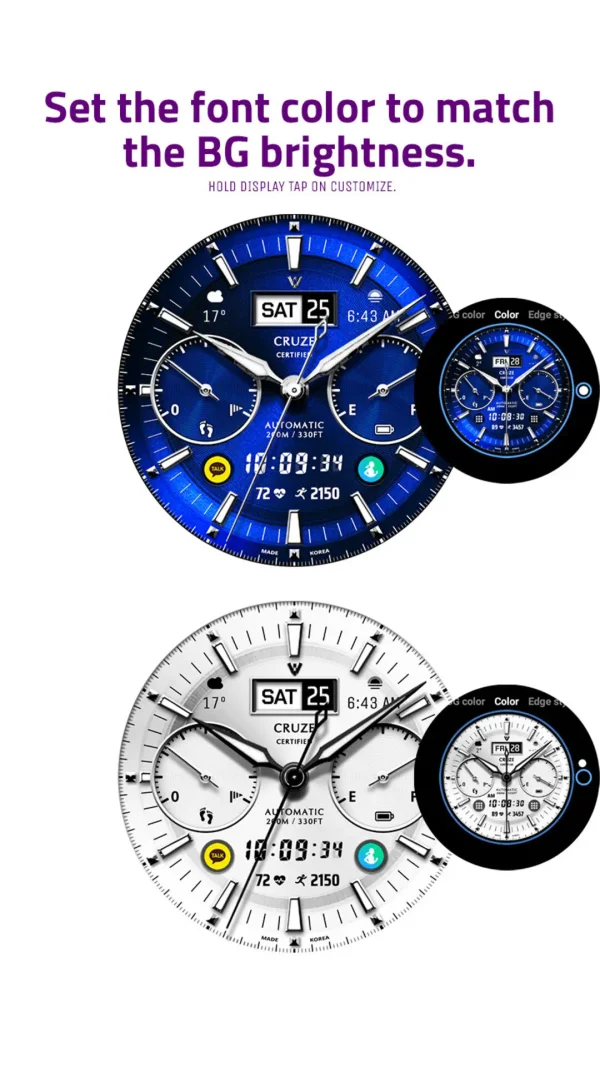
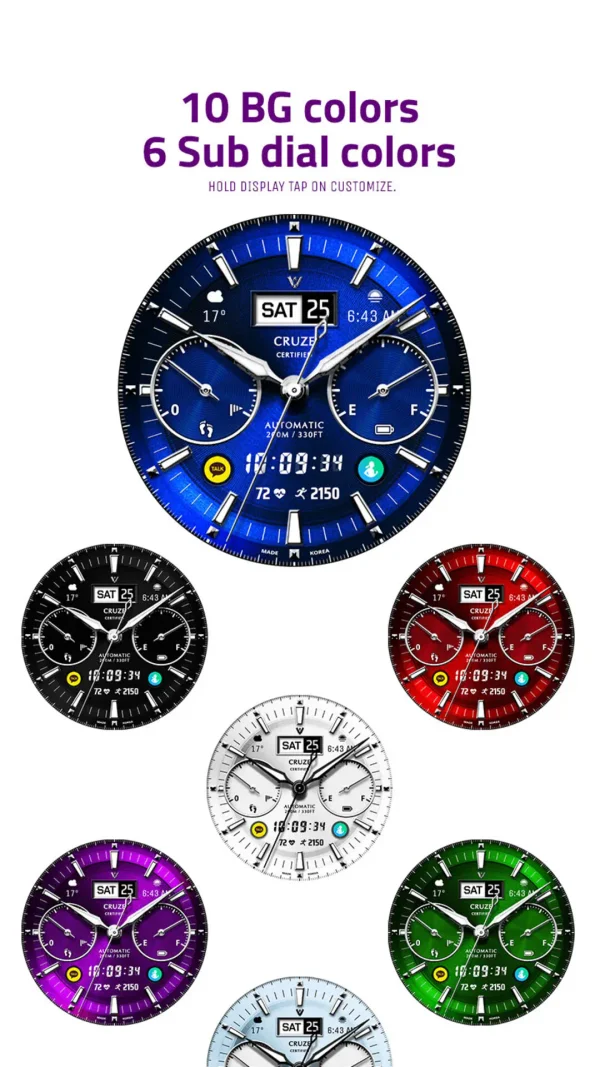
– 10 Hintergrundfarben
– 6 Farben für das Hilfszifferblatt
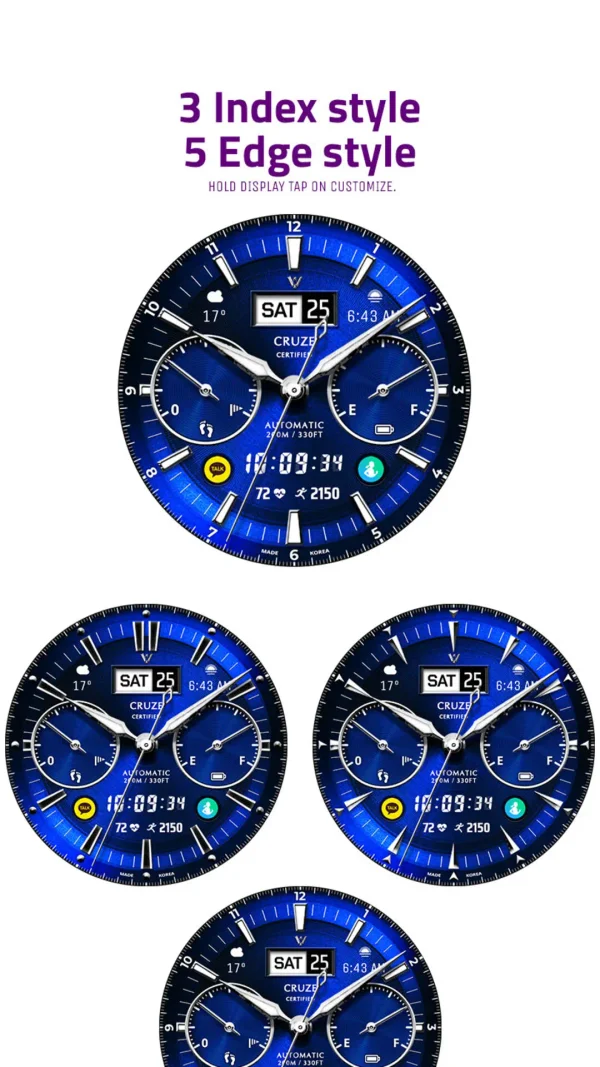
– 3 Index-Stile
– 5 Rand-Stile
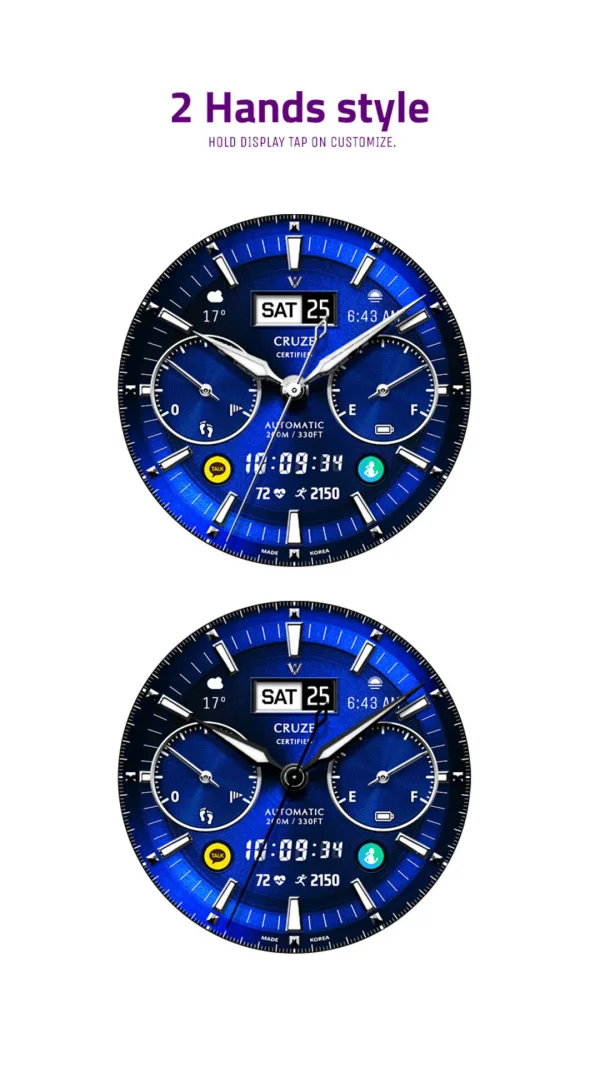
– 2 Zeiger-Stile
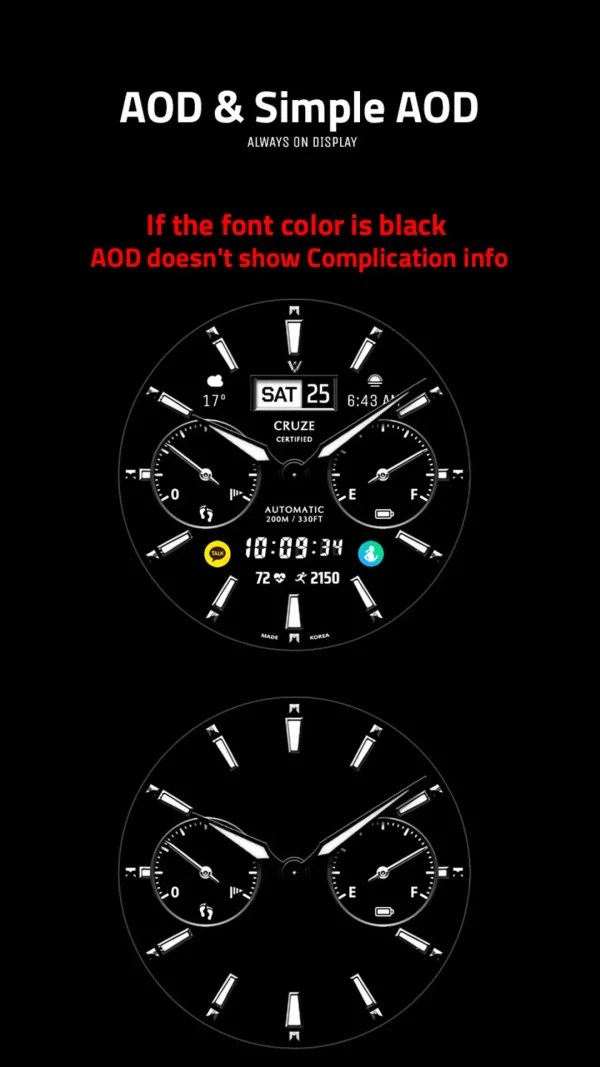
– Einfacher AOD-Modus
[Funktion]
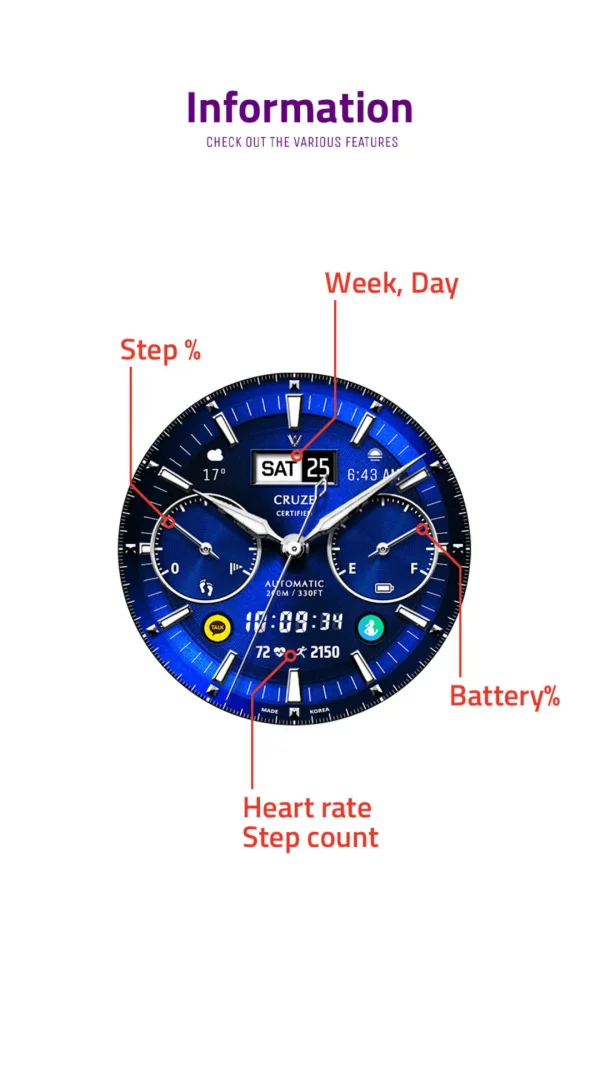
– 4 voreingestellte App-Verknüpfungen
– 2 anpassbare Tastenkombinationen
– 2 anpassbare Felder/Informationsanzeigen
+++++++++++++++++++++++++++++++++++++++++++++++
[Benutzerdefiniert]
1 – Berühren und halten Sie das Display.
2 – Tippen Sie auf „Benutzerdefinierte Optionen“.
Bei Fragen wenden Sie sich bitte an die unten stehende E-Mail-Adresse:
jenniferwatches@gmail.com
Originaltext anzeigen
This watch face supports all WearOS 5 devices with API level 34 or higher, such as Samsung Galaxy Watch 4, 5, 6, 7, 8, Pixel Watch, etc.
+++++++++++++++++++++++++++++++++++++++++++++++
[How to install]
Before pressing the payment button, make sure your watch is selected.
Select your watch by pressing the small triangle next to the payment button.
Select the menu at the top right of the Play Store app (three dots) > Share > Chrome browser > Install on other devices > Clock and proceed.
After installation, select it from the download list, register it as a favorite, and use it. You can view the download list by clicking 'Add Watch Screen' on the far right of the favorites list that appears when you press the watch screen.
+++++++++++++++++++++++++++++++++++++++++++++++
[Features]
- 10 Background Colors
- 6 Sub dial Colors
- 3 Index Style
- 5 Edge Style
- 2 Hands Style
- Simple AOD mode
[function]
- 4 preset app shortcut
- 2 customizable shortcut keys
- 2 customizable fields/information display
+++++++++++++++++++++++++++++++++++++++++++++++
[Custom]
1 - Touch and hold the display.
2 - Tap on Custom Options
For inquiries, please contact the email below.
jenniferwatches@gmail.com
Datensicherheit
Was JWstudio bei Google Play zu den Daten angibt, die diese App erfasst und weitergibt.
- Keine Daten werden mit Drittunternehmen oder -organisationen geteiltWeitere Informationen dazu, wie Entwickler Angaben zur Weitergabe von Daten machen
- Keine Daten erhobenWeitere Informationen dazu, wie Entwickler Angaben zur Datenerhebung machen
Neue Funktionen
12.07.2026
v2.4 update
- Support Android Target SDK 33 (Wear OS 5)
- Support Companion app Target API level 35
Kontakt zum Entwickler
- Websiteinstagram.com
- E-Mailjenniferwatches@gmail.com
- Datenschutzerklärungblog.naver.com
- Adresse인의동 여헌로7길 8 인동2차서한이다음, 203동 208호 구미시, 경상북도 39433 South Korea
Informationen
- Angeboten von
- JWstudio
- Kategorie
- Personalisierung
- Aktualisiert
- 12.07.2026
- Veröffentlicht
- 03.09.2021
- Altersfreigabe
- USK ab 0 Jahren
- Preis
- 1,49 €
- Paketname
- com.watchfacestudio.jwstudio_a_002
Ähnliche Apps
-
 JW062 jwstudio
Personalisierung
-
 JW311 jwstudio
Personalisierung
-
 JW090 jwstudio
Personalisierung
-
 JW239 jwstudio
Personalisierung
-
 JW076 jwstudio
Personalisierung
-
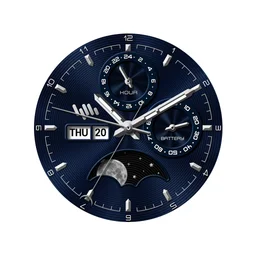 SamWatch Analog B 2021
Personalisierung
-
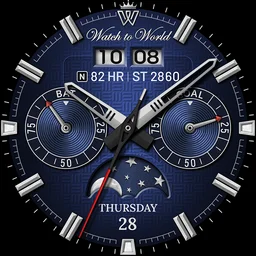 WTW M11B4 Classic watch face
Personalisierung
-
 JW023 jwstudio
Personalisierung
-
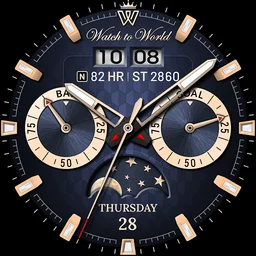 WTW M12B7 Classic watch face
Personalisierung
-
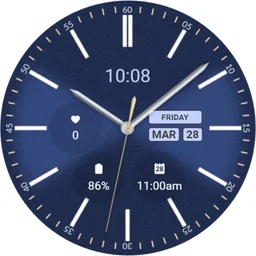 Navitron Hybrid Watch Face
Personalisierung
-
 Hearth: Tourbillon-Watchface
Personalisierung
-
 IWF EC III | ISACWATCH
Personalisierung