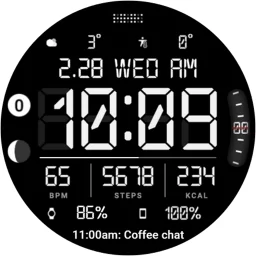
MIMIX Activy Zero Watchface
MIMIX- USK ab 0 JahrenAltersfreigabe
- PersonalisierungKategorie
- 30.10.2024Aktualisiert
- 0,89 €Preis
Verlinkt auf den offiziellen Google Play-Eintrag von com.watchfacestudio.mimix_activy_zero. Zuletzt geprüft am 25.11.2026.
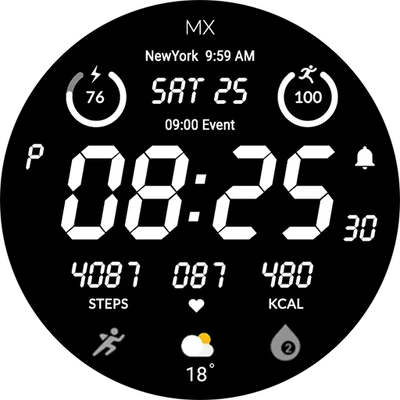
Screenshots
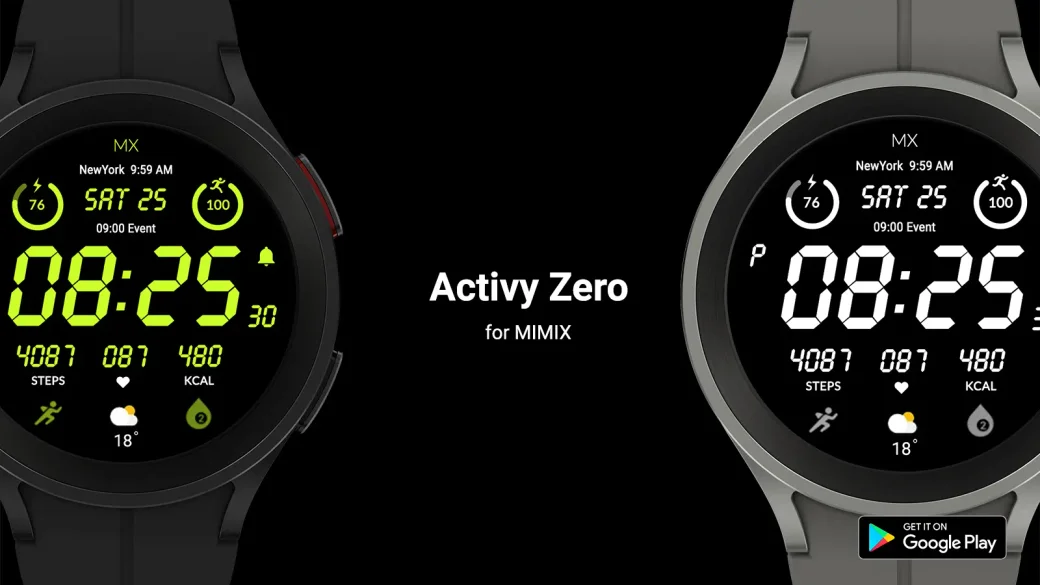
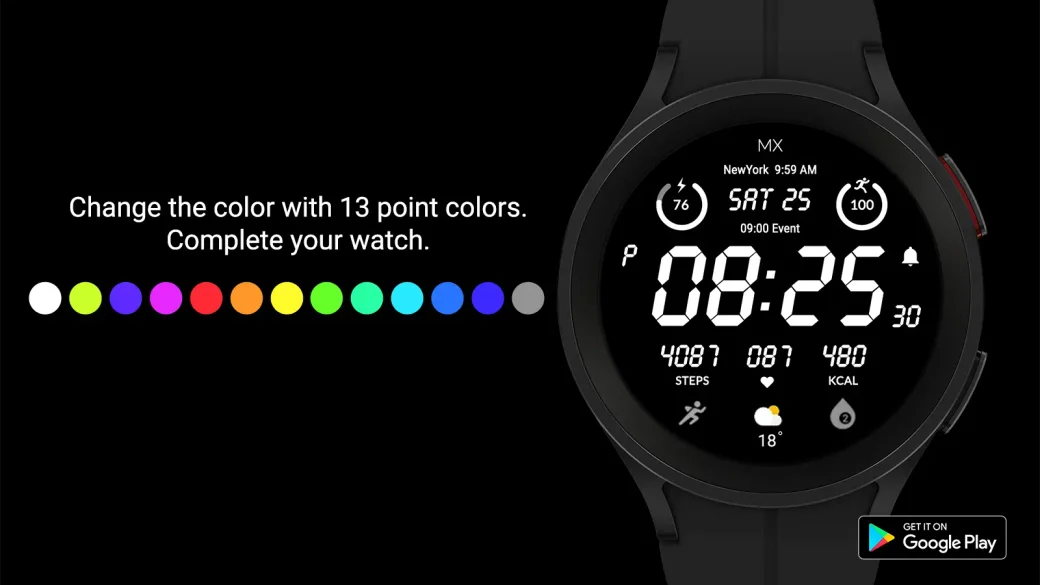


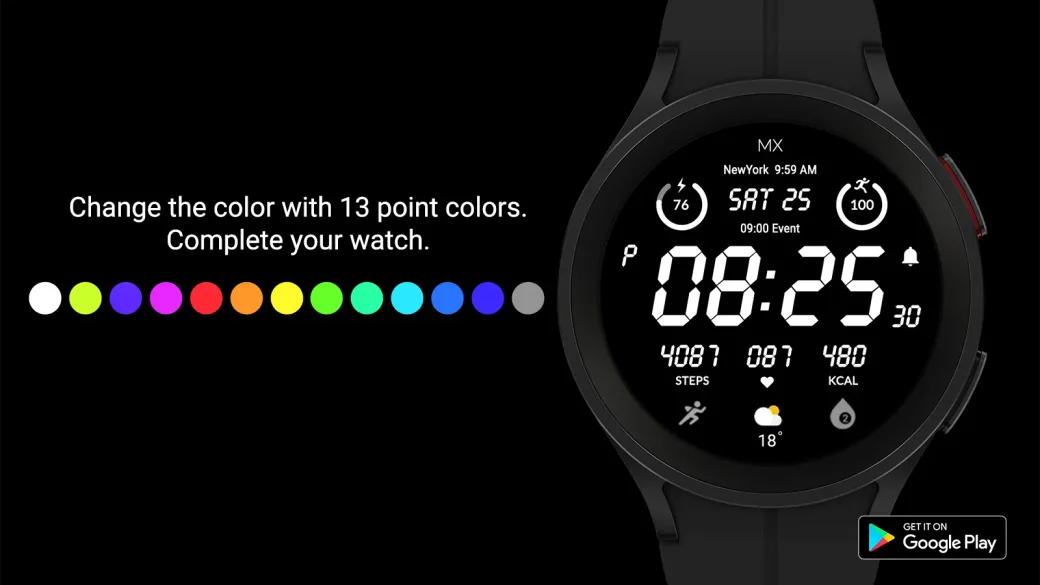
Über diese App
Automatische Übersetzung von Google. Originalsprache: Englisch (Vereinigte Staaten).
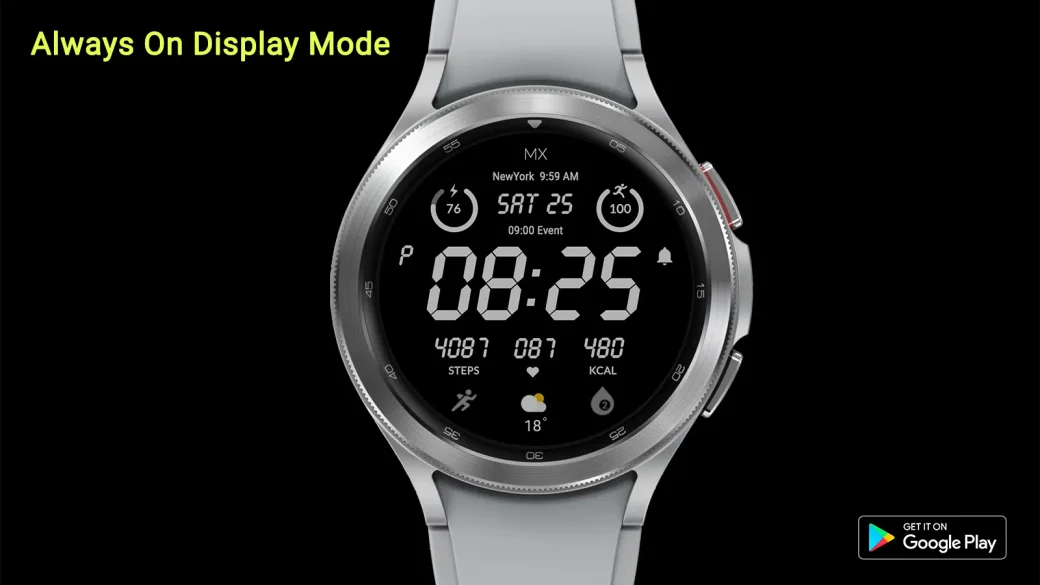
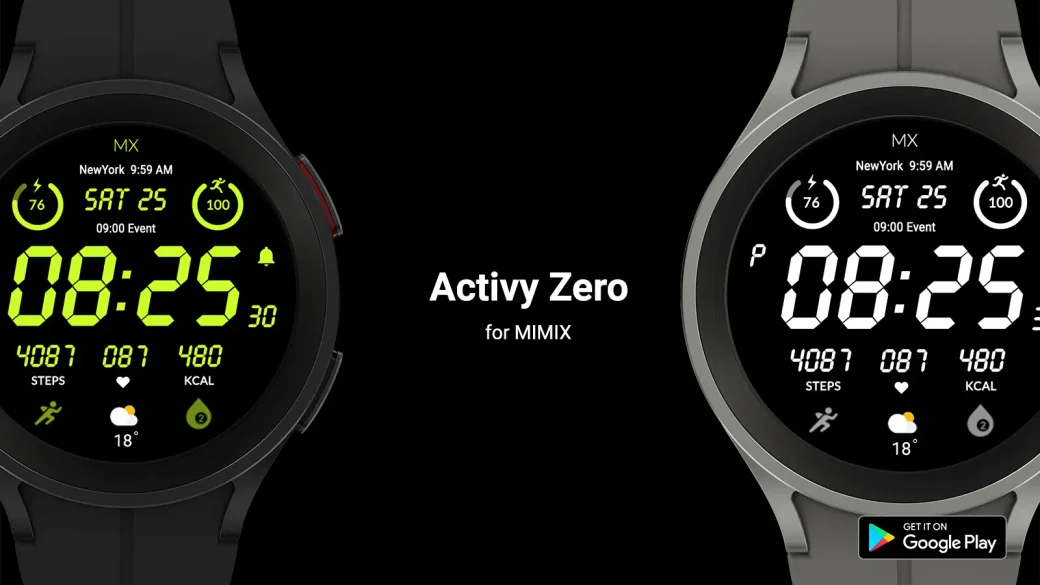
Fortschrittliches Zifferblatt, das Wear 2.0 und höhere Smartwatches unterstützt.
Fortschrittliches Zifferblatt, das Smartwatches mit Wear 2.0 und höher unterstützt.
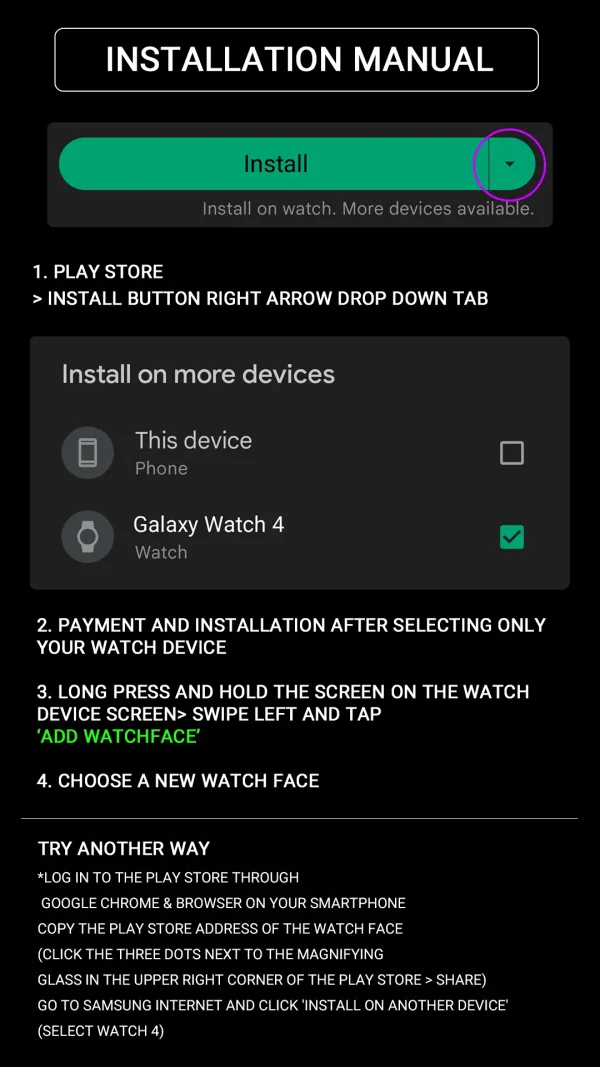
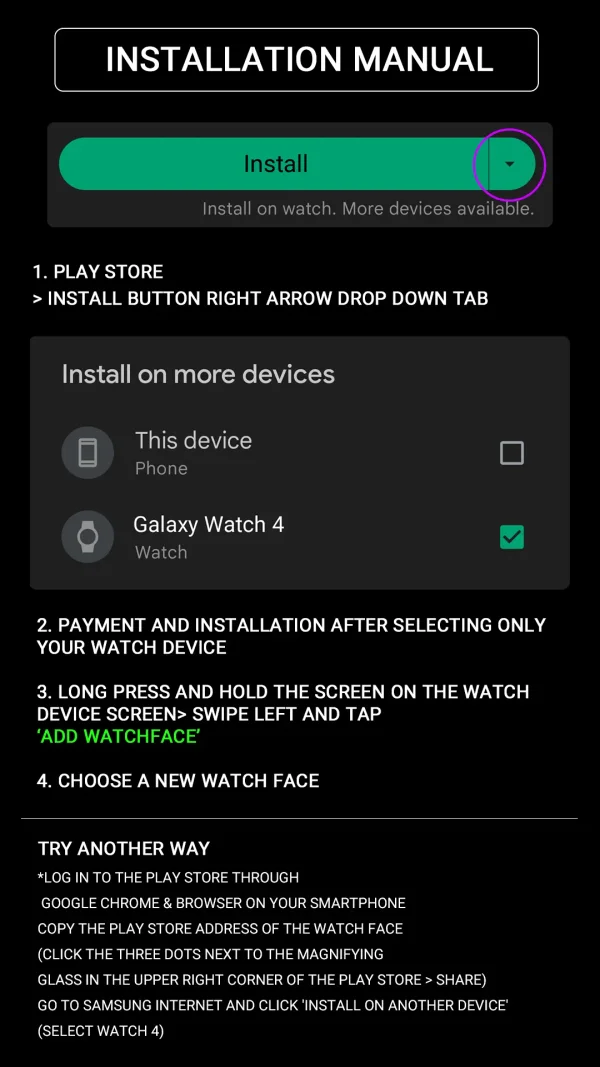
*Wie installiert man
Play Store-App auf dem Smartphone > Zahlung und Installation
Starten Sie die Play Store-App auf Ihrer Uhr > Apps auf Ihrem Telefon > Anwendbares Zifferblatt > Installieren
*Aufgelöst, um die Anzeige zu installieren
Kopieren Sie die Play-Store-Adresse des Zifferblatts (klicken Sie auf die drei Punkte neben der Lupe in der oberen rechten Ecke des Play-Stores > Teilen).
Gehen Sie zu Samsung Internet und klicken Sie auf „Auf einem anderen Gerät installieren“ (wählen Sie Uhr 4).
* Um alle Funktionen nutzen zu können, ist eine Einwilligung zur Nutzung des Sensors erforderlich.
*Wenn die Play Store-App als inkompatibel angezeigt wird, installieren Sie sie bitte zusätzlich zur App auf Ihrem Telefon über einen Webbrowser auf Ihrem PC/Laptop.
*Unterstützt Wear OS-Geräte.
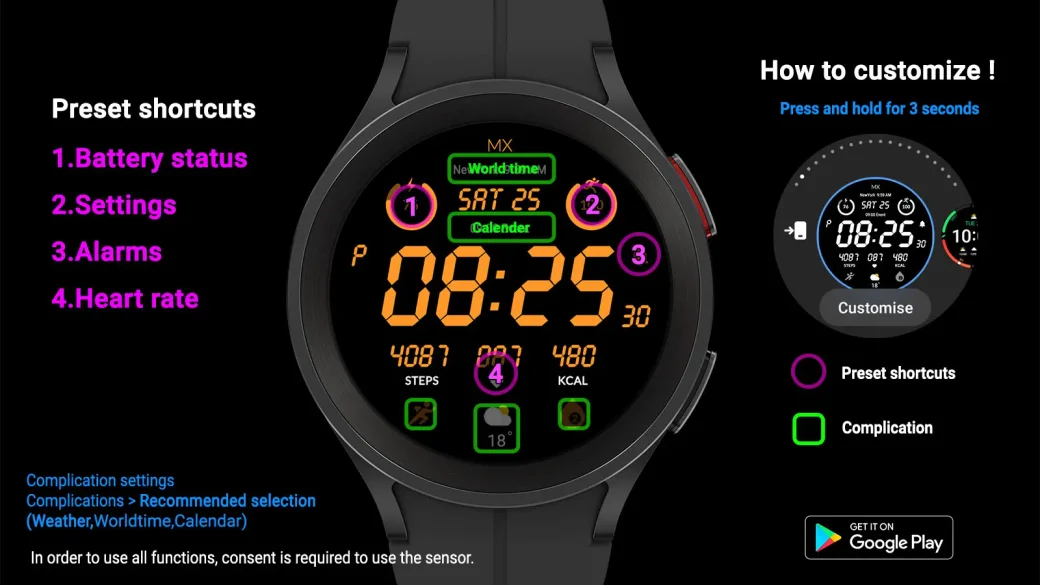
So richten Sie „Anpassen“ ein
1. Halten Sie das Zifferblatt gedrückt > 2. Klicken Sie auf die Schaltfläche „Dekorieren“ > 3. Tippen Sie auf jeden Komplikationsbereich, um die entsprechenden Informationen festzulegen > 4. Klicken Sie auf „OK“.
Für Neuigkeiten zu neuen Zifferblättern klicken Sie bitte auf den Link unten
https://play.google.com/store/apps/developer?id=MIMIXWatch
Bei Fragen zur App kontaktieren Sie uns bitte unter der untenstehenden E-Mail.
mimixjh@gmail.com
Originaltext anzeigen
Advanced watchface that supports Wear 2.0 and higher smartwatches.
*How to install
Play Store app on smartphone > Payment and installation
Launch the Play Store app on your watch > Apps on your phone > Applicable watch face > Install
*Resolved to be installed display
Copy the play store address of the watch face (click the three dots next to the magnifying glass in the upper right corner of the play store > share)
Go to Samsung Internet and click 'Install on another device' (select watch 4)
* In order to use all functions, consent to use the sensor is required.
*If the Play Store app is shown as incompatible, please install it using a web web browser on your PC/laptop in addition to the app on your phone.
*Supports Wear OS devices.
How to set up Customize
1. Press and hold the watch face > 2. Click the Decorate button > 3. Tap each complication area to set the corresponding information > 4. Click OK
For new watch face news, please visit the link below
https://play.google.com/store/apps/developer?id=MIMIXWatch
For inquiries about the app, please contact us at the email below.
mimixjh@gmail.com
Datensicherheit
Was MIMIX bei Google Play zu den Daten angibt, die diese App erfasst und weitergibt.
- Keine Daten werden mit Drittunternehmen oder -organisationen geteiltWeitere Informationen dazu, wie Entwickler Angaben zur Weitergabe von Daten machen
- Keine Daten erhobenWeitere Informationen dazu, wie Entwickler Angaben zur Datenerhebung machen
Kontakt zum Entwickler
- E-Mailmimixjh@gmail.com
- Datenschutzerklärungblog.naver.com
- Adresse팔거천동로34길 11-14 101호 북구, 대구광역시 41427 South Korea
Informationen
- Angeboten von
- MIMIX
- Kategorie
- Personalisierung
- Aktualisiert
- 30.10.2024
- Veröffentlicht
- 12.10.2022
- Altersfreigabe
- USK ab 0 Jahren
- Preis
- 0,89 €
- Paketname
- com.watchfacestudio.mimix_activy_zero
Ähnliche Apps
-
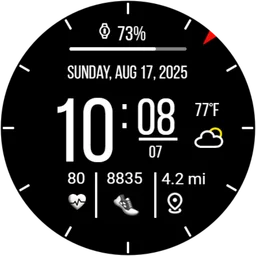 Iris553 Multi-Function Digital
Personalisierung
-
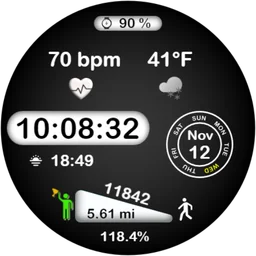 Iris570 Multi-Function Watch
Kunst & Design
-
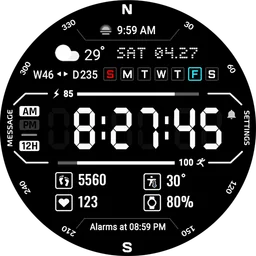 ACRO Perfect BW Watchface
Personalisierung
-
 CELEST5651 Sport Watch
Personalisierung
-
 HMKWatch Digital 050
Personalisierung
-
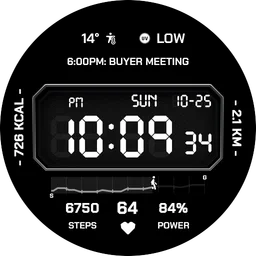 JW274 jwstudio
Personalisierung
-
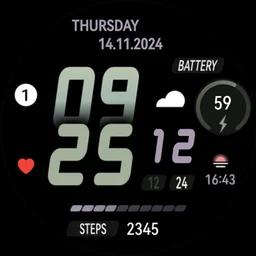 SG-143
Personalisierung
-
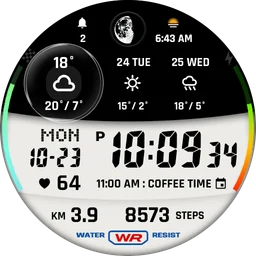 JW386 jwstudio
Personalisierung
-
 Minimal 70 Digital-Zifferblatt
Personalisierung
-
 Digital Minimal Watch - RE04
Personalisierung
-
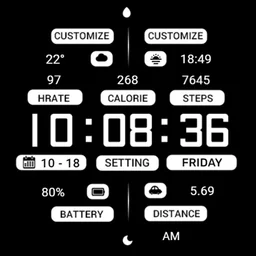 ZKin Watch Black White Message
Personalisierung
-
 HMKWatch Digital 371
Personalisierung