Outback Watch Face
amoledwatchfaces™- USK ab 0 JahrenAltersfreigabe
- LifestyleKategorie
- 04.08.2026Aktualisiert
- 1,49 €Preis
Verlinkt auf den offiziellen Google Play-Eintrag von com.watchfacestudio.awfoutback. Zuletzt geprüft am 28.11.2026.
Screenshots


Über diese App
Automatische Übersetzung von Google. Originalsprache: Englisch (Vereinigte Staaten).
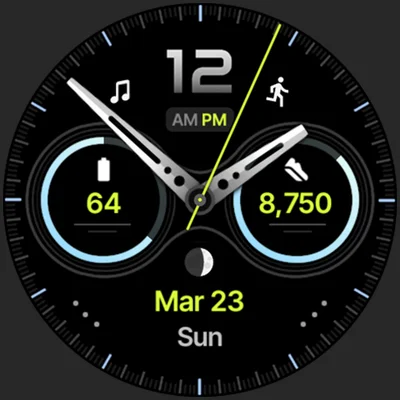
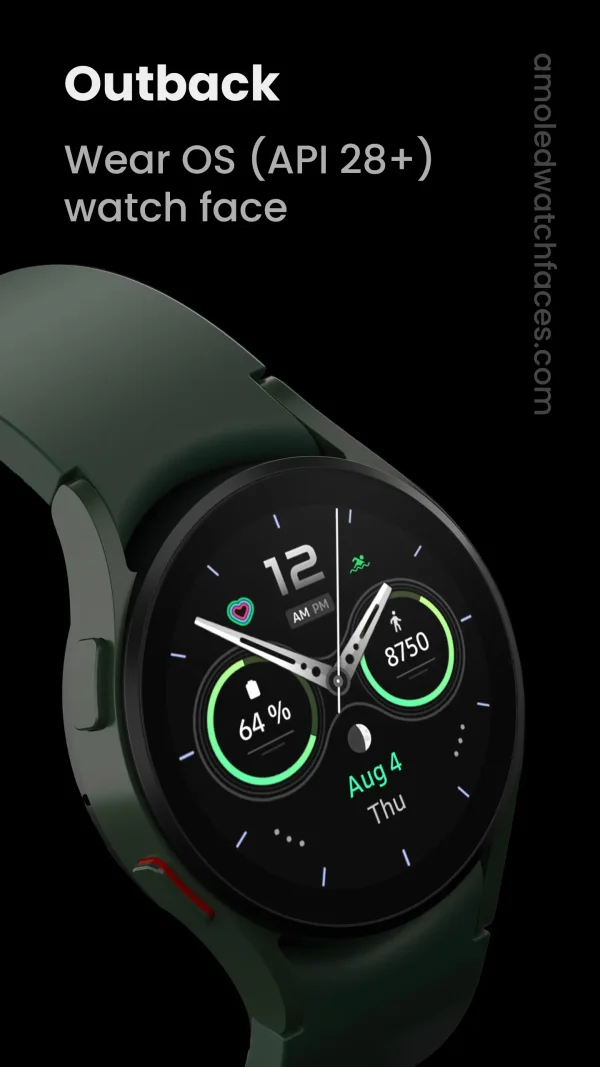
Echt schwarzer Hintergrund und batteriefreundliches Zifferblatt für Wear OS
Nur für Geräte mit Wear OS API 28+
// Nicht für rechteckige Uhren geeignet
Unterstützt von Watch Face Format
amoledwatchfaces.com
KAUFEN SIE EINEN, ERHALTEN SIE EIN ANGEBOT!
amoledwatchfaces.com/bogo
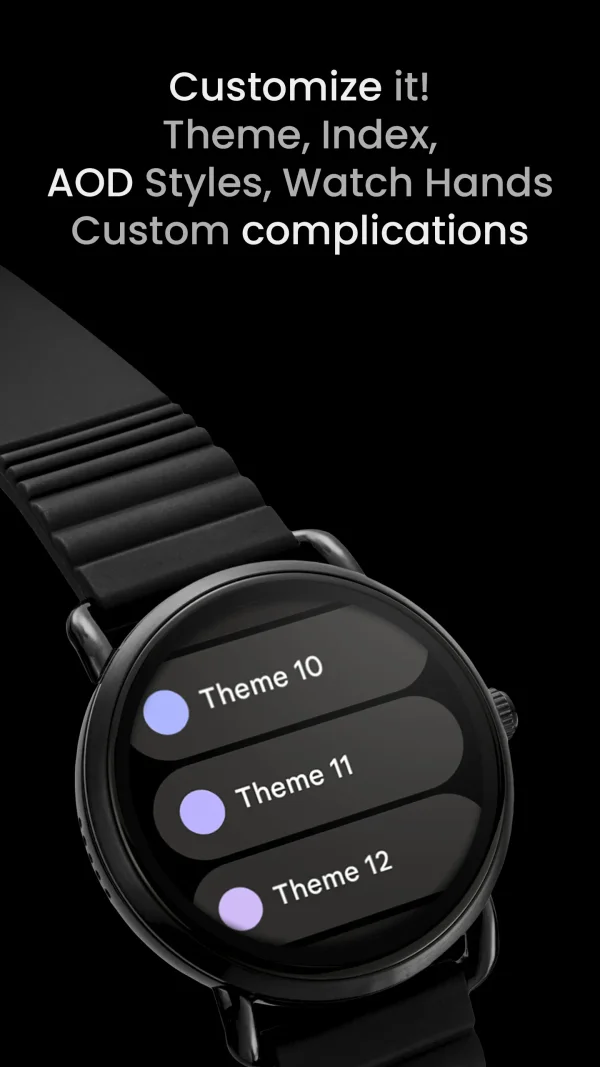
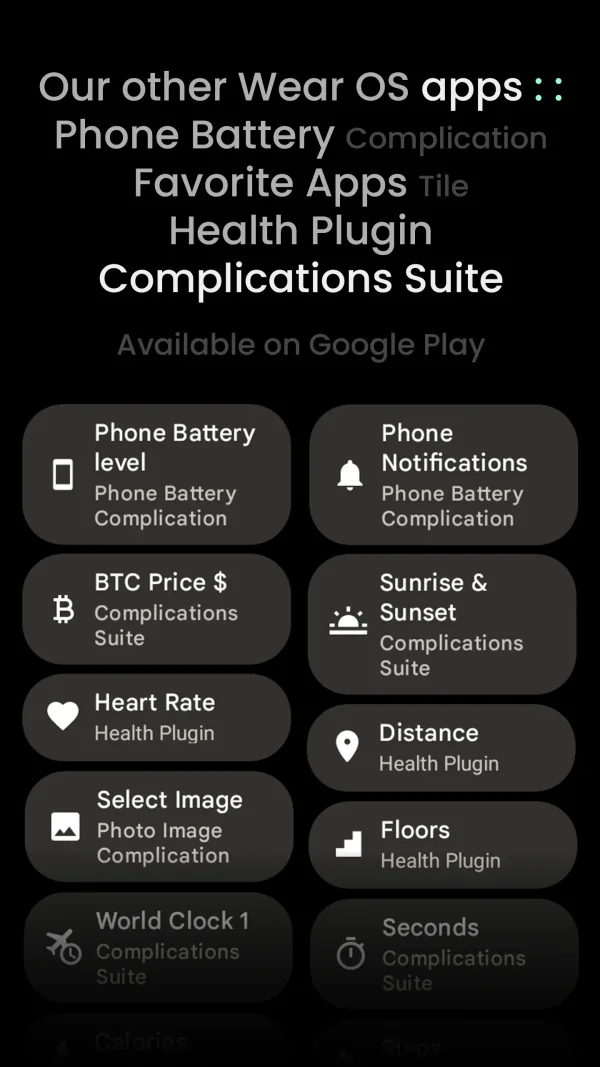
BENUTZERDEFINIERTE KOMPLIKATIONS-APPS
amoledwatchfaces.com/apps
FUNKTIONEN
• Zifferblattformat 1
• echter schwarzer Hintergrund
• hohe Auflösung
• Mondphasenanzeige jetzt in der Complications Suite-App enthalten: https://bit.ly/3yuRwr1
• Viele Stil-/Farbkombinationen
• PNGQuant-optimierte Ebenen > batteriefreundlich
• BAR-Anzeigen mit Farbverlauf
• AM/PM-Anzeige
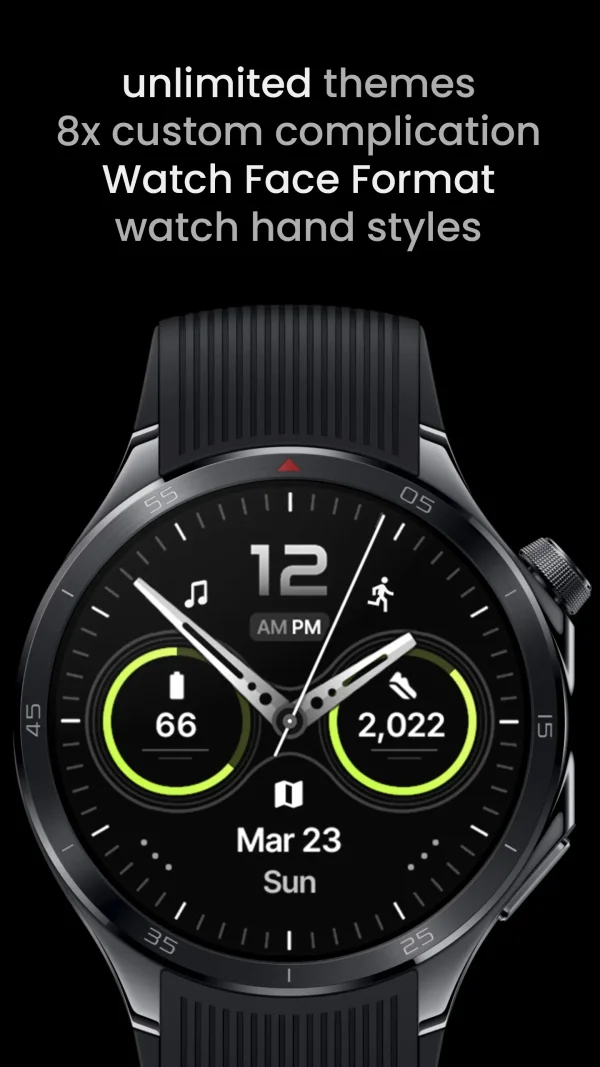
• 8x Zeigermodelle!
• Benutzerdefinierte Verknüpfung für die bevorzugte Gesundheits-App
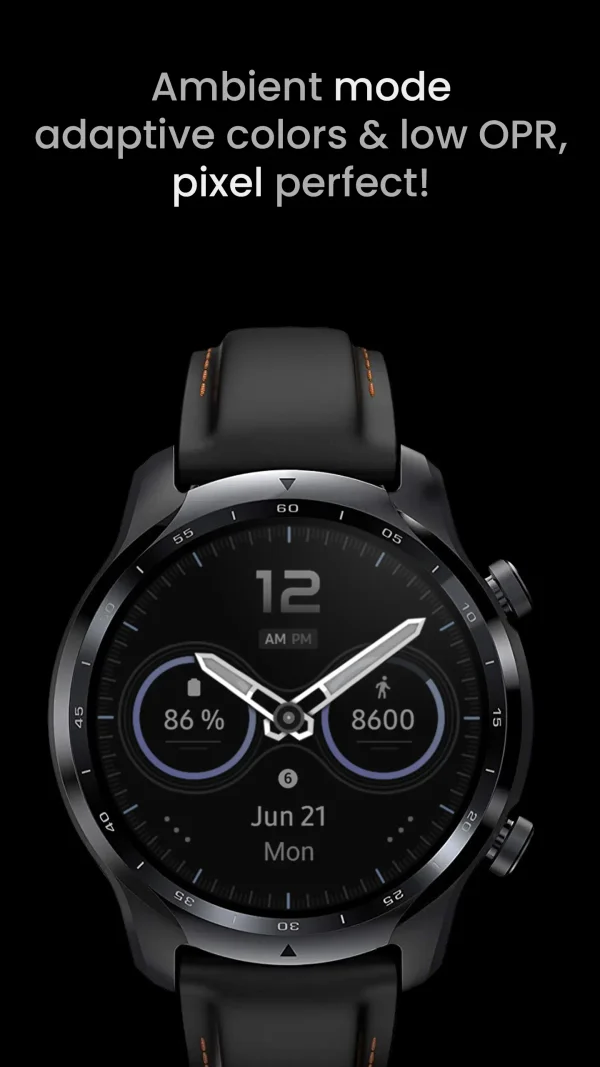
• Einfacher Umgebungsmodus mit niedrigem OPR und der Möglichkeit, den Indexstil zu ändern
• 1x SHORT_TEXT-Komplikation
• 2x RANGED_VALUE-Komplikation (API 33+)
• 2x benutzerdefinierte App-Verknüpfungen
• 3x monochromatische Symbolkomplikationen
• Drei Punkte – benutzerdefinierte App-Auswahl
BENUTZERKONFIGURATIONEN
• Farbe (25x)
• Indexfarbe (25x)
• Uhrzeiger (8x)
• Balkenstil (10-facher Farbverlauf, Weiß)
• Indexstil (4x)
• AOD (Stil – gedimmt, nur Zeit)
• Komplikationen/App-Verknüpfungen
Anleitung zur Installation und Fehlerbehebung
amoledwatchfaces.com/guide
Bitte senden Sie alle Problemberichte oder Hilfeanfragen an unsere Support-Adresse
support@amoledwatchfaces.com
Treten Sie unserer Telegram-Gruppe für Live-Support und Diskussion bei
t.me/amoledwatchfaces
Newsletter
amoledwatchfaces.com/contact#newsletter
amoledwatchfaces™ – Awf
Originaltext anzeigen
Only for Wear OS API 28+ devices
// Not suitable for rectangular watches
Powered by Watch Face Format
amoledwatchfaces.com
BUY ONE GET ONE OFFER!
amoledwatchfaces.com/bogo
CUSTOM COMPLICATION APPS
amoledwatchfaces.com/apps
FEATURES
• Watch Face Format 1
• true black background
• high resolution
• moon phase indicator now included in Complications Suite app: https://bit.ly/3yuRwr1
• many style / color combinations
• PNGQuant optimized layers > battery friendly
• gradient BAR indicators
• am/pm indicator
• 8x watch hand styles!
• custom shortcut for preferable health app
• simple ambient mode with low OPR & ability to change index style
• 1x SHORT_TEXT complication
• 2x RANGED_VALUE complication (API 33+)
• 2x custom app shortcuts
• 3x monochromatic icon complications
• three dots - custom app picker
USER CONFIGURATIONS
• Color (25x)
• Index Color (25x)
• Watch Hands (8x)
• Bar Style (10x Gradient, White)
• Index Style (4x)
• AOD (Style - Dimmed Down, Time Only)
• Complications / app shortcuts
Installation and troubleshooting guide
amoledwatchfaces.com/guide
Please send any issues reports or help requests to our support address
support@amoledwatchfaces.com
Join our Telegram group for live support and discussion
t.me/amoledwatchfaces
Newsletter
amoledwatchfaces.com/contact#newsletter
amoledwatchfaces™ - Awf
Datensicherheit
Was amoledwatchfaces™ bei Google Play zu den Daten angibt, die diese App erfasst und weitergibt.
- Keine Daten werden mit Drittunternehmen oder -organisationen geteiltWeitere Informationen dazu, wie Entwickler Angaben zur Weitergabe von Daten machen
- Keine Daten erhobenWeitere Informationen dazu, wie Entwickler Angaben zur Datenerhebung machen
Neue Funktionen
Version 1.4.4 · 04.08.2026
v1.4.4
• watchface.xml optimizations
• replaced default font with Inter Tight (SEMI_BOLD)
• am-pm indicator size adjustments
v1.4.0
• minified watchface.xml
v1.3.5
• rebuilt in Android Studio using Watch Face Format 1
• converted two widgets to custom complications (limited layouts)
NOTE! Please reinstall watch face after update / uninstall prior update. This is to ensure all watch face complications work as expected.
Kontakt zum Entwickler
- Websiteamoledwatchfaces.com
- E-Mailsupport@amoledwatchfaces.com
- Datenschutzerklärungamoledwatchfaces.com
- Adresse51 Nižný Kručov 09301 Nižný Kručov Slovakia
Informationen
- Angeboten von
- amoledwatchfaces™
- Kategorie
- Lifestyle
- Version
- 1.4.4
- Aktualisiert
- 04.08.2026
- Veröffentlicht
- 02.09.2021
- Altersfreigabe
- USK ab 0 Jahren
- Preis
- 1,49 €
- Paketname
- com.watchfacestudio.awfoutback
Ähnliche Apps
-
 Numbers Cyan Zifferblatt
Personalisierung
-
 SamWatch Simple Analog 38
Personalisierung
-
 Classic M5 Watch Face
Lifestyle
-
 TKS 37 Orio Watch Face
Personalisierung
-
 Sportive Watch Face
Personalisierung
-
 Catalyst Watch face
Lifestyle
-
 IA114 Hybrid Watchface
Personalisierung
-
 HMKWatch Analog 125
Personalisierung
-
 Strahlende Ausstrahlung
Personalisierung
-
 NANO x1: Watch face
Lifestyle
-
 IA105 Hybrid Watchface
Personalisierung
-
 MINIMA 12 Watchface
Personalisierung