Photo Watch Face
amoledwatchfaces™- USK ab 0 JahrenAltersfreigabe
- PersonalisierungKategorie
- 04.08.2026Aktualisiert
- KostenlosPreis
Verlinkt auf den offiziellen Google Play-Eintrag von com.amoledwatchfaces.photowatchface. Zuletzt geprüft am 27.11.2026.
Screenshots



Über diese App
Automatische Übersetzung von Google. Originalsprache: Englisch (Vereinigte Staaten).
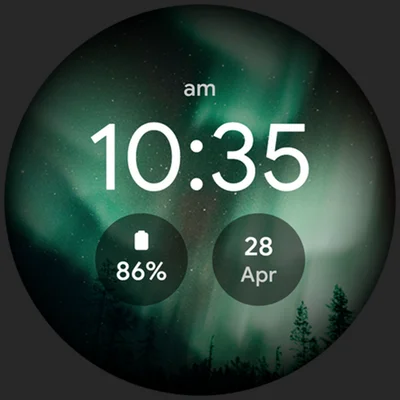
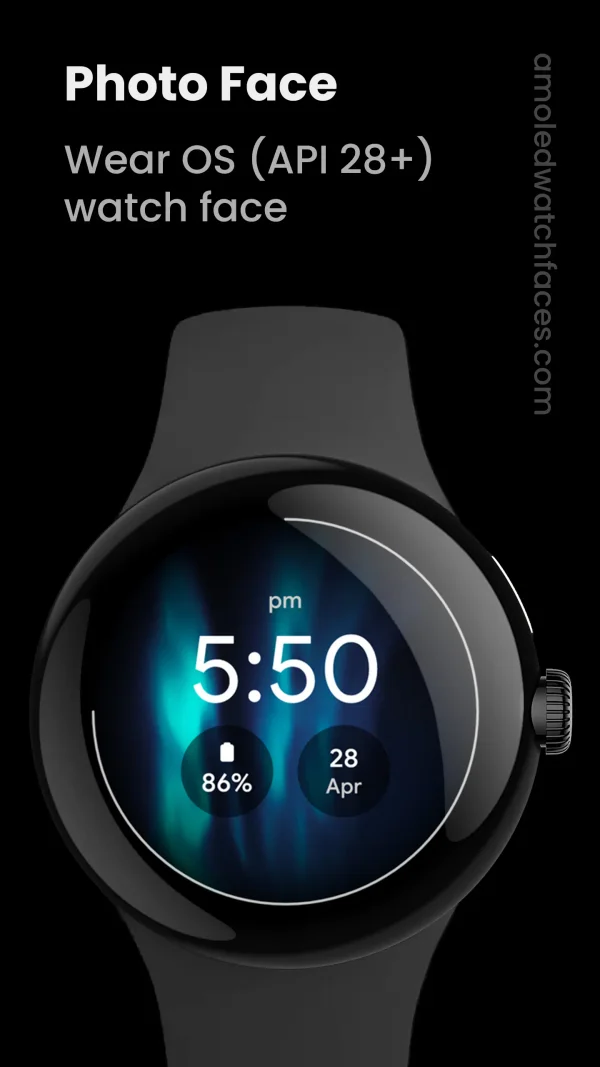
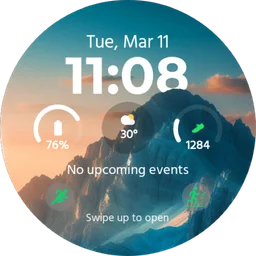
Foto-Bild-Zifferblatt! Wählen Sie eines von 10 Fotos oder verwenden Sie eine Fotokomplikation.
Nur für Geräte mit Wear OS API 28+
// Nicht für rechteckige Uhren geeignet
Unterstützt durch Zifferblattformat
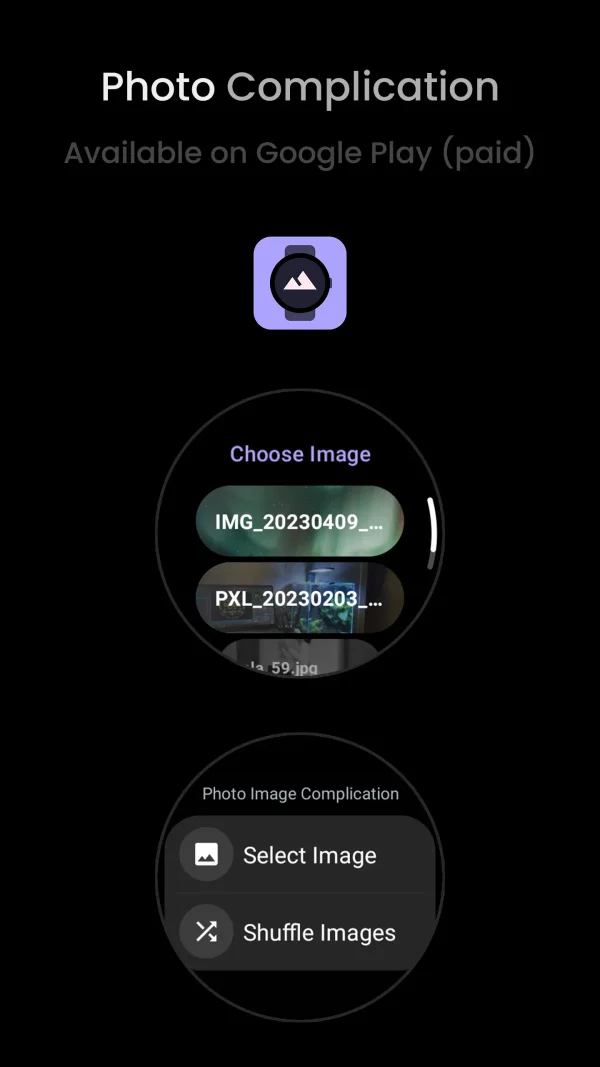
Hinweis: Dieses Zifferblatt bietet nur 10 voreingestellte Hintergrundbilder. Es gibt auch den benutzerdefinierten Komplikationsplatz „PHOTO_IMAGE“. Hier können Sie Ihr eigenes Foto einfügen. Derzeit unterstützen nicht viele Apps diese Funktion. Sie können uns unterstützen und unsere eigene Fotokomplikation für Wear OS nutzen:
https://play.google.com/store/apps/details?id=com.weartools.photocomplication
amoledwatchfaces.com
KAUFEN SIE EINS, ERHALTEN SIE EINS ANGEBOT!
amoledwatchfaces.com/bogo
BENUTZERDEFINIERTE KOMPLIKATIONS-APPS
amoledwatchfaces.com/apps
FUNKTIONEN
• Schlichtes und klares Design
• Optimiert für geringen Stromverbrauch
• Hohe Auflösung
• 2x SHORT_TEXT-Komplikation + 1x App-Verknüpfung
• Einfacher Umgebungsmodus
• Hintergrundmasken
• 10x Polarlichtfotos enthalten (Unsplash)
• LARGE_IMAGE-Komplikation für eigene Fotos
• Optionale Sekundenanzeige
BENUTZERKONFIGURATIONEN
• Hintergrundmaske (3x)
• Hintergrundfoto (Standard + 9x)
• Sekundenanzeige (Umschalter: Ein/Aus)
• Farbe (Standard + 15x)
• Komplikation (3x + LARGE_IMAGE / PHOTO_IMAGE)
Installations- und Fehlerbehebungsanleitung
amoledwatchfaces.com/guide
Problemberichte oder Hilfeanfragen senden Sie bitte an unsere Support-Adresse:
support@amoledwatchfaces.com
Treten Sie unserer Telegram-Gruppe für Live-Support und Diskussionen bei.
t.me/amoledwatchfaces
Newsletter
amoledwatchfaces.com/contact#newsletter
amoledwatchfaces™ - Awf
Originaltext anzeigen
Only for Wear OS API 28+ devices
// Not suitable for rectangular watches
Powered by Watch Face Format
Note: This watch face provides only 10 pre-set background images. There is also PHOTO_IMAGE custom complication slot. This complication slot can be used to provide your own photo. Currently not many apps support this feature. You can support us and use our own Photo Complication for Wear OS:
https://play.google.com/store/apps/details?id=com.weartools.photocomplication
amoledwatchfaces.com
BUY ONE GET ONE OFFER!
amoledwatchfaces.com/bogo
CUSTOM COMPLICATION APPS
amoledwatchfaces.com/apps
FEATURES
• simple & clean look
• optimized for low power usage
• high resolution
• 2x SHORT_TEXT complication + 1x app shortcut
• simple ambient mode
• background masks
• 10x aurora photos included (Unsplash)
• LARGE_IMAGE complication for your own photos
• optional seconds indicator
USER CONFIGURATIONS
• Background Mask (3x)
• Background Photo (Default + 9x)
• Sec Indicator (Toggle - on / off)
• Color (Default + 15x)
• Complication (3x + LARGE_IMAGE / PHOTO_IMAGE)
Installation and troubleshooting guide
amoledwatchfaces.com/guide
Please send any issues reports or help requests to our support address
support@amoledwatchfaces.com
Join our Telegram group for live support and discussion
t.me/amoledwatchfaces
Newsletter
amoledwatchfaces.com/contact#newsletter
amoledwatchfaces™ - Awf
Datensicherheit
Was amoledwatchfaces™ bei Google Play zu den Daten angibt, die diese App erfasst und weitergibt.
- Keine Daten werden mit Drittunternehmen oder -organisationen geteiltWeitere Informationen dazu, wie Entwickler Angaben zur Weitergabe von Daten machen
- Keine Daten erhobenWeitere Informationen dazu, wie Entwickler Angaben zur Datenerhebung machen
Neue Funktionen
04.08.2026
v1.1.1
• added wff4 version with Photos feature (complication slot removed)
v1.1.0
• watchface.xml minify & optimizations
• targetSdk set to 34
v1.0.8
• added photo slideshow toggle (changes pre-defined background photos every 1 hour)
...
Note: Remove watch face from favorites and add it back to ensure watch face runs smoothly after update.
Kontakt zum Entwickler
- Websiteamoledwatchfaces.com
- E-Mailsupport@amoledwatchfaces.com
- Datenschutzerklärungamoledwatchfaces.com
- Adresse51 Nižný Kručov 09301 Nižný Kručov Slovakia
Informationen
- Angeboten von
- amoledwatchfaces™
- Kategorie
- Personalisierung
- Aktualisiert
- 04.08.2026
- Veröffentlicht
- 12.04.2023
- Altersfreigabe
- USK ab 0 Jahren
- Preis
- Kostenlos
- Paketname
- com.amoledwatchfaces.photowatchface
Ähnliche Apps
-
 Aurora Borealis
Personalisierung
-
 Polarwälder
Personalisierung
-
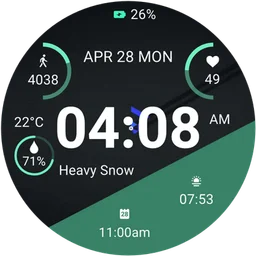 Just Time Zifferblatt
Personalisierung
-
 Outdoor Moutain & Sea - ReS31
Personalisierung
-
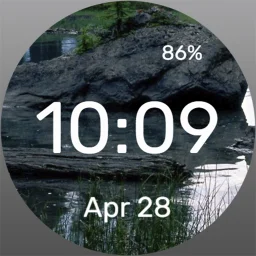 Lonely Stone - Watch Face
Personalisierung
-
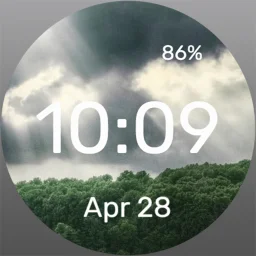 Oppressive Sky - Watch Face
Personalisierung
-
 BFF14- Weather Forecast Galaxy
Personalisierung
-
 Lagoon Calm
Personalisierung
-
 Digital Black v4 watch face
Personalisierung
-
 Mirova
Personalisierung
-
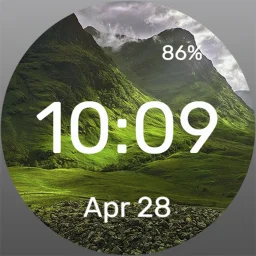 Green Paradise - Watch Face
Personalisierung
-
 EXD148: Summit Watch Face
Personalisierung