Pixel Sliding Watch Face
AppRerumEnthält Werbung
- USK ab 0 JahrenAltersfreigabe
- PersonalisierungKategorie
- 30.09.2026Aktualisiert
- 2,09 €Preis
Verlinkt auf den offiziellen Google Play-Eintrag von com.djay.pixelslidingtime. Zuletzt geprüft am 14.11.2026.
Screenshots



Über diese App
Automatische Übersetzung von Google. Originalsprache: Englisch (Vereinigte Staaten).
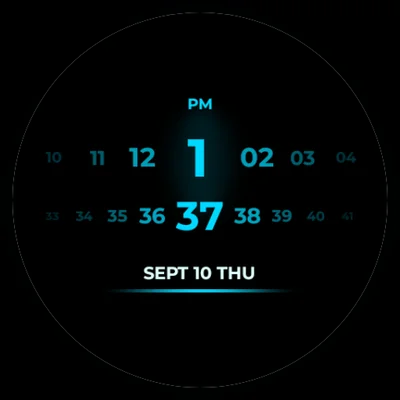
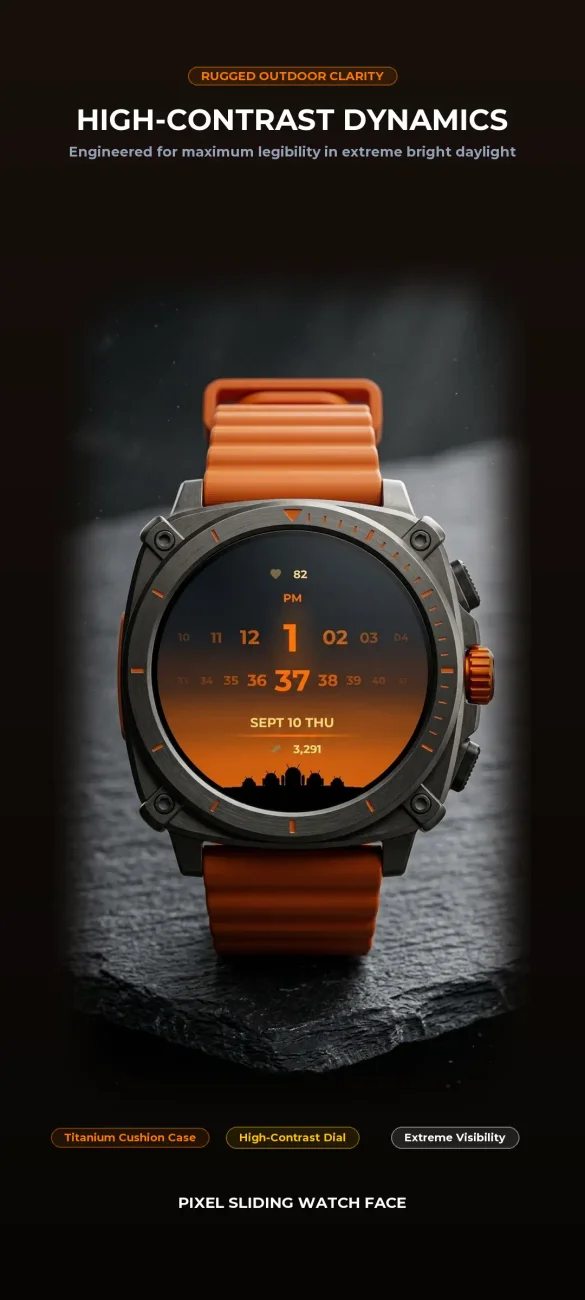
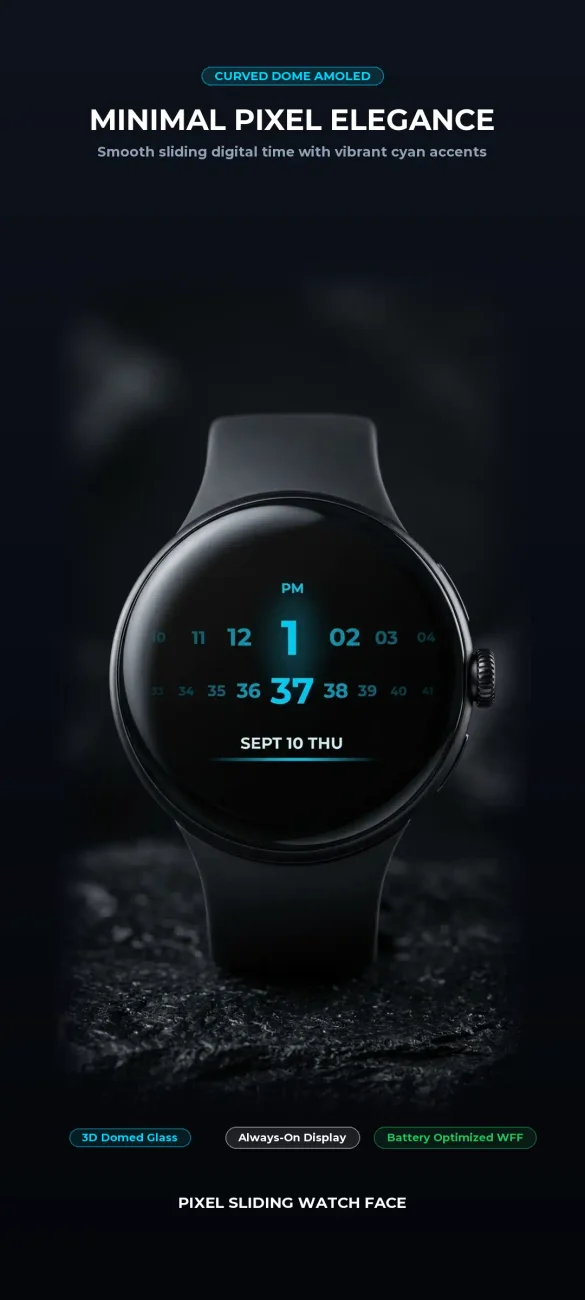
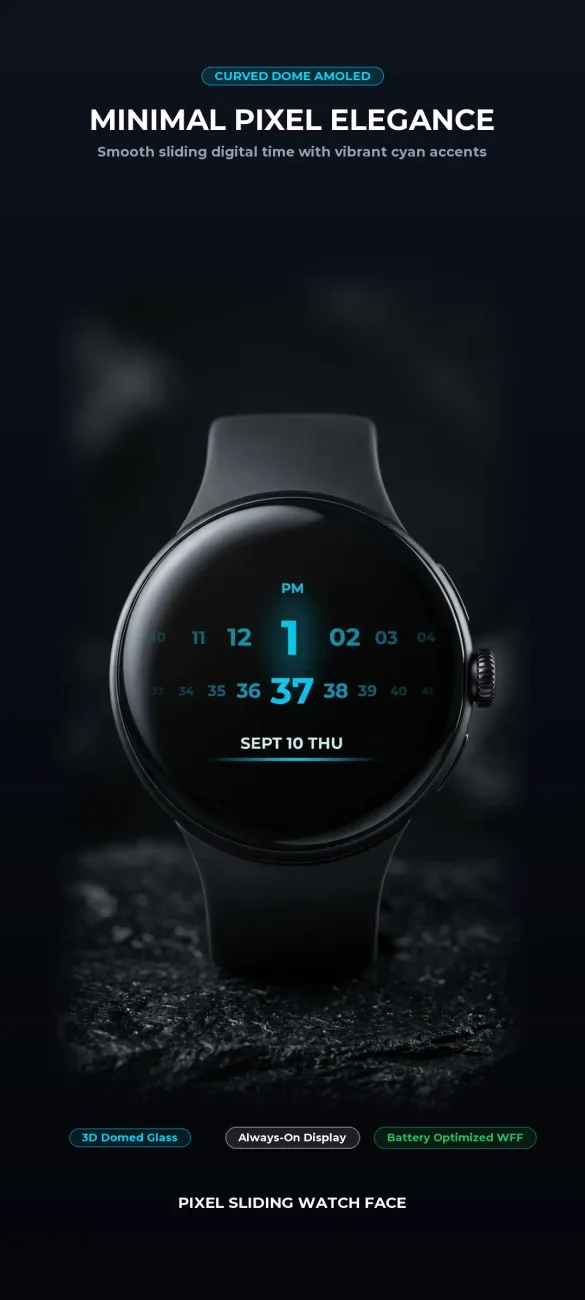
Minimalistisches, modernes, verschiebbares digitales Zifferblatt mit benutzerdefinierten Designs für Wear OS.
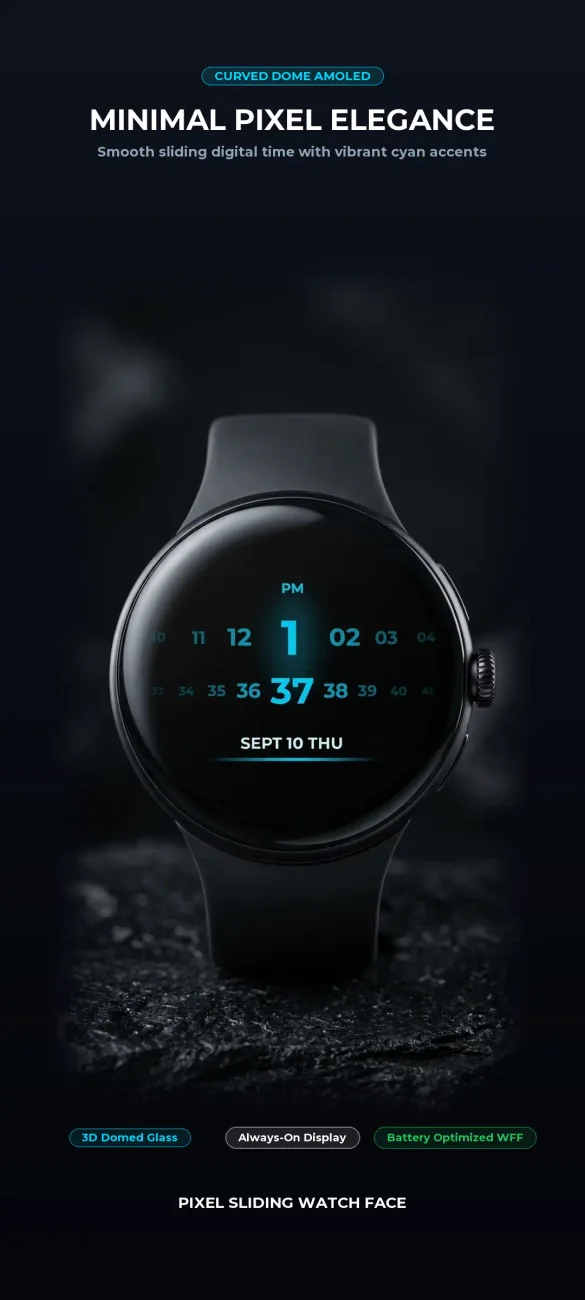
Das Pixel Sliding Watch Face für Wear OS verleiht Ihrer Smartwatch ein modernes, minimalistisches Design. Es besticht durch seine einzigartige Schiebe-Typografie, vielfältige Anpassungsmöglichkeiten und einen energiesparenden Betrieb dank Googles Watch Face Format (WFF).
✨ HAUPTMERKMALE:
• Minimalistisches & modernes Schiebe-Design: Klare numerische Typografie mit elegantem, fließendem Stil.
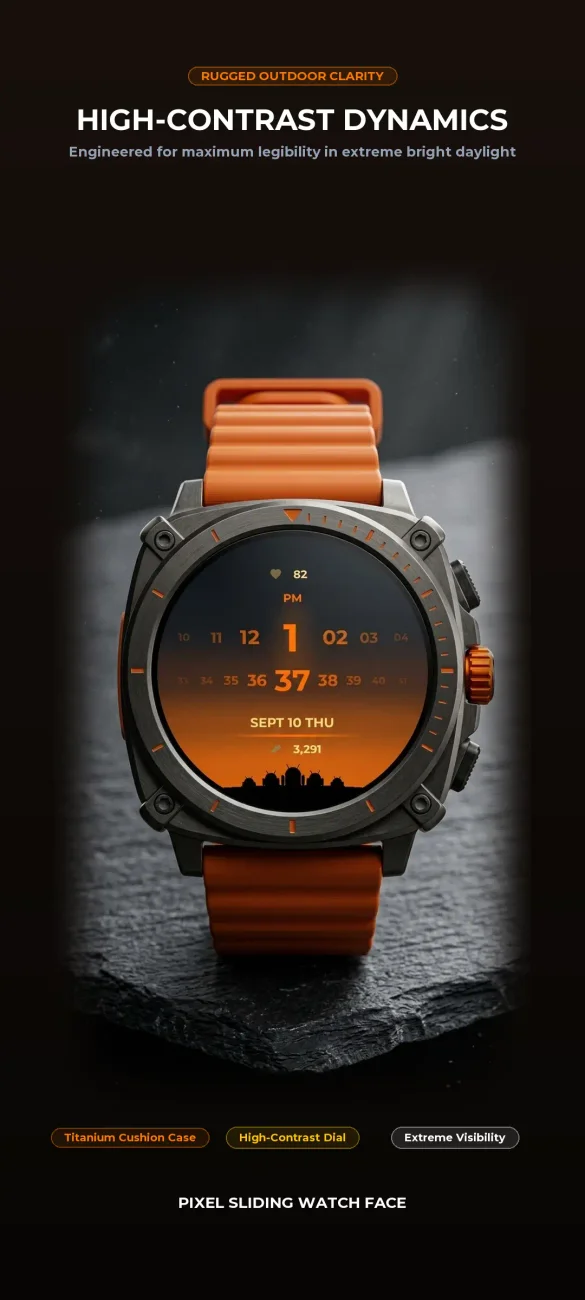
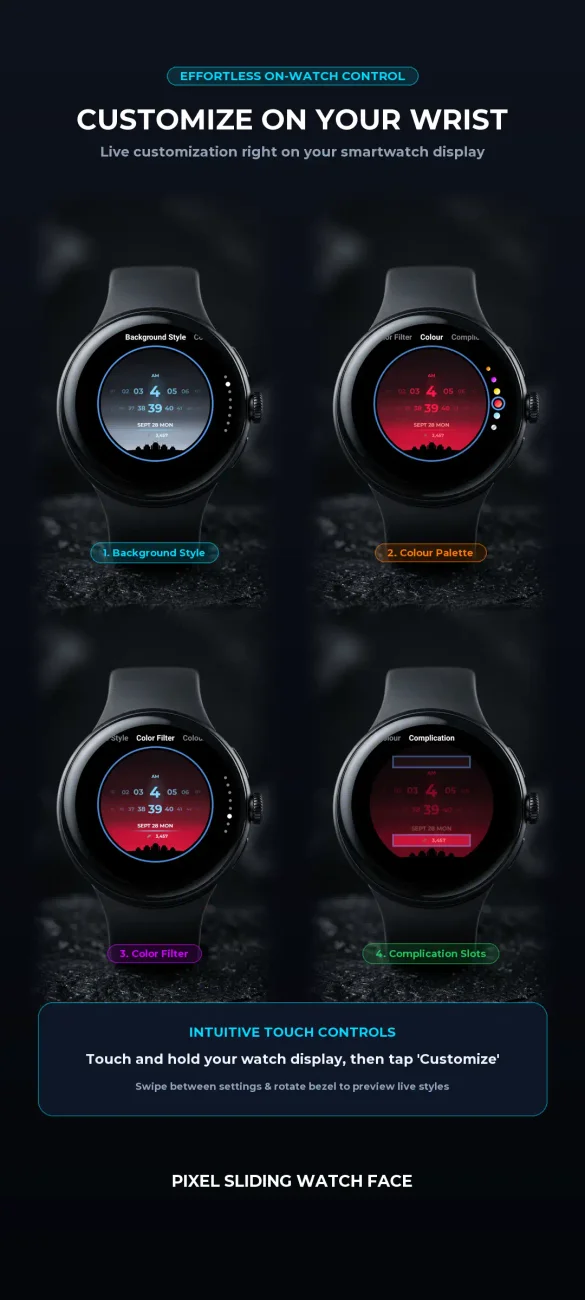
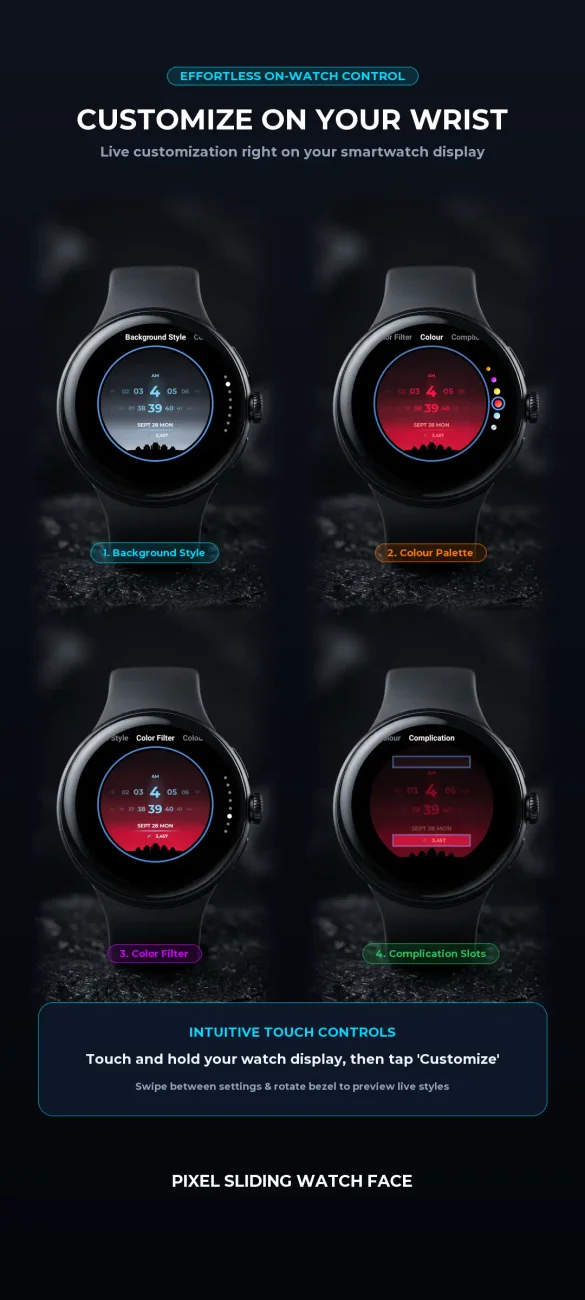
• Umfangreiche Anpassungsmöglichkeiten: Wählen Sie aus verschiedenen Farbthemen und Stilen, passend zu Ihrem persönlichen Look und Armband.
• Unterstützung für Komplikationen: Passen Sie Komplikationen für Akku, Schrittzähler, Herzfrequenz, Wetter, Sonnenaufgang/Sonnenuntergang und mehr individuell an.
• Akkuoptimiert: Native Entwicklung mit dem neuesten Wear OS Watch Face Format (WFF) für optimale Akkueffizienz und geringen Stromverbrauch.
• Always-On-Display (AOD): Umgebungsmodus mit tiefen Schwarztönen für AMOLED-Displays – die wichtigsten Zeitinformationen bleiben sichtbar, während die Akkulaufzeit verlängert wird.
• Kompatibel mit Wear OS 4- und Wear OS 5-Geräten, einschließlich Samsung Galaxy Watch, Google Pixel Watch und anderen Wear OS-Smartwatches.
📱 Begleit-App:
Mit der Begleit-App für Ihr Smartphone finden, installieren und personalisieren Sie ganz einfach das Pixel Sliding Watch Face auf Ihrem Wear OS-Gerät.
Installation & Anwendung:
1. Stellen Sie sicher, dass Ihre Smartwatch per Bluetooth mit Ihrem Smartphone verbunden ist.
2. Installieren Sie das Zifferblatt direkt aus dem Google Play Store auf Ihrer Smartwatch oder verwenden Sie die Begleit-App auf Ihrem Smartphone.
3. Tippen und halten Sie Ihr aktuelles Zifferblatt, scrollen Sie zu „Pixel Sliding Watch Face“ und tippen Sie darauf, um es anzuwenden.
Datenschutz & Support:
Wir respektieren Ihre Privatsphäre. Es werden keine personenbezogenen Daten erfasst oder weitergegeben.
Datenschutzrichtlinie: https://apprerum.com/our-privacy-policy/
Support: support@apprerum.com
Originaltext anzeigen
Pixel Sliding Watch Face for Wear OS brings a modern, minimalist digital aesthetic to your smartwatch. Featuring unique sliding-style typography, rich customization options, and battery-efficient performance built on Google's Watch Face Format (WFF).
✨ KEY FEATURES:
• Minimalist & Modern Sliding Design: Clean numeric typography with smooth, elegant styling.
• High Customization: Choose from multiple color themes and styles to match your personal look and watch strap.
• Complications Support: Customize complications for battery, step counter, heart rate, weather, sunrise/sunset, and more.
• Battery Optimized: Built natively using the latest Wear OS Watch Face Format (WFF) for optimal battery efficiency and low power consumption.
• Always-On Display (AOD): Ambient mode with deep blacks for AMOLED displays, keeping essential time visible while preserving battery life.
• Compatible with Wear OS 4 and Wear OS 5 devices, including Samsung Galaxy Watch, Google Pixel Watch, and other Wear OS smartwatches.
📱 COMPANION APP:
The phone companion app helps you easily find, install, and customize Pixel Sliding Watch Face on your Wear OS device.
HOW TO INSTALL & APPLY:
1. Ensure your smartwatch is connected via Bluetooth to your phone.
2. Install the watch face from Google Play Store directly on your watch or use the companion app on your phone.
3. Long-press on your current watch face, scroll to find "Pixel Sliding Watch Face", and tap to apply.
PRIVACY & SUPPORT:
We respect your privacy. No personal data is tracked or shared.
Privacy Policy: https://apprerum.com/our-privacy-policy/
Support: support@apprerum.com
Datensicherheit
Was AppRerum bei Google Play zu den Daten angibt, die diese App erfasst und weitergibt.
- Diese App kann die folgenden Datentypen an Dritte weitergebenApp-Informationen und -Leistung und Geräte- oder andere IDs
- Keine Daten erhobenWeitere Informationen dazu, wie Entwickler Angaben zur Datenerhebung machen
- Daten werden bei der Übertragung verschlüsselt
- Daten können nicht gelöscht werden
Neue Funktionen
30.09.2026
Initial Release
Kontakt zum Entwickler
- Websiteapprerum.com
- E-Mailsupport@apprerum.com
- Datenschutzerklärungapprerum.com
- AdresseBehind Mahindra Service Center Hulas Vihar Colony Phase 2, Post office Beur Anisabad Patna, Bihar 800002 India
Informationen
- Angeboten von
- AppRerum
- Kategorie
- Personalisierung
- Aktualisiert
- 30.09.2026
- Veröffentlicht
- 10.09.2026
- Altersfreigabe
- USK ab 0 Jahren
- Preis
- 2,09 €
- Paketname
- com.djay.pixelslidingtime