RW99 MultiArc Adaptix
rens watchfaces- USK ab 0 JahrenAltersfreigabe
- PersonalisierungKategorie
- 18.10.2026Aktualisiert
- 0,59 €Preis
Verlinkt auf den offiziellen Google Play-Eintrag von com.watchfacestudio.rw_99. Zuletzt geprüft am 14.11.2026.
Screenshots
Über diese App
Automatische Übersetzung von Google. Originalsprache: Englisch (Vereinigte Staaten).
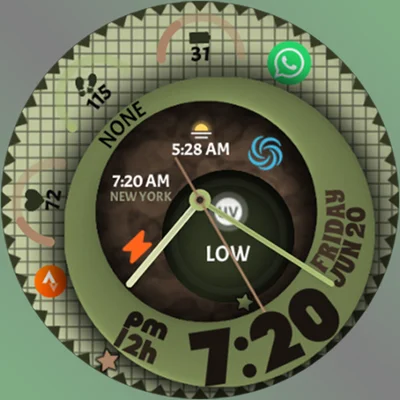
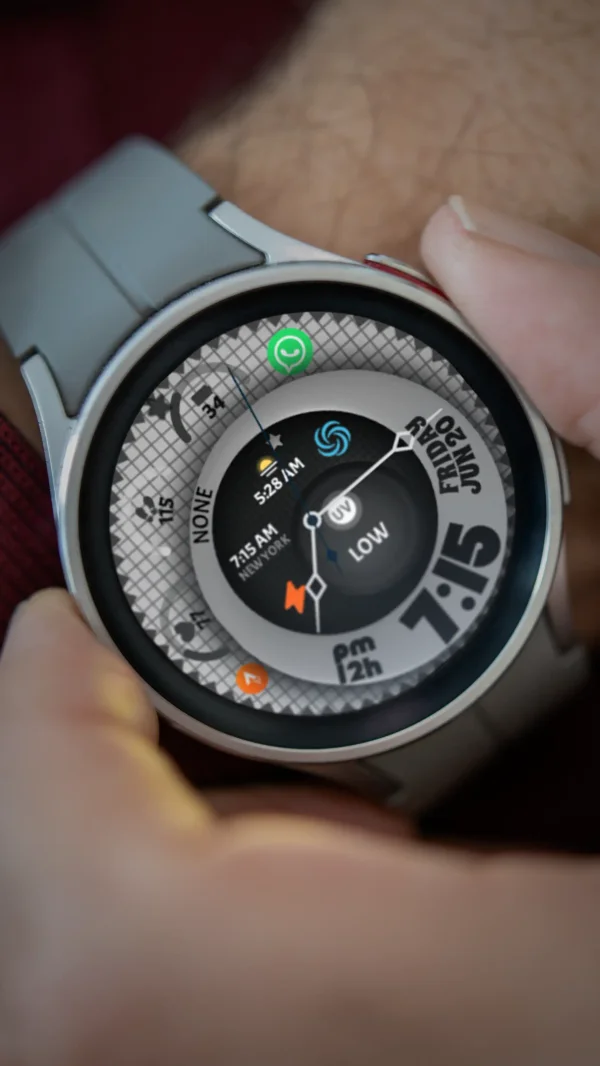
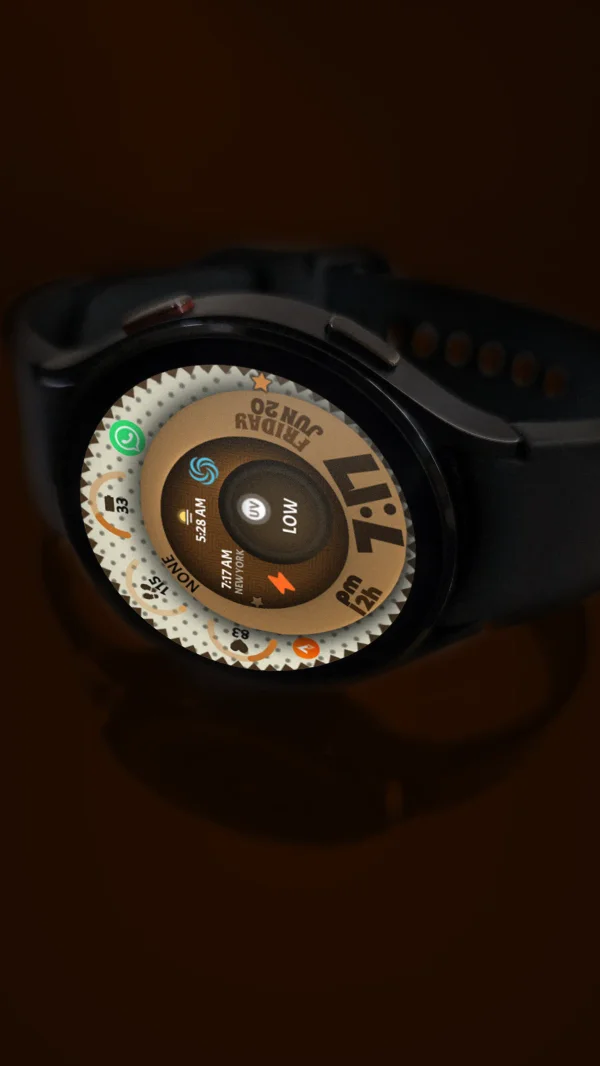
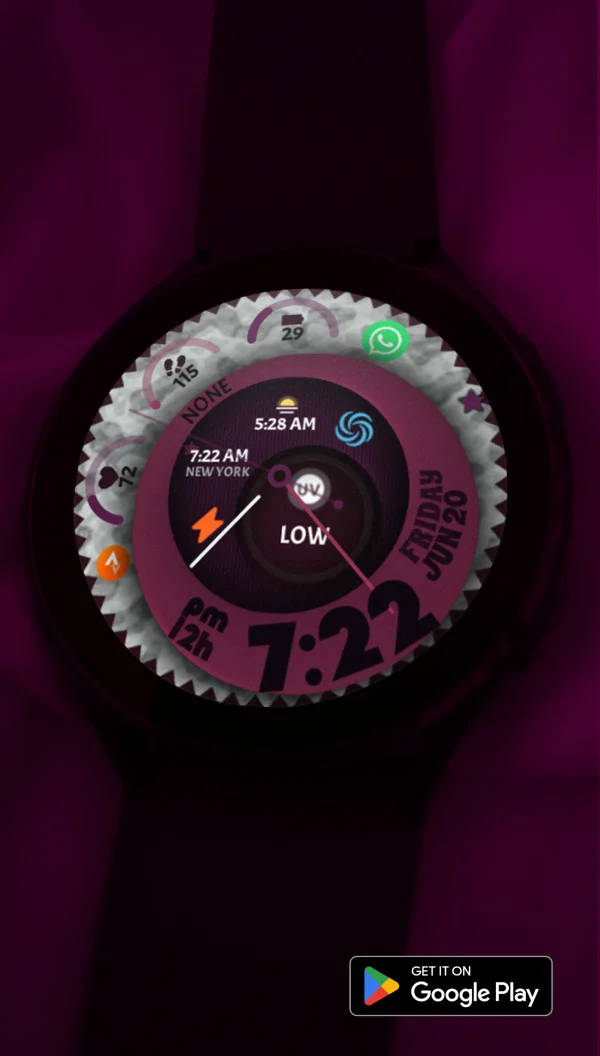
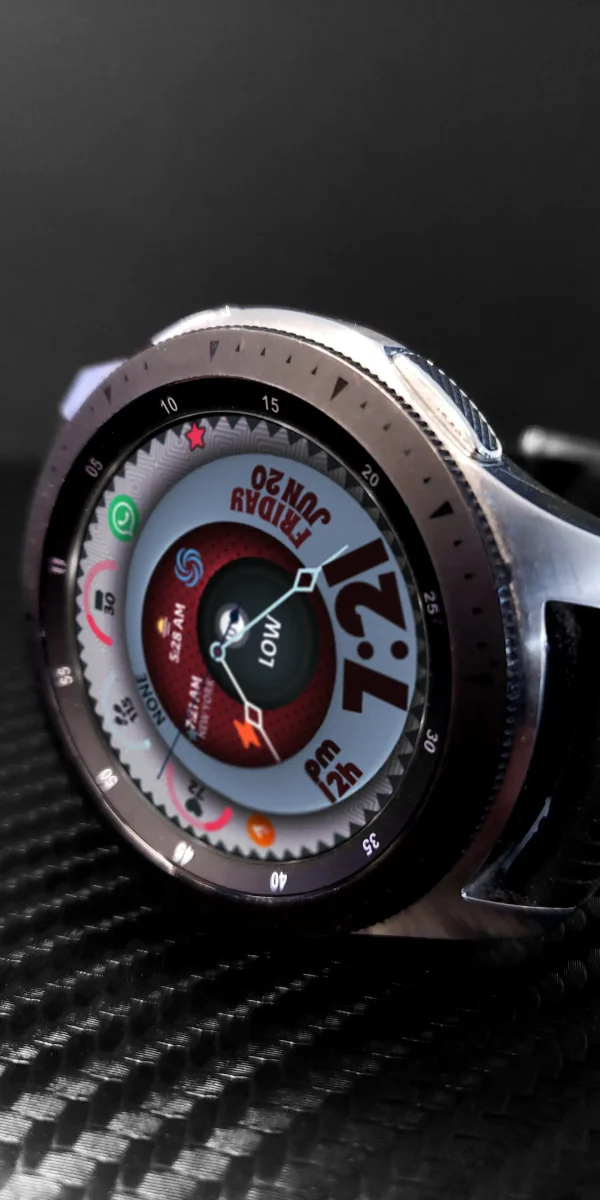
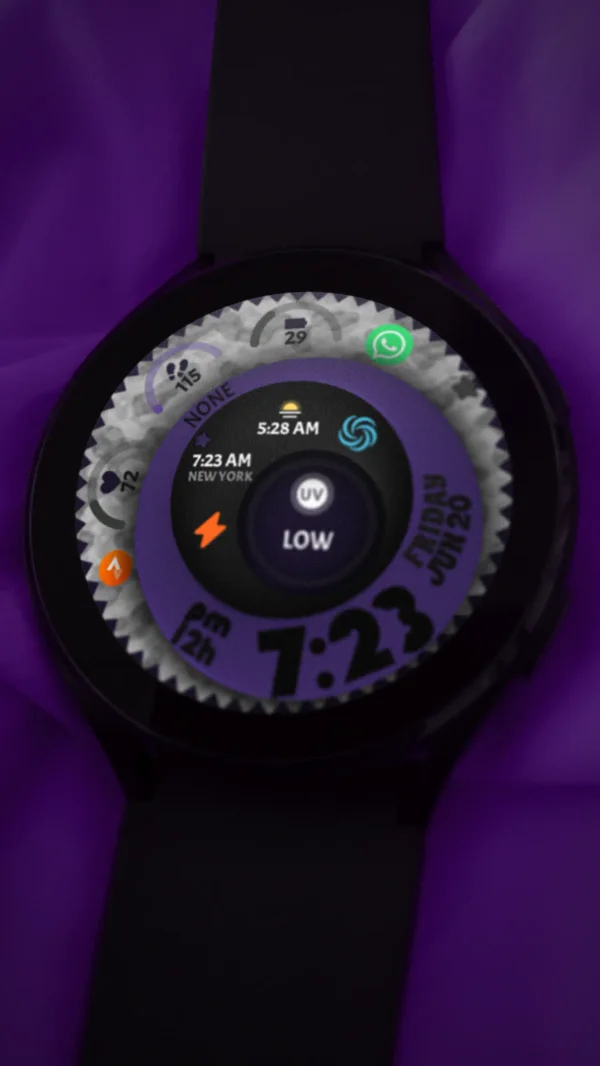
Cooles, einzigartiges Hybrid-Zifferblatt
WICHTIGER HINWEIS
**Wenn „Diese App ist für Ihr Gerät nicht verfügbar“ angezeigt wird, verwenden Sie den Play Store in einem Webbrowser (CHROME) auf einem PC, Laptop oder Smartphone anstelle der Play Store App auf Ihrem Smartphone. Kopieren Sie den Link zum Zifferblatt, fügen Sie ihn in Ihren Webbrowser (CHROME) ein und installieren Sie ihn.
Rens Watchfaces hat es sich zum Ziel gesetzt, Ihnen das beste Zifferblatt zu bieten, damit Sie es genießen können. Kontaktieren Sie uns unter renswatchface@gmail.com, bevor Sie eine schlechte Bewertung abgeben und eine Rückerstattung beantragen. Wir stellen Ihnen Screenshots und Anweisungen zur Installation des Zifferblatts zur Verfügung.
Verschiedene Möglichkeiten zur Installation eines Wear OS-Zifferblatts werden in diesem hilfreichen Video der Samsung-Entwickler gezeigt: https://youtu.be/vMM4Q2-rqoM
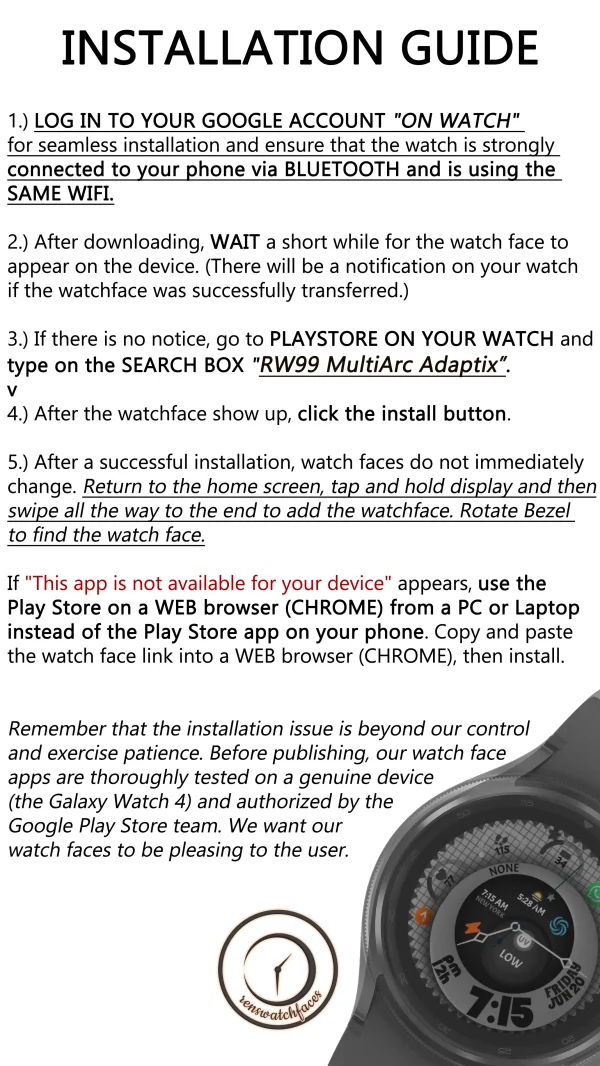
INSTALLATIONSANLEITUNG
1.) Melden Sie sich in Ihrem Google-Konto auf Ihrer Uhr an und stellen Sie sicher, dass die Uhr über Bluetooth fest mit Ihrem Smartphone verbunden ist und dasselbe WLAN verwendet.
2.) Warten Sie nach dem Herunterladen kurz, bis das Zifferblatt auf Ihrem Gerät angezeigt wird. (Sie erhalten eine Benachrichtigung auf Ihrer Uhr, wenn das Zifferblatt erfolgreich übertragen wurde.)
3.) Falls keine Benachrichtigung angezeigt wird, öffnen Sie den Playstore auf Ihrer Uhr und geben Sie in das Suchfeld „RW99 MultiArc Adaptix“ ein.
4.) Sobald das Zifferblatt angezeigt wird, klicken Sie auf die Schaltfläche „Installieren“.
5.) Nach erfolgreicher Installation ändern sich die Zifferblätter nicht sofort. Kehren Sie zum Startbildschirm zurück, tippen und halten Sie das Display und wischen Sie anschließend ganz nach unten, um das Zifferblatt hinzuzufügen. Drehen Sie die Lünette, um das Zifferblatt auszuwählen.
**Bitte haben Sie Geduld, da wir auf Installationsprobleme keinen Einfluss haben. Vor der Veröffentlichung werden unsere Zifferblatt-Apps gründlich auf einem Originalgerät (der Galaxy Watch 4) getestet und vom Google Play Store-Team autorisiert. Wir möchten, dass unsere Zifferblätter dem Nutzer gefallen.
************************
Alle Berechtigungen zulassen/aktivieren unter Einstellungen > Anwendungen > Berechtigungen
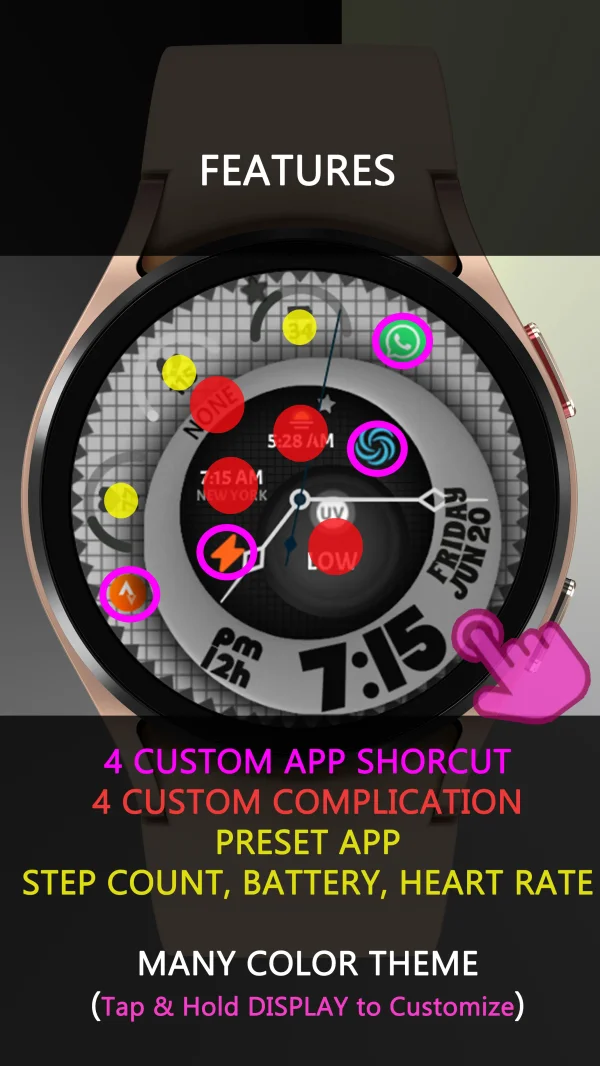
FUNKTIONEN
*4 BENUTZERDEFINIERTE KOMPLIKATIONEN
*4 BENUTZERDEFINIERTE APP-VERKNÜPFUNGEN
*VOREINGESTELLTE APP: HERZFREQUENZ, SCHRITTANZAHL, BATTERIESTATUS
*ALWAYS ON DISPLAY
*VIELE FARBEN- UND HINTERGRUNDKOMBINATIONEN (ZUM ANPASSEN AUF DAS DISPLAY TIppen & HALTEN)
*Einige Funktionen sind möglicherweise auf manchen Uhren nicht verfügbar.
Vielen Dank für Ihre Unterstützung.
**************
Vollständige Sammlung: rens watchfaces
Kontakt: renswatchface@gmail.com
Facebook-Seite: https://www.facebook.com/renswatchfaces
Originaltext anzeigen
IMPORTANT NOTE
**If "This app is not available for your device" appears, use the Play Store on a WEB browser (CHROME) from a PC or Laptop or Phone Web Browser instead of the Play Store app on your phone. Copy and paste the watch face link into a WEB browser (CHROME), then install.
Rens Watchfaces goal is to provide you with the best watch face so you can enjoy it. Contact us at renswatchface@gmail.com before giving a bad rating and request refund. We'll provide screenshots and instructions on how to install the watch face.
Several ways to install a Wear OS watch face are shown in this helpful video from Samsung Developers: https://youtu.be/vMM4Q2-rqoM
INSTALLATION GUIDE
1.) LOG IN TO YOUR GOOGLE ACCOUNT "ON WATCH" and ensure that the watch is strongly connected to your phone via BLUETOOTH and is using the SAME WIFI.
2.) After downloading, WAIT a short while for the watch face to appear on the device. (There will be a notification on your watch if the watch face was successfully transferred.)
3.) If there is no notice, go to PLAYSTORE ON YOUR WATCH and type on the SEARCH BOX "RW99 MultiArc Adaptix".
4.) After the watch face show up, click the install button.
5.) After a successful installation, watch faces do not immediately change. Return to the home screen, tap and hold display and then swipe all the way to the end to add the watch face. Rotate Bezel to find the watch face.
**Remember that the installation issue is beyond our control and exercise patience. Before publishing, our watch face apps are thoroughly tested on a genuine device (the Galaxy Watch 4) and authorized by the Google Play Store team. We want our watch faces to be pleasing to the user.
************************
ALLOW/ENABLE all permissions from Settings > Applications > Permissions
FEATURES
*4 CUSTOM COMPLICATION
*4 CUSTOM APP SHORTCUT
*PRESET APP: HEART RATE, STEPS COUNT, BATTERY STATUS
*ALWAYS ON DISPLAY
*MANY THEME COLOR & BACKGROUND COMBINATIONS (TAP & HOLD DISPLAY TO CUSTOMIZE)
*some features may not be available on some watches.
Thank you for your support.
**************
Full Collection: rens watchfaces
Contact us at: renswatchface@gmail.com
Facebook Page: https://www.facebook.com/renswatchfaces
Datensicherheit
Was rens watchfaces bei Google Play zu den Daten angibt, die diese App erfasst und weitergibt.
- Keine Daten werden mit Drittunternehmen oder -organisationen geteiltWeitere Informationen dazu, wie Entwickler Angaben zur Weitergabe von Daten machen
- Keine Daten erhobenWeitere Informationen dazu, wie Entwickler Angaben zur Datenerhebung machen
Kontakt zum Entwickler
- E-Mailrenswatchface@gmail.com
- Datenschutzerklärungsites.google.com
- Adresse0003 Blk 1 0 Lot Block BLK Dulo-Balon Batia Pantoc Meycauayan 3019 Philippines
Informationen
- Angeboten von
- rens watchfaces
- Kategorie
- Personalisierung
- Aktualisiert
- 18.10.2026
- Veröffentlicht
- 20.06.2025
- Altersfreigabe
- USK ab 0 Jahren
- Preis
- 0,59 €
- Paketname
- com.watchfacestudio.rw_99