SamWatch Dashboard D
Samtree- USK ab 0 JahrenAltersfreigabe
- PersonalisierungKategorie
- 13.08.2026Aktualisiert
- 1,79 €Preis
Verlinkt auf den offiziellen Google Play-Eintrag von com.watchfacestudio.samwatch_dashboard_d. Zuletzt geprüft am 17.11.2026.
Screenshots

Über diese App
Automatische Übersetzung von Google. Originalsprache: Englisch (Vereinigte Staaten).
Lernen Sie WatchFace von SamWatch kennen, das Ihnen Komfort in Ihrem Lebensstil bieten kann.
Diese App ist für Smartwatches gedacht, sodass Benutzer, die keine Smartwatch besitzen, das Zifferblatt beim Bezahlen nicht verwenden können.
*Die „SamWatch Install Guide“-Apps sind zusätzliche Apps, die das Herunterladen von Apps auf Wear OS-Geräten unterstützen. Es kann sich von dem unterscheiden
Watchface-Screenshot der App „SamWatch Install Guide“ und der Watchface-Screenshot, der tatsächlich heruntergeladen wurde. Die meisten Watchfaces von SamWatch
Zu den App-Produkten zählen Apps für Smartphones. Apps für „SamWatch Install Guide“ helfen Ihnen nur beim Herunterladen von Wear OS-Apps.
*Dieser Artikel enthält zusätzliche Anwendungen, die Ihr Smartphone unterstützen.
- Zugriff auf Samtrees Website.
– Es enthält Informationen zur Installation eines Zifferblatts.
- Diese App enthält eine Möglichkeit, das Problem zu lösen, wenn die Watchface-App nicht auf der Uhr installiert ist.
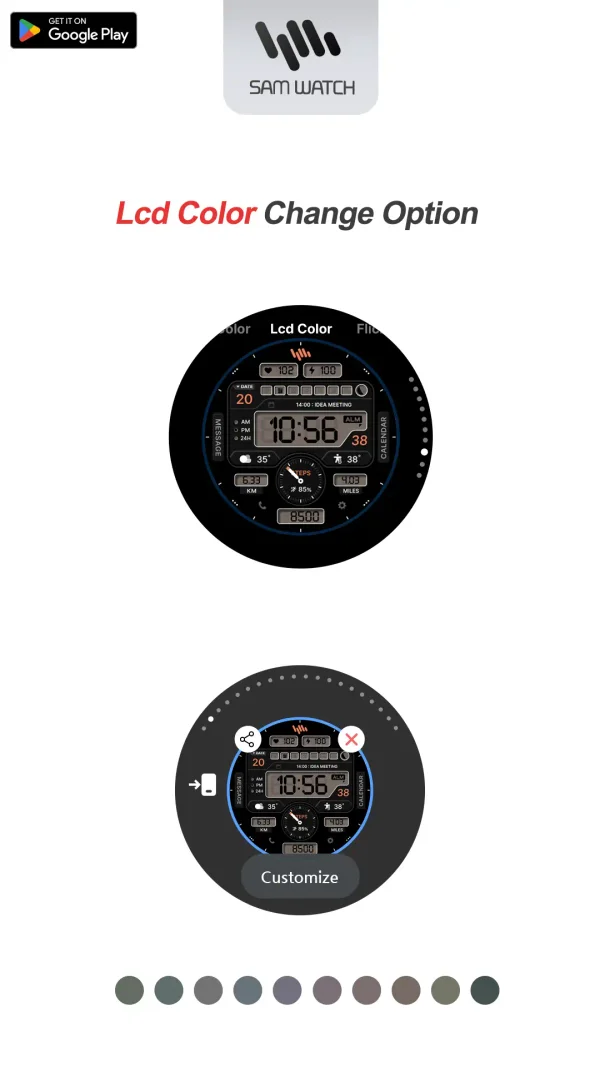
* Abhängig vom verwendeten Gerät wird im Anpassungsmodus möglicherweise die Schaltfläche „OK“ angezeigt.
* Bei einem Zifferblatt, das Herzfrequenzinformationen enthält, handelt es sich um Informationen, die von der Herzfrequenz-App im Uhrengerät gemessen werden.
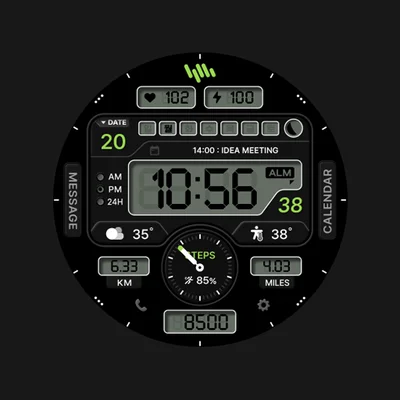
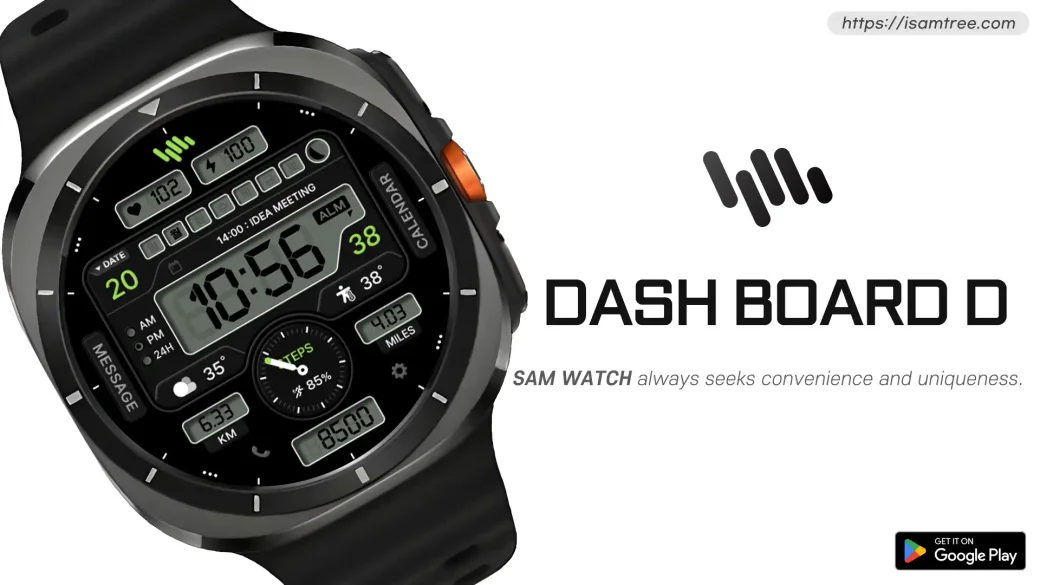
Dieses Zifferblatt ist ein analoges digitales Zifferblatt.
Dieses Zifferblatt entspricht der SamWatch Dashboard-Reihe.
Sie können Sprachen anhand des Markennamens von SamWatch unterscheiden.
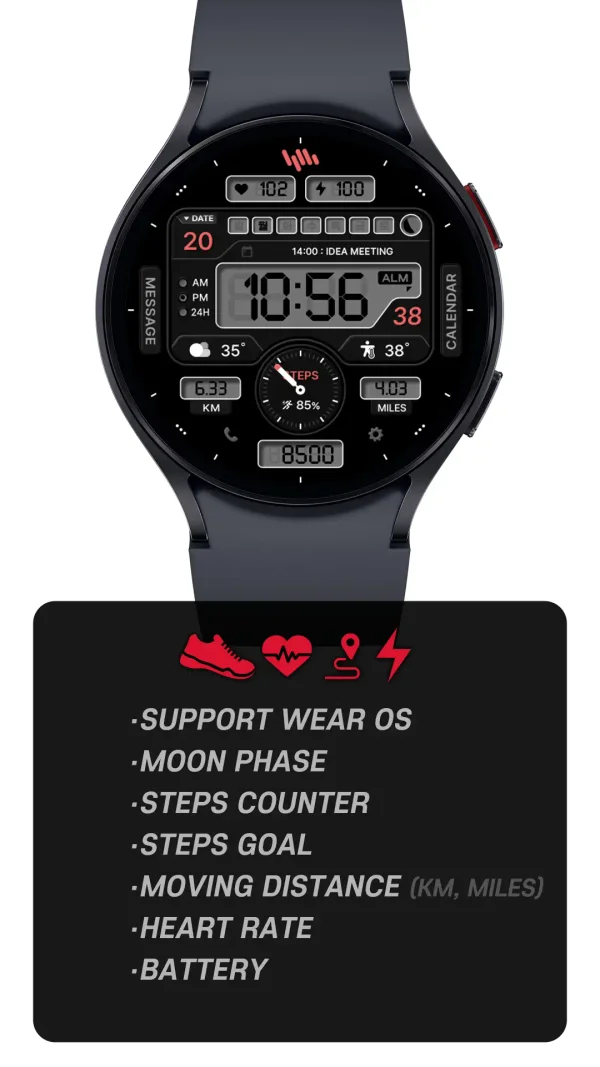
*Watchface-Funktion
- Unterstützt Wear OS-Geräte
- Schritte zählen
- Schrittziel (Schrittziel/1 Tag)
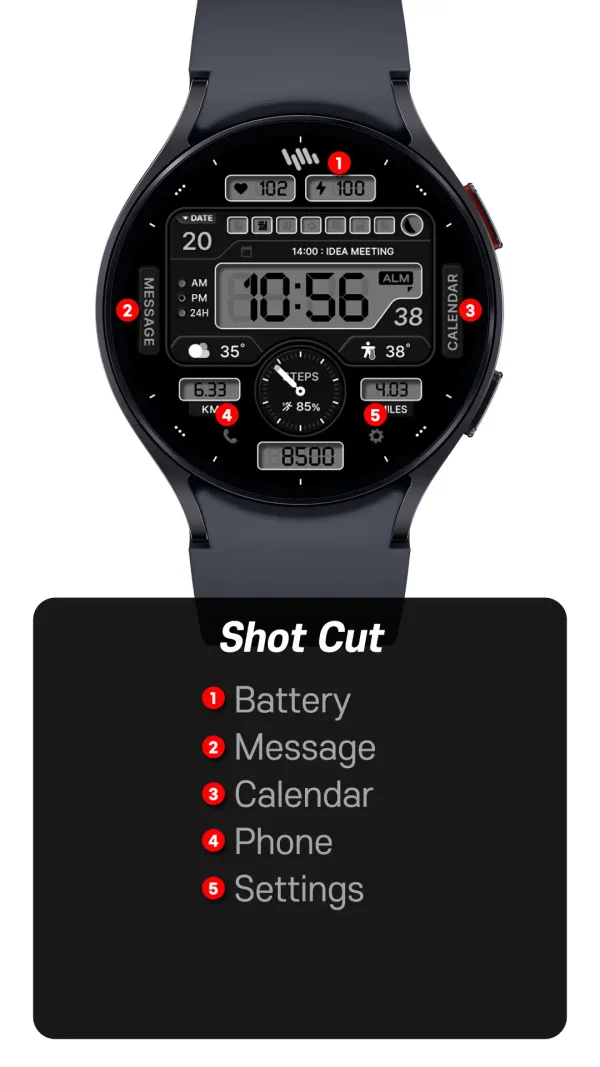
- Batterie
- Pulsschlag
- Mond Phase
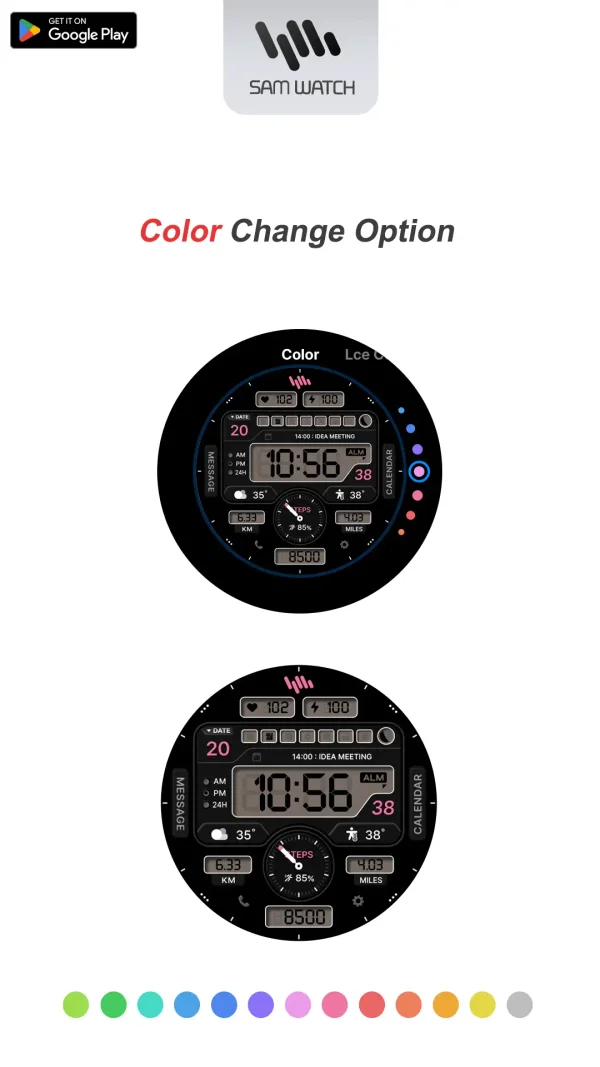
- Farbwechseloption
- Sprachoption (Englisch, Koreanisch, Spanisch, Französisch, Deutsch)
Samtree-Seite: https://isamtree.com
Galaxy Watch Café: http://cafe.naver.com/facebot
FaceBook-Seite: www.facebook.com/SamtreePage
Telegramm: https://t.me/SamWatch_SamTheme
Youtube: https://www.youtube.com/channel/UCobv0SerfG6C5flEngr_Jow
Blog: https://samtreehome.blogspot.com/
Koreanischer Blog: https://samtree.tistory.com/
Originaltext anzeigen
This app is for smartwatches, so users who do not have a smartwatch cannot use the watch face when paying.
*The ‘SamWatch Install Guide’ apps are additional apps that support downloading apps on Wear OS devices. It may be different from the
watchface screenshot of the ‘SamWatch Install Guide’ app and the watchface screenshot that actually downloaded. Most of SamWatch’s Watchface
app products include apps for smartphones. Apps for ‘SamWatch Install Guide’ only help you download Wear OS apps.
*This item includes additional applications that support your smartphone.
- Access to Samtree’s website.
- It includes information on installing a watchface.
- This app contains a way to solve the problem if the Watchface app is not installed on the watch.
* Depending on the device you are using, the OK button may be displayed in customize mode.
* For a watchface that contains heart rate information, it represents information measured by the heart rate app within the watch device.
This watch face is an Analog Digital WatchFace.
This watch face corresponds to the SamWatch Dashboard lineup.
You can distinguish languages by the brand name of SamWatch.
*Watchface function
- Support Wear OS Device
- Steps Count
- Steps Goal(Step Goal/1days)
- Battery
- Heartrate
- Moon phase
- Color Change Option
- Language Option(English, Korean, Spanish, French, German)
Samtree Page : https://isamtree.com
Galaxy Watch Cafe : http://cafe.naver.com/facebot
FaceBook Page : www.facebook.com/SamtreePage
Telegram : https://t.me/SamWatch_SamTheme
Youtube : https://www.youtube.com/channel/UCobv0SerfG6C5flEngr_Jow
Blog : https://samtreehome.blogspot.com/
Korean Blog : https://samtree.tistory.com/
Datensicherheit
Was Samtree bei Google Play zu den Daten angibt, die diese App erfasst und weitergibt.
- Keine Daten werden mit Drittunternehmen oder -organisationen geteiltWeitere Informationen dazu, wie Entwickler Angaben zur Weitergabe von Daten machen
- Keine Daten erhobenWeitere Informationen dazu, wie Entwickler Angaben zur Datenerhebung machen
Kontakt zum Entwickler
- Websiteisamtree.com
- E-Mailhelp@isamtree.com
- Datenschutzerklärungisamtree.com
- AdresseRm 1310 201 Daegudae-ro, Jillyang-eup 경산시, 경상북도 38453 South Korea
Informationen
- Angeboten von
- Samtree
- Kategorie
- Personalisierung
- Aktualisiert
- 13.08.2026
- Veröffentlicht
- 06.08.2024
- Altersfreigabe
- USK ab 0 Jahren
- Preis
- 1,79 €
- Paketname
- com.watchfacestudio.samwatch_dashboard_d