Smart Print for Printer App
Metaverse LabsEnthält Werbung · In-App-Käufe
- USK ab 0 JahrenAltersfreigabe
- ToolsKategorie
- 19.11.2026Aktualisiert
- KostenlosPreis
Verlinkt auf den offiziellen Google Play-Eintrag von co.vulcanlabs.printer. Zuletzt geprüft am 27.11.2026.

Screenshots
Über diese App
Der Entwickler hat diesen Text nicht in Ihrer Sprache bereitgestellt.
Mobile print master for document printing and various iprint printers supported
Smart Print – Mobile Print Master for Home, Office, and Travel
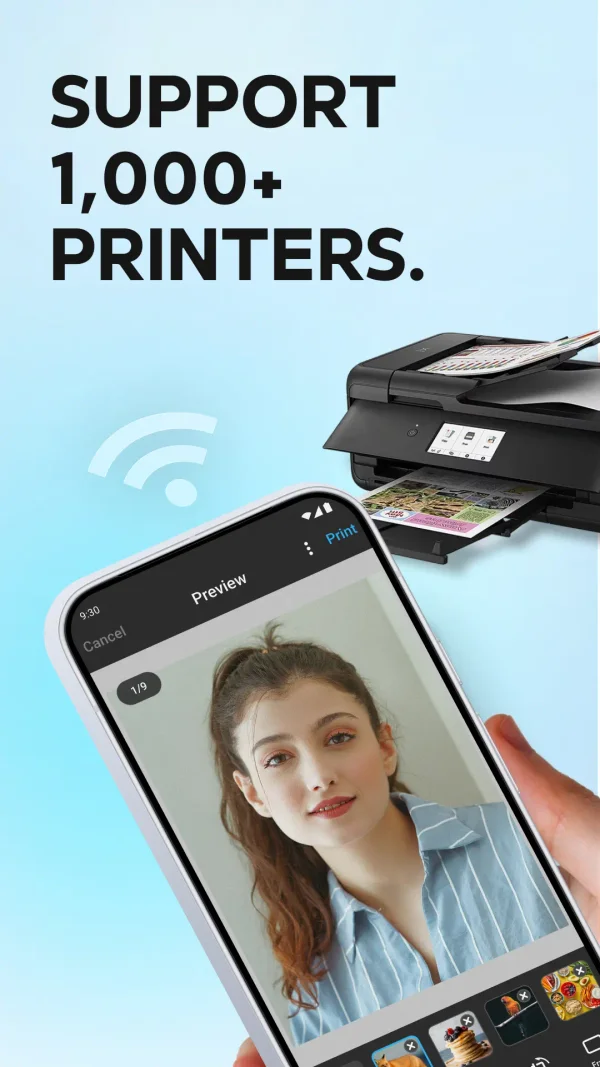
Smart Print is your all-in-one mobile printing solution for documents, photos, and web pages. Print directly from your Android phone or tablet to most WiFi, Bluetooth, or USB printers — no additional drivers needed.
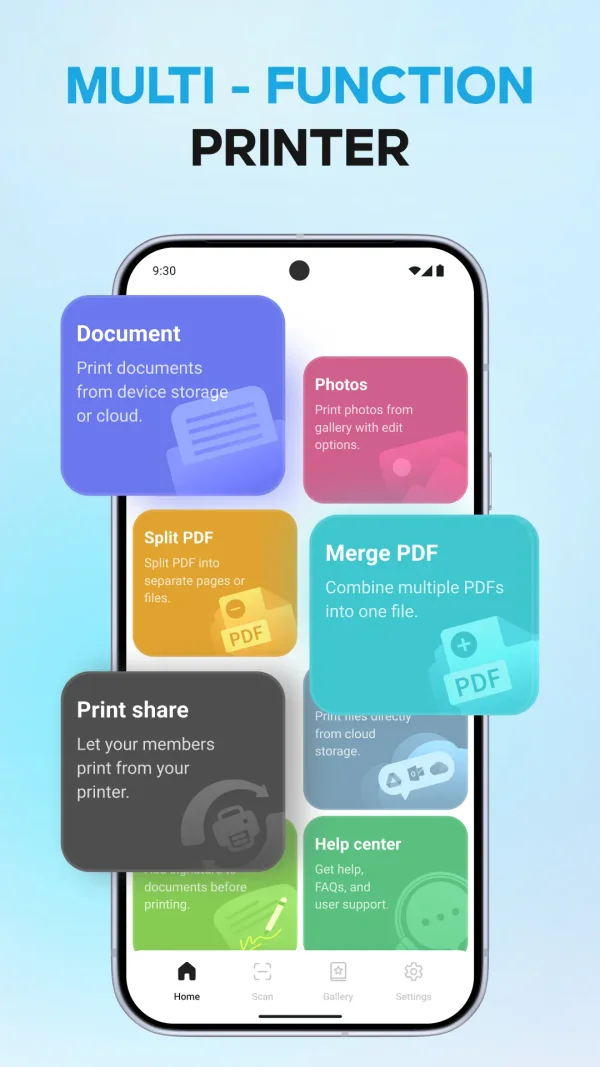
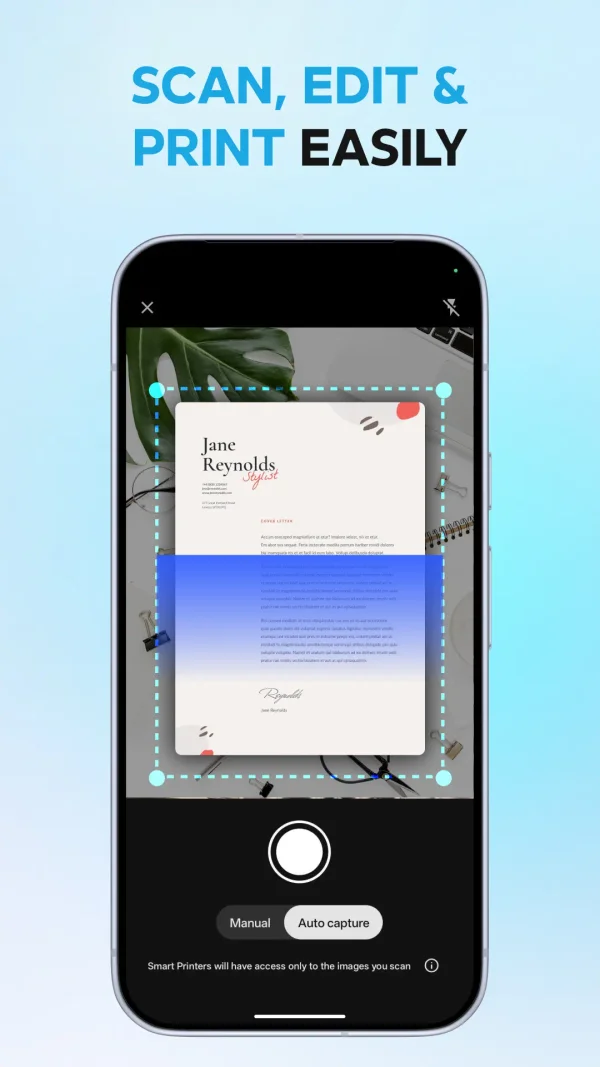
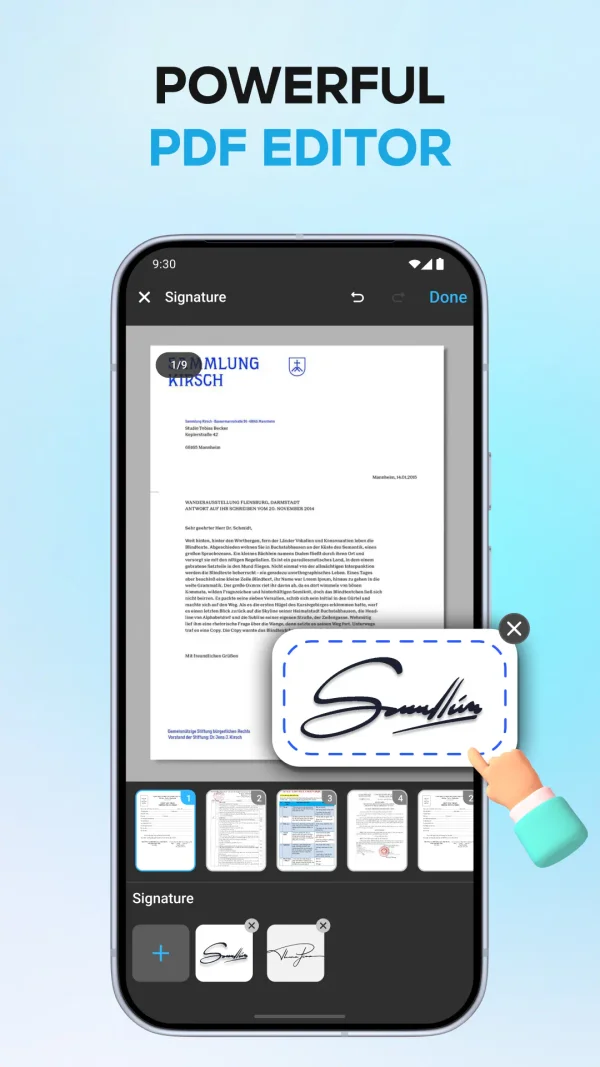
Scan documents to PDF, edit photos, merge/split PDF files, and print anytime, anywhere — whether you're at home, in the office, or on the go.
🖨️ Print from Anywhere
• Supports thousands of printer models across major brands
• Print from device storage, cloud services (Google Drive, Dropbox), email, and browser
• Fully compatible with wireless and mobile-connected printers
🔑 Key Features
• Direct printing from Android to inkjet, laser, or thermal printers
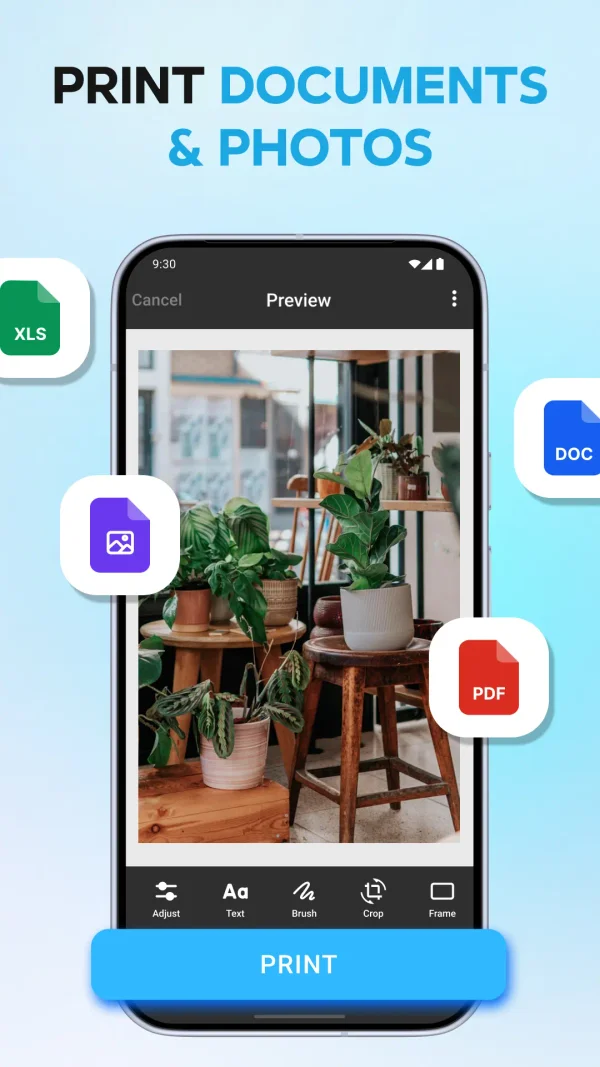
• Print photos (JPG, PNG, WEBP, etc.) and documents (PDF, Word, Excel, PPT)
• Scan to PDF using your phone's camera
• Print cloud files and email attachments
• Print via WiFi, Bluetooth, or USB-OTG
• Print web pages using the in-app browser
• Share & print from other apps via the system share menu
🆕 Built-In Photo & PDF Tools
• Merge and split PDFs in seconds
• Edit photos: crop, brightness, contrast, filters
• Preview all files before printing
• Resize or borderless photo printing supported
⚙️ Advanced Print Options
• Select page range, paper size/type, tray, quality, and duplex
• Color or black-and-white printing
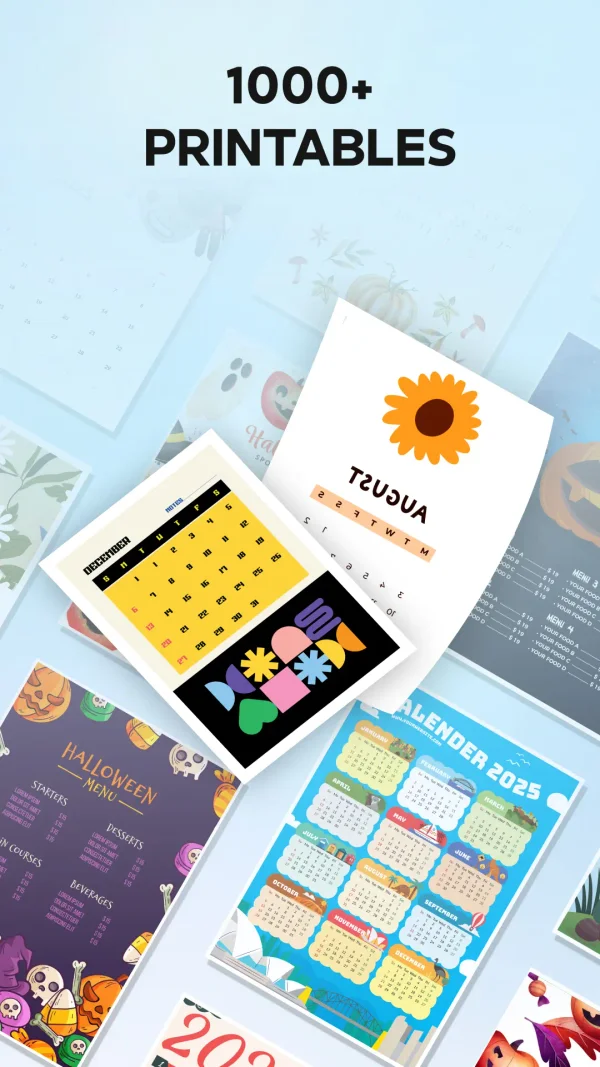
• 100+ free templates (cards, photo frames, calendars, etc.)
• Single or double-sided (duplex) support
✅ Works with:
• Most modern inkjet, laser, photo, thermal, and mobile printers
• Print via local WiFi networks, mobile hotspots, Bluetooth, or USB-OTG
• Compatible with a wide variety of printer brands and technologies*
*Disclaimer: This app is not affiliated with or endorsed by any printer brand. Compatibility is based on open standards like WiFi, Bluetooth, USB, and platform-native printing protocols.
Experience seamless mobile printing with Smart Print – your smart print master.
Privacy Policy: http://metaverselabs.ai/privacy-policy/
Terms of Use: http://metaverselabs.ai/terms-of-use/
Support: support@metaverselabs.ai
Datensicherheit
Was Metaverse Labs bei Google Play zu den Daten angibt, die diese App erfasst und weitergibt.
- Keine Daten werden mit Drittunternehmen oder -organisationen geteiltWeitere Informationen dazu, wie Entwickler Angaben zur Weitergabe von Daten machen
- Diese App kann die folgenden Datentypen erhebenPersonenbezogene Daten und App-Informationen und -Leistung
- Daten werden nicht verschlüsselt
- Daten können nicht gelöscht werden
Neue Funktionen
Version 6.0.6 · 19.11.2026
Fix minor bugs
Kontakt zum Entwickler
- Websitesmartwidgetlabs.com
- E-Mailsupport@vulcanlabs.co
- Datenschutzerklärungvulcanlabs.co
- AdresseRm 2202 22/F CAUSEWAY BAY PLZ PH I 489 HENNESSY RD 銅鑼灣 香港島 Hong Kong
Informationen
- Angeboten von
- Metaverse Labs
- Kategorie
- Tools
- Version
- 6.0.6
- Aktualisiert
- 19.11.2026
- Veröffentlicht
- 08.04.2021
- Erfordert
- Android 7.0 oder höher
- Altersfreigabe
- USK ab 0 Jahren
- Preis
- Kostenlos
- In-App-Käufe
- 2,99 €–42,99 € bei Abrechnung über Google Play
- Paketname
- co.vulcanlabs.printer