Smart Alarm Clock App
GT_ WatchFacesEnthält Werbung · In-App-Käufe
- USK ab 0 JahrenAltersfreigabe
- ToolsKategorie
- 17.07.2026Aktualisiert
- KostenlosPreis
Verlinkt auf den offiziellen Google Play-Eintrag von com.alarmclock.alarmapp.alarmwatch.clockApp. Zuletzt geprüft am 27.11.2026.
Screenshots


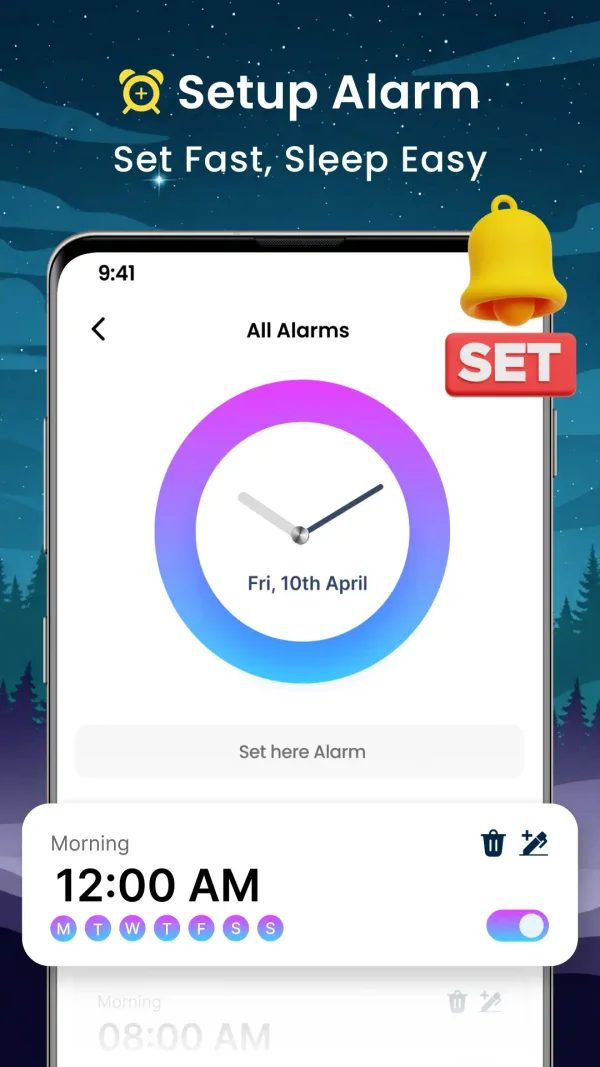
Über diese App
Der Entwickler hat diesen Text nicht in Ihrer Sprache bereitgestellt.
Smart Watch Alarm Clock with Voice reminder and Modern World Clock App.
Smart Alarm Clock Wake Up the Smarter Way
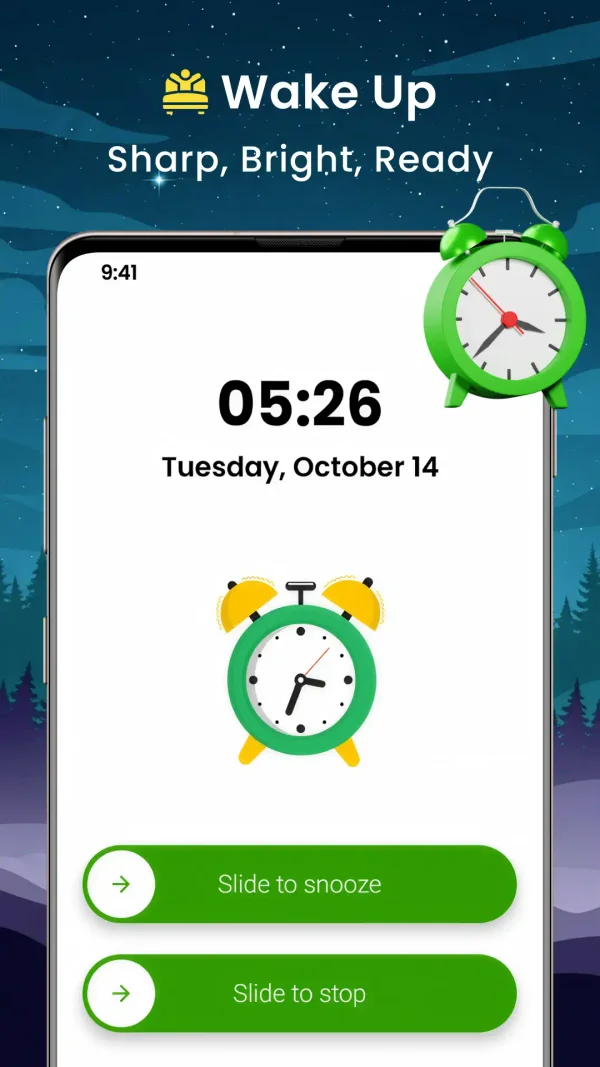
Beautiful Alarm Clock App for Android. Smart Alarm Clock for Heavy Sleepers. With a smart alarm, you can sleep as long as you want; it will wake you up until you get up and leave your bed with Reliable Alarm Clock App.
Smart Watch Alarm Clock
Smart Alarm Wake smarter, never late! Get up on time for work or school, no oversleeping. Smart Alarm Clock and Timer wake up smarter and manage your time with ease. Flip Clock Timer & Widget for stylish time tracking and home screen customization.
Smart Watch Alarm Clock
Say goodbye to oversleeping and start every morning on time with the Alarm Clock App. Packed with smart features, this digital clock app is designed to make waking up easier, your days more productive, and your nights more relaxing. Clock widgets for the home screen for Android.
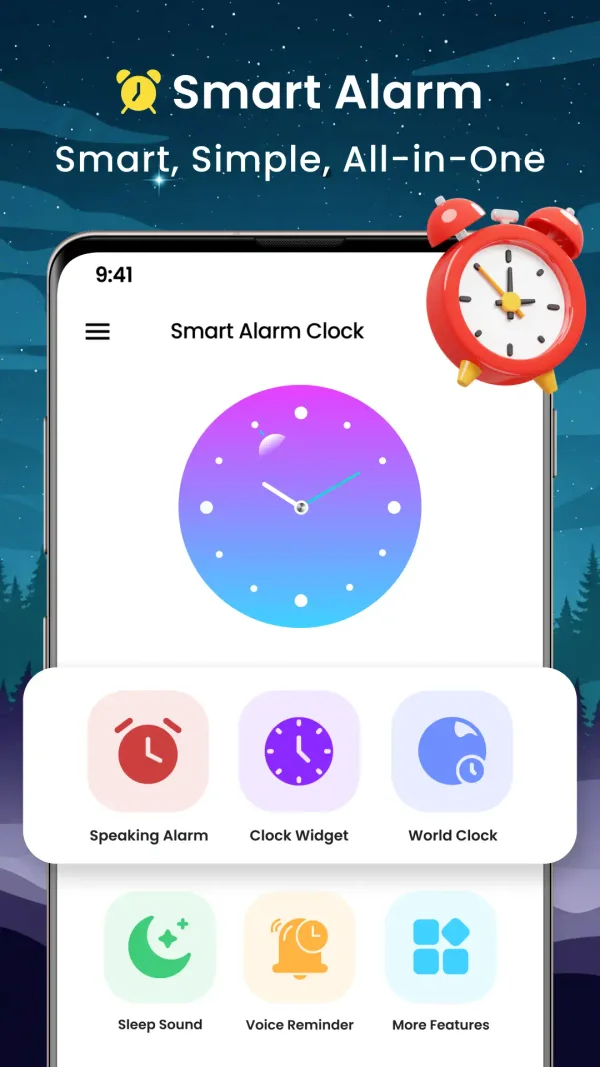
Alarm Clock Voice Reminder is a key feature
• Speaking Alarm Clock: Hear the time, or your custom message spoken aloud when the alarm rings.
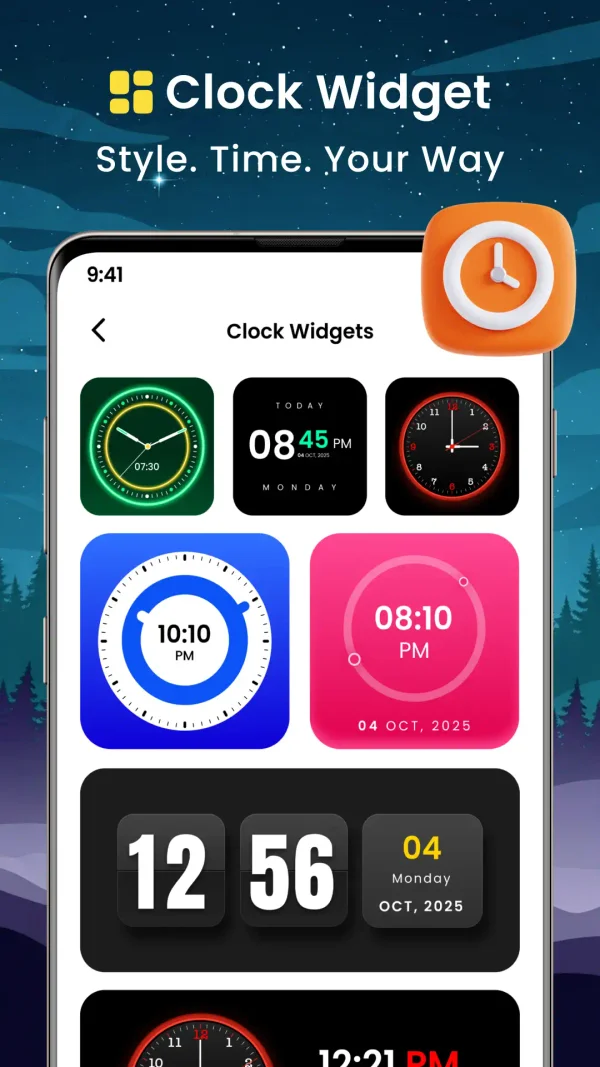
• Clock Widgets: Stylish and customizable widgets to keep time always visible on your home screen.
• Voice Reminders: Record and set reminders in your own voice so you never forget important tasks.
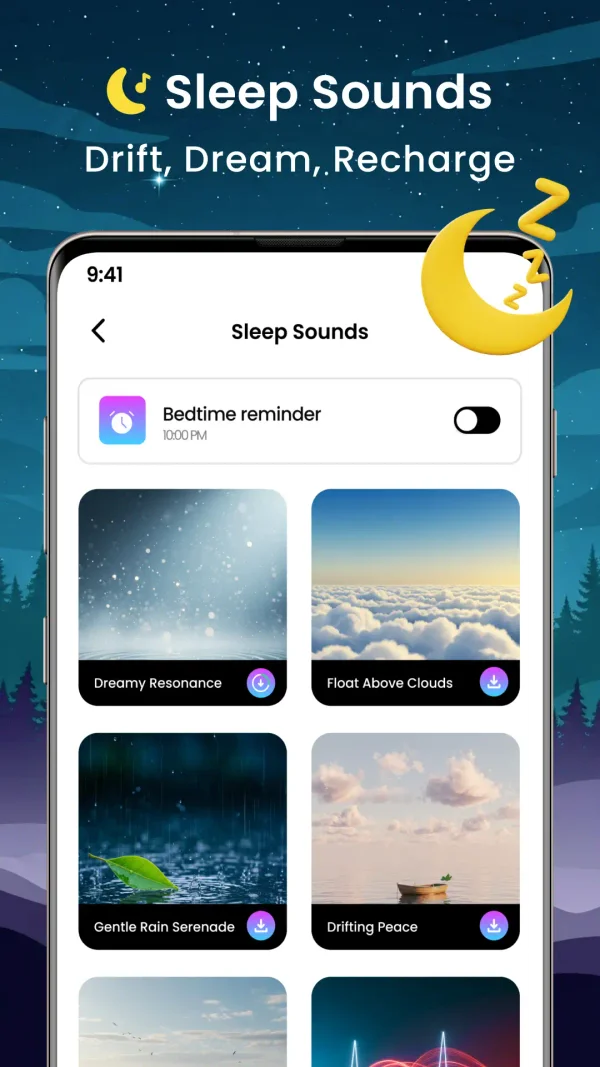
• Sleep Sounds: Relax and fall asleep faster with calming music and natural sounds.
• World Clock & Timer: Keep track of different time zones and set timers for workouts, study, cooking, or more.
• Flip Clock and more Features, Etc.
How to Use the Smart Alarm Clock App?
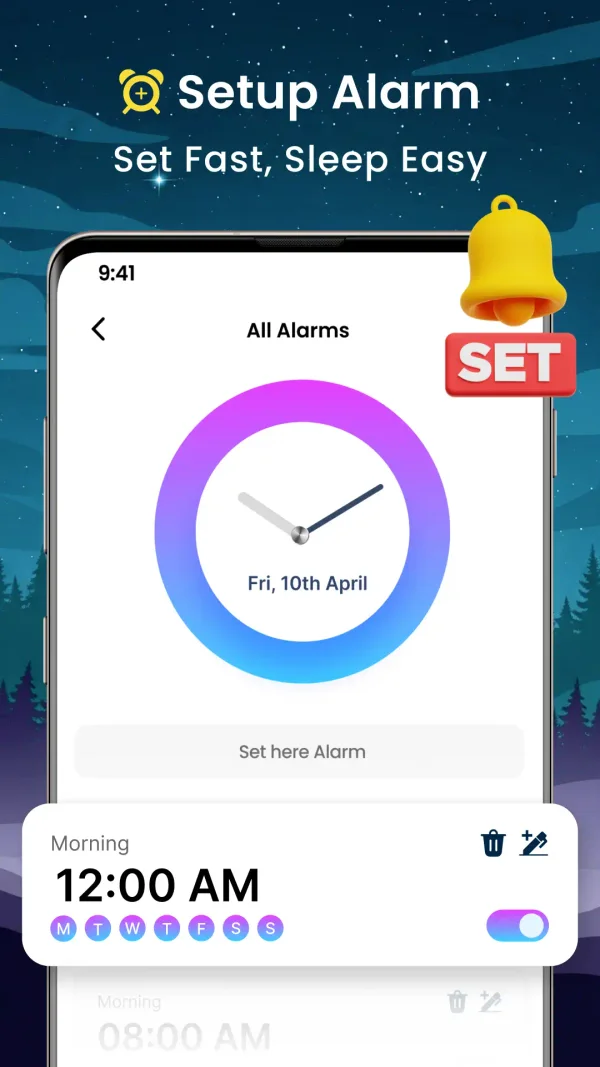
1. Set Your Alarm
• Open the app and tap the ➕ button.
• Choose the time, days, and alarm tone.
• Enable Speaking Alarm if you want the app to announce time, or reminders.
2. Add Voice Reminders
• Go to the Voice Reminder section.
• Record your reminder in your own voice (e.g., “Meeting at 10 AM”).
• The app will play it at the set time.
3. Use Sleep Sounds
• Tap on Sleep Sound before bed.
• Select from relaxing sounds (rain, waves, white noise, etc.).
• Set a timer so the sound stops automatically while you sleep.
4. Customize Widgets
• Long press your home screen → Widgets → Smart Alarm Clock.
• Choose from digital/analog styles to keep time visible anytime.
5. Check World Clock & Timer
• Open World Clock to see times in different cities.
• Use Timer/Stopwatch for workouts, study, cooking, or tasks.
Why Use This Alarm Clock App?
Easy-to-use Simple alarm clock smart alarm app.
Reliable loud alarm clock app for heavy sleepers.
Complete clock app with timer, sleep tracker, and reminders.
World Clock supports international use.
Helpful alarm clock for Android with everyday features.
Try the alarm clock app and stay on time with a reliable smart alarm clock that combines alarms, reminders, and daily tools in one place. Unlike an ordinary alarm app, Smart Alarm Clock is built to do more than just wake you up. With voice reminders, speaking alarms, and relaxing sleep sounds, it becomes your personal daily assistant.
Download Smart Alarm Clock now and enjoy the Smart alarms, reminders, widgets, sleep sounds, and world clock. Start and end your day the smart way.
Precautions: we are not using Any personal Data of User.
Privacy Policy:
https://sites.google.com/view/speakingalarmclock/home
Term & conditions:
https://sites.google.com/view/smartalarm-clock/home
Datensicherheit
Was GT_ WatchFaces bei Google Play zu den Daten angibt, die diese App erfasst und weitergibt.
- Keine Daten werden mit Drittunternehmen oder -organisationen geteiltWeitere Informationen dazu, wie Entwickler Angaben zur Weitergabe von Daten machen
- Diese App kann die folgenden Datentypen erhebenGeräte- oder andere IDs
- Daten werden bei der Übertragung verschlüsselt
- Du kannst das Löschen der Daten beantragen
Kontakt zum Entwickler
- Websitegreatteamapps.blogspot.com
- E-Mailgreatteamappsstudio@gmail.com
- Datenschutzerklärungsites.google.com
- AdresseCommercial Plaza Office No. 1, 1st Floor Khasra No. 3999-1662, Morgah Mor Rawalpindi, 46000 Pakistan
Informationen
- Angeboten von
- GT_ WatchFaces
- Kategorie
- Tools
- Version
- 2.4.59
- Aktualisiert
- 17.07.2026
- Veröffentlicht
- 01.07.2022
- Erfordert
- Android 7.0 oder höher
- Altersfreigabe
- USK ab 0 Jahren
- Preis
- Kostenlos
- In-App-Käufe
- 2,99 €–14,99 € bei Abrechnung über Google Play
- Paketname
- com.alarmclock.alarmapp.alarmwatch.clockApp
Ähnliche Apps
-
 Clock Phone 16, Alarm & Timer
Tools
-
 Sprechender Wecker Plus
Tools
-
 Wecker ohne Gedöns
Tools
-
 Einfacher Wecker
Effizienz
-
 Uhr App: Timer + Stoppuhr
Tools
-
 Alarm Clock Xtreme: Wecker
Effizienz
-
 Flowtime: Meditation & Relax
Gesundheit & Fitness
-
 Stahlkompass
Tools
-
 TSQ Arbeitszeiterfassung
Business
-
 Wetter - Wettervorhersage
Wetter
-
 Pushover
Effizienz
-
 Die Uhr: Toller Wecker & Timer
Effizienz