TP-Link Omada
TP-LINK SYSTEMS INC.- USK ab 0 JahrenAltersfreigabe
- ToolsKategorie
- 06.11.2026Aktualisiert
- KostenlosPreis
Verlinkt auf den offiziellen Google Play-Eintrag von com.tplink.omada. Zuletzt geprüft am 20.11.2026.
Screenshots
Über diese App
Automatische Übersetzung von Google. Originalsprache: Englisch (Vereinigte Staaten).
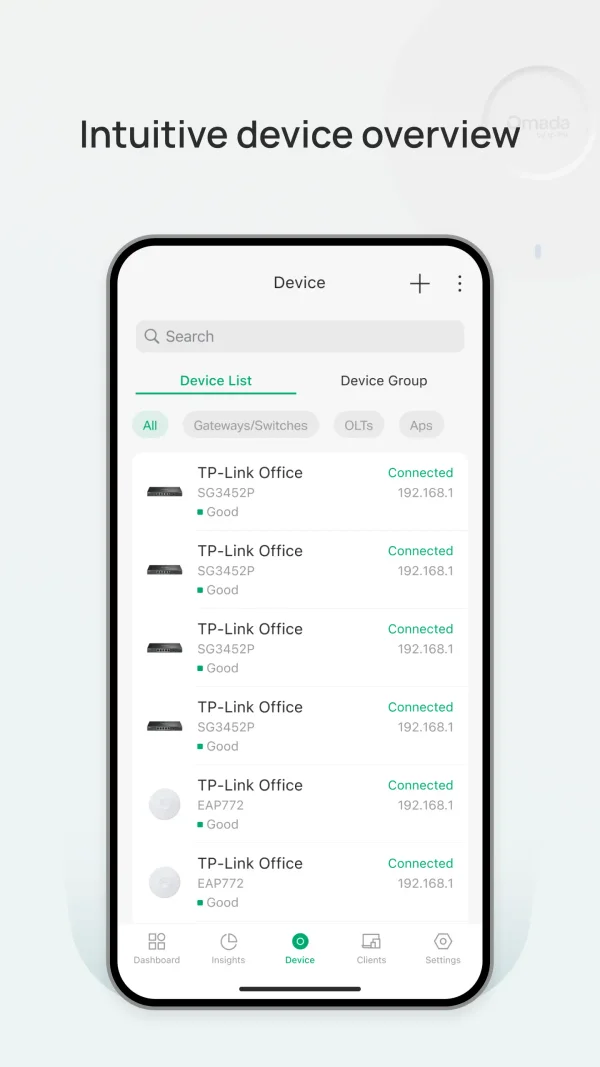
Die Omada-App wird zum Konfigurieren und Verwalten Ihrer Omada-Geräte verwendet.
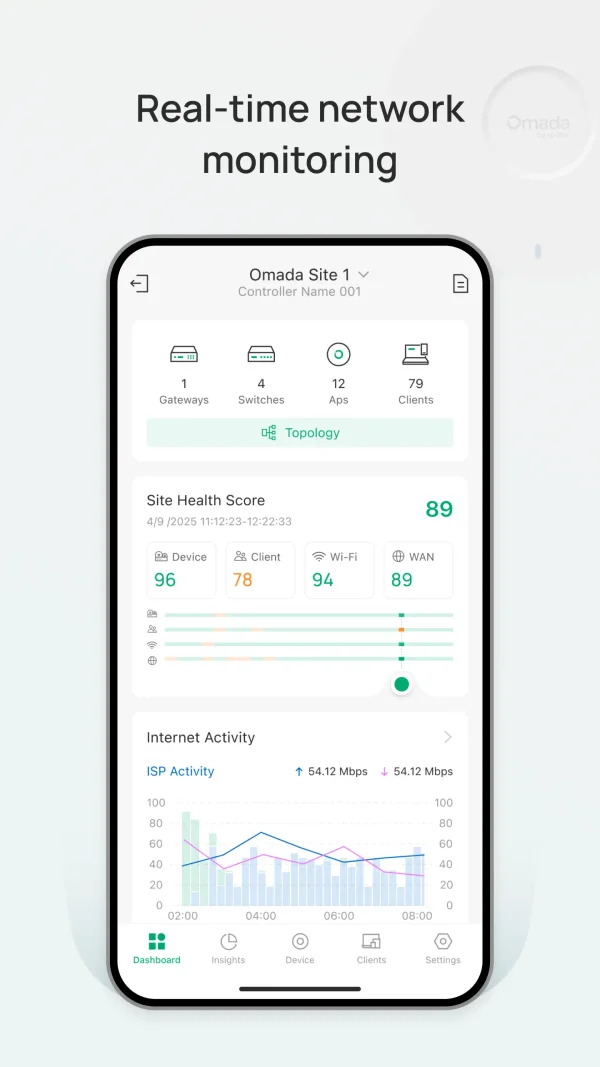
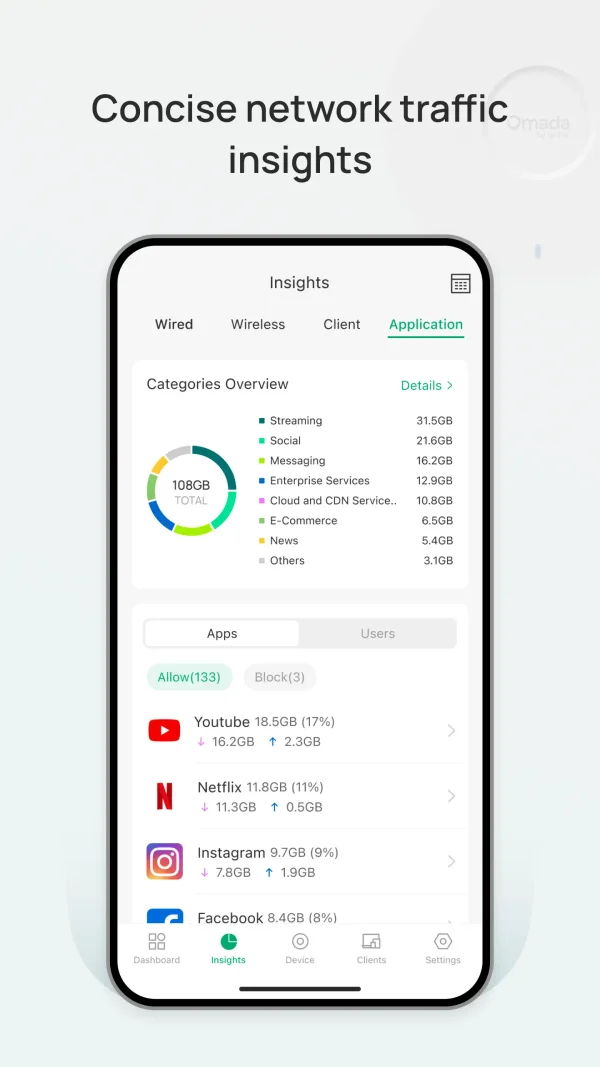
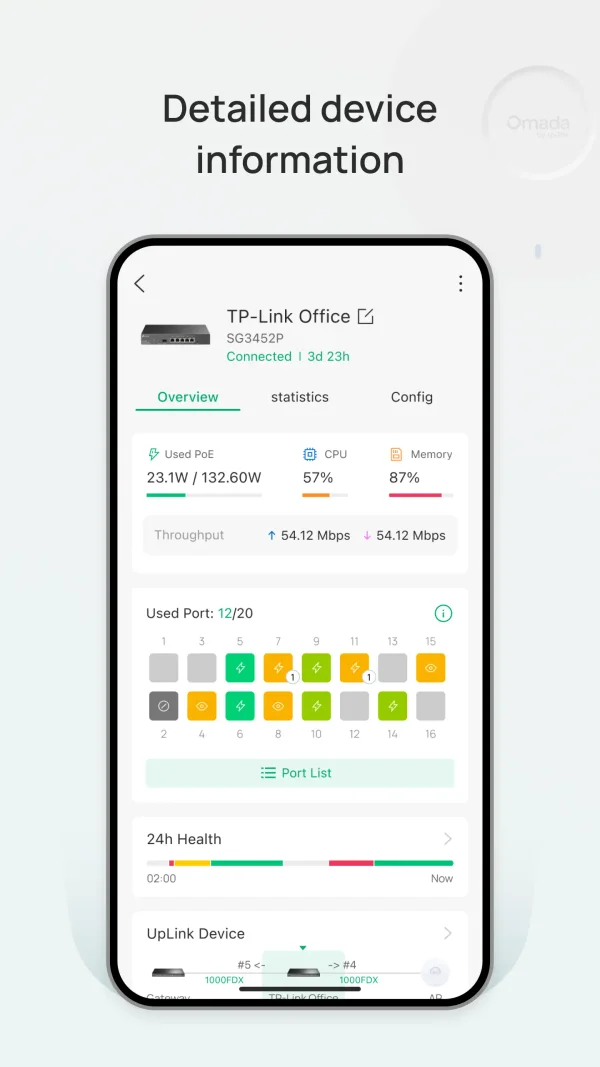
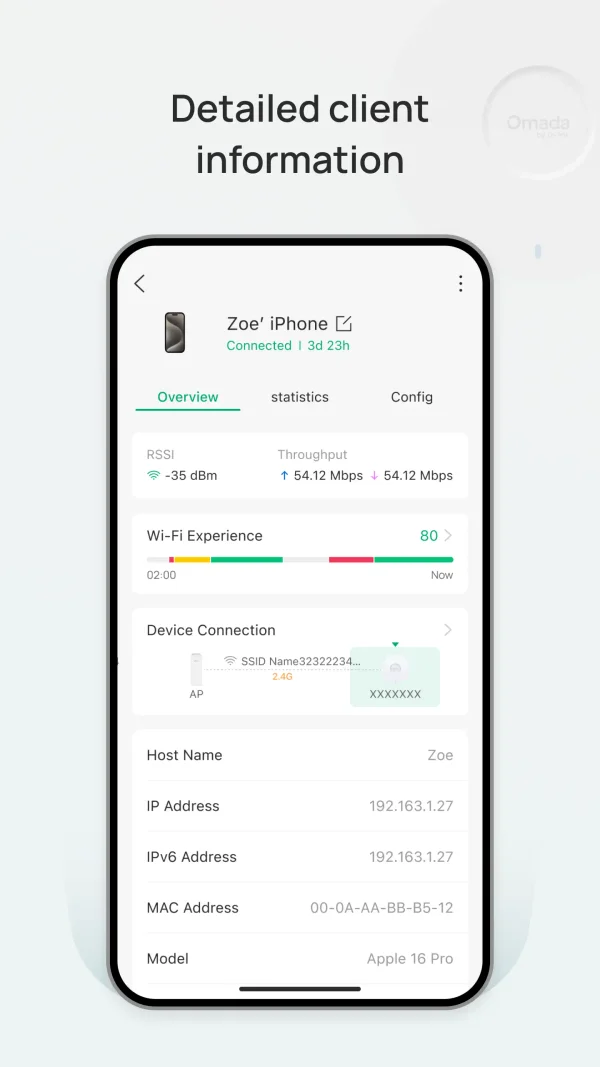
Die Omada-App wird zum Konfigurieren und Verwalten Ihrer Omada-Geräte verwendet. Sie können Einstellungen ändern, den Netzwerkstatus überwachen und Clients verwalten – alles bequem von einem Smartphone oder Tablet aus.
STANDALONE-MODUS
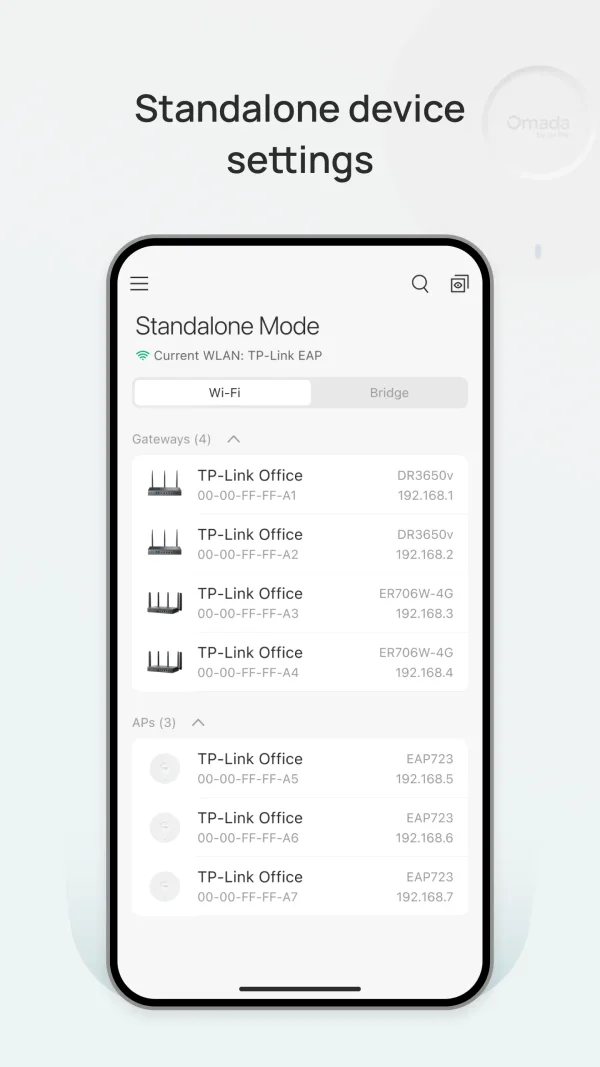
Der Standalone-Modus ist für die sofortige Verwaltung von EAPs oder WLAN-Routern konzipiert, ohne dass Zeit für die Konfiguration eines Controllers aufgewendet werden muss. Jedes Gerät wird separat verwaltet. Dieser Modus wird für Netzwerke empfohlen, die nur über wenige EAPs (oder WLAN-Router) verfügen und nur Grundfunktionen benötigen, wie z. B. ein Heimnetzwerk.
CONTROLLER-MODUS
Der Controller-Modus arbeitet mit einem Software-Omada-Controller oder einem Hardware-Cloud-Controller zusammen und eignet sich für die zentrale Verwaltung mehrerer Geräte (einschließlich Gateways, Switches und EAPs). Im Controller-Modus können Sie einheitliche Einstellungen konfigurieren und automatisch mit den Geräten im Netzwerk synchronisieren. Im Vergleich zum Standalone-Modus stehen mehr Konfigurationsoptionen zur Verfügung und es wird die Verwaltung von mehr Geräten im Controller-Modus unterstützt.
Sie können Geräte im Controller-Modus auf zwei Arten verwalten: über lokalen Zugriff oder Cloud-Zugriff. Im lokalen Zugriffsmodus kann die Omada-App Geräte verwalten, wenn sich der Controller und Ihr Mobilgerät im selben Subnetz befinden; Im Cloud-Zugriffsmodus kann die Omada-App über das Internet auf den Controller zugreifen, sodass Sie Ihre Geräte überall verwalten können.
Kompatibilitätsliste:
Der Controller-Modus unterstützt derzeit Hardware-Cloud-Controller (OC200 V1, OC300 V1), Software Omada Controller v3.0.2 und höher. (Um mehr Funktionsunterstützung und stabilere Dienste zu erhalten, empfehlen wir Ihnen, Ihren Controller auf eine neue Version zu aktualisieren.)
Der Standalone-Modus unterstützt derzeit die folgenden Modelle (mit aktueller Firmware):
EAP245 (EU)/(US) V1
EAP225 (EU)/(US) V3/V2/V1
EAP115 (EU)/(US) V4/V2/V1
EAP110 (EU)/(US) V4/V2/V1
EAP225-Outdoor (EU)/(US) V1
EAP110-Outdoor (EU)/(US) V3/V1
EAP115-Wall (EU) V1
EAP225-Wall (EU) V2
ER706W (EU)/(US) V1/V1.6
ER706W-4G (EU)/(US) V1/V1.6
*Die neueste Firmware ist erforderlich und kann unter https://www.tp-link.com/omada_compatibility_list heruntergeladen werden.
Weitere von der App unterstützte Geräte folgen!
Originaltext anzeigen
Omada app is used for configuring and managing your Omada devices. You can change settings, monitor the network status and manage clients, all from the convenience of a smart phone or tablet.
STANDALONE MODE
Standalone mode is designed for managing EAPs or wireless routers right away without having to spend time configuring a controller. Each device is managed separately. This mode is recommended for networks which only have a few EAPs (or wireless routers) and require only basic functions, such as home network.
CONTROLLER MODE
Controller mode works together with a software Omada Controller or a hardware Cloud Controller, and is suitable for managing multiple devices (including gateways, switches and EAPs) centrally. Controller mode allows you to configure and automatically synchronize unified settings to the devices in the network. Compared to Standalone Mode, more configuration options are available and supports to manage more devices in Controller mode.
You can manage devices in Controller mode in two ways: via Local Access or Cloud Access. In Local Access mode, the Omada app can manage devices when the Controller and your mobile device are in the same subnet; in Cloud Access mode, the Omada app can access the Controller across the internet so you can manage your devices wherever you are.
Compatibility List:
The controller mode currently supports hardware cloud controllers (OC200 V1, OC300 V1), software Omada Controller v3.0.2 and above. (To experience more features support and more stable services, we recommend that you upgrade your controller to a new version).
Standalone Mode currently supports the following models (with latest firmware):
EAP245 (EU)/(US) V1
EAP225 (EU)/(US) V3/V2/V1
EAP115 (EU)/(US) V4/V2/V1
EAP110 (EU)/(US) V4/V2/V1
EAP225-Outdoor (EU)/(US) V1
EAP110-Outdoor (EU)/(US) V3/V1
EAP115-Wall (EU) V1
EAP225-Wall (EU) V2
ER706W (EU)/(US) V1/V1.6
ER706W-4G (EU)/(US) V1/V1.6
*The latest firmware is required and can be downloaded from https://www.tp-link.com/omada_compatibility_list.
More devices supported by the app are coming!
Datensicherheit
Was TP-LINK SYSTEMS INC. bei Google Play zu den Daten angibt, die diese App erfasst und weitergibt.
- Keine Daten werden mit Drittunternehmen oder -organisationen geteiltWeitere Informationen dazu, wie Entwickler Angaben zur Weitergabe von Daten machen
- Diese App kann die folgenden Datentypen erhebenPersonenbezogene Daten, App-Aktivitäten und App-Informationen und -Leistung
- Daten werden bei der Übertragung verschlüsselt
- Du kannst das Löschen der Daten beantragen
Neue Funktionen
Version 5.3.80 · 06.11.2026
1. Fixed an issue where device icons could not load after the app was launched without an internet connection.
2. Fixed a crash issue and improved app stability.
Kontakt zum Entwickler
- Websiteomadanetworks.com
- E-Mailomada_feedback@tp-link.com
- Datenschutzerklärungprivacy.tp-link.com
- Adresse10 Mauchly Irvine, CA 92618-2306 United States
Informationen
- Angeboten von
- TP-LINK SYSTEMS INC.
- Kategorie
- Tools
- Version
- 5.3.80
- Aktualisiert
- 06.11.2026
- Veröffentlicht
- 17.04.2018
- Erfordert
- Android 9 oder höher
- Altersfreigabe
- USK ab 0 Jahren
- Preis
- Kostenlos
- Paketname
- com.tplink.omada