TRON Dark: Watch face
amoledwatchfaces™- USK ab 0 JahrenAltersfreigabe
- PersonalisierungKategorie
- 04.08.2026Aktualisiert
- 1,49 €Preis
Verlinkt auf den offiziellen Google Play-Eintrag von com.watchfacestudio.awftrondark. Zuletzt geprüft am 27.11.2026.
Screenshots




Über diese App
Automatische Übersetzung von Google. Originalsprache: Englisch (Vereinigte Staaten).
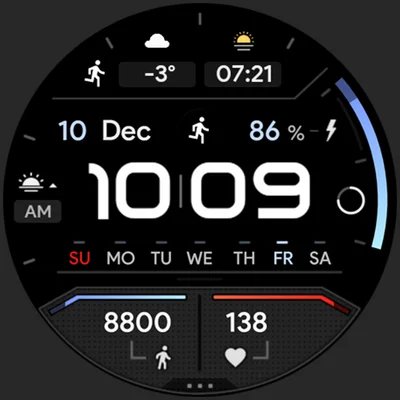
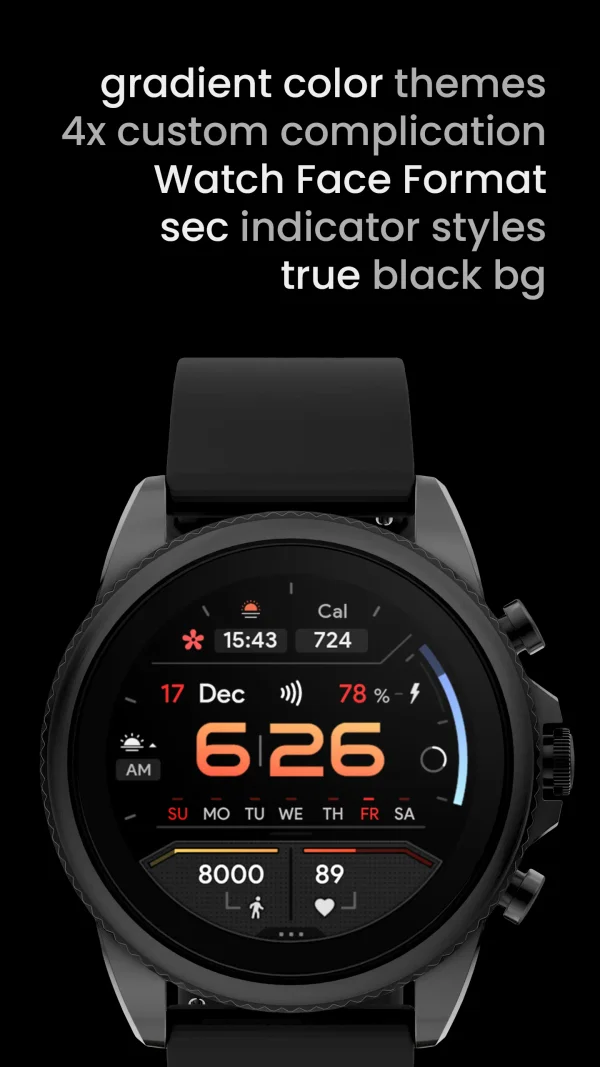
Echtschwarzer Hintergrund, von TRON inspiriertes digitales Zifferblatt für Wear OS
Nur für Wear OS API 28+-Geräte
Unterstützt von Watch Face Format
amoledwatchfaces.com
KAUFEN SIE EINEN, ERHALTEN SIE EIN ANGEBOT!
amoledwatchfaces.com/bogo
BENUTZERDEFINIERTE KOMPLIKATIONS-APPS
amoledwatchfaces.com/apps
FUNKTIONEN
• Zifferblattformat 1/2
• echter schwarzer Hintergrund
• Fortschrittskreis-Sekundenanzeige
• Lade-/kritische Batterieanzeige
• hohe Auflösung
• Wochentagsanzeige
• Mondphasenanzeige: https://bit.ly/3yuRwr1
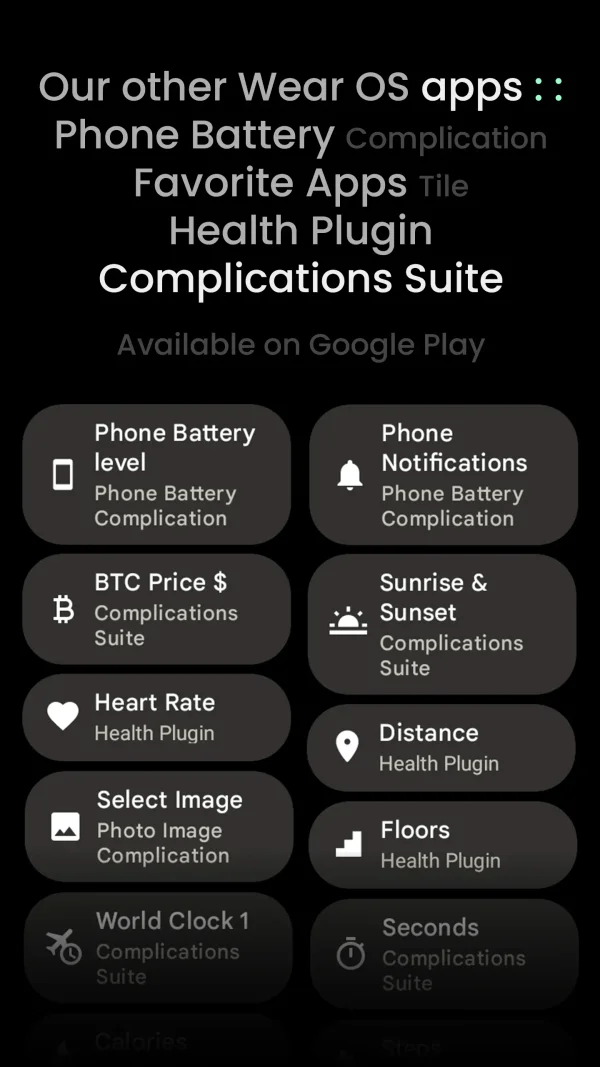
• Komplikation beim Akku des Telefons: https://bit.ly/3c31hoz
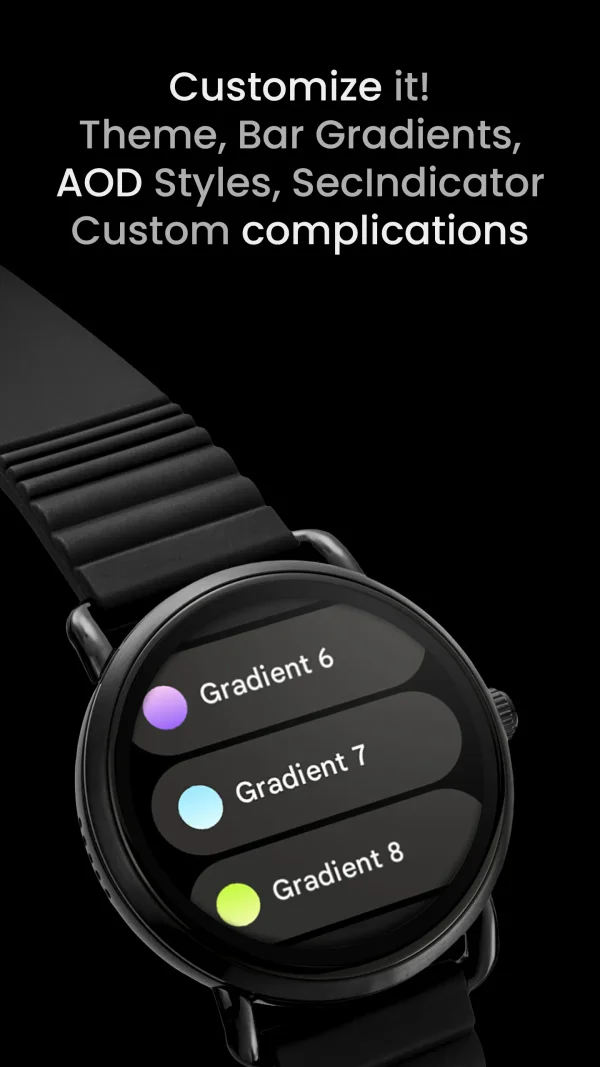
• Viele Optionen zur Anpassung der Verlaufsfarben
• Farben im Anpassungsmenü editierbar (speicherbare Farbeinstellungen)
• PNGQuant-optimierte Ebenen > batteriefreundlich
• Benutzerdefinierte Verknüpfung für die bevorzugte Gesundheits-App (Schritte)
• Einfacher Umgebungsmodus mit niedrigem OPR und adaptiven Farben
• 4x individuelle Komplikation
BALKENANZEIGEN
• Batterie - % - 0 >> 100
• Schritte Ziel %
• Herzfrequenz – 50 >> 150 BPM
APP-VERKNÜPFUNGEN
• Herzfrequenz – tippen, um die Herzfrequenz zu messen (die Uhr muss am Handgelenk getragen werden)
• Schritte – Öffnen Sie die Schritte-App
• vormittags/nachmittags – Offener Alarm
• Batterie % – Status der offenen Batterie
• Datum – Kalender öffnen
BENUTZERKONFIGURATIONEN
• Digitaler Farbverlauf (10-facher Farbverlauf, Farbton, Weiß)
• Stufenleiste (10x Farbverlauf, Tönung, Weiß)
• Batterieleiste (10x Farbverlauf, Tönung, Weiß)
• Sek.-Anzeige (Fortschritt, Digital, Aus)
• AOD-Stil (gedimmt, nur Zeit)
• Farbe (20x)
• Benutzerdefinierte Komplikationen (auch App-Verknüpfungen)
Anleitung zur Installation und Fehlerbehebung
amoledwatchfaces.com/guide
Bitte senden Sie alle Problemberichte oder Hilfeanfragen an unsere Support-Adresse
support@amoledwatchfaces.com
Treten Sie unserer Telegram-Gruppe für Live-Support und Diskussionen bei
t.me/amoledwatchfaces
Newsletter
amoledwatchfaces.com/contact#newsletter
amoledwatchfaces™ – Awf
Originaltext anzeigen
Only for Wear OS API 28+ devices
Powered by Watch Face Format
amoledwatchfaces.com
BUY ONE GET ONE OFFER!
amoledwatchfaces.com/bogo
CUSTOM COMPLICATION APPS
amoledwatchfaces.com/apps
FEATURES
• Watch Face Format 1 / 2
• true black background
• progress circle seconds indicator
• charging / critical battery indicator
• high resolution
• day of week indicator
• moon phase indicator: https://bit.ly/3yuRwr1
• phone battery complication: https://bit.ly/3c31hoz
• many gradient color customization options
• colors editable in customization menu (savable color settings)
• PNGQuant optimized layers > battery friendly
• custom shortcut for preferable health app (steps)
• simple ambient mode with low OPR & adaptive colors
• 4x custom complication
BAR INDICATORS
• battery - % - 0 >> 100
• steps goal %
• heart rate - 50 >> 150 BPM
APP SHORTCUTS
• heart rate - tap to measure HR (watch needs to be on wrist)
• steps - open steps app
• am/pm - open alarm
• battery % - open battery status
• date - open calendar
USER CONFIGURATIONS
• Digital Gradient (10x Gradient, Tint, White)
• Steps Bar (10x Gradient, Tint, White)
• Battery Bar (10x Gradient, Tint, White)
• Sec Indicator (Progress, Digital, Off)
• AOD Style (Dimmed, Time only)
• Color (20x)
• Custom complications (app shortcuts too)
Installation and troubleshooting guide
amoledwatchfaces.com/guide
Please send any issues reports or help requests to our support address
support@amoledwatchfaces.com
Join our Telegram group for live support and discussion
t.me/amoledwatchfaces
Newsletter
amoledwatchfaces.com/contact#newsletter
amoledwatchfaces™ - Awf
Datensicherheit
Was amoledwatchfaces™ bei Google Play zu den Daten angibt, die diese App erfasst und weitergibt.
- Keine Daten werden mit Drittunternehmen oder -organisationen geteiltWeitere Informationen dazu, wie Entwickler Angaben zur Weitergabe von Daten machen
- Keine Daten erhobenWeitere Informationen dazu, wie Entwickler Angaben zur Datenerhebung machen
Neue Funktionen
04.08.2026
v1.4.3
• week day names hotfix
v1.4.1
• watchface.xml optimizations
• added localized day names (Wear OS 5)
• HEART_RATE source type fix for Pixel Watches
v1.4.0
• raised targetSdk version
v1.3.8
• fixed day of week indicator
• minified watchface.xml
v1.3.6
• Time Only AOD fix
v1.3.5
• rebuilt in Android Studio using Watch Face Format 1
...
NOTE: Please consider full watch face reinstall in case you're having issues with custom complications after recent update.
Kontakt zum Entwickler
- Websiteamoledwatchfaces.com
- E-Mailsupport@amoledwatchfaces.com
- Datenschutzerklärungamoledwatchfaces.com
- Adresse51 Nižný Kručov 09301 Nižný Kručov Slovakia
Informationen
- Angeboten von
- amoledwatchfaces™
- Kategorie
- Personalisierung
- Aktualisiert
- 04.08.2026
- Veröffentlicht
- 07.12.2021
- Altersfreigabe
- USK ab 0 Jahren
- Preis
- 1,49 €
- Paketname
- com.watchfacestudio.awftrondark
Ähnliche Apps
-
 WFP 132 Digital watch face
Personalisierung
-
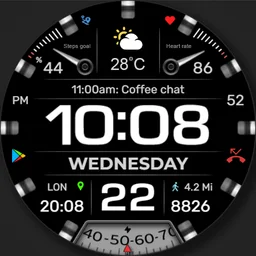 WFP 233 Digital watch face
Personalisierung
-
 TACT ONE: Watch face
Personalisierung
-
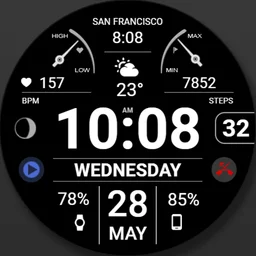 WFP 106 Information watch face
Personalisierung
-
 MD314 Health Watch Face
Personalisierung
-
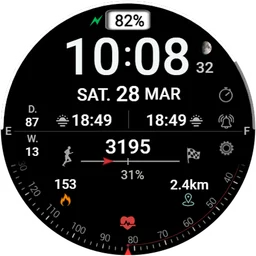 AMOLED Arc Watch face
Personalisierung
-
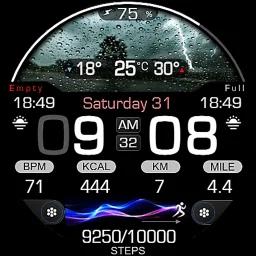 Modern Weather Digital ECO58
Personalisierung
-
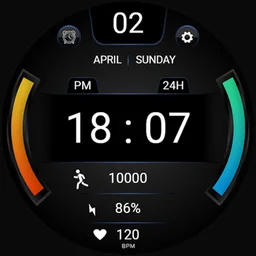 IA92 Digital Watchface
Personalisierung
-
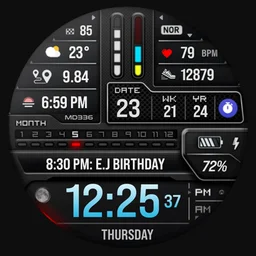 MD336 Digital watch face
Personalisierung
-
 MD337 Digital watch face
Personalisierung
-
 ML2U 212 Watch Face
Personalisierung
-
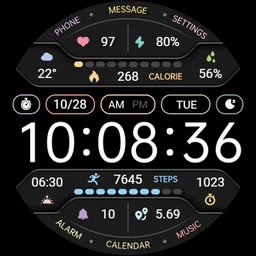 Digital Colorful
Personalisierung