
- Altersfreigabe4+
- KategorieFoto und Video
- EntwicklerLimit Point Software
- SprachenEnglisch
- Größe154,0 MB
Verlinkt auf die offizielle App Store-Seite
Download.org hostet keine Datei von AddMovie. Die Schaltfläche öffnet die App-Seite bei App Store, wo Limit Point Software die App veröffentlicht. Eintrag zuletzt geprüft am 16.11.2026.
Screenshots




Info
Der Entwickler hat diesen Text nicht in Ihrer Sprache bereitgestellt.
Combine videos, Live Photos, and still photos into a single video. Add wipe transitions and audio to the soundtrack. Reverse video and audio for creative effects. Trim video and audio together, or use the First Selected Media Item Audio option for actions like Replace Audio, Add Audio, or Add Audio From Current Time.
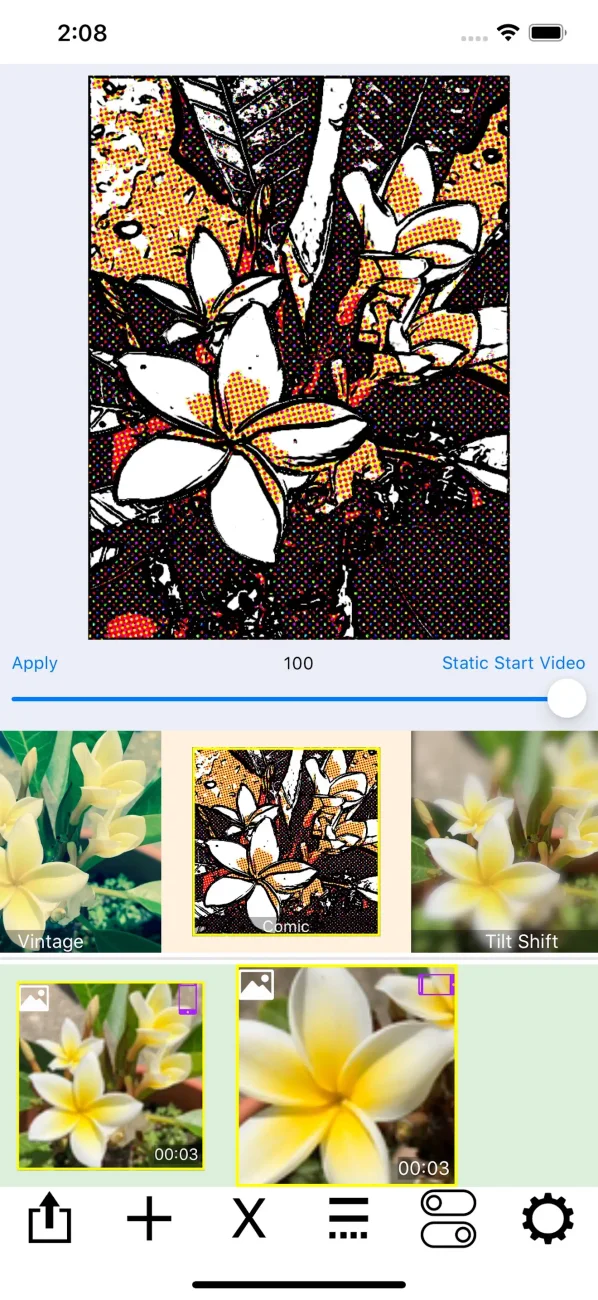
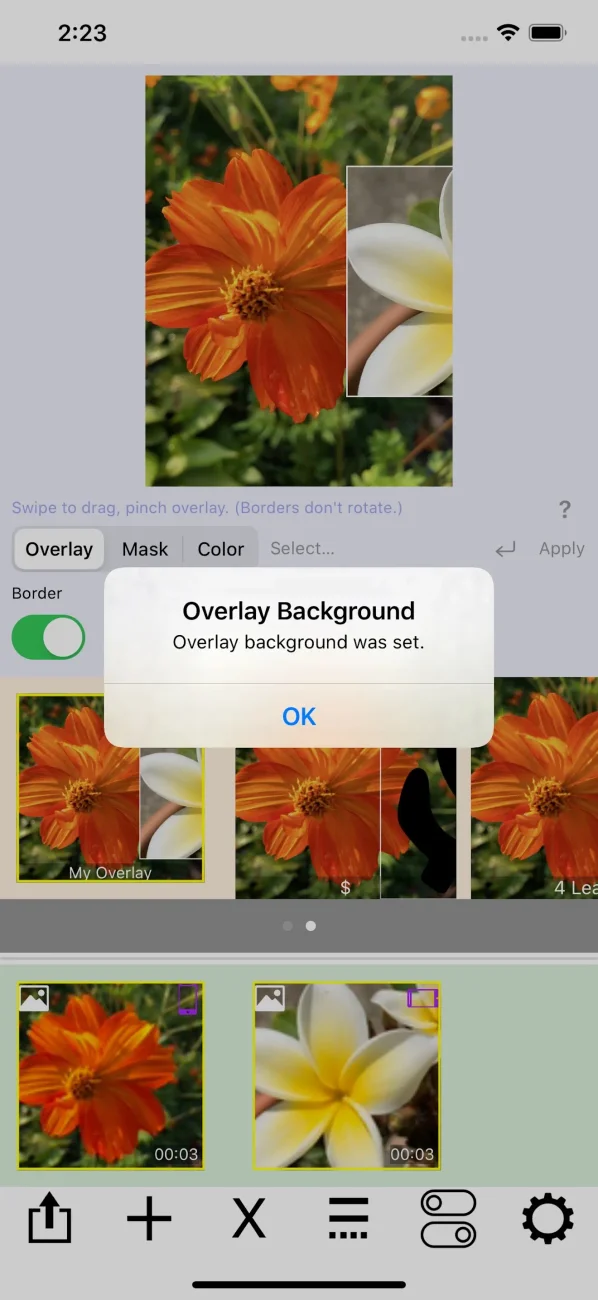
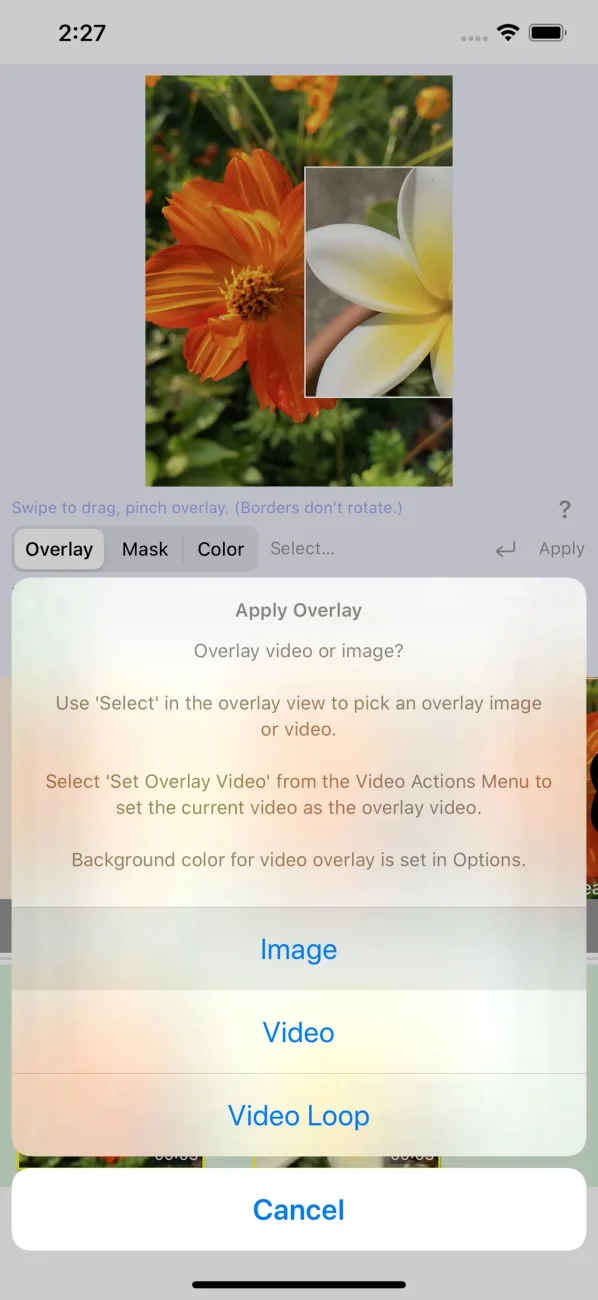
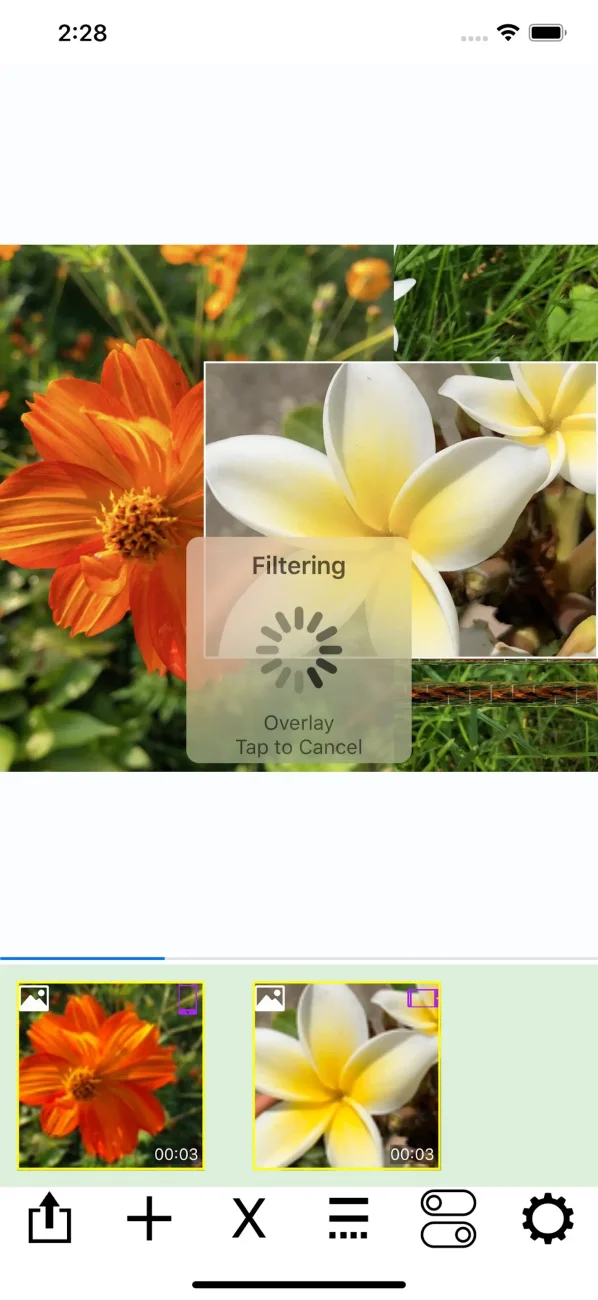
Live Photos and still images are automatically converted to video, enabling powerful editing actions such as filtering, trimming, cropping, rotating, labeling, and overlaying. Combine multiple videos using layouts like side-by-side, stacked, grids, or sliding conveyors.
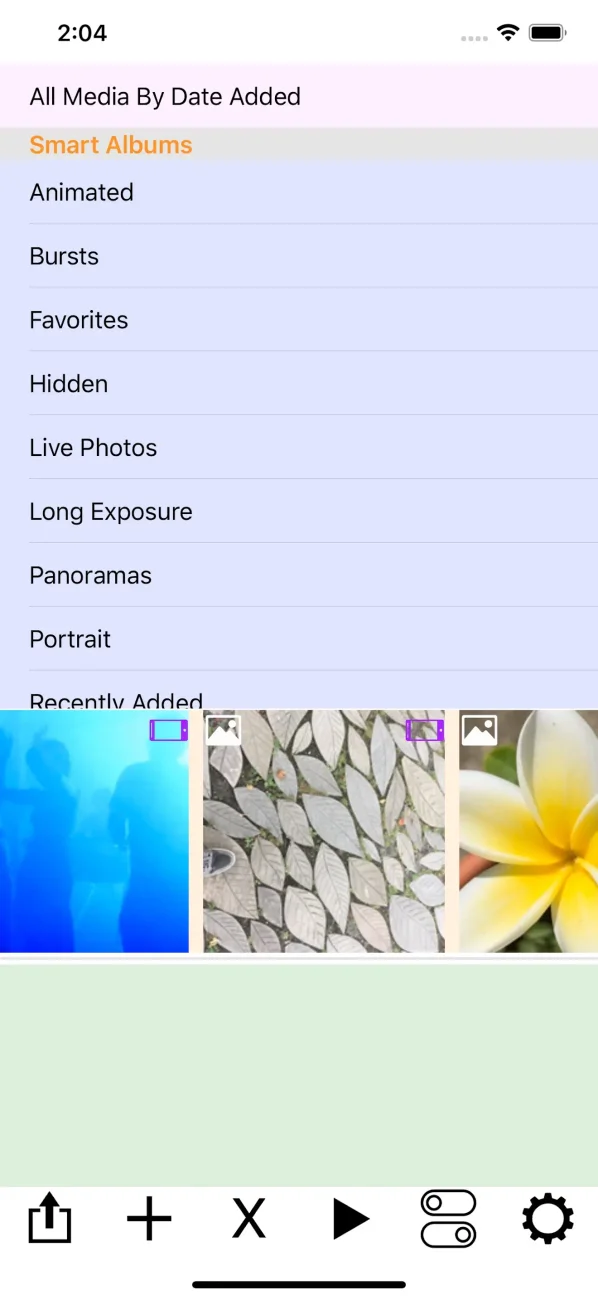
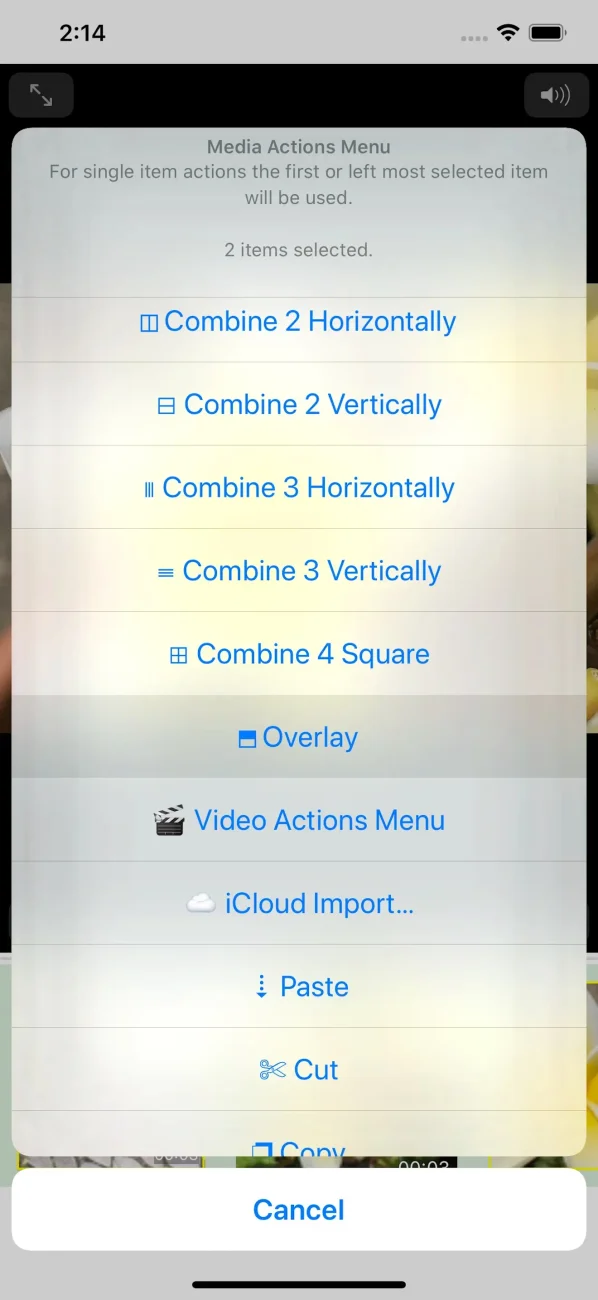
At the top of the screen, a picker displays your photo albums. Tap an album to browse its contents in the scrollable media collection below. Tap a media item to add it to your project. Use the media actions menu—accessed from the rightmost button—to import from iCloud, paste new media, or merge items.
AddMovie also supports importing media via share menus in other apps. Tap any media item to preview it, or tap and hold to open the video actions menu for editing.
AddMovie ensures video color accuracy by converting ProRes and other formats to H.264, providing the best compatibility across devices.
Neue Funktionen
Version 2.7.2 · 14.05.2026
Quickly load all media items from a selected album.
Steps
1. Select an album from Shared Albums or My Albums.
2. Open the Media Actions menu using the gear icon in the bottom toolbar.
3. Tap Insert All Album Items.
4. Confirm the alert to insert all album items into the media collection view.
App-Datenschutz
Was Limit Point Software im App Store zum Umgang dieser App mit Daten angibt.
-
Keine Daten erfasst
Der Entwickler erfasst keine Daten von dieser App.
Die Datenschutzpraktiken können variieren, zum Beispiel je nach den von Ihnen verwendeten Funktionen oder Ihrem Alter.
Informationen
- Anbieter
- Limit Point Software
- Kategorie
- Foto und Video
- Version
- 2.7.2
- Aktualisiert
- 14.05.2026
- Veröffentlicht
- 04.08.2018
- Größe
- 154,0 MB
- Erfordert
- iOS 16.4 oder neuer
- Altersfreigabe
- 4+
- Preis
- Kostenlos
- Sprachen
- Englisch
- Copyright
- Copyright © 2018-2026 Limit Point LLC
Das könnte Ihnen auch gefallen
-
 Easy Video MergerFoto und Video
-
 Squarely - Multi Video EditorFoto und Video
-
 Merge Videos - CompilationFoto und Video
-
 Video Joiner - Merger to joinFoto und Video
-
 Videos zusammenfügen: MergerVerbinden ohne Wasserzeichen
-
 Combine Video MakerFoto und Video
-
 VSilencer - Remove AudioFoto und Video
-
 Video Merger: Join videosFoto und Video
-
 Merge Video: Combine Vid ClipsVerwandeln Sie viele Clips
-
 Videos Zusammenfügen, MergerVideo zusammenführen, Combine