Agronet PRO
Prevent your yield from frost
Entwickelt für iPhone, iPod touch
Kostenlos · In-App-Käufe
- Altersfreigabe4+
- KategorieDienstprogramme
- EntwicklerVidicom
- SprachenFranzösisch+ 3 weitere
- Größe39,8 MB
Verlinkt auf die offizielle App Store-Seite
Download.org hostet keine Datei von Agronet PRO. Die Schaltfläche öffnet die App-Seite bei App Store, wo Vidicom die App veröffentlicht. Eintrag zuletzt geprüft am 17.11.2026.
Screenshots

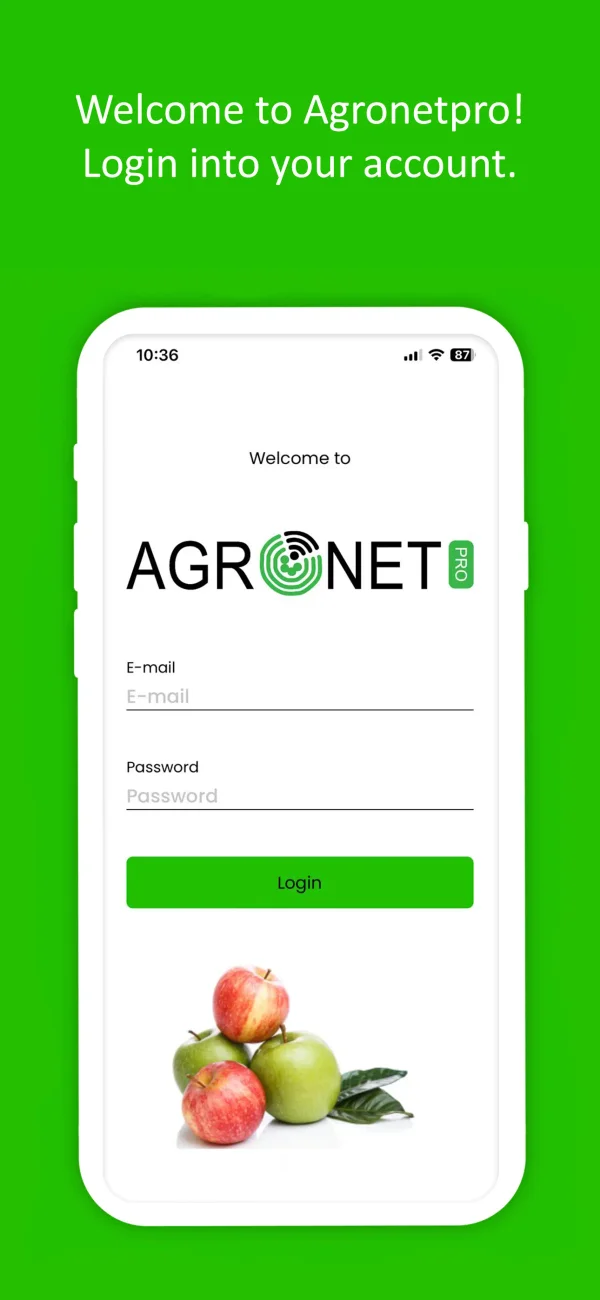


Info
Der Entwickler hat diesen Text nicht in Ihrer Sprache bereitgestellt.
Prevent damage from frost to your fruit trees by being informed live and on the go. You will be notified as soon as you need to take action.
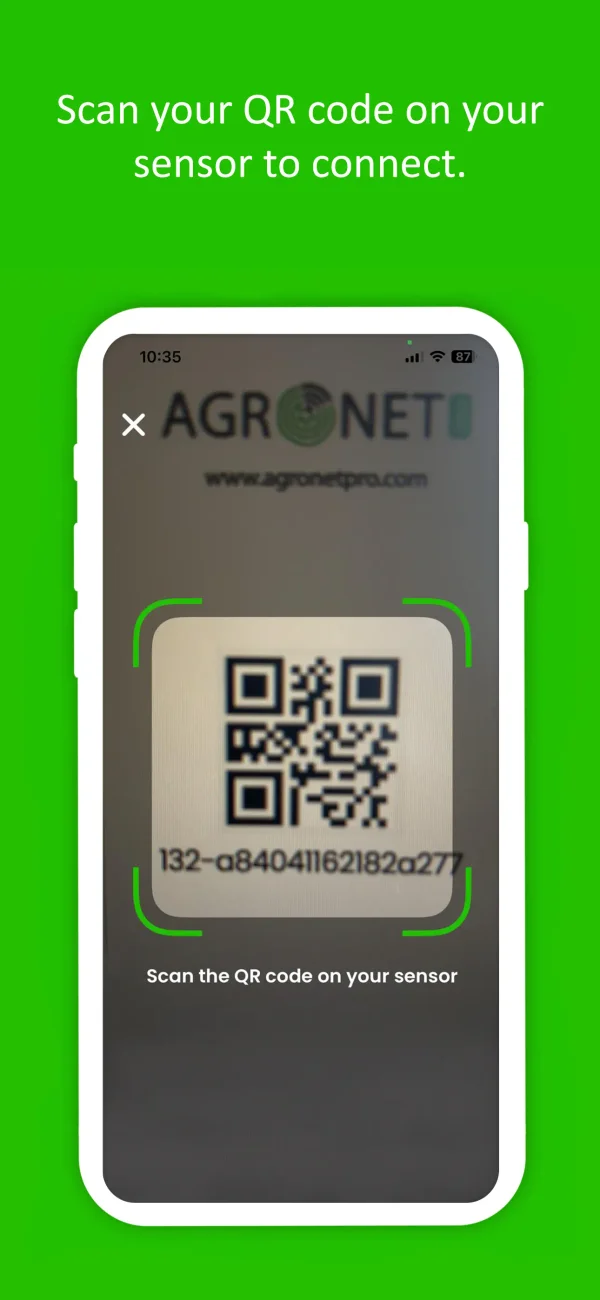
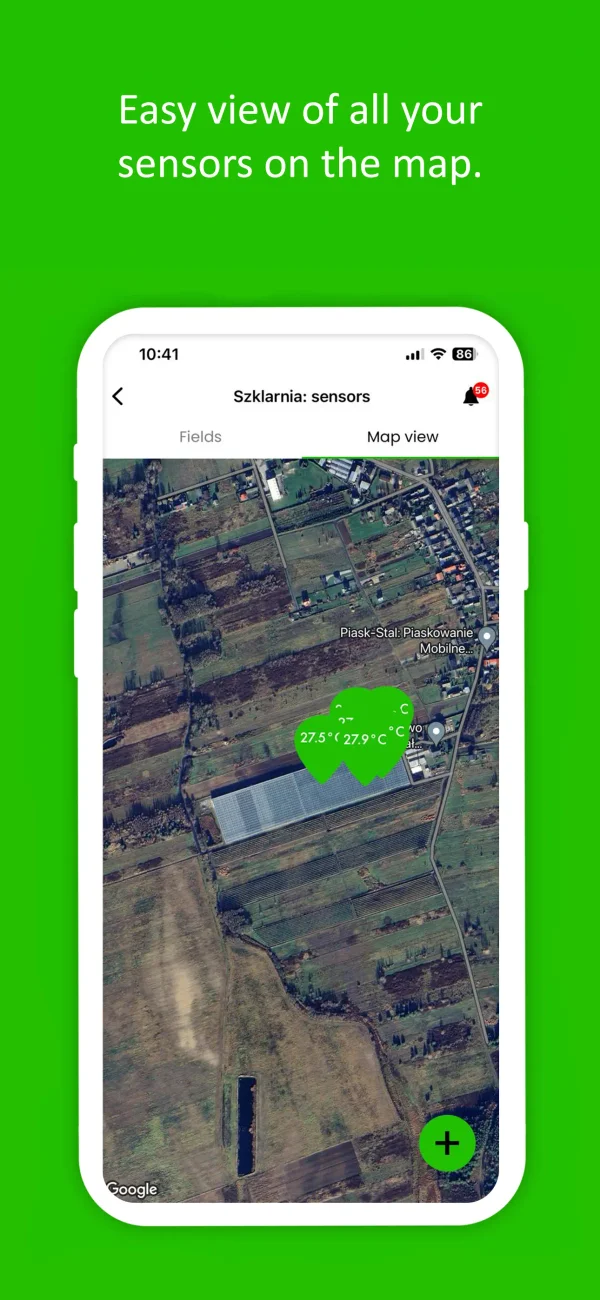
Agronet PRO is an application to support the temperature sensor system named Agronet PRO. The app has been developed for fruit farmers, to help them prevent frost damage to their trees. The application lets you monitor sensor data, as well as the location of the sensor. On the "map view" you can see all the sensors and their location, tapping on a sensor and you can see the current temperature. In addition to real time sensor data the system notifies you when your field is in danger of frost. The application helps you to add your sensors to the system and place them on your field. It is as easy as scanning the QR code on the sensor, naming it and adding it to a field.
Features:
1. Onboarding
There are three onboarding screens explaining how to use the application.
2. Fields
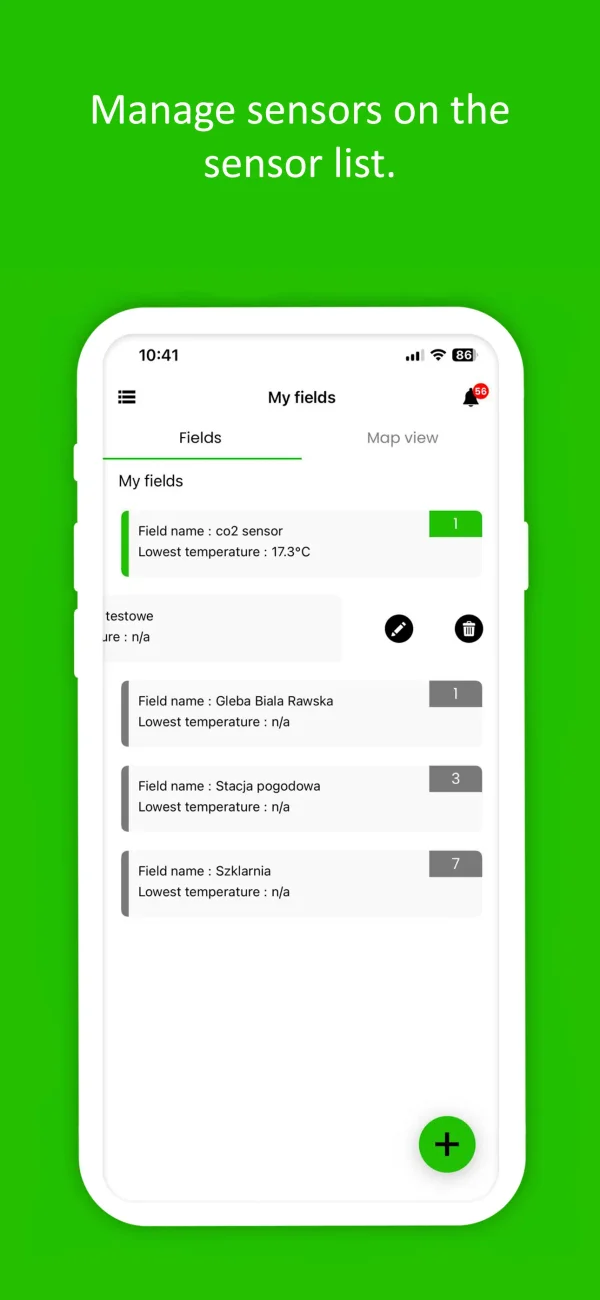
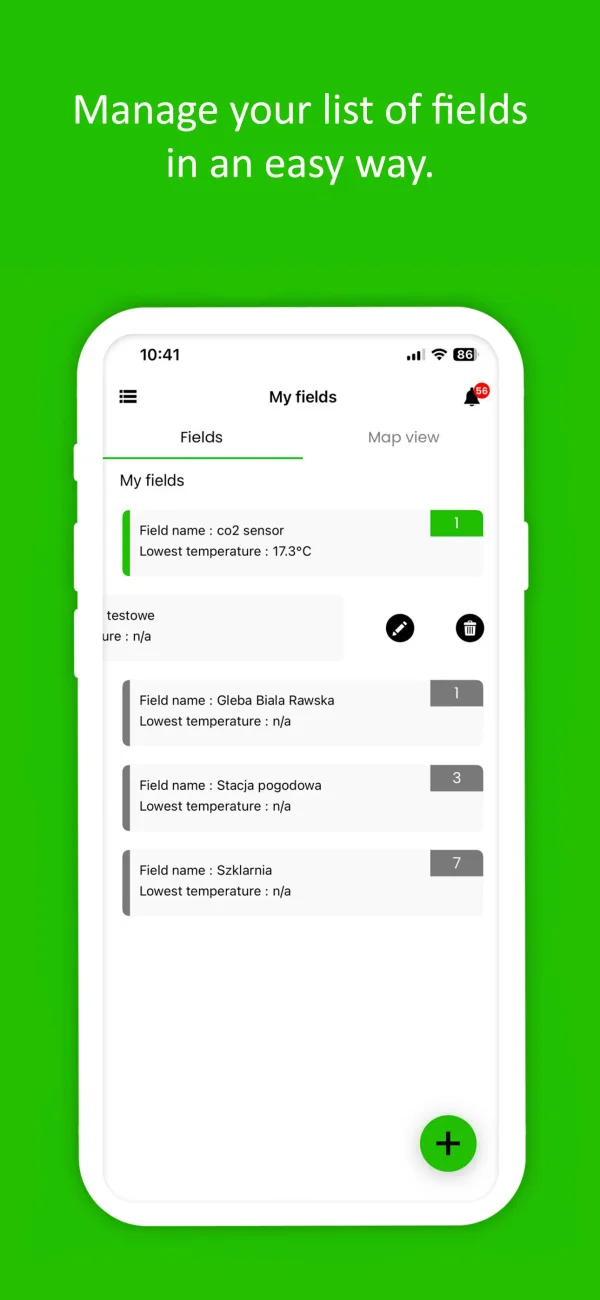
This feature is for adding or removing a new field, naming it and placing it on the map using the current location or chosen location. "Map view": this is a map view of all the fields where you can tap on each field to view the current temperature. "List view": this is a list of the fields and their average temperatures. You can click on a field and navigate to sensors.
3. Sensors
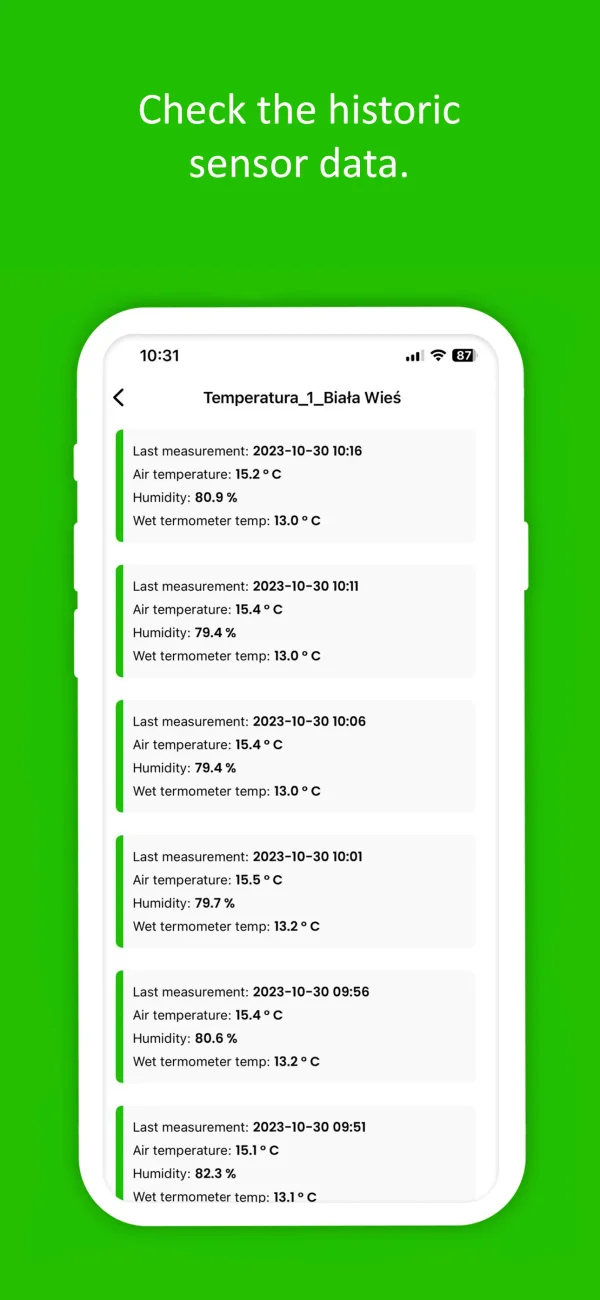
This feature is for adding and removing a new sensor, naming it and placing it on the map using the current location or chosen location. You can add a sensor by scanning the QR code that is presented on the sensor. "Map view": this is a map view of all the sensors where you can tap on each sensor to view the current temperature. "List view": is a list of sensors and live temperature data. You can click on a sensor to navigate to historic temperature data.
4. Notification
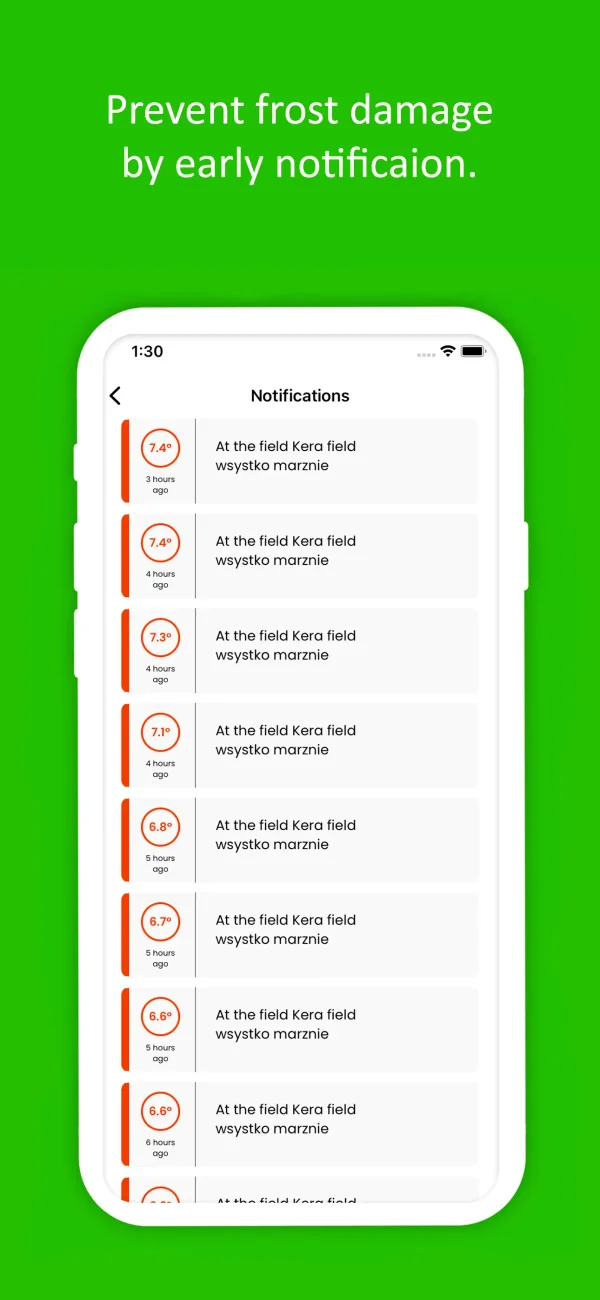
When you click on the bell at the top right of the screen you can view the last notifications. A red label appears on the bell when there are new notifications. You also get notifications on your notification centre. When the temperature drops below a threshold you get an orange message and if it drops even lower you get a red notification.
5. Settings
Change password: you can update your password here. To keep your password safe, it is good to change it every so often.
Profile details: Here you can change your profile name. You cannot adjust your e-mail address.
Privacy policy: here we placed the privacy policy for your convenience.
SUBSCRIPTION INFORMATION
Agronet PRO offers an auto-renewing subscription to provide you with unlimited access to premium features including fields and crops on a map, crop treatments reporting and history, weather data, satellite data, disease models data, weather radars, and sensor historic data charts while you maintain an active subscription.
• Payment will be charged to iTunes Account at confirmation of purchase
• Subscription automatically renews unless auto-renew is turned off at least 24 hours before the end of the current period
• Account will be charged for renewal within 24 hours prior to the end of the current period, and identify the cost of the renewal
• Subscriptions may be managed by the user and auto-renewal may be turned off by going to the user's Account Settings after purchase
• Any unused portion of a free trial period, if offered, will be forfeited when the user purchases a subscription to that publication, where applicable
For more information please visit the links:
https://support.apple.com/en-us/HT202039
https://www.apple.com/legal/internet-services/itunes/dev/stdeula/
https://agronet-panel.herokuapp.com/privacy_policy_app
Neue Funktionen
Version 1.35 · 16.11.2026
Chemical library
Browse and search the chemical library directly in the app. Find the substances you need, view their details, and navigate the list quickly.
App-Datenschutz
Was Vidicom im App Store zum Umgang dieser App mit Daten angibt.
-
Keine Daten erfasst
Der Entwickler erfasst keine Daten von dieser App.
Die Datenschutzpraktiken können variieren, zum Beispiel je nach den von Ihnen verwendeten Funktionen oder Ihrem Alter.
Informationen
- Anbieter
- VIDICOM SP Z O O
- Kategorie
- Dienstprogramme
- Version
- 1.35
- Aktualisiert
- 16.11.2026
- Veröffentlicht
- 20.10.2020
- Größe
- 39,8 MB
- Erfordert
- iOS 15.6 oder neuer
- Altersfreigabe
- 4+
- Preis
- Kostenlos
- In-App-Käufe
- Ja
- Sprachen
- Französisch, Englisch, Polnisch, Russisch
- Copyright
- © Vidicom SP zoo