- Altersfreigabe4+
- KategorieProduktivität
- EntwicklerConstantin-Vlad Carasevici
- SprachenEnglisch+ 5 weitere
- Größe3,0 MB
Verlinkt auf die offizielle App Store-Seite
Download.org hostet keine Datei von All Documents Viewer & Reader. Die Schaltfläche öffnet die App-Seite bei App Store, wo Constantin-Vlad Carasevici die App veröffentlicht. Eintrag zuletzt geprüft am 15.11.2026.
Screenshots

Info
Der Entwickler hat diesen Text nicht in Ihrer Sprache bereitgestellt.
All Documents Viewer & Reader is an all-in-one file viewer that lets you easily open and read files in a wide range of formats — including PDF, DOC, DOCX, XLS, XLSX, PPT, RTF, TXT, and more — directly on your iPhone or iPad.
Keep your files organized and easy to find!
All-in-one document manager
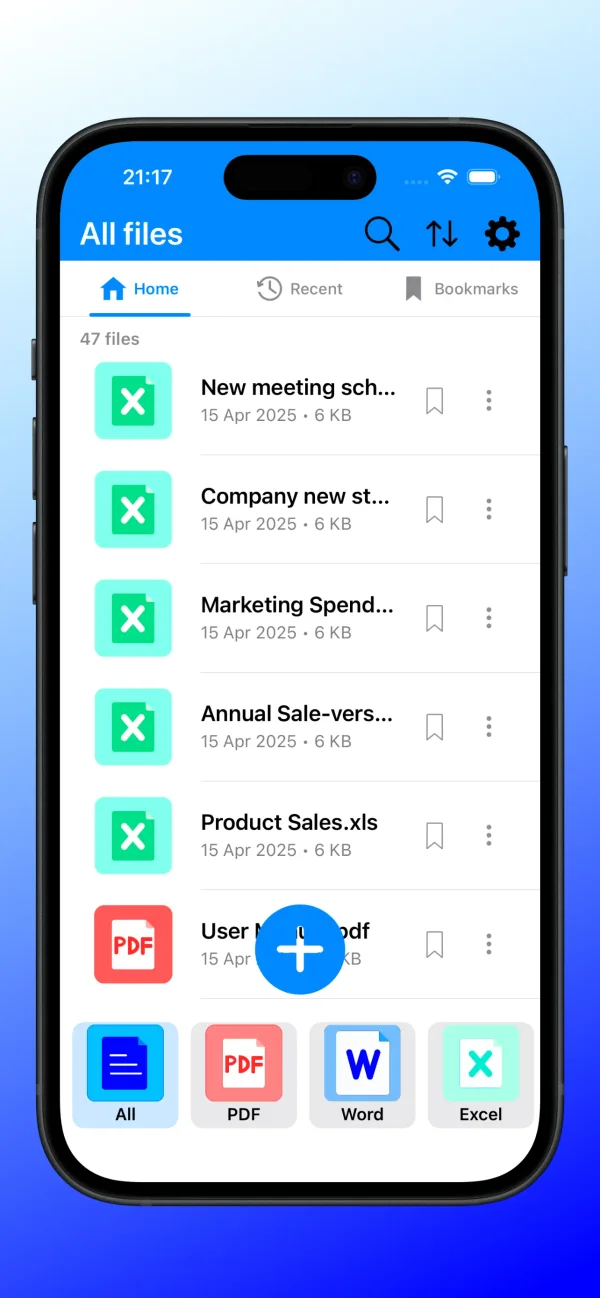
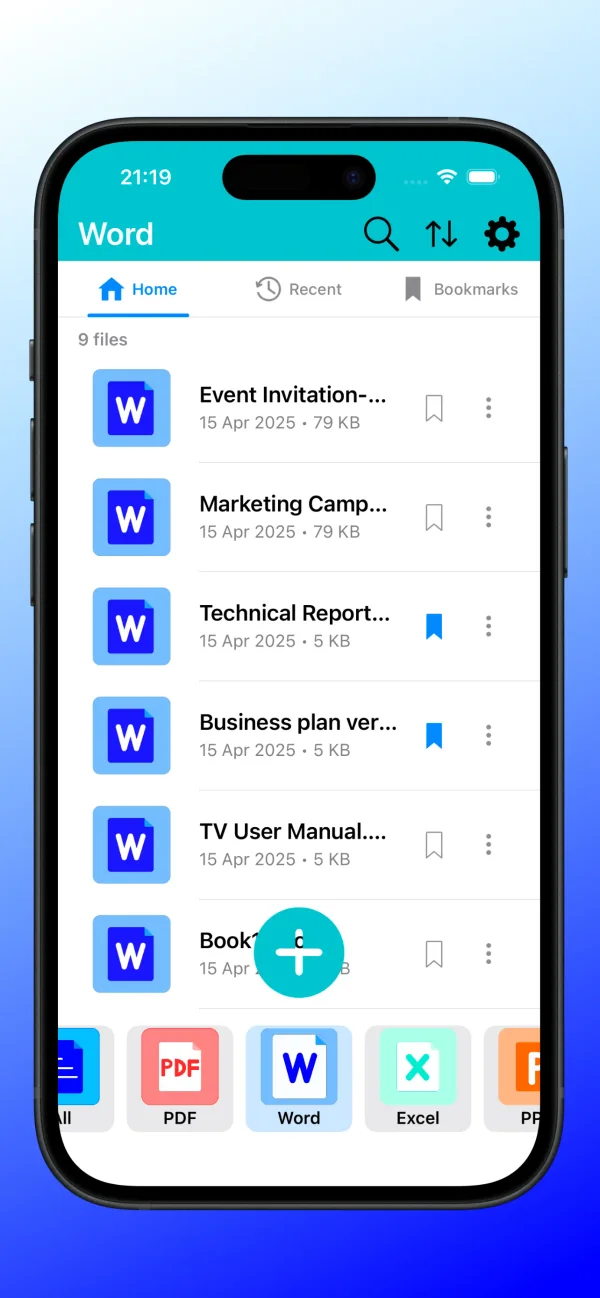
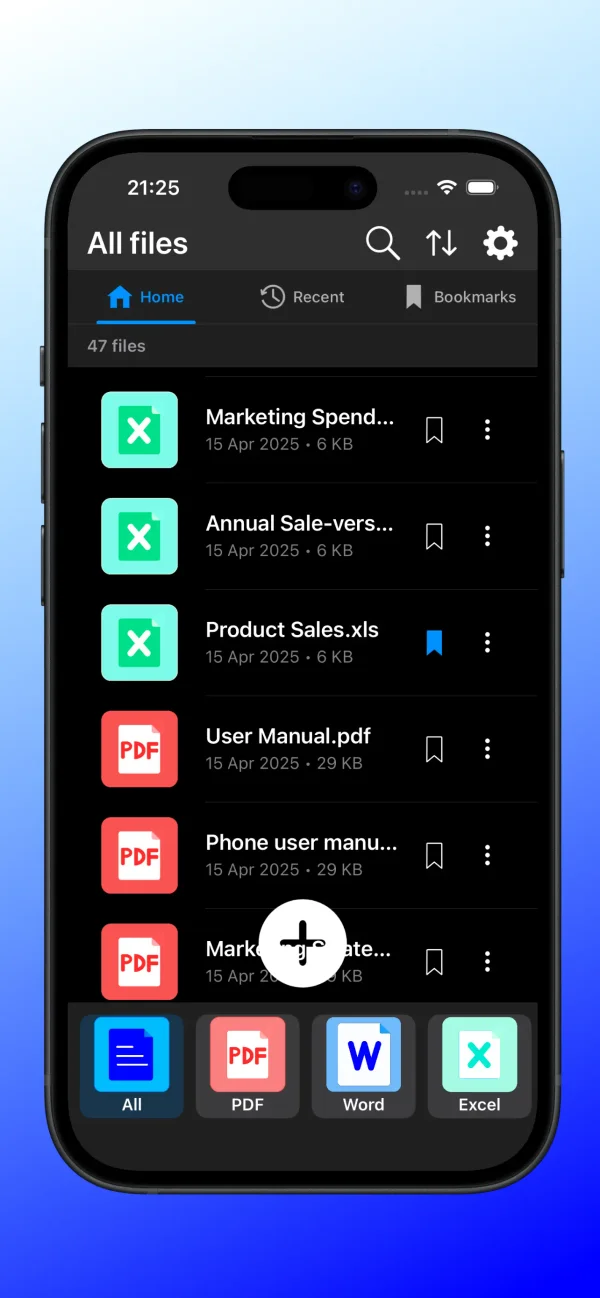
- Easy navigation between files - select any document category from the bottom toolbar to view and manage your files - including PDF, Word, Excel, PowerPoint, and text documents.
- Recent - quickly get back to the files you've opened most recently.
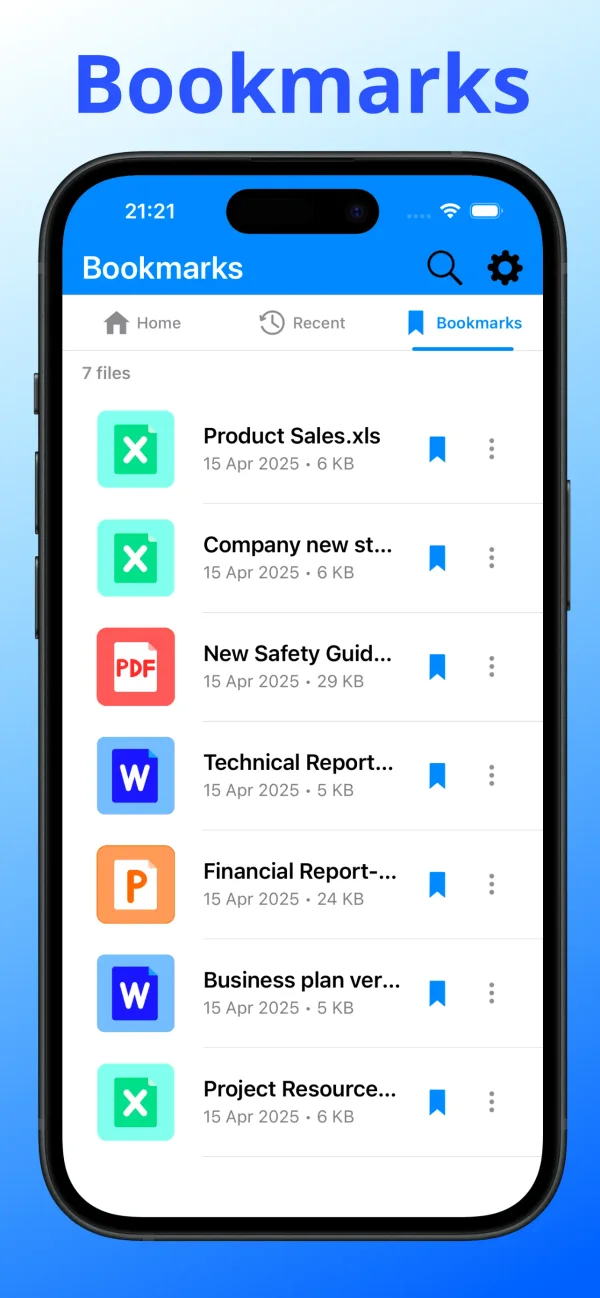
- Bookmarks - save your favorite or most-used files for one-tap access anytime.
- Easy to view - all documents are listed in one place for searching and reading.
- Easy to search - find files quickly.
PDF Reader
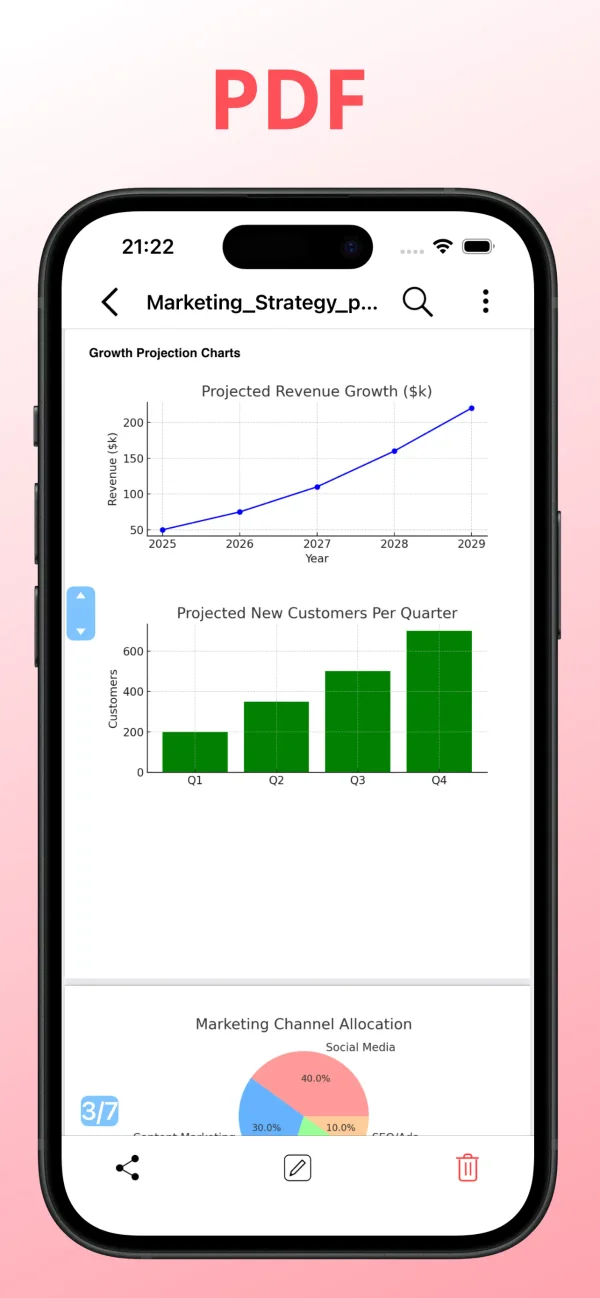
- Fast opening and viewing of PDF files.
- Zoom in or out on pages while viewing.
- Fast in-document navigation using the scrollbar.
- Smooth reading experience: pinch-to-zoom, double-tap zoom, and easy page navigation.
- In-document search: find words or phrases with highlights and jump between results.
- Share PDF files with a single tap.
- Quick options: rename, duplicate, delete, share, print, or save to Files.
Word Viewer (DOC / DOCX)
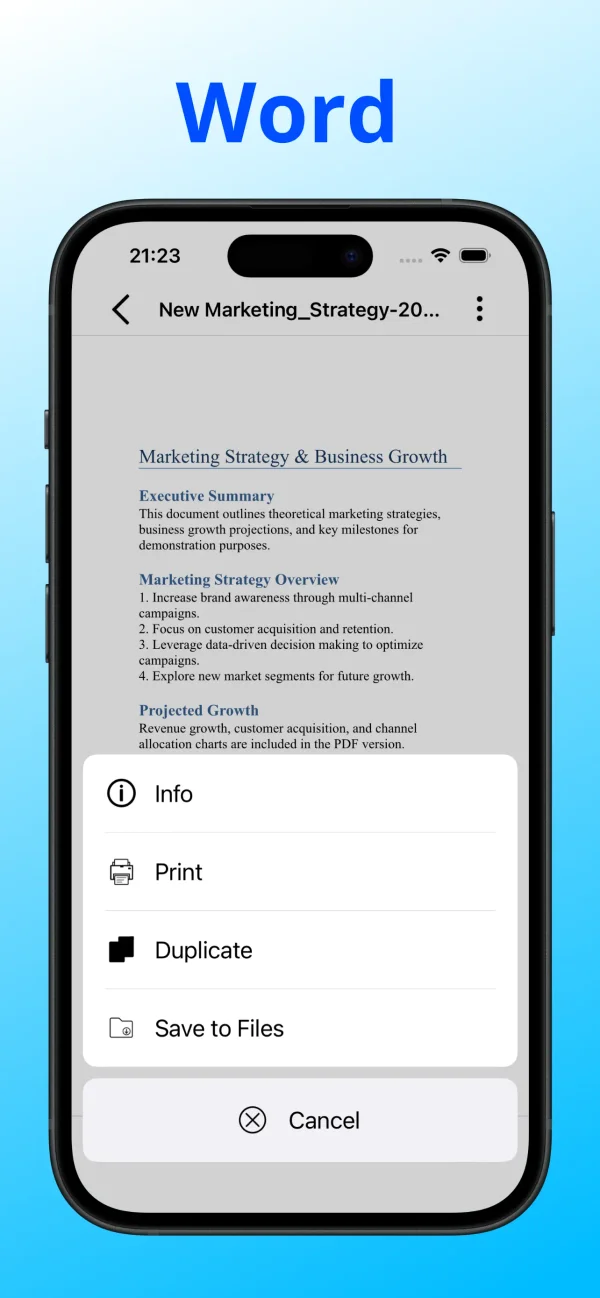
- View DOC and DOCX files.
- A simple list of DOC and DOCX files.
- Clear text display, smooth scrolling, and readable formatting.
- Quick options: rename, duplicate, delete, share, print, or save to Files.
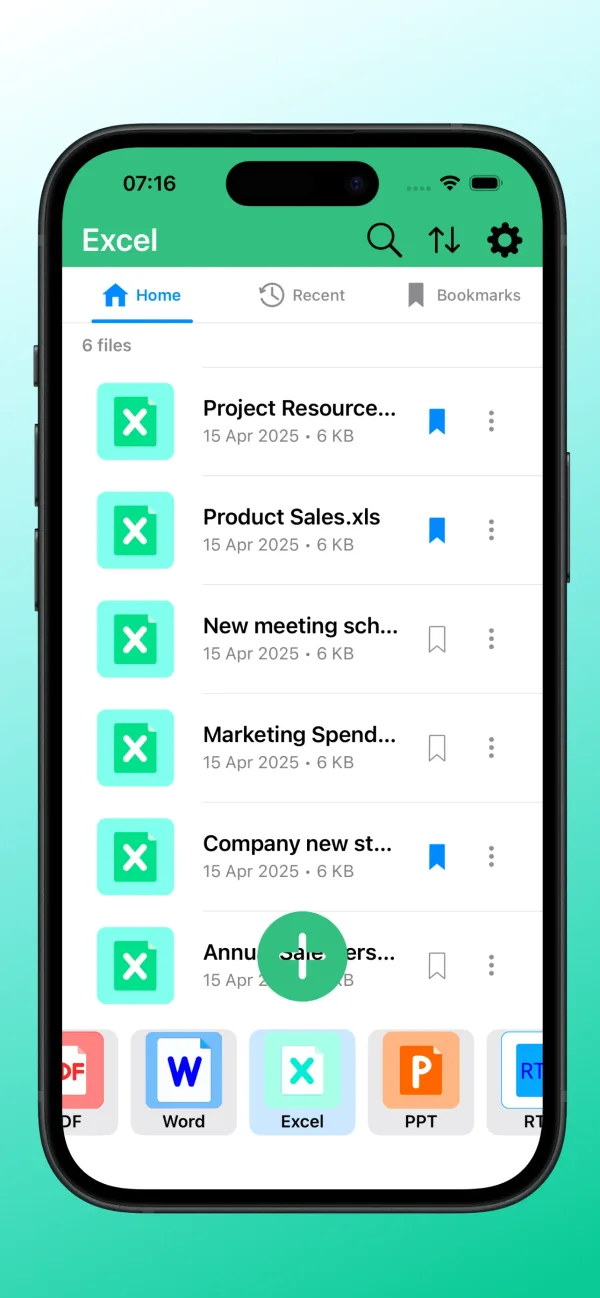
Excel Viewer (XLSX / XLS)
- Quickly open Excel spreadsheets.
- Both XLSX and XLS formats are supported.
- An easy-to-use tool for Excel files.
- Quick options: rename, duplicate, delete, share, print, or save to Files.
PPT Viewer (PPT / PPTX)
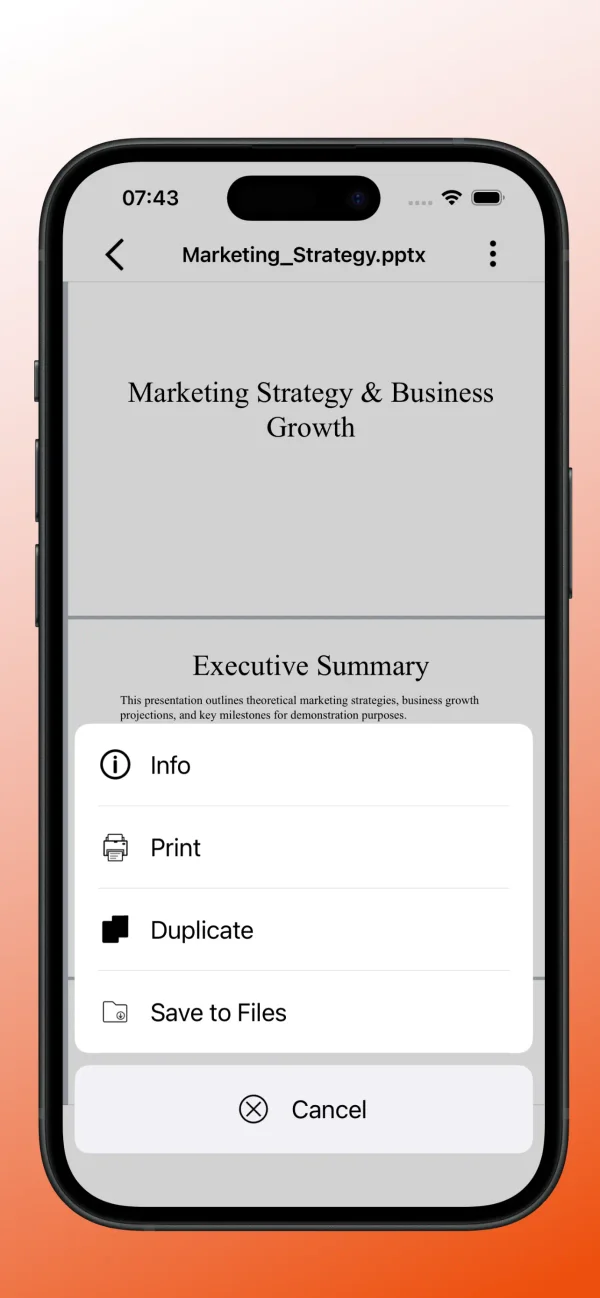
- PPT and PPTX viewer.
- Present PPT files with fast, stable performance.
- Quick options: rename, duplicate, delete, share, print, or save to Files.
RTF & TXT Files (.rtf, .txt)
- Easily read TXT and RTF files with a clear, simple layout.
- Quick options: rename, duplicate, delete, share, print, or save to Files.
FEATURES
- Intuitive controls: easy to use with no setup.
- All-in-one: view, organize, and manage documents in a single app.
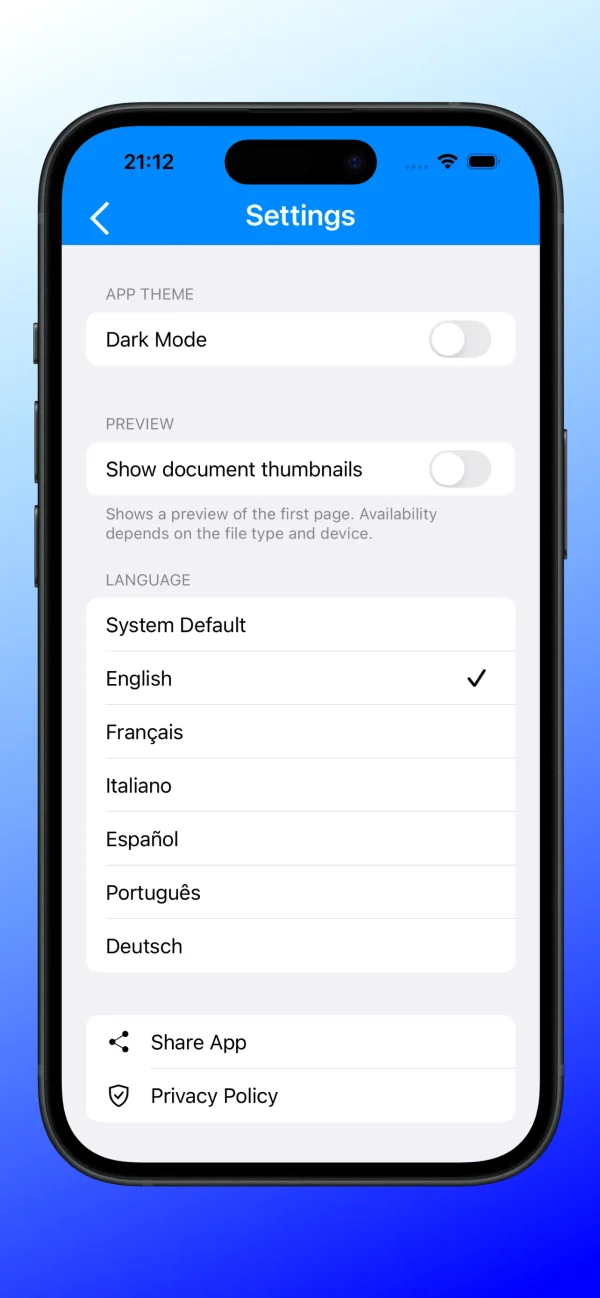
- Multilingual: interface available in 6 languages — English, French, Italian, Spanish, Portuguese, and German.
- Simple and easy to use.
- Small size and lightweight.
- Sort files by name, size or date.
- Rename, delete, or share files with friends.
- Search text in PDF files.
- Optional document thumbnails showing a quick preview of the first page.
- Dark mode.
- Each section has its own color in Light Mode, making document types easy to spot at a glance.
- Available on both iPhone and iPad.
Neue Funktionen
Version 1.2 · 17.08.2026
- Added Bookmarks, Recent, document thumbnails, and other small UI improvements.
- Stability and performance improvements.
App-Datenschutz
Was Constantin-Vlad Carasevici im App Store zum Umgang dieser App mit Daten angibt.
-
Keine Daten erfasst
Der Entwickler erfasst keine Daten von dieser App.
Die Datenschutzpraktiken können variieren, zum Beispiel je nach den von Ihnen verwendeten Funktionen oder Ihrem Alter.
Informationen
- Anbieter
- Constantin-Vlad Carasevici
- Kategorie
- Produktivität
- Version
- 1.2
- Aktualisiert
- 17.08.2026
- Veröffentlicht
- 15.10.2025
- Größe
- 3,0 MB
- Erfordert
- iOS 15.0 oder neuer
- Altersfreigabe
- 4+
- Preis
- Kostenlos
- Sprachen
- Englisch, Französisch, Deutsch, Italienisch, Portugiesisch, Spanisch
- Copyright
- © 2025 C.V.
Das könnte Ihnen auch gefallen
-
 Filesprint - Transfer FilesProduktivität
-
 Scanify : Universal ScannerProduktivität
-
 RealOr | Detect & AnalyzeProduktivität
-
 PDFSignerScannerProduktivität
-
 Easy PDF Scanner--All DocumentProduktivität
-
 Tasbih Counter :Tasbih TrackerProduktivität
-
 Fexo All File ConverterProduktivität
-
 PopChunk: ADHS Aufgaben PlanerFokus, Routine & Erinnerungen
-
 Flipomo: Pomodoro&Flip ClockTimer für tiefe Konzentration
-
 Cloud Storage: Data BackupProduktivität