AlwaysOn: Standby Clock
Nightstand & Ambient Display
Entwickelt für iPhone, iPad
Kostenlos
- Altersfreigabe4+
- KategorieDienstprogramme
- EntwicklerWeijin Wang
- SprachenEnglisch+ 2 weitere
- Größe63,4 MB
Verlinkt auf die offizielle App Store-Seite
Download.org hostet keine Datei von AlwaysOn: Standby Clock. Die Schaltfläche öffnet die App-Seite bei App Store, wo Weijin Wang die App veröffentlicht. Eintrag zuletzt geprüft am 27.11.2026.
Screenshots

Info
Der Entwickler hat diesen Text nicht in Ihrer Sprache bereitgestellt.
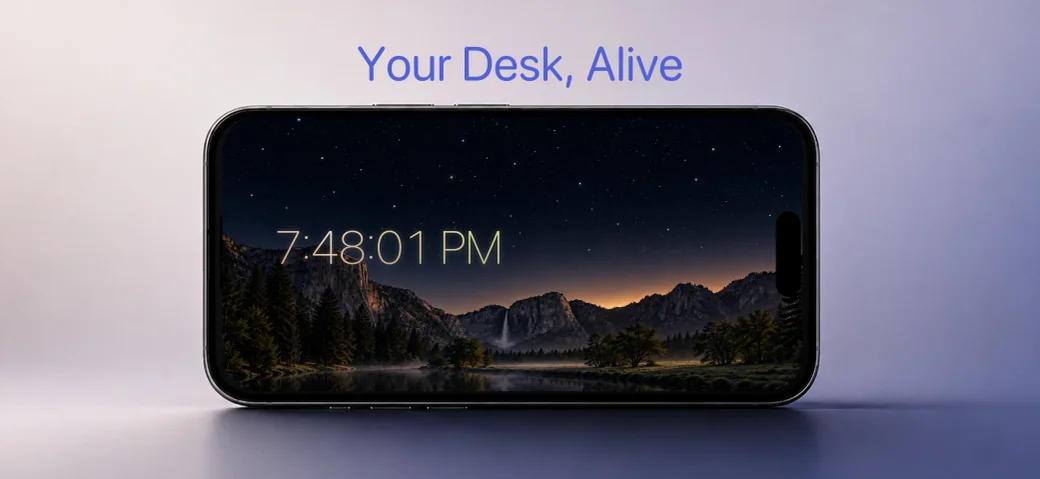
Turn your iPhone or iPad into a beautiful desk and nightstand clock. Free, with no ads and no subscriptions.
AlwaysOn shows the time, your calendar, weather and more on a screen you leave docked or propped up, and on your Home Screen and Lock Screen too.
START WITH A FINISHED DESIGN
• Ready-made layouts, each with its own background
• Swipe between layouts, and the background moves with your widgets
• Change any of them, or make your own
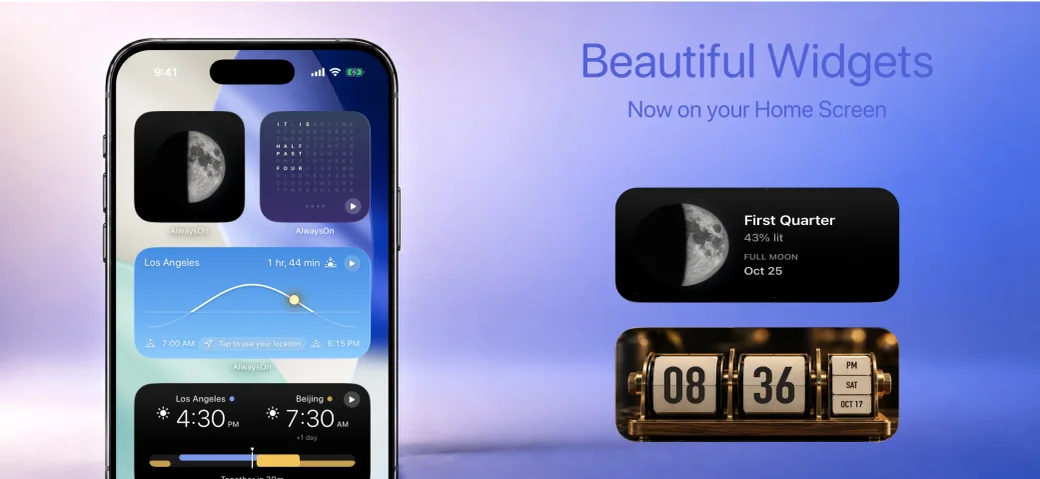
WIDGETS FOR YOUR HOME SCREEN
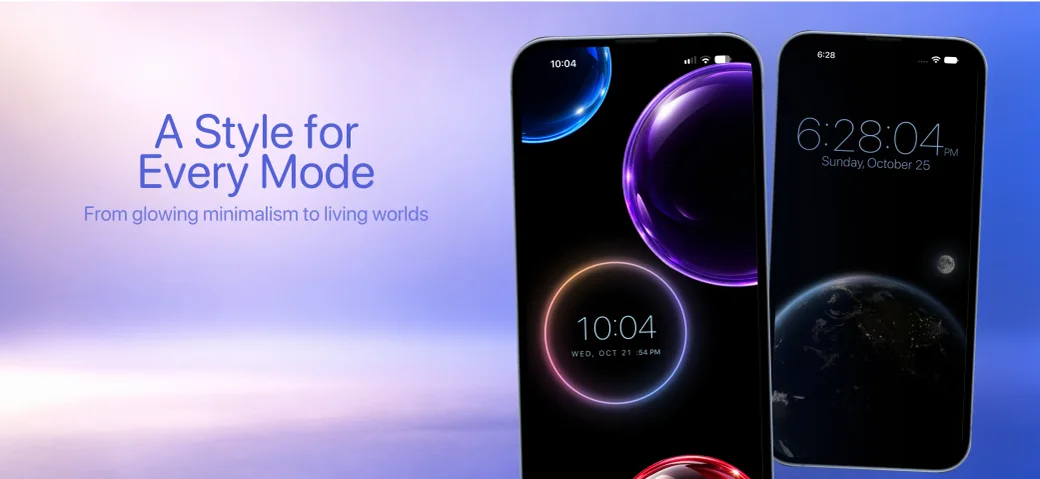
• Clock, with seven faces including Eclipse: the time inside a glowing ring
• Time Together, Daylight, Word Clock, Card Clock, Tube Clock, Countdown, Green Room, Moon Phase and Horizon
• Home Screen, Lock Screen and StandBy
• Tap ▶ to watch a whole day go by in seconds
CLOCKS AND BACKGROUNDS
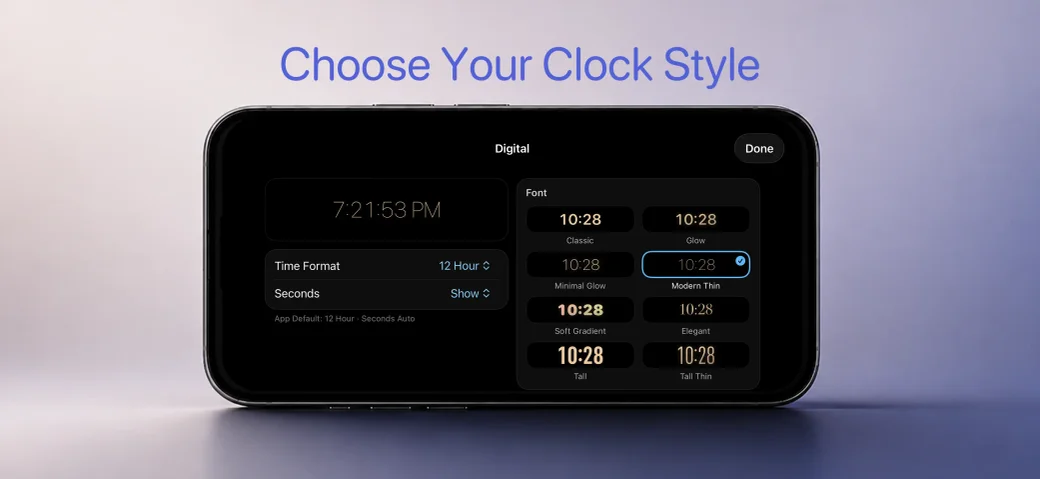
• Digital clocks in eleven styles, including big iPhone-style digits
• Clock backgrounds: Lens, Card (split-flap), Tube, Prism, Stone, Shadow and Green Room
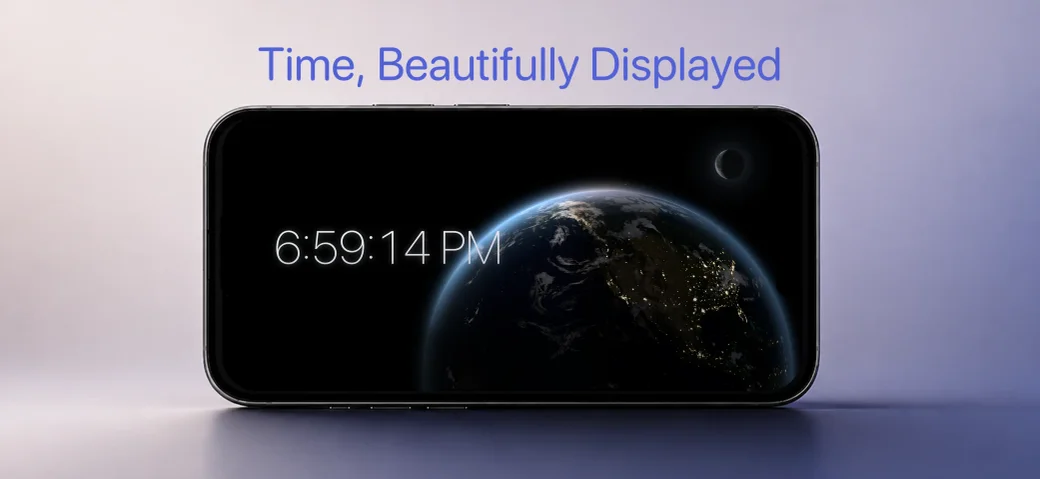
• Space backgrounds: Tonight's Sky shows the real stars over your city, plus Earthrise, Saturn and Jupiter
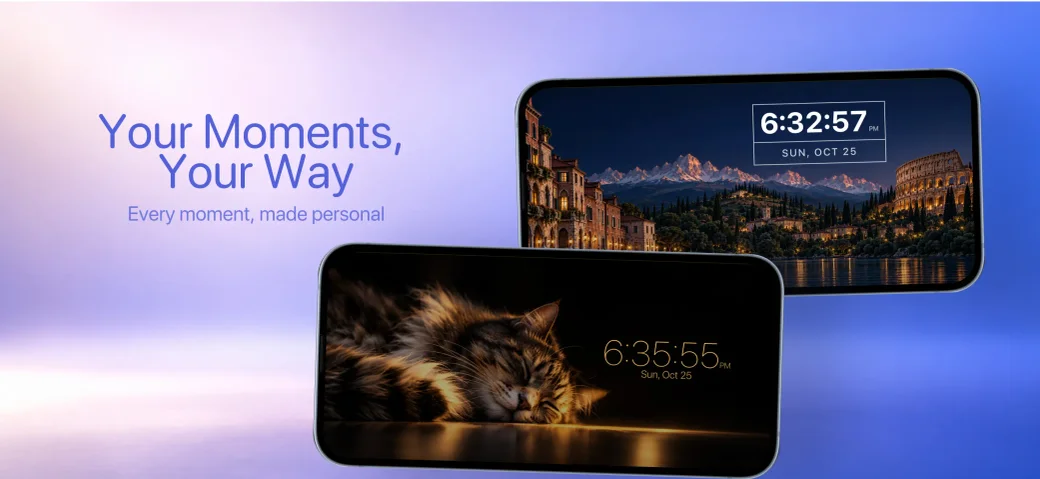
• Animated and still backgrounds: Earth, Horizon, Moon Phase, Catnap, Soft Flow, Tide and more
• Seasonal backgrounds for holidays and festivals
MADE FOR NIGHT
• Darker nights with a soft amber clock
• Day Mode hours, Smart Dimming and burn-in protection
• A sunrise alarm that wakes you with light
YOUR LAYOUT
• Arrange the clock with Calendar, Up Next, Weather, World Clock, Countdown, a Focus timer, Photos and Battery
• Separate layouts for portrait and landscape, made for both iPhone and iPad
PRIVATE BY DESIGN
• No account, no tracking, no data collected
• Available in English, Spanish and Simplified Chinese
AlwaysOn turns a screen you're not using into something calm and useful.
Neue Funktionen
Version 1.19 · 13.11.2026
NEW in 1.19
• Workout Timer widget: an interval timer for work and rest rounds. Tap it to start: a 3, 2, 1 countdown, then the workout fills the screen with a ring for each phase, the round you're on and what's next. Collapse it back into the widget and it keeps counting. A chime marks each change, even when the app isn't open. Find it under Utilities when adding a widget.
• Backgrounds for each layout: every layout keeps its own list of up to 10 backgrounds, and swiping up or down moves through that layout's list.
• Look: tap a background to show it, tap it again to remove it, and press and drag to change the order. Browse opens the gallery with every background you can add.
• Background gallery: tap a background to preview it full screen, download it, then add it to your layout. A glow marks the ones already in your layout.
IMPROVED
• Photos widget: skips documents such as receipts and whiteboards, and at night it leaves out photos of people. Photos are checked on your device and never leave it.
• iPhone Duo: on the outer screen, the page dots and the edit controls sit in the middle of the screen, and the toolbar reaches the edge.
FIXED
• A crash right after opening the app on some iPads running iPadOS 17.
• On iPad, touching and holding the Focus timer opens only its menu, not the Layouts overview behind it.
App-Datenschutz
Was Weijin Wang im App Store zum Umgang dieser App mit Daten angibt.
-
Keine Daten erfasst
Der Entwickler erfasst keine Daten von dieser App.
Die Datenschutzpraktiken können variieren, zum Beispiel je nach den von Ihnen verwendeten Funktionen oder Ihrem Alter.
Informationen
- Anbieter
- Weijin Wang
- Kategorie
- Dienstprogramme
- Version
- 1.19
- Aktualisiert
- 13.11.2026
- Veröffentlicht
- 24.07.2026
- Größe
- 63,4 MB
- Erfordert
- iOS 17.6 oder neuer
- Altersfreigabe
- 4+
- Preis
- Kostenlos
- Sprachen
- Englisch, Vereinf. Chinesisch, Spanisch
- Copyright
- © Weijin Wang
Das könnte Ihnen auch gefallen
-
 Minimal Digital Clock & AlarmDienstprogramme
-
 Große Uhr – Bildschirm AnVollbild Tischuhr
-
 Dock: StandBy Uhr & PlanetenNachttisch- & Ladebildschirm
-
 Digital Clock Widget · StandByDienstprogramme
-
 KeepLit - Screen Always OnDienstprogramme
-
 NiteTime ClockDienstprogramme
-
 Clock Stand: TischuhrElegante Uhr für den Tisch
-
 Nightstand – Bedside Clock PRONight Light, Weather & StandBy
-
 A Flip ClockDienstprogramme
-
 Analoge Uhr ۬Analoge, digitale & Tischuhr