
Anoc Octave Editor
Generate plots from Octave
Entwickelt für iPhone, iPad
Kostenlos · In-App-Käufe
- Altersfreigabe4+
- KategorieProduktivität
- EntwicklerVerbosus.com
- SprachenEnglisch
- Größe23,0 MB
Verlinkt auf die offizielle App Store-Seite
Download.org hostet keine Datei von Anoc Octave Editor. Die Schaltfläche öffnet die App-Seite bei App Store, wo Verbosus.com die App veröffentlicht. Eintrag zuletzt geprüft am 23.11.2026.
Screenshots

Info
Der Entwickler hat diesen Text nicht in Ihrer Sprache bereitgestellt.
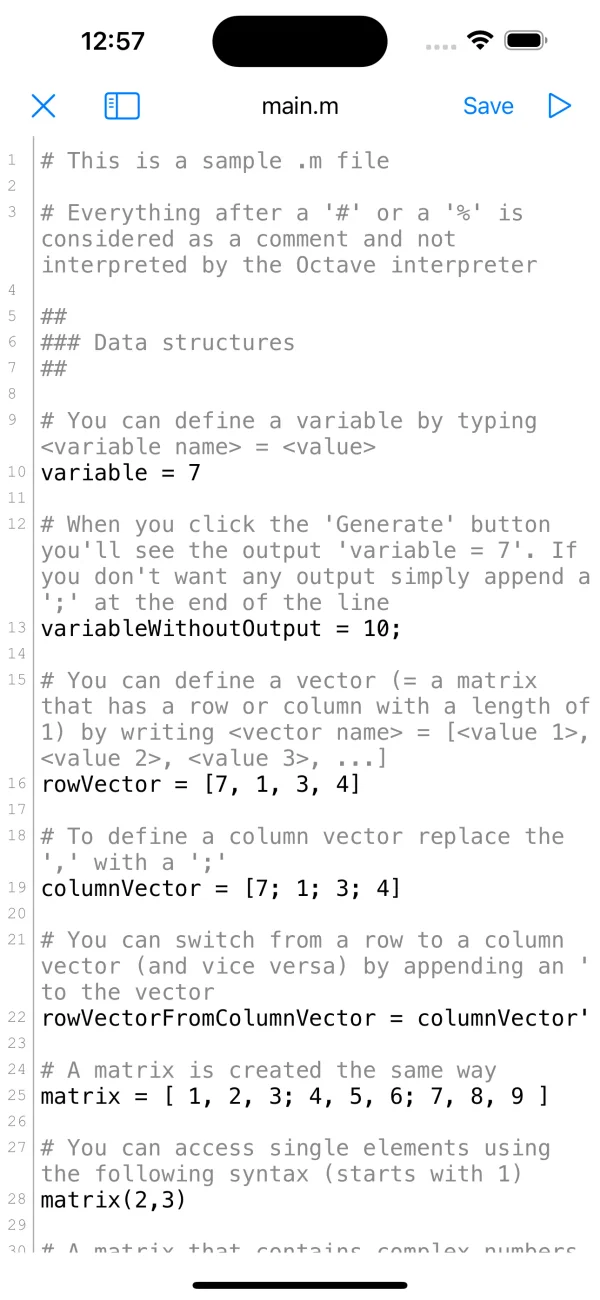
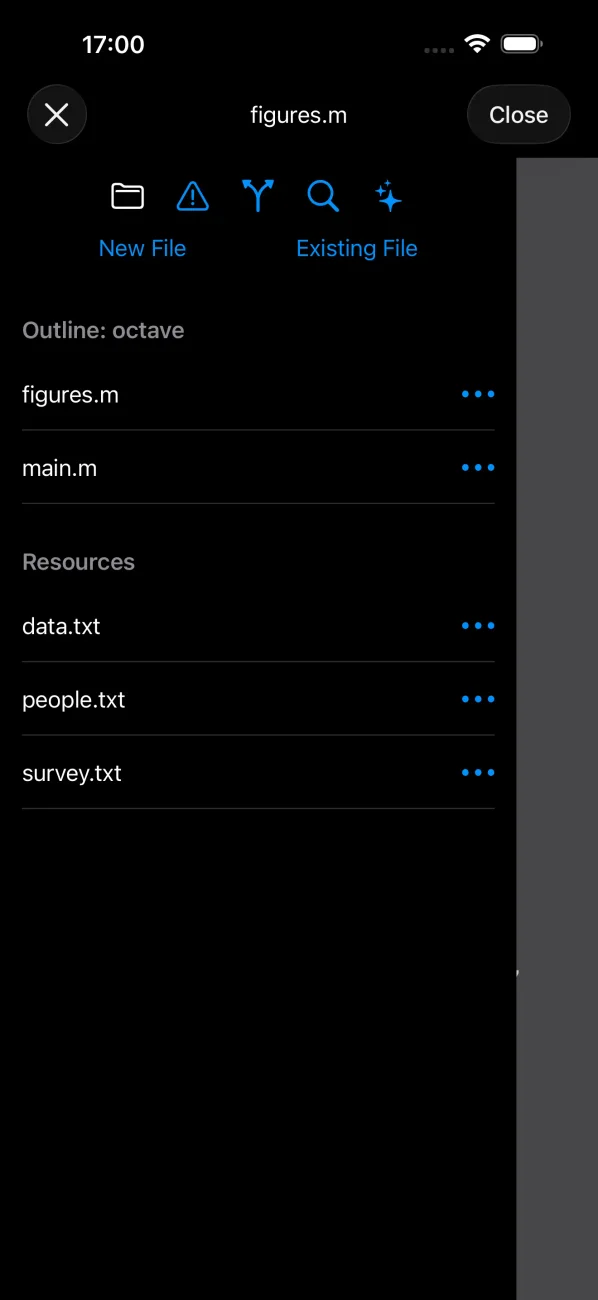
Anoc is an Octave Editor for your iOS device. It allows you to create and manage Octave projects directly on your iOS device and generate the result and plots by using Verbosus (Online Octave Editor).
This software is provided "as is" without warranties or conditions of any kind, either expressed or implied.
Features:
* 2 Modes: Local Mode (stores .m documents on your device) and Cloud Mode (synchronizes your projects with Verbosus)
* Use a dedicated server to perform calculations and generate plots
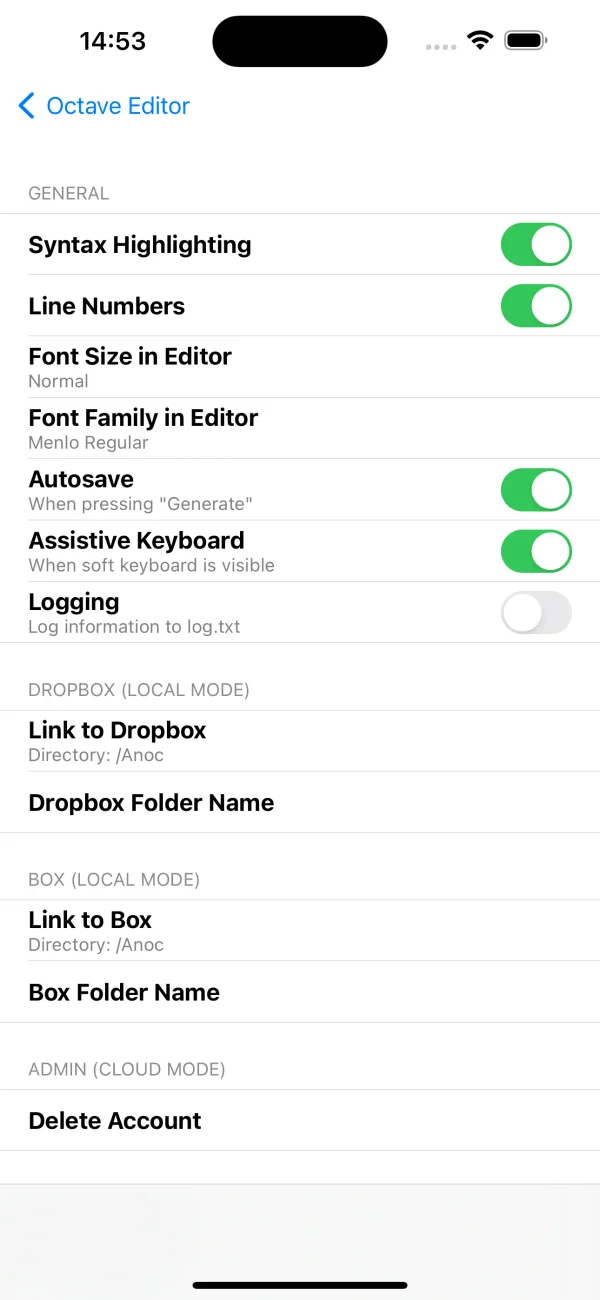
* Automatic Dropbox synchronization (Local Mode)
* Automatic Box synchronization (Local Mode)
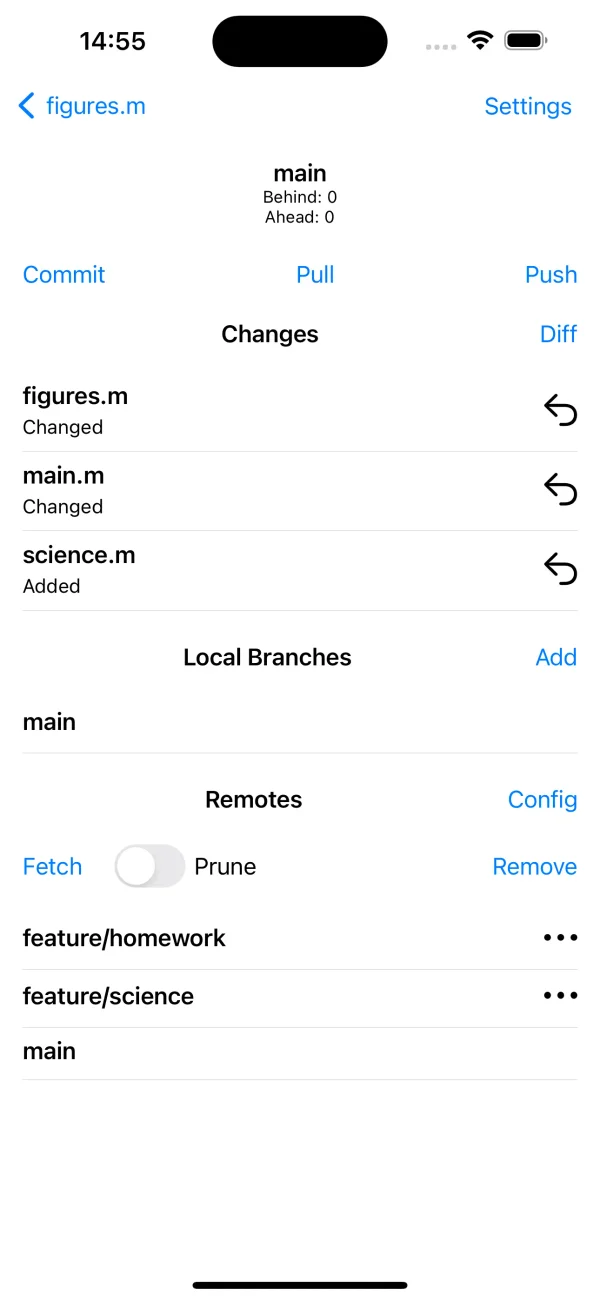
* Git integration (Local Mode)
* AI assistant (available in supported regions)
* Custom keyboard shortcuts
* Encrypted transmission to the server by using HTTPS
* Syntax highlighting (operators, plot functions, comments)
* Line numbers
* Assistive keyboard
* Hotkeys (see below)
* Web-Interface (Cloud Mode)
* Two factor authentication (Cloud Mode, in combination with Copiosus)
* No ads
Additional features in Anoc Pro:
* Unlimited number of projects (Local Mode)
* Unlimited number of documents per project (Local Mode)
* Unlimited number of file uploads per project (Local Mode)
* Unlimited number of projects (Cloud Mode)
* Unlimited number of documents per project (Cloud Mode)
Hotkeys in editor (can be changed in editor - settings - keyboard shortcuts):
ctrl+,: Settings
ctrl+s: Save
ctrl+g: Generate result
ctrl+f: Search
ctrl+p: Preview
ctrl+n: New document
ctrl+d: Delete document
ctrl+.: Next document
Function files:
Create a new file e.g. worker.m and fill it with
function s = worker(x)
% worker(x) Calculates sine(x) in degrees
s = sin(x*pi/180);
In your main .m file you can call it with
worker(2)
Load a file into a variable with the load command (Local Mode):
data = load('name-of-file.txt');
Terms of Use: https://www.apple.com/legal/internet-services/itunes/dev/stdeula
Neue Funktionen
Version 3.4.1 · 22.11.2026
* UI improvements
* Performance improvements
App-Datenschutz
Was Verbosus.com im App Store zum Umgang dieser App mit Daten angibt.
-
Keine Daten erfasst
Der Entwickler erfasst keine Daten von dieser App.
Die Datenschutzpraktiken können variieren, zum Beispiel je nach den von Ihnen verwendeten Funktionen oder Ihrem Alter.
Informationen
- Anbieter
- Daniel Kuster
- Kategorie
- Produktivität
- Version
- 3.4.1
- Aktualisiert
- 22.11.2026
- Veröffentlicht
- 25.02.2019
- Größe
- 23,0 MB
- Erfordert
- iOS 18.6 oder neuer
- Altersfreigabe
- 4+
- Preis
- Kostenlos
- In-App-Käufe
- Ja
- Sprachen
- Englisch
- Copyright
- © verbosus.com
Das könnte Ihnen auch gefallen
-
 LaTeX Editor Tex ProProduktivität
-
 Texlet: LaTeX & Mathe EditorFormel-Editor für Gleichungen
-
 MathWrite NotesHandnotizen in LaTeX
-
 DWSIM SimulatorProduktivität
-
 iBeamsProduktivität
-
 Mathpix SnipProduktivität
-
 Cálculos Eléctricos NOMProduktivität
-
 C/C++-programming languageProduktivität
-
 iHP48Produktivität
-
 OctaveProduktivität