
Anycap: Capture & Bookmarks
Save anything. Ask your AI.
Entwickelt für iPhone, iPad, Mac
Kostenlos
- Altersfreigabe4+
- KategorieProduktivität
- EntwicklerIrfan Dzulfiqor
- SprachenEnglisch
- Größe37,7 MB
Verlinkt auf die offizielle App Store-Seite
Download.org hostet keine Datei von Anycap: Capture & Bookmarks. Die Schaltfläche öffnet die App-Seite bei App Store, wo Irfan Dzulfiqor die App veröffentlicht. Eintrag zuletzt geprüft am 29.11.2026.
Screenshots

Info
Der Entwickler hat diesen Text nicht in Ihrer Sprache bereitgestellt.
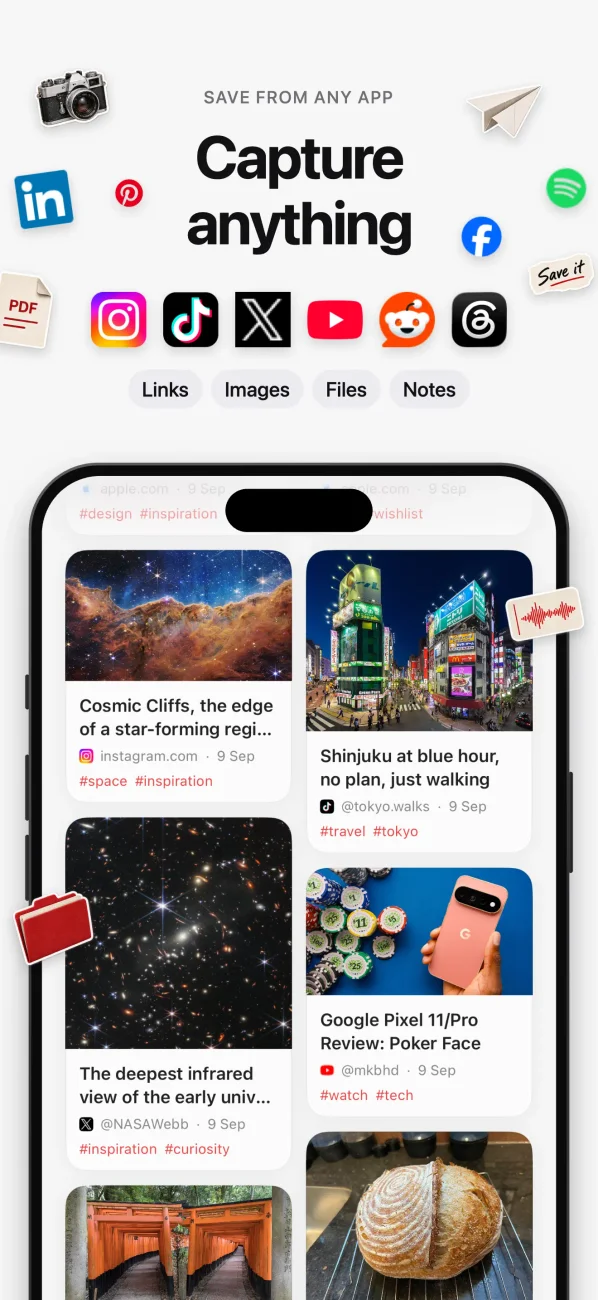
Anycap keeps everything you find in one private library on your iPhone: links, social posts, articles, notes, pictures, files and voice memos, all stored as plain Markdown that stays yours.
SAVE THE POST, NOT JUST THE LINK
Tap Share in Instagram, TikTok, X, YouTube, Reddit or Safari and it lands in your Inbox with its title, author, cover and text, so it is still there when the page changes. In Safari, the Anycap extension saves the page you are reading in one tap.
CAPTURE IN A SECOND
Tap + and type: the first line becomes the title. Paste a link and it becomes a card. Add a photo, a file or a recording without leaving the field. Ask Siri to save something to Anycap, or put Anycap in a Shortcut. The widget puts capture, a new note and your Inbox on the Home Screen and the Lock Screen.
READ IT LATER, WITHOUT THE NOISE
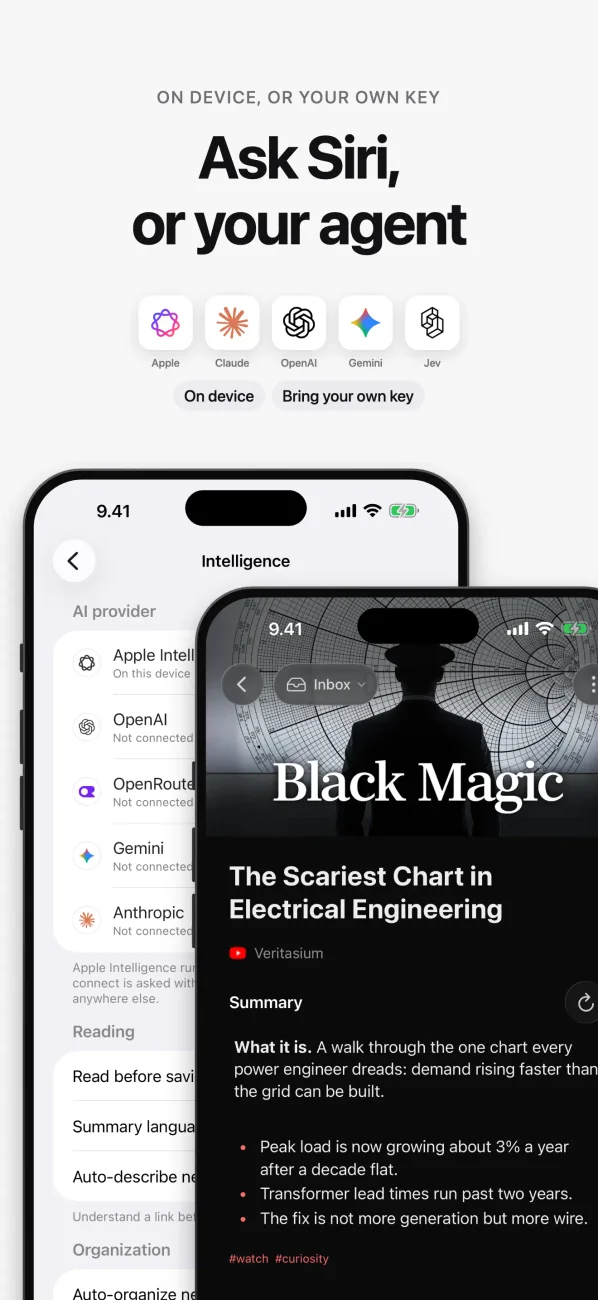
Articles and posts are kept in full, readable offline, without the banners. Long reads and videos get a short summary: what it is, then the points worth keeping. Summaries run on your iPhone with Apple Intelligence, or through a provider you connect with your own key. Nothing leaves the device unless you connect one.
ORGANIZE, OR LET IT ORGANIZE ITSELF
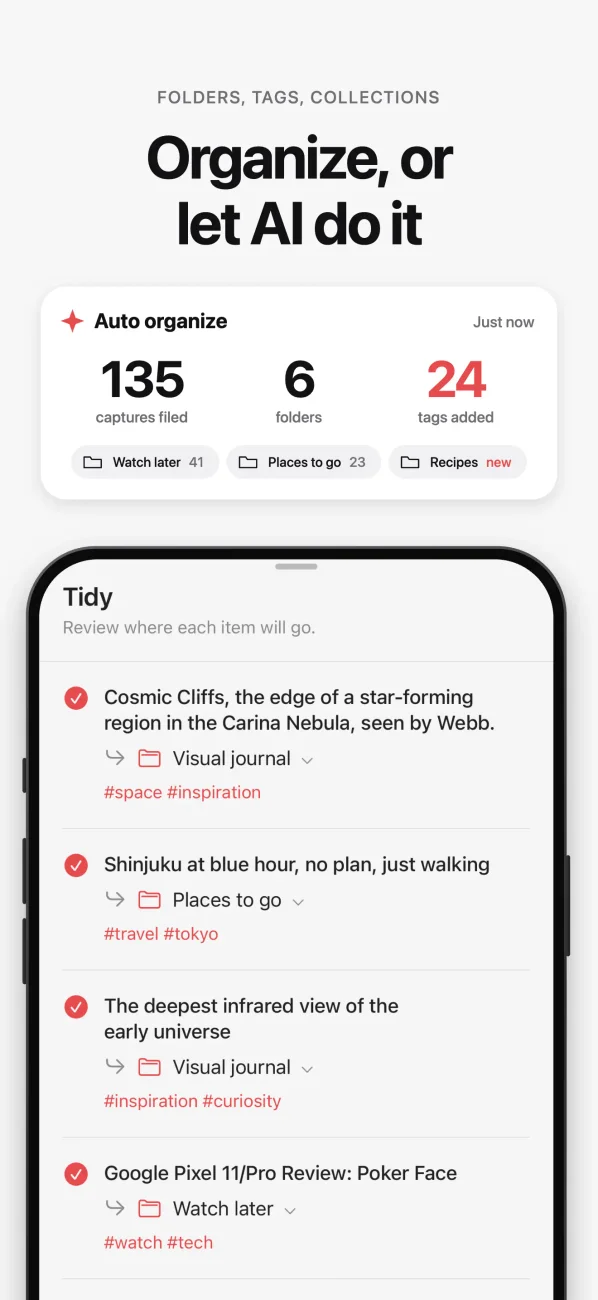
Folders, tags, pins and an archive, arranged the way you think. Tidy reads what is waiting in your Inbox and proposes where each capture belongs and which tags to add, and nothing moves until you say so. Collections gather folders, tags and captures into one brief.
FIND IT AGAIN
Full-text search across every capture, including the words inside your pictures and the text of what you saved. Search by meaning finds what you meant, not only the words you typed.
WRITE IN MARKDOWN
Notes are plain Markdown: headings, lists, checklists, quotes, code, and links from one note to another. The bar above the keyboard writes the marks for you. Export the whole library as Markdown files whenever you like, and open them in any other app.
YOURS, AND PRIVATE
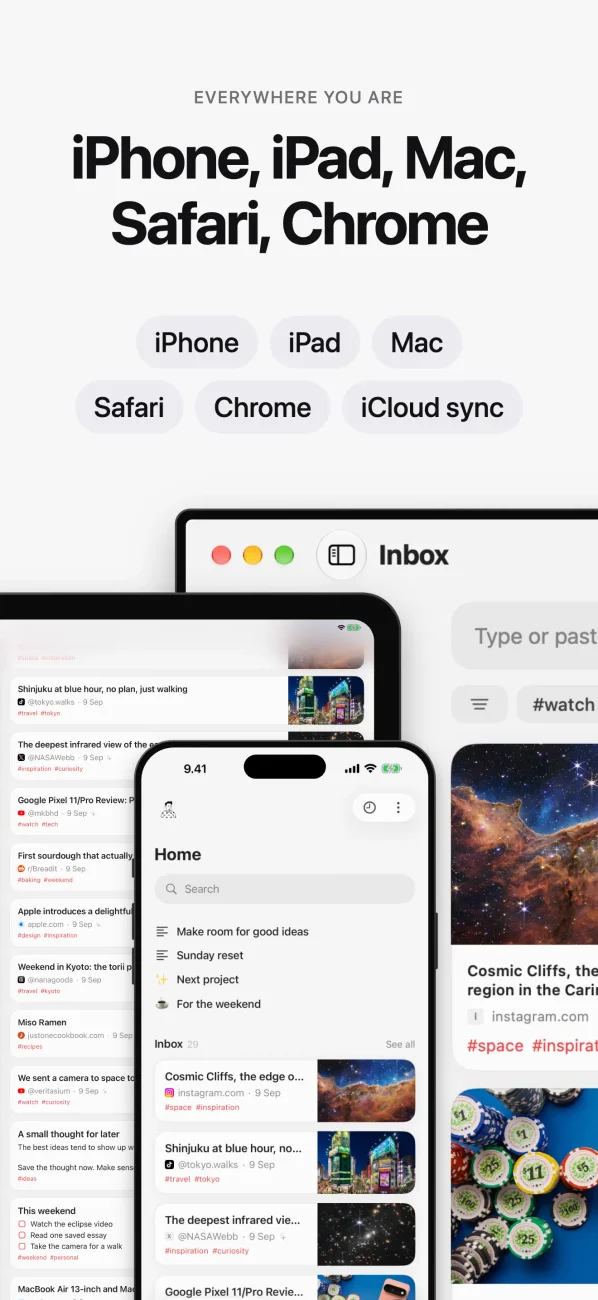
No account, no sign-up, nothing collected, no ads. Your library lives on your iPhone. Turn on iCloud sync and it reaches your other devices through your own account, never through ours. There is an Anycap for Mac as well, reading the same library.
Anycap requires iOS 18 or later. On-device summaries need an iPhone with Apple Intelligence.
Neue Funktionen
Version 1.2.5 · 28.11.2026
Thanks for using Anycap! Drag links, selected text, and images into your library, and see when Safari has saved a page.
- Drop links, selected text, and images from Safari or another app onto Home or Inbox. Drop onto a folder or collection to save directly there.
- The Safari extension confirms a save on the page and reports when it cannot save.
- The highlight in the tab bar slides from tab to tab.
- Home shows New collection only until you make your first collection. After that it is in the Collections menu.
App-Datenschutz
Was Irfan Dzulfiqor im App Store zum Umgang dieser App mit Daten angibt.
-
Keine Daten erfasst
Der Entwickler erfasst keine Daten von dieser App.
Die Datenschutzpraktiken können variieren, zum Beispiel je nach den von Ihnen verwendeten Funktionen oder Ihrem Alter.
Informationen
- Anbieter
- Irfan Dzulfiqor
- Kategorie
- Produktivität
- Version
- 1.2.5
- Aktualisiert
- 28.11.2026
- Veröffentlicht
- 29.09.2026
- Größe
- 37,7 MB
- Erfordert
- iOS 18.0 oder neuer
- Altersfreigabe
- 4+
- Preis
- Kostenlos
- Sprachen
- Englisch
- Copyright
- © 2026 Irfan Dzulfiqor
Das könnte Ihnen auch gefallen
-
 Inkstone: AI Knowledge BaseProduktivität
-
 Nook: Read, Write, OwnProduktivität
-
 Folio: Notes, PDFs & CanvasProduktivität
-
 NoteWorthy: Smart NotesProduktivität
-
 PDFDockProduktivität
-
 Kasten - Zettelkasten CardsProduktivität
-
 OkojoProduktivität
-
 Markdown Viewer: Copy for AIProduktivität
-
 PureKanbanZiel-Kanban in Markdown
-
 FocusRabbit: Handy-DetoxBildschirmzeit & App Blocker