- Altersfreigabe4+
- KategorieBildung
- EntwicklerWizkids A/S
- SprachenEnglisch+ 13 weitere
- Größe429,8 MB
Verlinkt auf die offizielle App Store-Seite
Download.org hostet keine Datei von AppWriter. Die Schaltfläche öffnet die App-Seite bei App Store, wo Wizkids A/S die App veröffentlicht. Eintrag zuletzt geprüft am 23.11.2026.
Screenshots
Info
Der Entwickler hat diesen Text nicht in Ihrer Sprache bereitgestellt.
APPWRITER
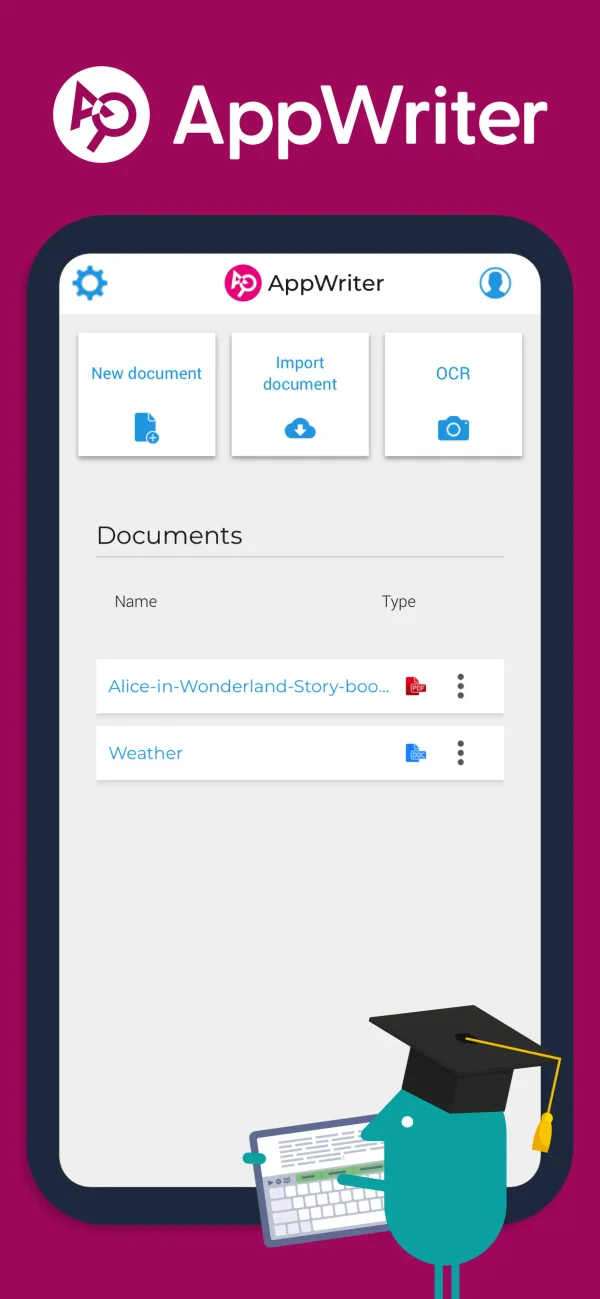
AppWriter provides help with reading and writing through a range of features such as context-based word suggestions, text-to-speech, OCR scanning and a pdf reader.
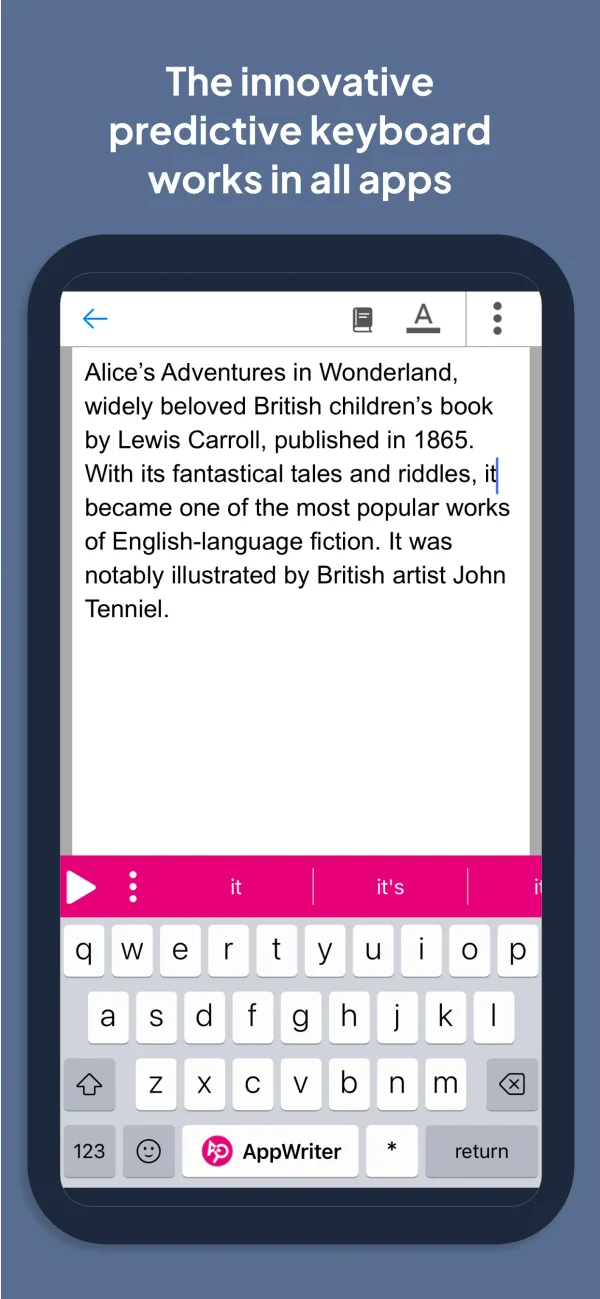
Using the AppWriter keyboard, you can type in other apps and get word suggestions while typing.
READING
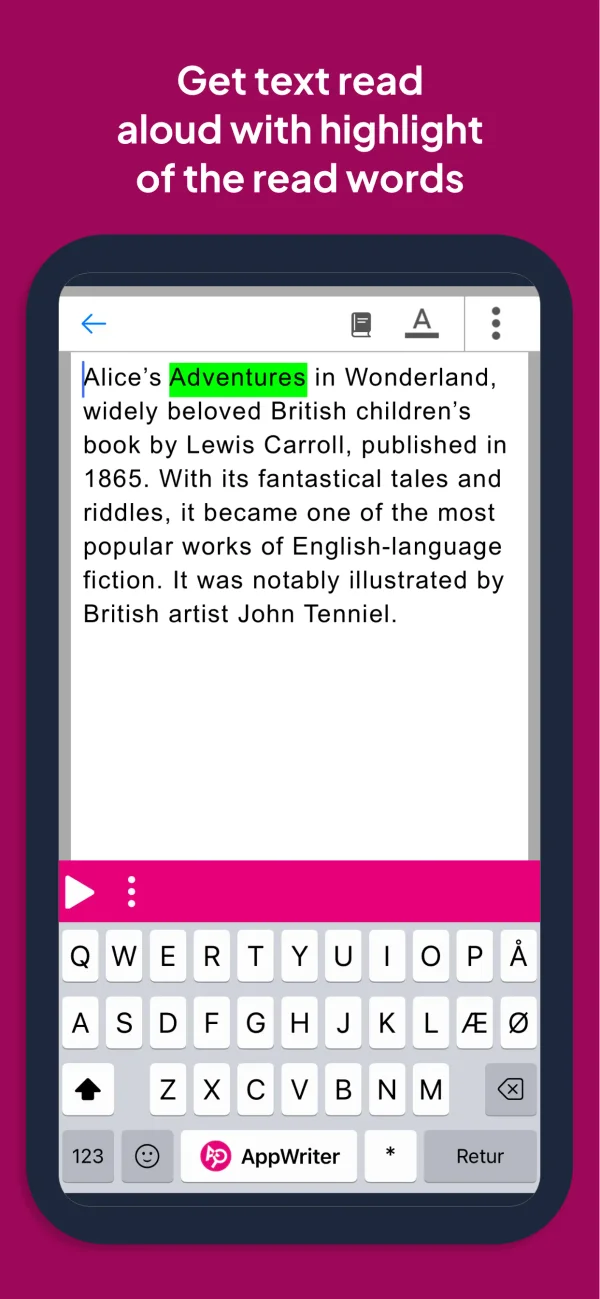
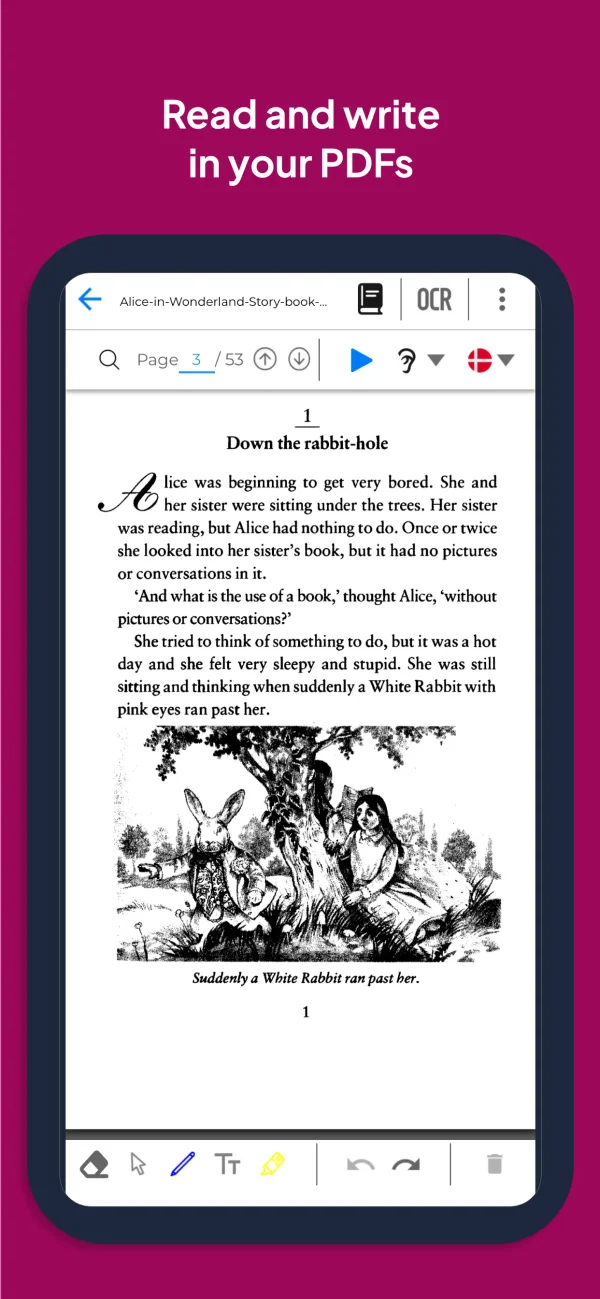
With the help of AppWriter's built-in voices, you can have text read aloud in documents and pdf files.
AppWriter supports various options for highlighting text while reading, which makes it easier to follow along visually.
PREDICTIVE TEXT
AppWriter context-based predictive text. This means that you get the most relevant suggestions that help in the correct spelling of a word that you may be in doubt about. The predictive text box is also a great tool for discovering words that can expand one's vocabulary.
The wildcard character (*) is useful for spelling difficult words, as the character can replace letters when in doubt.
It is also possible to activate various reading options while writing. This can be done for each word, as well as for sentences.
SPEECH TO TEXT (DICTATION)
A microphone icon is integrated in AppWriter's keyboard, so you have the opportunity to record your text directly in documents, e-mails, messages, etc.
OCR
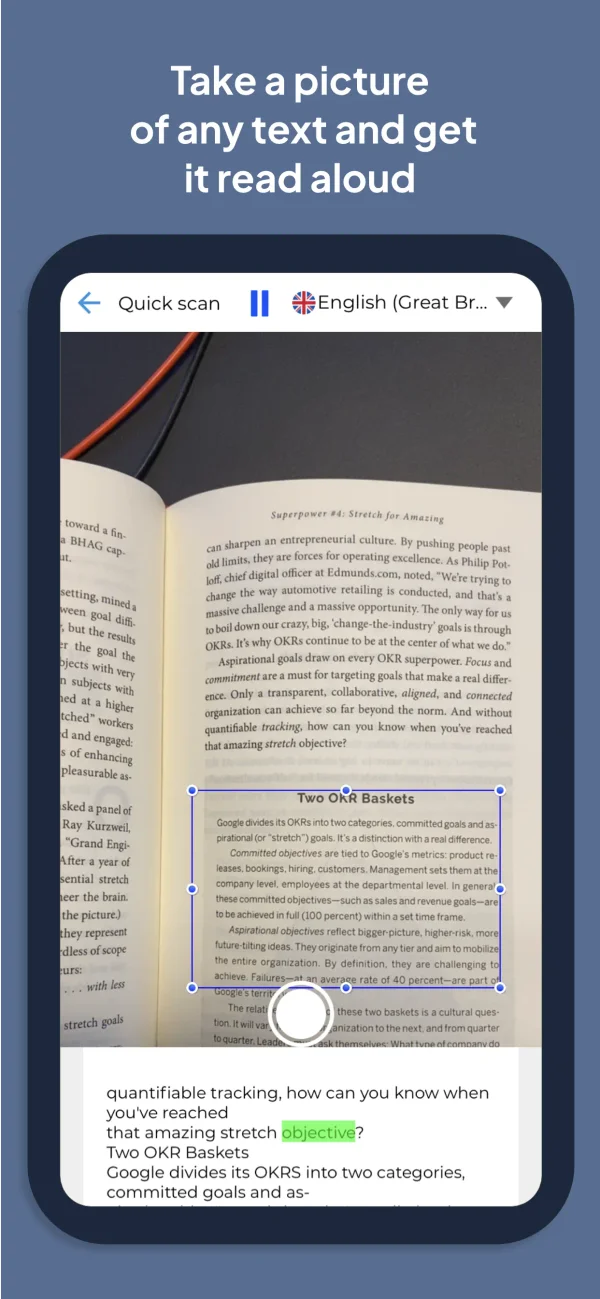
With AppWriter's ocr scanner, you can easily have text read aloud by using the camera to take a picture of text, for example on signs, in brochures, books, etc.
You can use the ‘Quick Scan’ function to have shorter pieces of text read aloud or use OCR for longer pieces of text.
LANGUAGE
AppWriter supports reading aloud and word suggestions in many different languages, eg Danish, English, Swedish, Norwegian, German, French, Spanish and more.
LOGIN
A login is required to use AppWriter.
PROFILE
You can use the same user profile regardless of which platform you use AppWriter on. This means that if you already have a user profile from AppWriter Cloud, Windows, Mac or AppWriter on iPad, the same profile can be used here.
If you have an internet connection, you can log out of AppWriter on one device and log in to AppWriter on another device, and your profile will automatically synchronize to that device. If you are not online, profile changes will be synchronized when you are online again.
Neue Funktionen
Version 10.4.0 · 29.10.2026
- Bug fixes and improvements
- New Polly Neural voices
App-Datenschutz
Was Wizkids A/S im App Store zum Umgang dieser App mit Daten angibt.
-
Keine Daten erfasst
Der Entwickler erfasst keine Daten von dieser App.
Die Datenschutzpraktiken können variieren, zum Beispiel je nach den von Ihnen verwendeten Funktionen oder Ihrem Alter.
Informationen
- Anbieter
- Wizkids A/S
- Kategorie
- Bildung
- Version
- 10.4.0
- Aktualisiert
- 29.10.2026
- Veröffentlicht
- 18.04.2016
- Größe
- 429,8 MB
- Erfordert
- iOS 15.6 oder neuer
- Altersfreigabe
- 4+
- Preis
- Kostenlos
- Sprachen
- Englisch, Arabisch, Dänisch, Niederländisch, Finnisch, Französisch, Deutsch, Italienisch, Norwegisch (Bokmål), Norwegisch (Nynorsk), Polnisch, Portugiesisch + 2 weitere
- Copyright
- © 2013 Wizkids A/S