Atelier — Draw & Animate
Draw, Animate, Edit, Create
Entwickelt für iPad
Kostenlos
- Altersfreigabe4+
- KategorieGrafik und Design
- Entwicklerjerome HOUIX
- SprachenEnglisch
- Größe96,9 MB
Verlinkt auf die offizielle App Store-Seite
Download.org hostet keine Datei von Atelier — Draw & Animate. Die Schaltfläche öffnet die App-Seite bei App Store, wo jerome HOUIX die App veröffentlicht. Eintrag zuletzt geprüft am 28.11.2026.
Screenshots





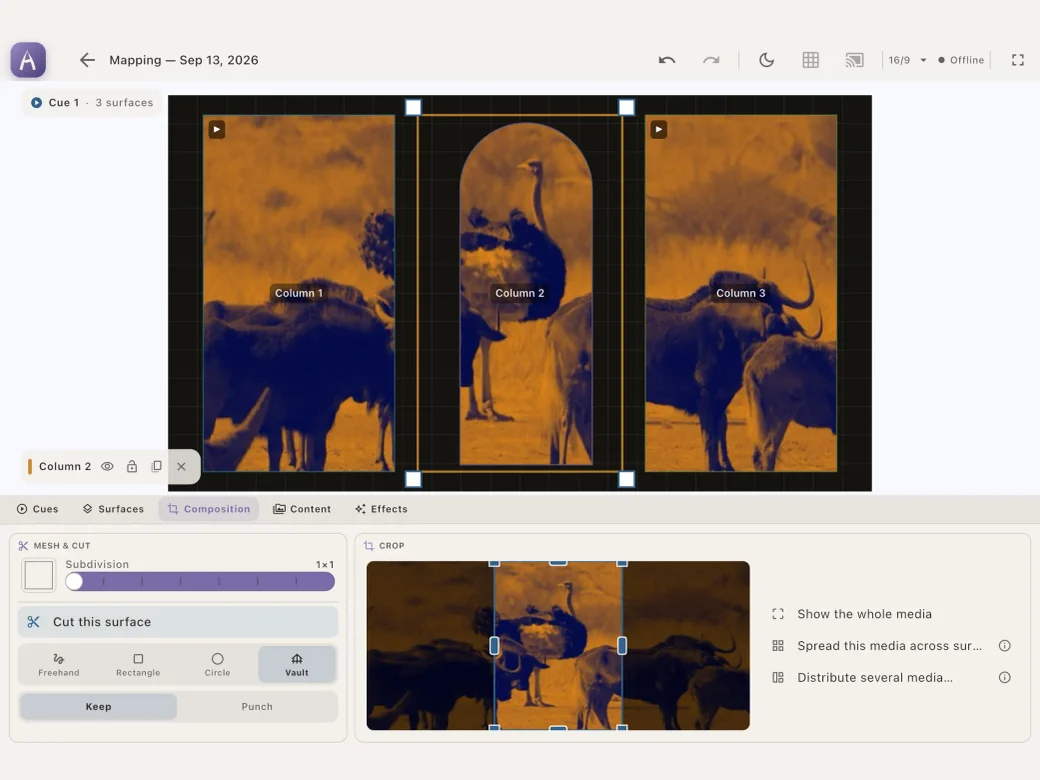
Info
Der Entwickler hat diesen Text nicht in Ihrer Sprache bereitgestellt.
Atelier brings together drawing, vector, generative art, animation, comics, and video editing in one iPad app.
Drawing
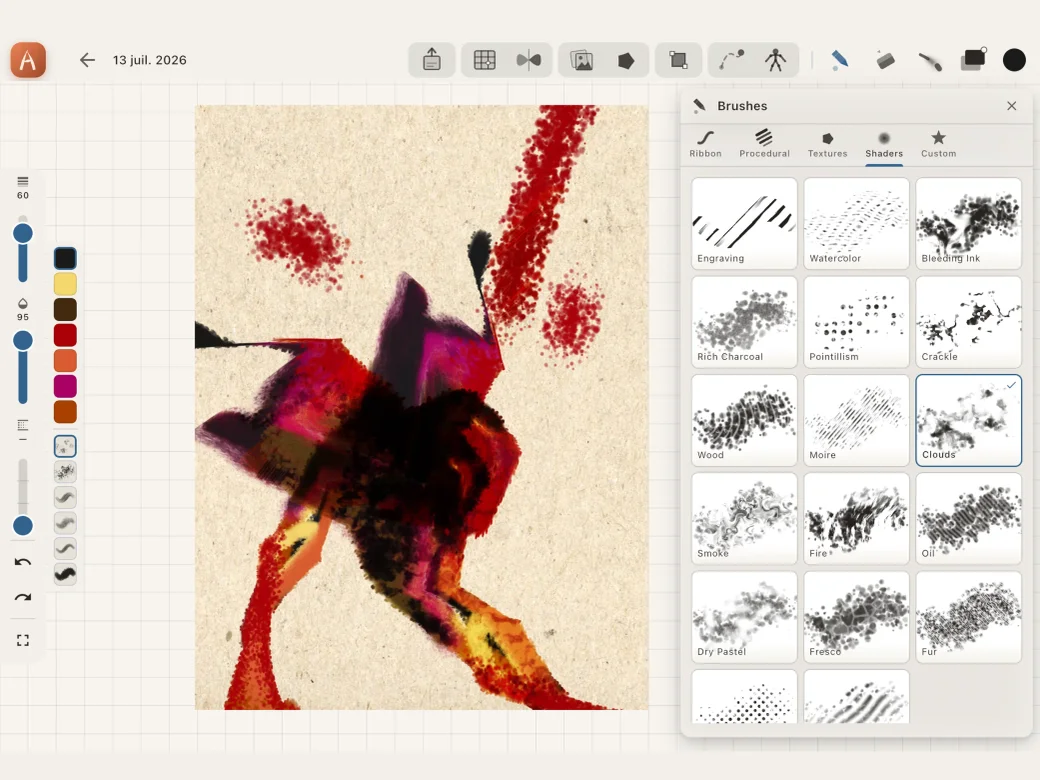
• Brushes that respond to stylus pressure and tilt: pencil, charcoal, ink, pastel, engraving.
• 60+ textures and stamps: charcoal, ink splatter, crosshatching, wood, canvas, comic screentone.
• Layers: blend modes, alpha lock, masks, non-destructive filters.
• Selection, lasso, fill, gradient, mirror symmetry, live kaleidoscope symmetry.
• Perspective grids, isometric grid, paper textures.
• Photo import, cutout, warp, collage.
Vector
• Pen tool, Bézier curves, geometric shapes, boolean operations, gradients.
Generative art
• Fractals: Mandelbrot, Julia, Newton, Phoenix.
• Mathematical patterns, kaleidoscope symmetry, several coloring modes.
Animation
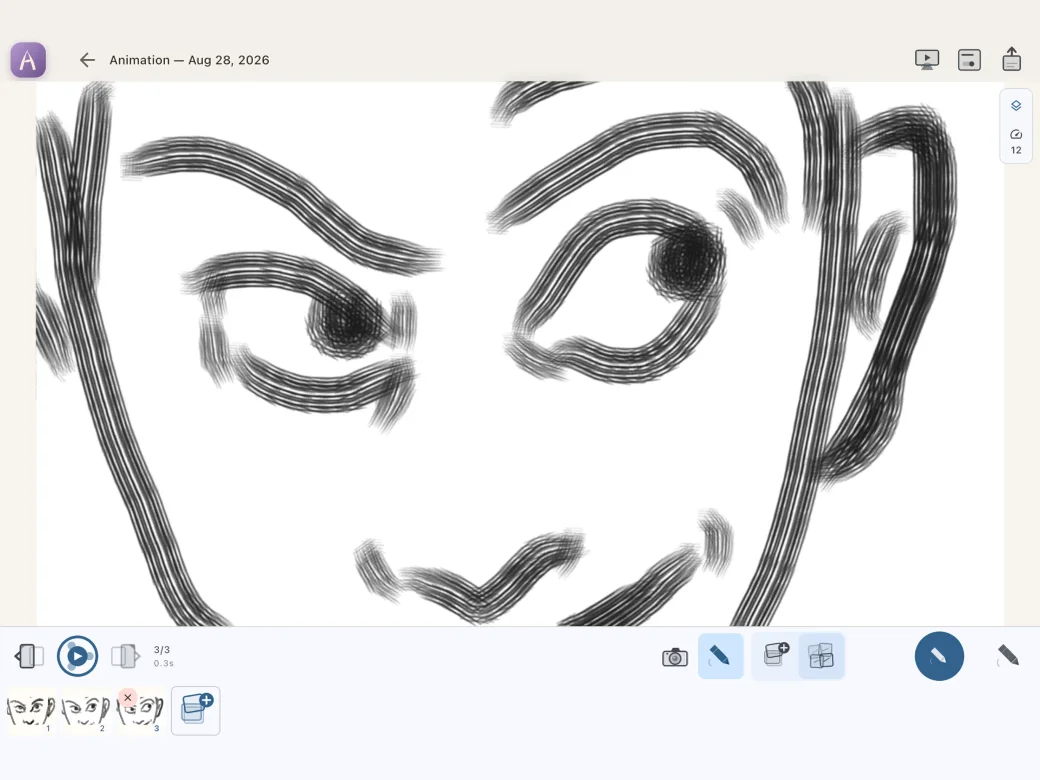
• Frame-by-frame with onion skinning, stop-motion style.
• Characters rigged with an animatable skeleton, posed and chained into clips.
• Path-based animation with easing curves.
• Pixel art module: sprites, animation cycles, export to game engine.
Comics
• Panel grids, speech bubbles, sound effects.
• Reading mode to flip through the finished comic book.
Video editing
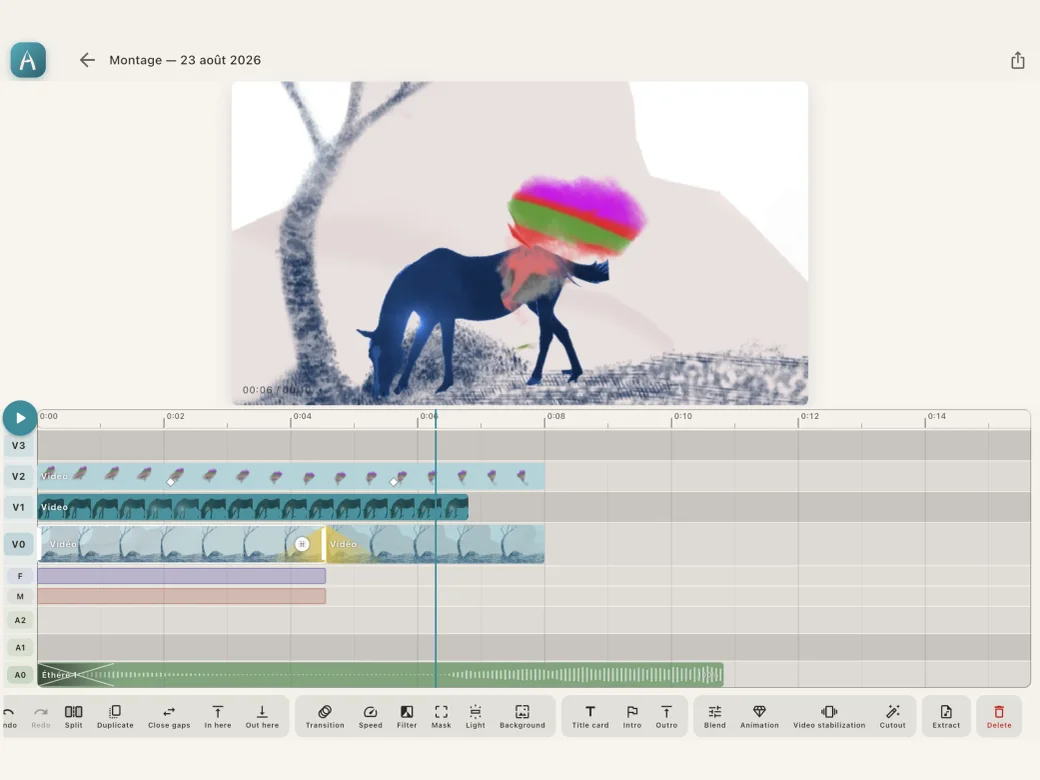
• Multi-clip timeline, transitions.
• Cinematic LUTs, green-screen chroma key, audio tracks and music.
• Title cards, credits, video export.
Organization
• Notebooks with nested folders.
• Personal reference-image library with built-in inspiration search.
• Every drawing's history, replayable as a time-lapse and exportable as video.
Export & backup
• PNG, PDF, video (MP4), full project file, pixel art sprites.
• Sync to your own Google Drive, restorable on a new iPad.
• No ads, no advertising data collection.
Neue Funktionen
Version 1.49 · 27.11.2026
What's New in version 1.49
Watercolor: a real family of brushes
A new Watercolor category in the brush panel, with seven watercolors: Wet, Granulating, Lively, Diluted, Salted, Rough and Bloomed.
Wet wash: while the paper is still wet, touching strokes blend into a single wash, and colors mingle where they meet.
A new Wet time slider in the rail, from dry paper up to 60 seconds.
Pigmented edges, granulation that follows the paper grain, and a dry brush on the stylus flank with Lively Watercolor.
12 new photo papers: watercolor, cardboard, plaster, non-woven, canvas and weave.
A more faithful stroke
Smoothing has been rebuilt: the stroke follows the stylus exactly, even at the Strong level, and hand tremor disappears. Your existing drawings keep their look.
Strokes stay sharp after an undo and when you zoom in.
Fluid Line, Square Line and Calligraphy are smoother, with no marks at crossings and no squashed loops.
Stroke gradient: color goes from A to B along the stroke or with pressure, with intermediate colors and palettes.
A new Taper slider in the rail; sliders show what they adjust and allow fine tuning.
Color and tools
Color drop: drag the color swatch onto the canvas to fill an area, then adjust the tolerance with a simple drag.
Redesigned color panel: the wheel stays in place, only the Palettes, Gradient, Values and Wheel tabs scroll.
Move has its own button in the top bar, and Selection opens straight on the scissors.
Layer filter and blur now apply while you draw, and the blur no longer changes when you add a layer on top.
Exported PNGs print at A4 size, like the PDF.
Reliability and performance
Undo and redo, reopening a notebook, Google Drive restore: many cases of lost or altered drawings are fixed.
Safer saving: a document is no longer truncated if the app closes while saving.
Much lower memory use on large notebooks: the app no longer closes when zooming in deeply, and brushes, papers and layers are only loaded when needed.
Various stability fixes.
App-Datenschutz
Was jerome HOUIX im App Store zum Umgang dieser App mit Daten angibt.
-
Mit Ihnen verknüpfte Daten
Können erfasst und mit Ihrer Identität verknüpft werden.
- Kontaktinformationen
- Benutzerinhalte
- Kennungen
Die Datenschutzpraktiken können variieren, zum Beispiel je nach den von Ihnen verwendeten Funktionen oder Ihrem Alter.
Informationen
- Anbieter
- jerome HOUIX
- Kategorie
- Grafik und Design
- Version
- 1.49
- Aktualisiert
- 27.11.2026
- Veröffentlicht
- 31.08.2026
- Größe
- 96,9 MB
- Erfordert
- iOS 17.0 oder neuer
- Altersfreigabe
- 4+
- Preis
- Kostenlos
- Sprachen
- Englisch
- Copyright
- © 2026 jerome houix
Das könnte Ihnen auch gefallen
-
 Munus PaintGrafik und Design
-
 Canvas Software - AnimateGrafik und Design
-
 VectoraGrafik und Design
-
 Scenius: AI Drawing & PaintGrafik und Design
-
 Ekakiba: Manga & Pixel ArtGrafik und Design
-
 xPaletteGrafik und Design
-
 Sketcha: Drawing & AnimationGrafik und Design
-
 Animation Zeichnen:2D FlipbookCartoons & Kunst Erstellen
-
 Particle GeneratorGrafik und Design
-
 Shelby DrawBookGrafik und Design