Atelier Easel
Photo editing simplified
Entwickelt für iPhone, iPad, Mac
Kostenlos
- Altersfreigabe4+
- KategorieFoto und Video
- EntwicklerJustin Xin
- SprachenEnglisch+ 4 weitere
- Größe16,3 MB
Verlinkt auf die offizielle App Store-Seite
Download.org hostet keine Datei von Atelier Easel. Die Schaltfläche öffnet die App-Seite bei App Store, wo Justin Xin die App veröffentlicht. Eintrag zuletzt geprüft am 12.11.2026.
Screenshots
Info
Der Entwickler hat diesen Text nicht in Ihrer Sprache bereitgestellt.
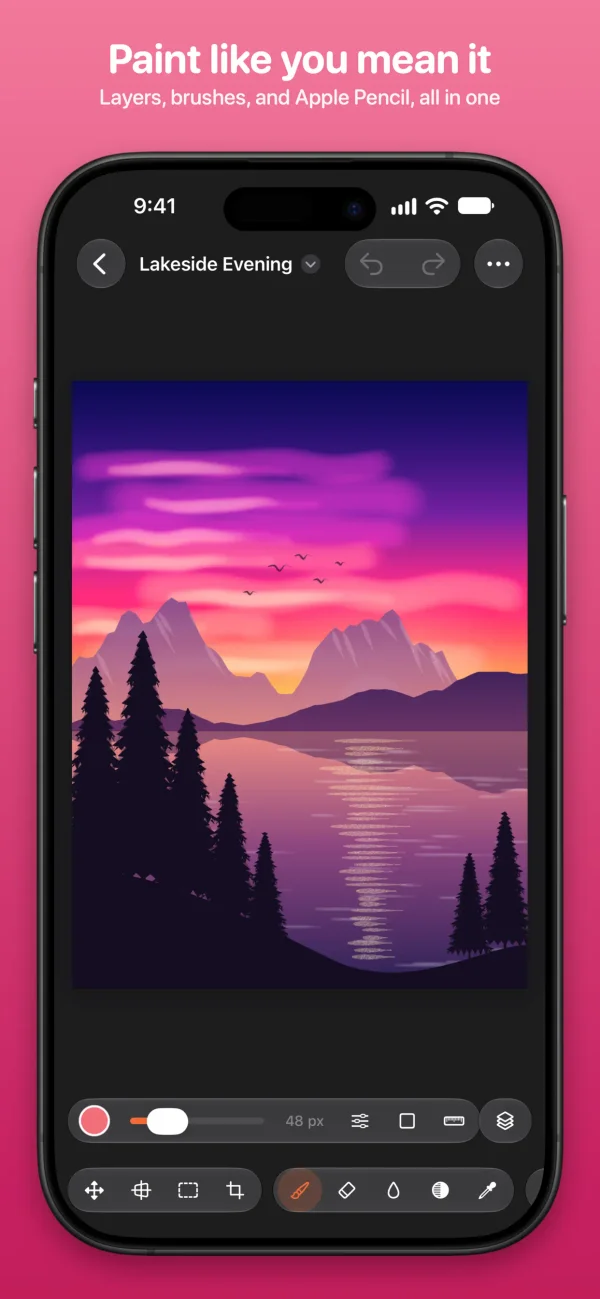
Paint, draw, and edit images with layers, brushes, and filters, by touch or with Apple Pencil on iPad.
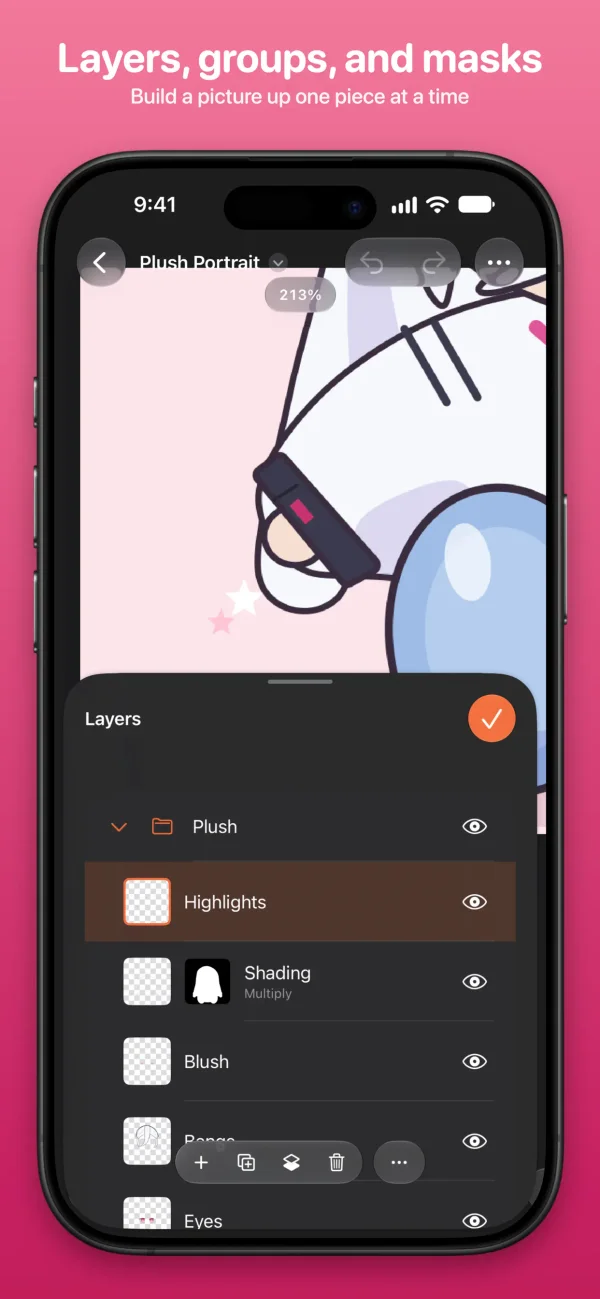
Easel is an image editor for iPhone and iPad. Paint with your finger, or with an Apple Pencil on iPad that responds to pressure and tilt. Work in layers with masks and groups, and edit photos directly from the Photos app.
Files
- Open Easel images, PNG, JPEG, HEIC, Photoshop (.psd), and Pixelmator Pro (.pxd) files
- Save as an Easel image, PNG, JPEG, HEIC, or Photoshop (.psd) with layers, masks, and groups
- Export presets that save a format, a quality, and a maximum size, and export several at once
- Edit a photo from the Photos app's Edit menu
- Preview Easel and Pixelmator Pro images in Files
Painting and Drawing
- Brushes, an eraser, fill and gradient tools, and an eyedropper
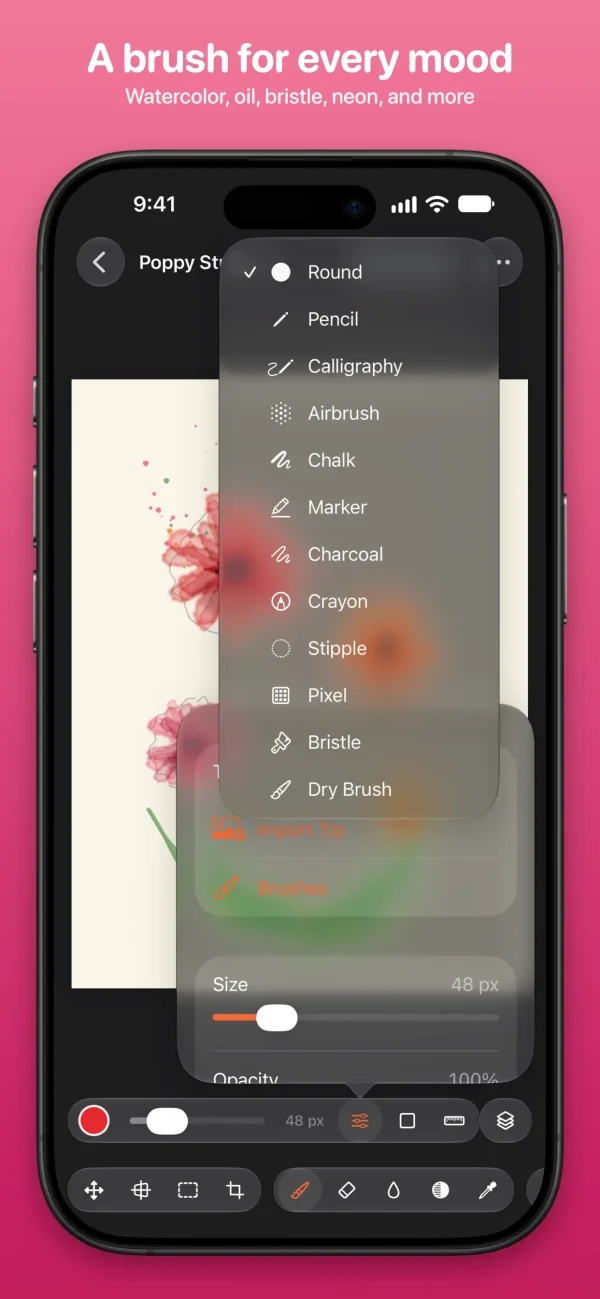
- Round, pencil, calligraphy, airbrush, and chalk brush tips, with paper grain
- Save your own brushes by name, alongside a few built-in ones
- A ruler you move, turn, and stretch with your fingers, so you can draw straight lines along it
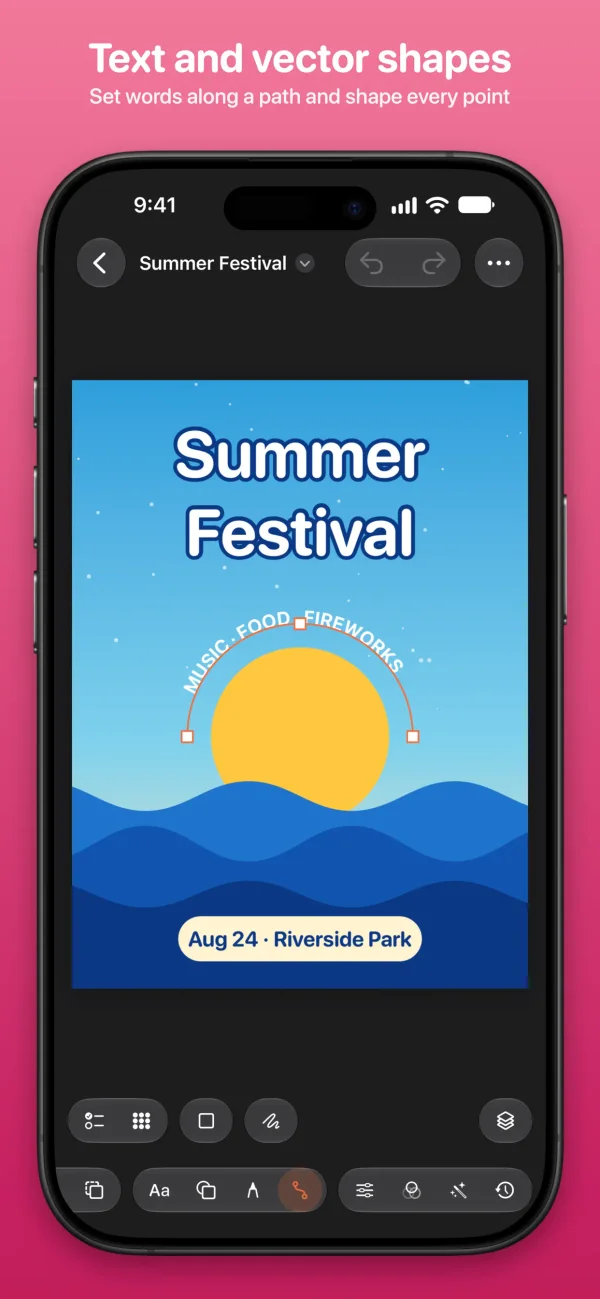
- Vector shapes, lines, and arrows, plus a pen tool, node editing, and combining shapes by unite, subtract, intersect, and exclude
- Text, including text along a path
- Symmetry drawing: vertical, horizontal, or both
- Swatches saved with each image
Apple Pencil on iPad
- Pressure and tilt shape each stroke
- Shade with a tilted pencil, and turn the calligraphy nib as you lean it
- See the brush outline under a hovering Apple Pencil or pointer
Retouching
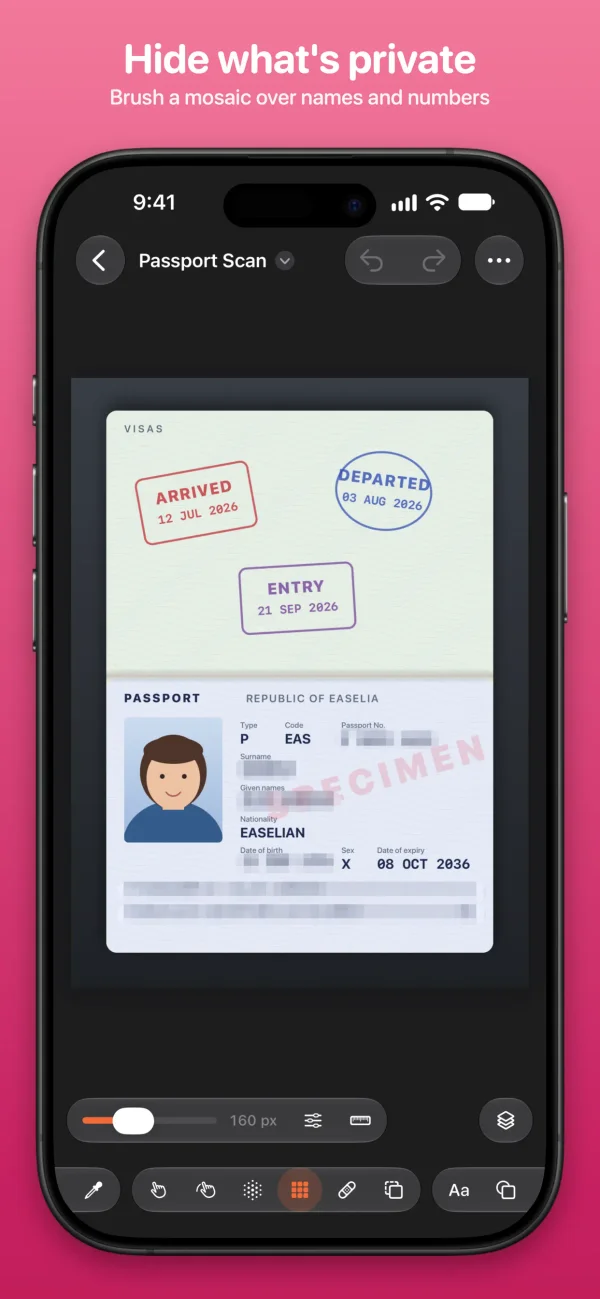
- Smudge, blur, mosaic, heal, and clone
- Liquify to push and pull pixels
- Fill a selection from its surroundings
- Remove the background, keeping the subject
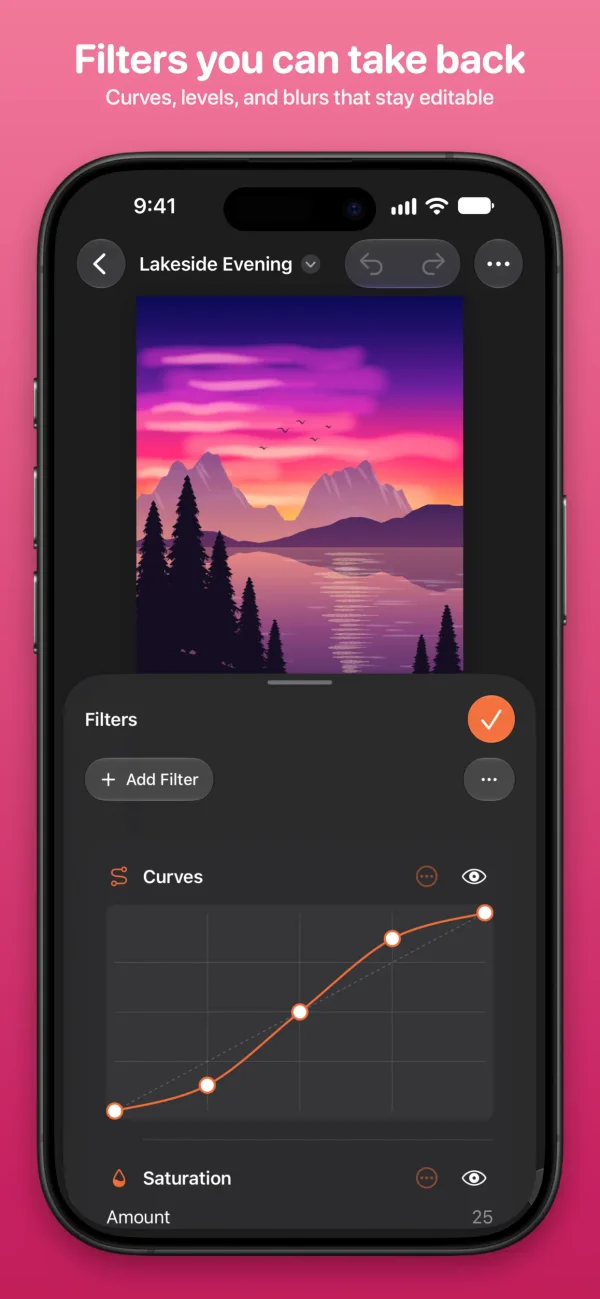
- Adjust exposure, brightness, contrast, highlights, shadows, saturation, vibrance, temperature, tint, hue, sharpness, and vignette
Selecting and Transforming
- Rectangle, ellipse, lasso, color-based, and object selection, including selecting a subject
- Move, crop, rotate, and flip
- Distort a layer in perspective or warp it on a grid
- Guides, rulers, and snapping to help line things up
Layers
- Layers with blend modes, groups, and masks
- Filters and adjustments on a layer: black and white, sepia, saturation, brightness, contrast, levels, curves, color balance, gradient map, mosaic, noise reduction, and Gaussian, motion, zoom, and lens blur
- Change the canvas size, and place the artwork by an anchor, scale it to fit, or stretch it to fill
Shortcuts
- Resize images, convert their format, and remove their background with Shortcuts actions you can chain together
Working Faster
- Keyboard shortcuts with a hardware keyboard to copy, paste, nudge layers, size brushes, and zoom
- A history panel to go back to any step and compare with the original
Neue Funktionen
Version 1.0.2 · 03.11.2026
Bug fixes and performance improvements.
App-Datenschutz
Was Justin Xin im App Store zum Umgang dieser App mit Daten angibt.
-
Keine Daten erfasst
Der Entwickler erfasst keine Daten von dieser App.
Die Datenschutzpraktiken können variieren, zum Beispiel je nach den von Ihnen verwendeten Funktionen oder Ihrem Alter.
Informationen
- Anbieter
- Justin Xin
- Kategorie
- Foto und Video
- Version
- 1.0.2
- Aktualisiert
- 03.11.2026
- Veröffentlicht
- 20.10.2026
- Größe
- 16,3 MB
- Erfordert
- iOS 26.0 oder neuer
- Altersfreigabe
- 4+
- Preis
- Kostenlos
- Sprachen
- Englisch, Japanisch, Koreanisch, Vereinf. Chinesisch, Tradit. Chinesisch
- Copyright
- © 2026 Justin Xin
Das könnte Ihnen auch gefallen
-
 ReactieFoto und Video
-
 Tape Eater Video EffectsFoto und Video
-
 Grainroom: Vintage Camera LabFoto und Video
-
 DualCamProFoto und Video
-
 Trigger Keeper: Voice CameraFoto und Video
-
 SnapText: Bild zu Text & OCRTexterkennung für Foto & Scan
-
 PanoPeek: 360° Photo ViewerFoto und Video
-
 Bothie: Dual Camera VideoFoto und Video
-
 RawlitFoto und Video
-
 LensPin: Photo GeotaggerFoto und Video