
Authenticator App 。
2FA, Two Factor Authentication
Entwickelt für iPhone
Kostenlos · In-App-Käufe
- Altersfreigabe17+
- KategorieDienstprogramme
- EntwicklerAllied Clicks
- SprachenEnglisch
- Größe65,0 MB
Verlinkt auf die offizielle App Store-Seite
Download.org hostet keine Datei von Authenticator App 。. Die Schaltfläche öffnet die App-Seite bei App Store, wo Allied Clicks die App veröffentlicht. Eintrag zuletzt geprüft am 13.11.2026.
Screenshots

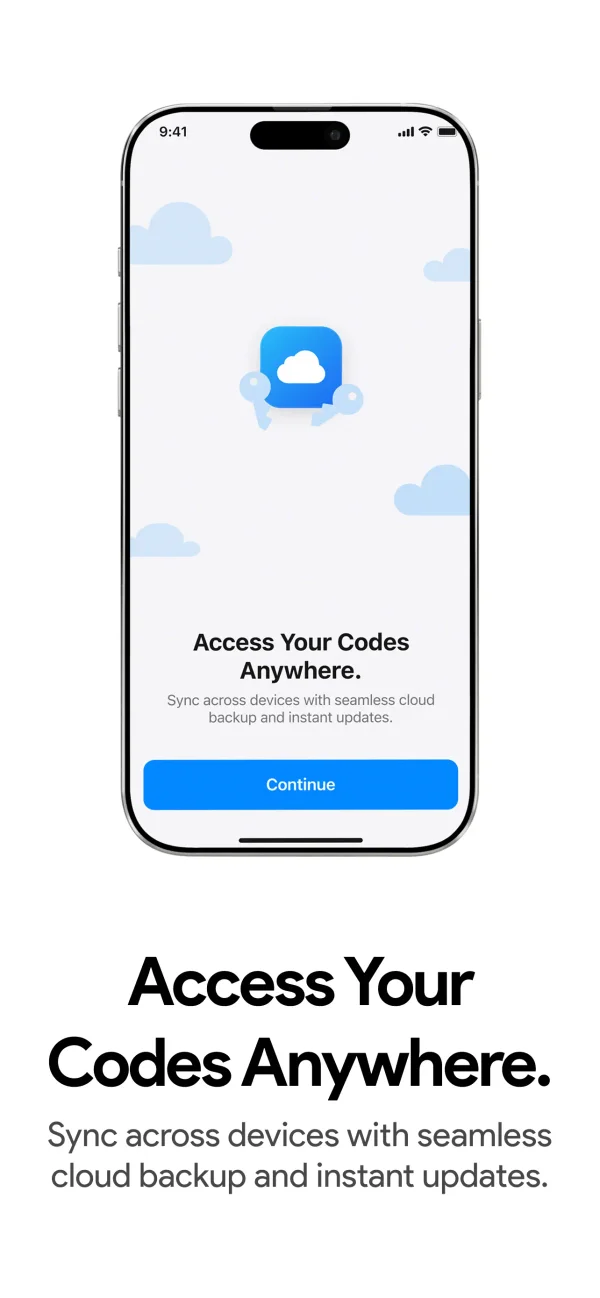
Info
Der Entwickler hat diesen Text nicht in Ihrer Sprache bereitgestellt.
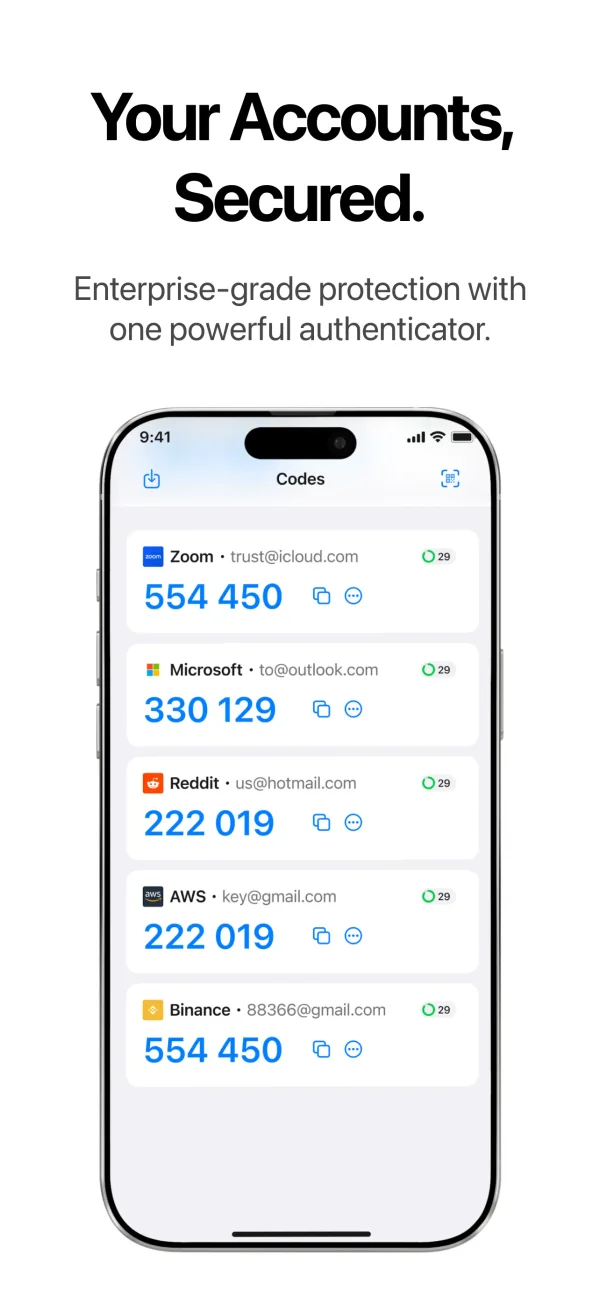
Authenticator App – Store and generate secure 2FA (two-factor authentication) tokens for all your online accounts, directly on your device.
The app adds a strong extra layer of protection to your accounts, keeping hackers and unauthorized access away.
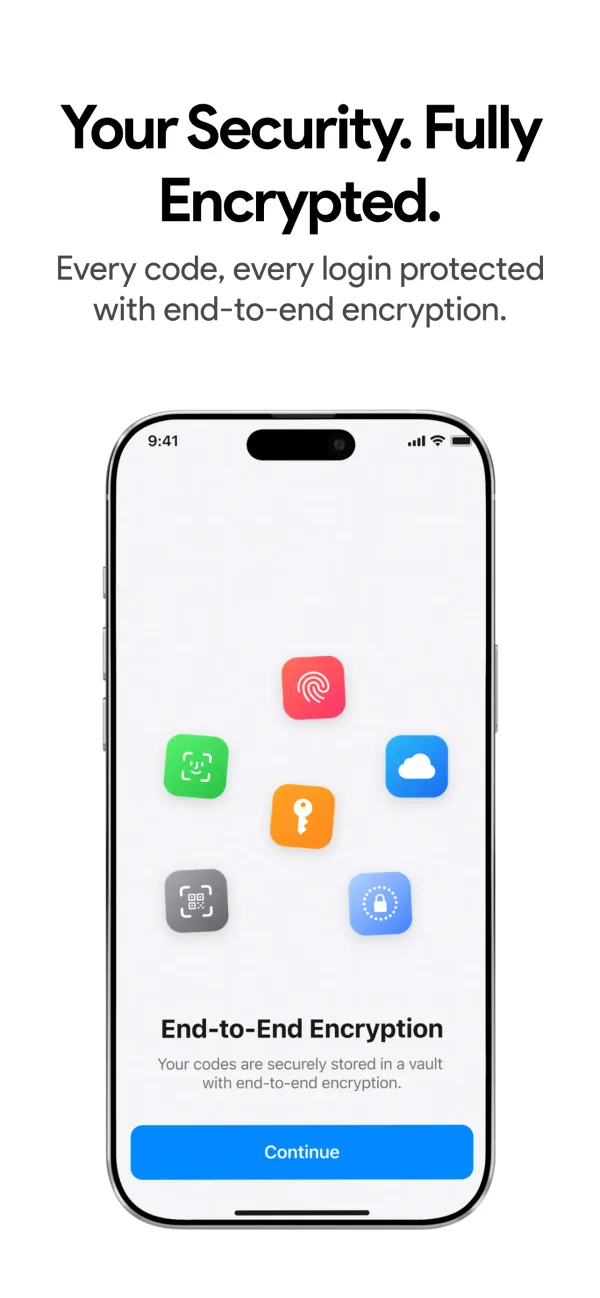
Secure & Private: All data stored in the app is fully encrypted — including what’s saved in iCloud — ensuring only you can access your information.
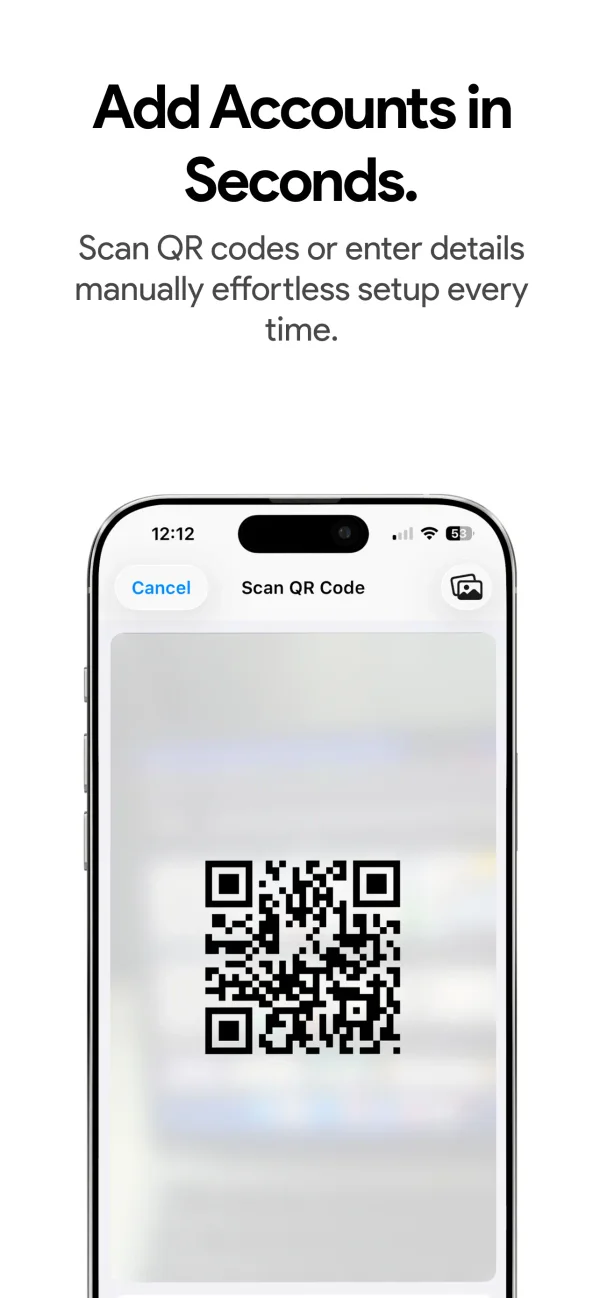
2FA Secured Backup: Safe and secure encrypted iCloud backups for all your 2FA codes, passwords, and secret keys. You can easily restore access to your keys on a new device or use our app on multiple devices with automatic cross-device synchronization.
Custom Icons: Add custom or system icons to any of your 2FA codes to better recognize them on the list with many codes. The application automatically recognizes the service icon (favicon).
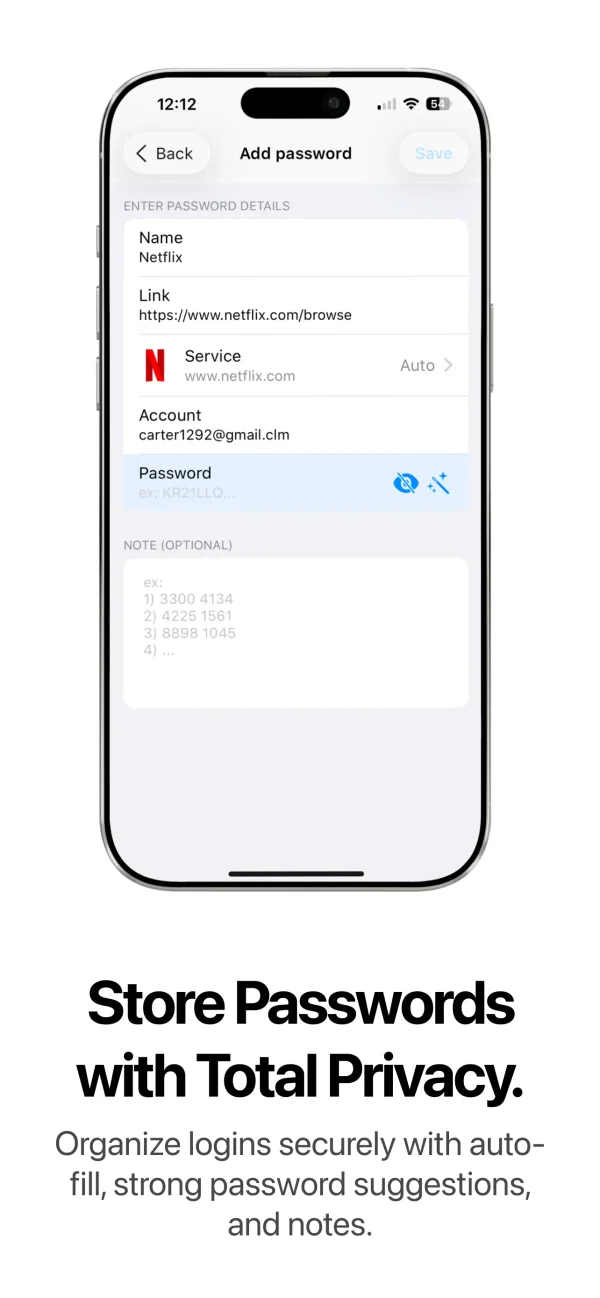
Password Manager: Store all your passwords in one secure storage. Get automatic password leaks protection and security reports for leaked passwords. Get a push if your password is leaked in some data leak.
Password generator: Generate a strong password with multiple security settings and smart password creation tips. Set up the password length and use unique symbols and numbers.
App PIN lock: Set up a 4-digit PIN to protect your app from other people and set up an auto-lock feature for the app to automatically lock the app with a PIN after exiting the app.
Authorize with Face/Touch ID: Confirm your identity with the application using Face/Touch ID and generate one-time tokens required to log in to your online accounts.
All Popular Services: Manually tested on 10,000+ most popular services. We support the most popular services including Google, Facebook, Twitter, Instagram, LinkedIn, Amazon, Microsoft, Dropbox, PayPal, eBay, Snapchat, Pinterest, Reddit, Yahoo, Shopify, Slack, Zoom, Airbnb, Uber and much more!
Private browser: Fast and secure browser with no history, logs or cookies, allowing you to browse the web without leaving any traces. It also includes bookmarking and tabbed browsing for a convenient and personalized browsing experience.
Terms of Service - https://www.alliedclicks.com/app-terms.php
Terms of Service for EULA - https://www.apple.com/legal/internet-services/itunes/dev/stdeula/
Refer to our privacy policy for any other issues - https://www.alliedclicks.com/app-privacy.php
Neue Funktionen
Version 1.3.0 · 02.08.2026
Fixed bugs
App-Datenschutz
Was Allied Clicks im App Store zum Umgang dieser App mit Daten angibt.
-
Daten, die zum Tracking Ihrer Person verwendet werden
Können verwendet werden, um Sie über Apps und Websites anderer Unternehmen hinweg zu verfolgen.
- Kennungen
- Nutzungsdaten
- Diagnose
-
Mit Ihnen verknüpfte Daten
Können erfasst und mit Ihrer Identität verknüpft werden.
- Benutzerinhalte
- Kennungen
- Nutzungsdaten
- Diagnose
Die Datenschutzpraktiken können variieren, zum Beispiel je nach den von Ihnen verwendeten Funktionen oder Ihrem Alter.
Informationen
- Anbieter
- Allied Clicks LLC
- Kategorie
- Dienstprogramme
- Version
- 1.3.0
- Aktualisiert
- 02.08.2026
- Veröffentlicht
- 16.12.2025
- Größe
- 65,0 MB
- Erfordert
- iOS 16.0 oder neuer
- Altersfreigabe
- 17+
- Preis
- Kostenlos
- In-App-Käufe
- Ja
- Sprachen
- Englisch
- Copyright
- © @2025 Authenticator
Das könnte Ihnen auch gefallen
-
 Authenticator App - Auth CodeSichere 2FA & OTP Token
-
 Authenticator App | 2FADienstprogramme
-
 Authentifizierungs-App + 2FAZwei-Faktor-Authentifizierung
-
 2FA Authenticator: OTP CodesZwei-Faktor MFA Sicherheit
-
 Authentikator 2FA, MFA, OTPSicherer Login & TOTP-Codes
-
 Authenticator App-2FA・TOTP・OTPZwei-Faktor-Authentifizierung
-
 Authenticator App - 2FA, OTPDienstprogramme
-
 Authenticator App · 2FA & MFADienstprogramme
-
 Authenticator – 2FA SecuritySicheres Passwort mit 2FA, MFA
-
 Authenticator App - 2FA, MFAAuthentifizierungs-App: OTP