
AutoSignMark: PDF Assistant
PDF sign, markup & merge
Entwickelt für iPhone, iPad, Mac
In-App-Käufe
- Altersfreigabe4+
- KategorieProduktivität
- EntwicklerCHUNG CHENG CHIU
- SprachenTradit. Chinesisch+ 3 weitere
- Größe11,8 MB
AutoSignMark: PDF Assistant ist bei App Store derzeit möglicherweise nicht verfügbar
Bei unserer letzten Prüfung war der Store-Eintrag nicht erreichbar. Der Link führt weiterhin zur offiziellen App Store-Seite.
Screenshots

Info
Der Entwickler hat diesen Text nicht in Ihrer Sprache bereitgestellt.
AutoSignMark is a fast, private PDF editor for iPhone, iPad, and Mac. Sign documents, mark them up by hand or with text, stamp your
signature, merge files, and save — all on device, with no account required.
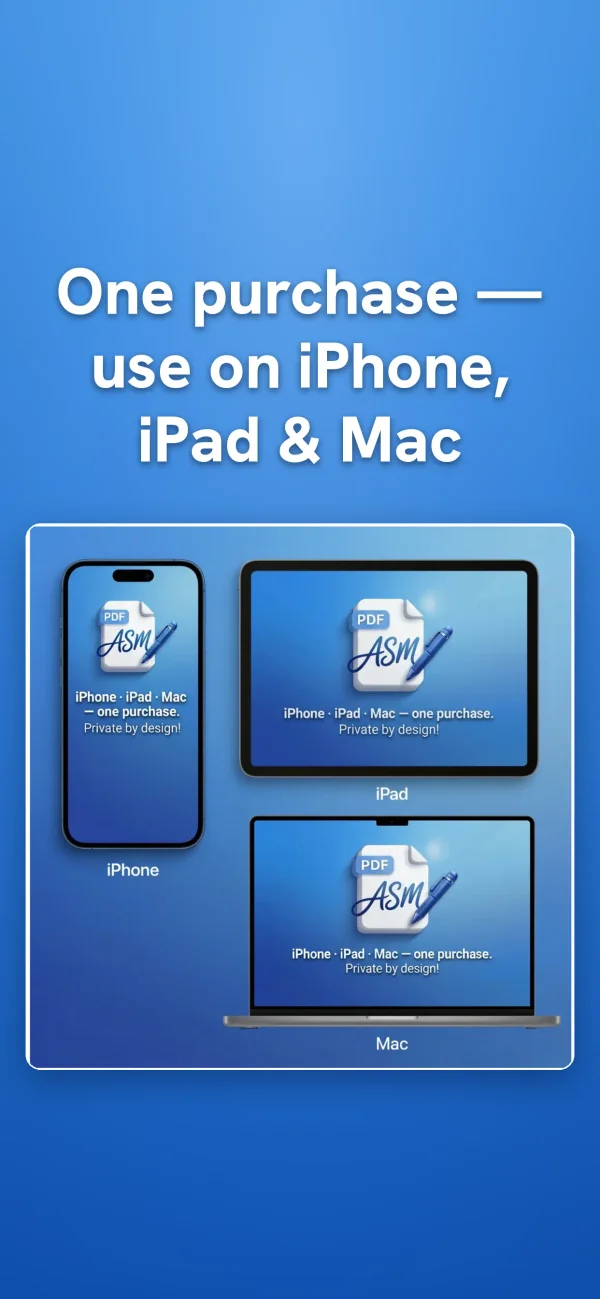
Requires iOS/iPadOS 17.6 or later, or macOS 14.6 or later. One purchase unlocks all three platforms with the same Apple ID.
FREE TO USE
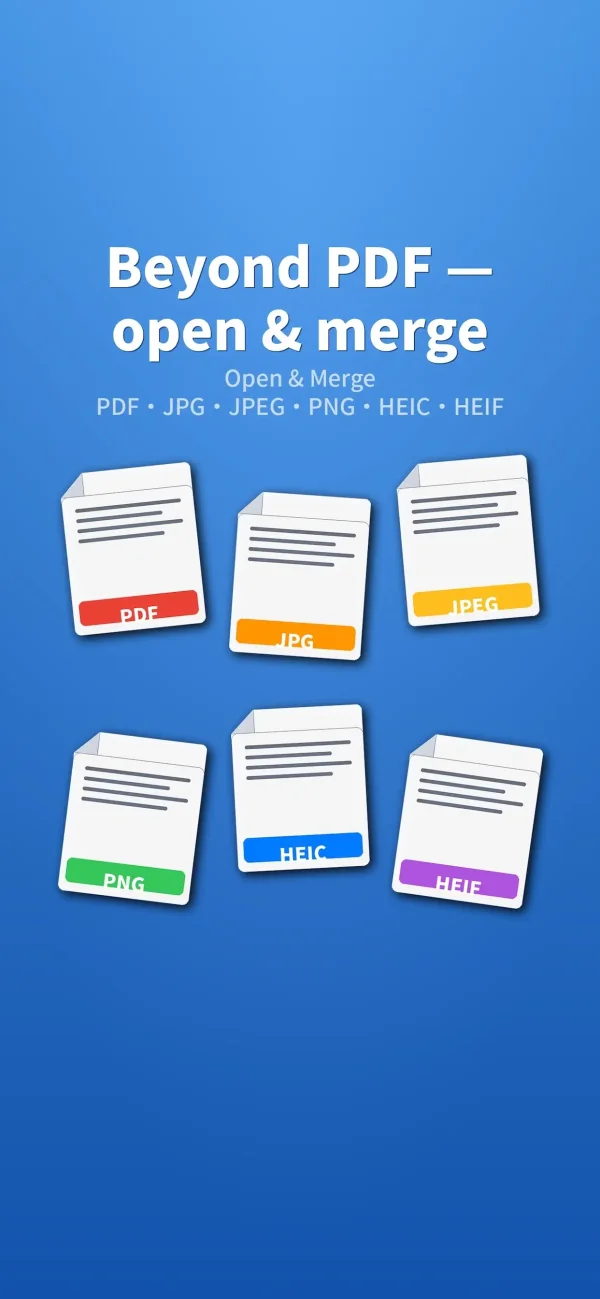
• Open and view PDF, JPG, PNG, and HEIC files
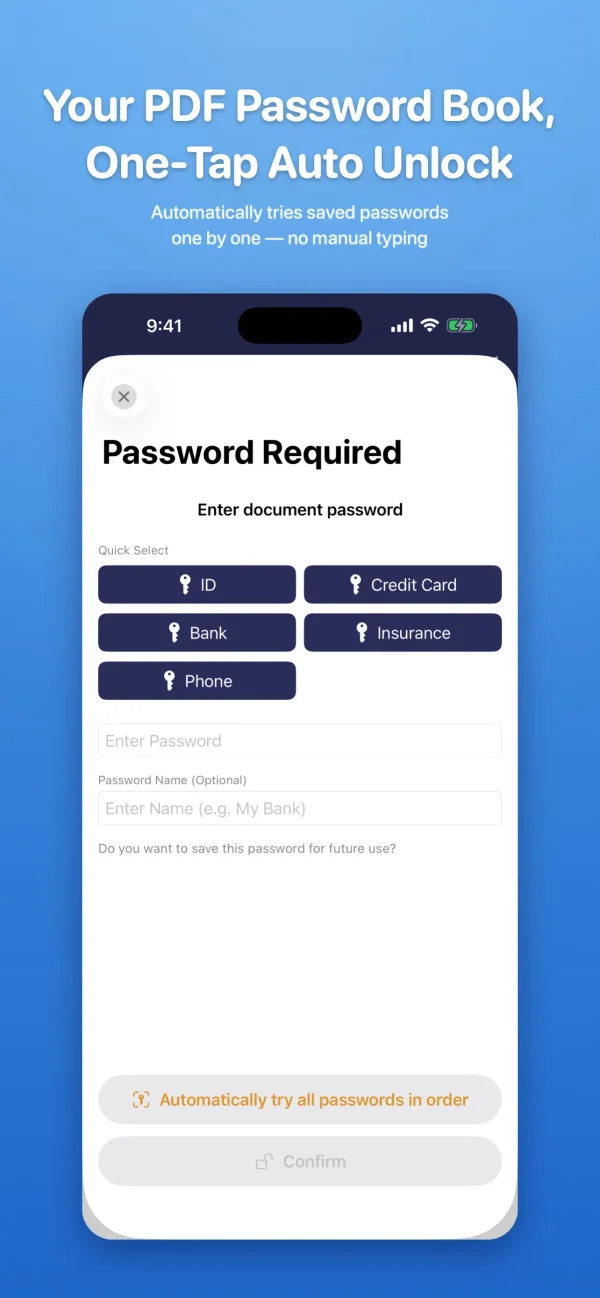
• Open password-protected PDFs (enter the password to unlock)
• Zoom, rotate, and navigate pages
• Paste a URL to download and open a PDF
• Scan documents with the camera (iPhone/iPad)
PRO FEATURES
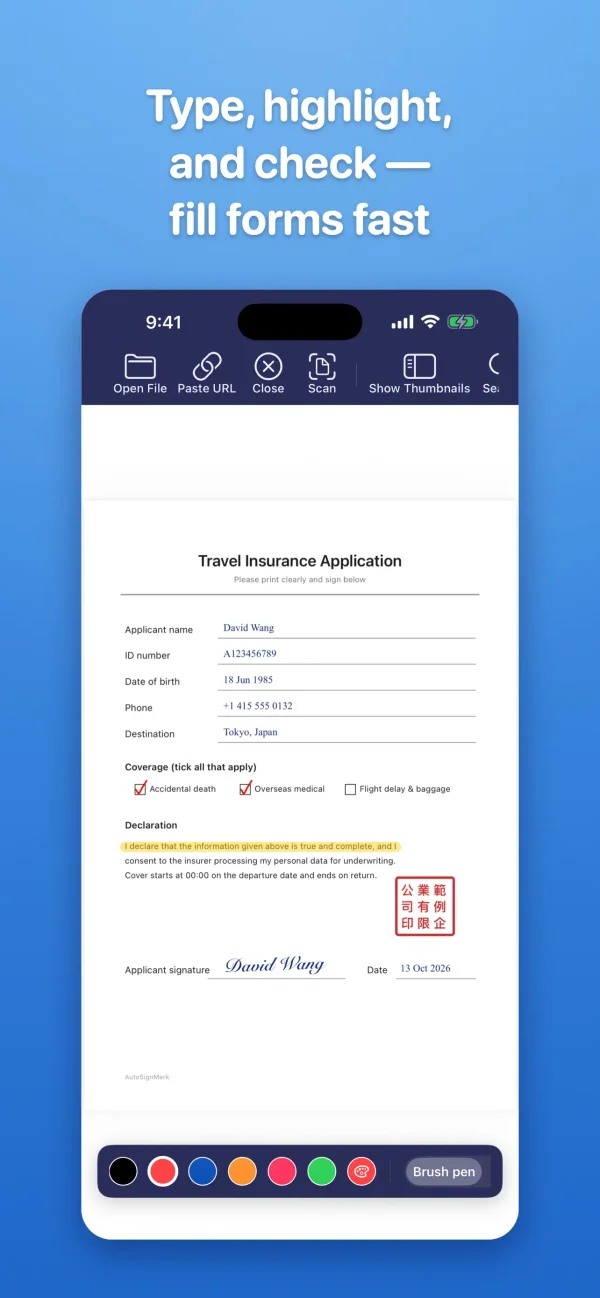
• Freehand drawing with adjustable color and thickness (Apple Pencil supported on iPad)
• Add text boxes with custom color and size
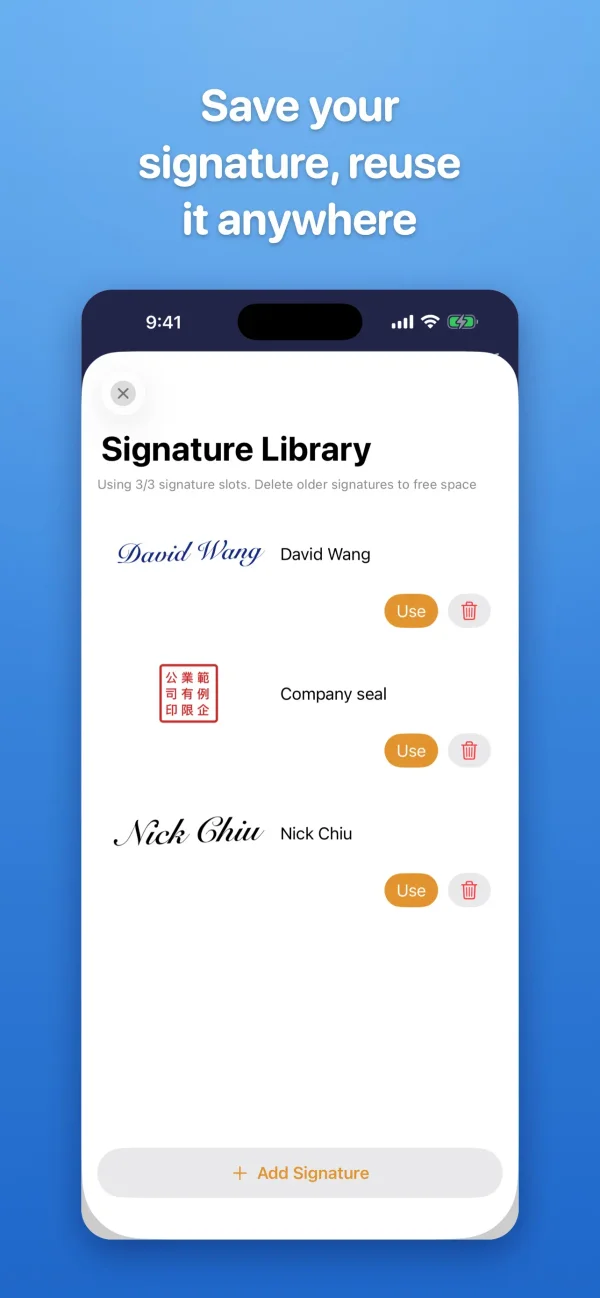
• Save and reuse your signature; import an image as a stamp with automatic background removal
• Eraser to remove annotations
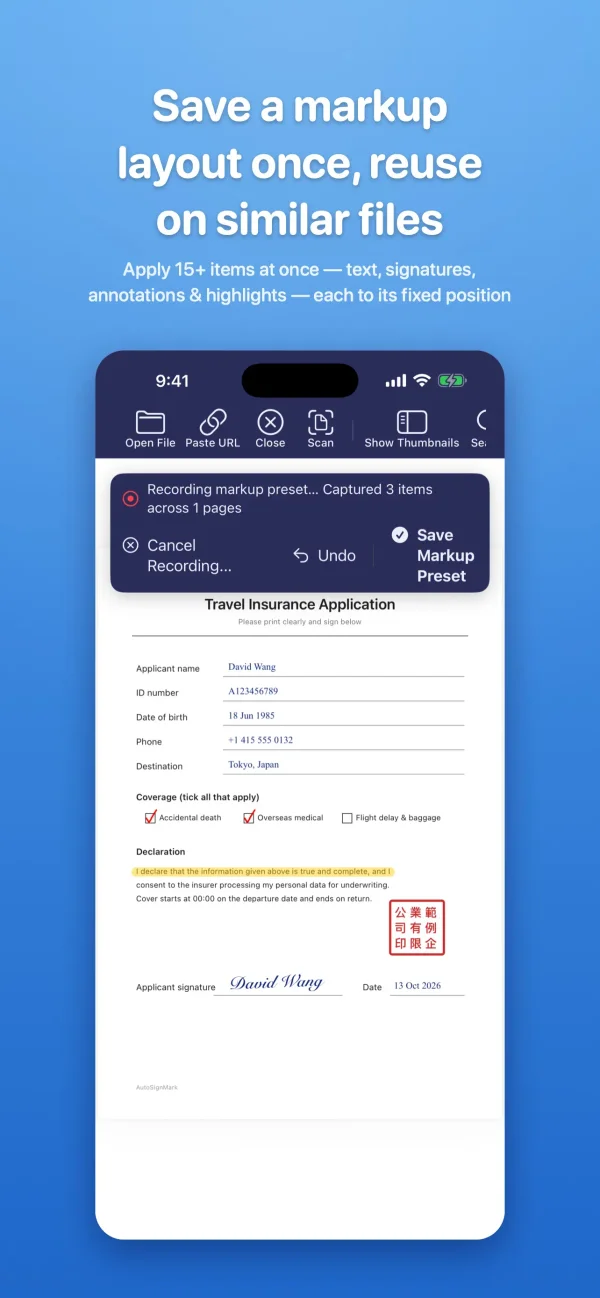
• Markup Presets: save a markup layout once and apply it to similar documents
• Merge multiple PDFs and photos into one file; convert photos to PDF
• Save (overwrite) or Save As (export a clean, password-free copy)
• Export pages as JPG images
• Quick Passwords: store frequently used passwords and auto-try them on encrypted PDFs
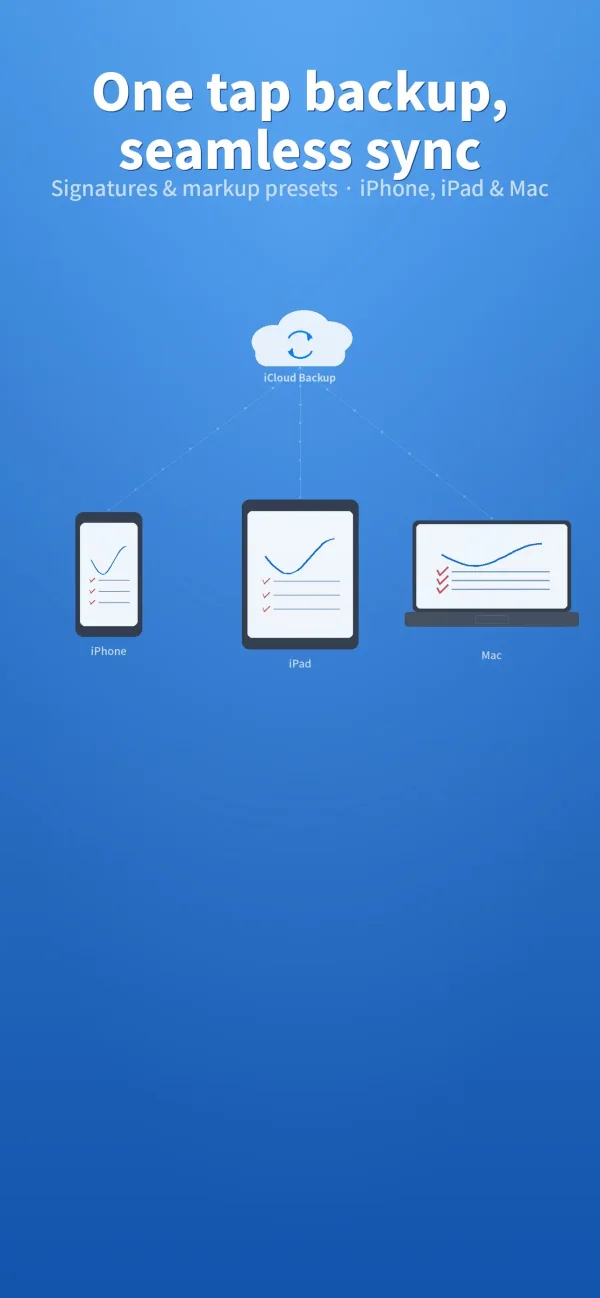
• Export and import your templates and signatures as a backup
PRIVATE BY DESIGN
AutoSignMark does not collect, track, or sell any data. Your files, signatures, and settings stay on your device. There is no
analytics, no advertising, and no third-party SDKs. The app connects to the internet only when you explicitly download a PDF.
PRICING
Start with a 7-day free trial that unlocks all Pro features. After the trial, keep Pro with an Annual subscription or a one-time
Lifetime purchase. Free viewing features remain available without a purchase.
https://www.apple.com/legal/internet-services/itunes/dev/stdeula/
The developer provides a software tool only and does not participate in,
monitor, or endorse any specific use by the user. The user bears sole
responsibility for any dispute or liability arising from improper use.
Stamps and signatures produced by this app are image files and are not
electronic or digital signatures under applicable law.
Neue Funktionen
Version 2.2.1 · 25.10.2026
• Annotations from a markup preset now appear on the page right away
• Fixed the What's New page showing up blank
If you find AutoSignMark useful, a rating would mean a lot to an indie developer. Thank you!
App-Datenschutz
Was CHUNG CHENG CHIU im App Store zum Umgang dieser App mit Daten angibt.
-
Keine Daten erfasst
Der Entwickler erfasst keine Daten von dieser App.
Die Datenschutzpraktiken können variieren, zum Beispiel je nach den von Ihnen verwendeten Funktionen oder Ihrem Alter.
Informationen
- Anbieter
- CHUNG CHENG CHIU
- Kategorie
- Produktivität
- Version
- 2.2.1
- Aktualisiert
- 25.10.2026
- Veröffentlicht
- 08.06.2026
- Größe
- 11,8 MB
- Erfordert
- iOS 17.6 oder neuer
- Altersfreigabe
- 4+
- In-App-Käufe
- Ja
- Sprachen
- Tradit. Chinesisch, Japanisch, Vereinf. Chinesisch, Englisch
- Copyright
- © 2026 CHUNG CHENG CHIU
Das könnte Ihnen auch gefallen
-
 BulkCert: Zertifikat-ErstellerSerienbrief aus CSV & Excel
-
 RIWAY GatewayProduktivität
-
 PDF Print - TemplatesProduktivität
-
 振興電子簽名Produktivität
-
 BeeCameraProduktivität
-
 PDF Ausfüllen & UnterschreibenPDF Formular schnell ausfüllen
-
 Scanlivo: Notizen ScannerPDF, Text & KI zum Lernen
-
 Vital CRMProduktivität
-
 業務人脈王Produktivität