Bin Hex Converter
Binary, Hex, Decimal & Text
Entwickelt für iPhone, iPad
Kostenlos
- Altersfreigabe4+
- KategorieDienstprogramme
- EntwicklerAlper Sumer Guc
- SprachenEnglisch+ 11 weitere
- Größe6,8 MB
Verlinkt auf die offizielle App Store-Seite
Download.org hostet keine Datei von Bin Hex Converter. Die Schaltfläche öffnet die App-Seite bei App Store, wo Alper Sumer Guc die App veröffentlicht. Eintrag zuletzt geprüft am 15.11.2026.
Screenshots




Info
Der Entwickler hat diesen Text nicht in Ihrer Sprache bereitgestellt.
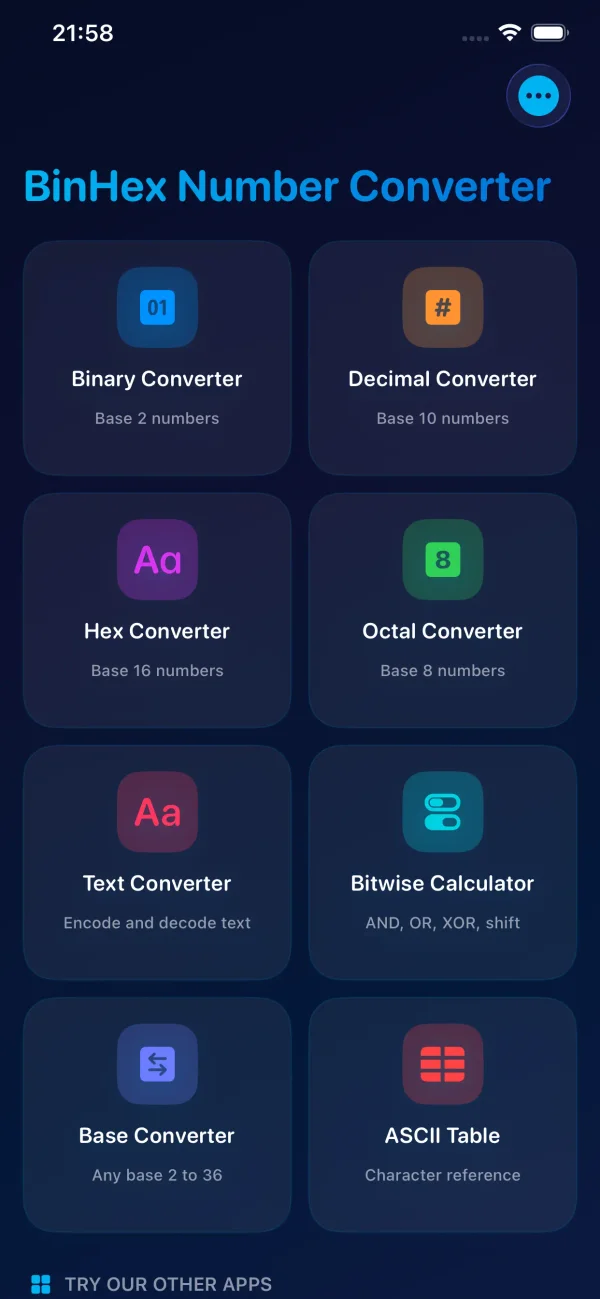
BinHex Converter is the most comprehensive and elegant number system converter for iPhone and iPad. Whether you are a software developer, computer science student, system administrator, or just curious about how computers represent numbers, BinHex Converter has everything you need in one beautifully designed app.
CORE CONVERSIONS
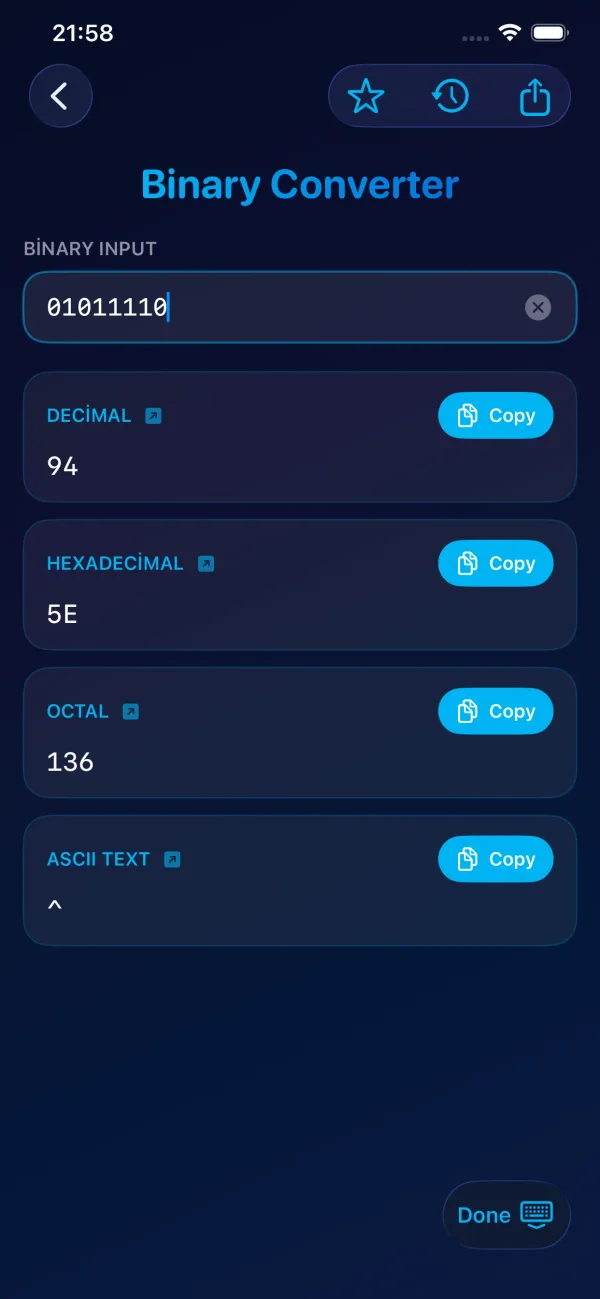
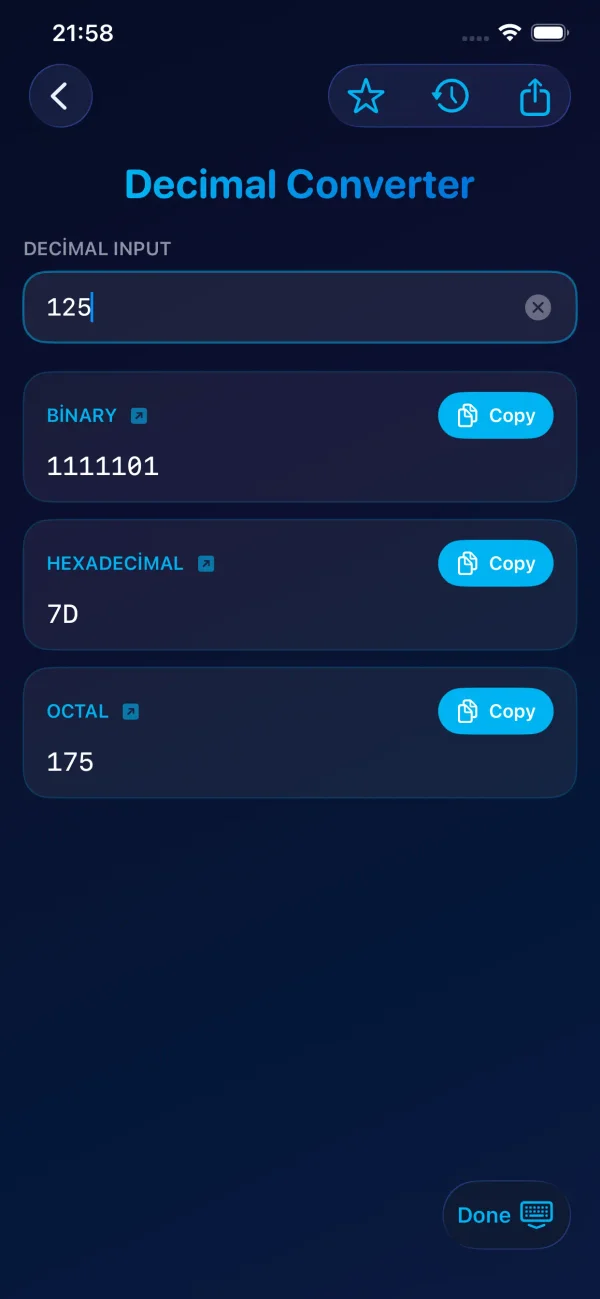
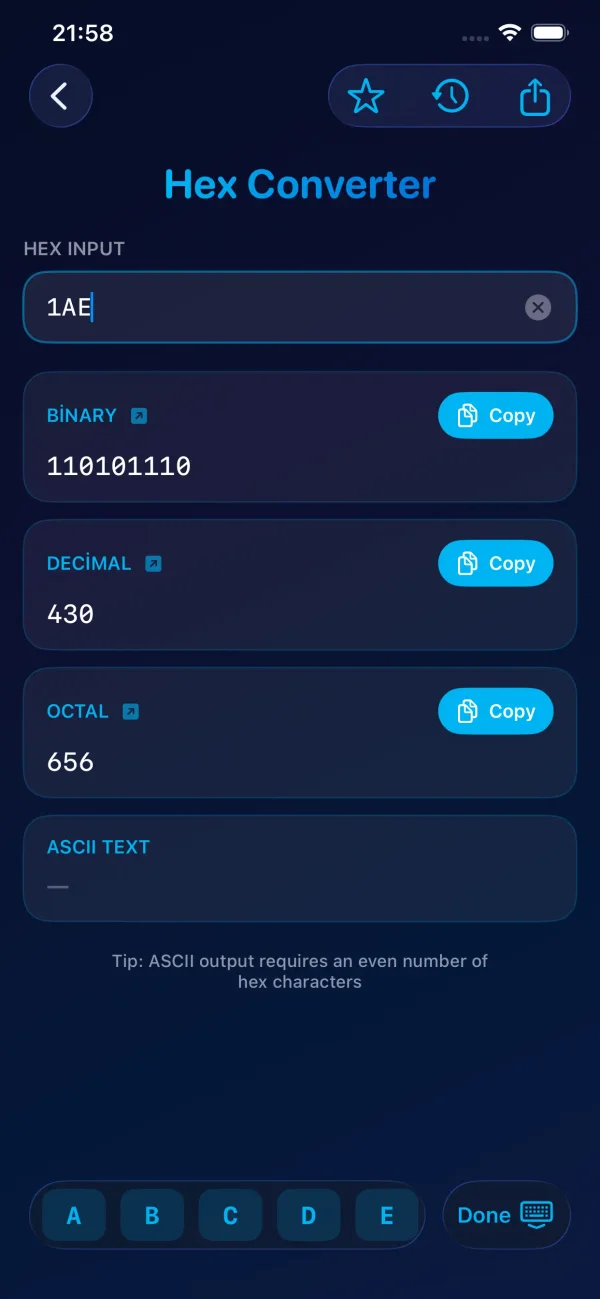
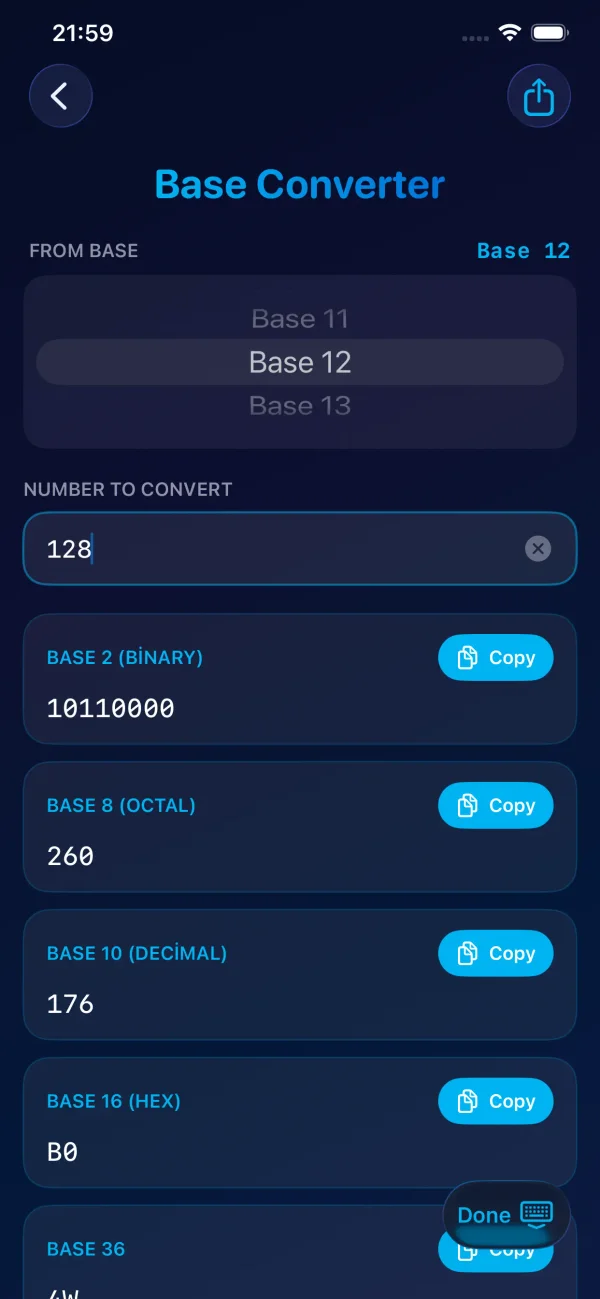
Convert between binary, decimal, hexadecimal, and octal number systems instantly. Every conversion happens in real time as you type, with smart input validation that prevents errors before they happen.
TEXT ENCODING AND DECODING
Transform plain text into binary, hexadecimal, or Base64 format with a single tap. Decode encoded data back into readable text with full support for ASCII characters. Perfect for working with API tokens, hash values, encoded URLs, and more.
SMART CROSS NAVIGATION
Tap any conversion result to instantly open it in the corresponding converter. Working in the binary converter and need to analyze the hexadecimal result further? Just tap it. The app automatically switches contexts, making complex multi step conversions effortless.
HISTORY AND FAVORITES
Every conversion is automatically saved to your history, organized by date with smart grouping. Mark frequently used values as favorites for instant access. Never lose track of an important conversion again.
SHARE AND COPY
Share complete conversion results with anyone using the native iOS share sheet. Copy any value with a single tap. All shared content includes properly formatted output with labels for easy reading.
CUSTOM KEYBOARDS
Each converter shows the optimal keyboard for that number system. Binary input shows a numeric pad limited to 0 and 1. Hexadecimal input shows a numeric pad with quick access buttons for A through F. Octal and decimal use streamlined numeric pads. This means faster input with fewer mistakes.
BEAUTIFUL THEMES
Choose from four carefully designed themes. Ocean for a cool tech vibe, Galaxy for a vibrant modern look, Terminal for the classic developer aesthetic, and Sunset for warm comfort. Each theme works perfectly in both light and dark mode.
TWELVE LANGUAGES
BinHex Converter speaks your language. Fully translated into English, Turkish, German, French, Spanish, Italian, Portuguese, Russian, Arabic, Japanese, Korean, and Chinese Simplified. Switch languages anywhere in the app without restart.
DESIGNED FOR PROFESSIONALS
Monospaced fonts for all numeric output ensure perfect alignment and readability. Smart input filtering prevents invalid characters. Detailed validation feedback keeps you informed at every step. The interface is built using the latest SwiftUI technology for fluid performance on all modern iPhones and iPads.
COMPLETELY OFFLINE AND PRIVATE
BinHex Converter works entirely on your device. No internet connection required. No data collection. No tracking. No analytics. Your conversions remain completely private. Perfect for sensitive work environments and confidential data handling.
NO ADS
Enjoy a completely ad free experience. No interruptions, no banners, no popups. Just pure functionality designed for productivity.
PERFECT FOR
Software developers working with low level code, computer science students learning number systems, hardware engineers debugging firmware, web developers handling hex colors and Base64 strings, system administrators managing Unix file permissions, students preparing for technical interviews, and anyone curious about how computers represent information.
Download BinHex Converter today and experience the most polished number conversion tool on the App Store.
Neue Funktionen
Version 1.2 · 27.06.2026
What's new:
• IEEE 754 Float Converter — See exactly how any decimal number is stored as a 32- or 64-bit floating-point value. Color-coded sign, exponent, and mantissa breakdown, plus hex and binary output.
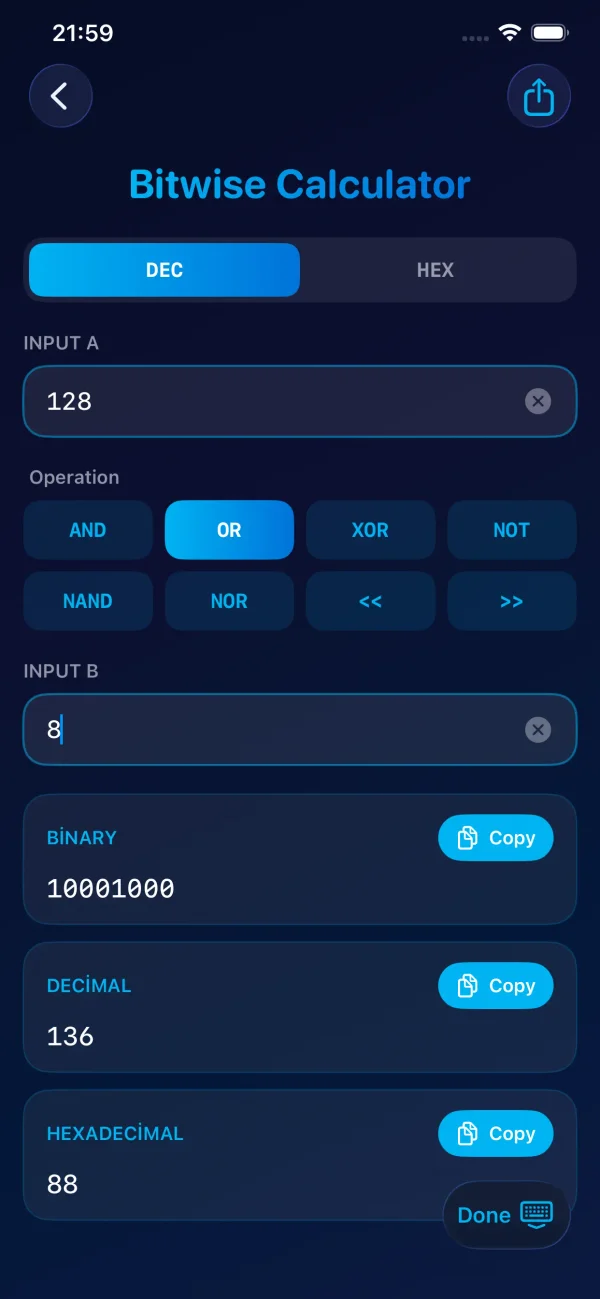
• Two's Complement Bit Editor — Tap bits to flip them on an interactive 8/16/32/64-bit grid. Instantly see signed and unsigned values, with quick NEG, NOT, and shift actions.
Plus general improvements.
App-Datenschutz
Was Alper Sumer Guc im App Store zum Umgang dieser App mit Daten angibt.
-
Daten, die zum Tracking Ihrer Person verwendet werden
Können verwendet werden, um Sie über Apps und Websites anderer Unternehmen hinweg zu verfolgen.
- Kennungen
- Nutzungsdaten
-
Nicht mit Ihnen verknüpfte Daten
Können erfasst werden, sind aber nicht mit Ihrer Identität verknüpft.
- Kennungen
- Nutzungsdaten
Die Datenschutzpraktiken können variieren, zum Beispiel je nach den von Ihnen verwendeten Funktionen oder Ihrem Alter.
Informationen
- Anbieter
- Alper Sumer Guc
- Kategorie
- Dienstprogramme
- Version
- 1.2
- Aktualisiert
- 27.06.2026
- Veröffentlicht
- 26.05.2026
- Größe
- 6,8 MB
- Erfordert
- iOS 17.6 oder neuer
- Altersfreigabe
- 4+
- Preis
- Kostenlos
- Sprachen
- Englisch, Arabisch, Französisch, Deutsch, Italienisch, Japanisch, Koreanisch, Portugiesisch, Russisch, Vereinf. Chinesisch, Spanisch, Türkisch
- Copyright
- © 2026 www.deve.net
Das könnte Ihnen auch gefallen
-
 进制转换-程序员进制换算计算助手Dienstprogramme
-
 进制转换器-程序员编程开发工具助手Dienstprogramme
-
 Authenticator Cloud2FA-Codes und Cloud-Sync
-
 CalculatorHexDienstprogramme
-
 KylinCoreDienstprogramme
-
 SpeculaDein Homelab auf einen Blick
-
 NoFMDienstprogramme
-
 SmartAsset LiveDienstprogramme
-
 Radix64: Base64 ConverterDienstprogramme
-
 History LibDienstprogramme