Booklip — eBook Reader
Read EPUB, PDF, TXT with TTS
Entwickelt für iPhone, iPad, Mac
- Altersfreigabe4+
- KategorieBücher
- EntwicklerKevin Park
- SprachenEnglisch
- Größe5,8 MB
Booklip — eBook Reader ist bei App Store derzeit möglicherweise nicht verfügbar
Bei unserer letzten Prüfung war der Store-Eintrag nicht erreichbar. Der Link führt weiterhin zur offiziellen App Store-Seite.
Screenshots



Info
Der Entwickler hat diesen Text nicht in Ihrer Sprache bereitgestellt.
Booklip is a clean, distraction‑free reader for the books you already own. Import your own files, make every page look exactly how you like, and listen hands‑free with built‑in text‑to‑speech.
**Read any format**
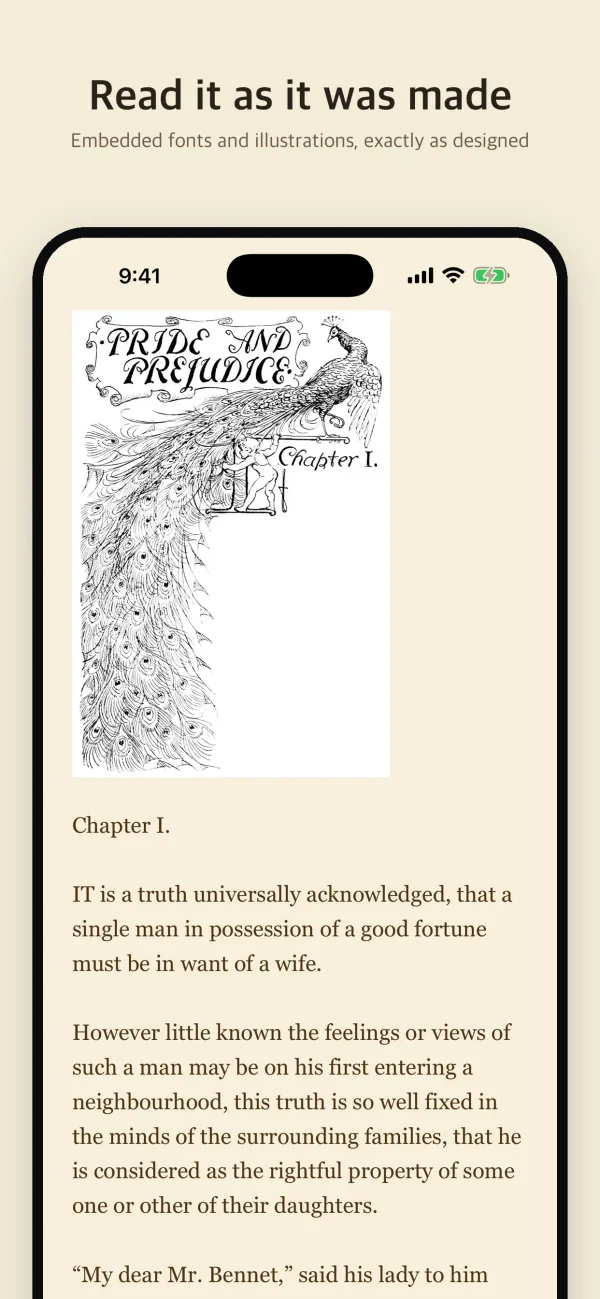
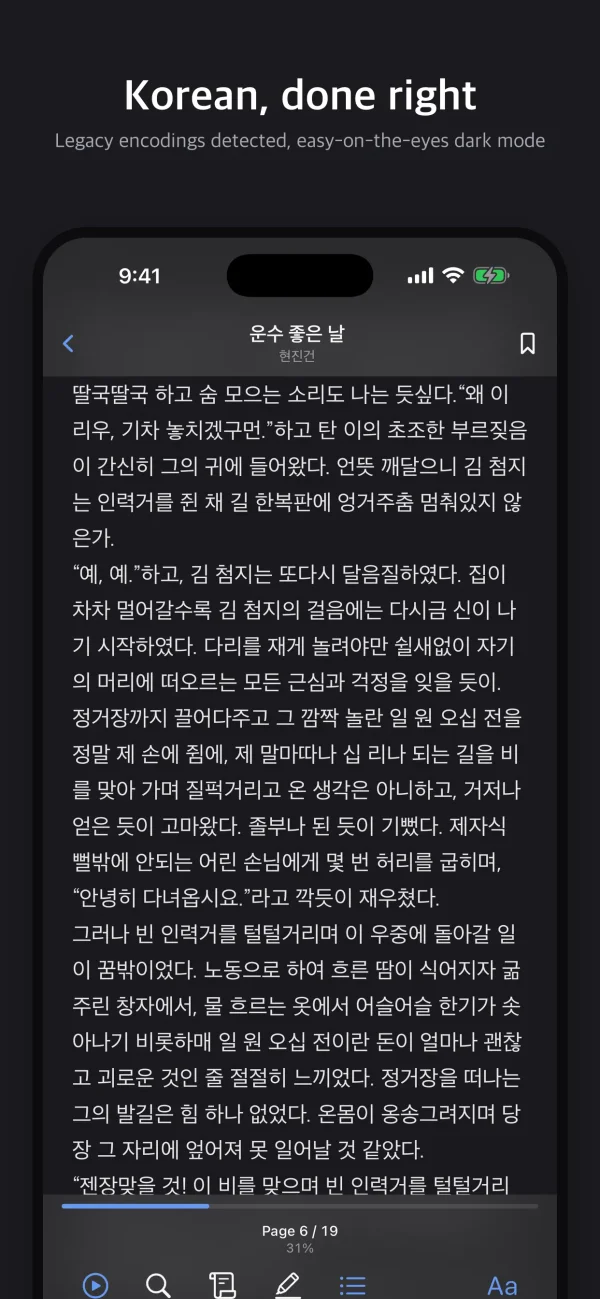
Open EPUB, PDF, TXT, and Markdown files. EPUB embedded fonts are rendered faithfully, so even specially typeset books display correctly. Covers and images come through, and full Unicode support means Korean, English, and mixed‑language books all read beautifully.
**Make it yours**
Choose your font, size, line spacing, text color, and background — or pick from ready‑made themes for day and night reading. Includes Korean typefaces. Every book remembers its own look.
**Listen, don't just read**
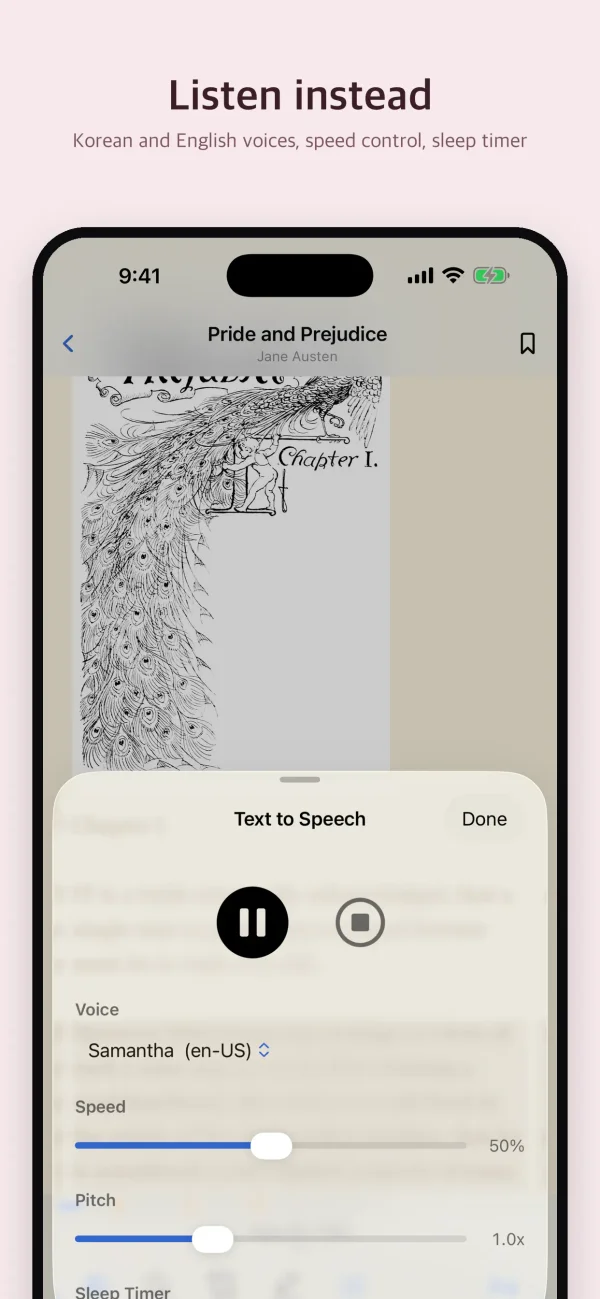
Built‑in text‑to‑speech reads your books aloud with natural English and Korean voices. Adjust speed and pitch, follow along with on‑screen highlighting, and set a sleep timer to drift off. Auto‑scroll mode keeps the page moving hands‑free.
**Find your place**
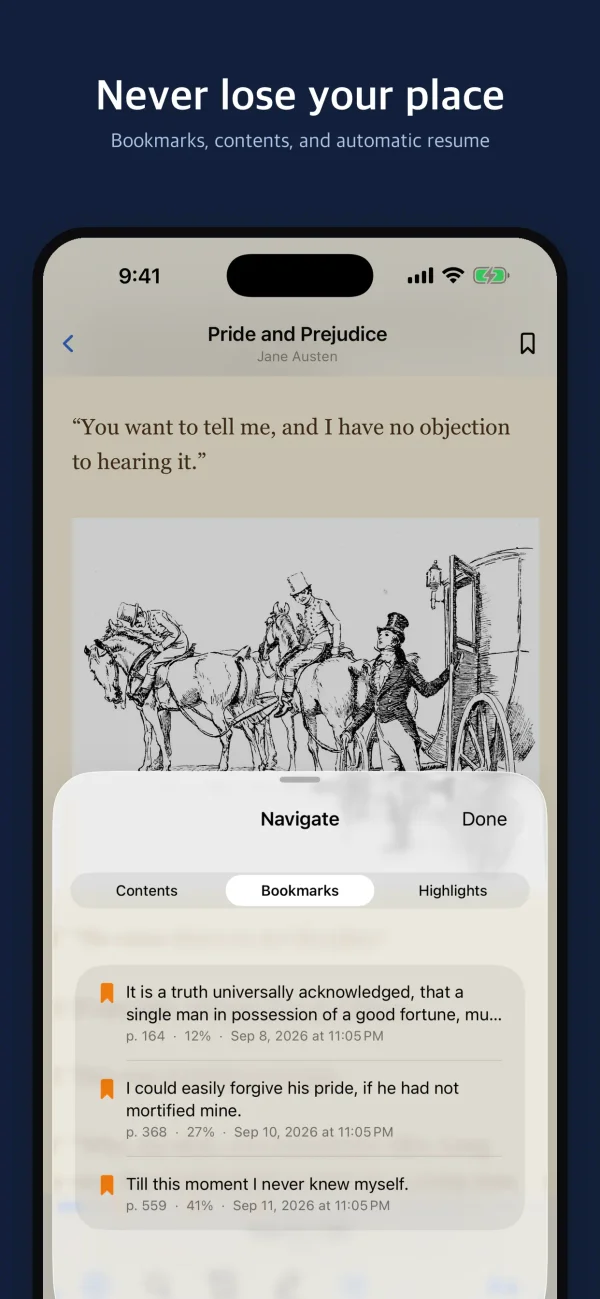
Jump around with the table of contents, drop bookmarks, and highlight passages in four colors. Your reading position is saved automatically. Tap or swipe to turn pages, with a smooth slide or paper page‑turn animation.
**Organize your library**
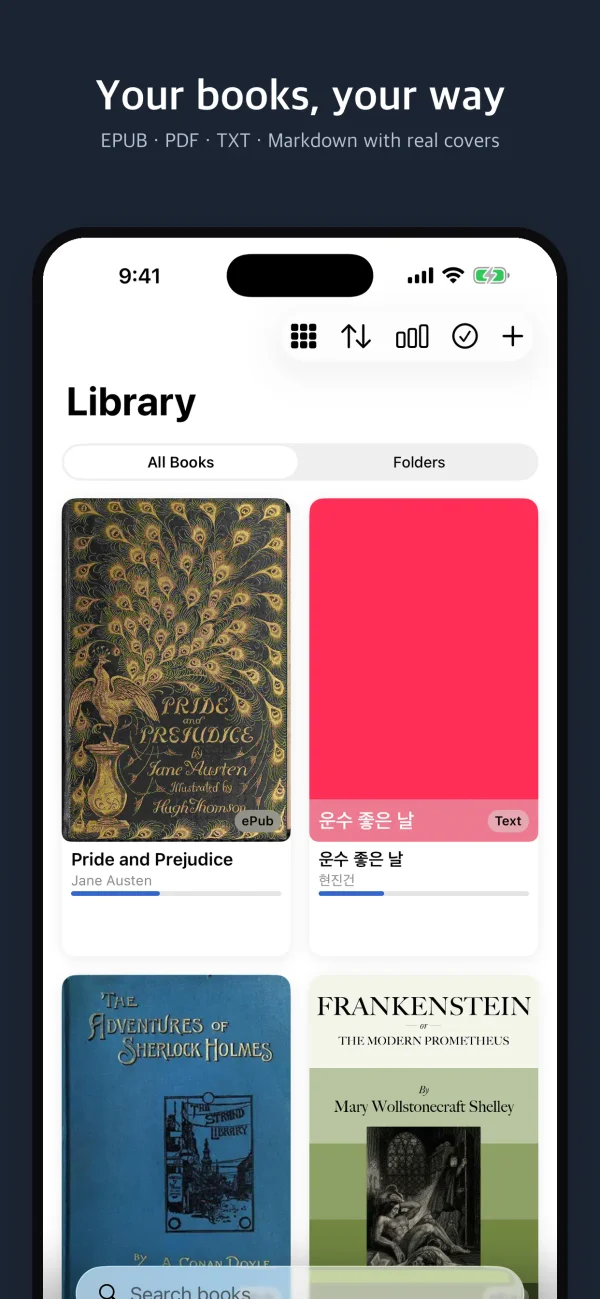
Sort and group your books into folders, switch between grid and list layouts, and select multiple books to move or delete at once. See real EPUB covers at a glance.
**Bring books from the cloud**
Connect Dropbox, Google Drive, or OneDrive and import files directly — browse your folders, pick what you want, and read offline. Access is read‑only, so nothing in your cloud is ever changed or deleted. You can also paste a direct download link to pull in a single file.
**Track your habit**
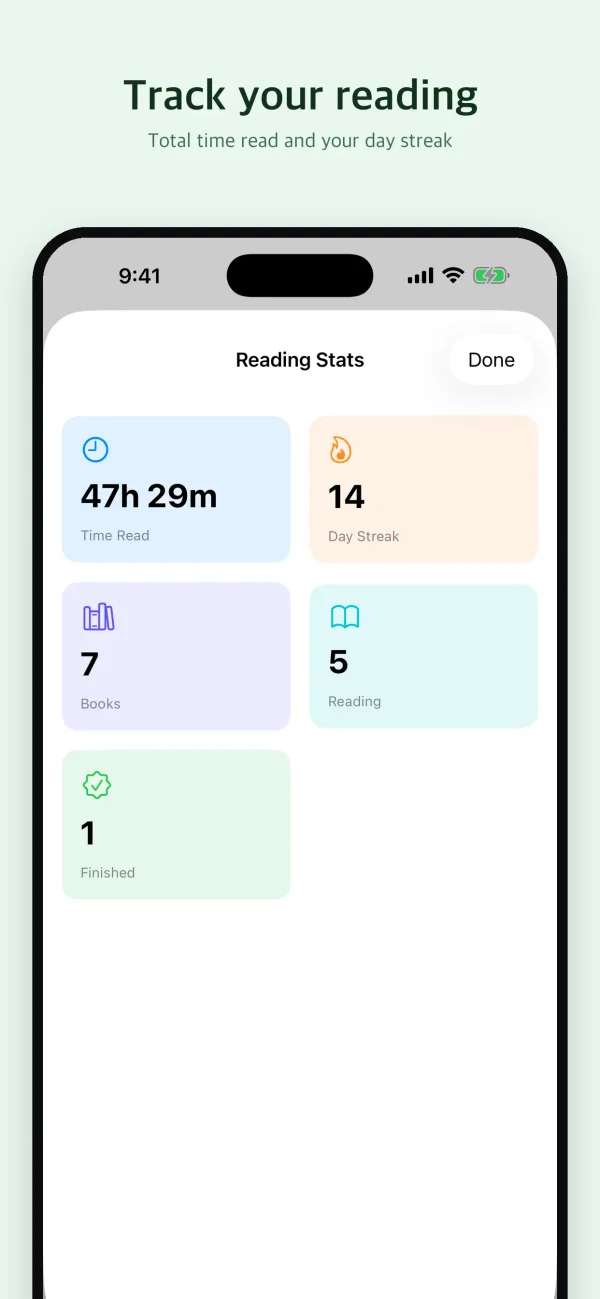
See total time read, your day streak, and how many books you're reading or have finished.
Everything stays on your device. No account required. No ads.
Neue Funktionen
Version 1.5.7 · 18.10.2026
-Automatic language detection: Booklip recognizes the language of each book you import (English, Korean, Japanese, Chinese and more).
-Filter by language: tap the globe button in the library to see only the books in one language.
-Automatic TTS voice: opening a book selects a voice in its language. Japanese and Chinese voices are now available, and the voice you choose is remembered for each language.
-The last line of a page is no longer cut in half; it moves to the top of the next page.
-Fixed book titles and authors being invisible in the library in Dark Mode.
-Mac: new app icon. Highlights appear as soon as an EPUB opens, and the Contents, Bookmarks and Highlights lists no longer appear empty.
App-Datenschutz
Was Kevin Park im App Store zum Umgang dieser App mit Daten angibt.
-
Keine Daten erfasst
Der Entwickler erfasst keine Daten von dieser App.
Die Datenschutzpraktiken können variieren, zum Beispiel je nach den von Ihnen verwendeten Funktionen oder Ihrem Alter.
Informationen
- Anbieter
- Kevin Park
- Kategorie
- Bücher
- Version
- 1.5.7
- Aktualisiert
- 18.10.2026
- Veröffentlicht
- 17.09.2026
- Größe
- 5,8 MB
- Erfordert
- iOS 17.6 oder neuer
- Altersfreigabe
- 4+
- Sprachen
- Englisch
- Copyright
- © 2026 Kevin Park
Das könnte Ihnen auch gefallen
-
 Librosy: eBook Reader & NotesBücher
-
 Flumen: eBook ReaderBücher
-
 Koofy Reader - EPUB, TXT & TTSBücher
-
 Volume: Text to Speech ReaderBücher
-
 purrpage. Double-Page ReaderBücher
-
 EpubReader: E-Book-Leser & TTSEPUB-Bücher offline lesen
-
 Athene ReaderEPUB, PDF & Calibre-Bibliothek
-
 Thorium ReaderBücher
-
 Readest - eBook ReaderBücher
-
 Yomu EBook ReaderEin unabhängiger Reader