
Brother iPrint
TD,QL,MW,RJ,PT,PJ,VC,MFi,WiFi
Entwickelt für iPhone, iPad, iPod touch
0,99 €
- Altersfreigabe4+
- KategorieDienstprogramme
- EntwicklerSupplier Relations US, LLC.
- SprachenEnglisch+ 2 weitere
- Größe8,0 MB
Verlinkt auf die offizielle App Store-Seite
Download.org hostet keine Datei von Brother iPrint. Die Schaltfläche öffnet die App-Seite bei App Store, wo Supplier Relations US, LLC. die App veröffentlicht. Eintrag zuletzt geprüft am 12.11.2026.
Screenshots



Info
Der Entwickler hat diesen Text nicht in Ihrer Sprache bereitgestellt.
### Got Brother?
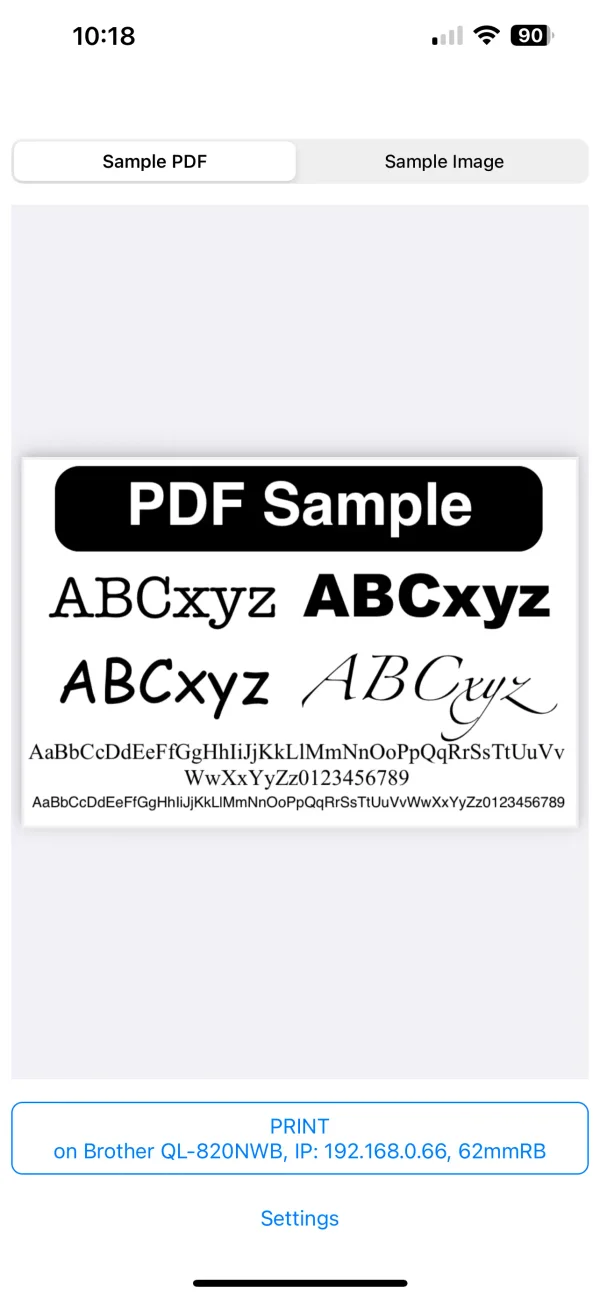
Whether you have a Brother TD, QL, MW, RJ, PT, or PJ printer with WiFi, Bluetooth, Direct WiFi, or MFi, this app is your bridge to print any PDF files or images from any app that supports Print or Share features. It's also a great app to test any Brother printers. It automatically defaults to the most commonly used settings. If you don’t have a Brother printer connected, the app still allows you to view the settings of any supported printers. Setup is super fast! The app remembers all your settings, no matter how many Brother printers you have. The next time you wish to print, it takes only one tap.
### Initial Setup:
1. **Download the app.**
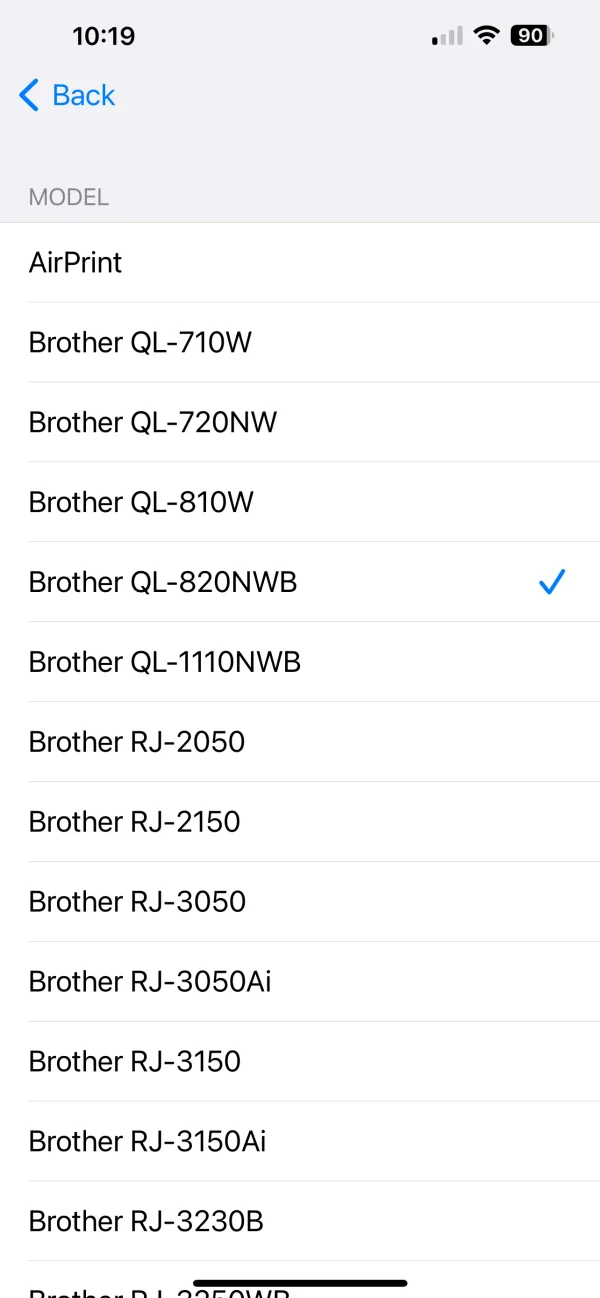
2. **Tap Settings and select a model.**
3. **Tap Printer to find all printers connected to your network (WiFi or Bluetooth).** Some networks may be slower and require you to tap the Printer again.
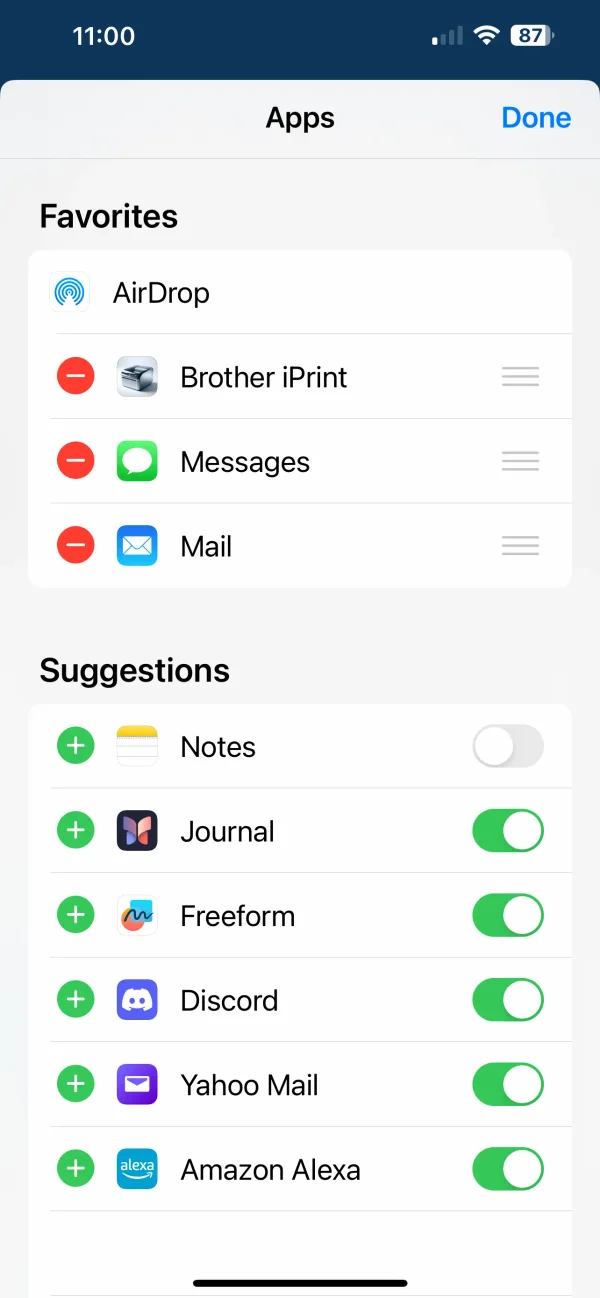
Now you are ready to print! The entire initial setup process, from download to print, should take less than 10 seconds. Subsequently, printing is just ONE TAP. You do not need to open the app to print; it will automatically appear when you select Brother iPrint from the pop-up menu.
### Advantages over AirPrint:
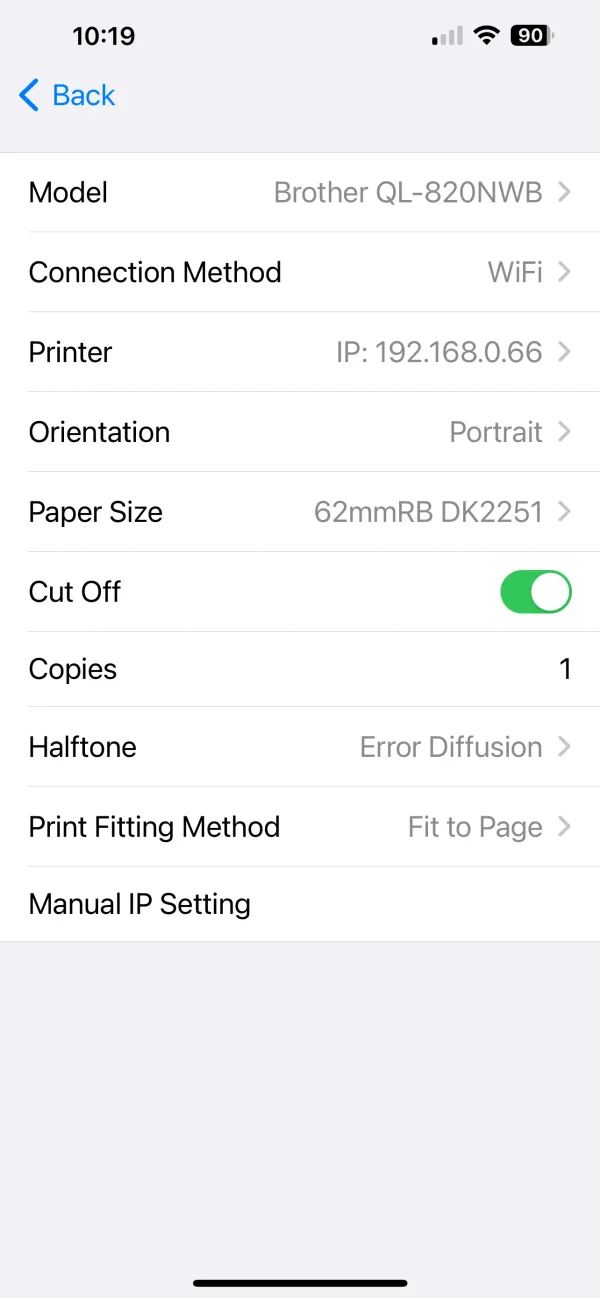
1. Set Halftone (Threshold, Dither, Error Diffusion)
2. Choose a specific media
3. Enable or disable auto cut
4. Set orientation (Portrait, Landscape)
5. Default to the previously selected printer
6. Faster printing
7. Support for Bluetooth and MFi (AirPrint is only WiFi)
Supported Brother Printers:
QL-710W
QL-720NW
QL-810W
QL-820NWB
QL-1110NWB
QL-810Wc
QL-1110NWBc
RJ-2050
RJ-2150
RJ-3050
RJ-3050Ai
RJ-3150
RJ-3150Ai
RJ-3230B
RJ-3250WB
RJ-4230B
RJ-4250WB
RJ-4030Ai
RJ-4040
TD-2120W
TD-2120B
TD-2130W
TD-2130B
TD-2125NWB
TD-2135NWB
TD-4550DNWB
MW-145MF
MW-260MF
PT-P300BT
PT-P710BT
PT-P750W
PT-P900W
PT-P910BT
PT-P950NW
PT-D460BT
PT-D610BT
PJ-673
PJ-763MFi
PJ-773
PJ-862
PJ-863
PJ-883
AirPrint Printers
The developer is not affiliated with, endorsed by, or in any way connected to Brother Industries, Ltd. or its subsidiaries.
App-Datenschutz
Was Supplier Relations US, LLC. im App Store zum Umgang dieser App mit Daten angibt.
-
Keine Daten erfasst
Der Entwickler erfasst keine Daten von dieser App.
Die Datenschutzpraktiken können variieren, zum Beispiel je nach den von Ihnen verwendeten Funktionen oder Ihrem Alter.
Informationen
- Anbieter
- Supplier Relations US, LLC.
- Kategorie
- Dienstprogramme
- Version
- 1.0
- Aktualisiert
- 15.06.2024
- Veröffentlicht
- 15.06.2024
- Größe
- 8,0 MB
- Erfordert
- iOS 14.0 oder neuer
- Altersfreigabe
- 4+
- Preis
- 0,99 €
- Sprachen
- Englisch, Russisch, Tradit. Chinesisch
- Copyright
- © (C) 2024 Supplier Relations US, LLC.
Das könnte Ihnen auch gefallen
-
 Crop and PrintDienstprogramme
-
 Print HelperDienstprogramme
-
 20 Bananas field sales repsDienstprogramme
-
 CarritoRDDienstprogramme
-
 Arttrezzi: Artist ToolboxDienstprogramme
-
 u64 - Ultimate64 ControllerDienstprogramme
-
 DiveCodesDienstprogramme
-
 Brigade AI SystemDienstprogramme
-
 Pro DokumentenscannerScannen & speichern
-
 PrintEasy - Printer & ScannerDienstprogramme