Bungee: Granular Synth
Touch Music Maker & Sequencer
Entwickelt für iPhone, iPad
9,99 €
- Altersfreigabe4+
- KategorieMusik
- EntwicklerIbrahim Sefa Tuna
- Größe74,6 MB
Verlinkt auf die offizielle App Store-Seite
Download.org hostet keine Datei von Bungee: Granular Synth. Die Schaltfläche öffnet die App-Seite bei App Store, wo Ibrahim Sefa Tuna die App veröffentlicht. Eintrag zuletzt geprüft am 14.11.2026.
Screenshots

Info
Der Entwickler hat diesen Text nicht in Ihrer Sprache bereitgestellt.
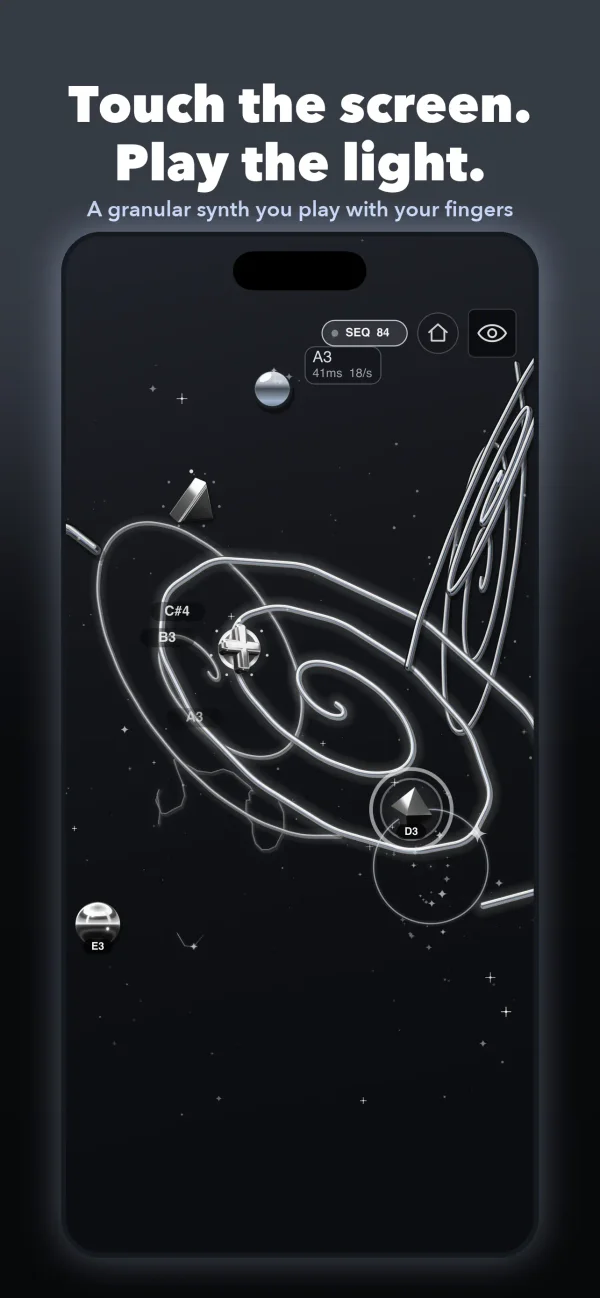
Bungee turns your iPhone and iPad into a musical instrument. Touch the screen to play a granular synthesizer, pluck glowing stripes like strings, and let sequences and drum beats play along. No music theory needed: every note fits the scale, so everything you play sounds musical.
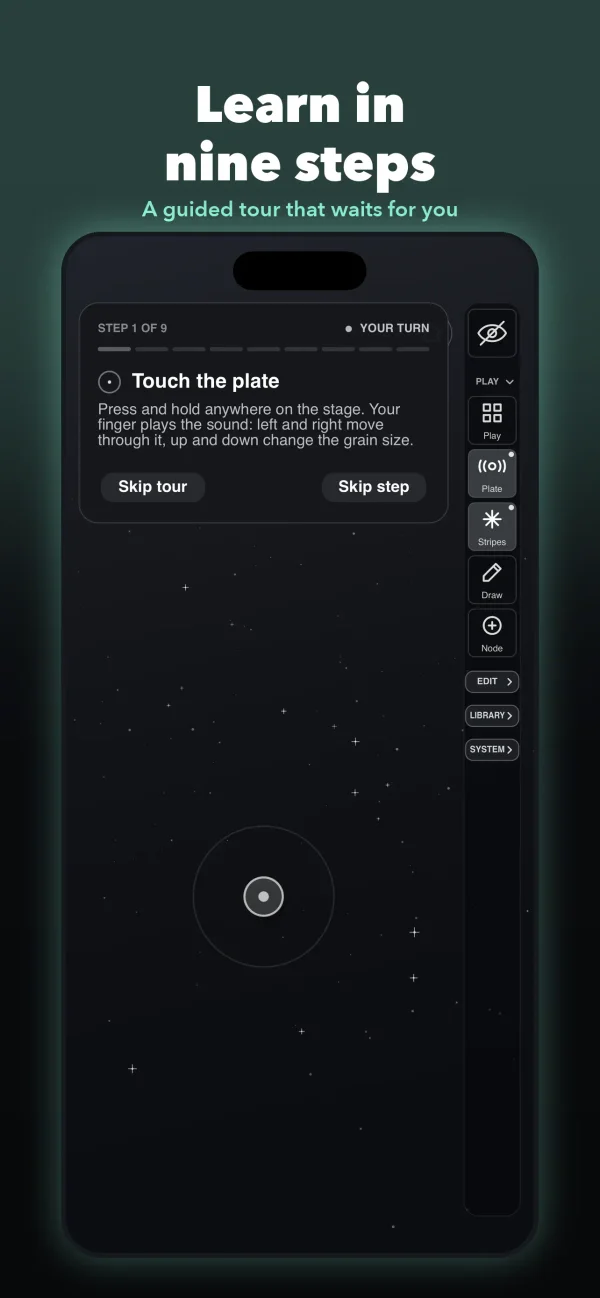
PLAY THE PLATE
Every finger sprays clouds of tiny grains of sound. Move left and right to travel through the sound, up and down to change the grain size, press harder for denser clouds and swipe fast for stutter bursts. Up to ten fingers play at once.
PLUCK, HOLD AND STRETCH STRIPES
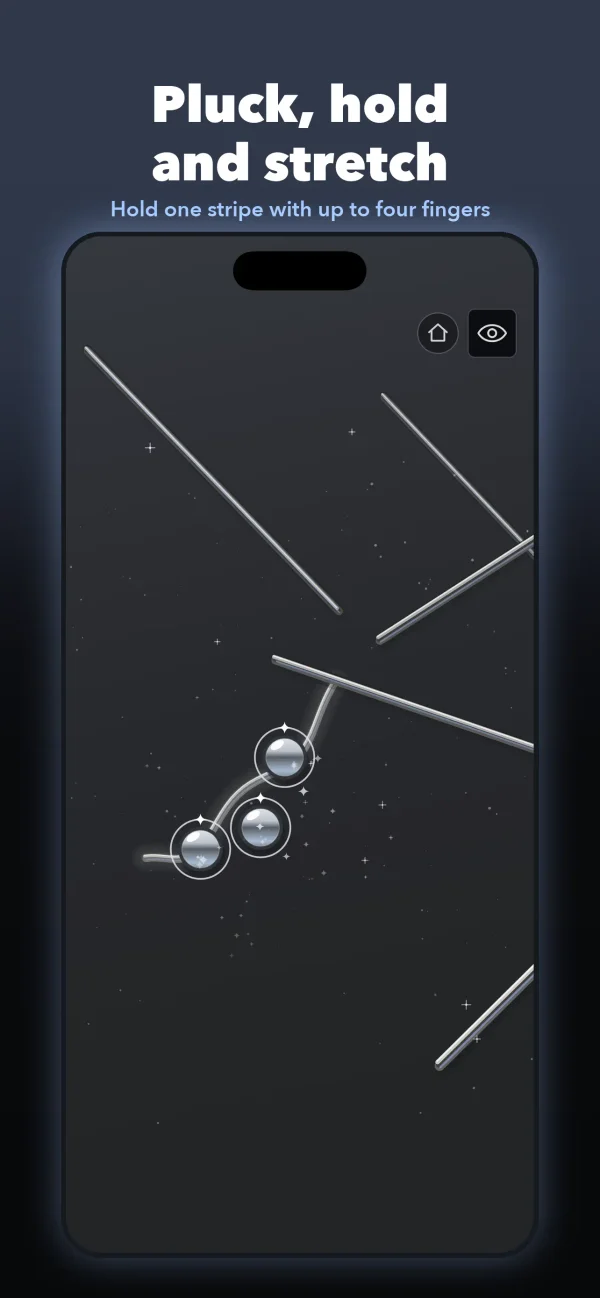
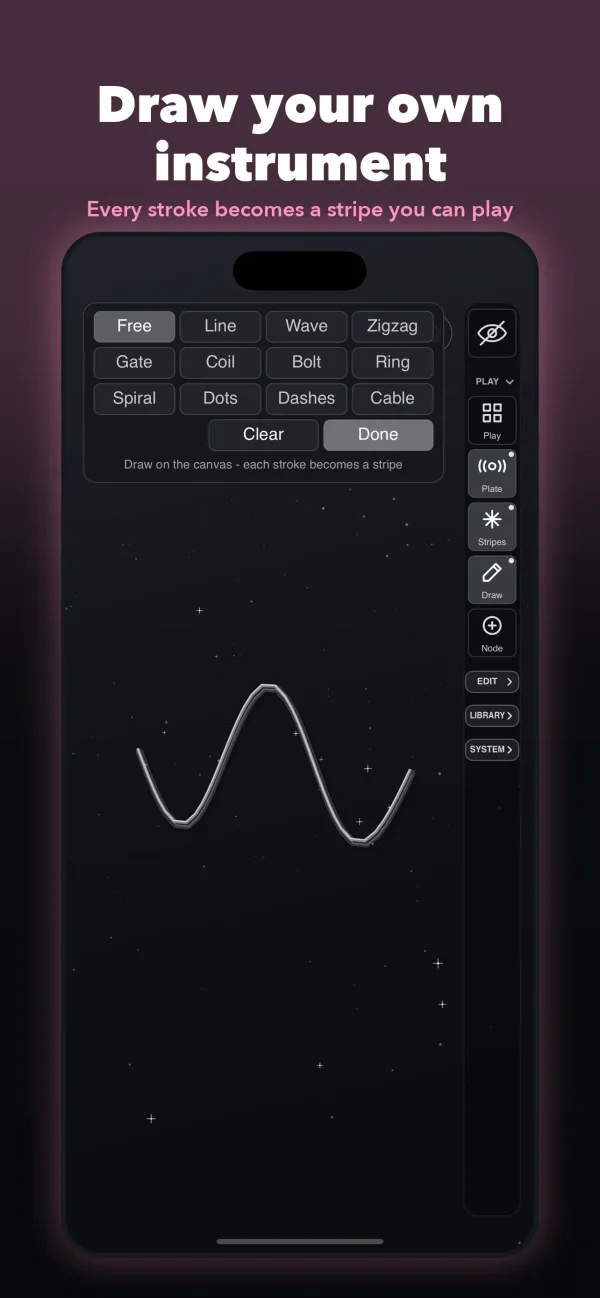
The stripes behave like strings. Pluck them, hold them to sustain, stretch them until they snap, or bow them with a slow swipe. Hold one stripe with up to four fingers and pull: the note rises as it stretches. Each stripe plays a note of the scale, and you can draw your own.
THROW THE NODES
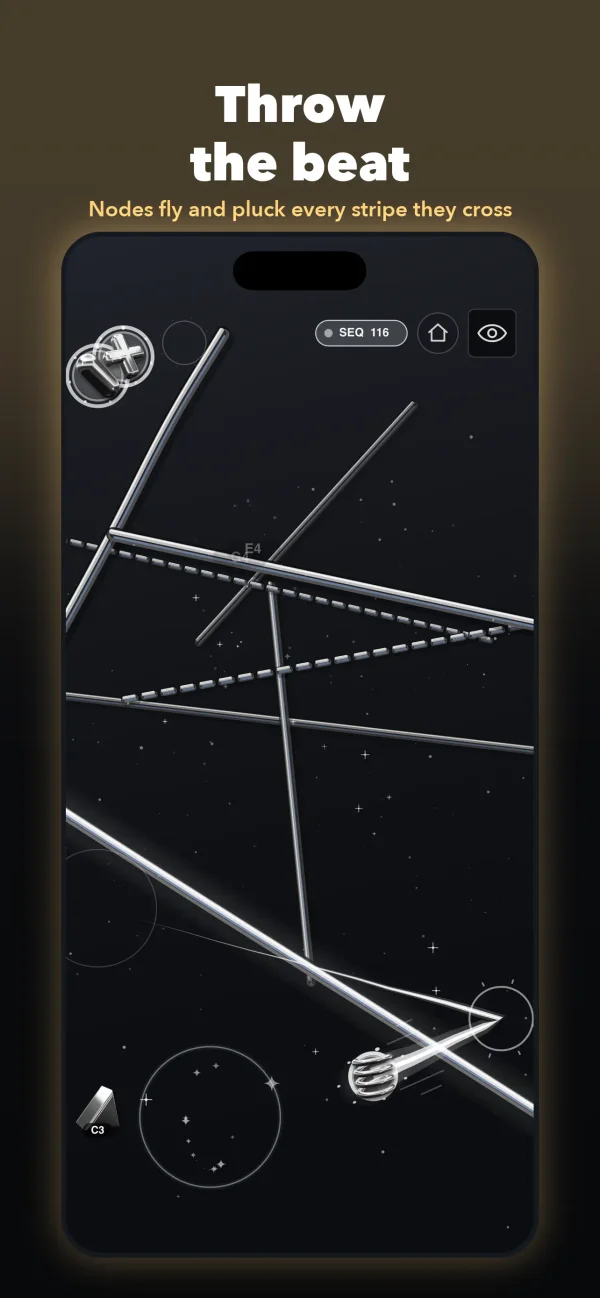
Nodes sit on the stage and play whenever a stripe touches them. Drag them into place, or flick one and it flies across the stage, bouncing off the edges and plucking every stripe it crosses.
TWENTY LOOKS, ONE INSTRUMENT
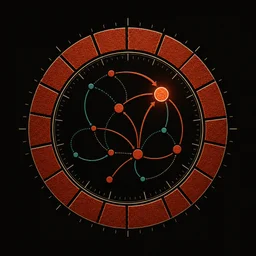
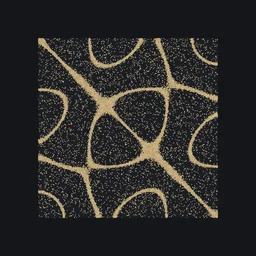
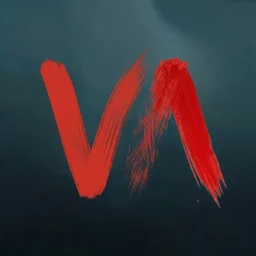
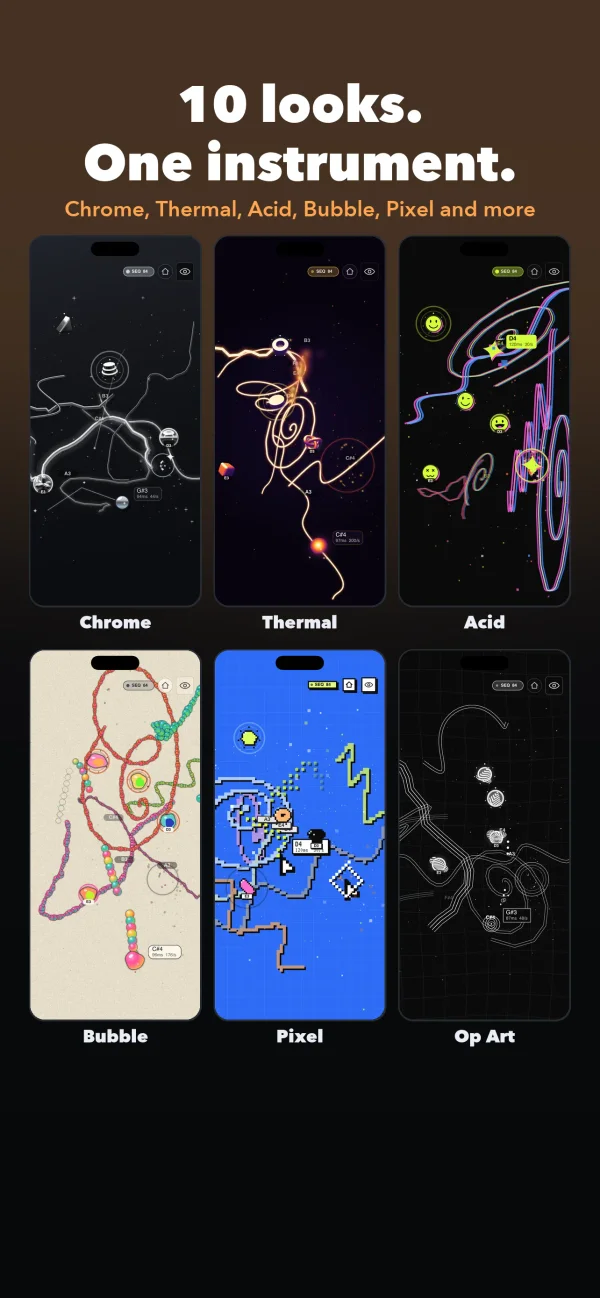
Pick a theme and the whole app changes with it, from the stage to the menus, and Settings shows each one with a preview. ASCII terminal green (the default), Teletype ink on paper, Watercolor washes, black-and-white Noir, ringing Bronze, Blueprint drafting lines, Glass over an aurora, Mosaic tiles, 8-bit Handheld and Arcade, liquid Chrome, white Clay, Neo Brutalism, Acid neon, Pixel, Op Art, a Thermal heat camera, Glacier satellite maps, Orbit planets and Bubble.
Your home-screen icon follows the theme too.
82 READY-TO-PLAY INSTRUMENTS
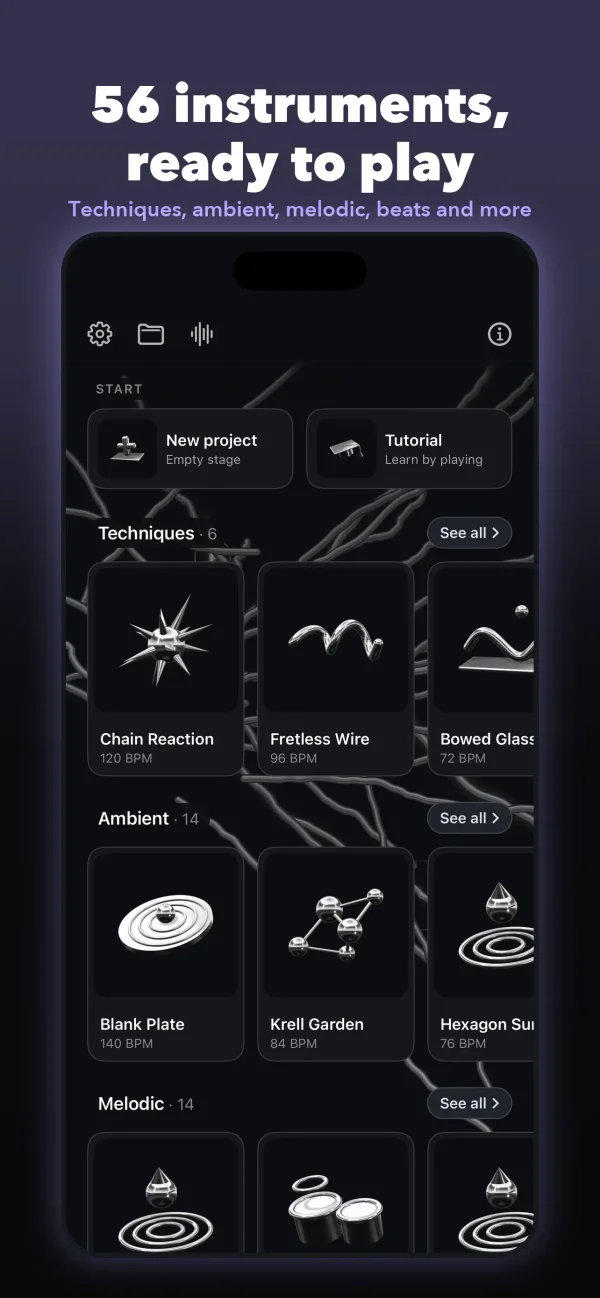
Every template is a complete instrument with its own sound, stripes, effects and sequence, laid out on shelves: Techniques, Weird, Ambient, Melodic, Beats, Drums and Glitch. Each template opens in a look picked to fit it. Long-press one to preview or star it, start a New project on an empty stage, or take the nine-step guided tour.
PLAY REAL MATERIALS
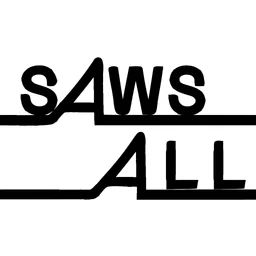
The Techniques shelf teaches a way to play on a material that sounds like the real thing: steel strings to slide, singing glass to rub, rubber bands to stretch, a nylon harp to swipe, a musical saw and a bronze singing bowl to bow, coil springs, icicles, bamboo chimes, water drops and a talking drum whose pitch bends under your finger.
WEIRD: IDM AND GLITCH
Beat-led IDM templates: drill'n'bass, chopped breaks, acid, braindance and glitch, with growling Reese bass, modem leads, FM tines and stuttering pads.
RECORD, UNDO, TRANSFORM
Record what you play and share it straight away. Undo and redo anything. Three big controls, Glitch, Space and Tone, transform any template in one move, and Mutate varies the running sequence.
DRUM MACHINES BUILT IN
Ten drum templates play real beats: footwork, house, boom bap, bongos, metal, wood, chiptune, IDM clicks, water drums and half-time trap. Play along on the stripes.
SOUND NODES AND SAMPLES
Drop sample, synth, noise and drone nodes on the stage and play them by holding or dragging. Use 13 built-in samples (kalimba, felt piano, Rhodes, tape choir, rain and more) or import your own from Files: WAV, MP3, M4A, AIFF, FLAC and OGG.
SEQUENCER
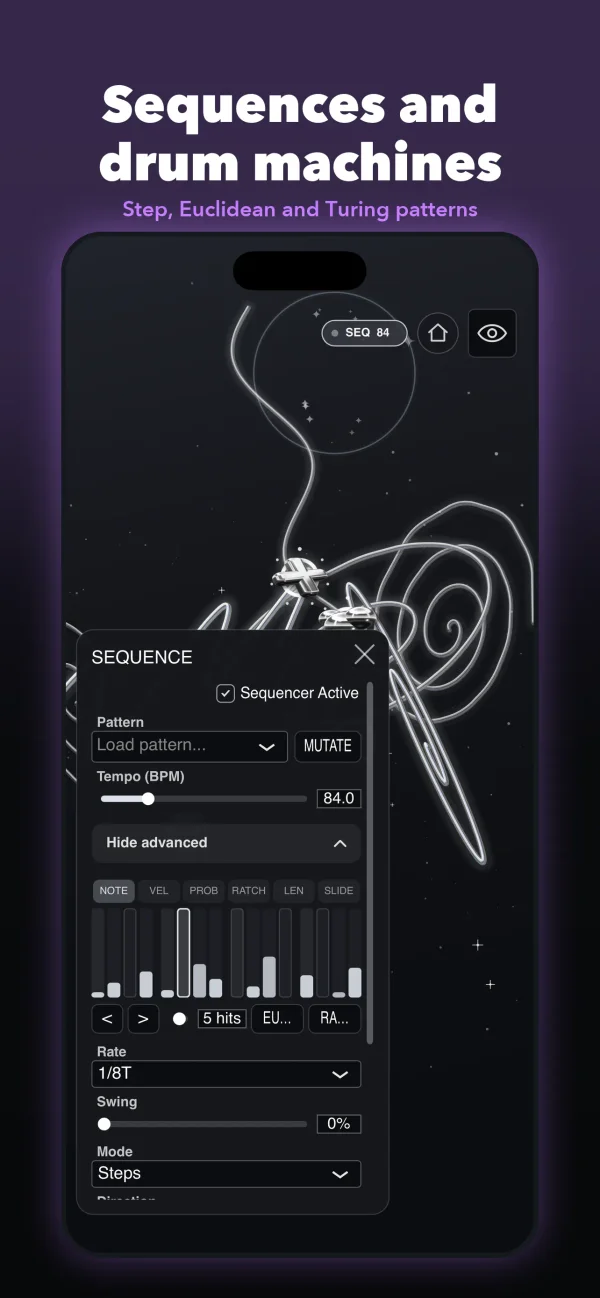
Pick a pattern and a tempo, or open Advanced for the step grid, Euclidean and Turing patterns, swing and direction.
EFFECTS AND MIXER
Reverb, delay, phaser and drive, balanced in a touch-friendly mixer.
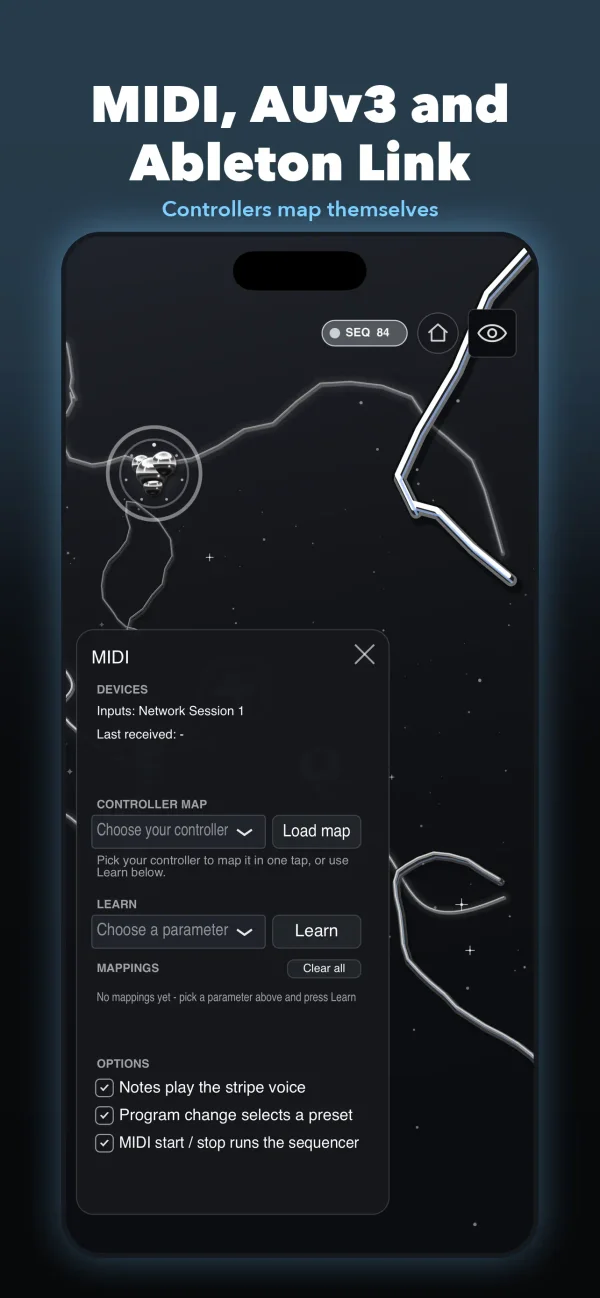
MIDI, AUV3 AND ABLETON LINK
- Use Bungee as an AUv3 instrument inside your favourite host app
- Connect a MIDI controller and it maps itself: Korg nanoKONTROL2, Novation Launch Control XL, Launchkey Mini and more, plus MIDI learn for anything else
- Sync the tempo with other apps and devices over Ableton Link
MAKE IT YOURS
- Save projects and your own templates, and share them
- A retro terminal view that shows every event as you play
Everything is generated live on your device. No account, no sign-up, no subscription.
Touch the screen and start playing.
Neue Funktionen
Version 1.2.1 · 14.11.2026
Bungee 1.2.1 fixes the Audio Unit inside hosts like AUM.
- Menus, lists and dialogs now open inside the plug-in window: "+ Add Node" and the other menus now work in AUM.
- Importing your own samples works in the Audio Unit.
- Ableton Link settings open from the Audio Unit.
App-Datenschutz
Was Ibrahim Sefa Tuna im App Store zum Umgang dieser App mit Daten angibt.
-
Keine Daten erfasst
Der Entwickler erfasst keine Daten von dieser App.
Die Datenschutzpraktiken können variieren, zum Beispiel je nach den von Ihnen verwendeten Funktionen oder Ihrem Alter.
Informationen
- Anbieter
- Ibrahim Sefa Tuna
- Kategorie
- Musik
- Version
- 1.2.1
- Aktualisiert
- 14.11.2026
- Veröffentlicht
- 24.09.2026
- Größe
- 74,6 MB
- Erfordert
- iOS 16.0 oder neuer
- Altersfreigabe
- 4+
- Preis
- 9,99 €
- Copyright
- © 2026 Granulab