
Busy Tag
Smart Desk Status Display
Entwickelt für iPhone, iPad, Mac, iPod touch
Kostenlos
- Altersfreigabe4+
- KategorieProduktivität
- EntwicklerGreynut LTD
- SprachenEnglisch
- Größe44,9 MB
Verlinkt auf die offizielle App Store-Seite
Download.org hostet keine Datei von Busy Tag. Die Schaltfläche öffnet die App-Seite bei App Store, wo Greynut LTD die App veröffentlicht. Eintrag zuletzt geprüft am 18.11.2026.
Screenshots


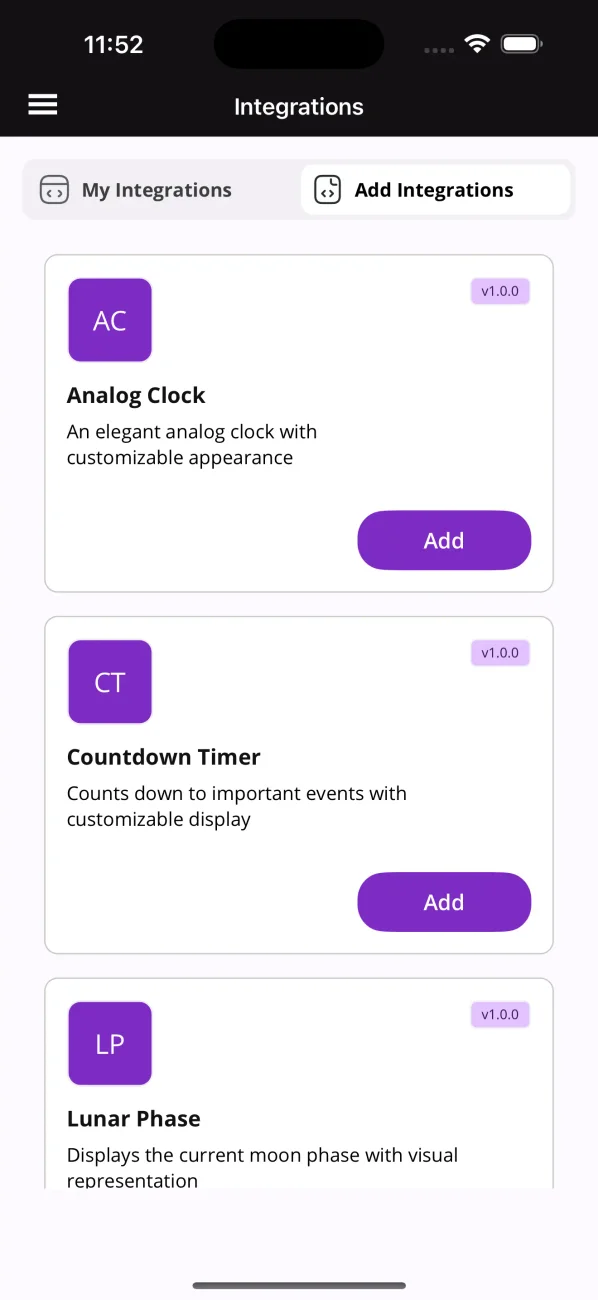
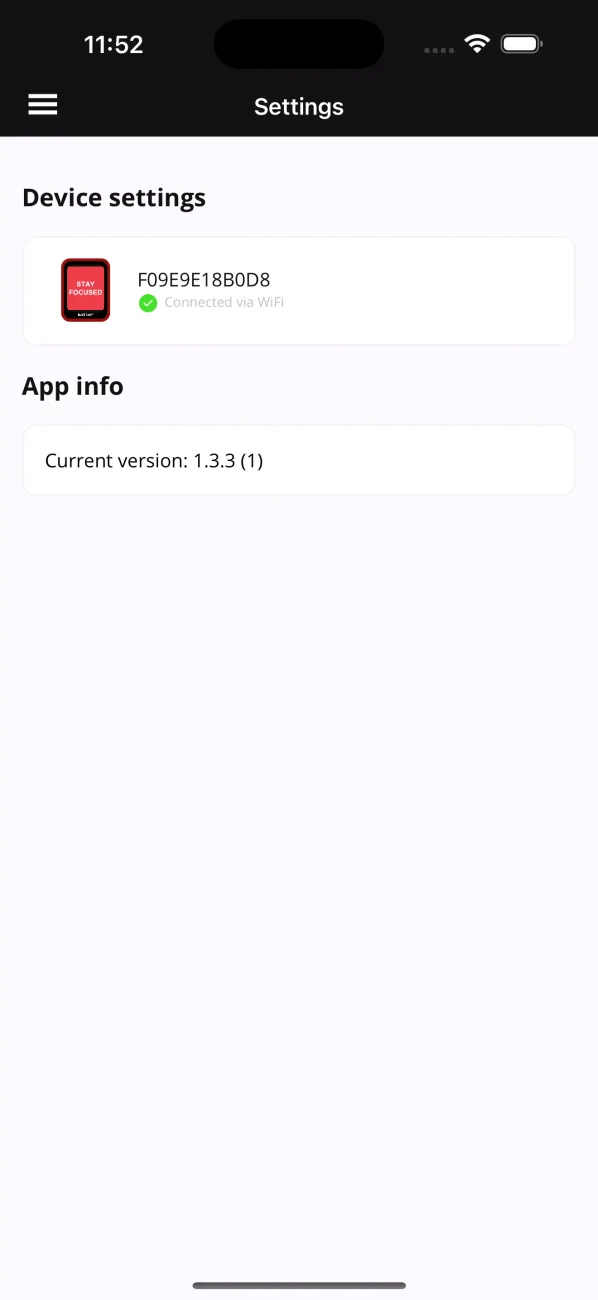
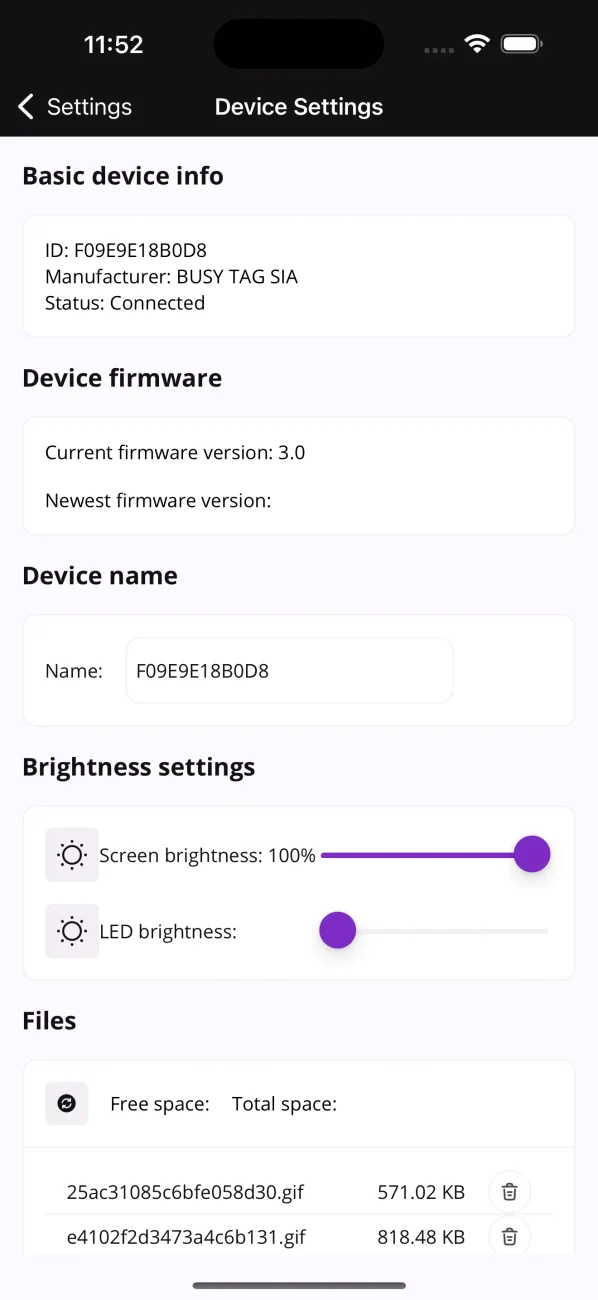
Info
Der Entwickler hat diesen Text nicht in Ihrer Sprache bereitgestellt.
DESKTOP APP REQUIRED!
This mobile app is a companion to the Busy Tag desktop application — it doesn't work as a standalone app.
Control your Busy Tag device from anywhere using your phone. This companion app syncs with your USB-connected Busy Tag device through the cloud, giving you remote access to all features.
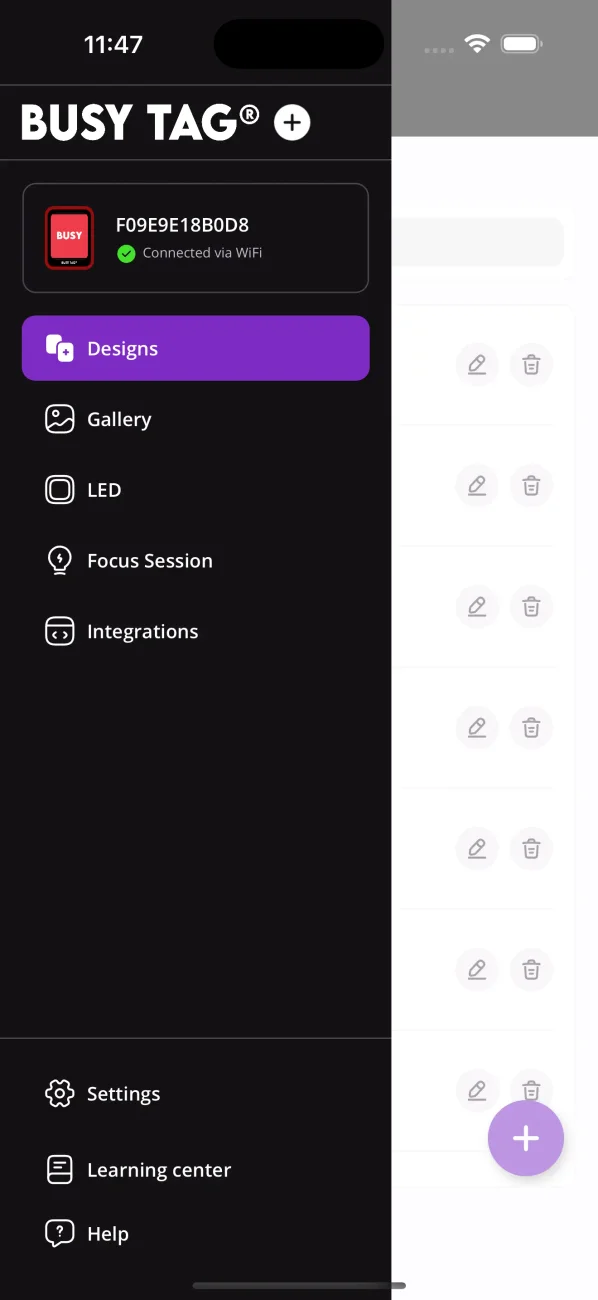
▸ HOW IT WORKS
1. Connect your Busy Tag device to your PC via USB
2. Install and open BusyTag software on your PC
3. Enable cloud sync in the PC application
4. On your phone, add the device by scanning the QR code or entering the device ID shared from your PC
5. Done! Your phone now syncs with your BusyTag in real-time
▸ CUSTOM DISPLAY DESIGN
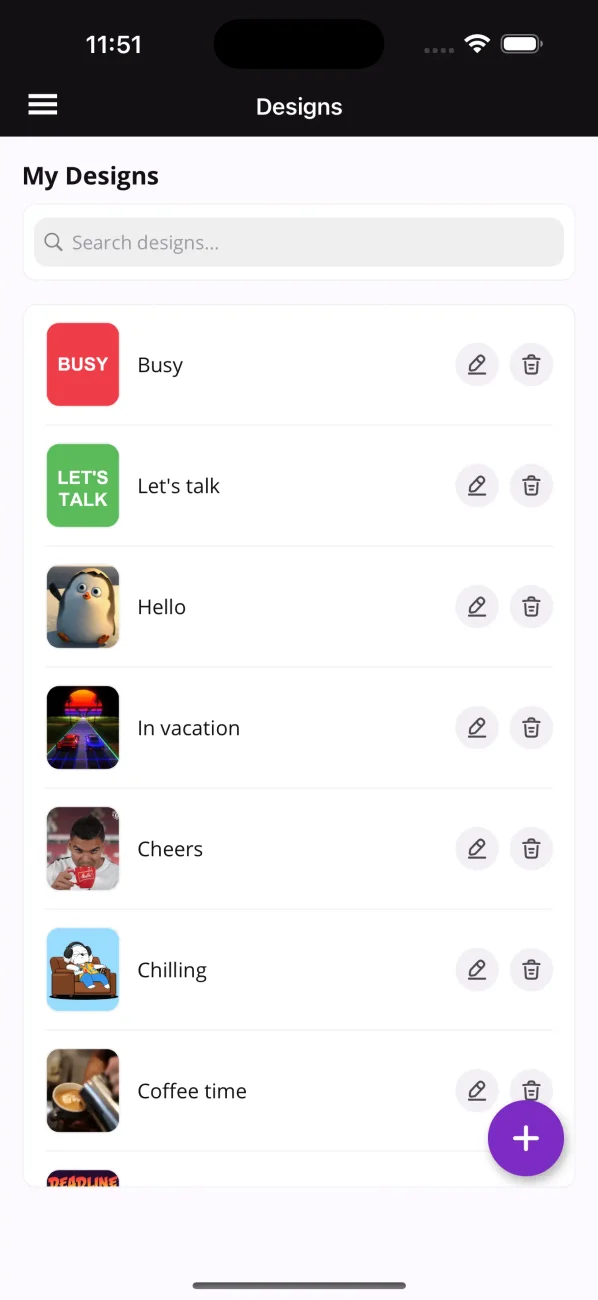
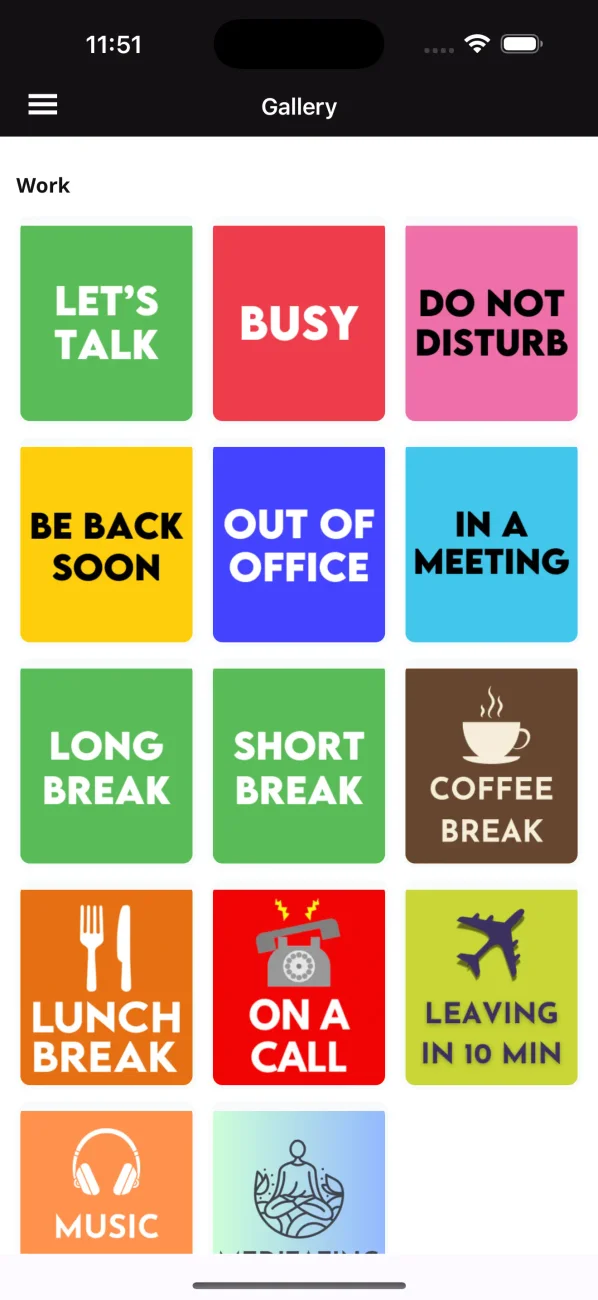
Create unique designs for your Busy Tag device with the built-in editor. Add text, upload images, set backgrounds, and position elements exactly how you want. Support for both static images and animated GIFs. All changes sync instantly to your device.
▸ LED CONTROL & PATTERNS
Choose from 30+ eye-catching LED patterns including police lights, running patterns, pulses, and more. Set solid colors using the intuitive HSV color picker. Adjust brightness to match your environment.
▸ FOCUS TIMER (POMODORO)
Boost your productivity with the built-in Tomato Timer. Set work intervals, break times, and long breaks. Your Busy Tag displays your focus status so colleagues know when you're in deep work mode.
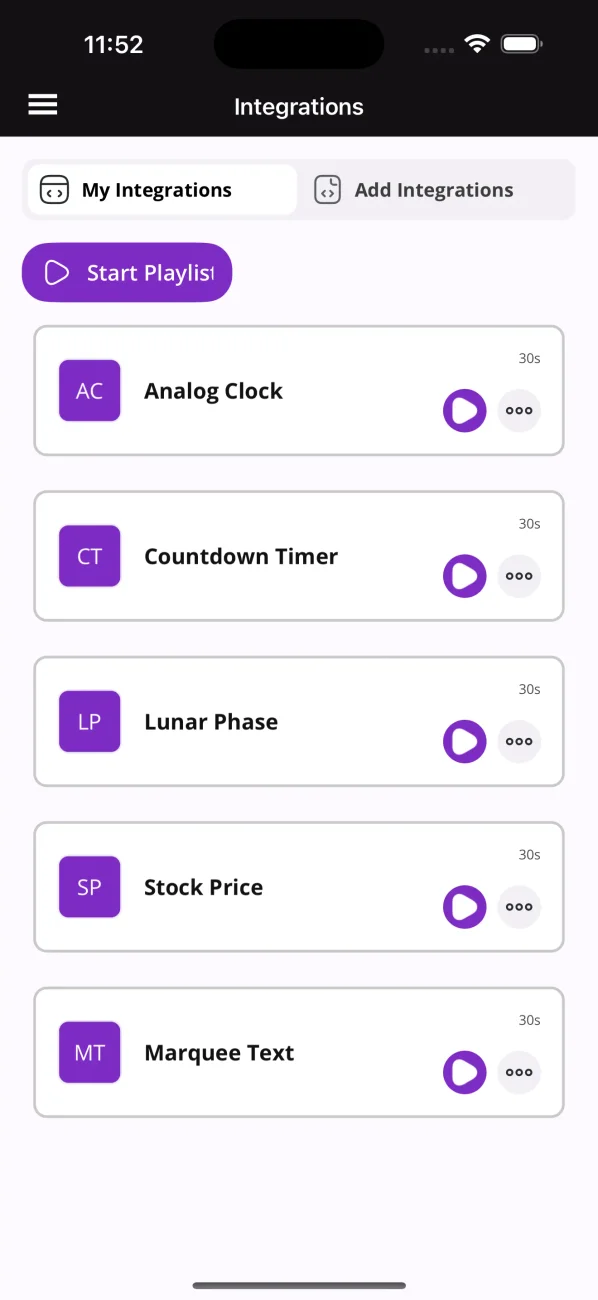
▸ PLUGINS
Extend functionality with built-in plugins:
• Digital & Analog Clock displays
• Weather & Forecast
• Bitcoin & Stock Price trackers
• Countdown Timer
• Marquee scrolling text
• Days Since counter
• Lunar Phase display
• Microsoft Teams status integration
▸ DEVICE MANAGEMENT
• Adjust screen and LED brightness
• Manage device storage
• View device information and status
▸ REQUIREMENTS
• Busy Tag USB device connected to a PC
• Busy Tag desktop software with cloud sync enabled
• Device ID or QR code from the PC application
Control your Busy Tag from anywhere - at your desk, in a meeting, or on the go.
Note: This app requires your Busy Tag device to be connected to a PC with cloud sync enabled.
Neue Funktionen
Version 1.7.4 · 15.09.2026
- Firmware version and update prompts no longer show outdated information while the device is finishing its initial connection.
- All links updated to the busytag.com domain.
App-Datenschutz
Was Greynut LTD im App Store zum Umgang dieser App mit Daten angibt.
-
Keine Daten erfasst
Der Entwickler erfasst keine Daten von dieser App.
Die Datenschutzpraktiken können variieren, zum Beispiel je nach den von Ihnen verwendeten Funktionen oder Ihrem Alter.
Informationen
- Anbieter
- Greynut SIA
- Kategorie
- Produktivität
- Version
- 1.7.4
- Aktualisiert
- 15.09.2026
- Veröffentlicht
- 08.01.2026
- Größe
- 44,9 MB
- Erfordert
- iOS 15.0 oder neuer
- Altersfreigabe
- 4+
- Preis
- Kostenlos
- Sprachen
- Englisch
- Copyright
- © SIA BUSY TAG
Das könnte Ihnen auch gefallen
-
 Littlebird AIProduktivität
-
 OptiSigns AdminProduktivität
-
 UniFi DesignProduktivität
-
 Pocket - AI Personal AssistantIhr persönlicher KI-Assistent
-
 Elgato Stream Deck MobileProduktivität
-
 UniFiProduktivität
-
 Plaud: KI-ArbeitsbegleiterKI-Diktiergerät & Notizen.
-
 Duet DisplayBe Twice As Productive
-
 Cloaked: Protect your privacyProduktivität
-
 Microsoft LoopThink, plan & create together