- Altersfreigabe4+
- KategorieBildung
- EntwicklerJoshua Wood
- SprachenEnglisch
- Größe7,0 MB
Verlinkt auf die offizielle App Store-Seite
Download.org hostet keine Datei von Calc89. Die Schaltfläche öffnet die App-Seite bei App Store, wo Joshua Wood die App veröffentlicht. Eintrag zuletzt geprüft am 23.11.2026.
Screenshots

Info
Der Entwickler hat diesen Text nicht in Ihrer Sprache bereitgestellt.
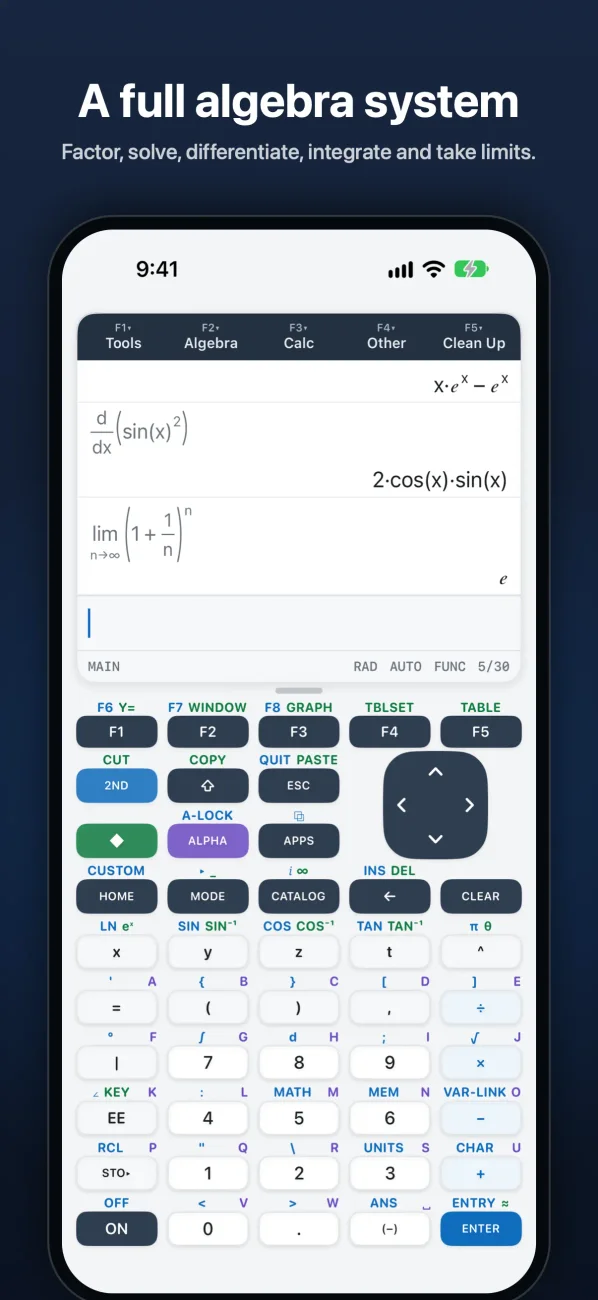
Calc89 is a full computer-algebra graphing calculator built around the classic 89-style keyboard. Every key, shift label and menu sits where you expect it, so the keystrokes you already know just work, now on a crisp, modern display for iPhone and iPad that follows Light and Dark Mode.
EXACT ANSWERS
• Fractions, radicals and π stay exact: √12 = 2√3, sin(π/12) = (√6−√2)/4
• Complex numbers in rectangular or polar form
• Huge integers, exact factorials and prime factoring
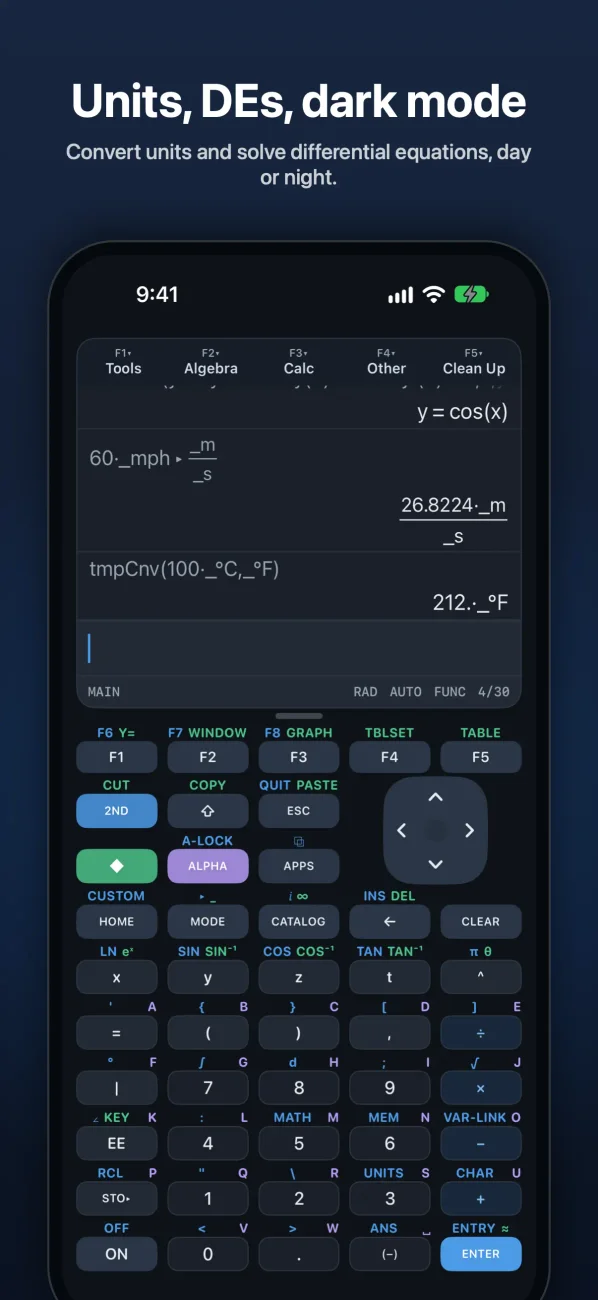
• Units and conversions for every common quantity, with physical constants
• Decimal, hexadecimal and binary, with bitwise operations
ALGEBRA
• solve, factor, expand, zeros, cSolve, nSolve, propFrac, comDenom
• Equations with radicals, logarithms, absolute values and trig, with general solutions
• Inequalities, and systems of equations and inequalities
• Rewrite expressions in terms of ln, exponentials, sin or cos
CALCULUS
• Derivatives of any order, including implicit
• A powerful integrator: rational functions of any degree it can solve exactly, trig, exponential and logarithmic integrands, letter constants, and definite integrals that always return a value
• Limits (one- and two-sided), sums and products, Taylor polynomials
• fMin, fMax, arc length and differential equations with initial conditions
GRAPHING
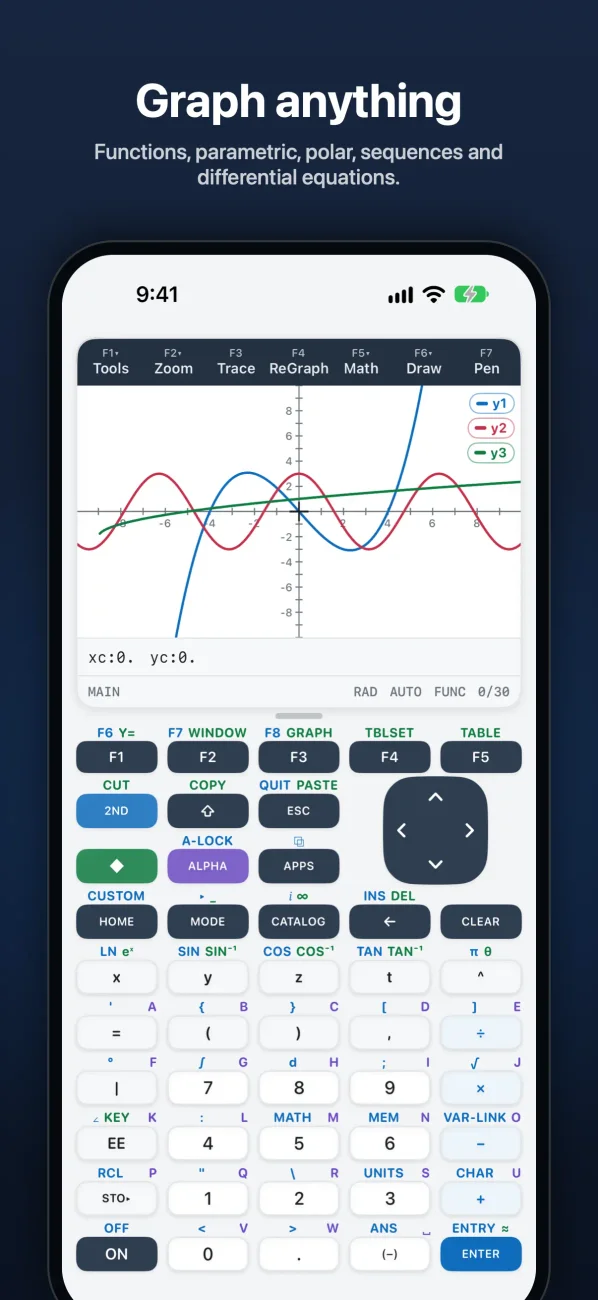
• Function, parametric, polar, sequence, 3D and differential-equation modes
• Trace, every zoom, and Math tools: zeros, extrema, intersections, derivatives, integrals with shading, tangents, arc length and distance
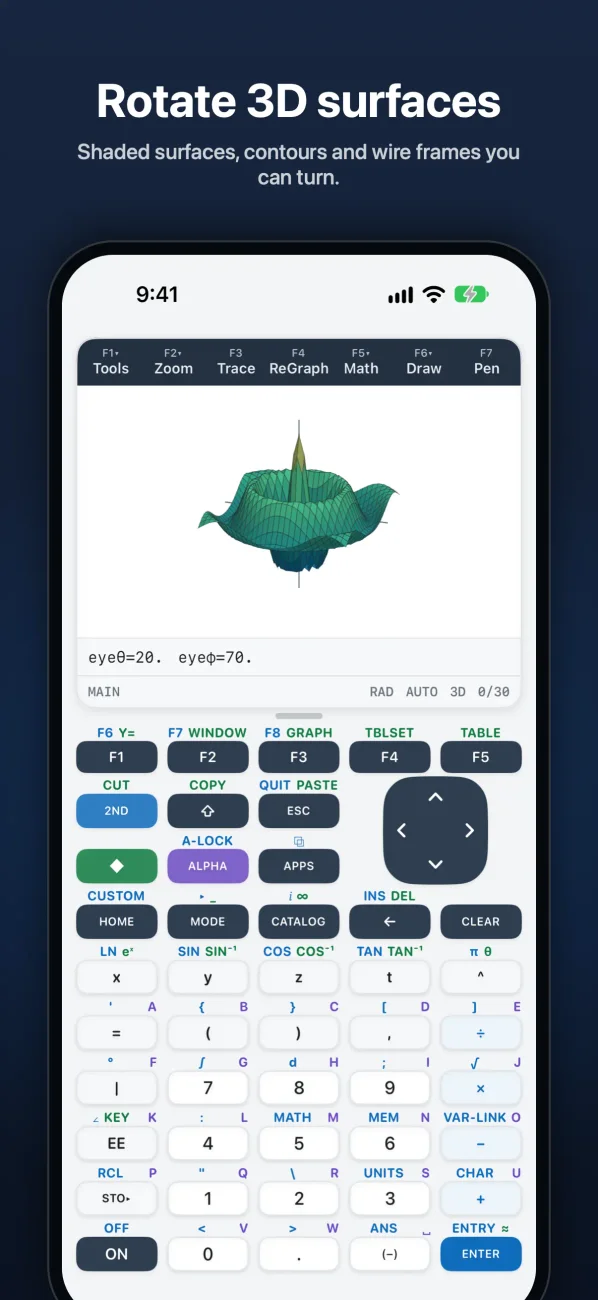
• 3D surfaces you can rotate, with contours and wire frames
• Slope and direction fields, and cobweb plots for sequences
• Draw lines, circles, text and freehand, shade between curves, and save pictures and graph setups
• Drag to pan and pinch to zoom
• Tables with automatic or typed values
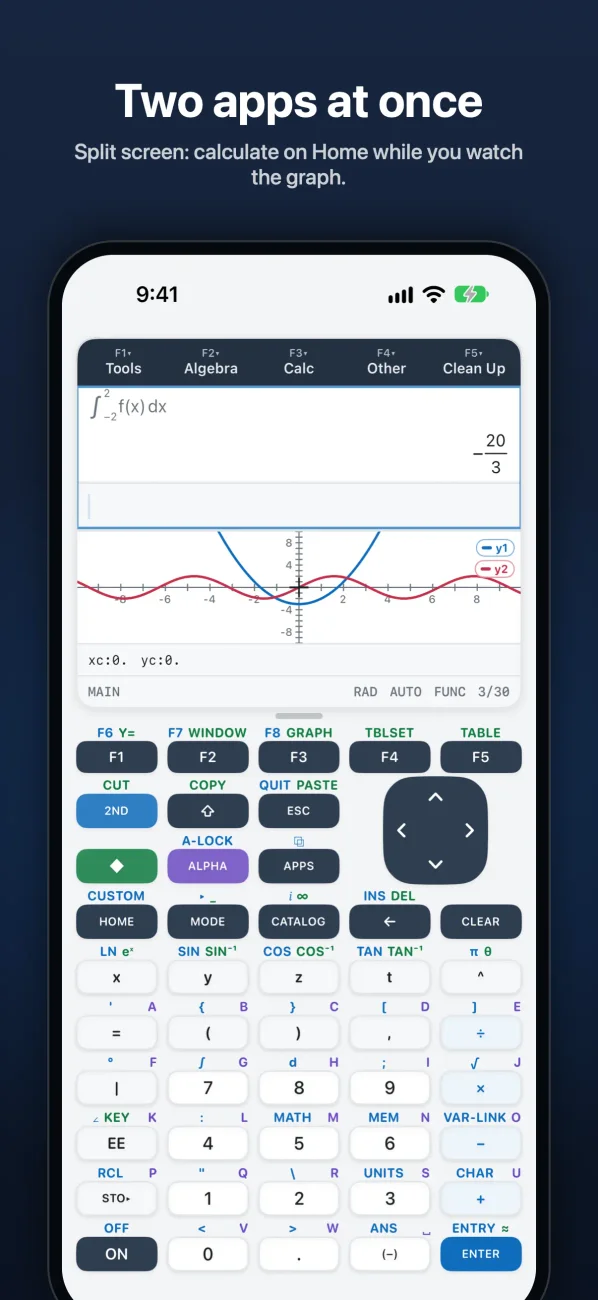
• Split screen: two apps at once, or two independent graphs
MATRICES, DATA AND STATISTICS
• Exact determinants, inverses, rref, eigenvalues, LU and QR, and vector tools
• Data/Matrix editor with column formulas
• One- and two-variable statistics and ten regressions
• Scatter, line, histogram and box plots, with frequency and category lists
PROGRAMMING
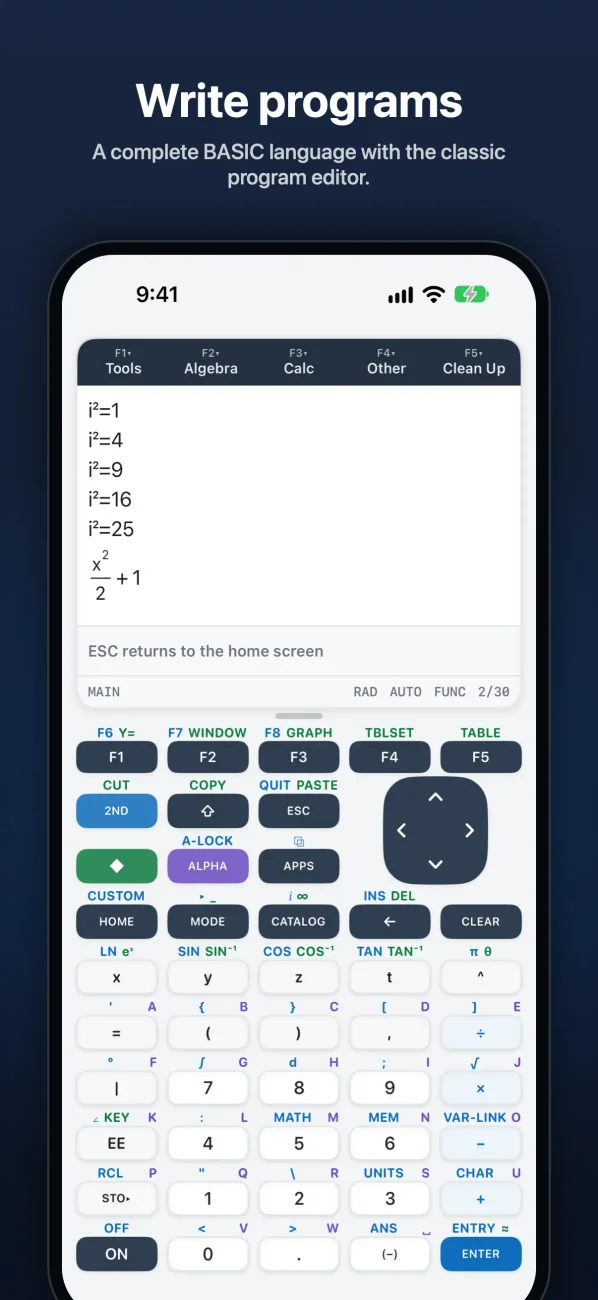
• Write and run programs and functions in the classic calculator BASIC
• Program editor with control, input/output and variable menus
• Dialogs, pop-up menus, custom toolbars and graphics commands
• A text editor for notes and scripts, and a numeric solver for any equation
• Folders, locking and archiving to keep your work organised
Your history, variables, programs and settings are saved automatically.
No accounts, no ads, no tracking, and no internet needed. Everything stays on your device.
Neue Funktionen
Version 1.1 · 10.11.2026
Calc89 1.1 is a big update: easier to use, faster to start, and more accurate.
NEW
• Stop long calculations: BUSY now shows in the status line, and ON stops a slow calculation
• Hardware keyboard support on iPad and Mac, with shortcuts for ENTER, ≈, ESC, CATALOG, MODE and the F-keys
• Tap or drag on the entry line to move the cursor
• Long-press any answer to copy it, copy as LaTeX, see its decimal value, share it or delete it
• Undo after deleting or clearing history (tap Undo or shake)
• Syntax hints for about 190 commands, a search field in CATALOG, and Help & Examples in F1
• Integrals, derivatives, sums, products and limits display as real math notation
• Graphs: axis numbers, a color legend (tap it to trace that curve), pinch to zoom where your fingers are, double-tap to zoom in, drag to trace, and Share Graph
• Resize the display on iPhone, and use Calc89 in landscape
• Display text size setting, haptics on/off, VoiceOver hints for every key, and answers read aloud
• Tappable status chips open MODE at that setting
• Quick examples on first launch
IMPROVED
• Much faster startup
• The entry line clears after ENTER (2ND ENTRY brings the last entry back)
• More accurate math: decimal division, solving equations with several x terms, abs of complex values, exact(, Σ and Π with conditions, limits, Taylor series, and more
• Saving is faster and more robust
• Larger, easier-to-read key labels
FIXED
• A crash when clearing a selected history value
• A crash with very long program menus or deeply nested parentheses
• Keys that could stay pressed after an alert
• Quotes typed with the system keyboard no longer cause syntax errors
• Errors in dialogs no longer discard what you typed
App-Datenschutz
Was Joshua Wood im App Store zum Umgang dieser App mit Daten angibt.
-
Keine Daten erfasst
Der Entwickler erfasst keine Daten von dieser App.
Die Datenschutzpraktiken können variieren, zum Beispiel je nach den von Ihnen verwendeten Funktionen oder Ihrem Alter.
Informationen
- Anbieter
- Joshua Wood
- Kategorie
- Bildung
- Version
- 1.1
- Aktualisiert
- 10.11.2026
- Veröffentlicht
- 27.10.2026
- Größe
- 7,0 MB
- Erfordert
- iOS 18.0 oder neuer
- Altersfreigabe
- 4+
- Preis
- 2,99 €
- Sprachen
- Englisch
- Copyright
- © 2026 JWE Software