
Calendar Mirror
One-way sync with busy blocks
Entwickelt für iPhone, iPad, Mac
2,99 € · In-App-Käufe
- Altersfreigabe4+
- KategorieProduktivität
- SprachenEnglisch
- Größe2,5 MB
Verlinkt auf die offizielle App Store-Seite
Download.org hostet keine Datei von Calendar Mirror. Die Schaltfläche öffnet die App-Seite bei App Store, wo die App veröffentlicht. Eintrag zuletzt geprüft am 12.11.2026.
Screenshots



Info
Der Entwickler hat diesen Text nicht in Ihrer Sprache bereitgestellt.
Some calendars you can see but cannot reshare. A subscribed work schedule. A read-only team feed. An account that is not yours.
Calendar Mirror makes an editable copy of one calendar inside another calendar you own — one direction only, so the original is never touched. Because the copy lives in your own account, it reaches your other devices on its own.
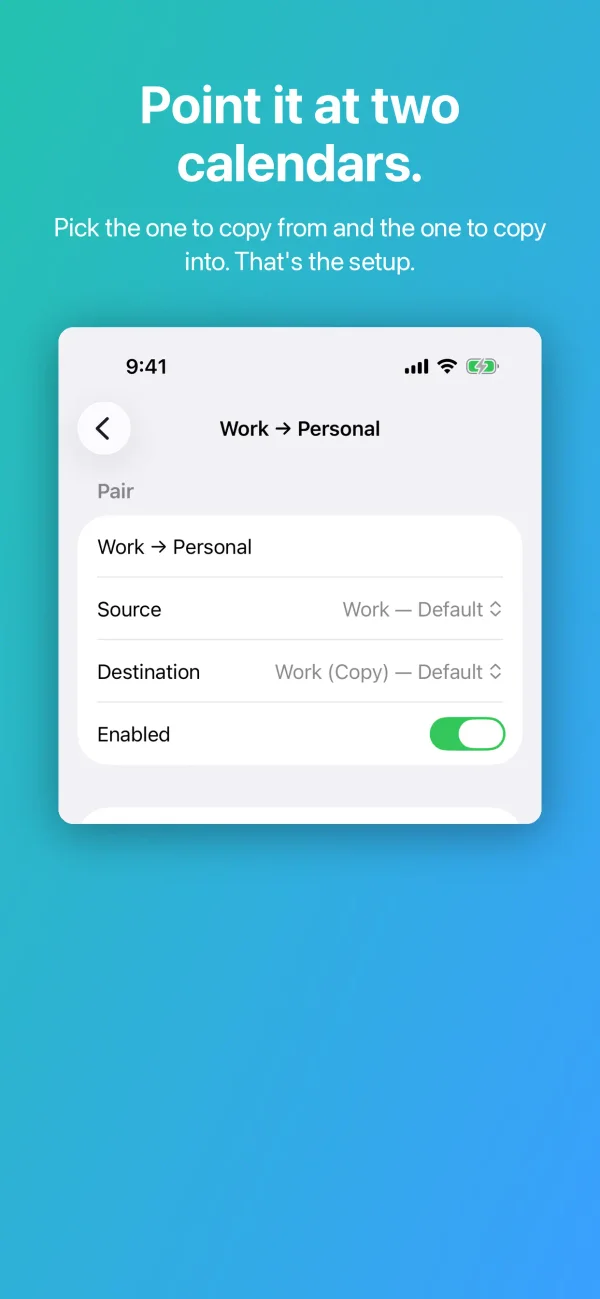
PICK TWO CALENDARS
Choose the calendar to copy from and the one to copy into. Add as many pairs as you like; two can share a destination, and anything you add by hand is left alone. Repeating and all-day events, and moved occurrences, all come across.
CHOOSE HOW MUCH CROSSES OVER
Each pair decides: a full copy; titles and locations only; or "Busy" blocks that show your time and nothing else. Put a label in front of copied titles — "[Work] Standup", or "[Work] Busy" — and carry the meeting link into the copy's notes so a mirrored meeting is one you can join.
CHOOSE WHICH EVENTS
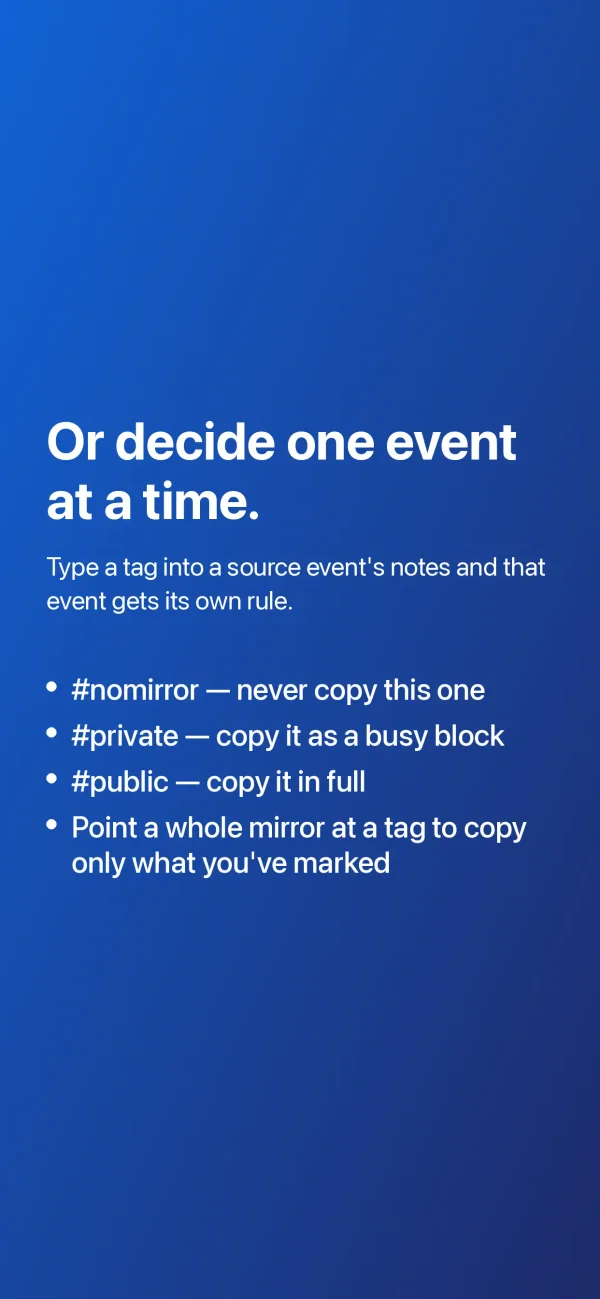
A pair can skip meetings you declined or have not answered, events the organizer canceled, all-day events and anything marked free, anything shorter or longer than you like, titles containing words you choose, and anything outside a window of the day on the weekdays you pick. Or tag one event at a time: #nomirror, #private, #public in its notes.
IT TELLS YOU WHEN SOMETHING BREAKS
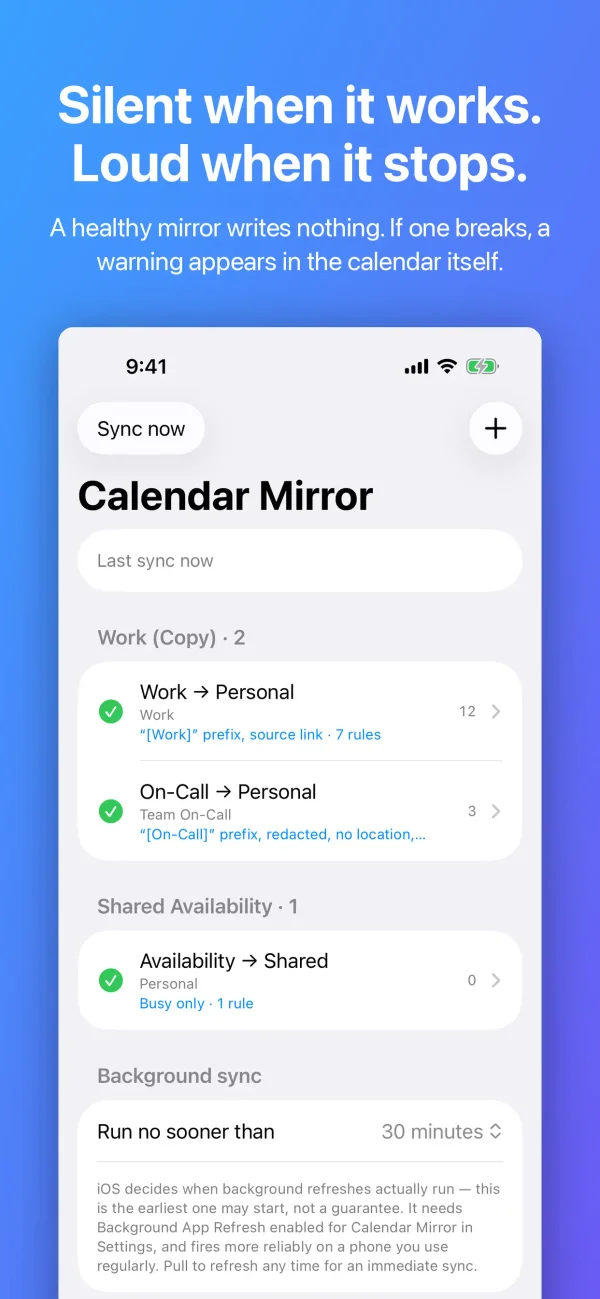
A healthy pair is silent. If one stops syncing, an all-day warning appears in the destination calendar itself, and clears the moment the pair recovers.
ON IPHONE AND IPAD
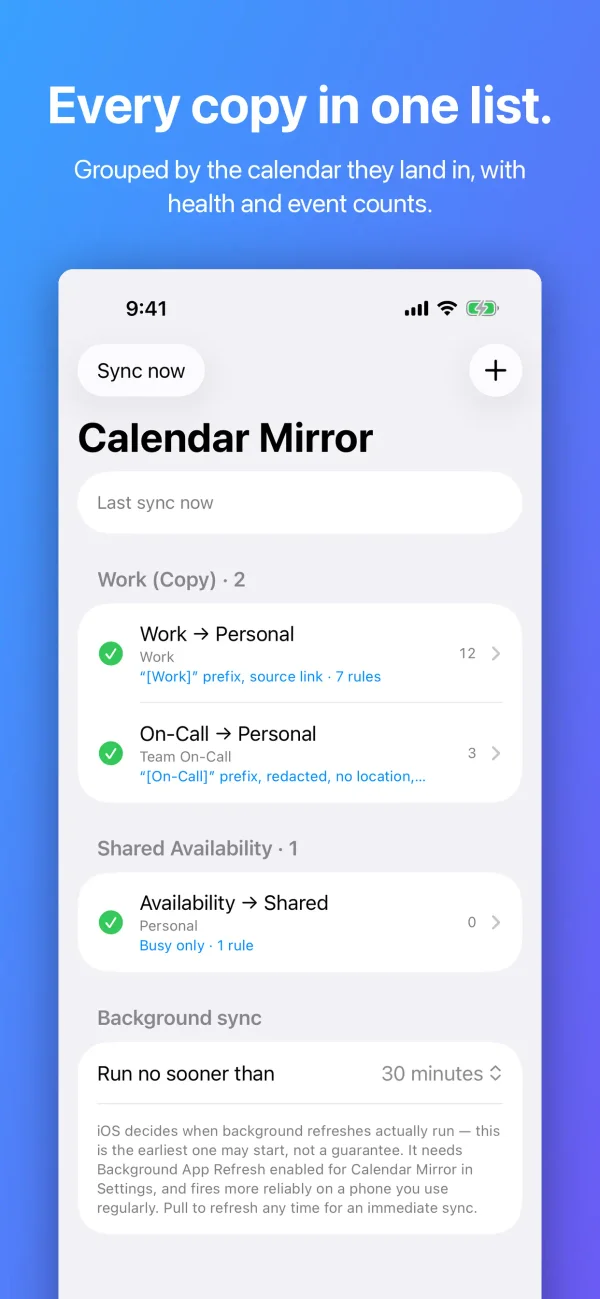
Every pair in one list, with its health and event count. Pull down to sync now. Background refreshes run at the interval you choose, when iOS allows — treat it as the earliest a sync may start, not a guarantee.
SEND TIMES
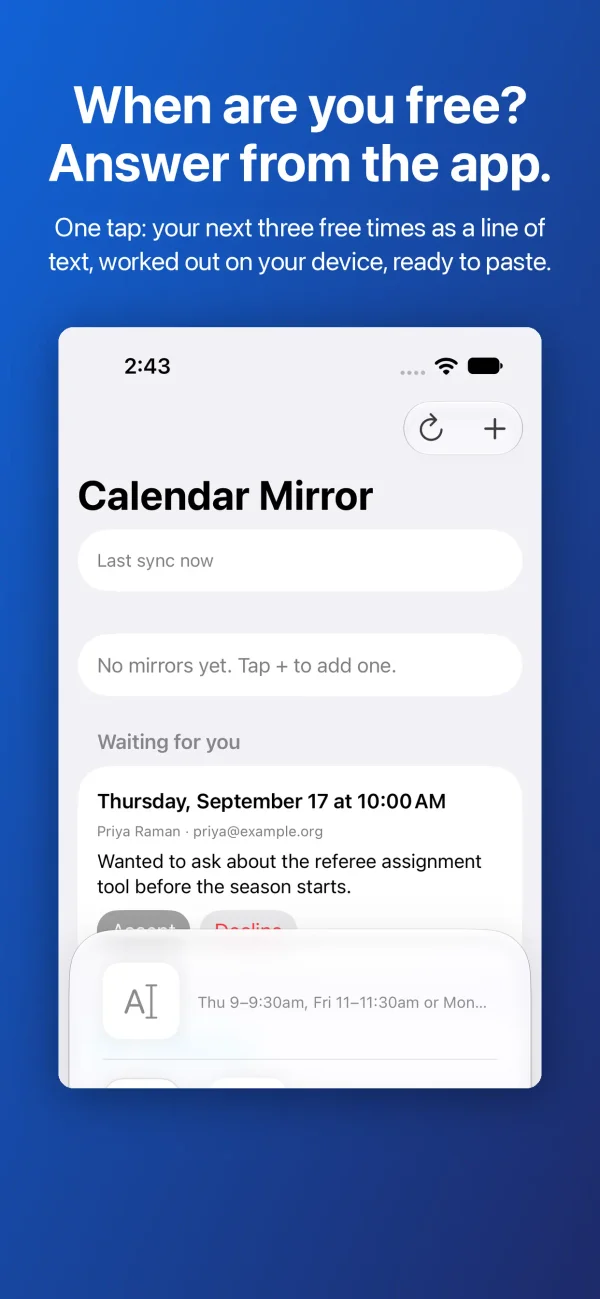
"When are you free?" One tap gives you your next three free times as a line of text — "Tue 2–2:30pm, Wed 10–10:30am or Thu 3–3:30pm MDT" — worked out on your device from the calendars you chose, ready to paste into Messages, Mail or Slack. Also a Shortcuts action and a Siri phrase. Nothing leaves your device.
ASKWHEN.ME — A SEPARATE PRODUCT YOU CAN TURN ON
Off by default; until you turn it on, the app makes no network request of any kind. AskWhen.me is a subscription with its own server: a page at askwhen.me/yourpage where people can ask you for a time.
A request page, not a booking page. Your device works out which times to offer and sends only those — never your calendar, your events, your address, or your name beyond the label you choose. Someone picks a time and says who they are; the request comes to your device, and nothing lands in your calendar until you accept. Your device re-checks the time against your real calendar first.
Send times can carry a personal link: it opens your page once, for a week, and because you sent it there is no email confirmation — if the time is still clear, your device accepts it for you and they get the calendar file.
Free for 90 days, then $19.99 a year; your own name on askwhen.me, or your own domain, are upgrades. Payment is Apple's. The privacy page says what the server holds, and for how long.
WHAT IT DOES NOT DO
• No scheduling links unless you turn on AskWhen.me, a separate subscription.
• No unified calendar view — it makes copies; your calendar app shows them.
• No team, admin or SSO features. It is a single-person utility.
• Attendees are never copied: Apple's calendar framework cannot set guests.
• It cannot sync a calendar your device cannot already see.
PRIVACY
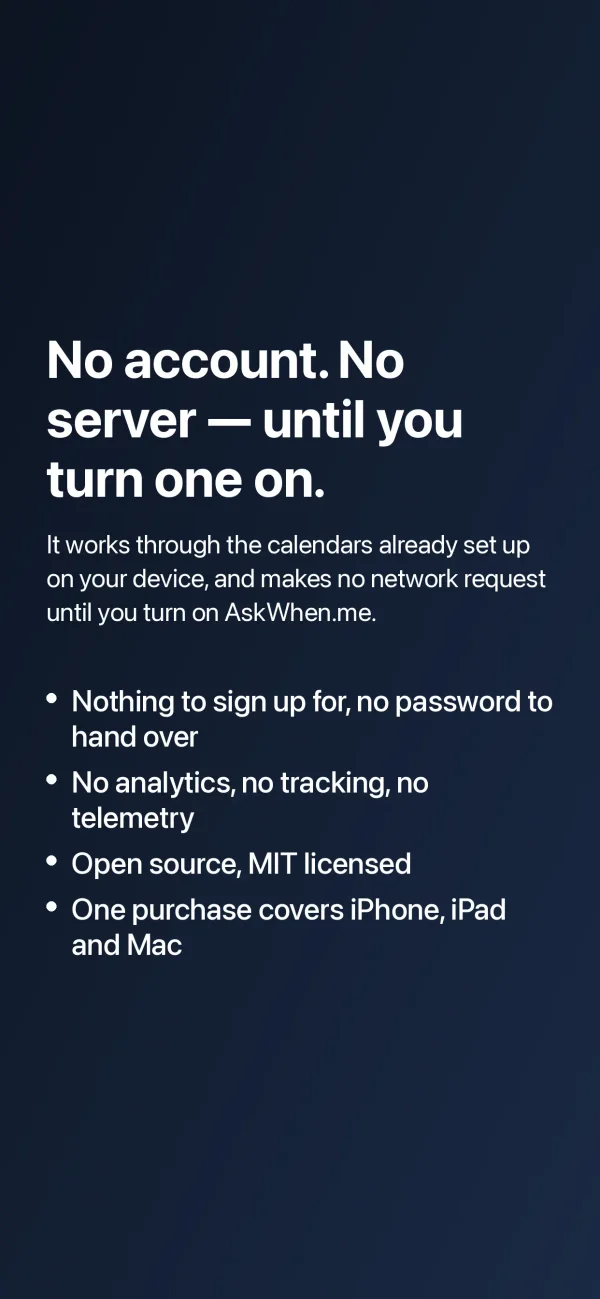
No account. No analytics, no tracking, no telemetry, no ads. No server, and no network request, until you turn on AskWhen.me — and its server never sees your calendar either. Once a copy lands in iCloud, Google or Exchange, that provider stores it under their policies.
Open source under the MIT licence. One purchase covers iPhone, iPad and Mac. Terms of Use: https://www.apple.com/legal/internet-services/itunes/dev/stdeula/
Neue Funktionen
Version 2.0.1 · 02.10.2026
Fixes.
• Rename a calendar and its mirrors keep working. With two calendars of the same name, copies go to the one you picked.
• Copies into a calendar kept only on this device are no longer rewritten on every sync.
• If a calendar refuses a copy, the mirror says so instead of showing as healthy.
• If AskWhen.me no longer has your page, the app stops showing it as live.
App-Datenschutz
Was im App Store zum Umgang dieser App mit Daten angibt.
-
Nicht mit Ihnen verknüpfte Daten
Können erfasst werden, sind aber nicht mit Ihrer Identität verknüpft.
- Käufe
- Kontaktinformationen
- Kennungen
Die Datenschutzpraktiken können variieren, zum Beispiel je nach den von Ihnen verwendeten Funktionen oder Ihrem Alter.
Informationen
- Anbieter
- Matthew Baylor
- Kategorie
- Produktivität
- Version
- 2.0.1
- Aktualisiert
- 02.10.2026
- Veröffentlicht
- 08.07.2026
- Größe
- 2,5 MB
- Erfordert
- iOS 17.0 oder neuer
- Altersfreigabe
- 4+
- Preis
- 2,99 €
- In-App-Käufe
- Ja
- Sprachen
- Englisch
- Copyright
- © Matthew Baylor
Das könnte Ihnen auch gefallen
-
 Pomo - PomodoroProduktivität
-
 Focus Capsule - PomodoroPomodoro timer to stay focused
-
 LiDAR Room Scanner: GrundrissRaum vermessen in 3D · Aufmaß
-
 Pomodoro Timer - MProduktivität
-
 AI Lens - Snap & Ask AnythingProduktivität
-
 Sonic Mobile CommunicatorProduktivität
-
 WennDannDa - FamilienplanerFamilienkalender & Aufgaben
-
 BookendsProduktivität
-
 CalenGoo Kalenderfür Google Kalender und iCloud
-
 MyMemoAIYour Knowledge Management