
CatClaw Terminal
AI Terminal + SSH + Dev Tools
Entwickelt für iPhone, iPad
Kostenlos
- Altersfreigabe4+
- KategorieEntwickler-Tools
- EntwicklerLiqun Chen
- SprachenEnglisch
- Größe29,3 MB
Verlinkt auf die offizielle App Store-Seite
Download.org hostet keine Datei von CatClaw Terminal. Die Schaltfläche öffnet die App-Seite bei App Store, wo Liqun Chen die App veröffentlicht. Eintrag zuletzt geprüft am 25.11.2026.
Screenshots

Info
Der Entwickler hat diesen Text nicht in Ihrer Sprache bereitgestellt.
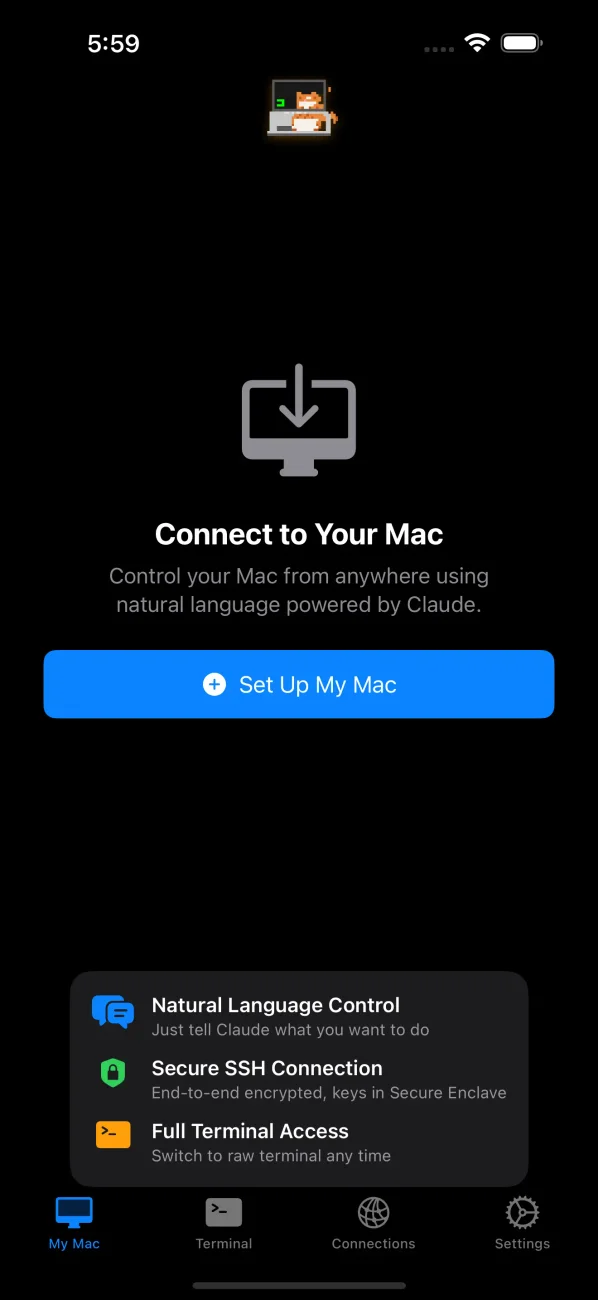
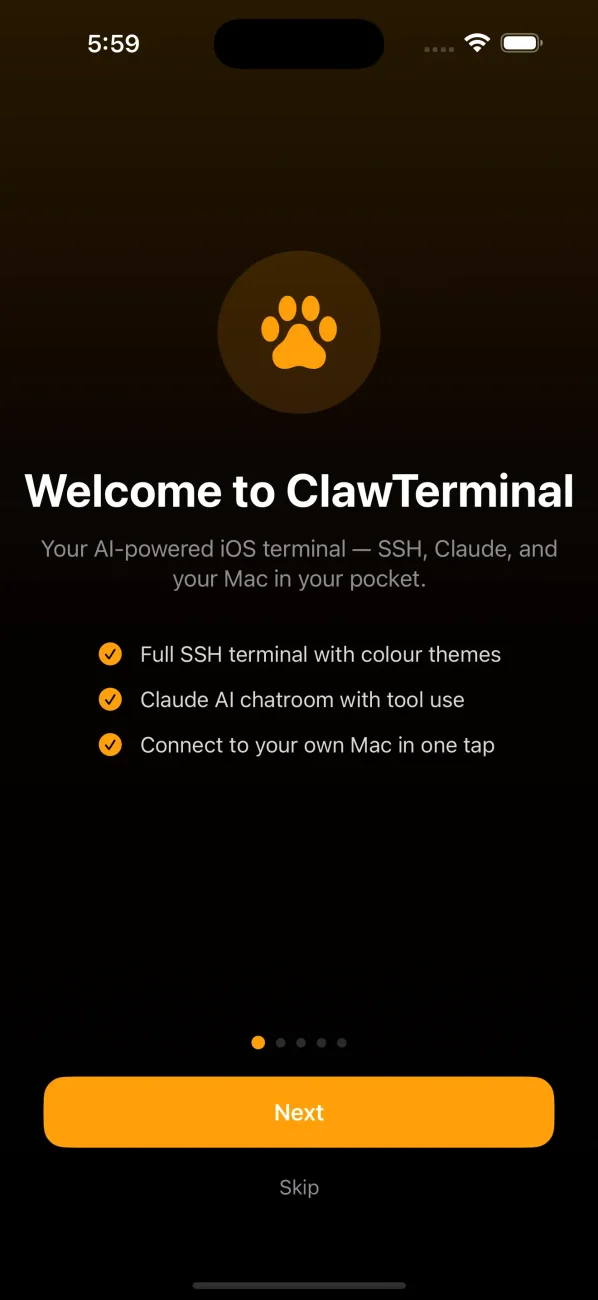
Your Mac and every AI coding agent, in your pocket.
ClawTerminal is a real SSH terminal plus AI chatrooms for Claude Code, Codex, Gemini, and Aider, connected straight to your own Mac or Linux server. Start a session from your phone, hand long tasks off to run in the background, and Allow or Deny risky commands from your iPhone.
WHY CLAWTERMINAL
- The whole machine, not just the chat. When an agent gets stuck, the terminal, files, git, and logs are one tap away.
- Every agent in one place. Claude Code, Codex, Gemini, and Aider in the same app - /race them on the same task.
- Nothing to leave running. Turn on Remote Login once; ClawTerminal starts sessions on demand and can continue any Claude Code session already running on your Mac.
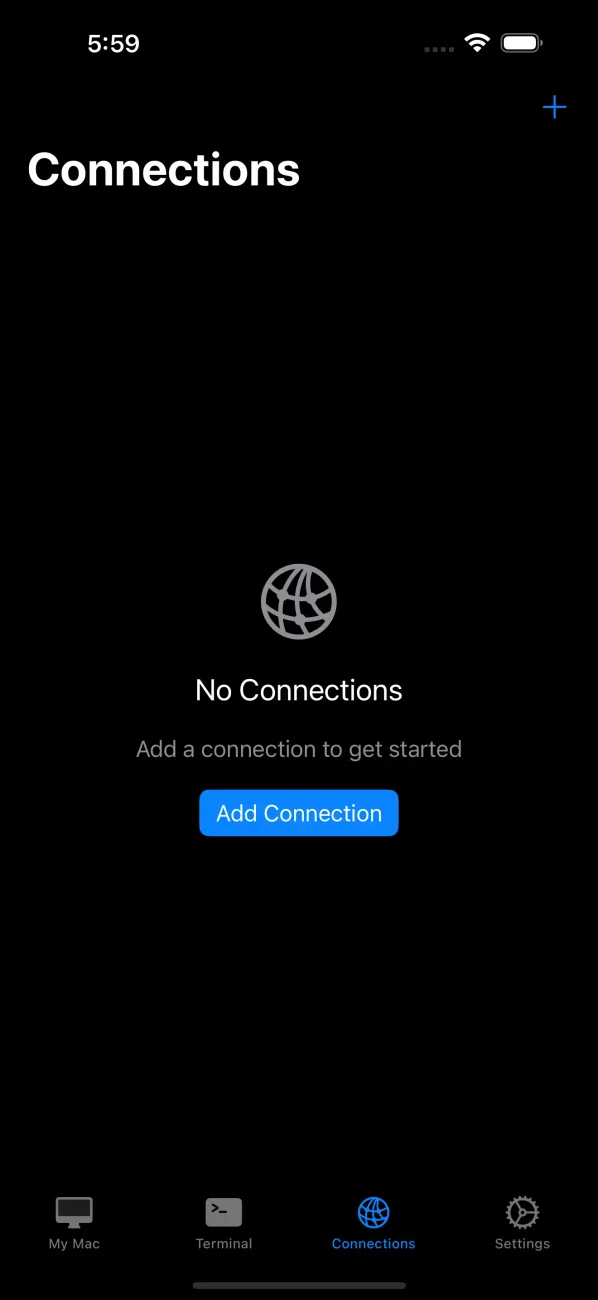
- Direct and private. Your iPhone connects to your Mac over SSH, at home or anywhere via Tailscale. No relay, no developer servers, no ClawTerminal account.
- Built for long work. Background jobs, Live Activities, budgets that stop at the cap, and push alerts through your own channel.
WHAT'S NEW IN v1.6.0
- Setup Assistant - /setup checks your Mac for the tools ClawTerminal uses and installs what is missing, with Homebrew or with Claude Code's help. Nothing installs without your OK.
- Mac Sessions - see every Claude Code session on your Mac and continue any of them on your iPhone.
- Connect from anywhere - home network and Tailscale tried at once, automatic reconnect, no lost messages.
- Faster replies - keep Claude running between messages for much quicker follow-ups.
- Alerts and approvals for any Mac session, through your own push channel.
- /bg and /batch hand whole tasks to Claude Code workflows in the background.
- Latest models - Claude Opus 5.5, Sonnet 5.5, Haiku 5.5, and Fable 5.2.
WHAT YOU GET
A Real Terminal
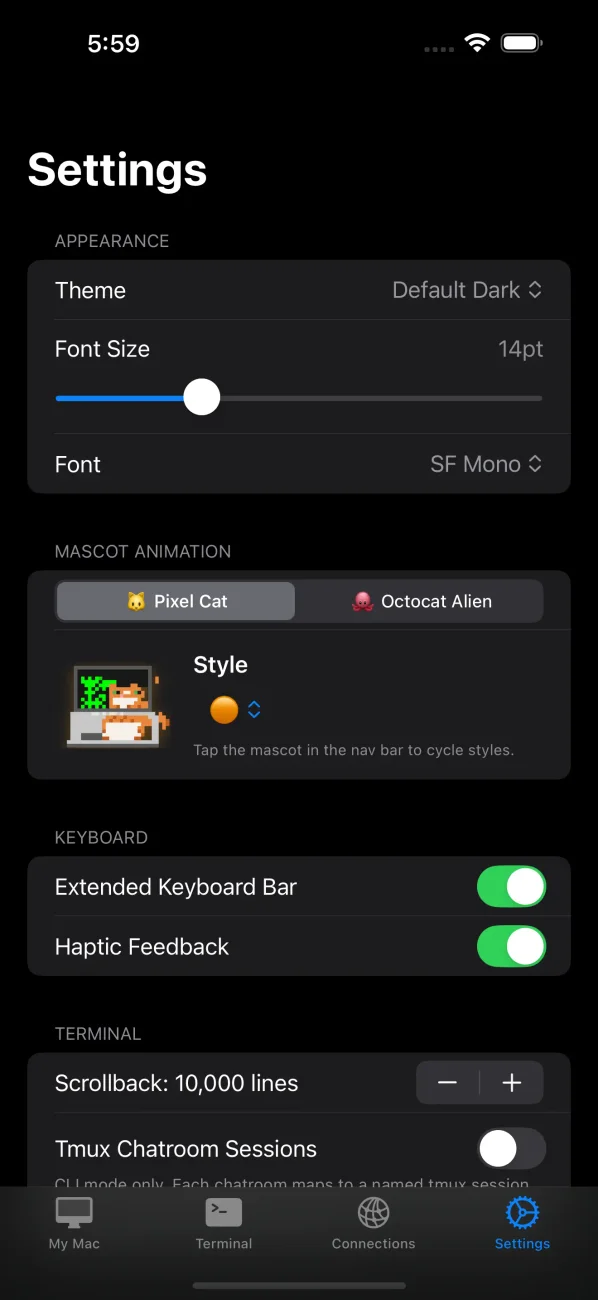
- Full SSH client with persistent sessions, themes, autocomplete
- Vim, htop, tmux, mosh - everything just works
- SFTP file browser, port forwarding, live web preview
- Share a connection by QR to set up a second device in one scan
AI Chatrooms for Every Agent
- Claude Code, Codex, Gemini, or Aider - pick per chatroom
- CLI mode over SSH to your Mac, or direct API mode
- Apple Intelligence on-device when no API key is set
- Cross-session memory and custom skills tailored to you
Background Work You Can Trust
- /submit, /bg, and /batch run long tasks while you do something else
- Live Activities and Dynamic Island progress
- Reply or Retry right from a notification
- Per-job cost tracking and budgets that stop at the cap
- Push through ntfy (no account), Telegram, or Apple Push with your own key
Multi-Agent Orchestration
- /batch, /team, /race, /orchestrate - parallel agents, side by side
- --app opens a visual command center with routing presets
- Git worktree isolation per agent with --vcs
Developer Toolkit
- /git, /health, /monitor, /security, /pr, /conflicts, /netdiag
- /research, /whatif, /standup, /duck, /frugal
Learn As You Go
- 8 interactive tutorial tracks, 58 hands-on steps
- Written tutorials and examples, bundled offline
Privacy First
- Credentials stay in the iOS Keychain
- SSH host keys pinned; you are warned if one changes
- AI requests go only to the provider you choose, after you agree
- No account, no telemetry, no tracking, no ads
WHO IT IS FOR
- Developers who want their Mac and their coding agents everywhere
- Indie founders and DevOps engineers shipping from anywhere
- Teams who need agents without routing code through a relay
Requires an SSH-reachable Mac or Linux server for the terminal and CLI agents. AI chatrooms also work without a server via direct API mode, or Apple Intelligence on supported iOS 26 devices.
Neue Funktionen
Version 1.6.0 · 24.11.2026
WHAT'S NEW IN v1.6.0
- Setup Assistant - /setup checks your Mac for the tools ClawTerminal uses and installs what is missing, with Homebrew or with Claude Code's help. Nothing installs without your OK.
- Mac Sessions - see every Claude Code session on your Mac and continue any of them on your iPhone.
- Connect from anywhere - home network and Tailscale tried at once, automatic reconnect, no lost messages.
- Faster replies - keep Claude running between messages for much quicker follow-ups.
- Alerts and approvals for any Mac session, through your own push channel.
- /bg and /batch hand whole tasks to Claude Code workflows in the background.
- Latest models - Claude Opus 5.5, Sonnet 5.5, Haiku 5.5, and Fable 5.2.
WHAT YOU GET
A Real Terminal
- Full SSH client with persistent sessions, themes, autocomplete
- Vim, htop, tmux, mosh - everything just works
- SFTP file browser, port forwarding, live web preview
- Share a connection by QR to set up a second device in one scan
AI Chatrooms for Every Agent
- Claude Code, Codex, Gemini, or Aider - pick per chatroom
- CLI mode over SSH to your Mac, or direct API mode
- Apple Intelligence on-device when no API key is set
- Cross-session memory and custom skills tailored to you
Background Work You Can Trust
- /submit, /bg, and /batch run long tasks while you do something else
- Live Activities and Dynamic Island progress
- Reply or Retry right from a notification
- Per-job cost tracking and budgets that stop at the cap
- Push through ntfy (no account), Telegram, or Apple Push with your own key
Multi-Agent Orchestration
- /batch, /team, /race, /orchestrate - parallel agents, side by side
- --app opens a visual command center with routing presets
- Git worktree isolation per agent with --vcs
Developer Toolkit
- /git, /health, /monitor, /security, /pr, /conflicts, /netdiag
- /research, /whatif, /standup, /duck, /frugal
Learn As You Go
- 8 interactive tutorial tracks, 58 hands-on steps
- Written tutorials and examples, bundled offline
Privacy First
- Credentials stay in the iOS Keychain
- SSH host keys pinned; you are warned if one changes
- AI requests go only to the provider you choose, after you agree
- No account, no telemetry, no tracking, no ads
WHO IT IS FOR
- Developers who want their Mac and their coding agents everywhere
- Indie founders and DevOps engineers shipping from anywhere
- Teams who need agents without routing code through a relay
Requires an SSH-reachable Mac or Linux server for the terminal and CLI agents. AI chatrooms also work without a server via direct API mode, or Apple Intelligence on supported iOS 26 devices.
App-Datenschutz
Was Liqun Chen im App Store zum Umgang dieser App mit Daten angibt.
-
Nicht mit Ihnen verknüpfte Daten
Können erfasst werden, sind aber nicht mit Ihrer Identität verknüpft.
- Benutzerinhalte
Die Datenschutzpraktiken können variieren, zum Beispiel je nach den von Ihnen verwendeten Funktionen oder Ihrem Alter.
Informationen
- Anbieter
- Liqun Chen
- Kategorie
- Entwickler-Tools
- Version
- 1.6.0
- Aktualisiert
- 24.11.2026
- Veröffentlicht
- 16.03.2026
- Größe
- 29,3 MB
- Erfordert
- iOS 17.0 oder neuer
- Altersfreigabe
- 4+
- Preis
- Kostenlos
- Sprachen
- Englisch
- Copyright
- © Yun Studio
Das könnte Ihnen auch gefallen
-
 Hermit SSHEntwickler-Tools
-
 ClawTabEntwickler-Tools
-
 Unofficial Claude Code ClientEntwickler-Tools
-
 MobileClaw - Local LLM ChatEntwickler-Tools
-
 pseudocoderEntwickler-Tools
-
 VibeTermEntwickler-Tools
-
 Cortex Relay - AI TerminalEntwickler-Tools
-
 LeetCode Companion: LeetTrackEntwickler-Tools
-
 SSH TerminatorEntwickler-Tools
-
 DeviapEntwickler-Tools