
- Altersfreigabe12+
- KategorieBildung
- EntwicklerJonathan Paulson
- SprachenEnglisch+ 4 weitere
- Größe18,2 MB
Verlinkt auf die offizielle App Store-Seite
Download.org hostet keine Datei von Chorus Bible. Die Schaltfläche öffnet die App-Seite bei App Store, wo Jonathan Paulson die App veröffentlicht. Eintrag zuletzt geprüft am 26.11.2026.
Screenshots

Info
Der Entwickler hat diesen Text nicht in Ihrer Sprache bereitgestellt.
Many voices. One Word. You’re the conductor.
Chorus Bible brings Scripture together in a different way. Compare Bible translations side by side, follow connected passages through Scripture Journeys, create your own cross-references, and discover patterns in God’s Word with tools designed for deeper study.
Every Bible translation gives Scripture its own voice. Chorus Bible lets you explore those voices together, discovering where they harmonize, where the wording differs, and where another translation brings a verse into focus.
Many translations. One chorus. You conduct.
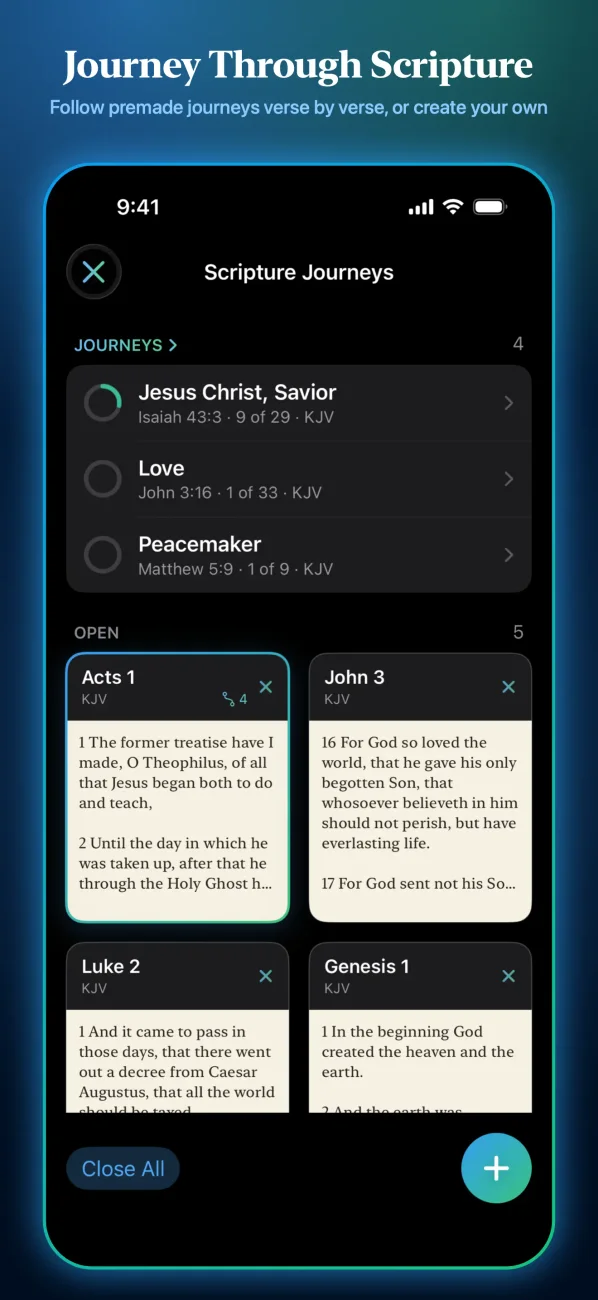
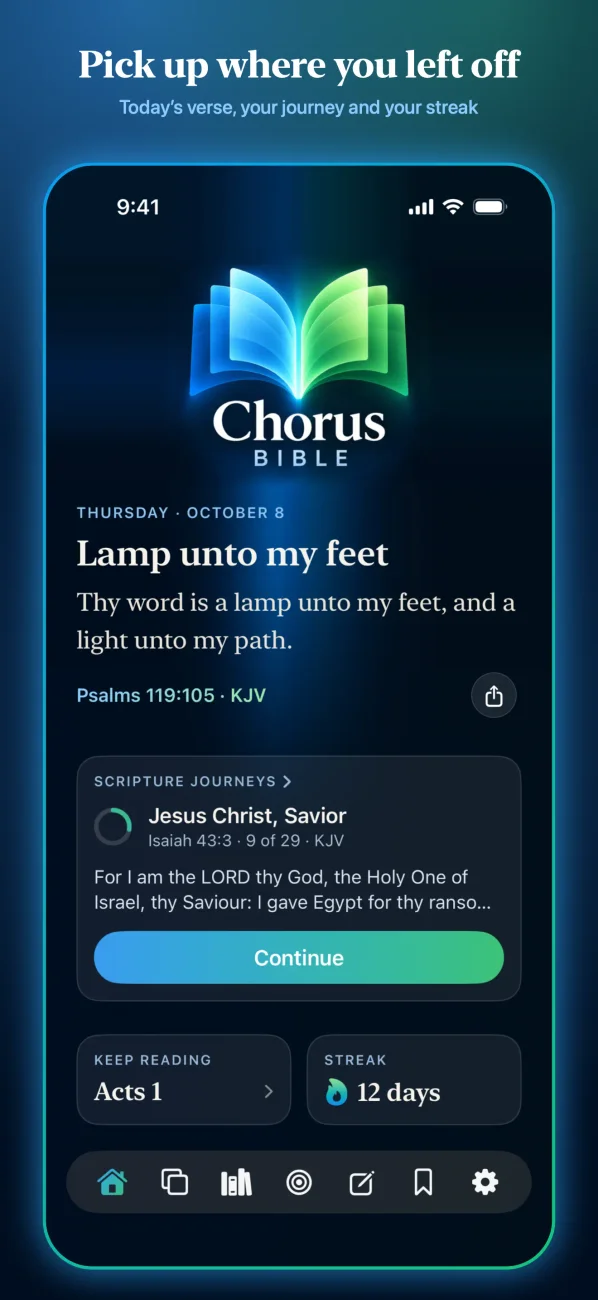
SCRIPTURE JOURNEYS
Follow Scripture wherever it leads.
Explore premade Scripture Journeys that connect related passages, or create your own. Trace a theme across books, follow a question through Scripture, or build a personal study one passage at a time.
Each Journey remembers its own passage, translation, and reading position. Keep multiple studies going, switch between them instantly, and return days later exactly where you left off.
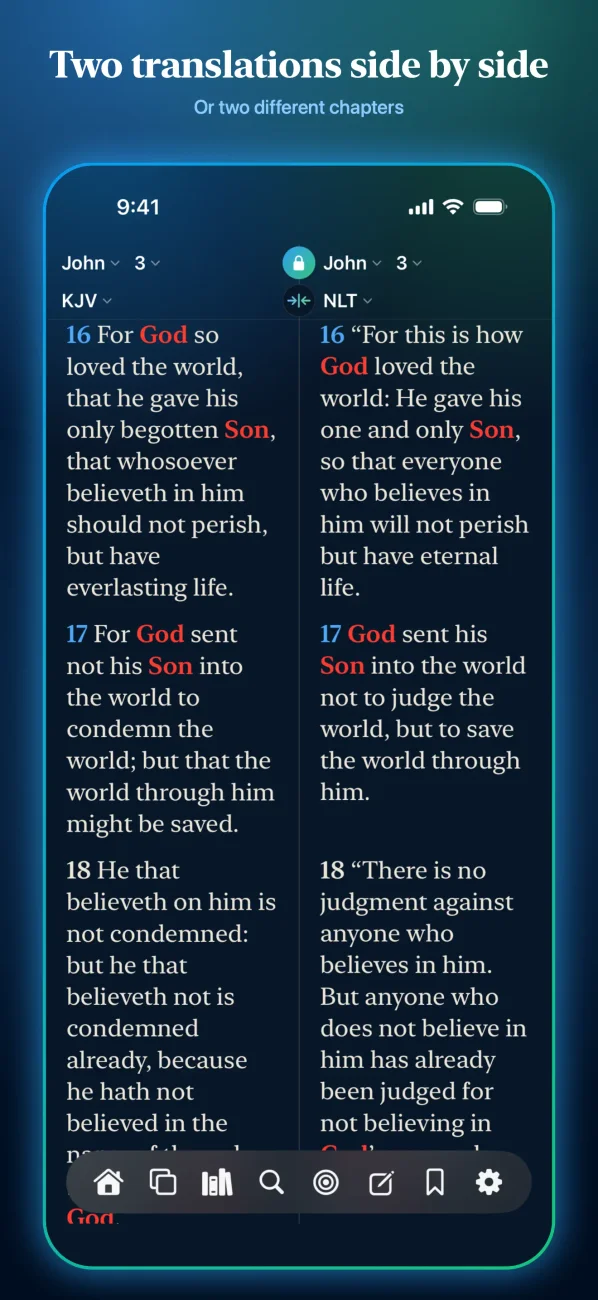
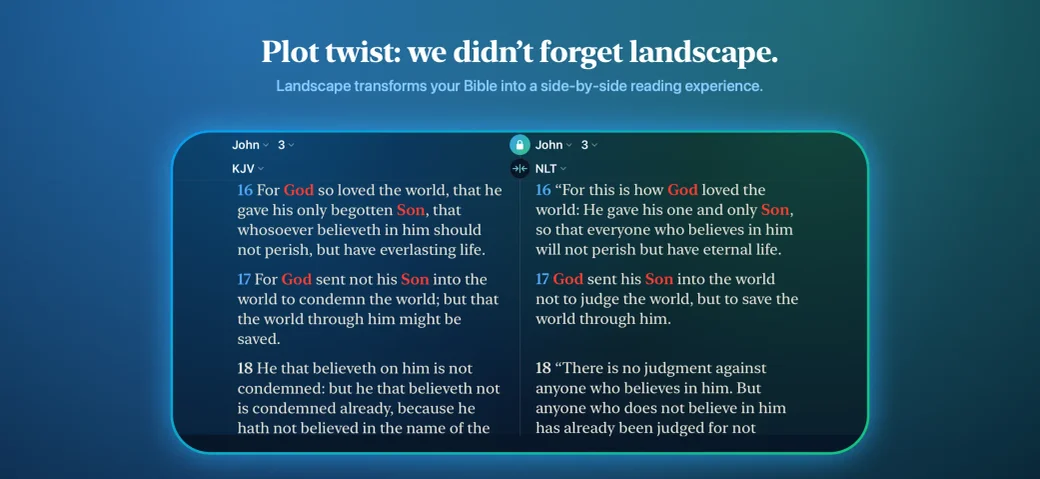
SIDE-BY-SIDE BIBLE COMPARISON
Read two translations of the same chapter together, or explore completely different passages side by side.
Compare Matthew 14 with John 6, or read two translations of one chapter with the columns scrolling together verse by verse. Switch translations with a tap.
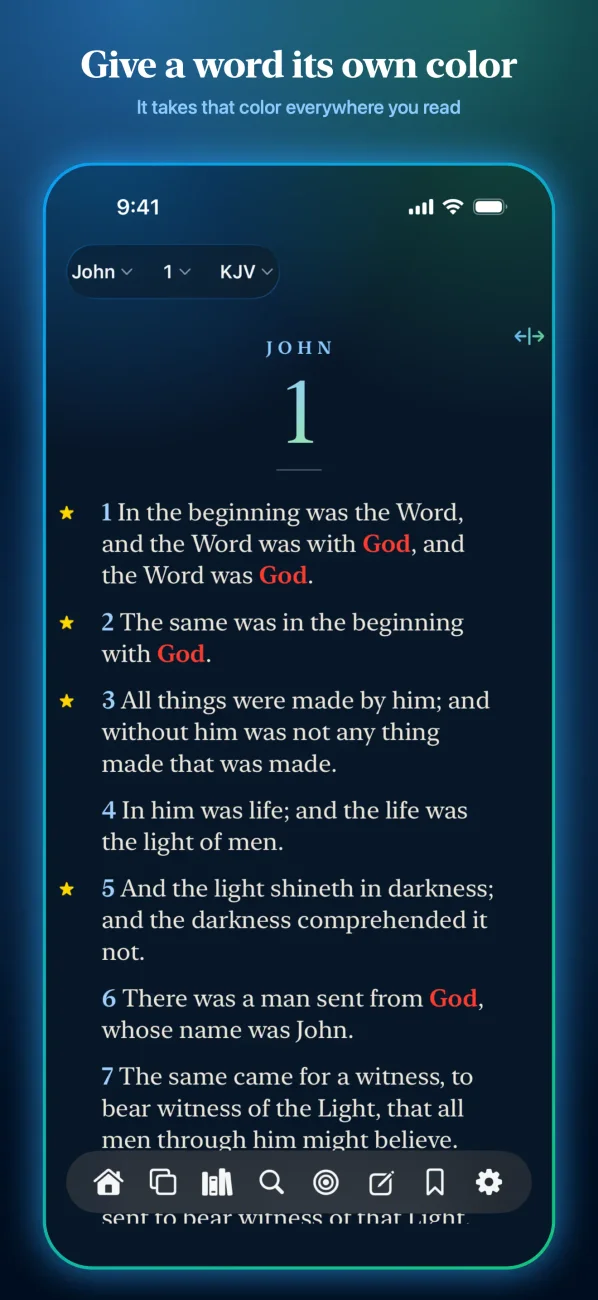
AUTO COLORIZE
Discover recurring words and themes throughout Scripture.
Assign colors to words and phrases, and Chorus Bible automatically colors matching text wherever it appears.
Start with built-in lists highlighting the names and titles of Jesus, then create your own. Add words directly from Scripture and use case-sensitive matching to distinguish words like “King” and “king.”
MEMORIZE SCRIPTURE
Learn Scripture one word at a time.
Move a slider to progressively hide words from a passage. Each hidden word leaves a space of the same width, keeping the text in place as you practice.
Reveal words whenever you need help, and expand your selection from a single verse to a longer passage as your confidence grows.
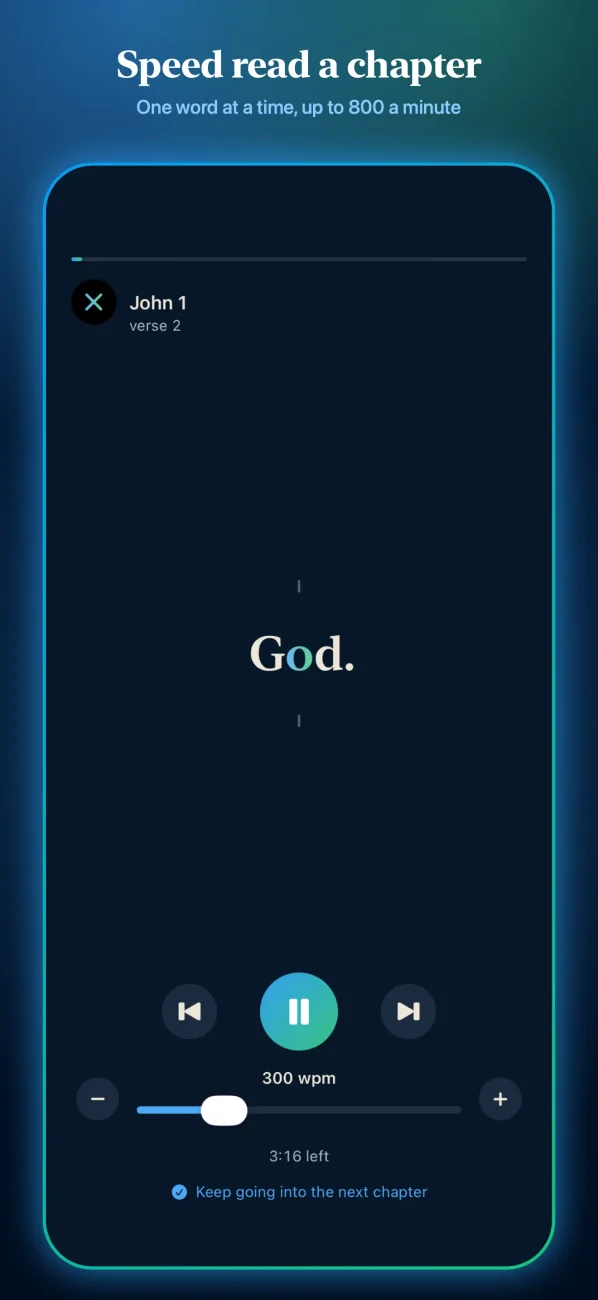
SPEED READ
Experience Scripture one word at a time.
Read at adjustable speeds from 150 to 800 words per minute. Intelligent pacing allows extra time for longer words, punctuation, and unfamiliar names.
Pause to view an entire verse, then jump directly into the regular Bible reader.
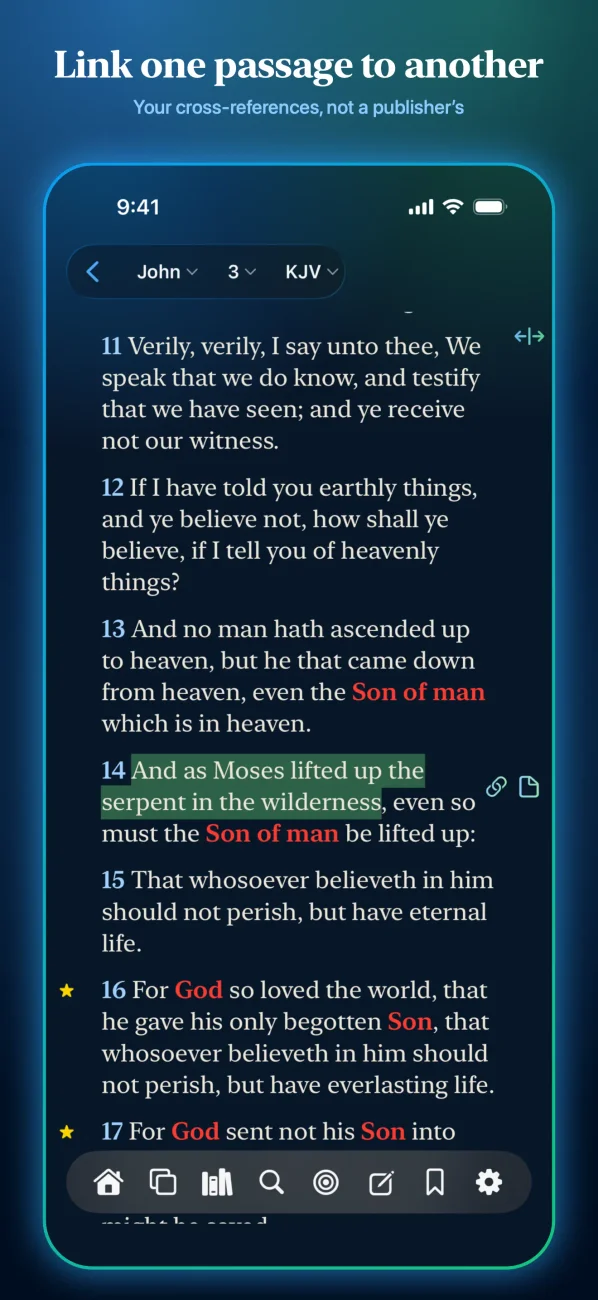
CONNECTED HIGHLIGHTS AND NOTES
Build your own connections throughout Scripture.
Highlight or underline individual words, attach personal notes, and link highlights between passages.
Turn your discoveries into personal cross-references that connect the verses that matter to you.
READING GOALS AND STREAKS
Build a consistent Scripture reading habit.
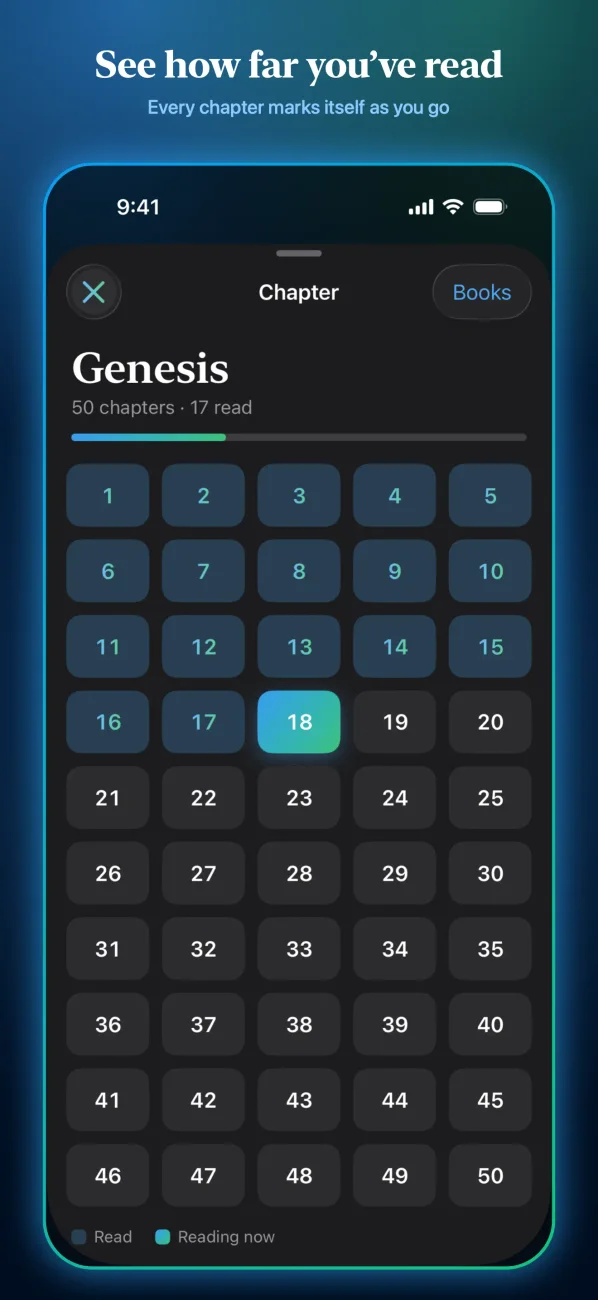
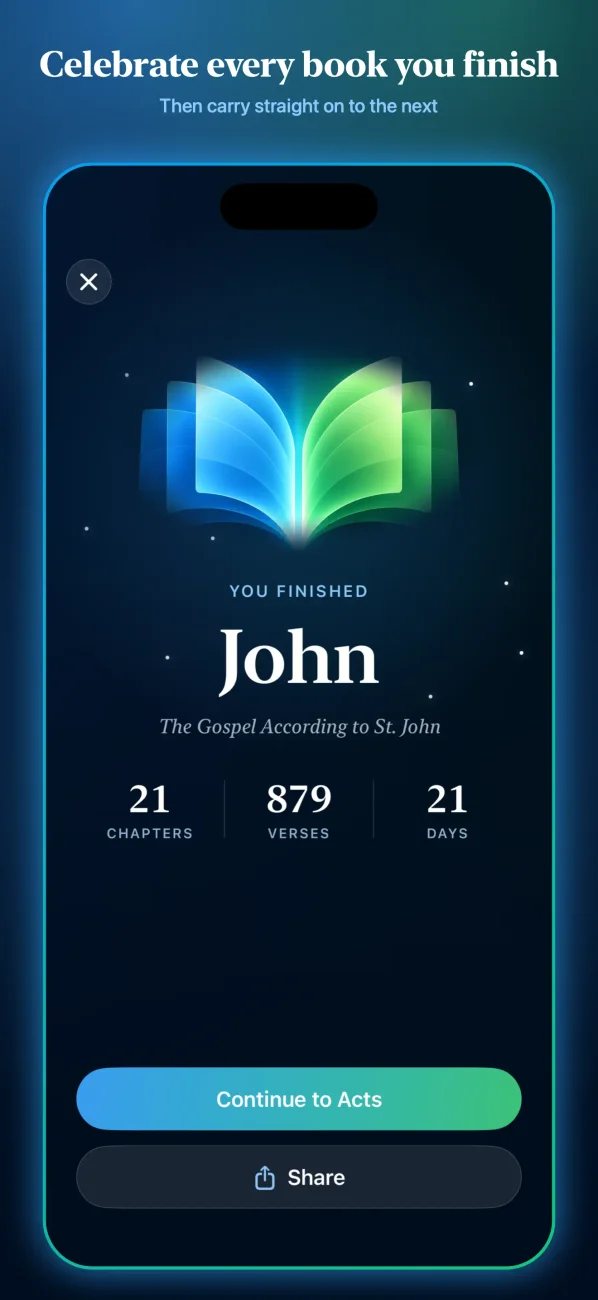
Track your reading automatically with a daily calendar, set personal goals, follow your current and longest streaks, and celebrate reading milestones.
PERSONAL JOURNAL
Capture thoughts, questions, and insights alongside your reading.
Store journal entries as plain text files in your own iCloud Drive for access across devices, or keep them locally on your iPhone.
MORE WAYS TO STUDY
• Search the entire Bible or an individual chapter.
• Bookmark passages for quick access.
• Discover a daily Bible verse.
• Set reading reminders.
• Customize text size, reading background, and accent colors.
BIBLE TRANSLATIONS
The King James Version is included for completely offline reading.
Enable additional translations in Settings, including NIV, NLT, CSB, and Bibles in Spanish, Portuguese, Italian, French, Ukrainian, and Russian.
Chapters opened in online translations remain available on your device for future reading.
YOUR STUDY STAYS YOURS
No Chorus Bible account. No server storing your personal Bible study.
Your highlights, notes, and bookmarks sync through your own iCloud account. Your journal stays in your iCloud Drive or locally on your device.
No ads. No in-app purchases.
Scripture and the tools to study it.
Many voices. One Word. One chorus.
Neue Funktionen
Version 1.6.0 · 25.11.2026
Your writings on the Mine tab now show Markdown formatting: headings, bold and italic, quotes, and bulleted, numbered and task lists.
From December 1, each day's first visit to Home welcomes Advent with the star's arrival.
App-Datenschutz
Was Jonathan Paulson im App Store zum Umgang dieser App mit Daten angibt.
-
Nicht mit Ihnen verknüpfte Daten
Können erfasst werden, sind aber nicht mit Ihrer Identität verknüpft.
- Kennungen
- Nutzungsdaten
Die Datenschutzpraktiken können variieren, zum Beispiel je nach den von Ihnen verwendeten Funktionen oder Ihrem Alter.
Informationen
- Anbieter
- Jonathan Paulson
- Kategorie
- Bildung
- Version
- 1.6.0
- Aktualisiert
- 25.11.2026
- Veröffentlicht
- 30.10.2026
- Größe
- 18,2 MB
- Erfordert
- iOS 17.0 oder neuer
- Altersfreigabe
- 12+
- Preis
- Kostenlos
- Sprachen
- Englisch, Französisch, Italienisch, Portugiesisch, Spanisch
- Copyright
- © 2026 Jonathan Paulson
Das könnte Ihnen auch gefallen
-
 GOE DevotionalNachschlagewerke
-
 Bible Companion OfflineNachschlagewerke
-
 Bibel Deutsch: ReclaimedWortsuche, Bibelvers & Hörbuch
-
 Patria - People of the BibleNachschlagewerke
-
 BibleToons: Bible StoriesBildung
-
 Chorus Bible StudyBildung
-
 Fall Open BibleNachschlagewerke
-
 EPA Apostolic ChurchBildung
-
 Faithero: Bibel & GebetVers des Tages, Hörbibel & KI
-
 Deep Study Bible (No Ads)Nachschlagewerke