- Altersfreigabe4+
- KategorieEntwickler-Tools
- EntwicklerNathan Baughman
- SprachenEnglisch
- Größe5,6 MB
Verlinkt auf die offizielle App Store-Seite
Download.org hostet keine Datei von Classic BASIC. Die Schaltfläche öffnet die App-Seite bei App Store, wo Nathan Baughman die App veröffentlicht. Eintrag zuletzt geprüft am 12.11.2026.
Screenshots

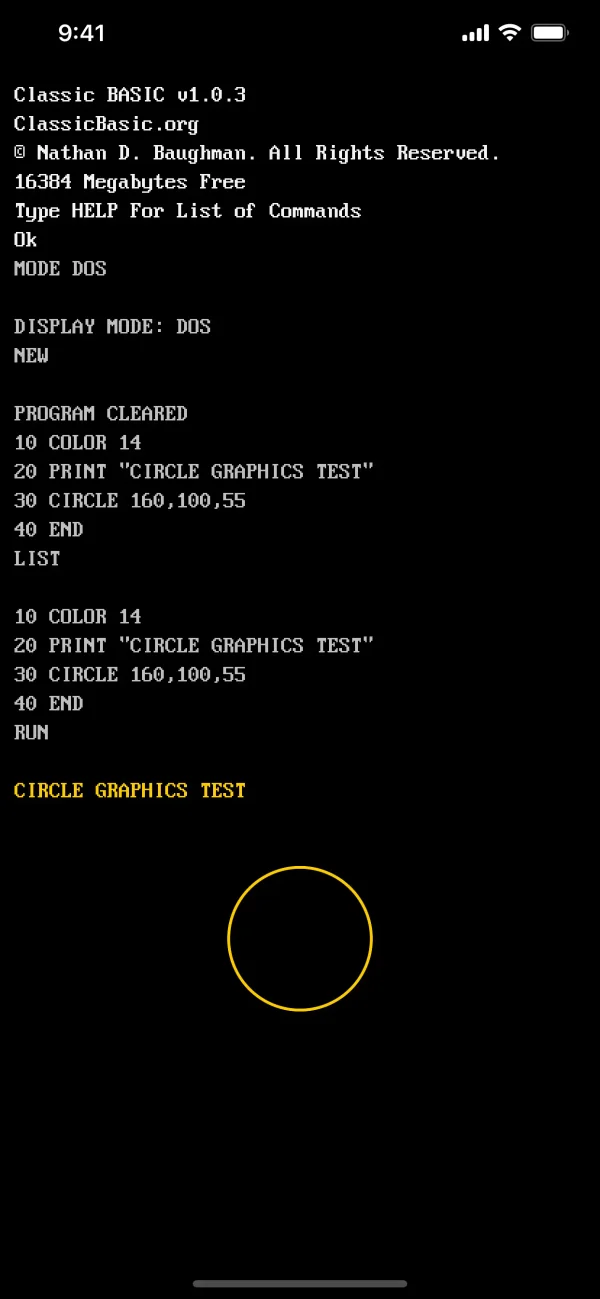
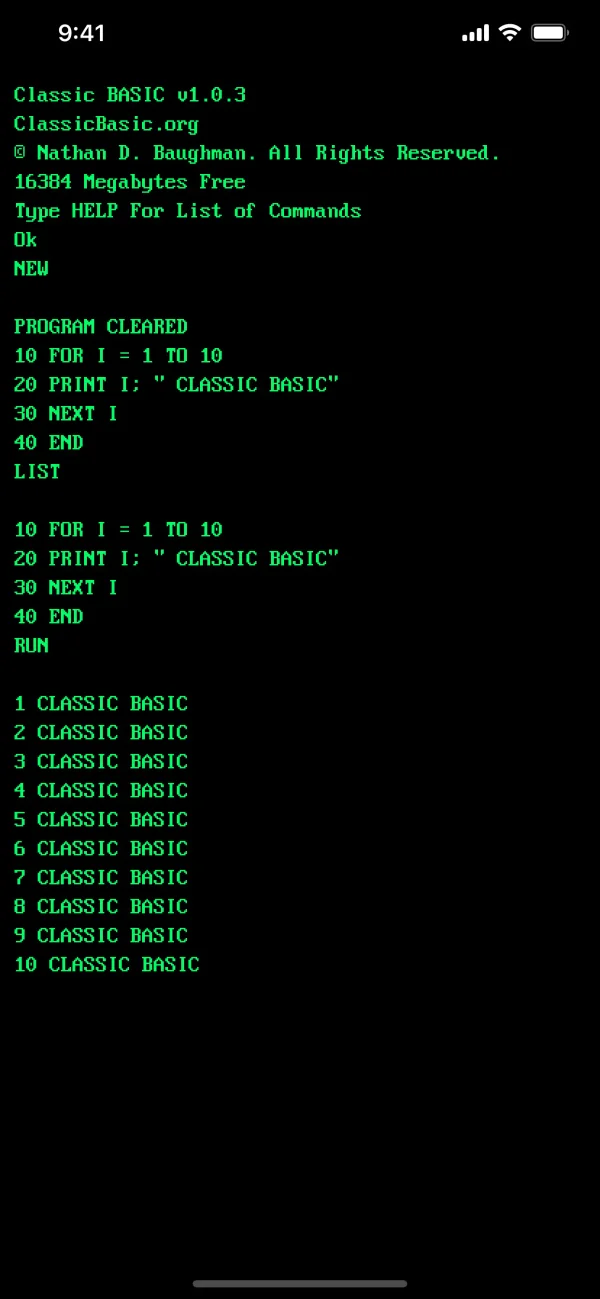
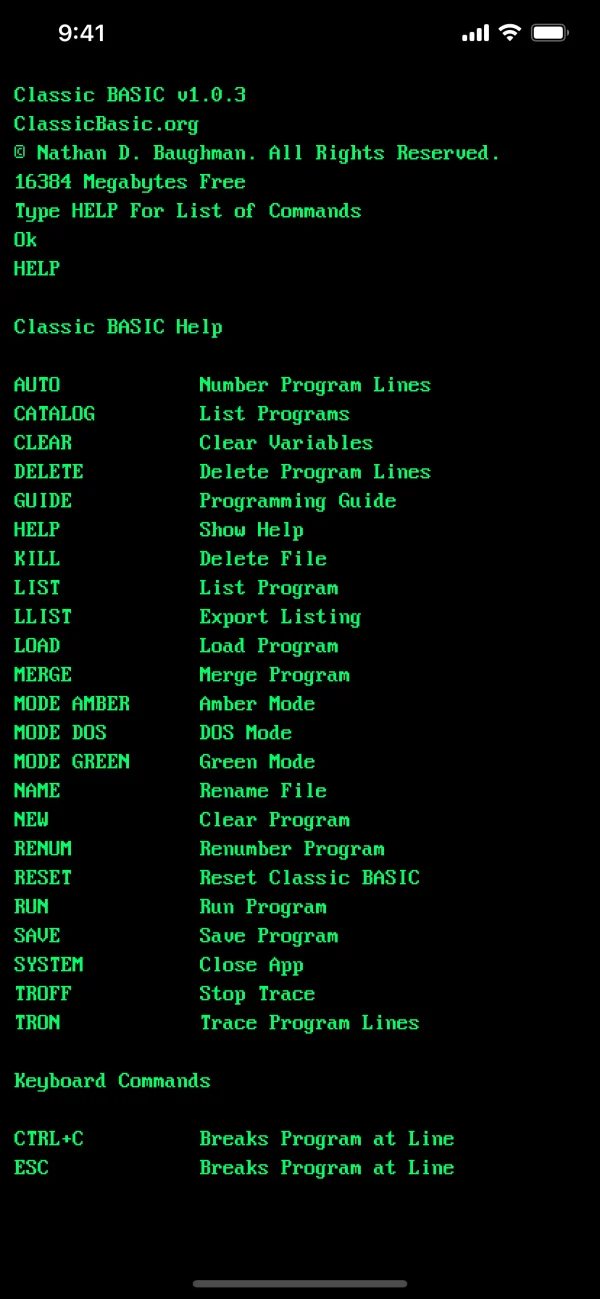

Info
Der Entwickler hat diesen Text nicht in Ihrer Sprache bereitgestellt.
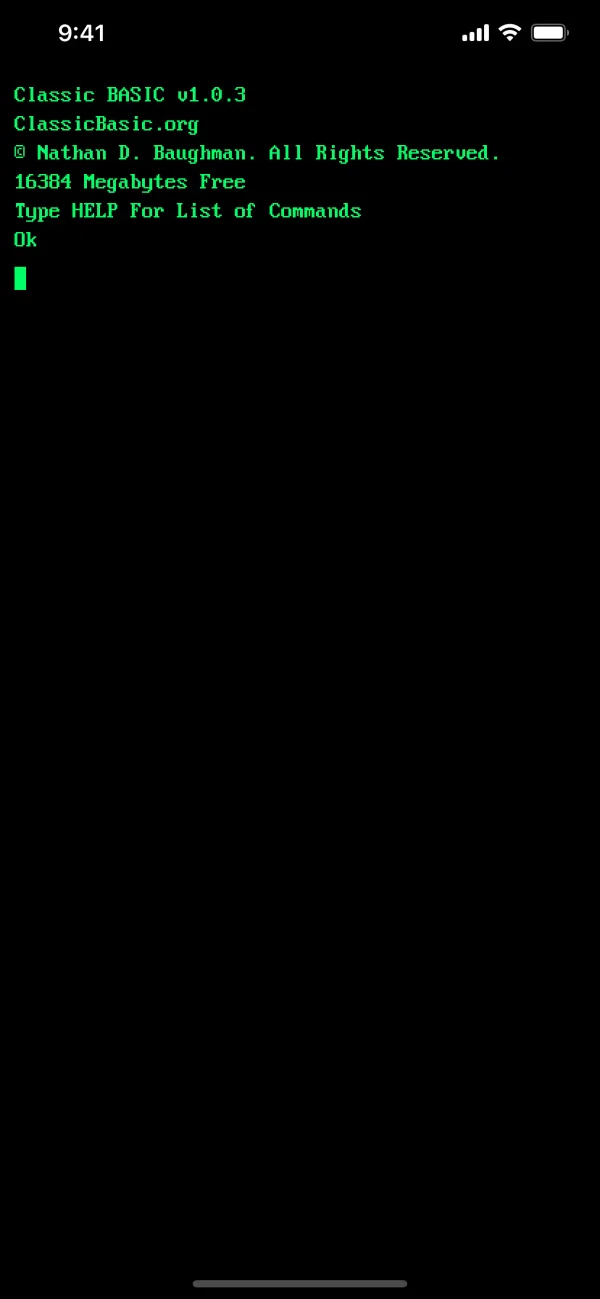
Classic BASIC is a retro-inspired BASIC programming environment designed for modern devices.
Write line-numbered BASIC programs, run them instantly, save your work, load built-in examples, explore graphics commands, and learn programming with the included guidebook. Classic BASIC preserves the familiar feel of classic home computers while providing a clean, touch-friendly experience for today's users.
Features include:
• Traditional line-numbered BASIC programming
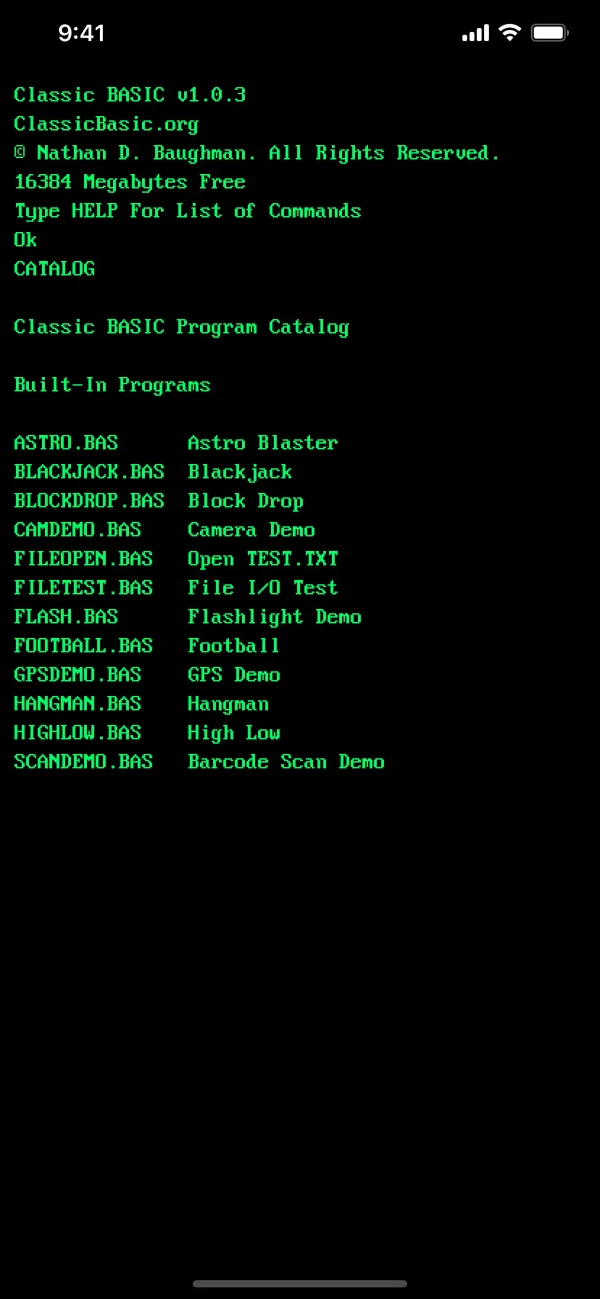
• Built-in program catalog
• Classic commands such as LIST, RUN, SAVE, LOAD, NEW, and CATALOG
• Graphics commands for drawing lines, circles, boxes, and screen output
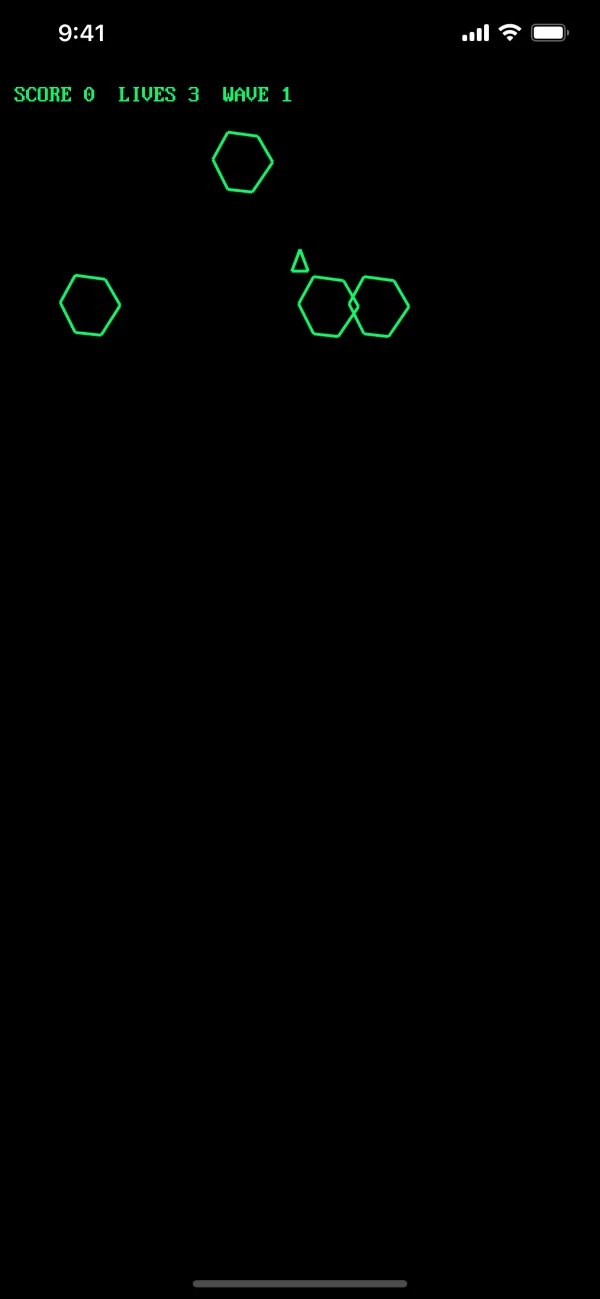
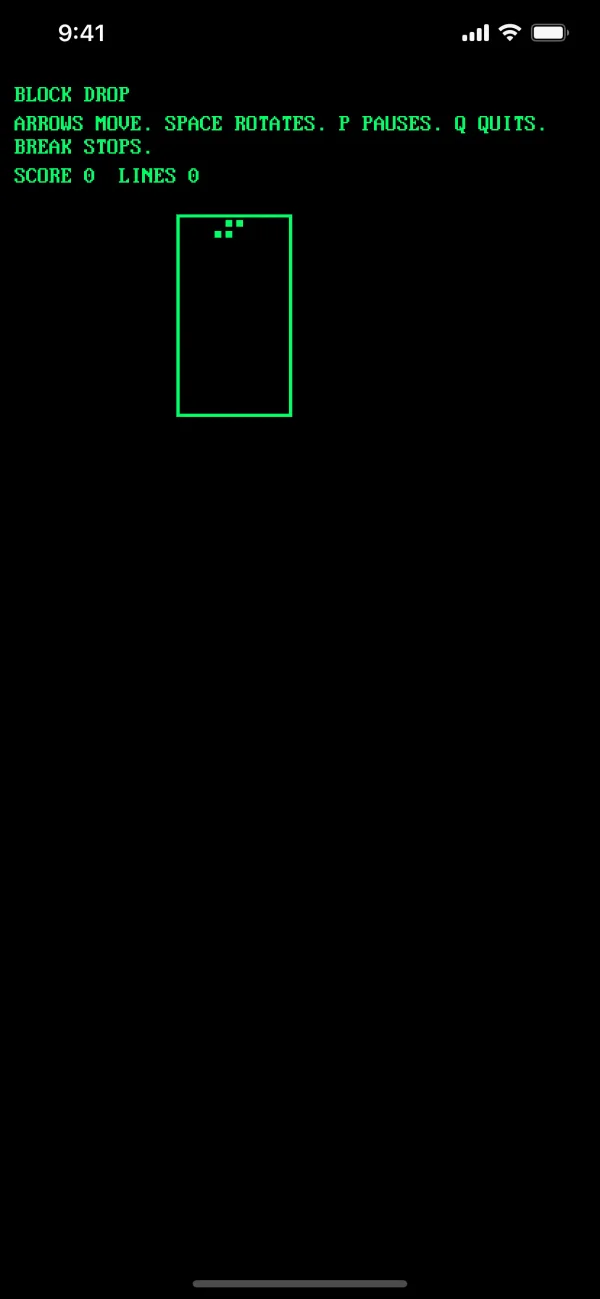
• Built-in games including Block Drop and Astro Blaster
• Touch game keyboard support for interactive games
• External keyboard support with ESC and CTRL+C break commands
• Display modes including Green, Amber, and DOS-style color
• Built-in programming guide
• File support for saving and loading your own programs
Classic BASIC is designed for beginners, hobbyists, retro-computing enthusiasts, students, and anyone who wants a simple programming environment that feels immediate, approachable, and fun.
Type a line. Run it. Change it. Learn by doing.
Neue Funktionen
Version 1.0.6 · 13.09.2026
Classic BASIC 1.0.6 is a major update with an improved mobile phone experience, expanded device hardware support, and better GW-BASIC compatibility.
• New adaptive editor and terminal workspace with side-by-side programming on larger screens
• Major tablet improvements including rotation, resizable layouts, keyboard controls, editing, saving, and draft recovery
• Hide the top menu for more terminal space and restore it anytime with MENU ON
• Expanded hardware commands for motion sensors, compass, battery, speech, dictation, microphone recording, haptics, clipboard, sharing, importing/exporting files, notifications, device information, network status, and more
• Expanded GPS support including speed and additional location data
• Improved camera, photo picker, QR/barcode scanner, and flashlight support
• Improved external keyboard support and keyboard shortcuts
• GW-BASIC compatibility fixes and improved runtime error handling
• Better responsiveness when running busy BASIC programs
• Expanded built-in help and device command documentation
• Seven new hardware demonstration programs
Classic BASIC continues to bring classic BASIC programming to modern phone hardware while maintaining the retro terminal experience.
Hardware features vary by device and may require permission.
App-Datenschutz
Was Nathan Baughman im App Store zum Umgang dieser App mit Daten angibt.
-
Keine Daten erfasst
Der Entwickler erfasst keine Daten von dieser App.
Die Datenschutzpraktiken können variieren, zum Beispiel je nach den von Ihnen verwendeten Funktionen oder Ihrem Alter.
Informationen
- Anbieter
- Nathan Baughman
- Kategorie
- Entwickler-Tools
- Version
- 1.0.6
- Aktualisiert
- 13.09.2026
- Veröffentlicht
- 21.06.2026
- Größe
- 5,6 MB
- Erfordert
- iOS 17.0 oder neuer
- Altersfreigabe
- 4+
- Preis
- 2,99 €
- Sprachen
- Englisch
- Copyright
- © Nathan D. Baughman
Das könnte Ihnen auch gefallen
-
 Noesis A.I.Entwickler-Tools
-
 Dev Learning StudioEntwickler-Tools
-
 iLinux: Linux Command ManualEntwickler-Tools
-
 Algorithms ProEntwickler-Tools
-
 BASIC: programming languageEntwickler-Tools
-
 Code - Compile & Run ProgramEntwickler-Tools
-
 Love2D Game MakerEntwickler-Tools
-
 Assembly Lab: 8086 NASM IDE8086 NASM emulator & debugger
-
 SDK85Entwickler-Tools
-
 iDepth NDIEntwickler-Tools