
Clipboard Remote - LAN Paste
Copy and paste across devices
Entwickelt für iPhone, iPad, Mac, iPod touch
Kostenlos
- Altersfreigabe4+
- KategorieProduktivität
- EntwicklerNTWIND, LLC
- SprachenEnglisch+ 21 weitere
- Größe34,1 MB
Verlinkt auf die offizielle App Store-Seite
Download.org hostet keine Datei von Clipboard Remote - LAN Paste. Die Schaltfläche öffnet die App-Seite bei App Store, wo NTWIND, LLC die App veröffentlicht. Eintrag zuletzt geprüft am 17.11.2026.
Screenshots
Info
Der Entwickler hat diesen Text nicht in Ihrer Sprache bereitgestellt.
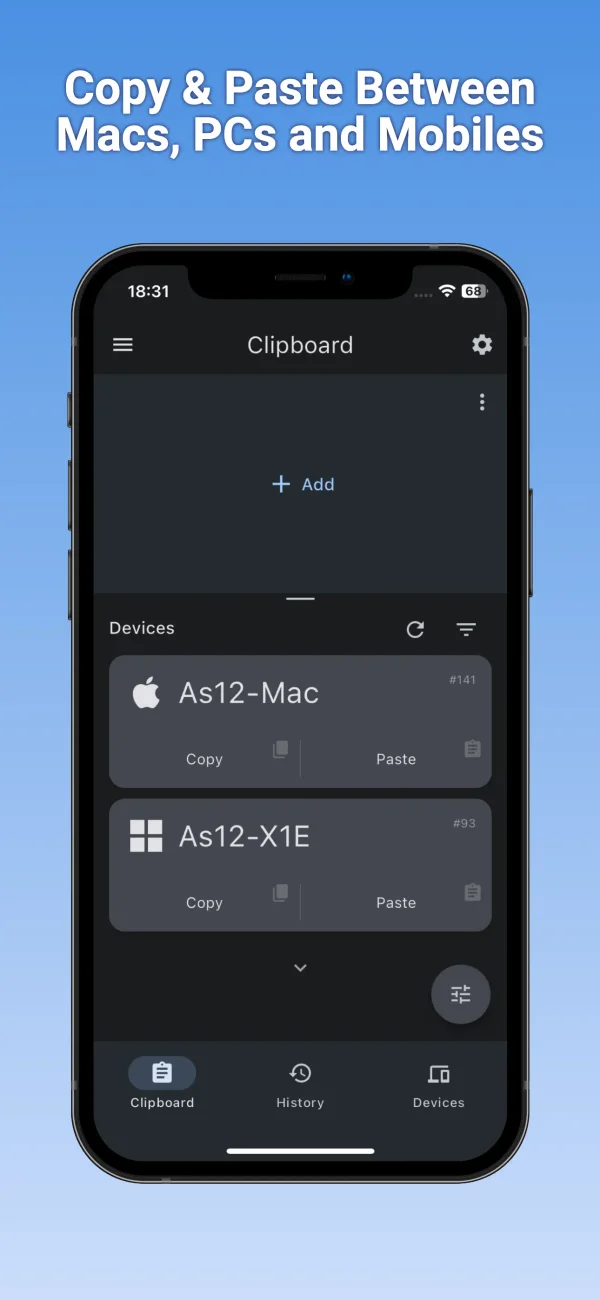
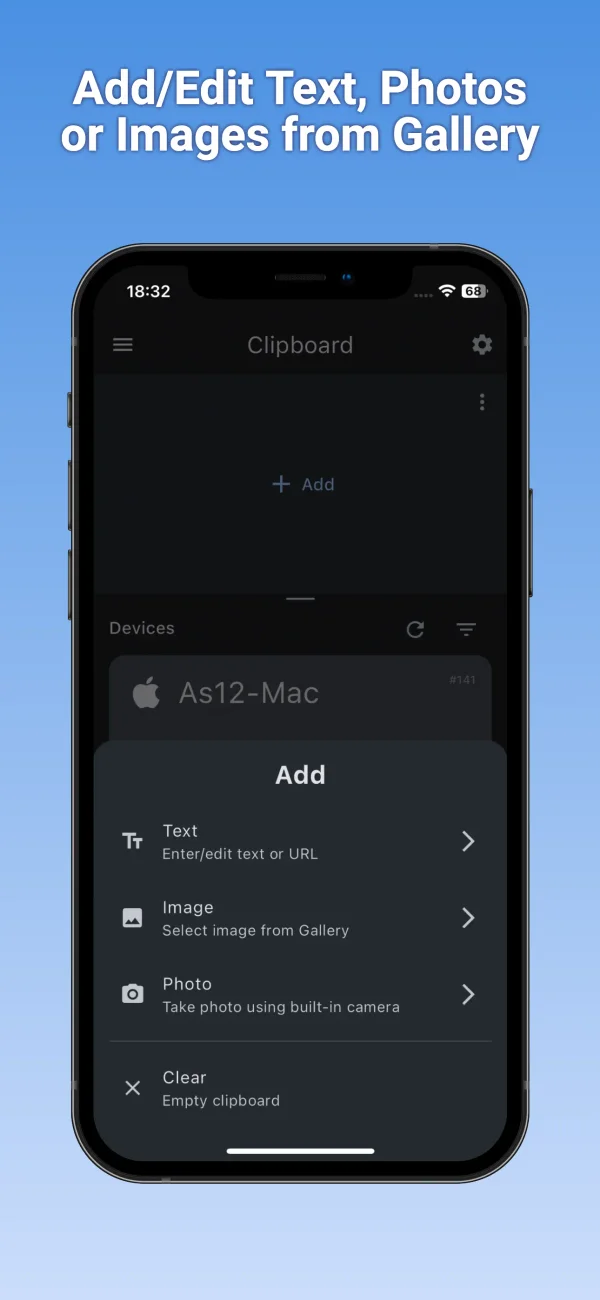
Clipboard Remote is a versatile app that lets you copy and paste text, URLs, images, and photos between your computers and mobile devices. It focuses on manual copy-paste operations and gives you full control over clipboard sharing with smooth, secure transfers exactly when you need them. With its intuitive interface, you can quickly view and edit clipboard contents across all your connected devices in one place.
⏩ Cross-Platform Compatibility
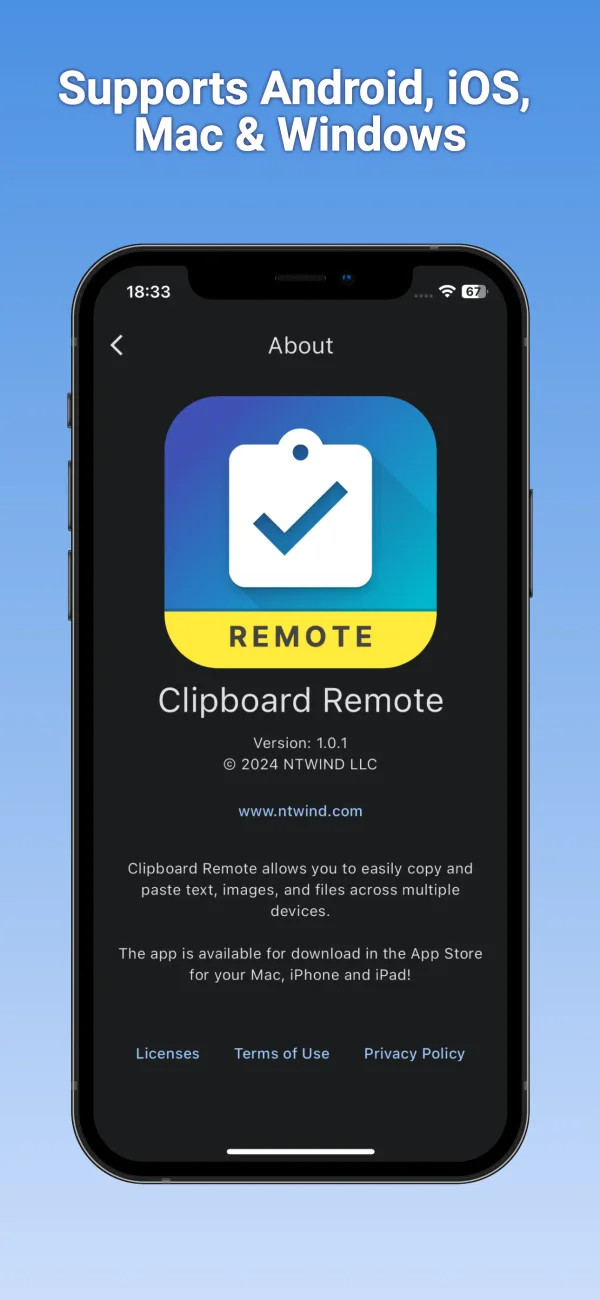
Clipboard Remote works seamlessly across Android, iOS, Mac, and Windows, automatically handling differences in clipboard formats between platforms.
⏩ Easy Copy & Paste
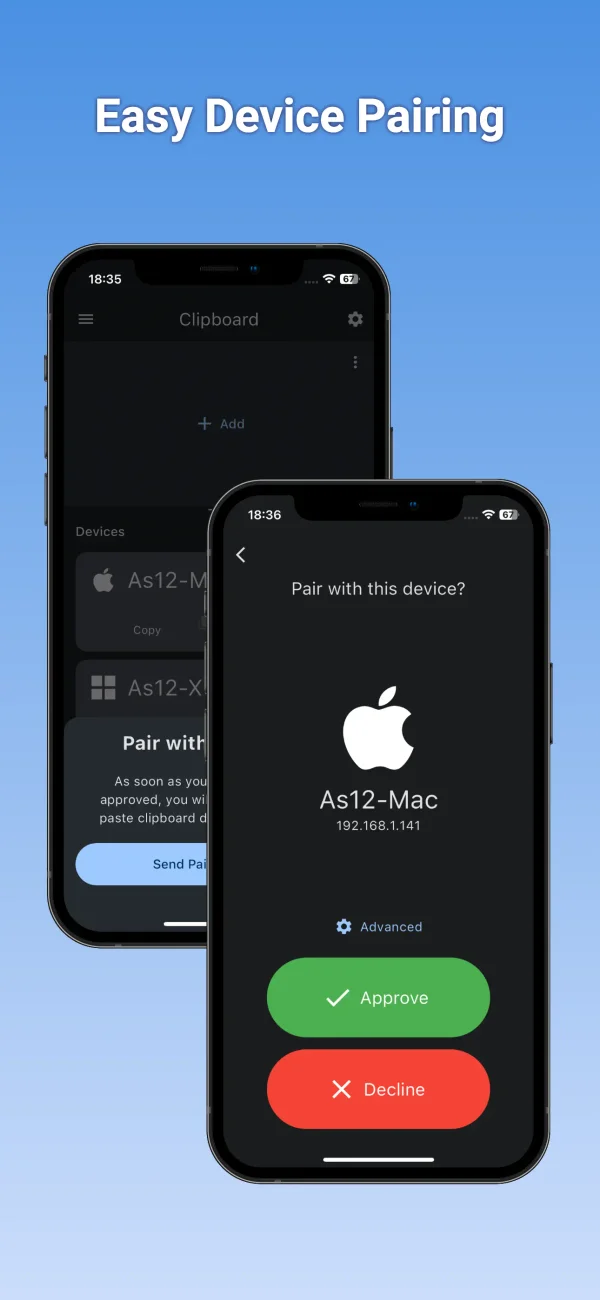
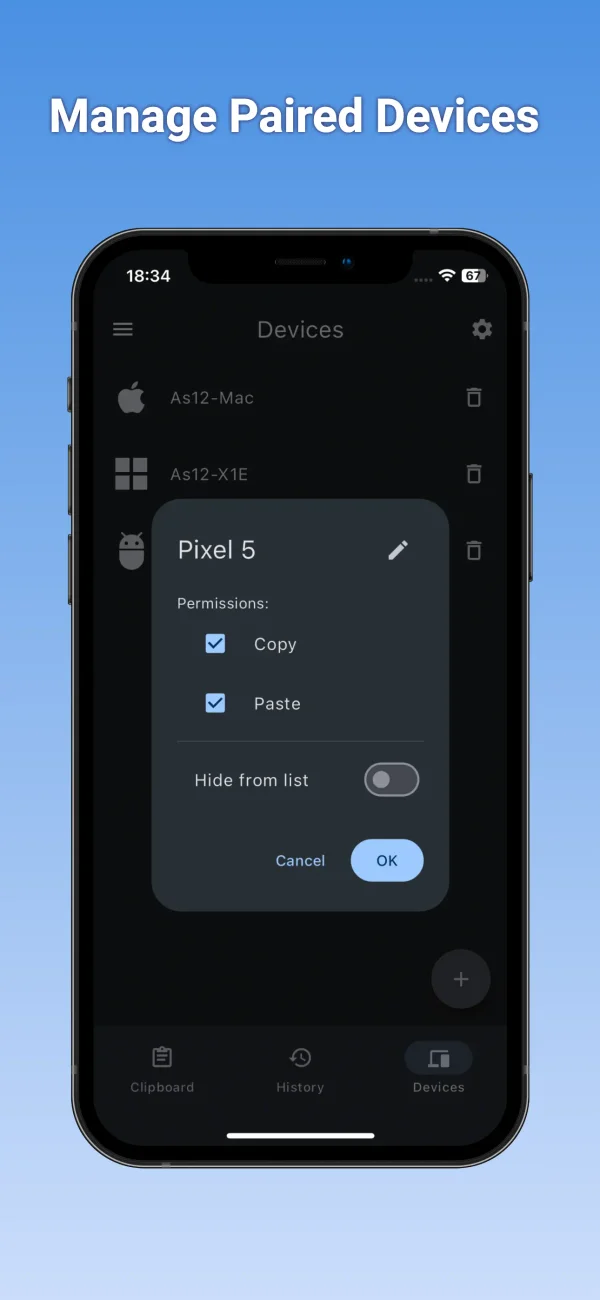
Simply click Copy to read a remote device's clipboard into yours, or Paste to send your clipboard's content to another device.
⏩ Clickable URLs
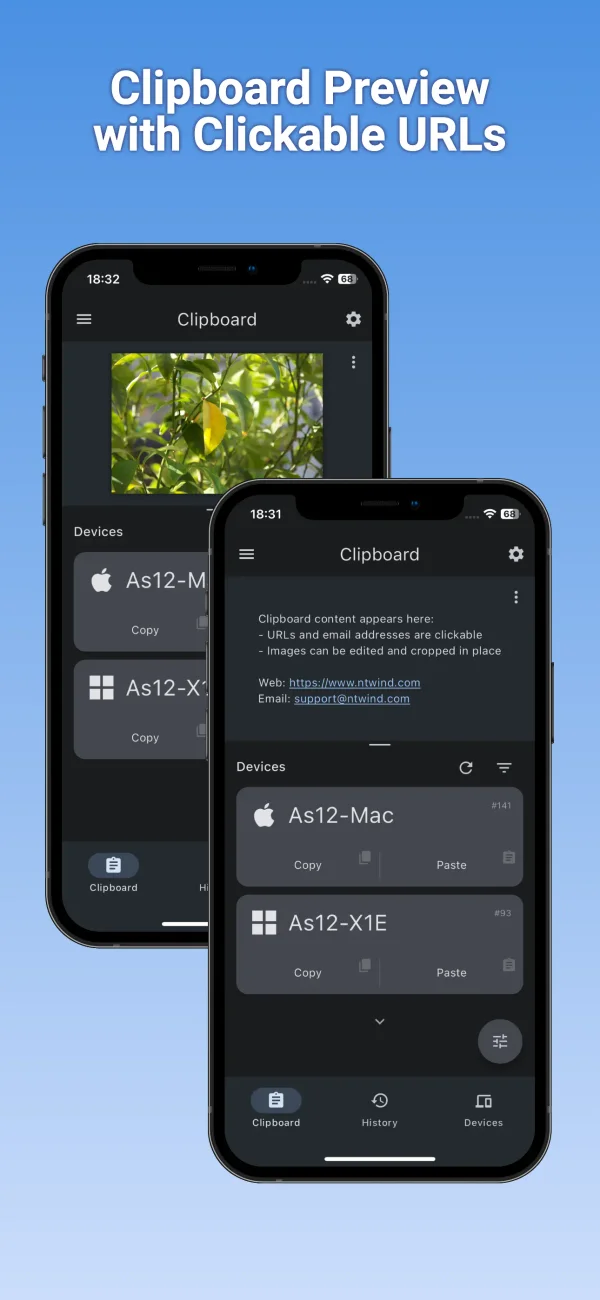
When your clipboard contains URLs or email addresses, just click them in Clipboard Remote to open them in your browser or email app.
⏩ Edit & Crop Images
Edit, crop, or rotate images and photos in your clipboard—either before sending them to another device or right after receiving them.
⏩ Clipboard History
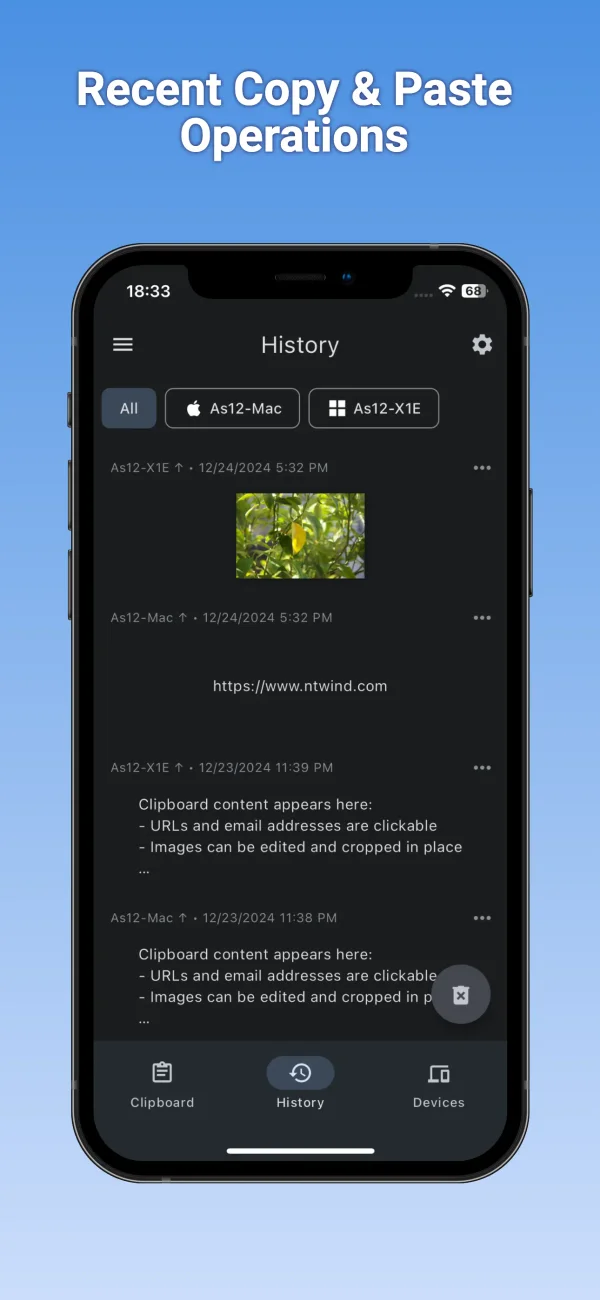
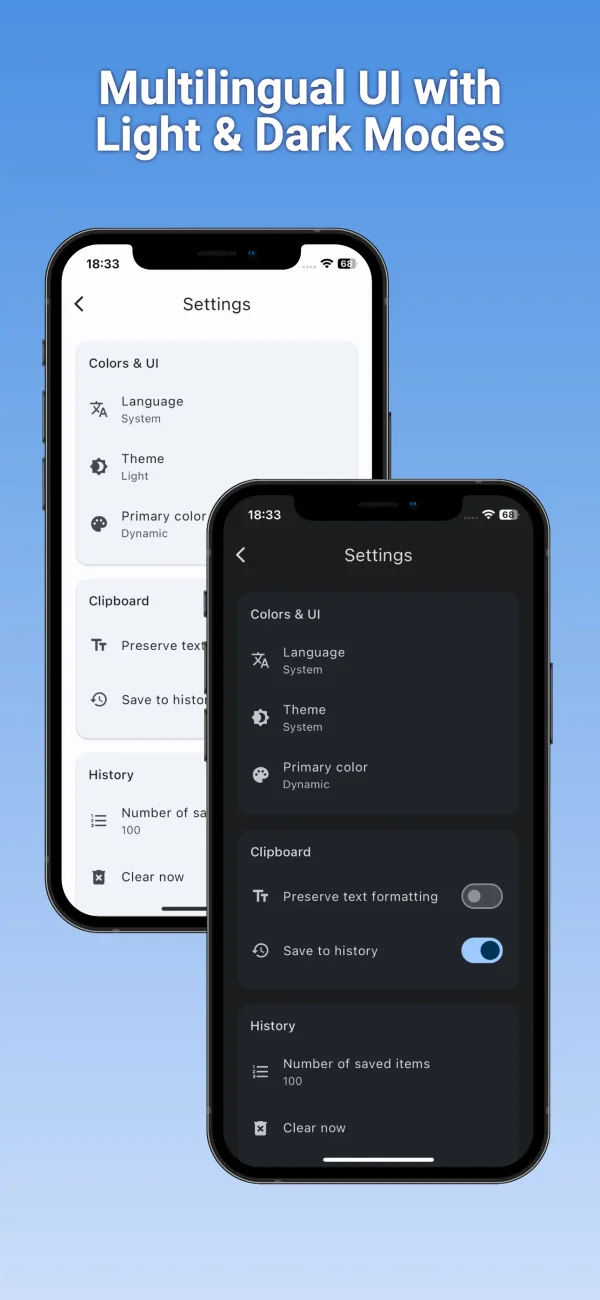
Your recent copy and paste operations are stored in the History tab, allowing you to quickly copy items back to your clipboard or share them with other apps.
⏩ Secure Data Transfer
Unlike cloud-based clipboard tools, Clipboard Remote works only over LAN or Wi-Fi. Your data stays private and encrypted within your local network.
Stop emailing files to yourself or wrestling with clumsy transfer methods. Download Clipboard Remote today and transform how you work across your devices.
Neue Funktionen
Version 2.0.3 · 03.09.2026
Improved connectivity between devices with different port configurations, updated Italian translation
App-Datenschutz
Was NTWIND, LLC im App Store zum Umgang dieser App mit Daten angibt.
-
Keine Daten erfasst
Der Entwickler erfasst keine Daten von dieser App.
Die Datenschutzpraktiken können variieren, zum Beispiel je nach den von Ihnen verwendeten Funktionen oder Ihrem Alter.
Informationen
- Anbieter
- NTWIND, LLC
- Kategorie
- Produktivität
- Version
- 2.0.3
- Aktualisiert
- 03.09.2026
- Veröffentlicht
- 29.12.2024
- Größe
- 34,1 MB
- Erfordert
- iOS 15.0 oder neuer
- Altersfreigabe
- 4+
- Preis
- Kostenlos
- Sprachen
- Englisch, Arabisch, Tschechisch, Niederländisch, Finnisch, Französisch, Deutsch, Griechisch, Indonesisch, Italienisch, Japanisch, Koreanisch + 10 weitere
- Copyright
- © 2026 NTWIND LLC
Das könnte Ihnen auch gefallen
-
 Note AI: Transcribe, SummarizeProduktivität
-
 Chat Genius - AI Bot AssistantProduktivität
-
 AI Writer: Story, Email, PoemProduktivität
-
 ClipboardFusionProduktivität
-
 Screenshot Editor - TextMaskProduktivität
-
 Cross Paste: ZwischenablageDateien senden & Fotos teilen
-
 Clip Cloud - Clipboard SyncProduktivität
-
 CopyCat ClipboardProduktivität
-
 BypassAI - AI Detector CheckHumanize, AI Detector, Checker
-
 ClipyBoard AutoPaste ClipboardProduktivität