
- Altersfreigabe4+
- KategorieProduktivität
- EntwicklerAffinity LED Light, LLC
- SprachenEnglisch+ 6 weitere
- Größe19,3 MB
CLIQ Connected ist bei App Store derzeit möglicherweise nicht verfügbar
Bei unserer letzten Prüfung war der Store-Eintrag nicht erreichbar. Der Link führt weiterhin zur offiziellen App Store-Seite.
Screenshots

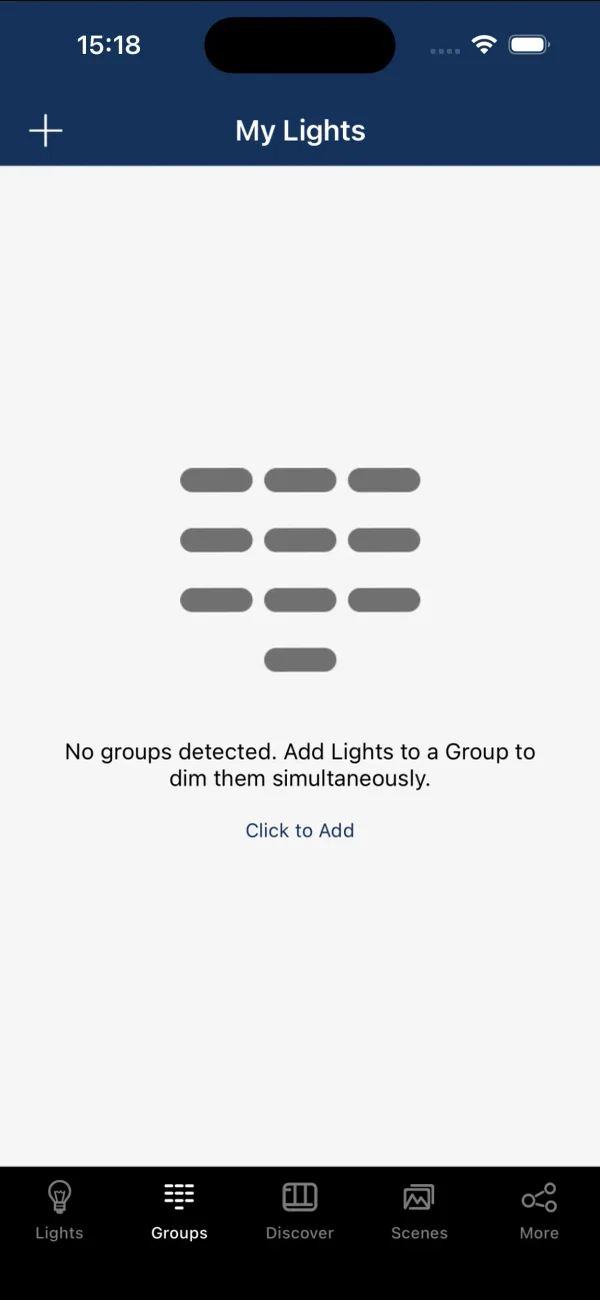

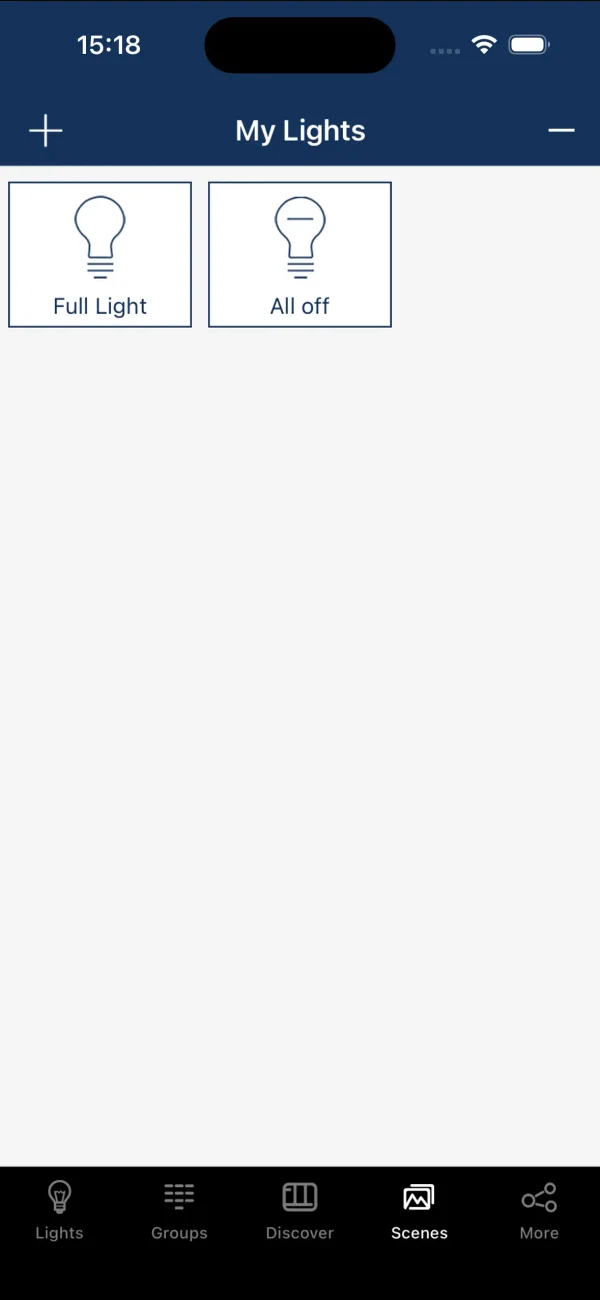
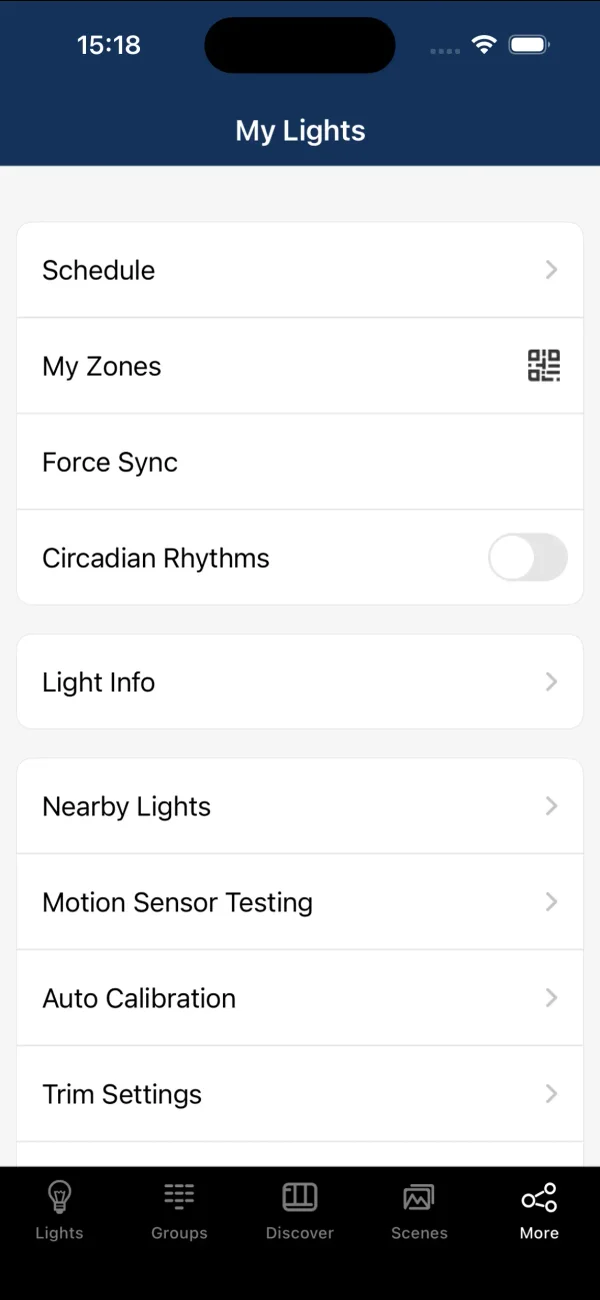
Info
Der Entwickler hat diesen Text nicht in Ihrer Sprache bereitgestellt.
CLIQ Connected puts your smart lighting settings in the hands of the people who run your facilities.
Built for schools, municipalities, and businesses with a CLIQ Connected lighting system from Affinity LED, the app lets your trained staff make changes on site, on their own schedule:
- Set the light level each space needs, room by room
- Adjust occupancy and daylight settings so lights respond to how each space is actually used
- Create and recall scenes, including energy-saving scenes
- Fine-tune timers and wall switch behavior
- Update settings as the way you use your building changes
Your team, trained by ours
Every CLIQ Connected customer gets hands-on training from Affinity LED - and re-training when your staff changes - as part of our We-Stay-In Partnership. Make changes yourself when you want to, or lean on us when you would rather not. Either way, we stay in.
One company in Dover, NH builds the lights and makes them intelligent. CLIQ Connected is the intelligence in every Affinity LED system.
This app works with CLIQ Connected systems installed and commissioned by Affinity LED. Access is set up during your training.
Neue Funktionen
Version 4.0.0 · 06.11.2026
New Features:
Linkage is now allowed when motion is disabled
Added select-all and delete for lights on the home page
Added support for the CS107S sensor
Zone list now displays the number of lights in each zone
UI adjustments for the Disable Motion function
The app can now create zones on the QRCommander platform
UI adjustments to the Quick Scene Creation / Auto Calibration / Parameter Settings pages (toggle button split into two separate buttons)
Added a Discover page for easier management of switches, CS107 and other devices
Added 4-key switch support
Added photocell linkage function
Improvements:
On the Timer page, when CS107D/S is selected, only "Turn off", "Turn on" and "Set daylight harvesting auto level" are shown
The T2 page is now hidden for photocell-type lights
The "Light Info" page now lists information for all switches and devices
Adjusted the naming input rules for lights, groups, etc. to support multiple languages
Optimized the prompt text on the Add Light page, with different messages depending on the entry point
Long names of lights, groups, scenes and timers are now truncated in the middle
Bug Fixes:
Fixed an issue where the mode might not be saved on the light's sensor settings page
Fixed an issue where the Area Sensor could not switch its bound light group after a power cycle
Fixed an issue where switching the QR code from the photo album did not sync the QR code name to the navigation bar of lights/groups/switches/scenes
Fixed the Save button being covered on the switch's Add Scene page
Fixed T1/T2 misalignment on the sensor settings page
Fixed a display error on the Auto Calibration page
Fixed an issue where newly created zone names could become garbled or change to "My Lights"
Fixed an issue where tapping "Circadian Rhythms" could show an endless loading screen
Fixed the "no network" prompt on the More page lingering for a few seconds when the network is normal
Fixed missed lights on the Nearby Lights page
Fixed offline lights on the main page switching to online after dimming on the light group page
The on/off text on switch buttons is now uppercase (ON/OFF)
Fixed possible mismatch between actual light brightness and group linkage brightness after certain settings when an Area Sensor is bound to a light group
Performance:
Optimized Bluetooth command sending performance
For networks with more than 150 lights, improved the success rate of adding lights and reduced the probability of duplicate IDs
App-Datenschutz
Was Affinity LED Light, LLC im App Store zum Umgang dieser App mit Daten angibt.
-
Nicht mit Ihnen verknüpfte Daten
Können erfasst werden, sind aber nicht mit Ihrer Identität verknüpft.
- Standort
- Benutzerinhalte
- Diagnose
Die Datenschutzpraktiken können variieren, zum Beispiel je nach den von Ihnen verwendeten Funktionen oder Ihrem Alter.
Informationen
- Anbieter
- Affinity LED Light, LLC
- Kategorie
- Produktivität
- Version
- 4.0.0
- Aktualisiert
- 06.11.2026
- Veröffentlicht
- 27.07.2018
- Größe
- 19,3 MB
- Erfordert
- iOS 13.0 oder neuer
- Altersfreigabe
- 4+
- Sprachen
- Englisch, Französisch, Japanisch, Norwegisch (Bokmål), Vereinf. Chinesisch, Schwedisch, Tradit. Chinesisch
- Copyright
- © Affinity
Das könnte Ihnen auch gefallen
-
 NZ InteLEDProduktivität
-
 The Fold Studio & WorkshareProduktivität
-
 MCSJ E-Requisition ManagementProduktivität
-
 Banke ConnectProduktivität
-
 AI for WorkProduktivität
-
 Tape AppProduktivität
-
 Undetectable AI: KI HumanizerUnentdeckbare KI & KI Detektor
-
 Otuvy QMProduktivität
-
 AICPA & CIMA Engage365Produktivität
-
 Levla: Habit Tracker RPGGewohnheitstracker & Aufgaben