
Codebook Password Manager
Password Manager & Data Vault
Entwickelt für iPhone, iPad, iPod touch
Kostenlos · In-App-Käufe
- Altersfreigabe4+
- KategorieProduktivität
- EntwicklerZetetic LLC
- SprachenEnglisch+ 6 weitere
- Größe90,9 MB
Verlinkt auf die offizielle App Store-Seite
Download.org hostet keine Datei von Codebook Password Manager. Die Schaltfläche öffnet die App-Seite bei App Store, wo Zetetic LLC die App veröffentlicht. Eintrag zuletzt geprüft am 23.11.2026.
Screenshots



Info
Der Entwickler hat diesen Text nicht in Ihrer Sprache bereitgestellt.
Codebok Password Manager provides powerful and complete data encryption, a flexible data model, automatic sync with Codebook Cloud, and Password AutoFill.
Codebook is free to download and use. Automatic sync with Codebook Cloud requires a subscription.
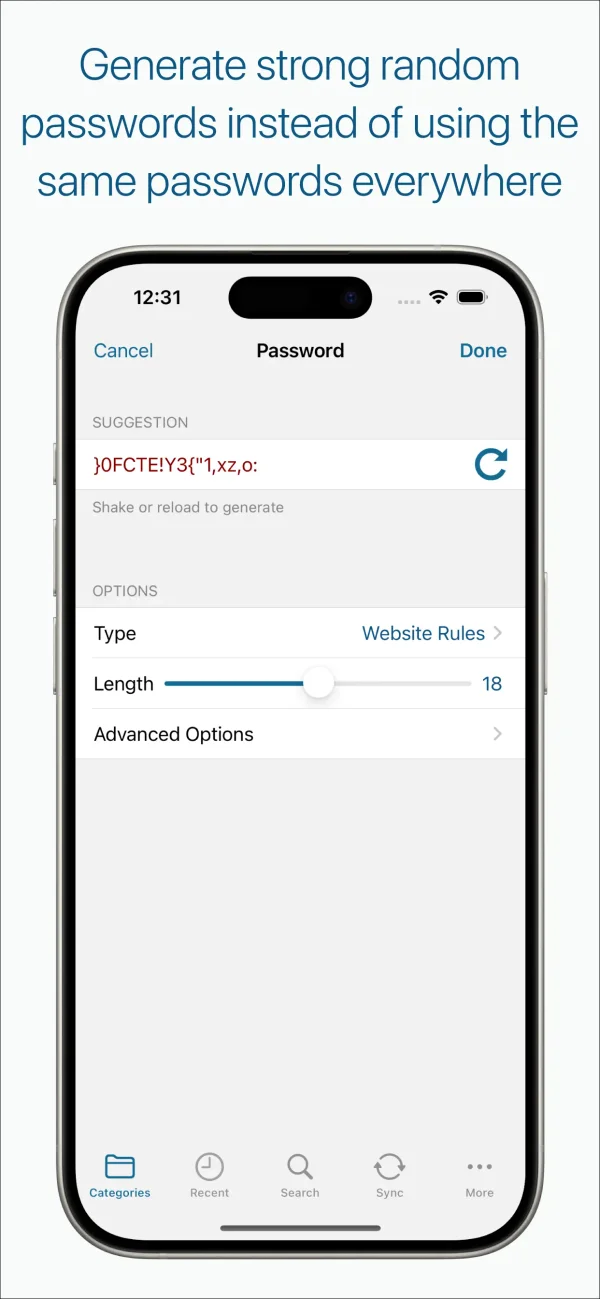
Codebook has been protecting sensitive information on mobile devices since the days of the Palm Pilot! It protects your passwords and personal information from unauthorized access by would-be crackers, malicious thieves, and snoopy coworkers. Stop using the same password for all your accounts! Codebook generates strong, random passwords and keeps them for you, protected by your master password and powerful encryption.
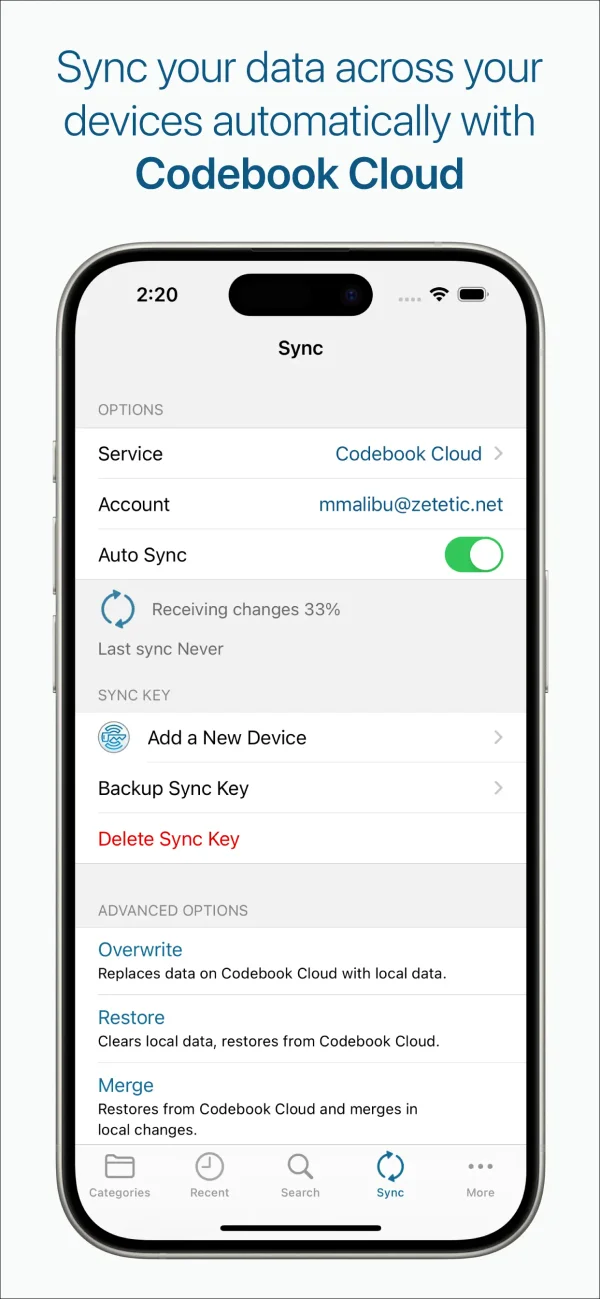
With a subscription to Codebook Cloud, Codebook will keep your passwords and other sensitive data in sync across all your devices.
Features:
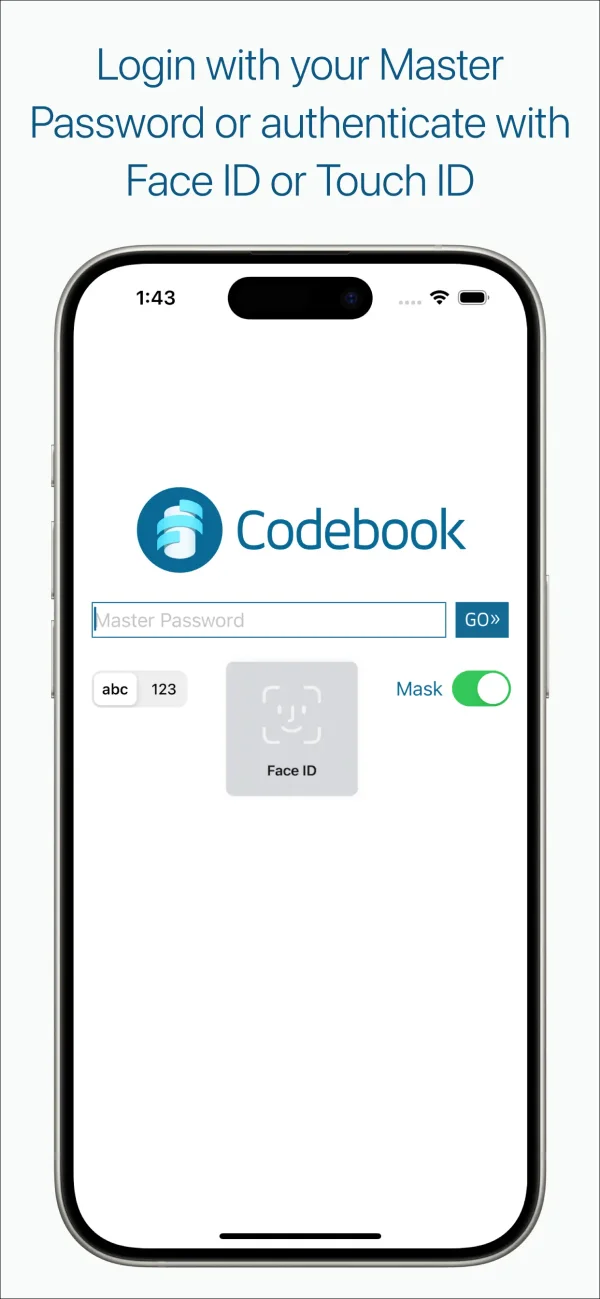
* Fast login with Face ID and Touch ID
* Full support for AufoFill Passwords in iOS
* Designed to work on iPhone *and* iPad
* Automatic background sync with Codebook Cloud
* Support for user-initiated sync over Dropbox, Drive, and Desktop WiFi (w/ Codebook for macOS and Windows)
* Full text search as you type across all your records and fields
* Auto-lock timer allows you to keep Codebook temporarily unlocked while you switch apps
* Configurable field masking to hide sensitive data from view
* Erases clipboard when information is copied to be pasted in other apps after two minutes
* Supports both portrait and landscape device orientation
* Includes 200 gorgeous color icons for personalizing your records
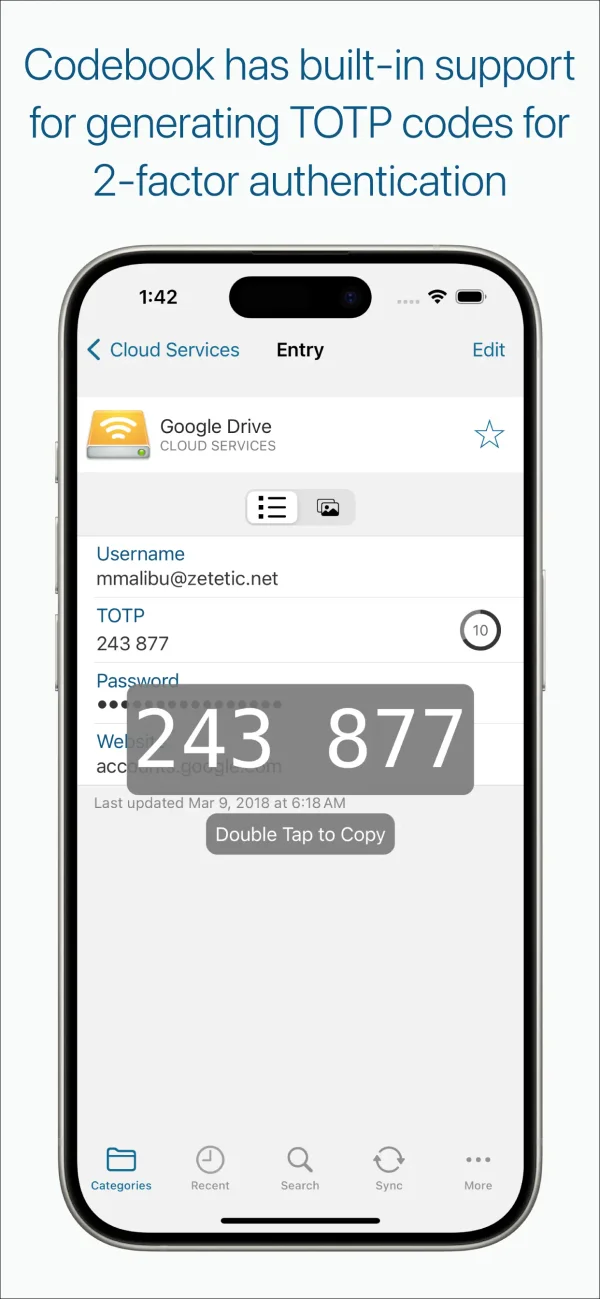
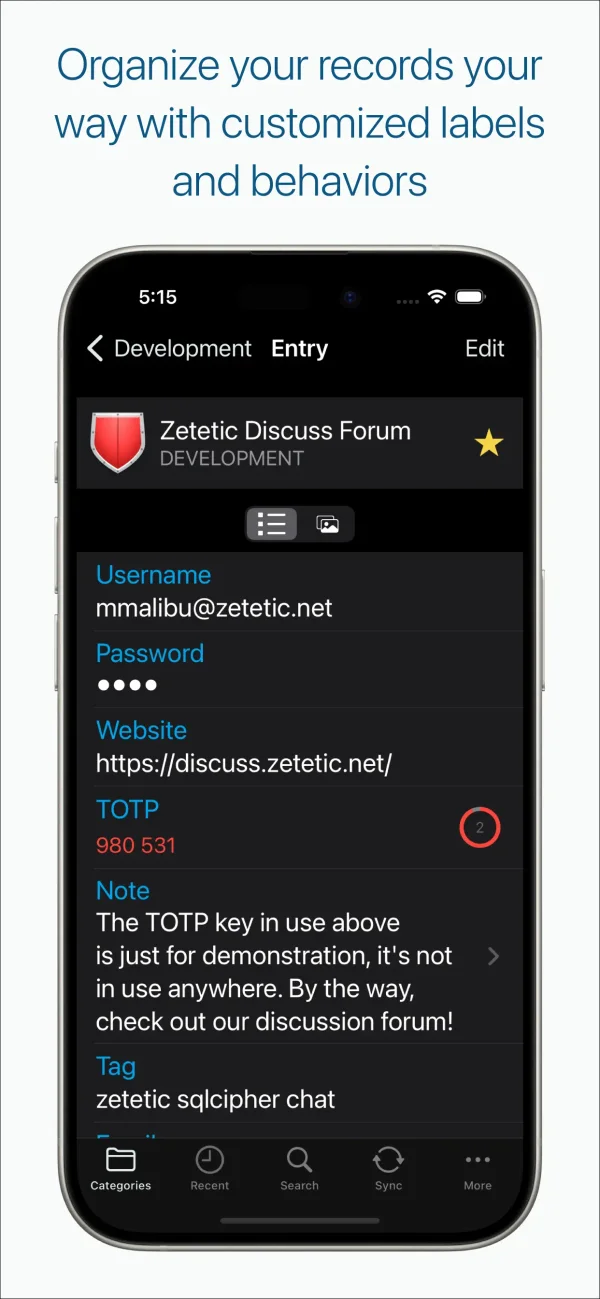
* Generates two-step verification (TOTP) codes
* Scans QR codes with main camera
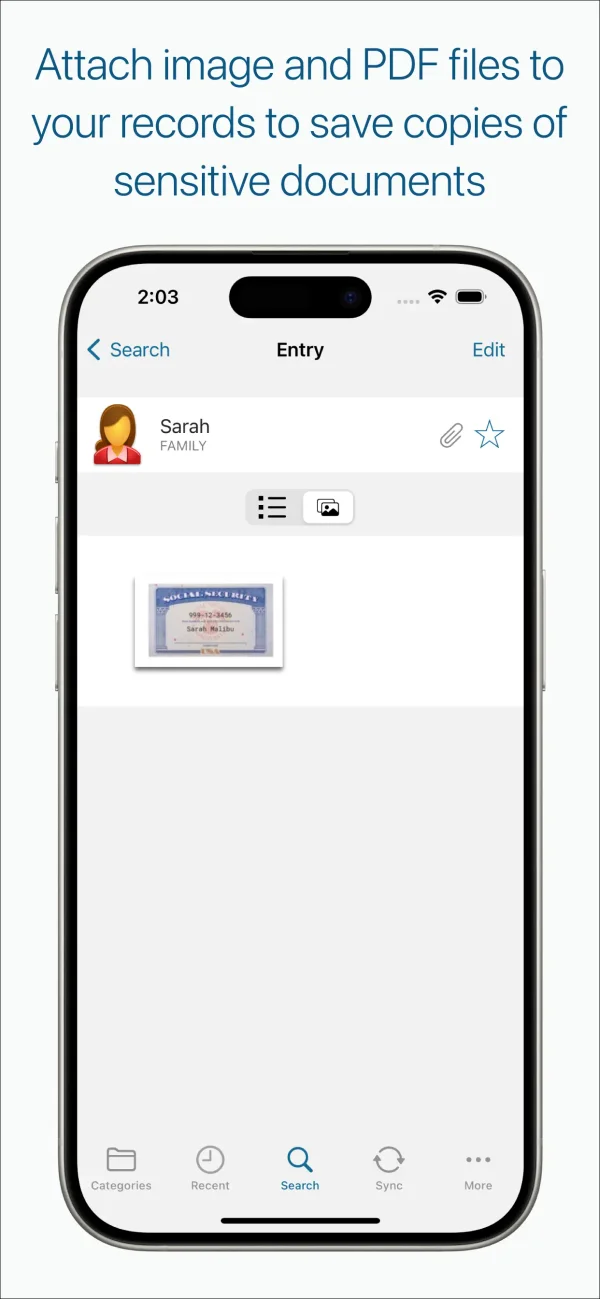
* Store sensitive Image files and PDF documents (10MB max)
* Scan and save data from QR codes directly to your entries
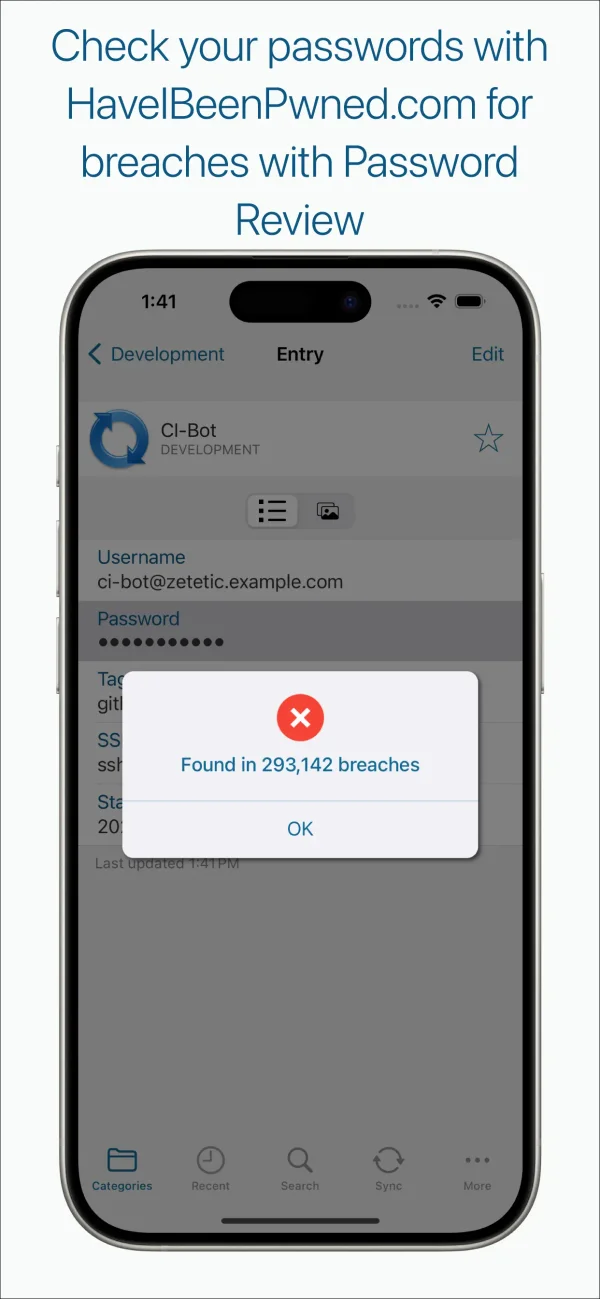
* The Password Review feature checks a password for breaches in the HaveIBeenPwned.com database of over half a billion hacked passwords
Use Stronger Passwords:
* Codebook helps you remember stronger passwords, but also to generate them
* The password generator allows you to generate random passwords from several common character sets, and adjusts for bias
* The password generator also supports Diceware passwords, both the Reinhold and Electronic Frontier Foundation variants
Customize Away:
* Personalize categories to match your organizational style
* Customize your entries including usernames, passwords, websites, notes and create your own fields and labels
* Note records can be created in any category to store free-form text
* Store any information you want--no restrictive templates!
* Store URL connection strings (e.g. SSH, AFP, SFTP) to launch other applications directly
* Star your Favorites to get at them quickly and sort them to the top of search results
Encryption and Password Protection:
* Uses the open source, encrypted database engine SQLCipher for all data storage
* The encryption used is 256-bit AES in CBC mode
* Master Password key derivation uses 256,000 rounds of PBKDF2 SHA-256
* Every encrypted database has its own random initialization vector
* Every page of storage has its own random initialization vector and HMAC protection
* Hardware-accelerated using CommonCrypto for speed and reduced battery consumption
* All sync data is encrypted with a completely random Sync Key
Terms of Use:
https://www.apple.com/legal/internet-services/itunes/dev/stdeula/
Neue Funktionen
Version 5.4.3 · 19.11.2026
* Display persistent banner when Codebook Cloud user is signed out of service
App-Datenschutz
Was Zetetic LLC im App Store zum Umgang dieser App mit Daten angibt.
-
Nicht mit Ihnen verknüpfte Daten
Können erfasst werden, sind aber nicht mit Ihrer Identität verknüpft.
- Kennungen
- Nutzungsdaten
- Diagnose
Die Datenschutzpraktiken können variieren, zum Beispiel je nach den von Ihnen verwendeten Funktionen oder Ihrem Alter.
Informationen
- Anbieter
- Zetetic LLC
- Kategorie
- Produktivität
- Version
- 5.4.3
- Aktualisiert
- 19.11.2026
- Veröffentlicht
- 28.05.2009
- Größe
- 90,9 MB
- Erfordert
- iOS 13.0 oder neuer
- Altersfreigabe
- 4+
- Preis
- Kostenlos
- In-App-Käufe
- Ja
- Sprachen
- Englisch, Französisch, Deutsch, Italienisch, Japanisch, Vereinf. Chinesisch, Spanisch
- Copyright
- © 2026 Zetetic, LLC
Das könnte Ihnen auch gefallen
-
 Password Manager iPassSafeProduktivität
-
 Passwords CloudProduktivität
-
 Sticky Password Manager & SafePasswort-Manager
-
 Private AI : NivonLLM, offline und sicher
-
 Password Manager'Produktivität
-
 aWallet Password ManagerPasswortmanager
-
 iPassworder PasswortmanagerPasswörter sicher speichern
-
 SplashID Safe Password ManagerProduktivität
-
 IronCrypto: Password ManagerProduktivität
-
 SecureSafe Password ManagerPassword Generator & Autofill