
- Altersfreigabe4+
- KategorieProduktivität
- EntwicklerColocoloworks Corporation
- SprachenEnglisch+ 1 weitere
- Größe11,6 MB
Verlinkt auf die offizielle App Store-Seite
Download.org hostet keine Datei von colocolomemo. Die Schaltfläche öffnet die App-Seite bei App Store, wo Colocoloworks Corporation die App veröffentlicht. Eintrag zuletzt geprüft am 14.11.2026.
Screenshots
Info
Der Entwickler hat diesen Text nicht in Ihrer Sprache bereitgestellt.
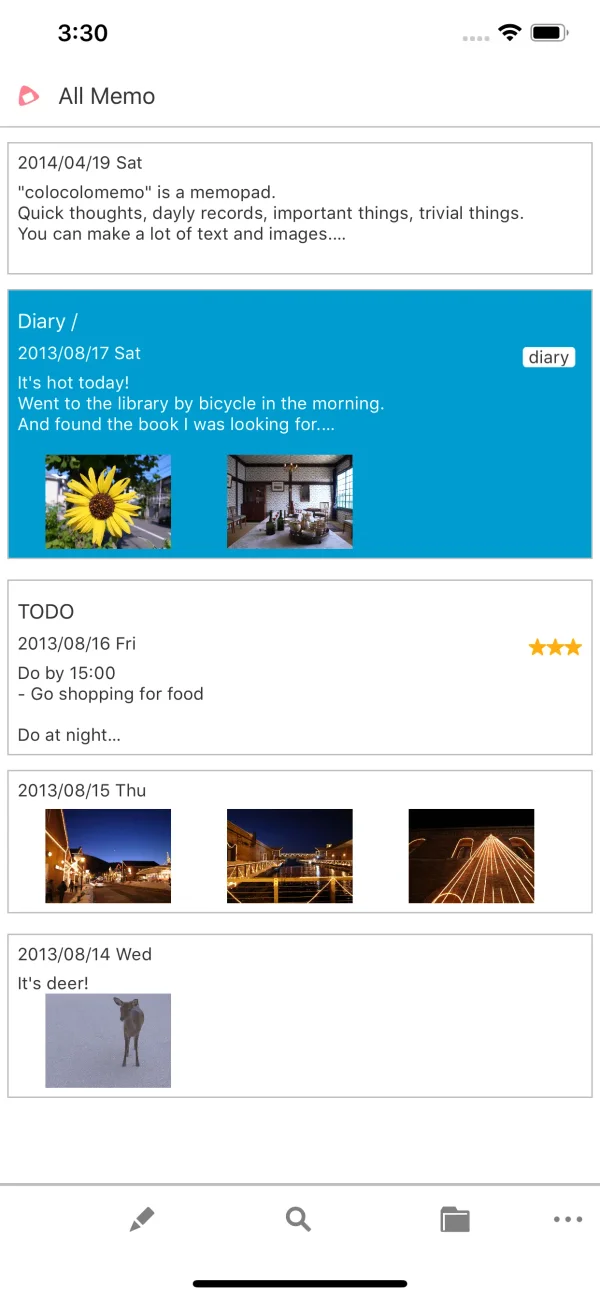
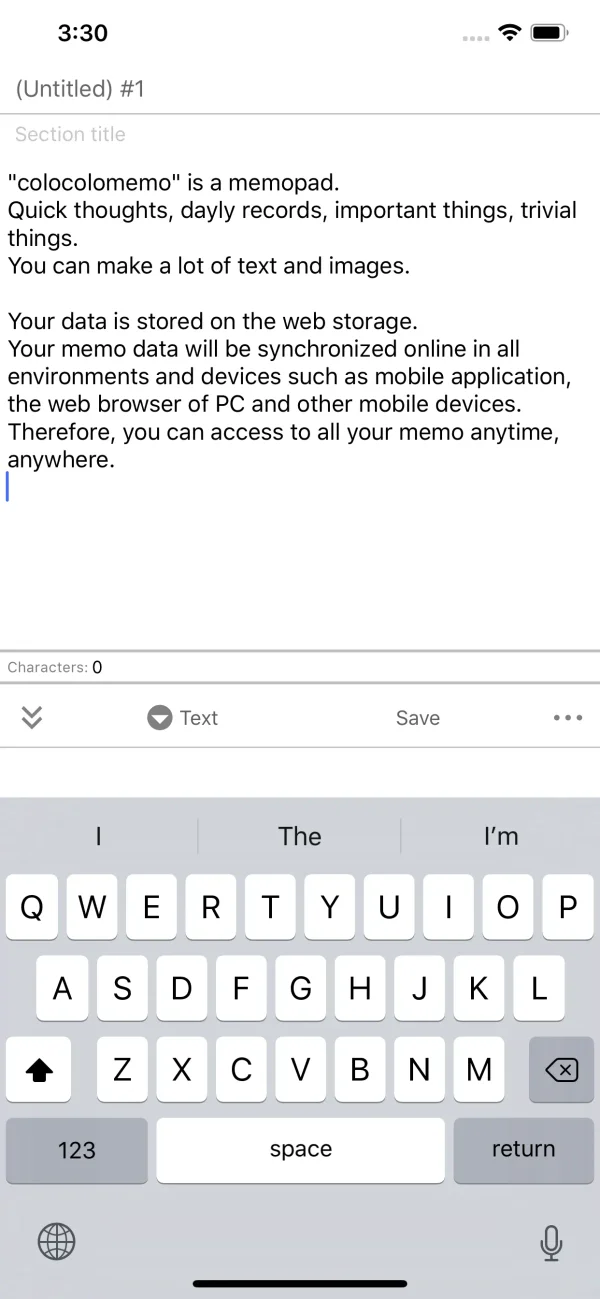
"colocolomemo" is a tiny cloud memo app for texts, images and checklists.
Quick thoughts, dayly records, important things, trivial things.
You can make a lot of text and images.
"colocolomemo for iOS" works in conjunction with the "colocolomemo Web Service".
Your data is stored on the web storage.
Your memo data will be synchronized online in all environments and devices such as iOS application, the web browser of PC and other devices.
Therefore, you can access to all your memo anytime, anywhere.
https://colocolomemo.com/
In order to use, you need to create account of the "colocolomemo".
It is free.
Please feel free to try.
[Features]
* Divide a memo into several sections
- Easy to treat the long memo to divide into several sections.
- Can sort the sections.
- Can send the content of the section to the clipboard.
* Write plain text
- Write simple, for there are no special notations.
- Display the number of characters in the memo.
- Open the URL in the content by the web browser.
- Can open URL starts with http: https: mailto: tel: sms: ...
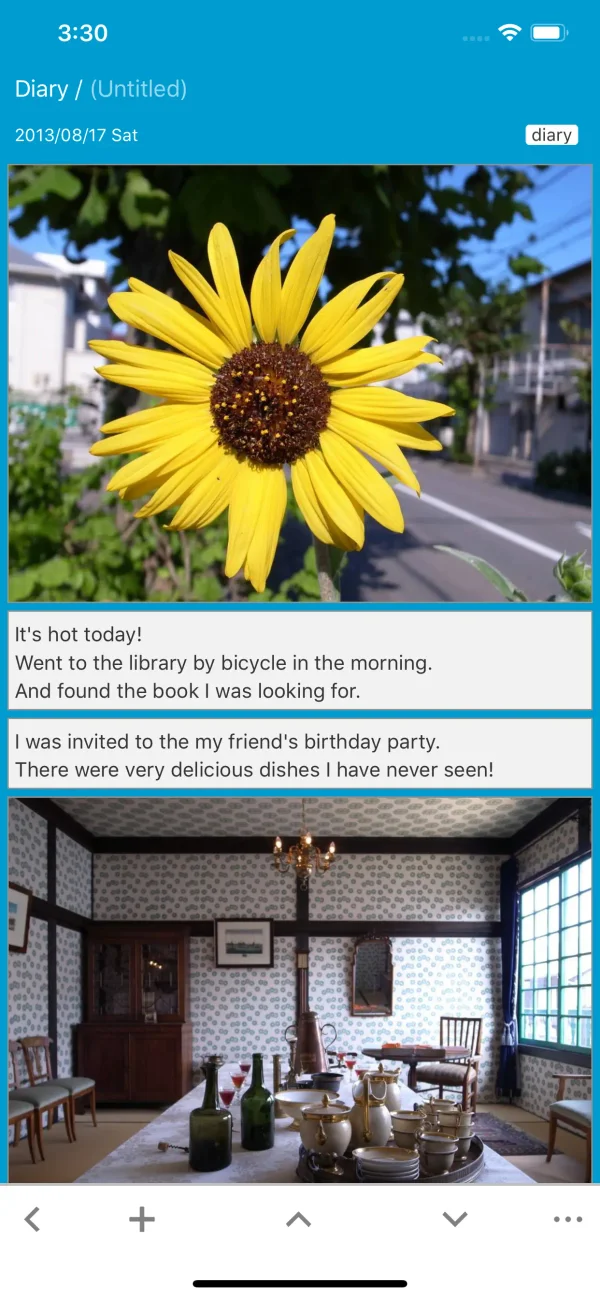
* Insert the images
- Can insert the images picked from the gallery.
- Can also save the image data to the gallery.
- Several image sections in a memo.
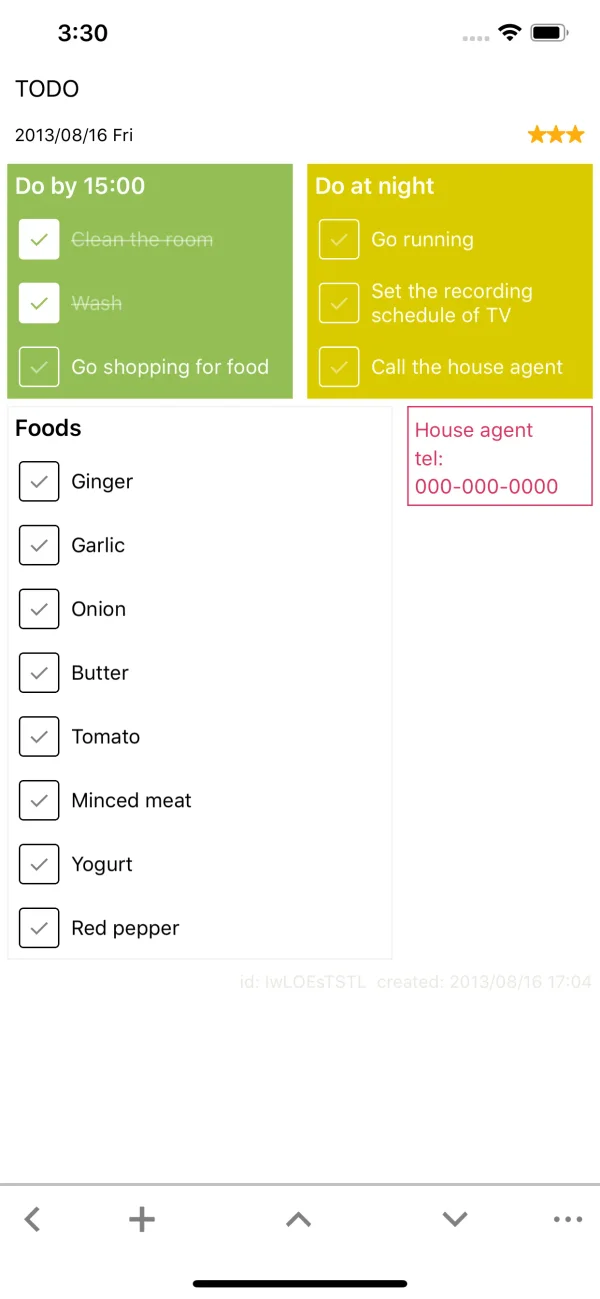
* Make the checklists
- Shopping list, TODO list, etc.
- Several checklist sections in a memo.
* Tags
- Can manage memos with the tags.
- Show memos assigned with the specified tag quickly.
* Stars
- The priority of the memo by 7 levels star (from -3 to 3).
- Show the memo which assigned with some star.
* Sort the memos in order by date or title or star
- Can sort the memos in order by date or title or star.
- Reverse sort.
* Editable date
- Write a diary of yesterday.
- Write the future plan.
* Search
- Full text search.
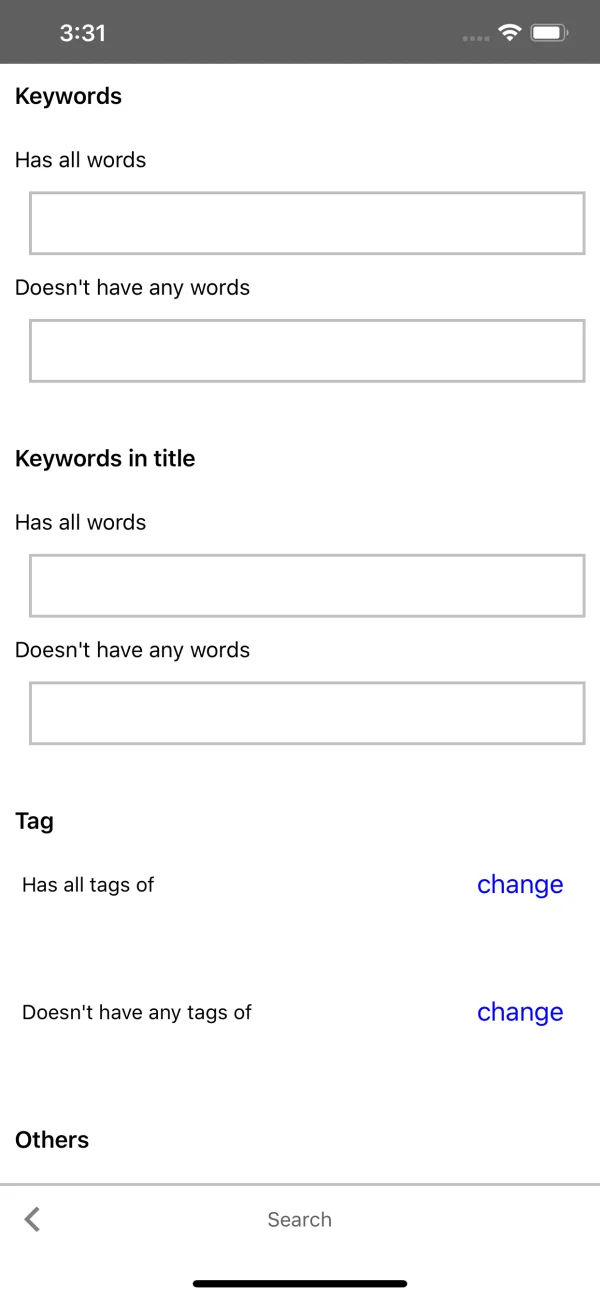
- Search with date, tags and other attributes.
- For example, you can search the memos which has the title contains the word "Shinjuku" and has the date "Jan. 2013" and has some star and has the tag "noodle" or "curry" and has the text content contains the word "sweet" or "spicy" and has some pictures.
* Create smart folder from the search keywords
- The smart folder is the folder to display the memos matches the search keywords.
- You will find it seems like the folder collects the matching memos automatically.
* Read sometimes casually
- By "Next / Prev" button, you can see the memos with feeling like turning the pages.
* Safety
- Stores all your data to the cloud service, so your data is backed up always.
- Passcode lock.
[Notes]
- Required the internet connection.
- Can upload 60MB per a month in free plan.
(Be careful on uploading some large pictures)
[Plans]
Fuji Plan - JPY 960 / Month
- Max Memo Size : 500,000
- Max Folder Size : 2,000
- Max Tag Size : 2,000
Taka Plan - JPY 480 / Month
- Max Memo Size : 300,000
- Max Folder Size : 1,500
- Max Tag Size : 1,500
Nasu Plan - Free
- Max Memo Size : 100,000
- Max Folder Size : 1,000
- Max Tag Size : 1,000
* About payment for paid plan
- The above amount will be charged to your iTunes account every month.
- The subscription is updated automatically and the above amount will be charged continuously until you change the plan.
* Cancellation of paid plan
- You can cancel paid plan in App Store management view.
- Select the free Nasu plan in the plan changing view, then App Store management view will be displayed.
* Restoration of paid plan
- When you change the phone or tablet, you need to restore the paid plan.
- You can restore the paid plan in the plna changing view.
[Terms of use & Privacy policy]
https://colocolomemo.com/en/terms/
Neue Funktionen
Version 2.0.4 · 10.07.2025
- Fixed: Some bug/design fixes
Update Info:
https://colocolomemo.com/en/news/
App-Datenschutz
Was Colocoloworks Corporation im App Store zum Umgang dieser App mit Daten angibt.
-
Keine Daten erfasst
Der Entwickler erfasst keine Daten von dieser App.
Die Datenschutzpraktiken können variieren, zum Beispiel je nach den von Ihnen verwendeten Funktionen oder Ihrem Alter.
Informationen
- Anbieter
- Colocoloworks Corporation
- Kategorie
- Produktivität
- Version
- 2.0.4
- Aktualisiert
- 10.07.2025
- Veröffentlicht
- 19.04.2013
- Größe
- 11,6 MB
- Erfordert
- iOS 12.0 oder neuer
- Altersfreigabe
- 4+
- Preis
- Kostenlos
- In-App-Käufe
- Ja
- Sprachen
- Englisch, Japanisch
- Copyright
- © 2013 Colocoloworks Corporation
Das könnte Ihnen auch gefallen
-
 kinomiProduktivität
-
 BitCacheProduktivität
-
 Jurista こぴぱすたProduktivität
-
 TurbodocProduktivität
-
 MustDo: Aufgaben-WeckerHartnäckige To-do-Erinnerung
-
 VoiceDo - Voice Task ManagerProduktivität
-
 Minimal Note - Lined NotepadProduktivität
-
 Job's Napkin (Draw Pad)Produktivität
-
 Expiry Log - Cert TrackerProduktivität
-
 Idea Note: Voice & HandwritingProduktivität