
ComicJet: Comic & Manga Reader
Fast CBZ CBR 7Z PDF TXT viewer
Entwickelt für iPhone, iPad
Kostenlos · In-App-Käufe
- Altersfreigabe4+
- KategorieBücher
- EntwicklerJungsoo Nam
- SprachenEnglisch+ 5 weitere
- Größe16,6 MB
Verlinkt auf die offizielle App Store-Seite
Download.org hostet keine Datei von ComicJet: Comic & Manga Reader. Die Schaltfläche öffnet die App-Seite bei App Store, wo Jungsoo Nam die App veröffentlicht. Eintrag zuletzt geprüft am 23.11.2026.
Screenshots

Info
Der Entwickler hat diesen Text nicht in Ihrer Sprache bereitgestellt.
Read your comics at jet speed.
ComicJet is a fast, clean reader for the comics, manga, webtoons, and scans you already own. Open CBZ, CBR, CB7, ZIP, RAR, 7Z, PDF, and TXT right on your iPhone and iPad — no account, no uploads, no waiting.
Why ComicJet
Opens instantly
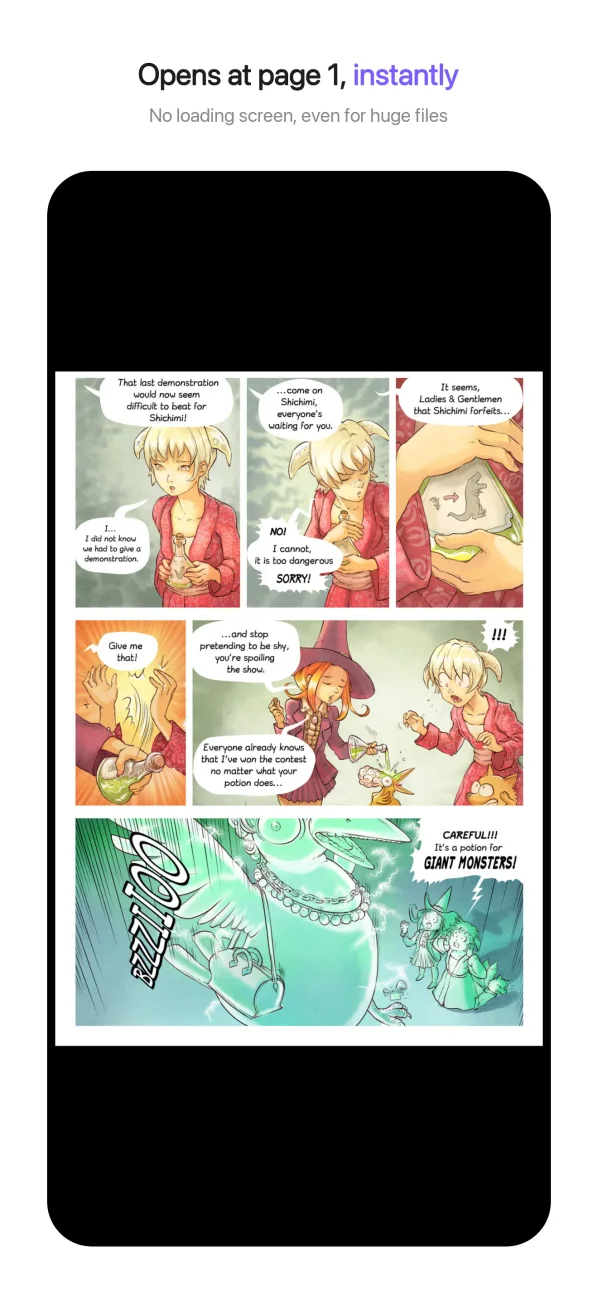
The first page shows immediately while the rest extracts in the background. Even huge files start at page 1 with no loading screen. Once opened, a book reopens instantly.
All the major formats
- CBZ / CBR / CB7 comic book archives
- ZIP / RAR / 7Z archives full of images
- PDF comics and scans
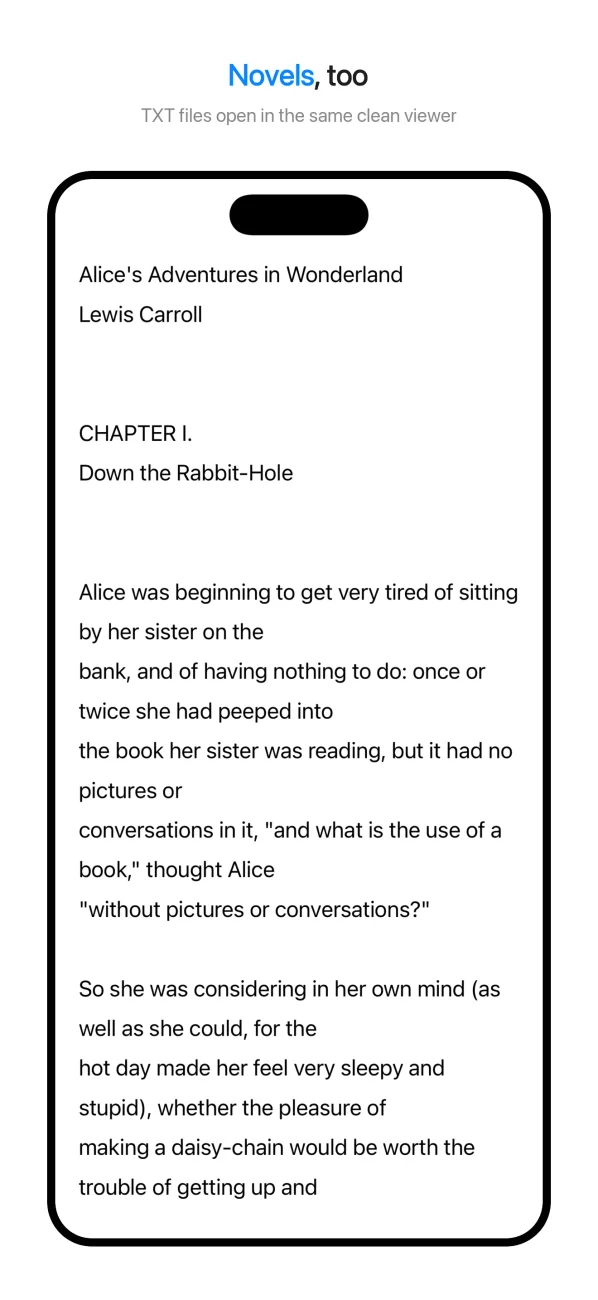
- TXT text files (novels welcome, same viewer)
Password files & private reading
- Open password-protected ZIP / CBZ (incl. AES), RAR / CBR, and PDF
- A working password is stored safely in the iOS Keychain and applied automatically next time
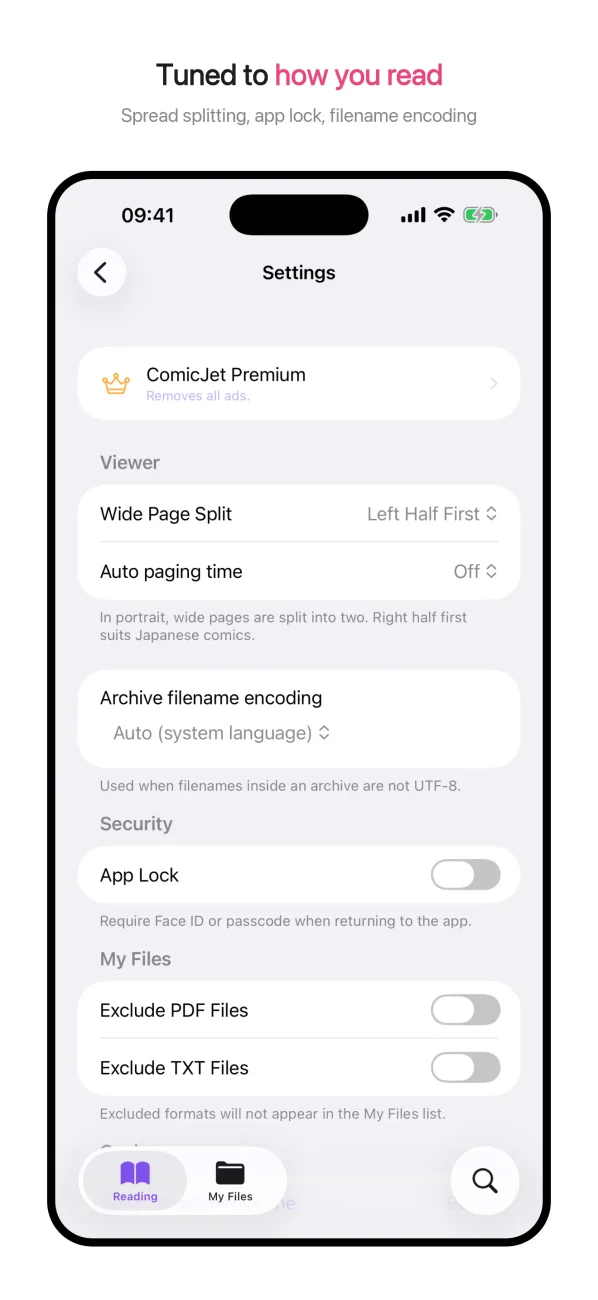
- Optional app lock with Face ID or your device passcode
A viewer built for reading
- Pinch to zoom, smooth page turns
- Webtoon mode — vertical strips are detected automatically and read with continuous scrolling, zoom included
- Auto-split wide spread pages — left-first or right-first (for manga)
- Smart split that detects the actual binding line
- Two-page spread view in landscape
- Auto-paging (2–10 s) and jump straight into the next book from the last page
- Seek bar with thumbnail previews to find any scene fast
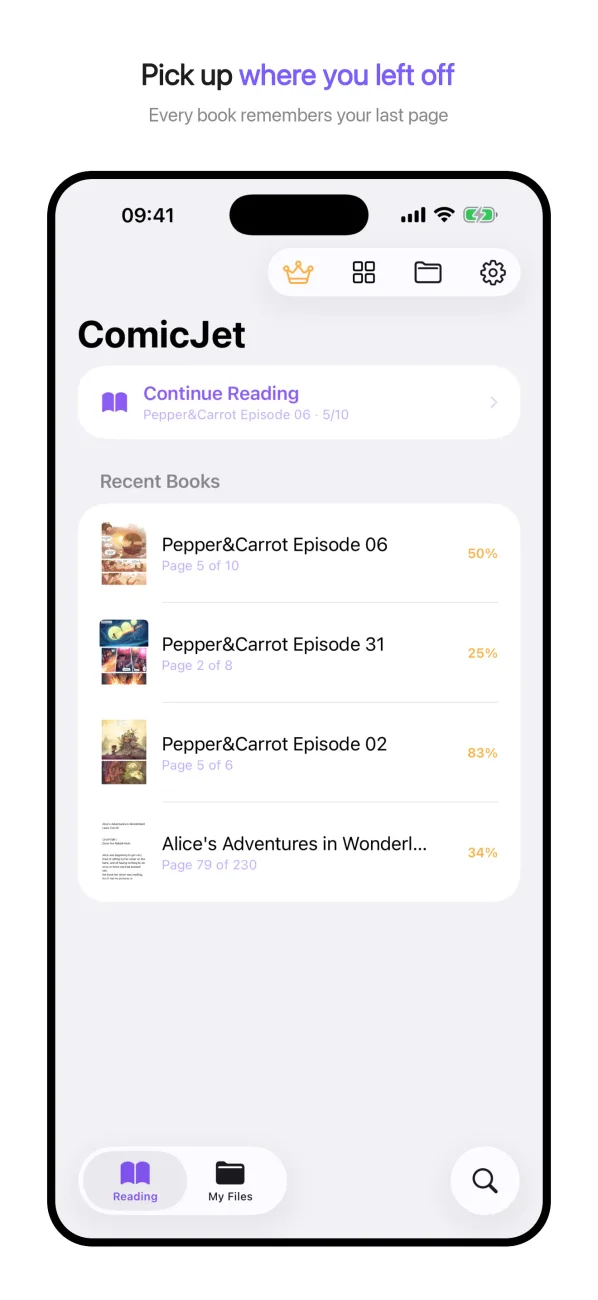
- Remembers your last page in every book and offers to resume
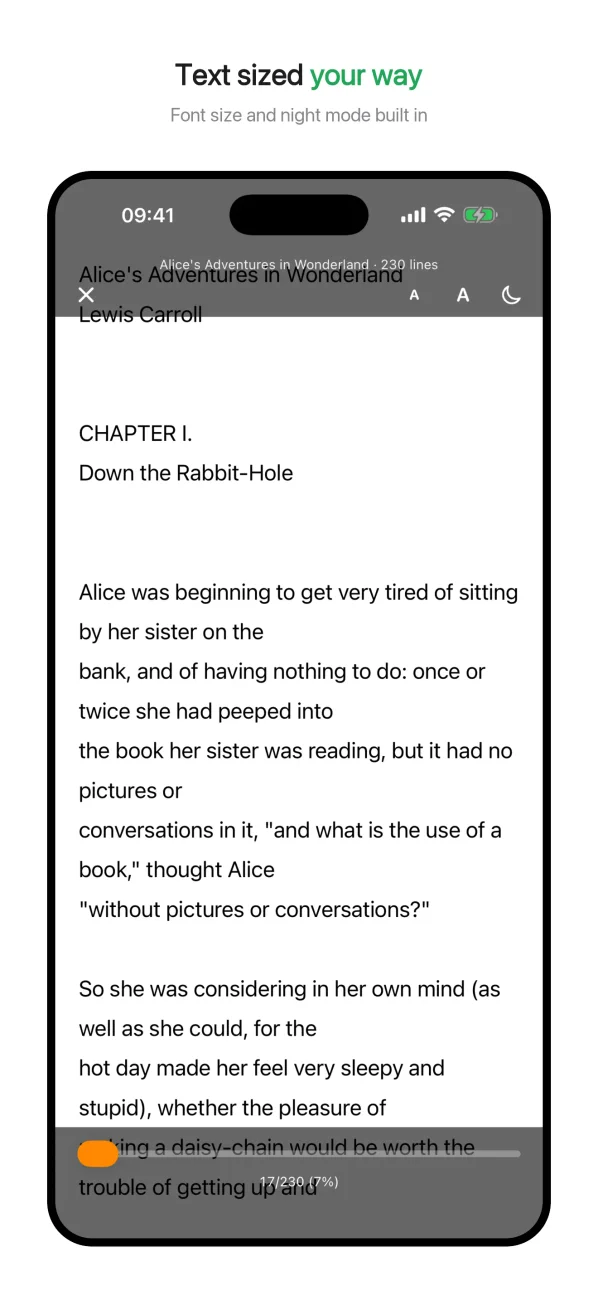
- Night mode for dark rooms
- Automatic filename-encoding detection for Korean, Japanese, and Chinese archives (no more garbled names)
A simple bookshelf
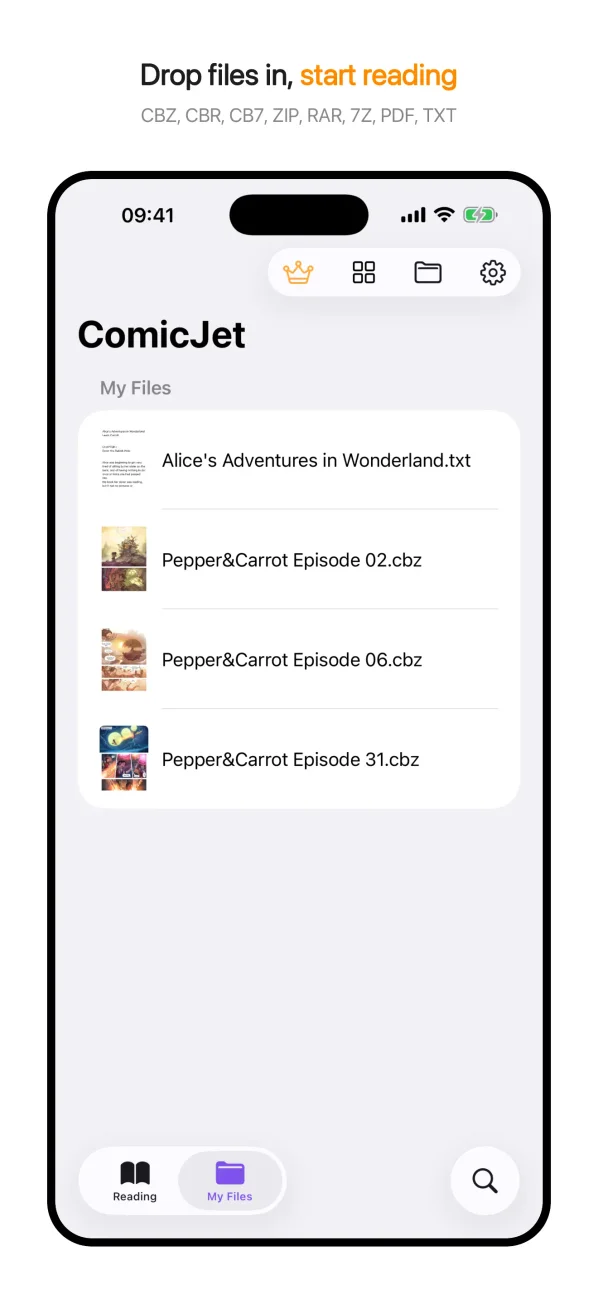
- Grid or list library with cover thumbnails
- Drop files into the "ComicJet" folder in the Files app and they appear automatically
- Or use "Share → ComicJet" straight from the Files app
- Your collection stays on your device, under your control
Privacy first
ComicJet only reads files stored on your device. Your comics are never uploaded anywhere and no account is needed. Analytics events never include file names, paths, accounts, or passwords. Privacy policy: https://qingdu.ai/comicjet/privacy
Premium
Prefer reading without ads? Remove them with a yearly subscription or a one-time lifetime purchase. Every reading feature stays free.
A note
ComicJet is a file viewer. It does not include or provide comic content. Please use it to read files you own or obtained legally.
Questions or feature requests: qingdu.studio@gmail.com — we read everything.
The comic shown in screenshots is Pepper&Carrot by David Revoy (CC-BY 4.0).
Terms of Use: https://www.apple.com/legal/internet-services/itunes/dev/stdeula/
Neue Funktionen
Version 1.1.6 · 14.11.2026
Much sharper PDFs: pages are now rendered directly from the original at your screen’s resolution, so small text and speech-bubble dialogue stay crisp.
Zooming in redraws the visible area at the zoom level, keeping details sharp in single-page, split, spread, and webtoon views, including night mode.
App-Datenschutz
Was Jungsoo Nam im App Store zum Umgang dieser App mit Daten angibt.
-
Keine Daten erfasst
Der Entwickler erfasst keine Daten von dieser App.
Die Datenschutzpraktiken können variieren, zum Beispiel je nach den von Ihnen verwendeten Funktionen oder Ihrem Alter.
Informationen
- Anbieter
- Jungsoo Nam
- Kategorie
- Bücher
- Version
- 1.1.6
- Aktualisiert
- 14.11.2026
- Veröffentlicht
- 16.08.2026
- Größe
- 16,6 MB
- Erfordert
- iOS 16.0 oder neuer
- Altersfreigabe
- 4+
- Preis
- Kostenlos
- In-App-Käufe
- Ja
- Sprachen
- Englisch, Französisch, Japanisch, Koreanisch, Vereinf. Chinesisch, Tradit. Chinesisch
- Copyright
- © 2026 Qingdu Studio
Das könnte Ihnen auch gefallen
-
 Versa: Comic & Manga ReaderCBZ, CBR & PDF Leser für NAS
-
 AirReader: ZIP, CBZ & PDFBücher
-
 Comic Shelf - 自炊コミックリーダーBücher
-
 ComiNAS - NAS Comics & VideosSMB/WebDAV/OPDS Regal&Dateien
-
 SSUKView - Comic, eBook ReaderBücher
-
 Anyview - Comic & Book ReaderBücher
-
 Emaki - Manga- und BildviewerBlasen übersetzen & vorlesen
-
 Bücherregal - Comic eBook PDFComics, ePubs, ZIPs, PDF,Image
-
 Hiraku - 漫画・epubビューアBücher
-
 Penguin Viewer: Manga & ComicWebtoons und Romane übersetzen