
CoreNote: Notes & Todo Star
Four canvases and private sync
Entwickelt für iPhone, iPad, Mac
- Altersfreigabe4+
- KategorieProduktivität
- Entwickler腾 骆
- SprachenEnglisch+ 2 weitere
- Größe934,0 KB
CoreNote: Notes & Todo Star ist bei App Store derzeit möglicherweise nicht verfügbar
Bei unserer letzten Prüfung war der Store-Eintrag nicht erreichbar. Der Link führt weiterhin zur offiziellen App Store-Seite.
Screenshots

Info
Der Entwickler hat diesen Text nicht in Ihrer Sprache bereitgestellt.
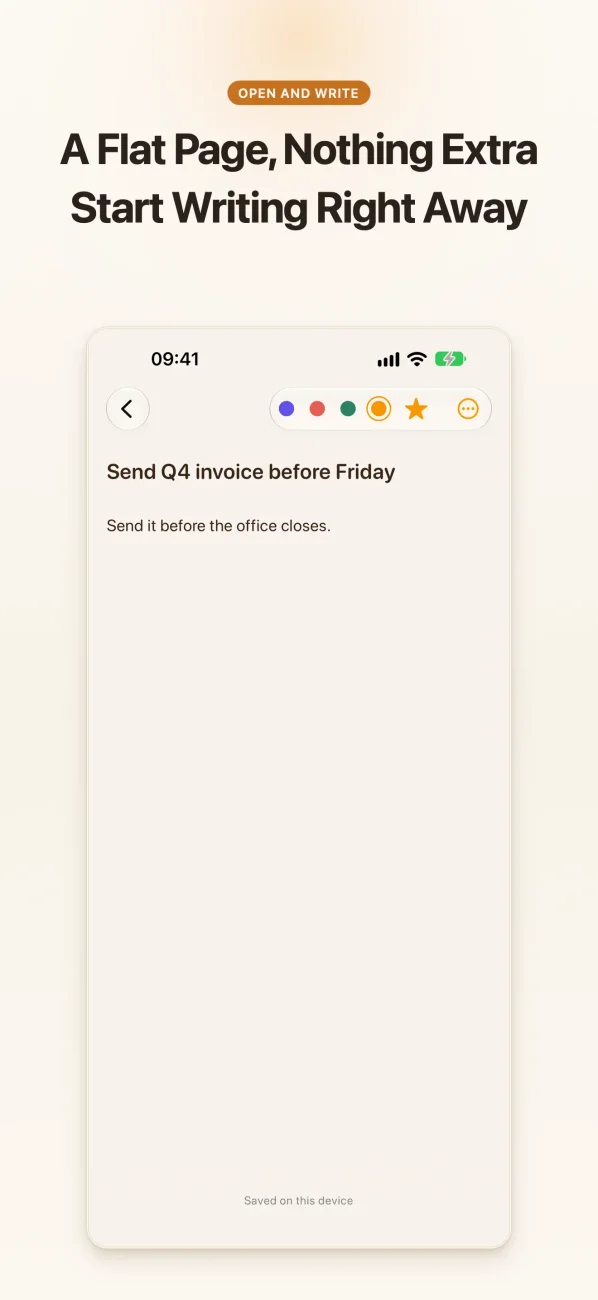
CoreNote is a flat notes app. No account, no ads, no sign-in. Open it and the page is already a sheet of paper. Your notes sync between iPhone, iPad, and Mac through your own iCloud.
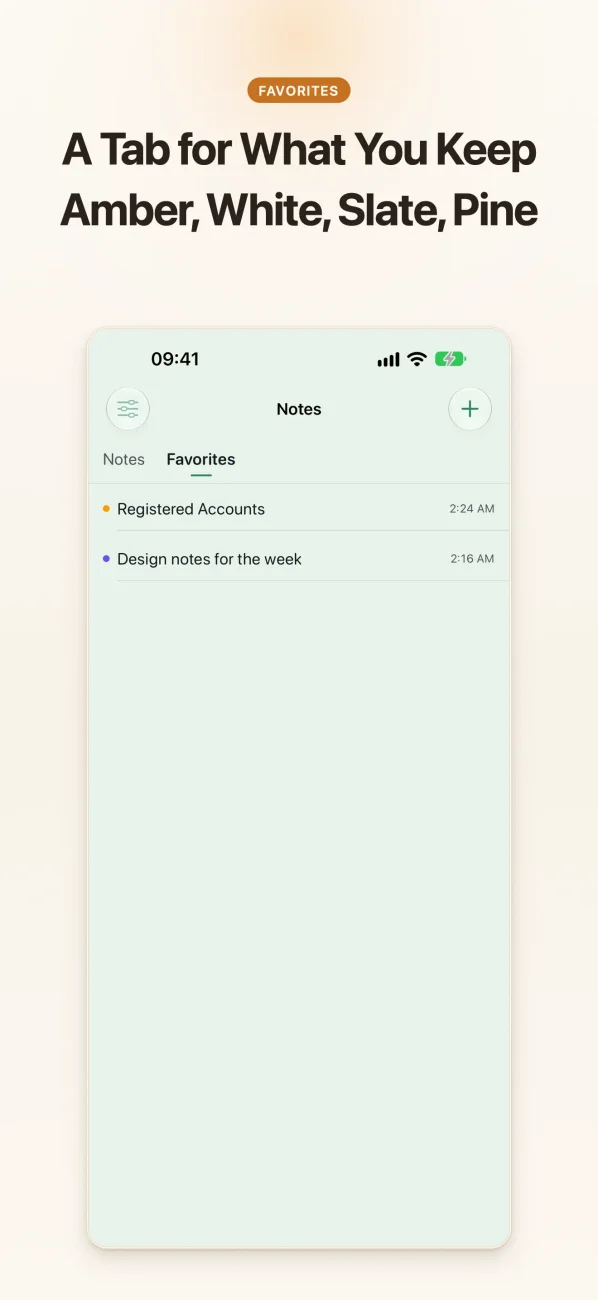
The list is one line per note: an ink dot, the title, and the time. There is no card frame and no search box. Two tabs sit at the top: Notes and Favorites.
Star a note when it is a to-do. That star stays on top of the list until you tap it again. Clearing the star does not jump the note to the top of the ordinary list. Favorites are separate: a bookmarked note lives in the Favorites tab and does not push other notes down.
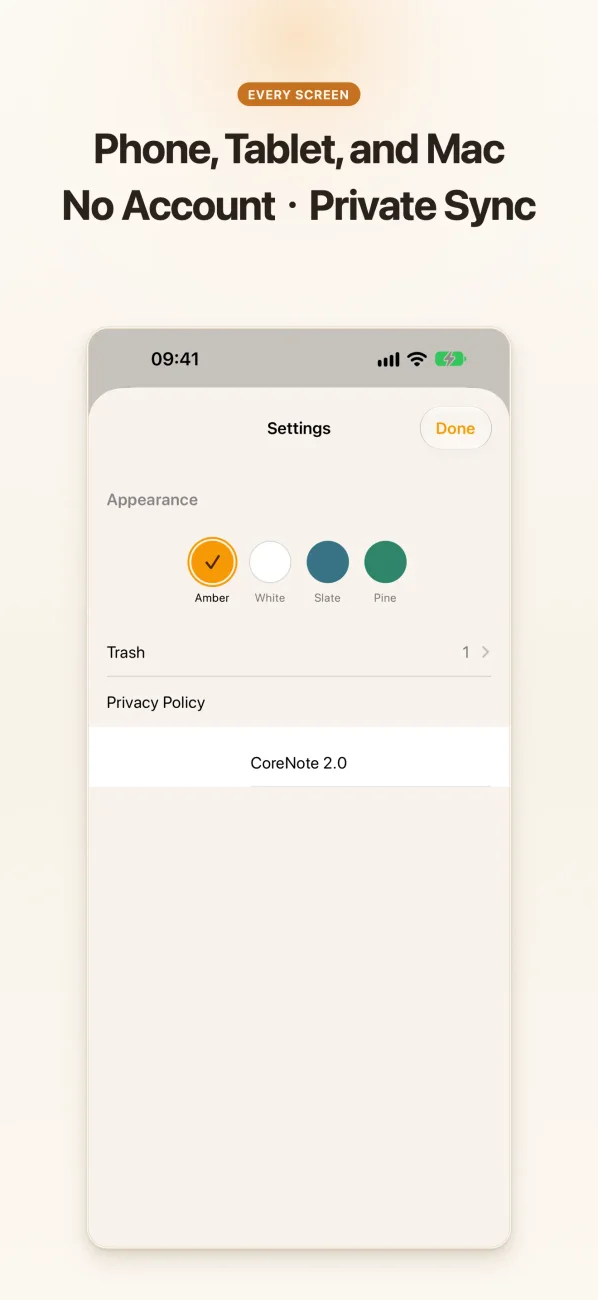
Four canvases: Amber, White, Slate, and Pine. Four ink colors sit in the editor. Deleted notes sit in Trash for 7 days, then clear themselves. Empty notes are kept.
Accounts, if you keep them, live on a note, not a password vault: an email or a phone number, then the apps you signed up with. Names only.
What it does:
- Open and write on a flat page
- A todo star pins that note until you clear it
- Favorites in their own tab
- Four canvases: Amber, White, Slate, and Pine
- A 7-day Trash
- One app for iPhone, iPad, and Mac, including iPhone Duo's inner display, synced through your private iCloud database
What it doesn't do:
No account, no sharing, no attachments, no analytics SDKs, no cloud model. It does not store passwords and is not a password manager. Notes stay on your devices and in your own private iCloud, which we cannot read. Without iCloud, notes stay on the device. Nothing you type is sent to us.
Neue Funktionen
Version 2.0.1 · 22.11.2026
- Favorites and Notes are separate lists. Adding a note to Favorites removes it from Notes. Removing it from Favorites brings it back to Notes.
- Tap the title, the time, or the open space in a row to open that note. The to-do star stays its own button at the end of the row.
- On a wide screen, switching lists or changing a favorite clears the open note when it no longer belongs on the list you are looking at. On iPhone, the note stays until you go back.
App-Datenschutz
Was 腾 骆 im App Store zum Umgang dieser App mit Daten angibt.
-
Keine Daten erfasst
Der Entwickler erfasst keine Daten von dieser App.
Die Datenschutzpraktiken können variieren, zum Beispiel je nach den von Ihnen verwendeten Funktionen oder Ihrem Alter.
Informationen
- Anbieter
- 腾 骆
- Kategorie
- Produktivität
- Version
- 2.0.1
- Aktualisiert
- 22.11.2026
- Veröffentlicht
- 10.09.2026
- Größe
- 934,0 KB
- Erfordert
- iOS 17.0 oder neuer
- Altersfreigabe
- 4+
- Sprachen
- Englisch, Vereinf. Chinesisch, Tradit. Chinesisch
- Copyright
- © 2026 CoreNote
Das könnte Ihnen auch gefallen
-
 SlipGrove: School FormsProduktivität
-
 WatchPenProduktivität
-
 Remindr: AI Notes & MemoryProduktivität
-
 Nib - Private NotesProduktivität
-
 Sentroy NotesProduktivität
-
 JotNest: Simple Notes & ListsProduktivität
-
 NotoJournalProduktivität
-
 root - simple lists and tasksProduktivität
-
 Tickbox: Simple TasksProduktivität
-
 Write- Focused NotesProduktivität