Countdown LCD: Stage Timer
Presentation & speaker clock
Entwickelt für iPhone, iPad
0,99 €
- Altersfreigabe4+
- KategorieDienstprogramme
- EntwicklerCamille Terol
- SprachenEnglisch+ 1 weitere
- Größe6,1 MB
Verlinkt auf die offizielle App Store-Seite
Download.org hostet keine Datei von Countdown LCD: Stage Timer. Die Schaltfläche öffnet die App-Seite bei App Store, wo Camille Terol die App veröffentlicht. Eintrag zuletzt geprüft am 19.11.2026.
Screenshots


Info
Der Entwickler hat diesen Text nicht in Ihrer Sprache bereitgestellt.
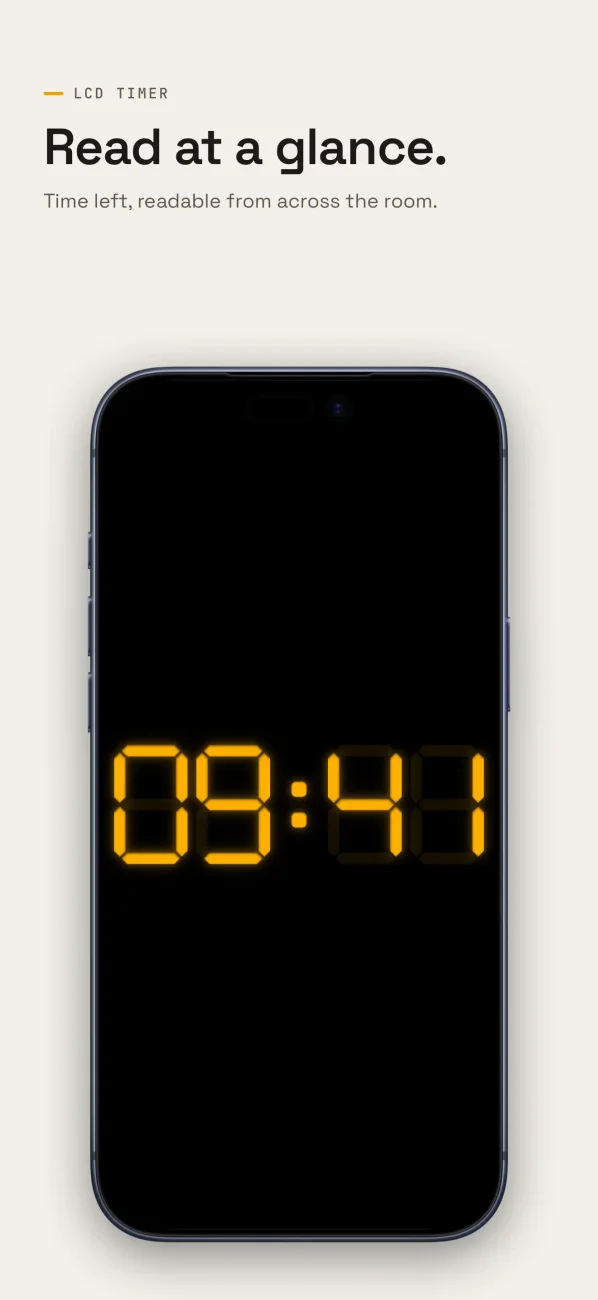
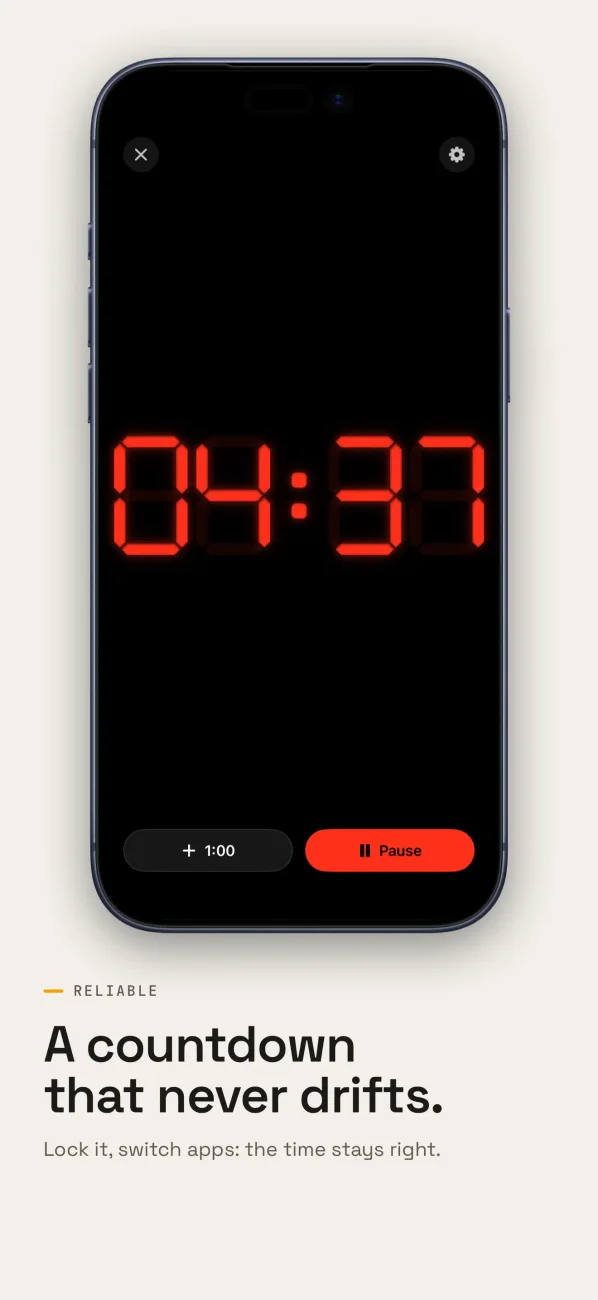
A countdown timer that looks and reads like a real seven-segment display. Big, sharp digits you can read from the back of the room.
For speakers, conferences and meetings: start the timer, set your iPhone or iPad on the lectern, and everyone knows how long is left.
ON STAGE
The screen stays awake while the countdown runs, so it never dims mid-talk. In landscape the digits fill the whole screen.
SIX DISPLAYS
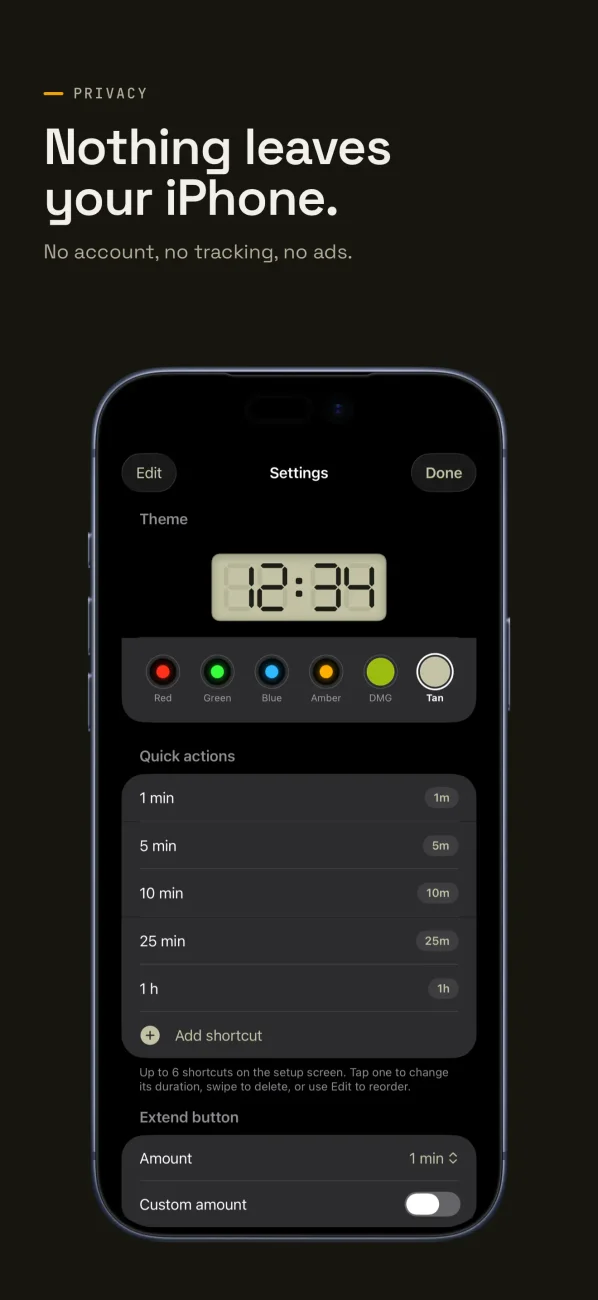
Four backlit themes glow red, green, blue or amber on true black. Two reflective panels, a handheld-console green and a calculator tan, catch the light like a real LCD.
AIM FOR A TIME
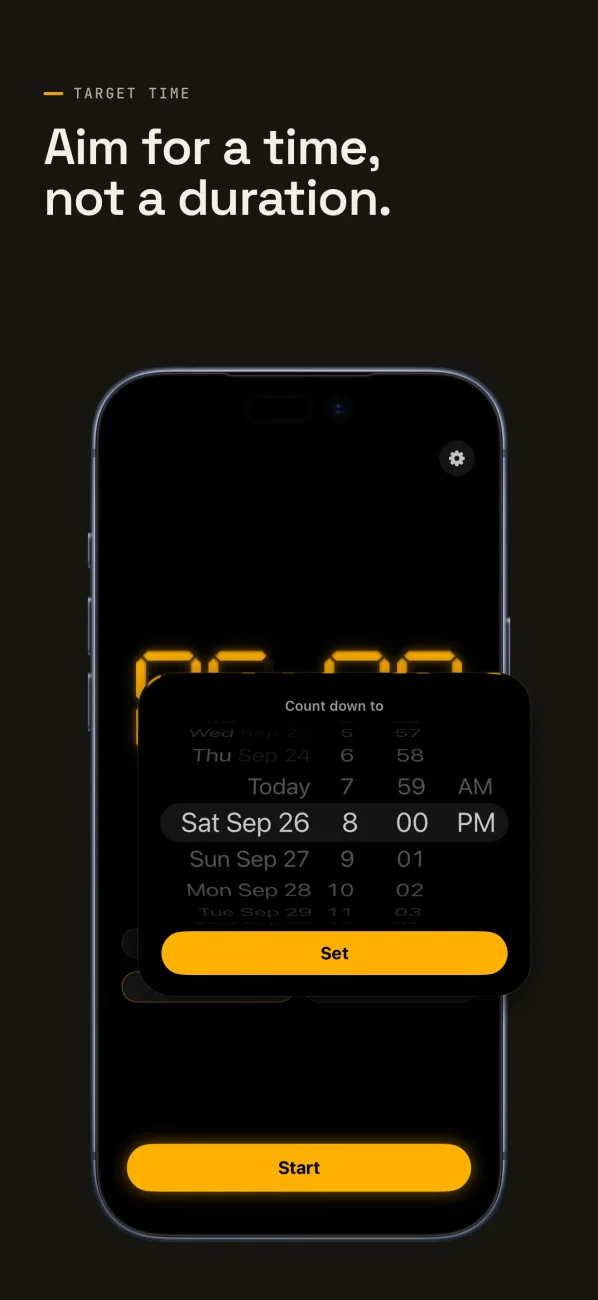
"Ends at" counts down to a set date and time instead of a length. Beyond 24 hours the display switches to days, hours and minutes, then back to seconds on the last day.
APPLE TV
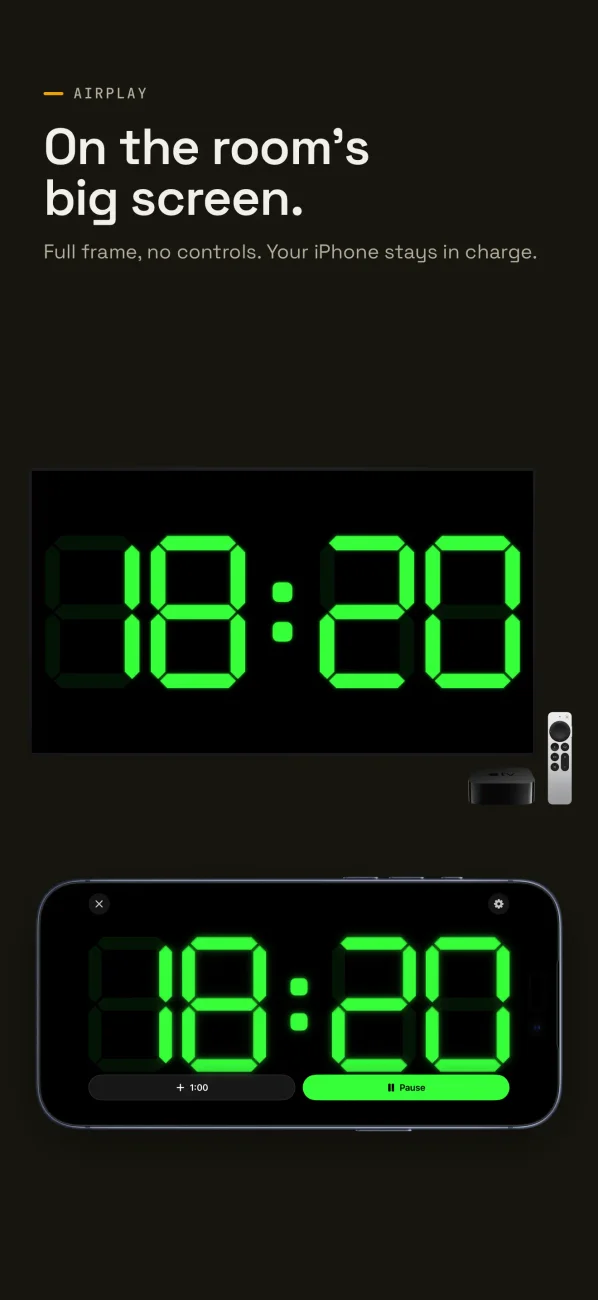
Countdown is on Apple TV too, in the same purchase: start a countdown with the Siri Remote, or open the app and it picks up the one running on your iPhone or iPad. No Apple TV? Mirror the display to any AirPlay screen: full frame, no controls.
NEVER DRIFTS
The countdown runs from an absolute end time. Leave the app, lock the phone, relaunch: the time stays exact. A Live Activity keeps it on the Lock Screen and in the Dynamic Island.
BUILT FOR THE JOB
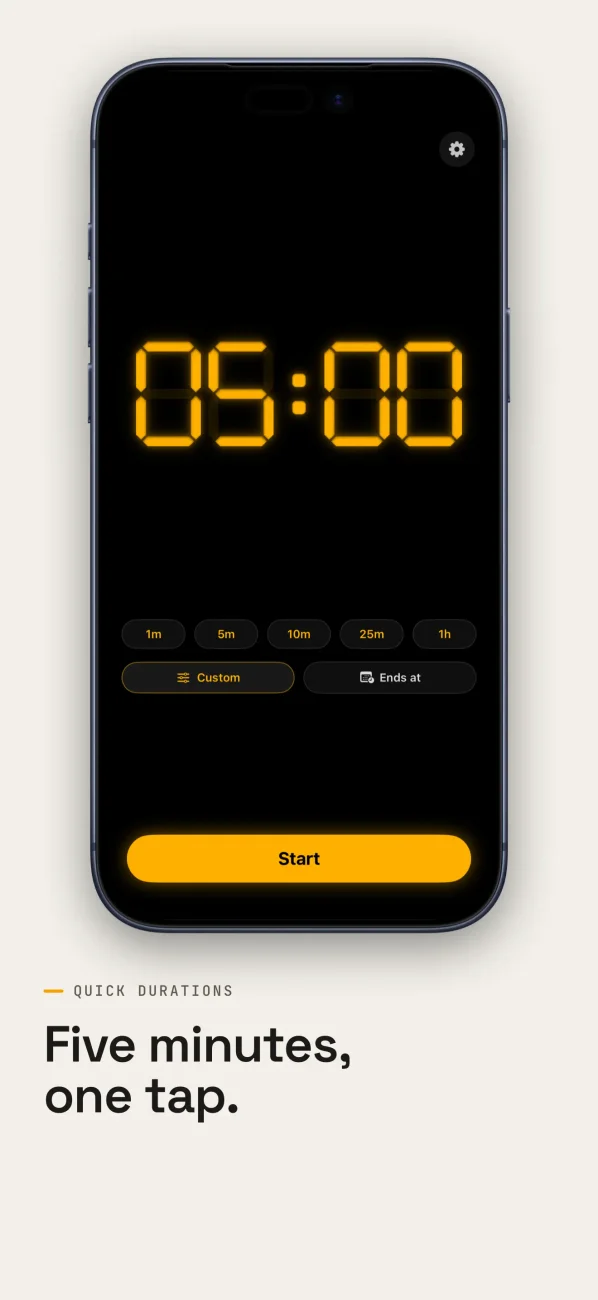
Duration presets you can edit and reorder. An adjustable extend button for when a session runs over. Siri and Shortcuts to start, pause or add time without touching the screen.
NO ACCOUNT, NO TRACKING
No sign-up, no analytics, no third-party SDKs, no data collected. It's a timer.
One-time purchase, no subscription. For iPhone, iPad and Apple TV.
Neue Funktionen
Version 1.1 · 13.11.2026
Countdown comes to Apple TV, included in your purchase: a full-screen countdown you start with the Siri Remote. Open it on the Apple TV and it picks up the countdown running on your iPhone or iPad; pause, extend or stop it from either. Once time is up, small digits under the countdown count the overtime and the display flashes. A history lists every countdown you run, ready to run again. The Live Activity now shows seven-segment digits. Release notes for every version are in Settings.
App-Datenschutz
Was Camille Terol im App Store zum Umgang dieser App mit Daten angibt.
-
Keine Daten erfasst
Der Entwickler erfasst keine Daten von dieser App.
Die Datenschutzpraktiken können variieren, zum Beispiel je nach den von Ihnen verwendeten Funktionen oder Ihrem Alter.
Informationen
- Anbieter
- Camille Terol
- Kategorie
- Dienstprogramme
- Version
- 1.1
- Aktualisiert
- 13.11.2026
- Veröffentlicht
- 21.09.2026
- Größe
- 6,1 MB
- Erfordert
- iOS 26.0 oder neuer
- Altersfreigabe
- 4+
- Preis
- 0,99 €
- Sprachen
- Englisch, Französisch
- Copyright
- © 2026 Interrupt
Das könnte Ihnen auch gefallen
-
 MyStageTimerDienstprogramme
-
 UbiStage TimerStage Timer/Clock für Bühnen
-
 RetroDotTimerCountdown, Pomodoro, Stoppuhr
-
 Utility+Dienstprogramme
-
 OnTime: Speech & Debate TimerDienstprogramme
-
 OnStage Timer ProDienstprogramme
-
 Color Timer: visueller TimerLerntimer für Fokus und Küche
-
 ToastBuster TimerDienstprogramme
-
 RaindripDienstprogramme
-
 Lyazidi MobileDienstprogramme