CreatorCalc: Shoot Planner
Video, Photo & Audio Planning
Entwickelt für iPhone, iPad
Kostenlos
- Altersfreigabe4+
- KategorieFoto und Video
- Entwickler艳明 齐
- SprachenEnglisch+ 1 weitere
- Größe4,8 MB
Verlinkt auf die offizielle App Store-Seite
Download.org hostet keine Datei von CreatorCalc: Shoot Planner. Die Schaltfläche öffnet die App-Seite bei App Store, wo 艳明 齐 die App veröffentlicht. Eintrag zuletzt geprüft am 15.11.2026.
Screenshots
Info
Der Entwickler hat diesen Text nicht in Ihrer Sprache bereitgestellt.
Plan media and power before the shoot.
CreatorCalc: Shoot Planner brings offline reference calculations and local project planning to filmmakers, photographers and location-audio crews on iPhone and iPad. Turn your own settings and measurements into estimates for storage, recording time, batteries and backup media.
VIDEO STORAGE & RECORDING TIME
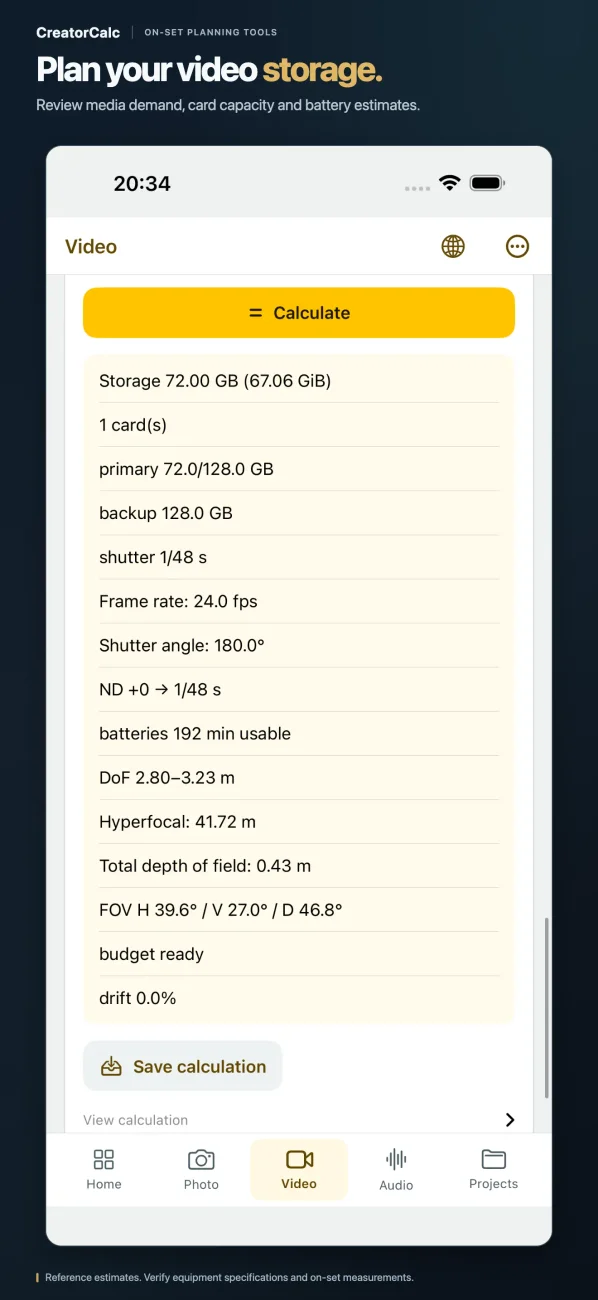
Enter bitrate, planned duration, camera count and a safety margin to estimate storage in GB and GiB. Compare required media with primary and separate backup card capacity, and review card counts and capacity shortfalls. Keep codec, resolution and bitrate assumptions with your estimate.
For example, 400 Mbps for 10 minutes on two cameras, with a 20% margin, estimates 72 GB of primary media.
BATTERY & BACKUP PLANNING
Use measured runtime, battery count, camera count and a reserve to estimate usable recording time. Compare your recording plan with available power. For location audio, plan recorder battery runtime separately. Photo tools use measured shots per battery and average file sizes to estimate photo capacity, storage and additional backup copies.
AUDIO MEDIA BUDGETS
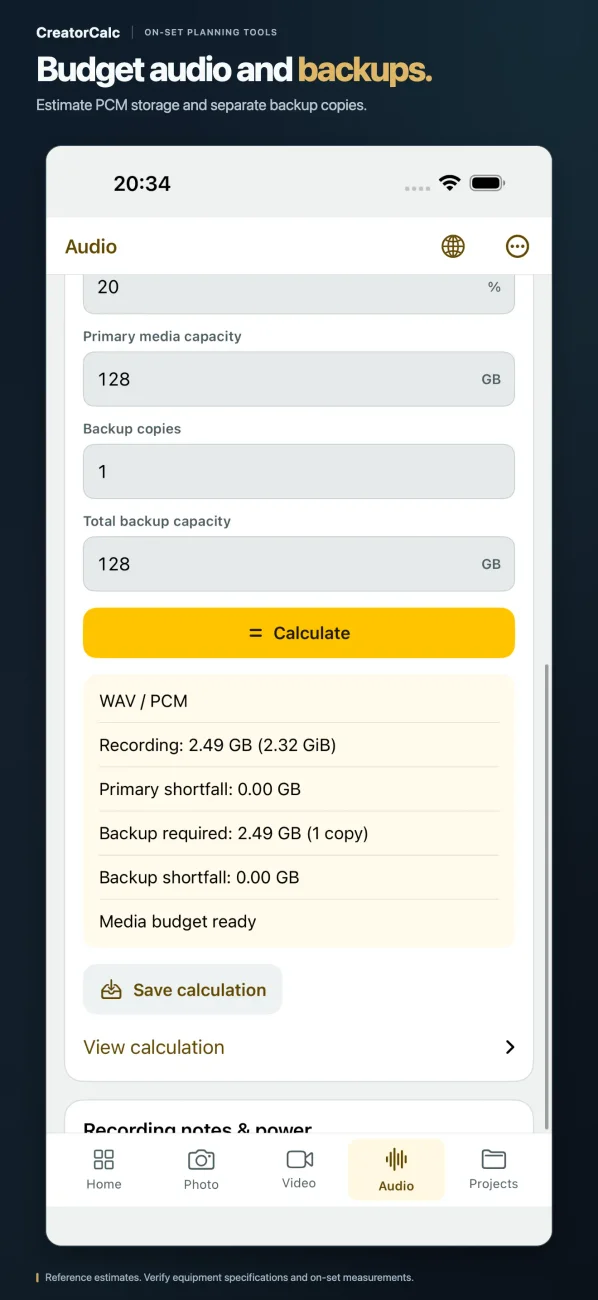
Estimate PCM storage from sample rate, bit depth, channels, duration and parallel files, or use your own bitrate for compressed audio. Review primary-media and backup-capacity shortfalls with the number of additional copies you need.
EXPOSURE & PHOTOGRAPHY REFERENCES
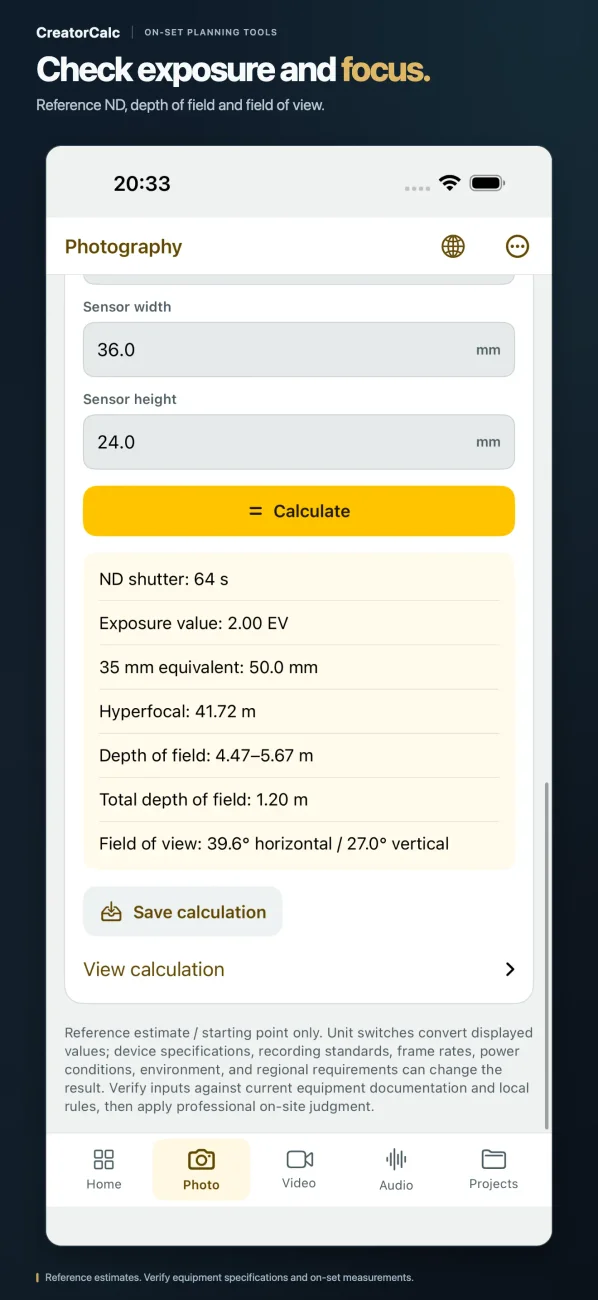
Work with shutter time, shutter angle and frame rate. Explore ND exposure, depth of field, hyperfocal distance and field of view using your lens and sensor inputs. Additional tools cover manual-flash guide numbers, handheld shutter references and time-lapse frame, interval and duration planning.
KEEP THE PLAN WITH THE PROJECT
Create separate local project workspaces with equipment details, recording notes and saved calculation snapshots. Reuse equipment profiles. Compare selected video, photography and audio storage demand against a shared primary-media pool and a separate backup pool. Export project records as PDF or CSV, or create JSON workspace backups and preview an import before replacing data.
OFFLINE, WITHOUT AN ACCOUNT
Calculations and project storage run on your device. No registration, login, subscription or in-app feature unlock is required. Exports go to the destination you choose; the app does not provide its own cloud synchronization.
Results are reference estimates based on your inputs and stated assumptions. Check usable capacity, measured battery performance, equipment specifications and production requirements. Backup tools estimate capacity and export workspace data; they do not copy your media files. CreatorCalc does not record or edit media, control equipment or synchronize timecode.
Neue Funktionen
Version 1.1 · 23.10.2026
Improved layouts for iPhone and iPad, with clearer forms, flexible action buttons, and navigation that adapts to the available window space. Refined keyboard dismissal and number entry.
App-Datenschutz
Was 艳明 齐 im App Store zum Umgang dieser App mit Daten angibt.
-
Keine Daten erfasst
Der Entwickler erfasst keine Daten von dieser App.
Die Datenschutzpraktiken können variieren, zum Beispiel je nach den von Ihnen verwendeten Funktionen oder Ihrem Alter.
Informationen
- Anbieter
- 艳明 齐
- Kategorie
- Foto und Video
- Version
- 1.1
- Aktualisiert
- 23.10.2026
- Veröffentlicht
- 22.09.2026
- Größe
- 4,8 MB
- Erfordert
- iOS 16.0 oder neuer
- Altersfreigabe
- 4+
- Preis
- Kostenlos
- Sprachen
- Englisch, Vereinf. Chinesisch
- Copyright
- © 2026 YanMing Qi
Das könnte Ihnen auch gefallen
-
 ChirpCam - Pet & Baby CameraFoto und Video
-
 TAME GIF MakerFoto und Video
-
 Belichtungsmesser: LuxoMetricManuelle Kamera LUX Belichtung
-
 Message Pics :No crop in TextsFoto und Video
-
 VGA Kamera Y2K: KoreaCam RetroCamera & Fotoeditor der 2000er
-
 Vina – NAS Video PlayerFoto und Video
-
 ReflectionsCameraFoto und Video
-
 NeatPixDoppelte Fotos aufräumen
-
 Video to GIF Maker: Video2GifKI-Bilder, GIFs und Collagen
-
 GIF Aura - GIF & Live PhotoGIF Maker, Video umwandeln