CSV file Create Edit & Viewer
Tables, search, sort & filter
Entwickelt für iPhone, iPad, iPod touch
Kostenlos · In-App-Käufe
- Altersfreigabe4+
- KategorieProduktivität
- EntwicklerMerbin Joe
- SprachenEnglisch
- Größe33,0 MB
Verlinkt auf die offizielle App Store-Seite
Download.org hostet keine Datei von CSV file Create Edit & Viewer. Die Schaltfläche öffnet die App-Seite bei App Store, wo Merbin Joe die App veröffentlicht. Eintrag zuletzt geprüft am 13.11.2026.
Screenshots

Info
Der Entwickler hat diesen Text nicht in Ihrer Sprache bereitgestellt.
Turn a CSV attachment or a table of records into something you can read and edit on your device. CSV Viewer brings file import, a practical spreadsheet grid, and CSV, PDF, and JSON export into one workspace for everyday data tasks.
Begin with the information you already have
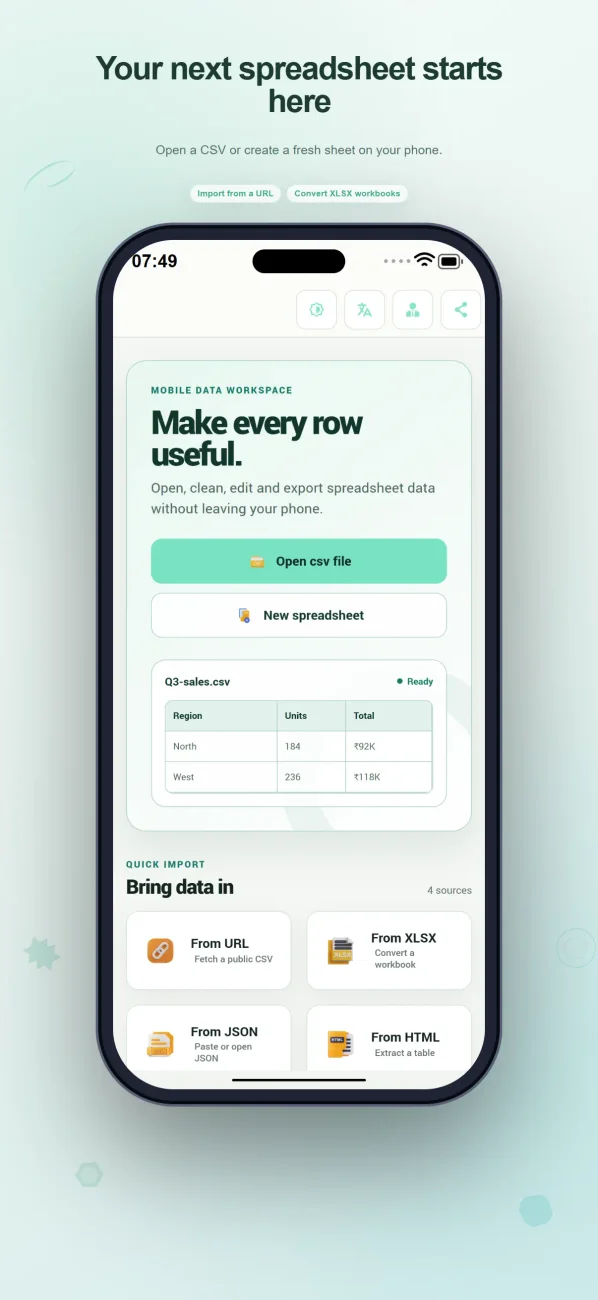
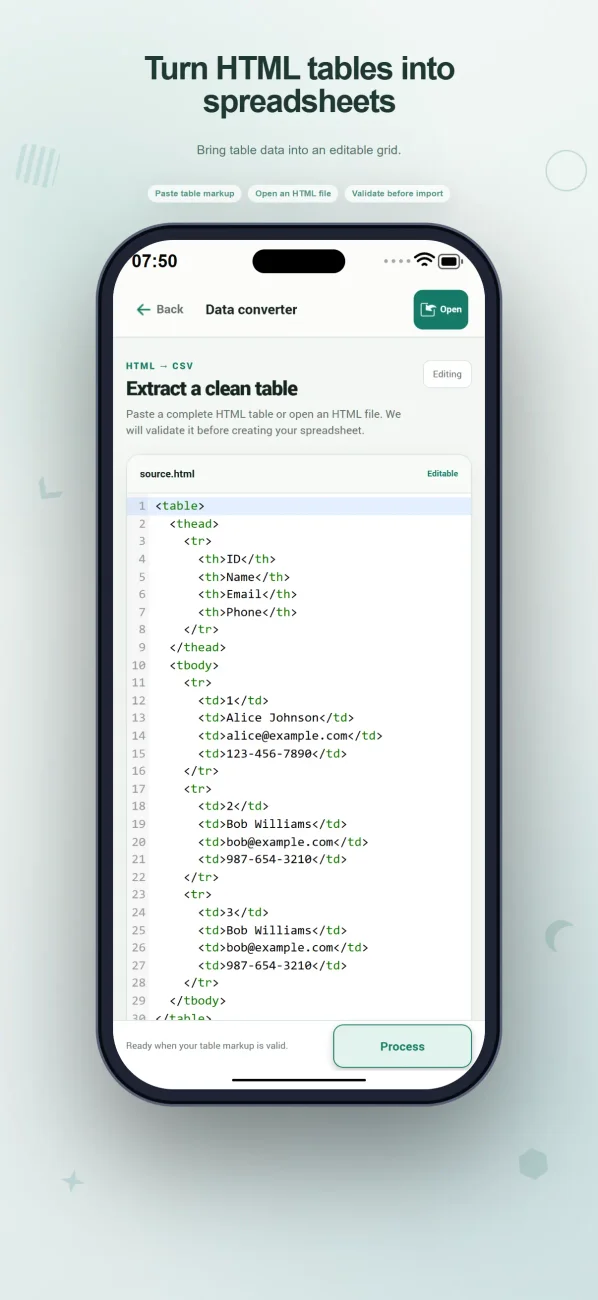
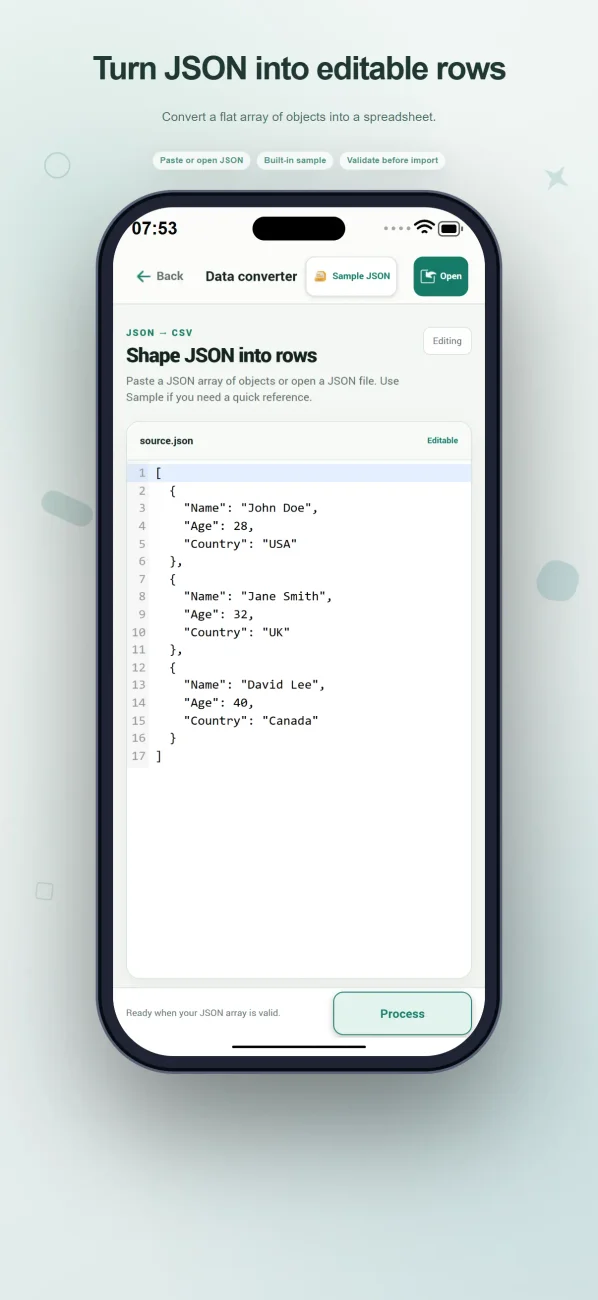
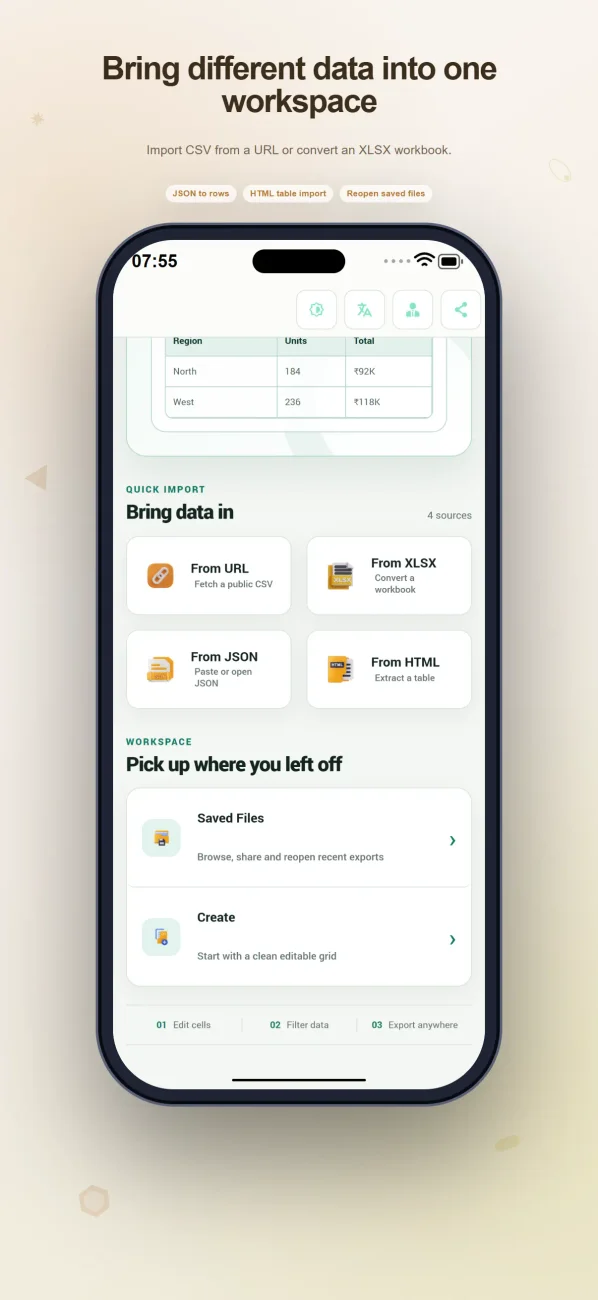
Open a local CSV, start an empty spreadsheet, or import the first sheet of an XLS or XLSX workbook. If your data is structured text, open the JSON or HTML workspace: paste an array of objects or table markup, check it, then process it into a table. A JSON sample provides a reference for the supported input shape.
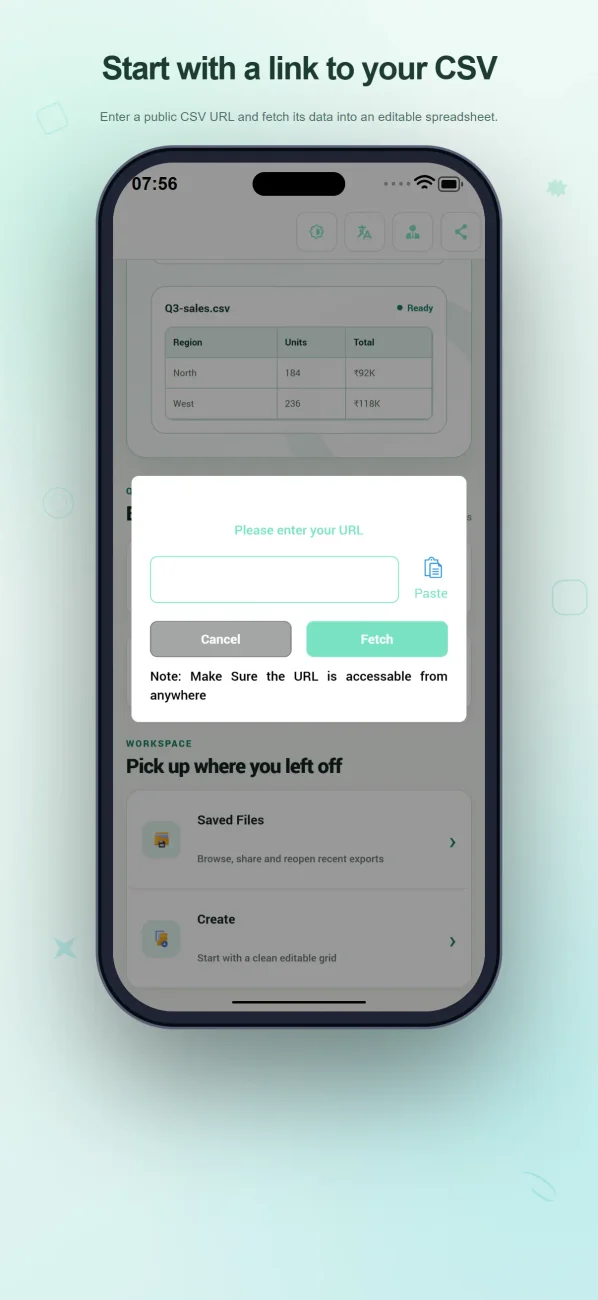
You can also retrieve a CSV from a publicly accessible direct link ending in .csv. This option needs an internet connection and is useful when a dataset is published as a downloadable file.
Make small corrections without rebuilding the table
Tap into a cell and change its text. Add a row for another record or create a named column for a new field. Column headings can be renamed, and selected rows can be deleted when they are no longer needed. Undo and redo recent cell changes as you work through corrections.
For example, bring in a stock list, update a few quantities, add a column for notes, and save the revised CSV. Or start a blank table for a class exercise, enter your own headings and records, and export it when it is ready.
Review a focused view of your records
Search across cells to find matching values. Sort by a column or apply column filters to inspect a narrower set of records. A clear-filters command brings the table back into view. Row numbers and counts for rows, columns, and selected records help you understand the workspace at a glance.
Adjust the reading space
Resize columns yourself or use Auto-size to fit their content. Cell wrapping makes longer text easier to read on tables with up to 10,000 rows. Full-screen focus mode gives the grid additional room, and you can choose a light theme, a dark theme, or the system appearance.
Choose the output for the job
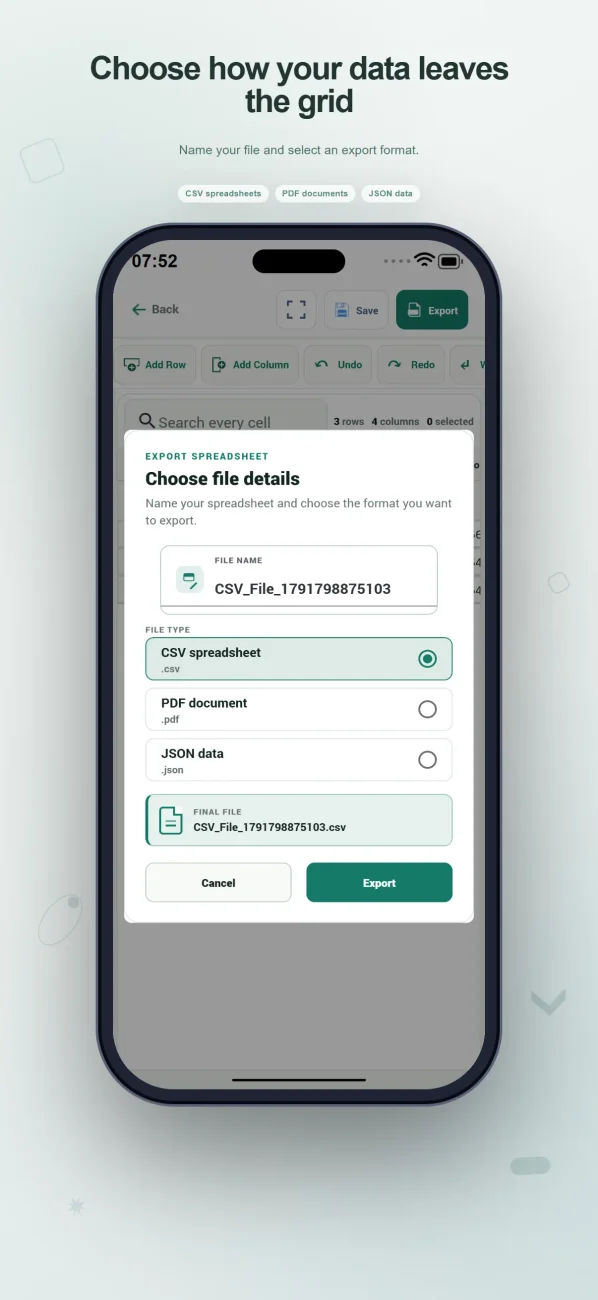
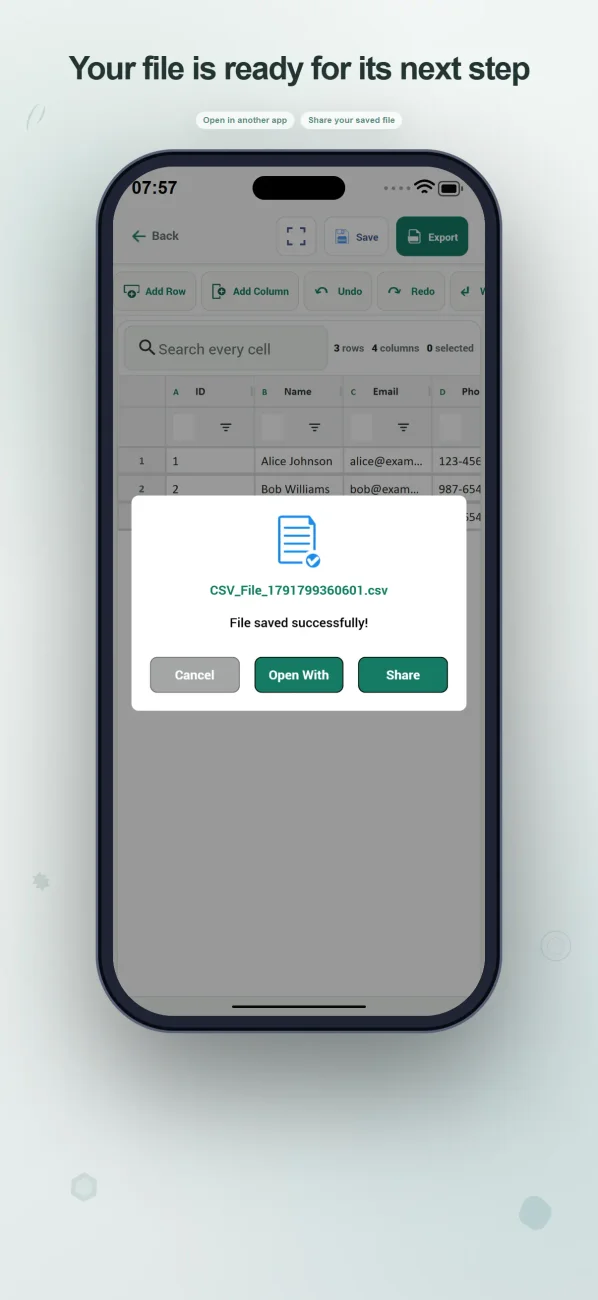
Save your CSV edits or open Export to name a new file and choose CSV, PDF, or JSON. The export dialog previews the file name with its extension before you continue. CSV keeps the result in a tabular text format for later editing. PDF creates a document from the currently filtered and sorted rows. JSON gives you a structured representation for a data workflow.
Keep track of the files you produce
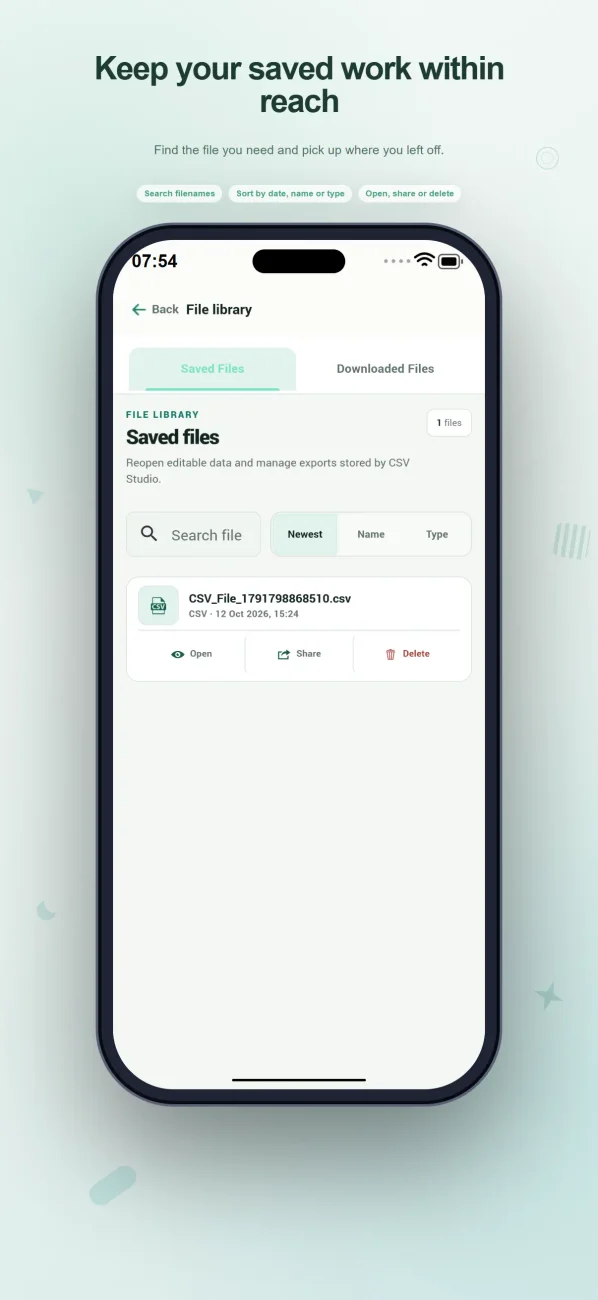
The library has separate areas for saved files and downloads. Search for a name, then sort by newest, name, or type to find the item you need. Reopen a saved CSV to carry on editing, use the share action to send a file through an available app, or delete a file you no longer need. Each entry shows its file type and saved date.
CSV Viewer suits people working with lists, small business records, classroom data, and exported tables. Its editing tools operate on device data, while URL retrieval uses the network. The home screen also offers a language chooser for the interface. Import a source, inspect the rows, make your changes, and keep the result in the format your next task needs.
Terms of Use
https://www.apple.com/legal/internet-services/itunes/dev/stdeula/
Neue Funktionen
Version 2.8 · 20.10.2026
Fresh new design throughout the app.
Improved core functionality for a smoother experience.
Added many new options and features.
Fixed bugs and improved overall stability.
App-Datenschutz
Was Merbin Joe im App Store zum Umgang dieser App mit Daten angibt.
-
Daten, die zum Tracking Ihrer Person verwendet werden
Können verwendet werden, um Sie über Apps und Websites anderer Unternehmen hinweg zu verfolgen.
- Nutzungsdaten
-
Nicht mit Ihnen verknüpfte Daten
Können erfasst werden, sind aber nicht mit Ihrer Identität verknüpft.
- Nutzungsdaten
Die Datenschutzpraktiken können variieren, zum Beispiel je nach den von Ihnen verwendeten Funktionen oder Ihrem Alter.
Informationen
- Anbieter
- Merbin Joe
- Kategorie
- Produktivität
- Version
- 2.8
- Aktualisiert
- 20.10.2026
- Veröffentlicht
- 25.10.2023
- Größe
- 33,0 MB
- Erfordert
- iOS 15.0 oder neuer
- Altersfreigabe
- 4+
- Preis
- Kostenlos
- In-App-Käufe
- Ja
- Sprachen
- Englisch
- Copyright
- © Codeplay
Das könnte Ihnen auch gefallen
-
 CSV-Datei-Viewer - Smart CSVAnalysiere CSV-Dateien einfach
-
 CSVReaderAnzeigen & Bearbeiten von CSV
-
 CSV MasterDateien in der Cloud nutzen
-
 CSV file Create Editer & ViewProduktivität
-
 Fast CSV Editor & ViewerProduktivität
-
 CSV Viewer and EditorProduktivität
-
 JSON Tools: XLSX CSV to JSONProduktivität
-
 Csv2ImgProduktivität
-
 myTextViewer: Code & Log-DateiText, JSON, YAML & CSV öffnen
-
 ignitai: Convert PDF to CSV aiProduktivität