
Dash for Jamf Pro: MDM Admin
Device Management & Security
Entwickelt für iPhone, iPad
1,99 €
- Altersfreigabe4+
- KategorieWirtschaft
- EntwicklerMichiel Devliegere
- SprachenEnglisch
- Größe5,6 MB
Verlinkt auf die offizielle App Store-Seite
Download.org hostet keine Datei von Dash for Jamf Pro: MDM Admin. Die Schaltfläche öffnet die App-Seite bei App Store, wo Michiel Devliegere die App veröffentlicht. Eintrag zuletzt geprüft am 23.11.2026.
Screenshots
Info
Der Entwickler hat diesen Text nicht in Ihrer Sprache bereitgestellt.
Dash for Jamf Pro brings your fleet to iPhone and iPad. See the health of every Mac, iPhone and iPad you manage, spot what needs attention, and act on a device wherever you are.
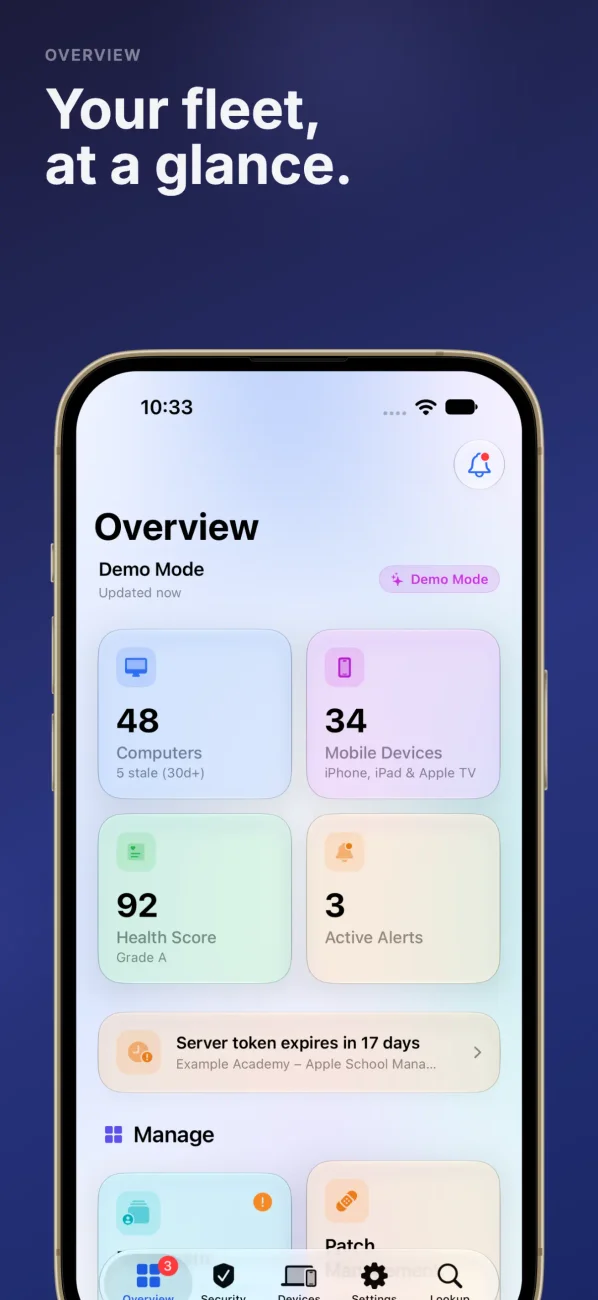
FLEET AT A GLANCE
• Live counts of computers and mobile devices
• Stale devices that haven't checked in for 30 days
• Jamf Pro notifications and alerts
• Automated Device Enrollment token expiry warnings
• macOS version distribution across your fleet
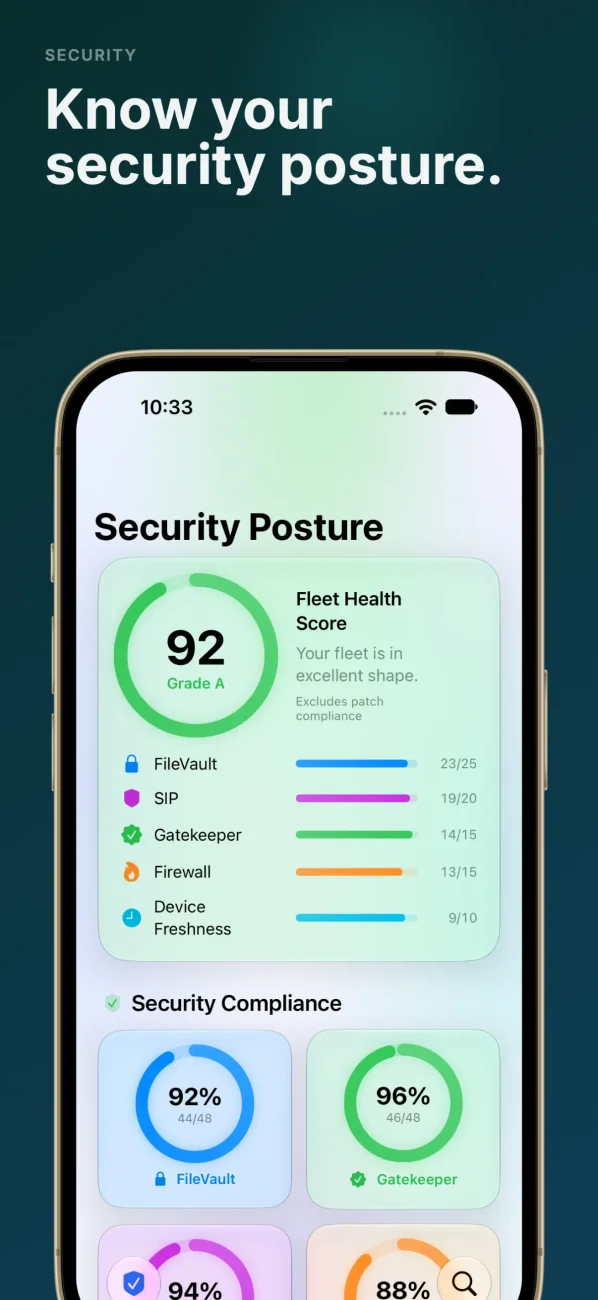
SECURITY POSTURE
• A 0–100 Fleet Health Score with a letter grade
• FileVault, Gatekeeper, System Integrity Protection and Firewall compliance
• Filter straight to the devices missing a control
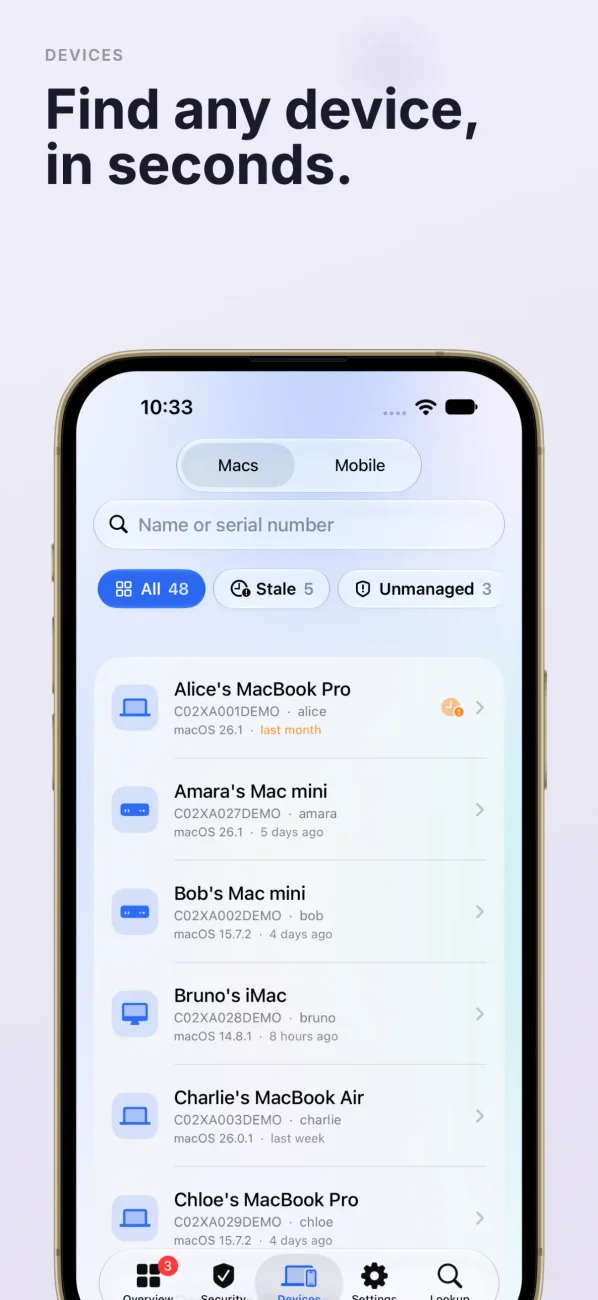
DEVICES
• Browse Macs and mobile devices, filter by stale or unmanaged
• Look up any device by name, serial number or user
• Full inventory: hardware, operating system, security, storage, users, configuration profiles, groups, applications and extension attributes
ACTIONS
• Send MDM commands: blank push, renew MDM profile, restart, shut down, lock and erase
• Enable and disable Lost Mode on supervised iPhone and iPad
• Confirmation before every destructive command
ENROLLMENT
• Automated Device Enrollment tokens and their sync status
• Computer and mobile device PreStages
• Recently enrolled Macs
PATCH MANAGEMENT
• Patch software titles with up-to-date and outdated counts
• Per-title patch reports and patch policies
MANAGED BY YOUR ORGANIZATION
Deploy Dash with Jamf Pro and send your connections through Managed App Configuration. Dash connects by itself, and admins never type or see the Client Secret. One configuration can hold several connections, such as production and test, and admins switch between them in Settings. You decide whether Dash:
• Only uses your connections
• Requires a device passcode and an app lock with Face ID
• Shows destructive actions, FileVault and LAPS lookup, Demo Mode and exports
• Keeps Jamf data on the device for offline use
Settings shows every rule in force. When the configuration is removed, the connection, its credentials and saved data are deleted. The full list of keys and a configuration builder are on the support page.
SECURITY
• Credentials stored for this device only: never in backups and never moved to another device
• A device passcode is required for a real connection
• Optional app lock with Face ID, Touch ID or your passcode
• The Client Secret is never shown after setup
MADE FOR APPLE PLATFORMS
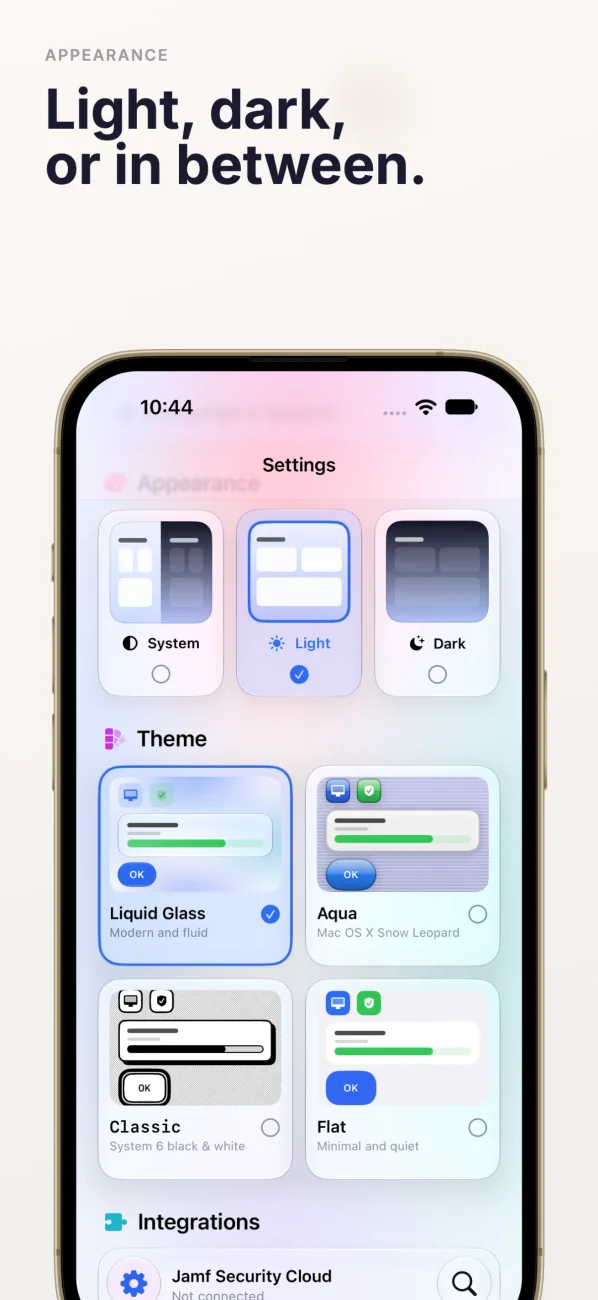
• Liquid Glass design with light, dark and automatic appearance
• Four themes: Modern, Aqua, Classic and Flat
• Adapts to iPhone, iPad and both displays of iPhone Duo
PRIVATE BY DESIGN
Dash talks directly to your Jamf environment. Your API credentials stay in the Keychain on your device, and no data is collected by the developer.
REQUIREMENTS
Jamf Pro with an API integration created in Jamf Account (account.jamf.com) for the Jamf Platform API. Device actions depend on the privileges of that integration and on what the Jamf Platform API supports.
Not sure yet? Try Demo Mode to explore a sample fleet without an account.
Jamf and Jamf Pro are trademarks of JAMF Software, LLC. Dash for Jamf Pro is an independent app and isn't affiliated with or endorsed by Jamf.
Neue Funktionen
Version 1.3 · 18.11.2026
This update adds support for deployment by your organisation and stronger protection for your API credentials.
Managed by your organisation
• One configuration can hold several connections, for example production and test, or one per Jamf Pro instance. Admins switch between them in Settings, and connections taken out of the configuration are removed from the device.
• Organisations can require their own connection only, a device passcode and an app lock, and can turn off destructive device actions, FileVault and LAPS lookup, saved offline data, Demo Mode and exports.
• Settings shows when a connection is managed and lists every rule your organisation has set.
• When the configuration is removed, the connection, its credentials and saved data are deleted from the device.
Security
• API credentials are now stored for this device only. They are not included in backups and never move to another device.
• Dash asks for a device passcode before it uses a real connection. Demo Mode still works without one.
• Optional app lock: ask for Face ID, Touch ID or your passcode each time Dash opens, in Settings › Preferences. The app switcher no longer shows fleet data while the lock is on.
• The Client Secret is never shown after setup. You can replace it in Settings › Connection.
App-Datenschutz
Was Michiel Devliegere im App Store zum Umgang dieser App mit Daten angibt.
-
Keine Daten erfasst
Der Entwickler erfasst keine Daten von dieser App.
Die Datenschutzpraktiken können variieren, zum Beispiel je nach den von Ihnen verwendeten Funktionen oder Ihrem Alter.
Informationen
- Anbieter
- Michiel Devliegere
- Kategorie
- Wirtschaft
- Version
- 1.3
- Aktualisiert
- 18.11.2026
- Veröffentlicht
- 02.11.2026
- Größe
- 5,6 MB
- Erfordert
- iOS 26.0 oder neuer
- Altersfreigabe
- 4+
- Preis
- 1,99 €
- Sprachen
- Englisch
- Copyright
- © 2026 Pixelmesh