
DataPocket
Organize data by date & folder
Entwickelt für iPhone, iPad
Kostenlos · In-App-Käufe
- Altersfreigabe4+
- KategorieDienstprogramme
- SprachenJapanisch+ 1 weitere
- Größe24,0 MB
Verlinkt auf die offizielle App Store-Seite
Download.org hostet keine Datei von DataPocket. Die Schaltfläche öffnet die App-Seite bei App Store, wo die App veröffentlicht. Eintrag zuletzt geprüft am 11.11.2026.
Screenshots

Info
Der Entwickler hat diesen Text nicht in Ihrer Sprache bereitgestellt.
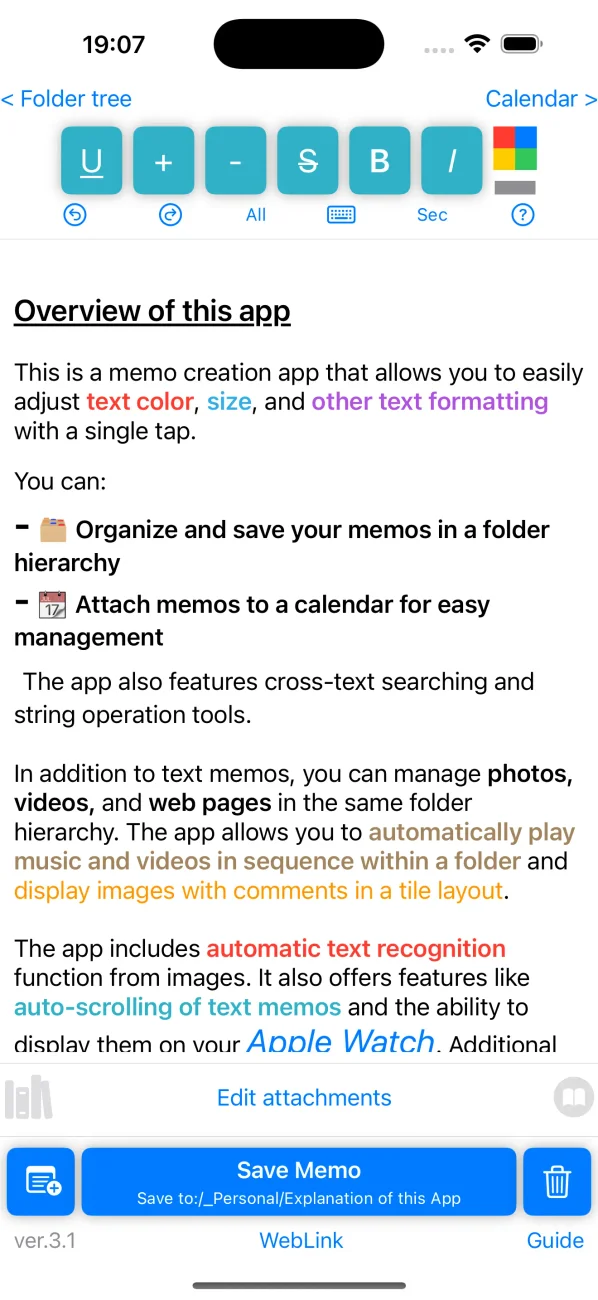
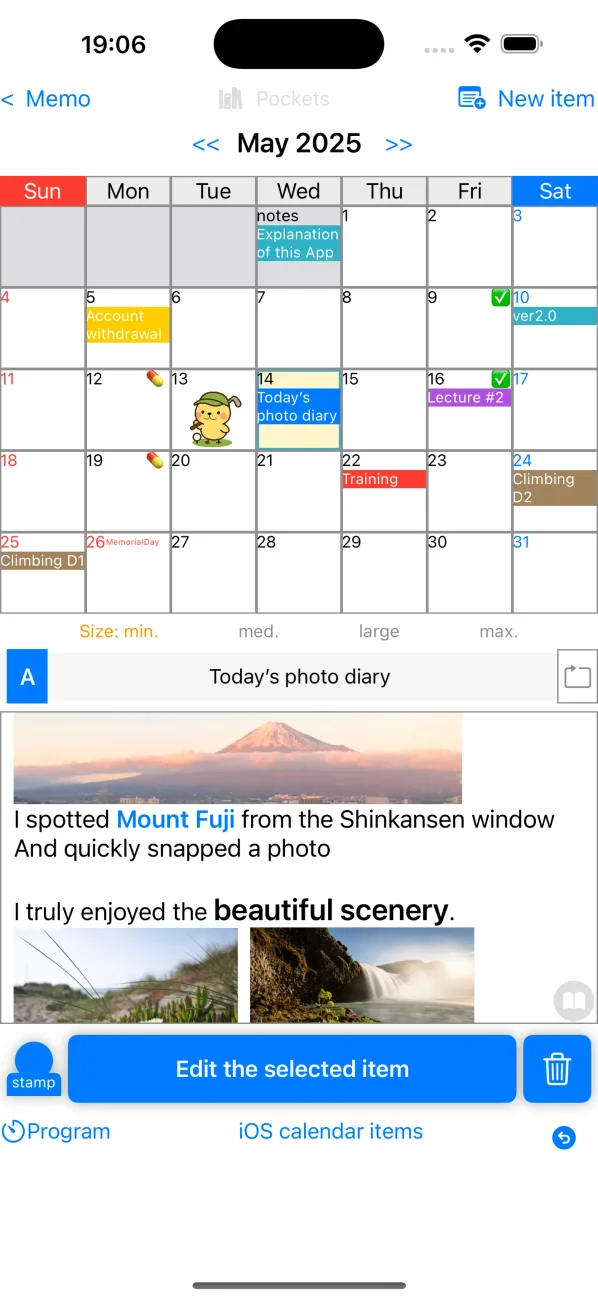
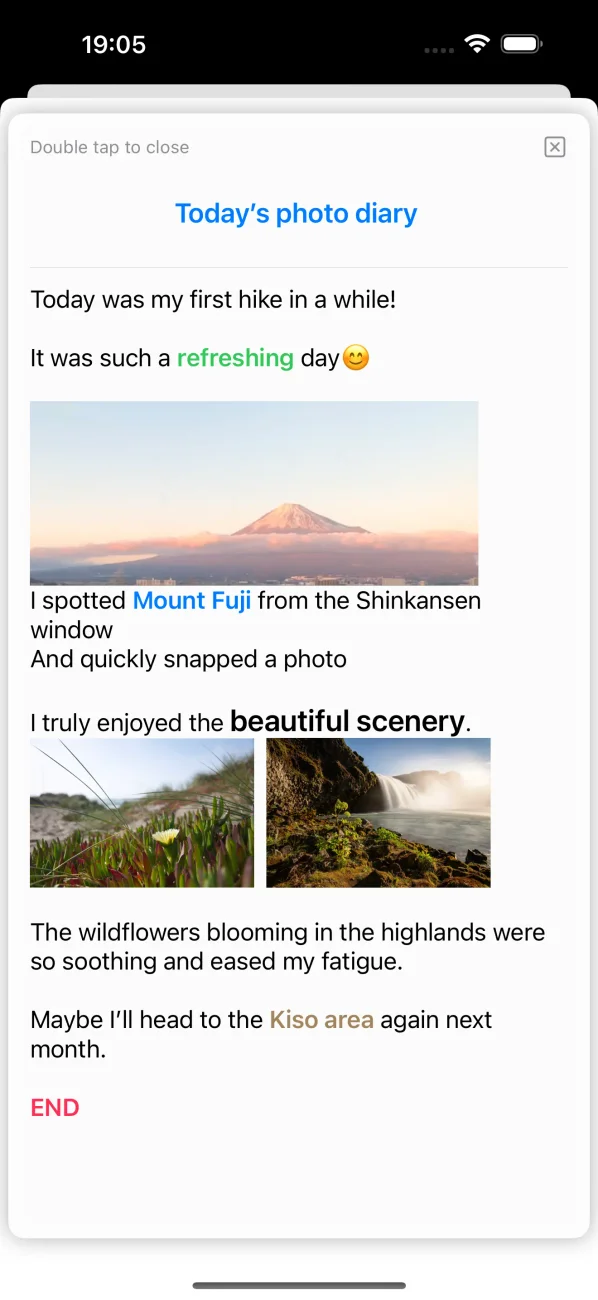
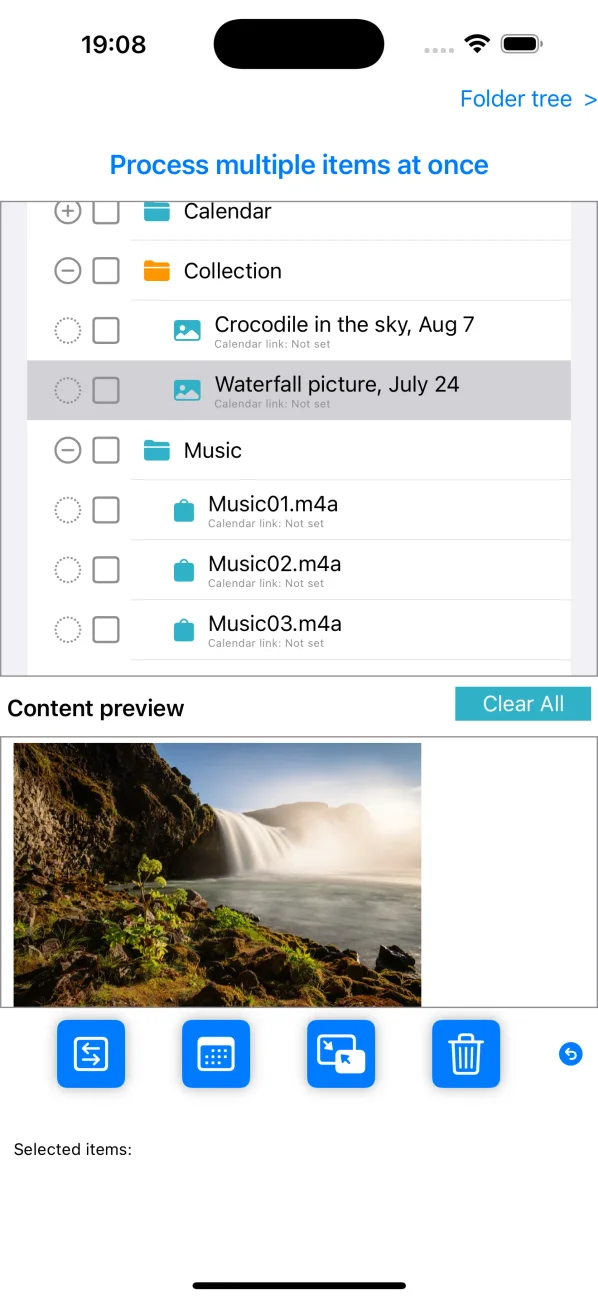
Data Pocket is a versatile note-taking app that lets you easily customize text with adjustable font sizes, colors, and other formatting options using simple one-tap controls. It also supports creating photo journals by inserting images into your notes.
Your notes can be:
- Organized by attaching them to a calendar.
- Sorted and stored in a hierarchical folder structure.
The app also includes a shared calendar feature that allows multiple users to edit the same calendar collaboratively.
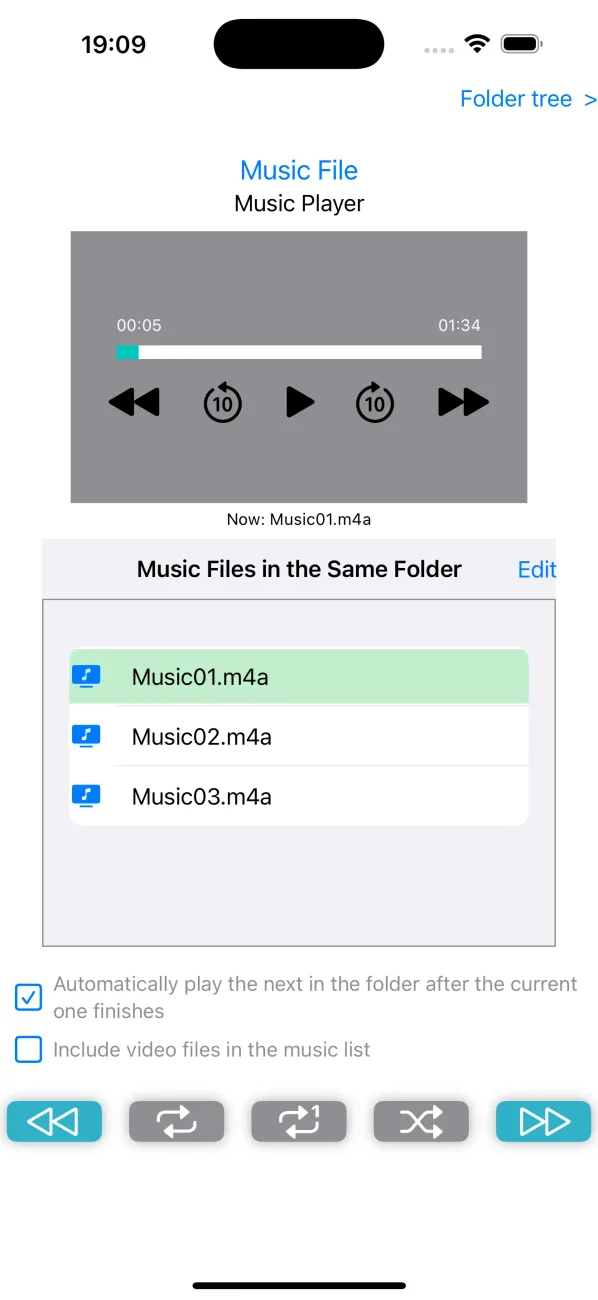
In addition to text notes, you can manage photos, videos, music data, and web pages in the same folder hierarchy, each with its own comments.
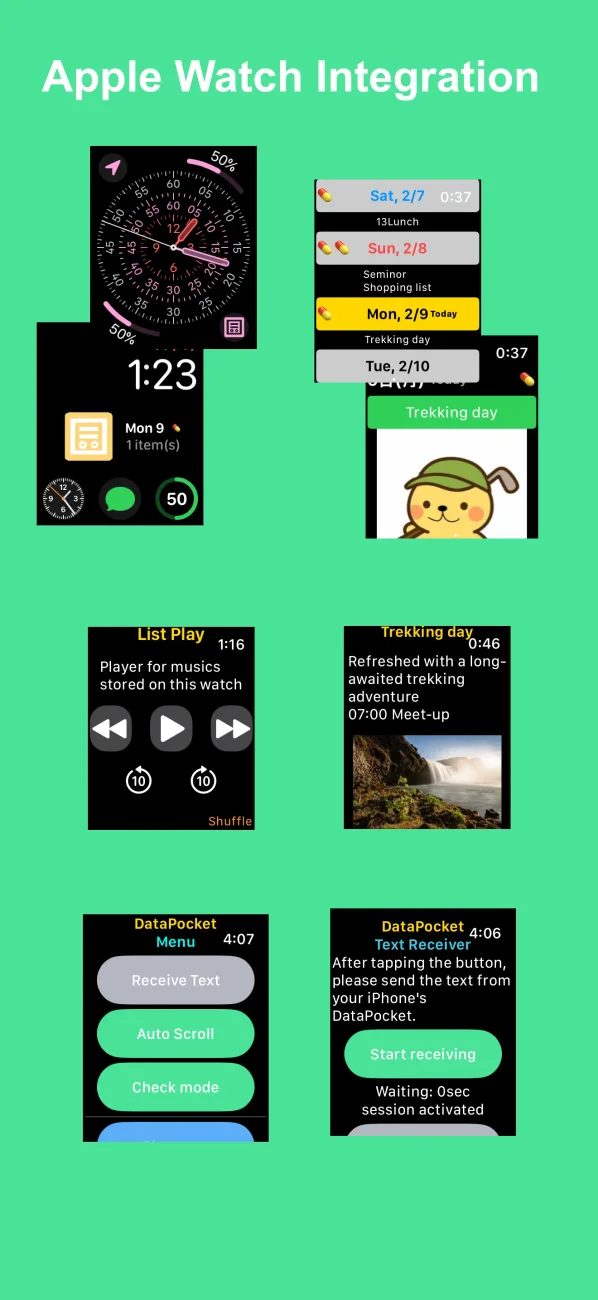
You can automatically play videos or music stored in a folder, with customizable playback order and repeat settings, and even transfer music files to your Apple Watch for standalone playback without your iPhone. The app also allows you to extract audio from videos, such as screen recordings, and compress and save it as music data.
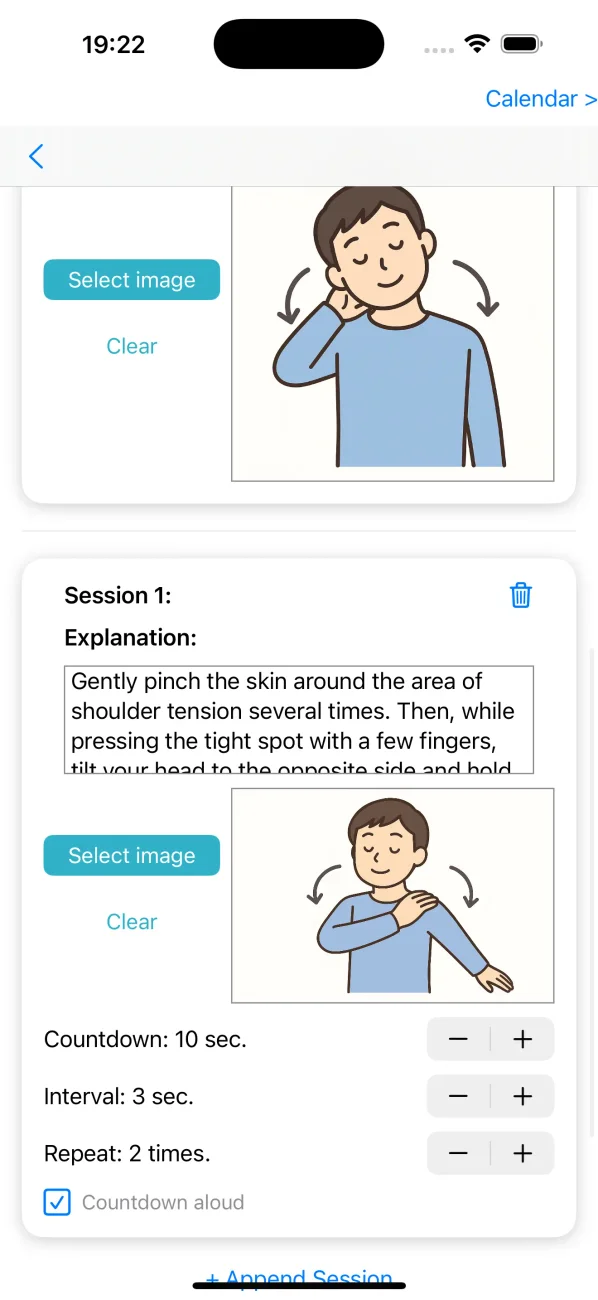
Data Pocket also provides powerful features such as full-text search across all notes, text editing utilities, and automatic text recognition (OCR) from images. Furthermore, text notes can be displayed with automatic scrolling or viewed directly on your Apple Watch. Additional features include RSS news feed integration and options to customize button layouts and the startup screen appearance, among many other useful tools.
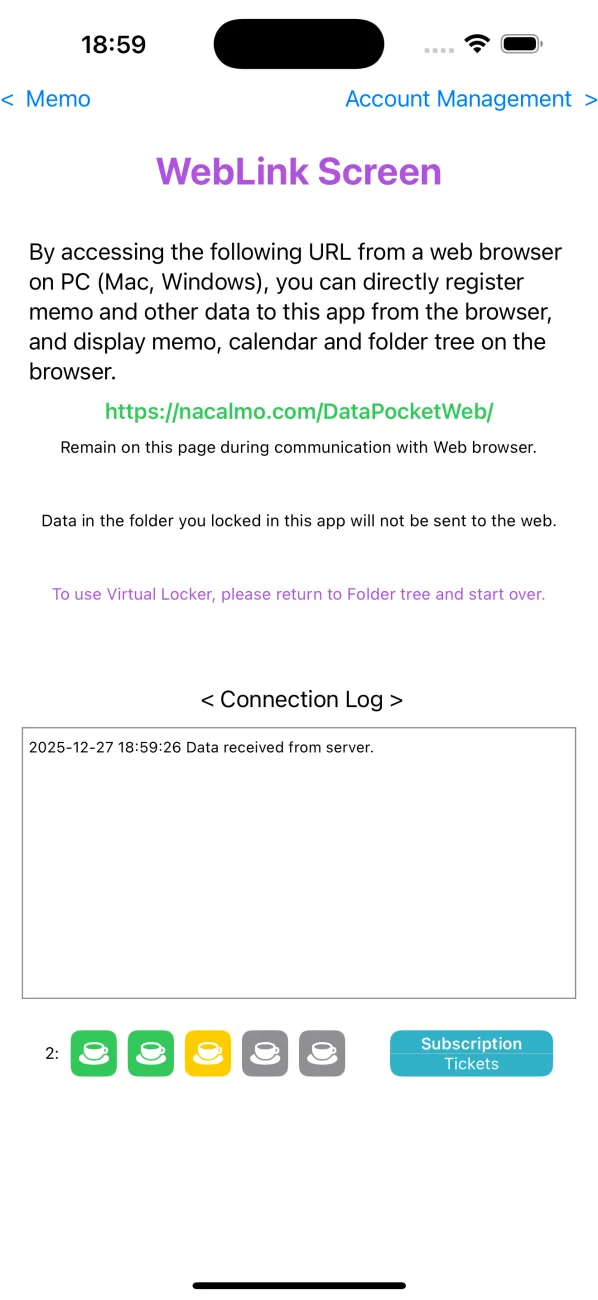
Starting from version 2.0, WebLink feature has been added, allowing users to view and create notes in this app from a web browser on a PC or other devices. We regret to inform you that, since then, features that require the use of server resources has been made available only as a paid option. To use it, a subscription or ticket purchase is required.
Your use of this application is subject to Apple’s standard Licensed Application End User License Agreement (“Standard EULA”).
https://www.apple.com/legal/internet-services/itunes/dev/stdeula/
Please note that there may still be some bugs remaining, and we cannot take responsibility should any issues arise. However, we are releasing it in the hope that it will be useful to many people, so we would be grateful if you could try it out casually at first. Enjoy utilizing this app and make the most of it.
Neue Funktionen
Version 4.6 · 27.08.2026
- Made the keyboard dismissal button added in the previous version (on the memo editing screen) movable by dragging.
- Added a mechanism to check for files that have not yet been received by the server in the shared calendar and resend them.
- Made other minor design improvements and adjustments.
App-Datenschutz
Was im App Store zum Umgang dieser App mit Daten angibt.
-
Keine Daten erfasst
Der Entwickler erfasst keine Daten von dieser App.
Die Datenschutzpraktiken können variieren, zum Beispiel je nach den von Ihnen verwendeten Funktionen oder Ihrem Alter.
Informationen
- Anbieter
- Nacalmo Co., Ltd.
- Kategorie
- Dienstprogramme
- Version
- 4.6
- Aktualisiert
- 27.08.2026
- Veröffentlicht
- 27.08.2024
- Größe
- 24,0 MB
- Erfordert
- iOS 16.4 oder neuer
- Altersfreigabe
- 4+
- Preis
- Kostenlos
- In-App-Käufe
- Ja
- Sprachen
- Japanisch, Englisch
- Copyright
- © 2025, NACALMO
Das könnte Ihnen auch gefallen
-
 **CalcMemo - 電卓つきメモ帳**Dienstprogramme
-
 親族帳Dienstprogramme
-
 OmniNote Personal EncyclopediaDienstprogramme
-
 WebLauncher: Web for WatchDienstprogramme
-
 mathoteDienstprogramme
-
 Gnezdo: Save Links & NotesDienstprogramme
-
 Tiny Memo: Einfache NotizenSchneller Offline-Notizblock
-
 推し活アルバム Stash - 推し画像を整理Dienstprogramme
-
 タグメモコピーDienstprogramme
-
 Disaster Tracker: Hazard MapDienstprogramme