
- Altersfreigabe4+
- KategorieLifestyle
- EntwicklerZbigniew Ledwon
- SprachenEnglisch
- Größe2,1 MB
Verlinkt auf die offizielle App Store-Seite
Download.org hostet keine Datei von day.txt. Die Schaltfläche öffnet die App-Seite bei App Store, wo Zbigniew Ledwon die App veröffentlicht. Eintrag zuletzt geprüft am 23.11.2026.
Screenshots




Info
Der Entwickler hat diesen Text nicht in Ihrer Sprache bereitgestellt.
A text canvas for every day.
Simple like a text file. A little more capable.
day.txt gives each day its own page for plans, ideas, meeting notes, lists and whatever needs writing down. Open it and start typing. There is no layout to build and no folder structure to maintain.
Your text, on your devices
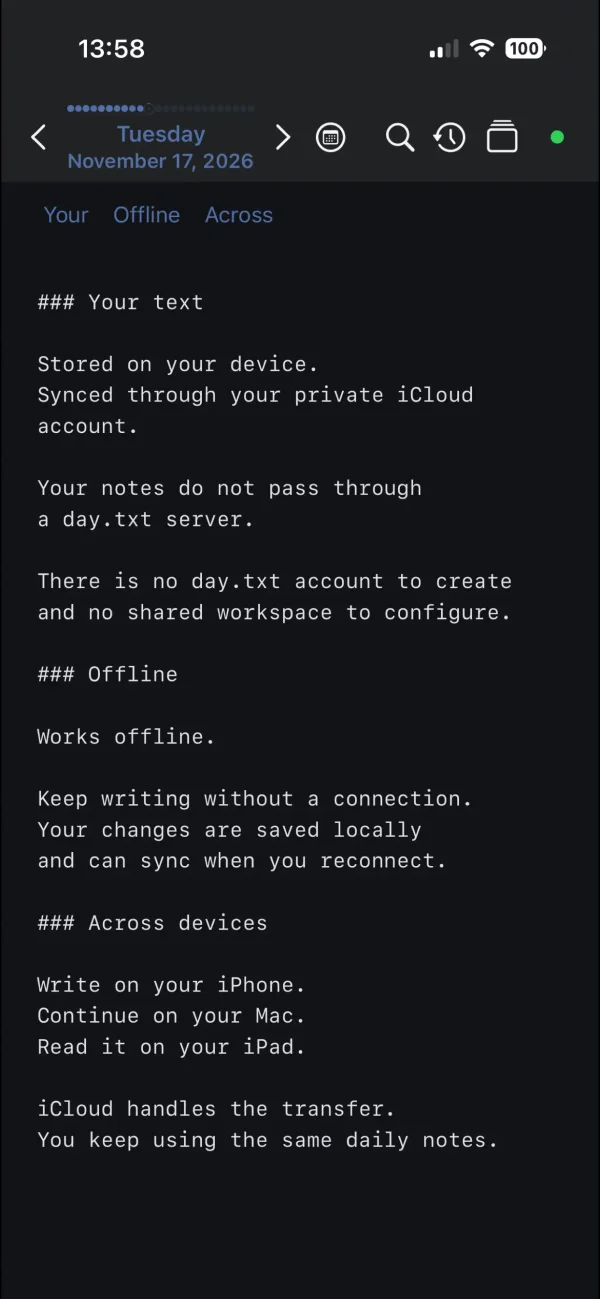
Notes are saved locally and sync through your private iCloud account across Mac, iPhone and iPad. No separate day.txt account is required, and your notes are not sent to a day.txt server. Keep writing, searching and reading local history offline; pending changes can sync when you reconnect. No ads or third-party analytics.
A page for today and any other day
Move between days with the arrows or choose a date in the calendar. Leave a plan for next week, revisit yesterday or return to today. Calendar markers show which days have notes and give a sense of how much you wrote. Subtle progress dots show how much of today has passed.
Shortcuts within your note
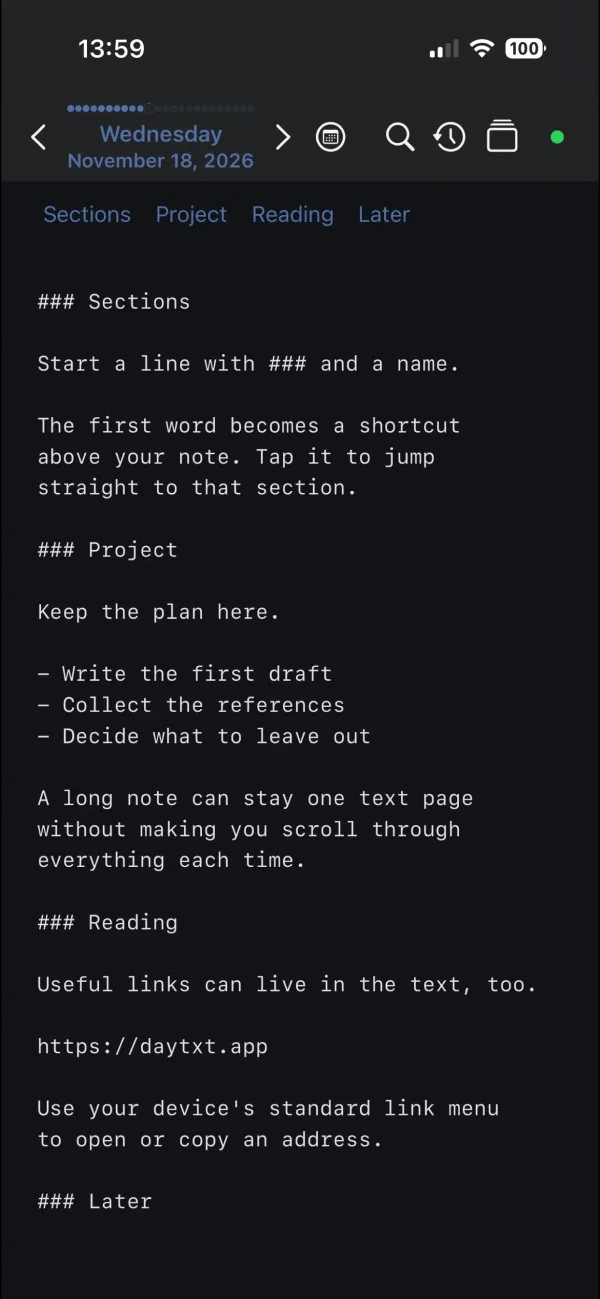
Start a heading with ### and a name. Its first word becomes a shortcut above the editor, letting you jump straight to that section. Keep projects, reading lists and other topics together without scrolling through the whole page each time. Web links can stay in your text and open through the standard system menus.
Carry something into the next day
Mark a section with three greater-than signs before it and three less-than signs after it. That text can carry forward when you open today's note. Use it for unfinished tasks, a reminder or any text you want to keep nearby. Planned text stays first, carried sections appear below it, and the original note stays unchanged.
Write, dictate, find and replace
Type with the keyboard or use your device's dictation. Search the current note, replace words or search across your notes when you remember the text but not the date. Familiar system tools handle selection, copy and paste, undo, spell checking and autocorrect.
Revisit earlier versions
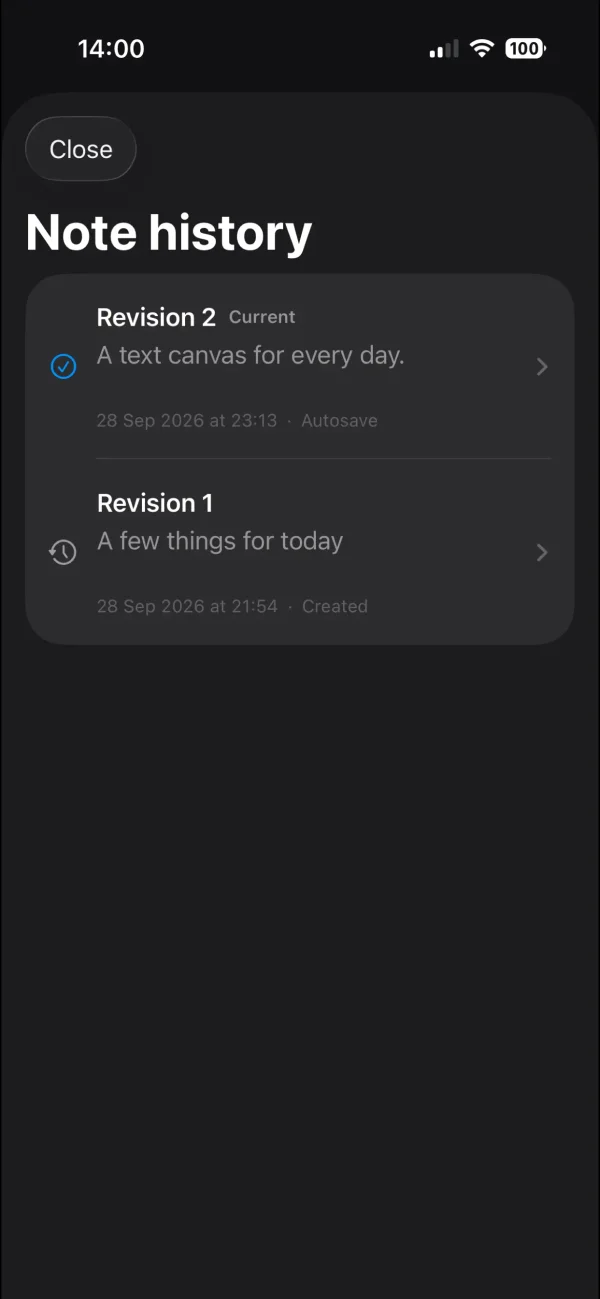
Preview and restore earlier versions of a note. Choose how long to retain revision history. Your notes and history sync through iCloud.
Make it comfortable
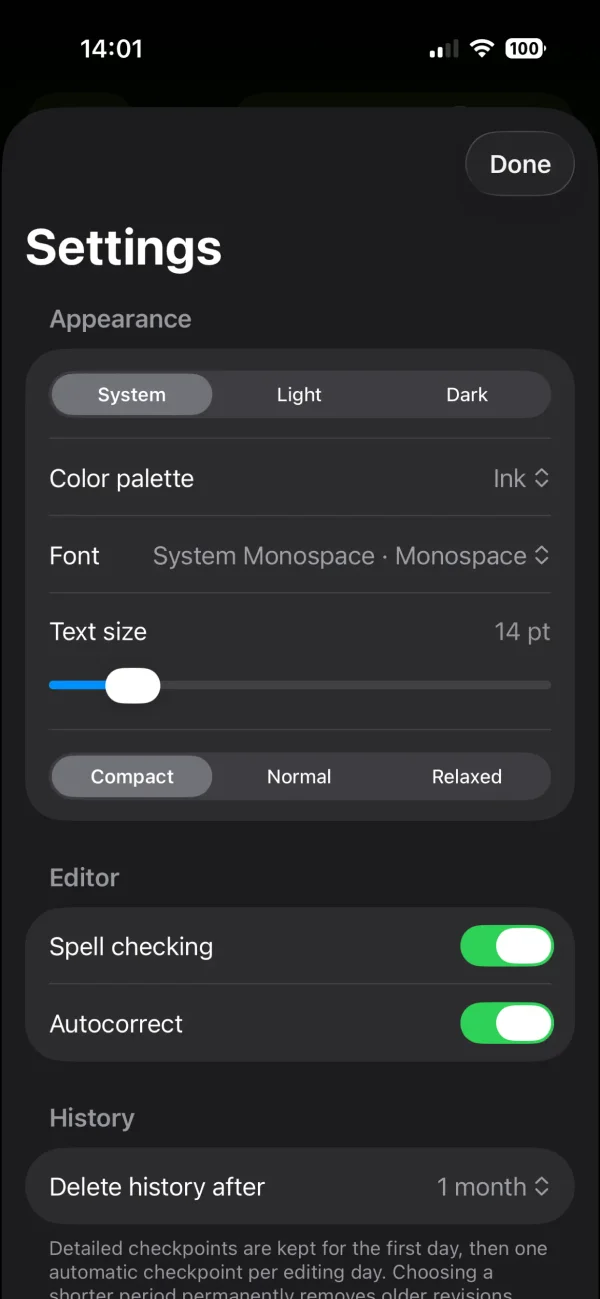
Choose a light or dark appearance, color palette, font, text size and line spacing. Settings stay on each device, so your Mac and iPhone can have different writing setups.
A little more, when you need it
Named notes are available for things that do not need a date. On Mac, export the current versions of your notes as portable plain-text files.
Made for Mac, iPhone and iPad.
One-time purchase. No subscription.
Neue Funktionen
Version 2.2.3 · 22.11.2026
Improved reliability when carrying notes forward to a new day.
App-Datenschutz
Was Zbigniew Ledwon im App Store zum Umgang dieser App mit Daten angibt.
-
Keine Daten erfasst
Der Entwickler erfasst keine Daten von dieser App.
Die Datenschutzpraktiken können variieren, zum Beispiel je nach den von Ihnen verwendeten Funktionen oder Ihrem Alter.
Informationen
- Anbieter
- Zbigniew Ledwon
- Kategorie
- Lifestyle
- Version
- 2.2.3
- Aktualisiert
- 22.11.2026
- Veröffentlicht
- 01.10.2026
- Größe
- 2,1 MB
- Erfordert
- iOS 17.0 oder neuer
- Altersfreigabe
- 4+
- Preis
- Kostenlos
- Sprachen
- Englisch
- Copyright
- © Zbigniew Ledwoń
Das könnte Ihnen auch gefallen
-
 Brennendes Pergament: BettzeitTag verbrennt, Asche bleibt
-
 Mobirth: Alarms and CalendarLifestyle
-
 FocusTodo — Minimal ListFünf Karten für deinen Fokus
-
 Sprout Diary: FamilientagebuchEin Tagebuch für die Familie
-
 My Days: Daily Mood Journal AiLifestyle
-
 Undertone - Voice JournalLifestyle
-
 Big Days: Date CountdownLifestyle
-
 JotBee: Privates TagebuchSchnell, privat & täglich
-
 iMuscleMapLifestyle
-
 WeekNote - Weekly Life MomentsLifestyle