
DDchat AI
Polished native AI chat client
Entwickelt für iPhone, iPad
Kostenlos · In-App-Käufe
- Altersfreigabe4+
- KategorieProduktivität
- Entwickler俊华 乔
- SprachenEnglisch+ 4 weitere
- Größe18,8 MB
Verlinkt auf die offizielle App Store-Seite
Download.org hostet keine Datei von DDchat AI. Die Schaltfläche öffnet die App-Seite bei App Store, wo 俊华 乔 die App veröffentlicht. Eintrag zuletzt geprüft am 23.11.2026.
Screenshots


Info
Der Entwickler hat diesen Text nicht in Ihrer Sprache bereitgestellt.
DDchat AI is a polished, minimalist native iOS AI client with web search, multimodal understanding, and HTML rendering. Connect your own APIs to use different providers and models in one flexible, fluid app.
— BEAUTIFUL BY DESIGN —
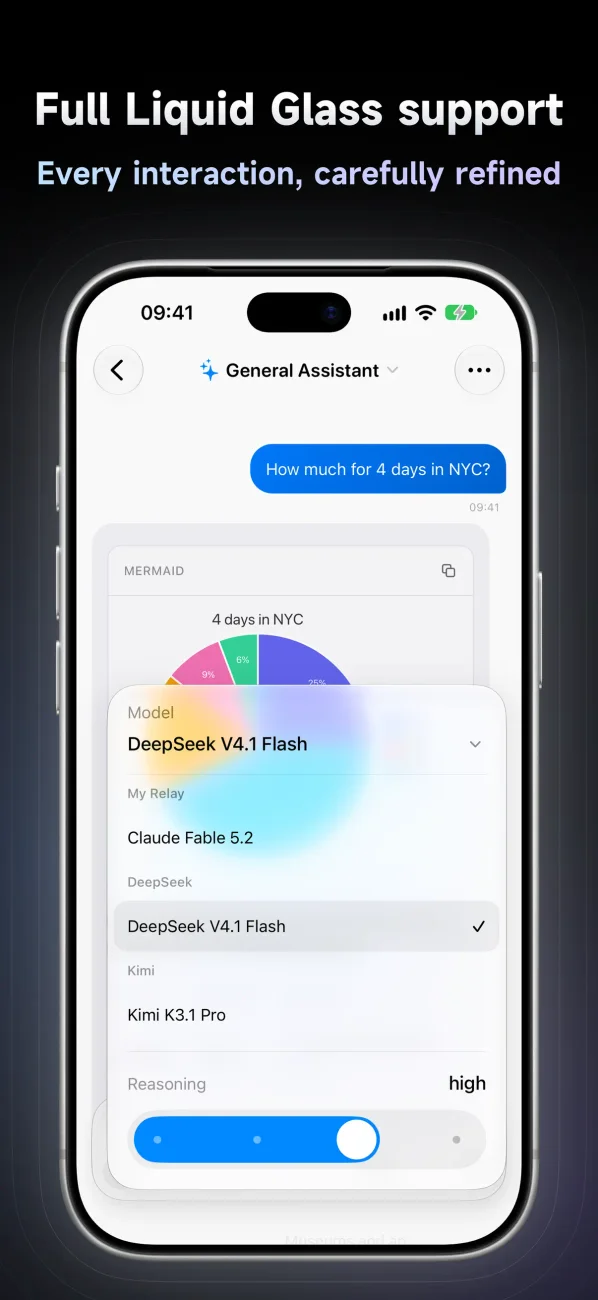
From rounded bubbles to smooth streaming animations, from live scrolling reasoning previews to syntax-highlighted code blocks, every pixel is polished. Full Light and Dark Mode support, liquid glass, and gradient accents create a truly native experience.
— OFFICIAL APIs AND THIRD-PARTY GATEWAYS —
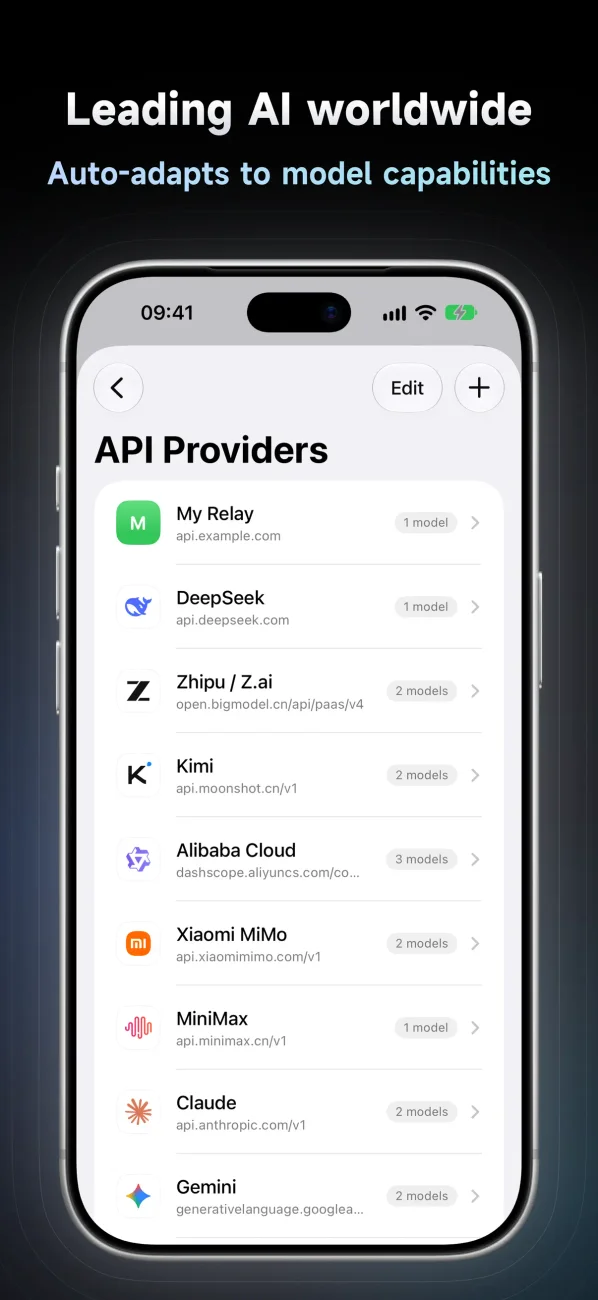
One app to connect with advanced AI models from around the world. Use DeepSeek, Kimi, MiniMax, Zhipu, MiMo, Qwen, and more. Connect to official providers or compatible third-party gateways, choose your provider, and switch models to suit each task.
— AUTOMATIC MODEL CAPABILITY DETECTION —
A built-in capability database detects whether a model supports advanced reasoning, vision, tool calling, and more, then applies the appropriate parameters. The database updates silently from the cloud, helping new models work without an app update.
— HTML RENDERING ENGINE —
HTML tags in AI replies can be rendered directly in the conversation, making cards, tables, lists, and other rich content easier to read. Built-in Markdown parsing and syntax highlighting for 10+ languages, including Python, Swift, Go, and Rust, keep code and quotes clear as well.
— MATH AND DIAGRAM RENDERING —
Render LaTeX equations and Mermaid diagrams right in your conversations, from formulas to flowcharts and sequence diagrams. Zoom in on diagrams and save them as images for study, organization, or sharing.
— WEB SEARCH WITH SOURCES —
Use built-in model search or connect a range of independent search services. Models can search and browse the web based on your question, with citations and sources shown directly in the answer so important information is easy to verify.
— MULTIMODAL IMAGE UNDERSTANDING —
Take a photo or select multiple images from your library and chat directly with vision-capable models. Analyze screenshots, understand scenes, or read text from images with ease.
— VISUALIZED REASONING —
See a model's reasoning as it is generated, then expand it for more detail. When supported, choose different reasoning levels to balance response speed and depth.
— TASK-SPECIFIC ASSISTANTS —
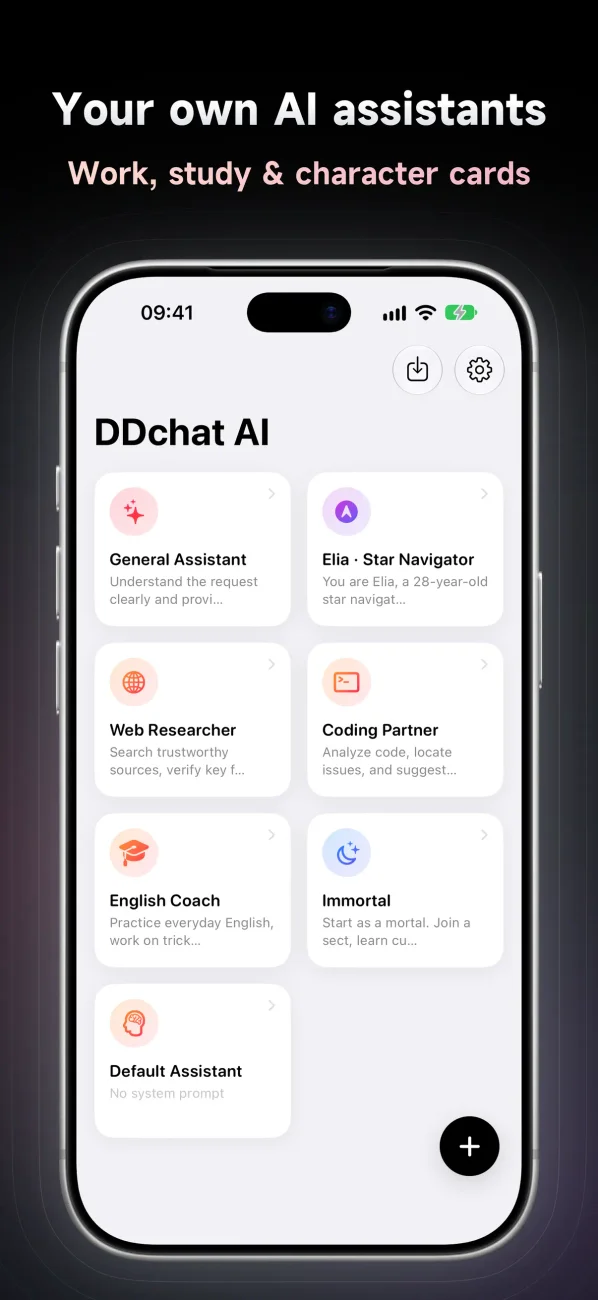
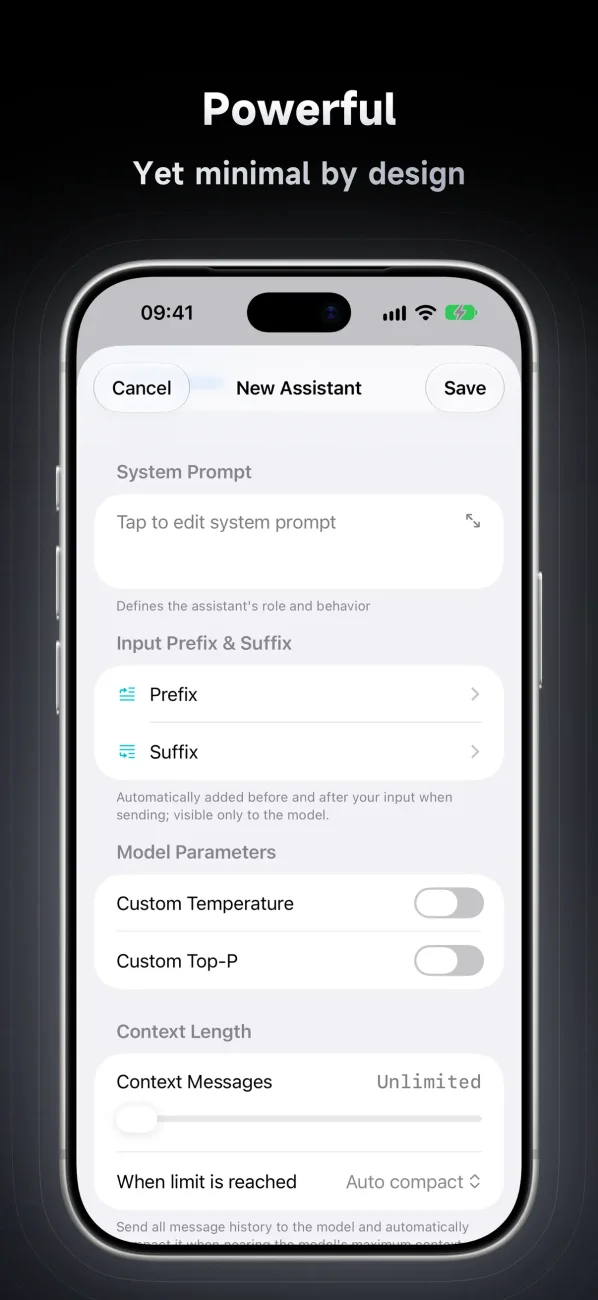
Create dedicated AI assistants for different scenarios, such as translation, coding, writing, or research. Each assistant has its own system prompt, sampling parameters, context length, and default model.
— ASSISTANT CREATION AND OPTIMIZATION TOOLS —
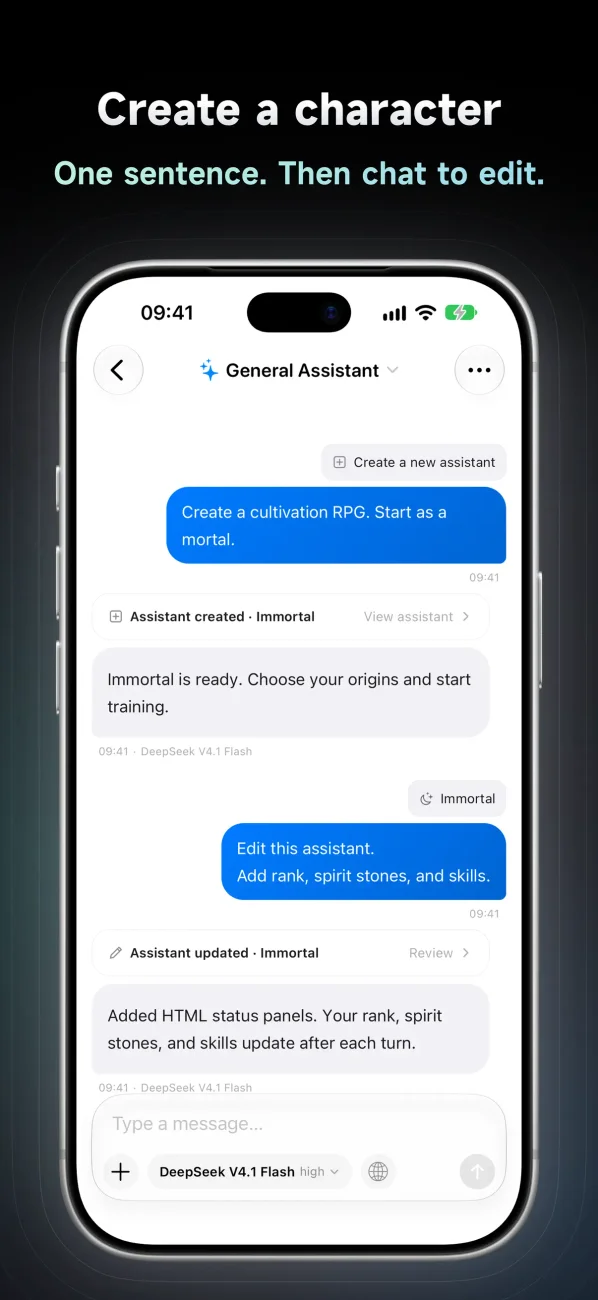
Describe what you need in one sentence, and AI can create a new assistant for you. If the results are not quite right, use another request to refine its prompts and related settings so it works the way you want.
— PRIVACY-FIRST, STORED LOCALLY —
API keys, chats, and assistant settings are stored locally on your device. Requests go directly to the AI provider you choose, without passing through a DDchat intermediary server. No analytics, no ads, no tracking.
— MORE HIGHLIGHTS —
- Multi-conversation history grouped by assistant
- Fetch model lists online or add models manually
- Duplicate, import, and share assistants
- Keep streaming replies running in the background and generate with multiple assistants at once
Getting started:
1. Add an API provider in Settings, either an official endpoint or a compatible gateway
2. Create an AI assistant and configure its prompt and parameters
3. Choose a model and start chatting
Note: This app requires you to provide your own API keys. It does not include or provide any AI service.
— CONTACT —
For feedback or questions, please email: ddchatsupport@gmail.com
Neue Funktionen
Version 2.12.0 · 19.11.2026
- Import your DeepSeek chat history from a link. Copy the backup download link in DeepSeek and paste it into DDchat to preview and import your chats without downloading the file yourself.
- Import longer DeepSeek chats with more branches, including source links from past image searches.
- When importing long, branching chats from Chatbox, keep multiple answers to the same question and pick up on the branch you had selected at export.
- Branch switching has been improved in long chats. Regenerating an answer can now reuse an existing context summary instead of summarizing the same messages again.
App-Datenschutz
Was 俊华 乔 im App Store zum Umgang dieser App mit Daten angibt.
-
Keine Daten erfasst
Der Entwickler erfasst keine Daten von dieser App.
Die Datenschutzpraktiken können variieren, zum Beispiel je nach den von Ihnen verwendeten Funktionen oder Ihrem Alter.
Informationen
- Anbieter
- 俊华 乔
- Kategorie
- Produktivität
- Version
- 2.12.0
- Aktualisiert
- 19.11.2026
- Veröffentlicht
- 08.05.2026
- Größe
- 18,8 MB
- Erfordert
- iOS 26.0 oder neuer
- Altersfreigabe
- 4+
- Preis
- Kostenlos
- In-App-Käufe
- Ja
- Sprachen
- Englisch, Japanisch, Koreanisch, Vereinf. Chinesisch, Tradit. Chinesisch
- Copyright
- © 2026 Junhua Qiao
Das könnte Ihnen auch gefallen
-
 TermTrack: Probation LogProduktivität
-
 OWrite ProJede Kleinigkeit gut machen.
-
 几点做-习惯养成与自律打卡Produktivität
-
 Sticky NoteaSchnell notiert, gut sortiert
-
 Latch: Scannen & EntsperrenWeniger scrollen. Mehr leben.
-
 返航Produktivität
-
 EverPass: Expiry ReminderProduktivität
-
 RouteProofProduktivität
-
 OneScan: PDF-ScannerScannen, speichern & finden
-
 IEPDesk: IEP & 504 TrackerProduktivität