
Dev Tools Kit
JSON, Base64, hash, JWT & more
Entwickelt für iPhone, iPad, Mac
Kostenlos · In-App-Käufe
- Altersfreigabe17+
- KategorieEntwickler-Tools
- EntwicklerKevin Cabon
- SprachenEnglisch+ 1 weitere
- Größe2,7 MB
Verlinkt auf die offizielle App Store-Seite
Download.org hostet keine Datei von Dev Tools Kit. Die Schaltfläche öffnet die App-Seite bei App Store, wo Kevin Cabon die App veröffentlicht. Eintrag zuletzt geprüft am 18.11.2026.
Screenshots
Info
Der Entwickler hat diesen Text nicht in Ihrer Sprache bereitgestellt.
Dev Tools Kit is a handy toolbox for developers.
Stop jumping between websites to format JSON, decode Base64 or test a regex.
---------------------------------------------------
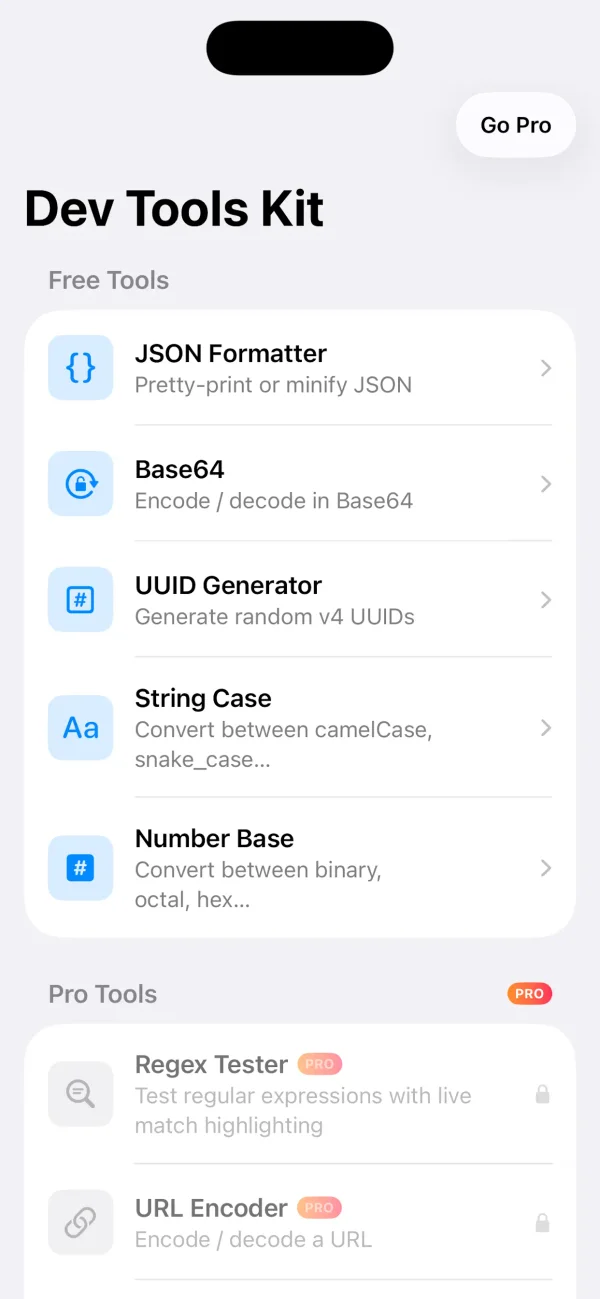
FREE TOOLS
---------------------------------------------------
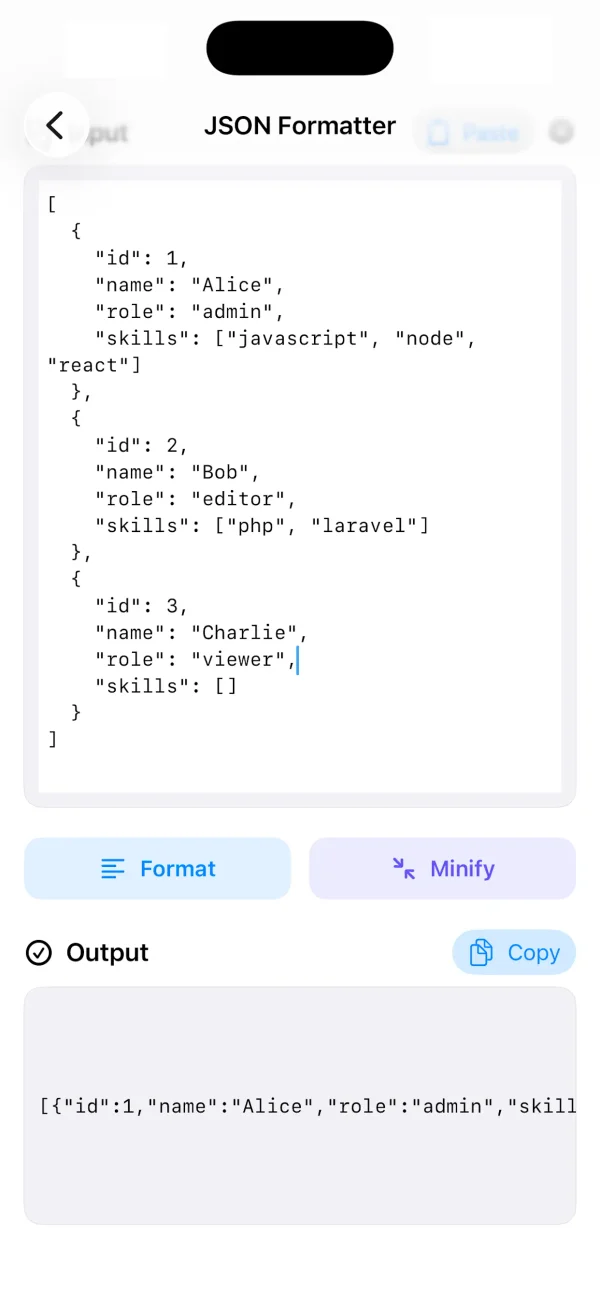
• JSON Formatter – Pretty-print or minify JSON.
• Base64 – Encode and decode strings.
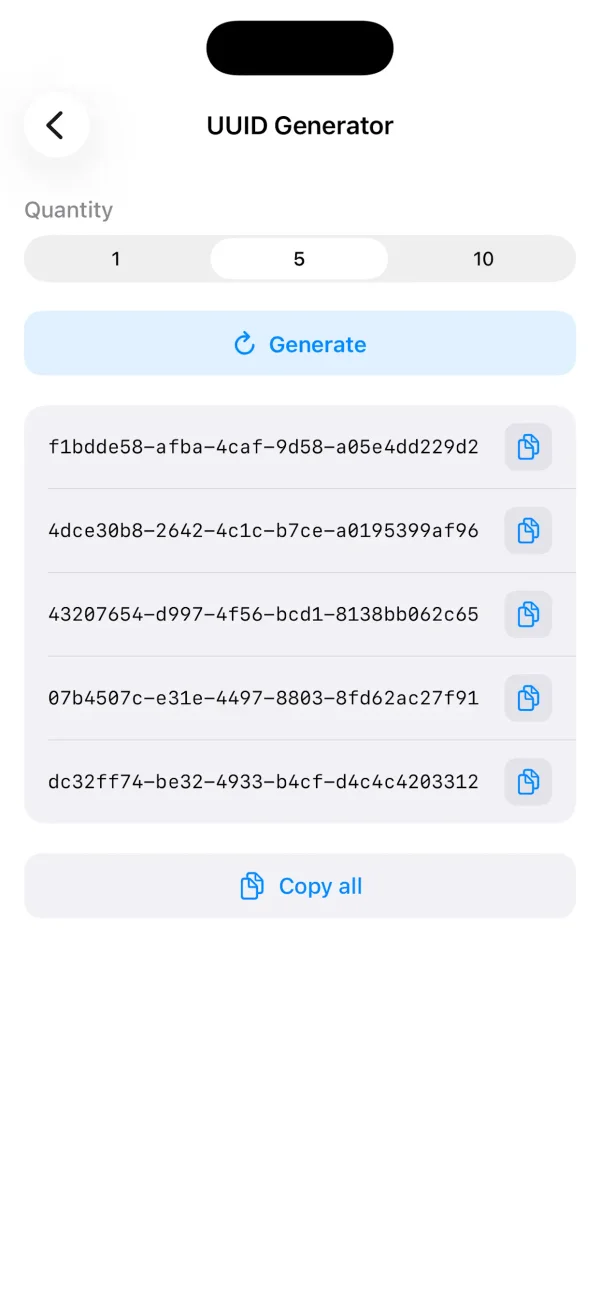
• UUID Generator – Generate random UUID v4.
• String Case – Convert text to camelCase, snake_case, kebab-case, Title Case, and more.
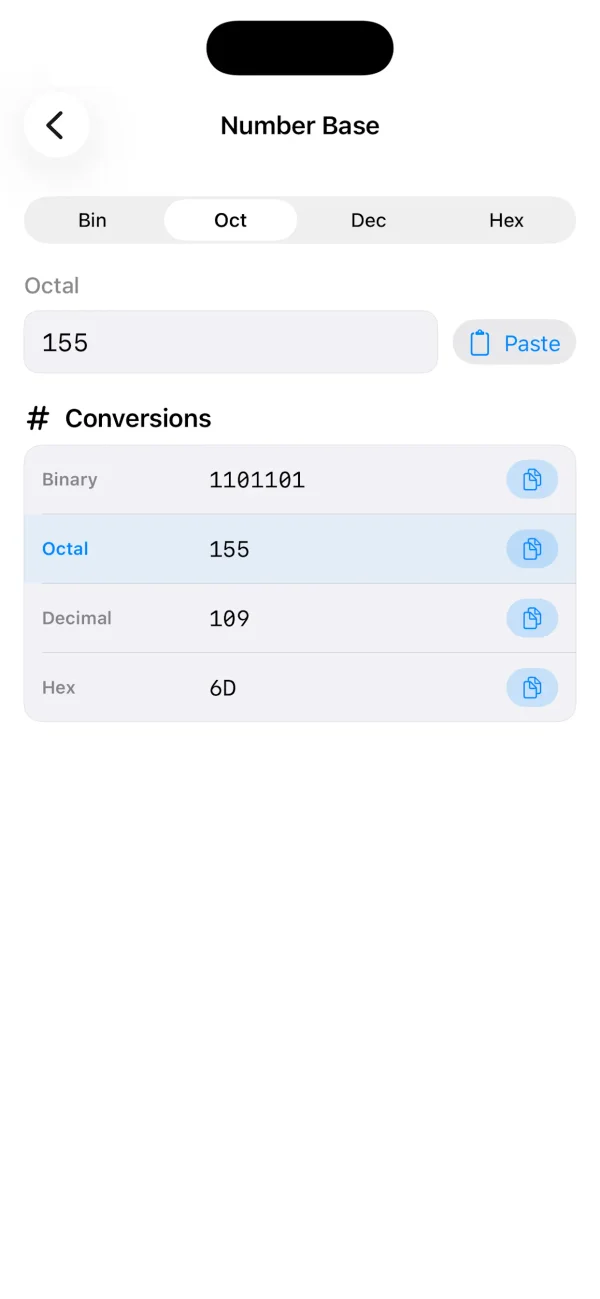
• Number Base – Convert between binary, octal, decimal and hex.
• HTML Encoder – Encode and decode HTML entities.
• Password Generator – Generate secure random passwords.
• Chmod Calculator – Build Unix permission strings with a visual editor.
• QR Code Generator – Turn any text or URL into a QR code.
• Text Statistics – Count characters, words, sentences, reading time, and more.
• URL Parser – Break a URL down into scheme, host, port, path, query and fragment.
---------------------------------------------------
PRO TOOLS (one-time purchase)
---------------------------------------------------
• Regex Tester – Test and debug regular expressions on sample text.
• URL Encoder – Encode / decode URLs.
• Timestamp – Convert timestamps to readable dates and back, in any timezone.
• Hash Generator – Compute MD5, SHA-1 and SHA-256.
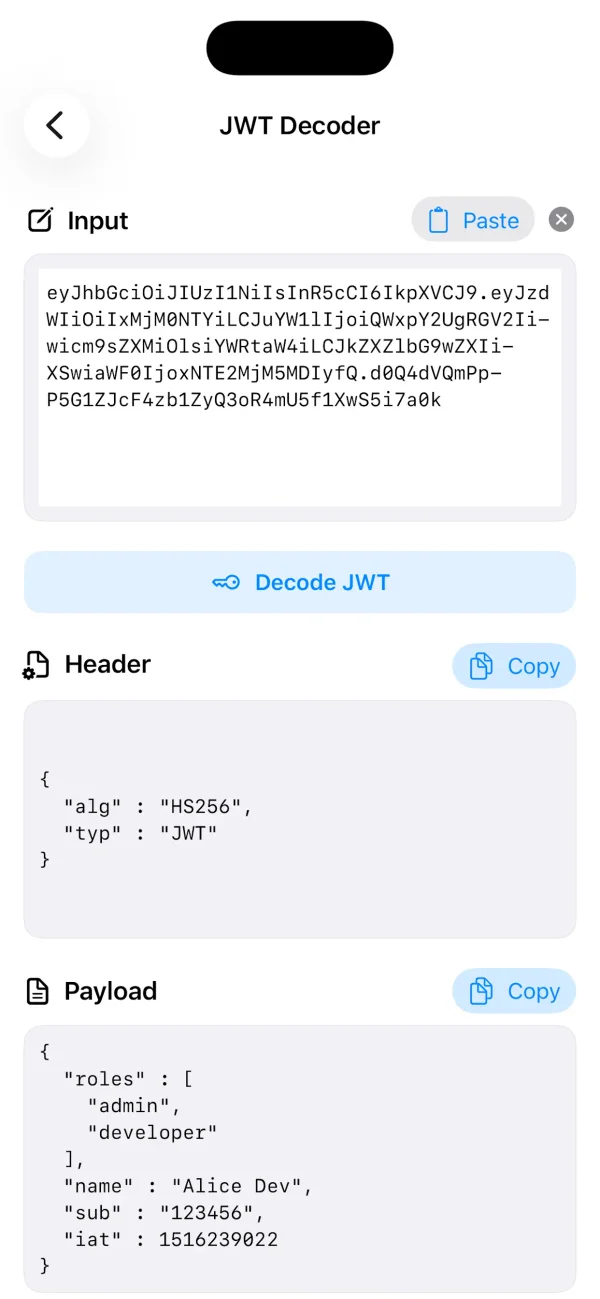
• JWT Decoder – Inspect JSON Web Tokens in a readable format.
• Text Diff – Compare two texts line by line, or word by word.
• Color Converter – Convert colors between HEX, RGB, HSL and Swift Color(…).
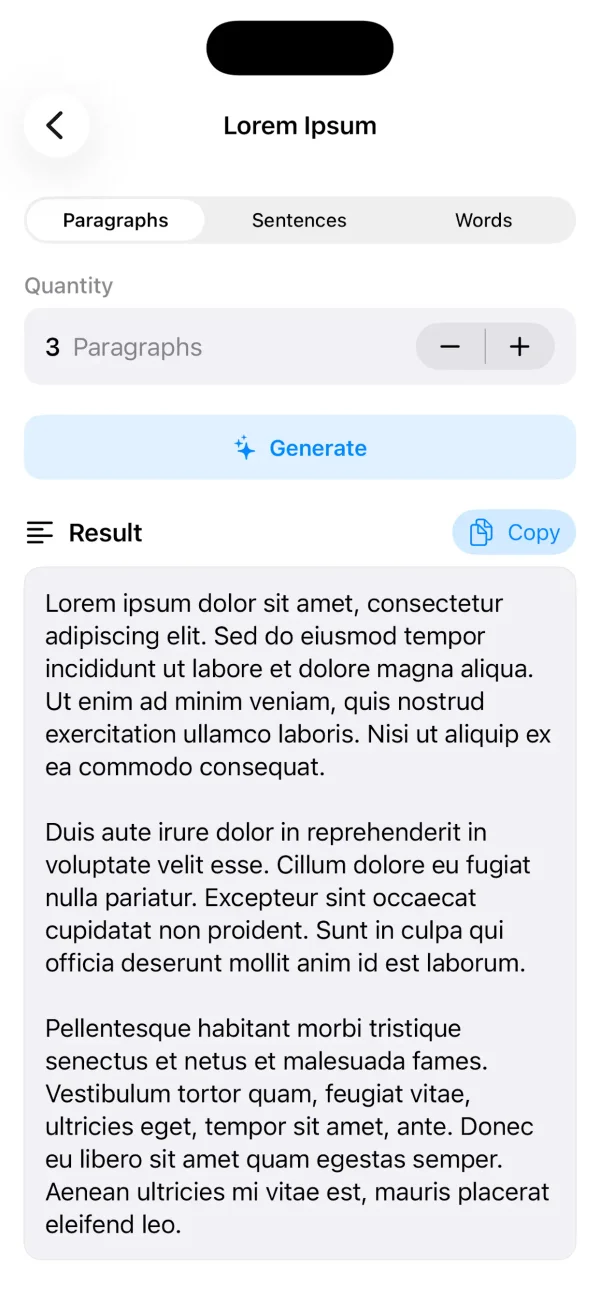
• Lorem Ipsum – Generate placeholder text by words, sentences or paragraphs.
• CRON Parser / Builder – Read and compose CRON expressions with a visual editor.
• CSV ↔ JSON – Convert between CSV and JSON formats.
• YAML ↔ JSON – Convert between YAML and JSON, direction auto-detected.
• JWT Builder – Build and sign JWT tokens (HS256/HS384/HS512).
• Token Counter – Estimate token counts for today's leading AI models (GPT, Claude, Gemini, Llama, Mistral, xAI, DeepSeek).
• SQL Formatter – Format and indent SQL queries, with syntax-highlighted output.
• HTTP Client – Send GET/POST/PUT/PATCH/DELETE requests with an auth assistant and a built-in status code reference.
---------------------------------------------------
DESIGNED FOR DEVELOPERS
---------------------------------------------------
• Search, pin favorites, and reorder tools to fit your workflow.
• Share text from any app directly into a tool via the Share Extension.
• Clean, fast interface — inputs are remembered between sessions.
• Input history (Pro) – Reuse your last 10 values, pasted or typed, in every tool.
• 100% offline — nothing is sent to any server.
• One-time purchase, no subscriptions.
• Future Pro tools included in the price.
Dev Tools Kit is the small utility app you open dozens of times a week while coding, debugging or reviewing data.
Neue Funktionen
Version 0.4 · 18.10.2026
This update fixes several bugs and makes the app feel smoother.
Fixes
YAML ↔ JSON: the numbers 0 and 1 were being converted to false / true. Lists written at the same level as their key, trailing comments and Windows line endings are now read correctly, and a version such as 1.10 is no longer turned into 1.1
Color Converter: #RGB and #RRGGBBAA formats are now accepted, and pasting unexpected characters can no longer crash the app
Timestamp: millisecond timestamps (13 digits, like JavaScript's Date.now()) are detected automatically, and dates before 1970 are accepted
Hash Generator: the text is no longer trimmed before hashing, so a trailing newline or space now changes the digest
Text Diff: comparing text with Windows line endings no longer shows phantom blank lines, and very large texts can no longer exhaust memory
HTML Encoder: entity decoding now preserves tags and line breaks, and is instant
HTTP Client: cancelling a request no longer shows an error. A URL without https:// is completed automatically
Base64: decoding now accepts strings split across several lines
JSON Formatter: plain values (123, "text", true) are now accepted
Number Base: the message shown for a value that is too large (beyond 64 bits) is now clear
Smoother
JSON Formatter: syntax highlighting is computed once, so typing and scrolling stay smooth even with large JSON
Regex Tester: expressions are evaluated in the background, so the screen no longer freezes with a heavy expression or a long text
App-Datenschutz
Was Kevin Cabon im App Store zum Umgang dieser App mit Daten angibt.
-
Nicht mit Ihnen verknüpfte Daten
Können erfasst werden, sind aber nicht mit Ihrer Identität verknüpft.
- Nutzungsdaten
Die Datenschutzpraktiken können variieren, zum Beispiel je nach den von Ihnen verwendeten Funktionen oder Ihrem Alter.
Informationen
- Anbieter
- Kevin Cabon
- Kategorie
- Entwickler-Tools
- Version
- 0.4
- Aktualisiert
- 18.10.2026
- Veröffentlicht
- 28.03.2026
- Größe
- 2,7 MB
- Erfordert
- iOS 17.6 oder neuer
- Altersfreigabe
- 17+
- Preis
- Kostenlos
- In-App-Käufe
- Ja
- Sprachen
- Englisch, Französisch
- Copyright
- © Cabon Kevin
Das könnte Ihnen auch gefallen
-
 MagGitEntwickler-Tools
-
 gitswipeEntwickler-Tools
-
 console.mobi: DevTools-BrowserElemente untersuchen & Konsole
-
 Crackd: Dev InterviewEntwickler-Tools
-
 DevUtils: Dev ToolkitEntwickler-Tools
-
 DeltaPad: JSON & Dev ToolsEntwickler-Tools
-
 BLE Insight - BLE Dev ToolEntwickler-Tools
-
 DevUtility • Developer ToolsEntwickler-Tools
-
 DevTools+: Dev Tools & CodeEntwickler-Tools
-
 DevList - Developer DirectoryEntwickler-Tools