DLD: Logic Design & Circuits
Gates, flip-flops, truth table
Entwickelt für iPhone, iPad, Mac, iPod touch
Kostenlos
- Altersfreigabe4+
- KategorieBildung
- EntwicklerMuhammad Rafhan
- SprachenEnglisch
- Größe18,9 MB
Verlinkt auf die offizielle App Store-Seite
Download.org hostet keine Datei von DLD: Logic Design & Circuits. Die Schaltfläche öffnet die App-Seite bei App Store, wo Muhammad Rafhan die App veröffentlicht. Eintrag zuletzt geprüft am 17.11.2026.
Screenshots

Info
Der Entwickler hat diesen Text nicht in Ihrer Sprache bereitgestellt.
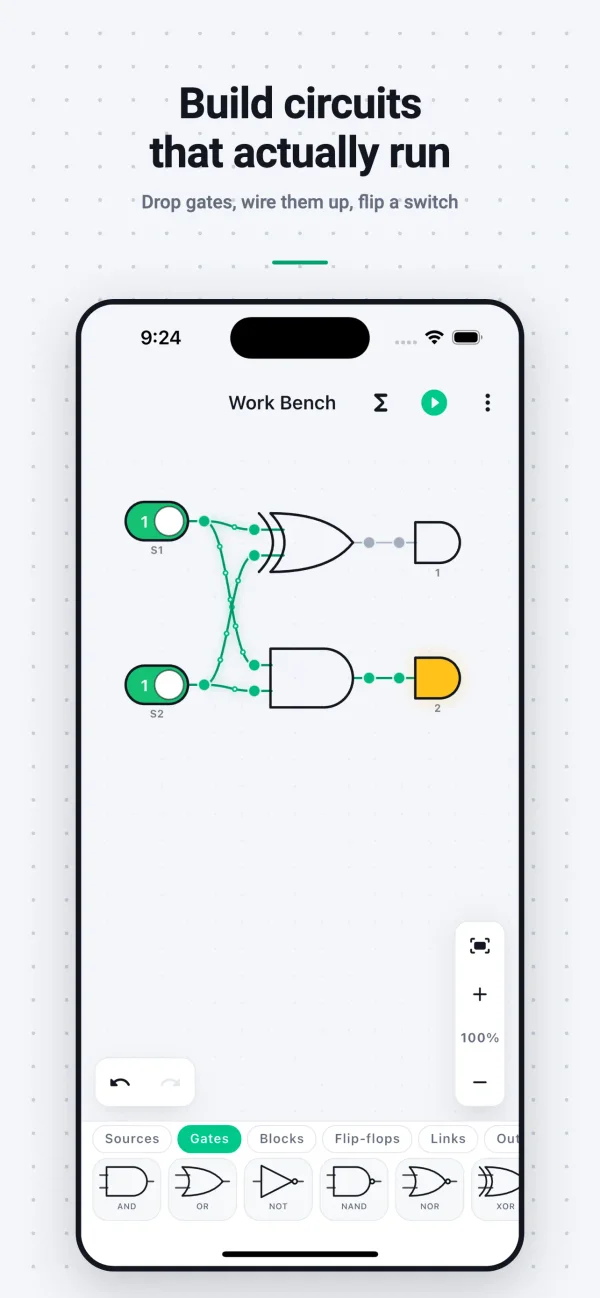
DLD is a digital logic design and circuits workbench for your phone. Drop gates onto the
bench, wire them together, flip a switch, and watch the signal travel through
the circuit in real time.
Built for students working through a digital logic design course — and for
anyone who wants to see Boolean algebra actually do something.
BUILD ANYTHING
• 28 components: switches, clocks, Vcc and ground, every standard gate,
tri-state buffers, multiplexers, flip-flops, displays and probes
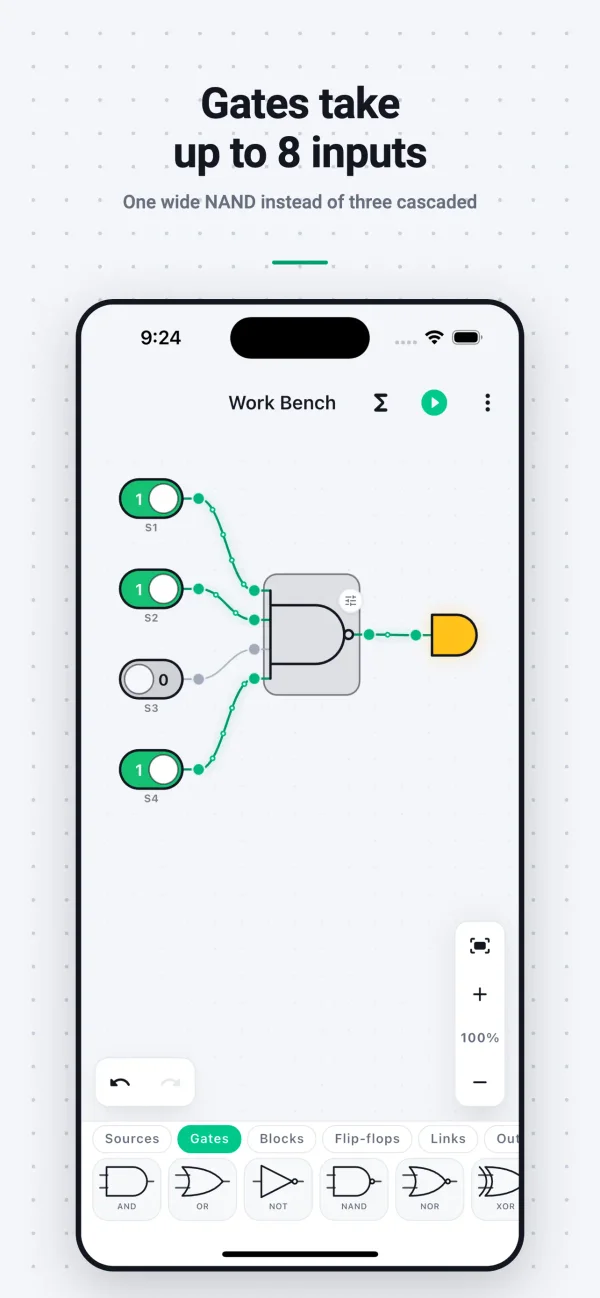
• Gates take 2 to 8 inputs — one wide NAND instead of three cascaded ones
• Tap a component to reach its settings: input count, clock speed, colour
• A work bench far bigger than the screen, with pan, zoom and fit-to-circuit
SEE IT WORKING
• Current animates along every live wire, so you can follow a signal
• LEDs, LED bars, 7-segment and hex displays light up as the circuit runs
• A school bell that rings for as long as it has current
• Logic probes read out 1 or 0 anywhere you wire one
UNDERSTAND IT
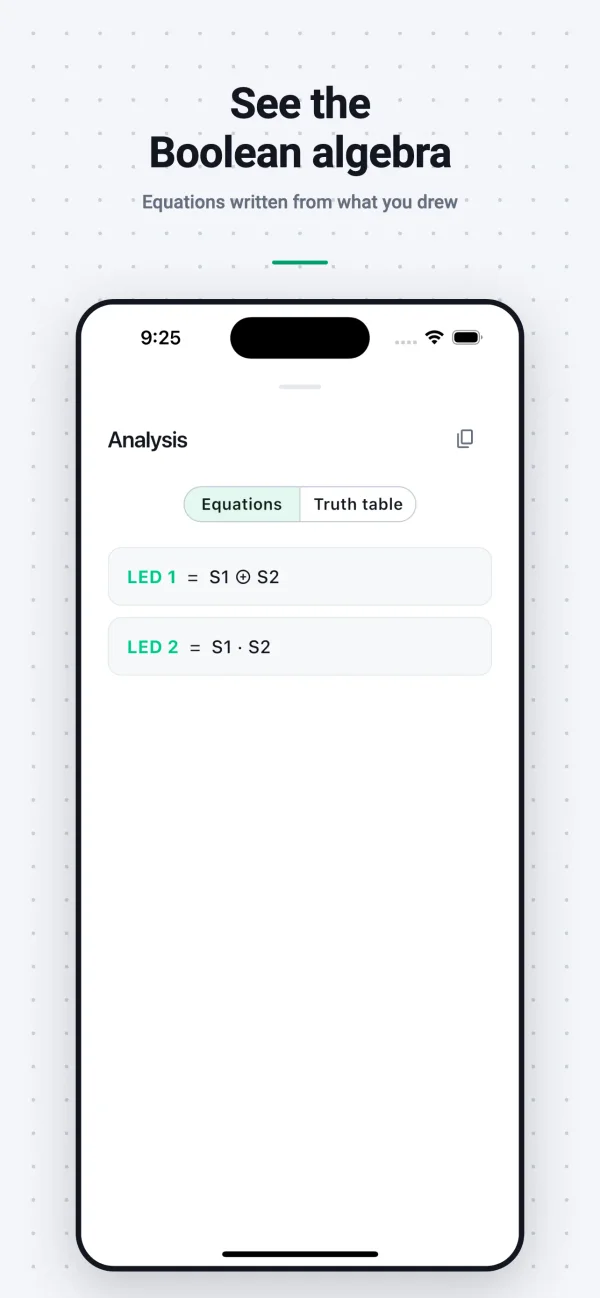
• Boolean equations written out from whatever you have drawn
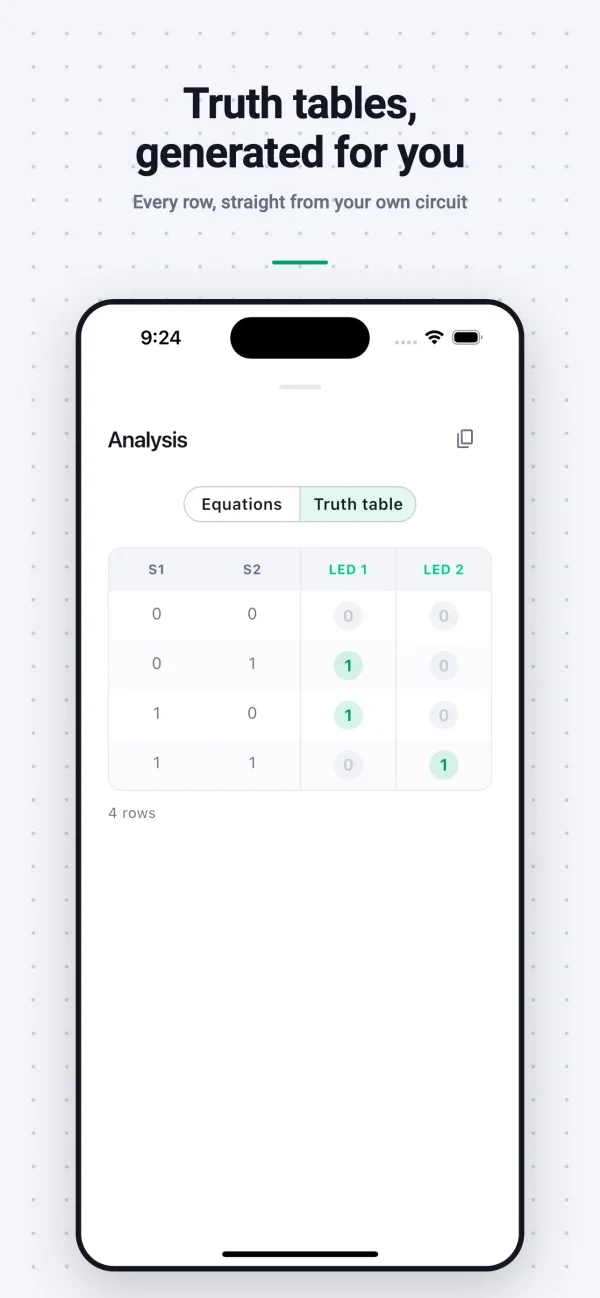
• A full truth table generated from your circuit, ready to copy out
• Conflicting drivers on a net are flagged rather than quietly wrong
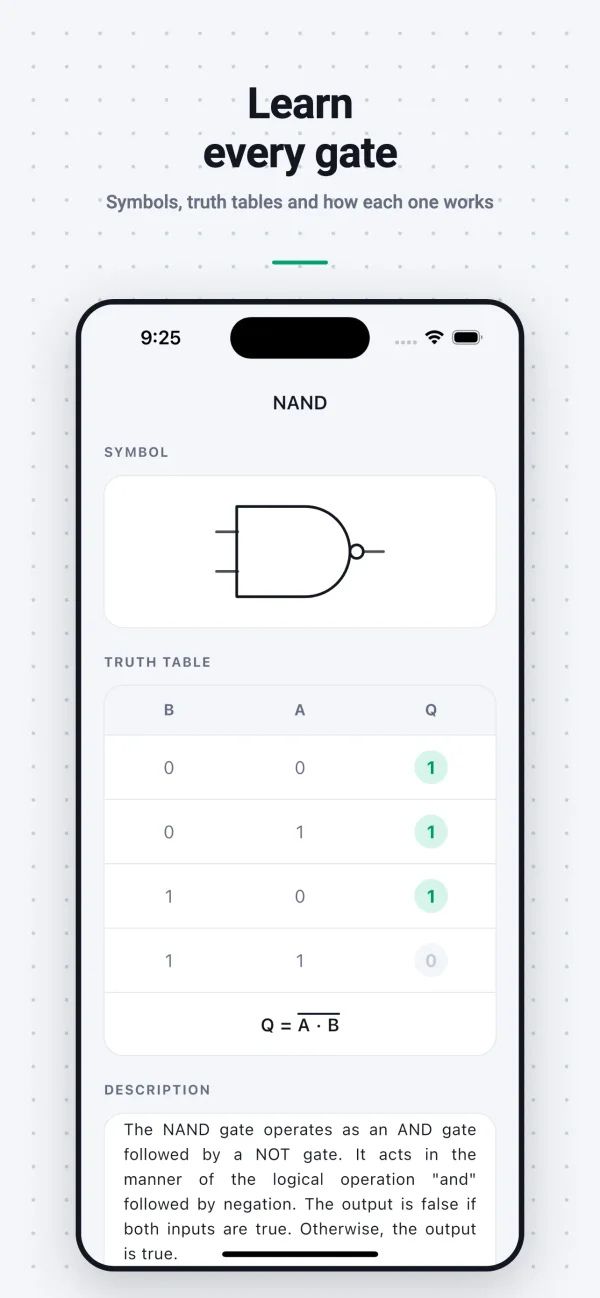
• A tutorial section covering every gate symbol and its truth table
KEEP YOUR WORK
• Save and reopen as many circuits as you like
• Undo and redo everything
• Recolour wires, lamps and blocks however you want to read them
COMPONENTS
Switch · Clock · Vcc · GND · AND · OR · NOT · NAND · NOR · XOR · XNOR ·
Buffer · Tri-state buffer · Tri-state NOT · MUX · DEMUX · D flip-flop ·
T flip-flop · JK flip-flop · Virtual links · LED · LED bar · 7-segment ·
Hex display · Bell · Probe · Label
PRIVATE BY DEFAULT
No account. No sign-in. No analytics. No ads. Nothing leaves your device —
your circuits are saved on the phone and nowhere else. The app works with no
network connection at all.
Neue Funktionen
Version 1.0.2 · 15.11.2026
Thank you for the reviews. This update is built on them:
• Fixed: blocks placed far out on the bench now always respond to touch
• Fixed: long chains of gates now always settle to the right result
• The bench has no edge. Circuits can grow in any direction, and holding a block at the side of the screen scrolls the bench along with it
• Wires find their own way around gates instead of running across them
• A clearer dot grid, plus Snap to grid in the ⋮ menu
• Zoom out further to see a big circuit whole
• Equations now bracket correctly, e.g. (A ⊕ B) · C
• Bigger gates on iPad and Mac
• Smoother on big circuits and older phones
• Now on Mac too, with trackpad, scroll wheel, right-click and keyboard shortcuts
App-Datenschutz
Was Muhammad Rafhan im App Store zum Umgang dieser App mit Daten angibt.
-
Keine Daten erfasst
Der Entwickler erfasst keine Daten von dieser App.
Die Datenschutzpraktiken können variieren, zum Beispiel je nach den von Ihnen verwendeten Funktionen oder Ihrem Alter.
Informationen
- Anbieter
- Muhammad Rafhan
- Kategorie
- Bildung
- Version
- 1.0.2
- Aktualisiert
- 15.11.2026
- Veröffentlicht
- 27.09.2026
- Größe
- 18,9 MB
- Erfordert
- iOS 14.0 oder neuer
- Altersfreigabe
- 4+
- Preis
- Kostenlos
- Sprachen
- Englisch
- Copyright
- © 2026 Skyloop Apps
Das könnte Ihnen auch gefallen
-
 Digitalsimulator bitGateLabLogikgatter und 3D-Steckbrett
-
 Wonder Circuits: DigitallogikLogikgatter-Puzzle & Simulator
-
 Cirquanta – LogiksimulatorDigitale Schaltungen & Gatter
-
 LogicalArt SchaltungssimulatorDigitale Logikgatter Simulator
-
 Digitale Logikgatter SimulatorBoolesche Algebra & Schaltplan
-
 Logic Gates PuzzleSTEM-Logikrätsel für Kinder
-
 Logic Circuits SimulatorBildung
-
 A Divine CompassNachschlagewerke
-
 AYC YourselfBildung
-
 Logic HootBildung