dMsg - Private Workspace
Encrypted vault & file sharing
Entwickelt für iPhone, iPad
Kostenlos · In-App-Käufe
- Altersfreigabe12+
- KategorieProduktivität
- EntwicklerLDC Labs Limited
- SprachenEnglisch+ 22 weitere
- Größe93,1 MB
Verlinkt auf die offizielle App Store-Seite
Download.org hostet keine Datei von dMsg - Private Workspace. Die Schaltfläche öffnet die App-Seite bei App Store, wo LDC Labs Limited die App veröffentlicht. Eintrag zuletzt geprüft am 23.11.2026.
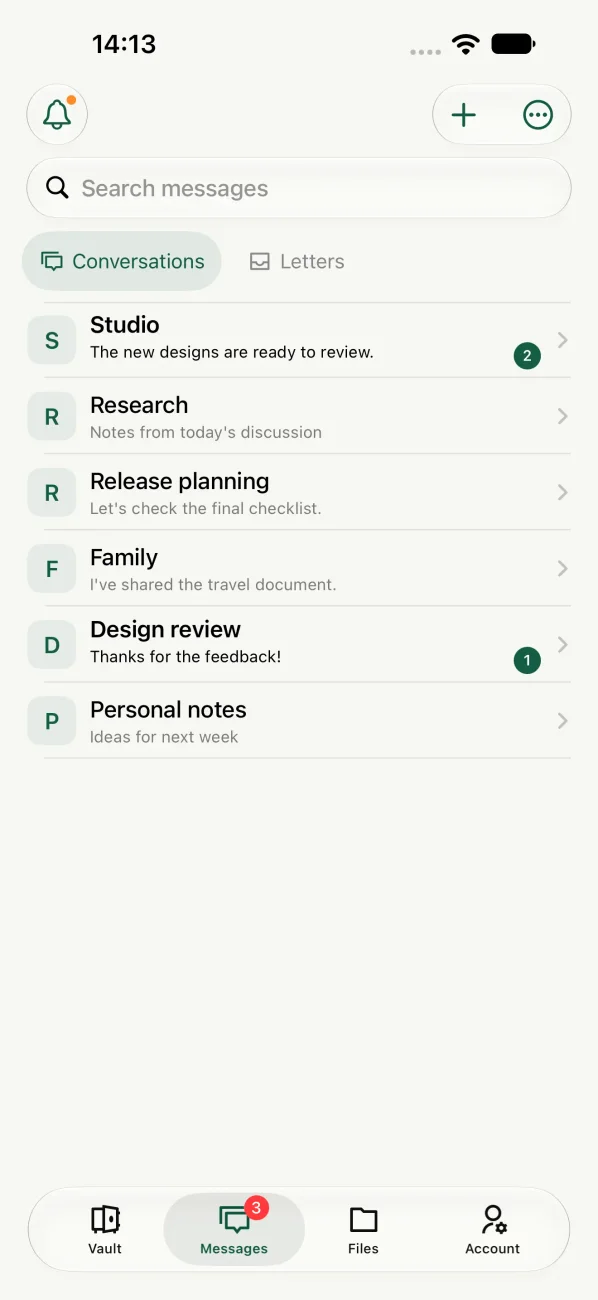
Screenshots


Info
Der Entwickler hat diesen Text nicht in Ihrer Sprache bereitgestellt.
Keep what matters private. Choose who gets access.
dMsg is a private workspace for the AI era. Protect passwords, notes and files with end-to-end encryption, use them across your authorized devices, and share only what you choose. Start with your own space, then invite people or connect an agent when you are ready.
KEEP YOUR ESSENTIALS TOGETHER
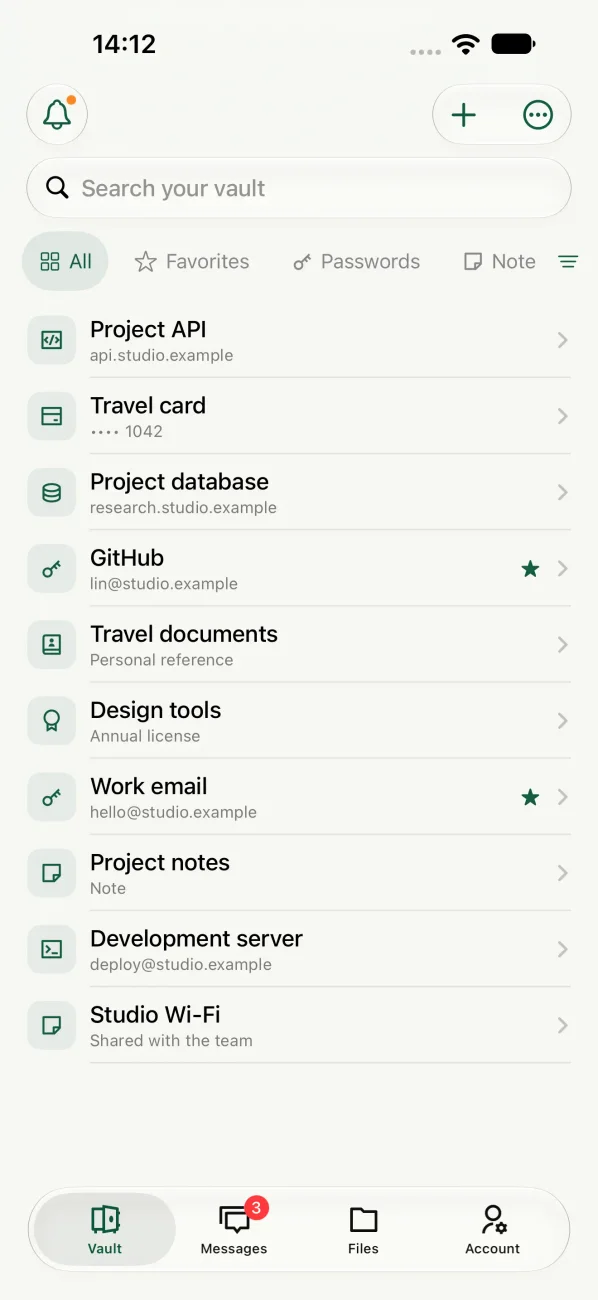
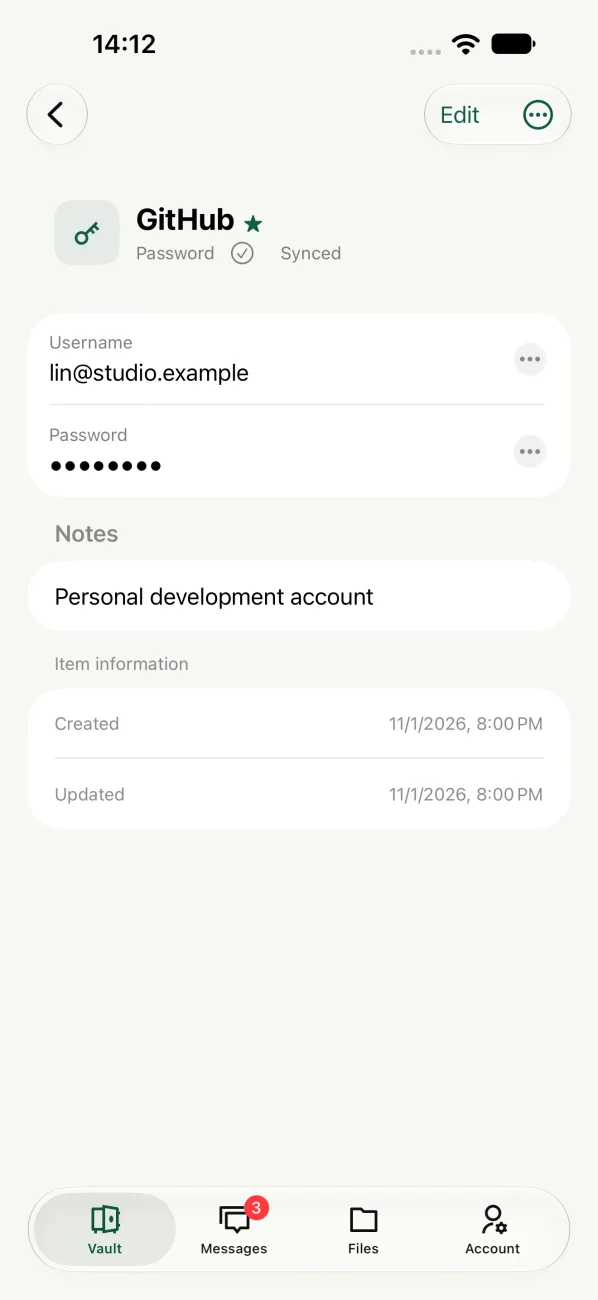
Save passwords, one-time codes, private notes and API keys in your encrypted vault. Search, reveal or copy what you need, and use selected passwords with iOS AutoFill. Keep documents and photos in your encrypted local file library.
USE YOUR OWN DEVICES
Sync vault records across devices you authorize. Back up selected files explicitly, then download those backups on another authorized device. Your entire local file library is not uploaded or mirrored automatically. Signing in alone does not give a new device access to your private content.
COLLECT, KEEP AND SHARE
Create a file request link so a client can upload documents from a browser without a dMsg account. Review received files and save the ones you need. File requests require Plus or above.
Send a separately encrypted copy of a selected file with a download link. Recipients can open it in their browser without registering. Choose whether a new link shows your public profile; this is off by default. For ongoing conversations, invite people to end-to-end encrypted channels. Joining a channel does not grant access to your vault.
SET CLEAR LIMITS FOR AI
Manage agent identities and access to selected records, folders and channels. Connect compatible AI clients through dMsg on desktop or the CLI using MCP. Authorized actions stay within the permissions you grant, and requests for your formal signature still need your approval. Content you let an external AI client read is also subject to that client's data policies.
PRIVATE CONTENT. PUBLIC RULES.
Private content is encrypted before it leaves your device. Account and device authorization records on the Internet Computer (ICP) let clients verify access. Changes to those on-chain rules require a public ICPanda DAO proposal and vote. dMsg is a product of ICPanda DAO; app releases and cloud operations have their own trust boundaries. Encryption does not hide all metadata, such as sizes, timing or public identity records.
START FREE, ADD ROOM WHEN YOU NEED IT
Use your private workspace with the Free plan. Optional Plus, Pro and Max annual auto-renewable subscriptions provide more encrypted cloud storage and file request capacity. Review current prices and limits in Account > Plan and usage, where you can also restore purchases and manage subscriptions.
Sign in with a Passkey or Internet Identity. Prepare for lost devices while you still have access: add another authorized device and review recovery settings. On-chain recovery is off by default and must be enabled in advance. It cannot recover local content that was never synced or backed up. Revoking access cannot erase copies someone has already received. Cloud features require an internet connection. Legacy migration is available in the desktop app.
Learn more: https://dmsg.net/
Terms of Use (EULA): https://www.apple.com/legal/internet-services/itunes/dev/stdeula/
Neue Funktionen
Version 1.2.3 · 20.11.2026
• Keep unfinished vault edits encrypted on this device across app switching, locking and restarts. Continue your draft after unlocking, and keep your input if saving fails.
• Improved editor behavior, including items restored from Trash, and fixed account-status sheets that could become unresponsive.
• Improved AutoFill authentication retries and file-transfer compatibility with earlier iOS and desktop versions.
• Refined translations, compact labels and privacy text across languages.
App-Datenschutz
Was LDC Labs Limited im App Store zum Umgang dieser App mit Daten angibt.
-
Mit Ihnen verknüpfte Daten
Können erfasst und mit Ihrer Identität verknüpft werden.
- Kennungen
- Nutzungsdaten
Die Datenschutzpraktiken können variieren, zum Beispiel je nach den von Ihnen verwendeten Funktionen oder Ihrem Alter.
Informationen
- Anbieter
- LDC Labs Limited
- Kategorie
- Produktivität
- Version
- 1.2.3
- Aktualisiert
- 20.11.2026
- Veröffentlicht
- 06.11.2026
- Größe
- 93,1 MB
- Erfordert
- iOS 18.0 oder neuer
- Altersfreigabe
- 12+
- Preis
- Kostenlos
- In-App-Käufe
- Ja
- Sprachen
- Englisch, Arabisch, Bengalisch, Niederländisch, Filipino, Französisch, Deutsch, Hindi, Indonesisch, Italienisch, Japanisch, Koreanisch + 11 weitere
- Copyright
- © 2026 ICPanda DAO